- Version
- 2.03.02 Native
- Developer
- Pearl Abyss
- Languages
- Russian, English, German, Spanish, Italian, Chinese (Traditional), Chinese (Simplified), Korean, Polish, Portuguese, Turkish, French, Japanese
- License type
- Not required
- Released on
- 20.03.2026
- Installed and checked on
- macOS Tahoe, Mac mini 2024 M4
- Audio language
- English, Chinese (Simplified), Korean
| Chip | Apple Silicon |
|---|---|
| Download | 101 GB |
Screenshots
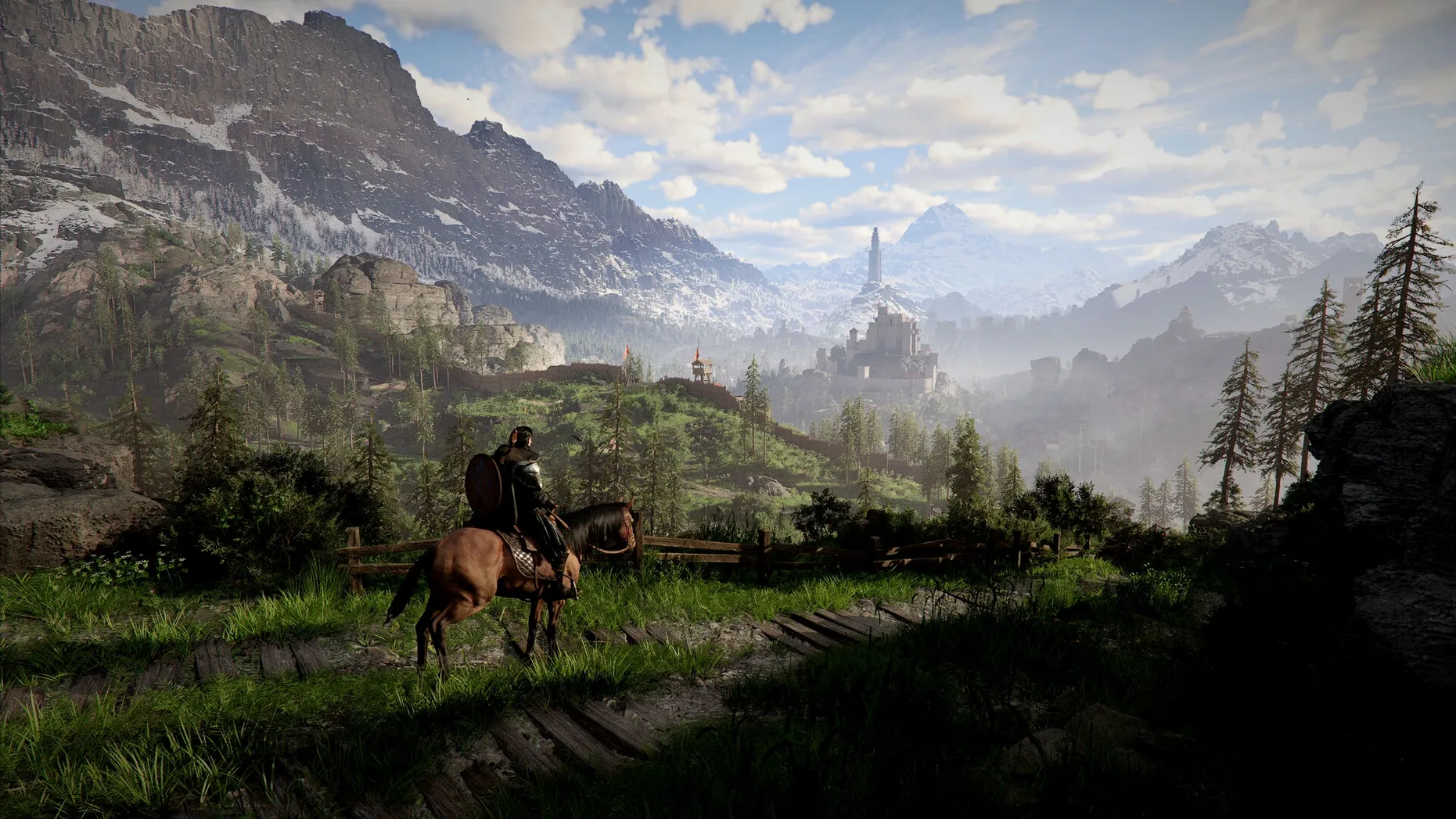
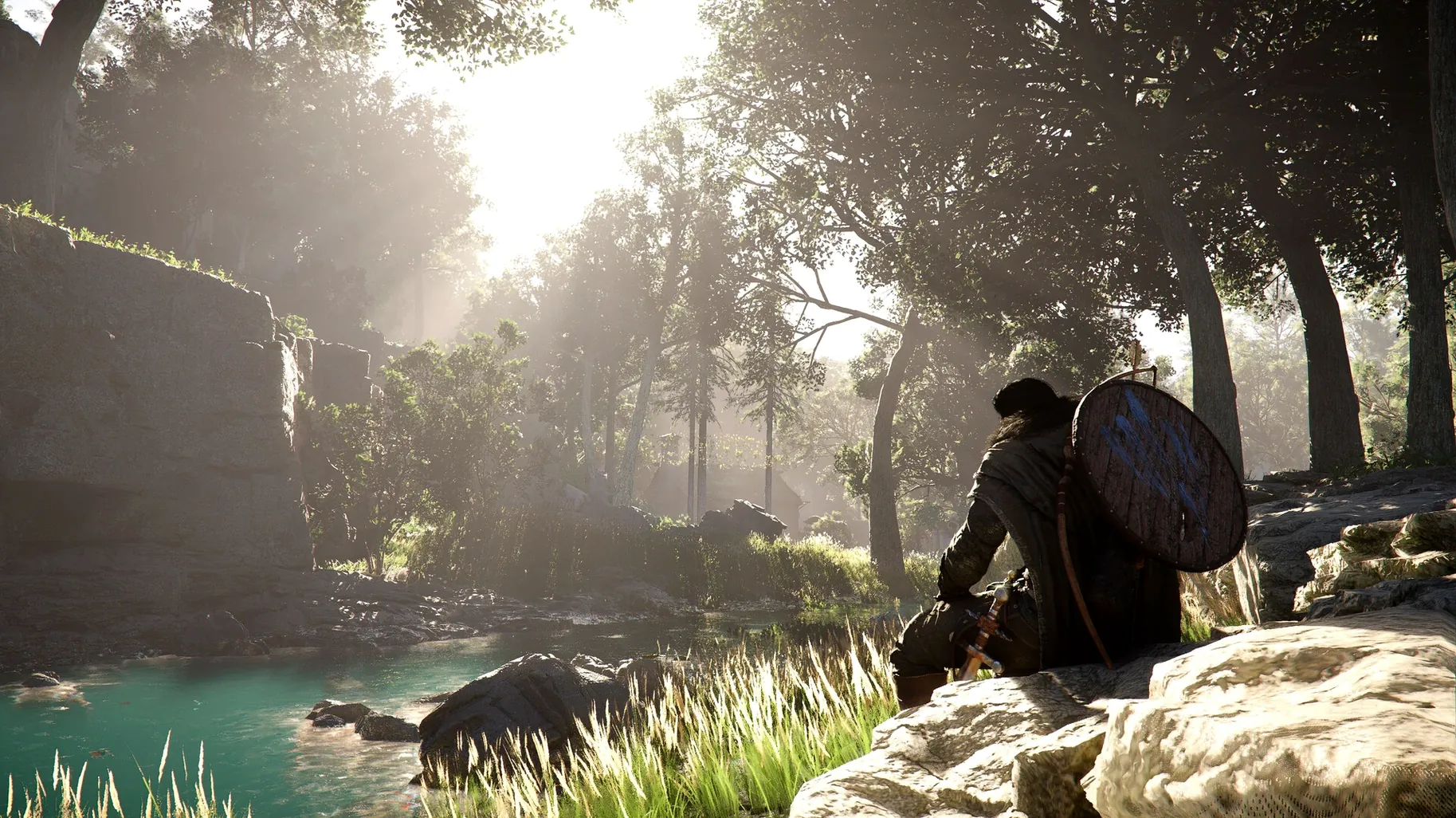
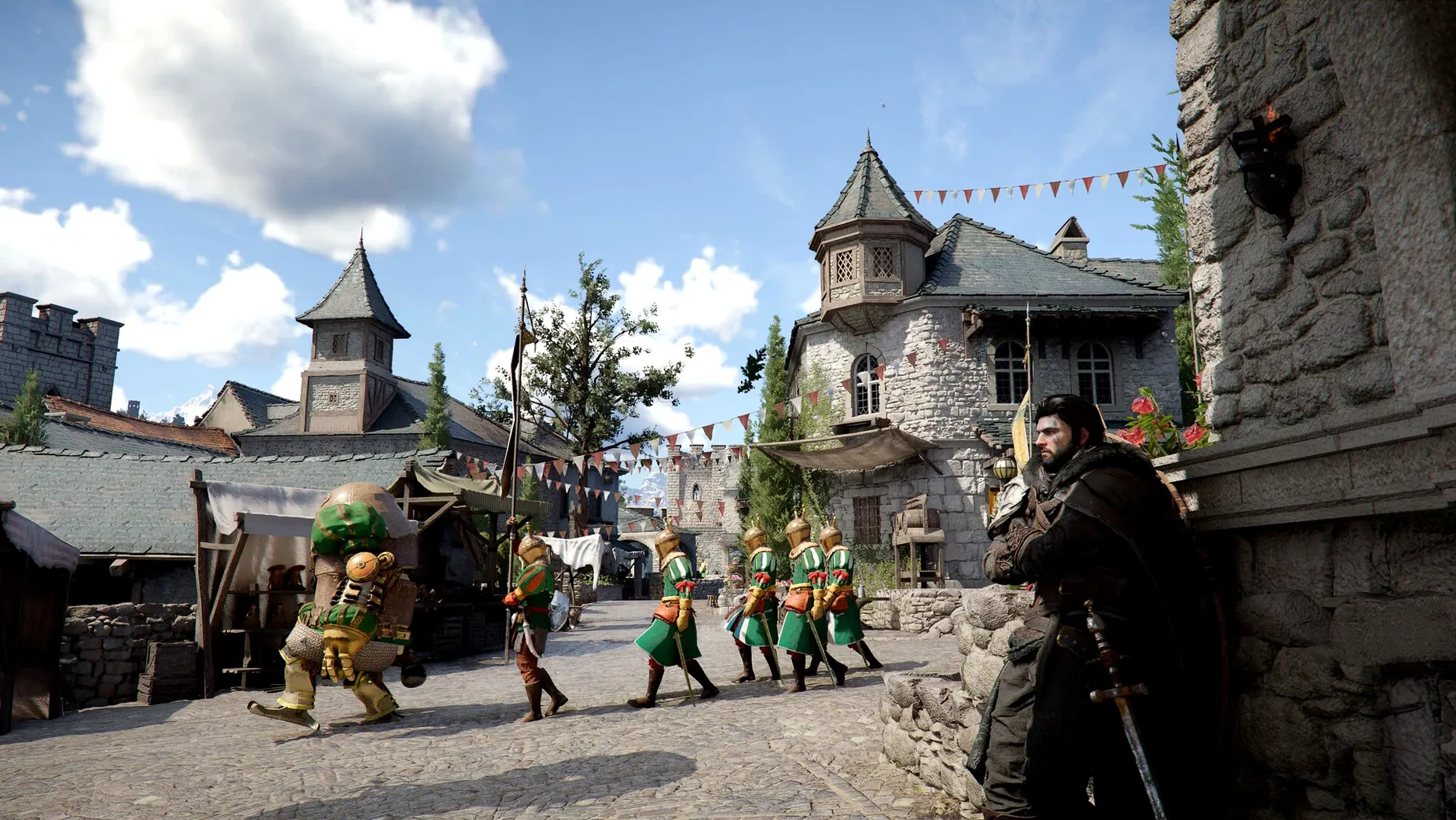

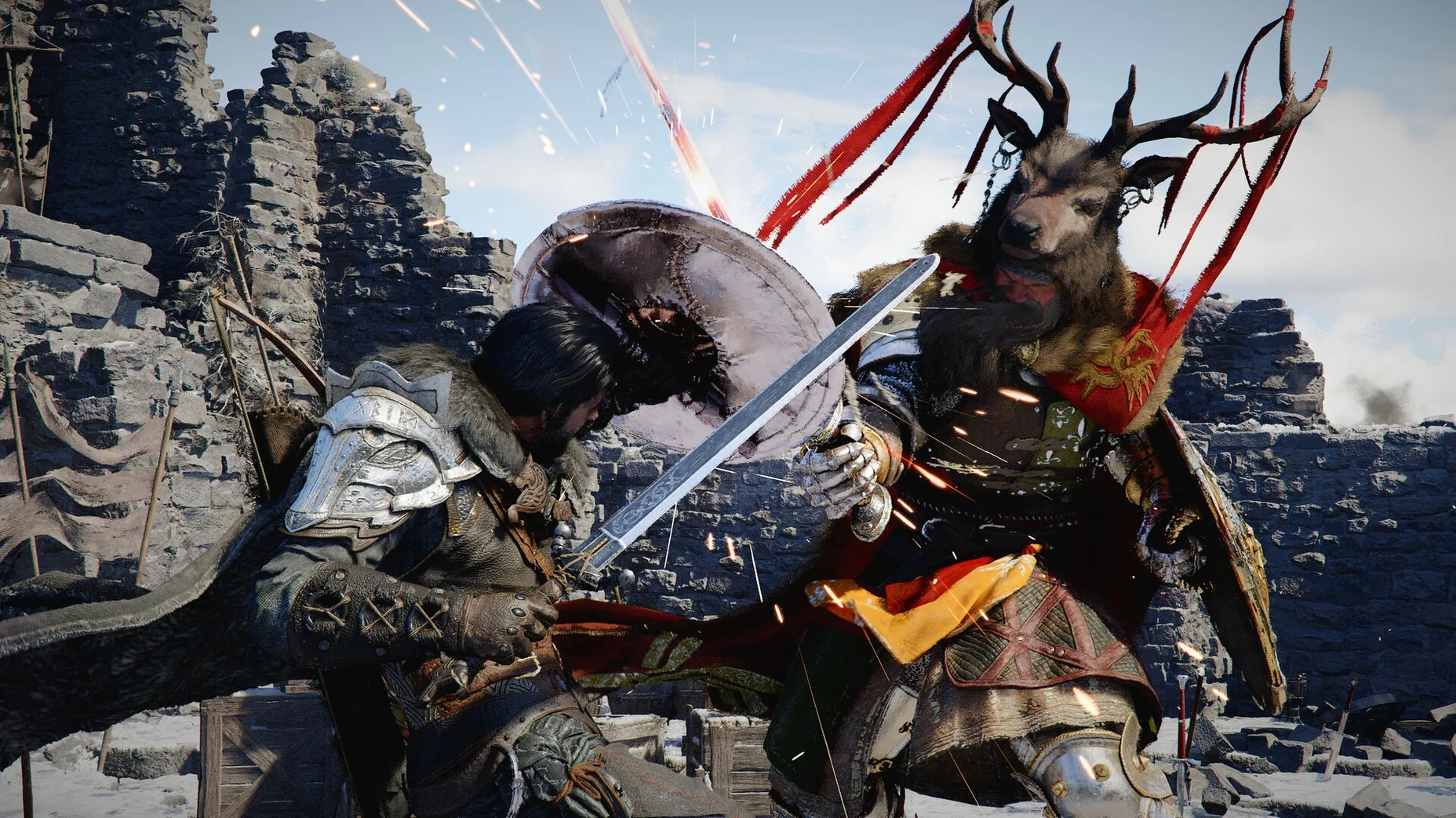
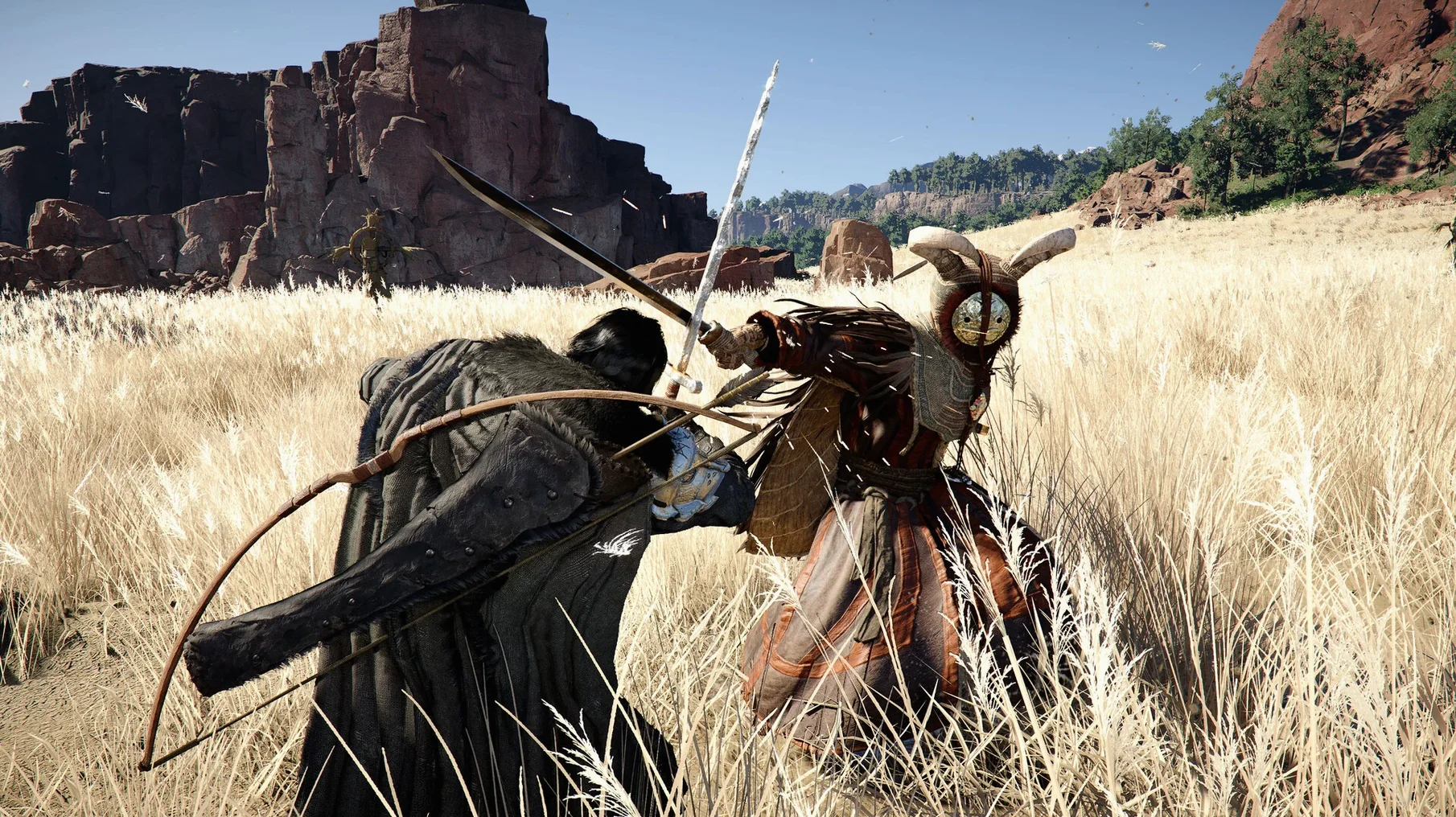
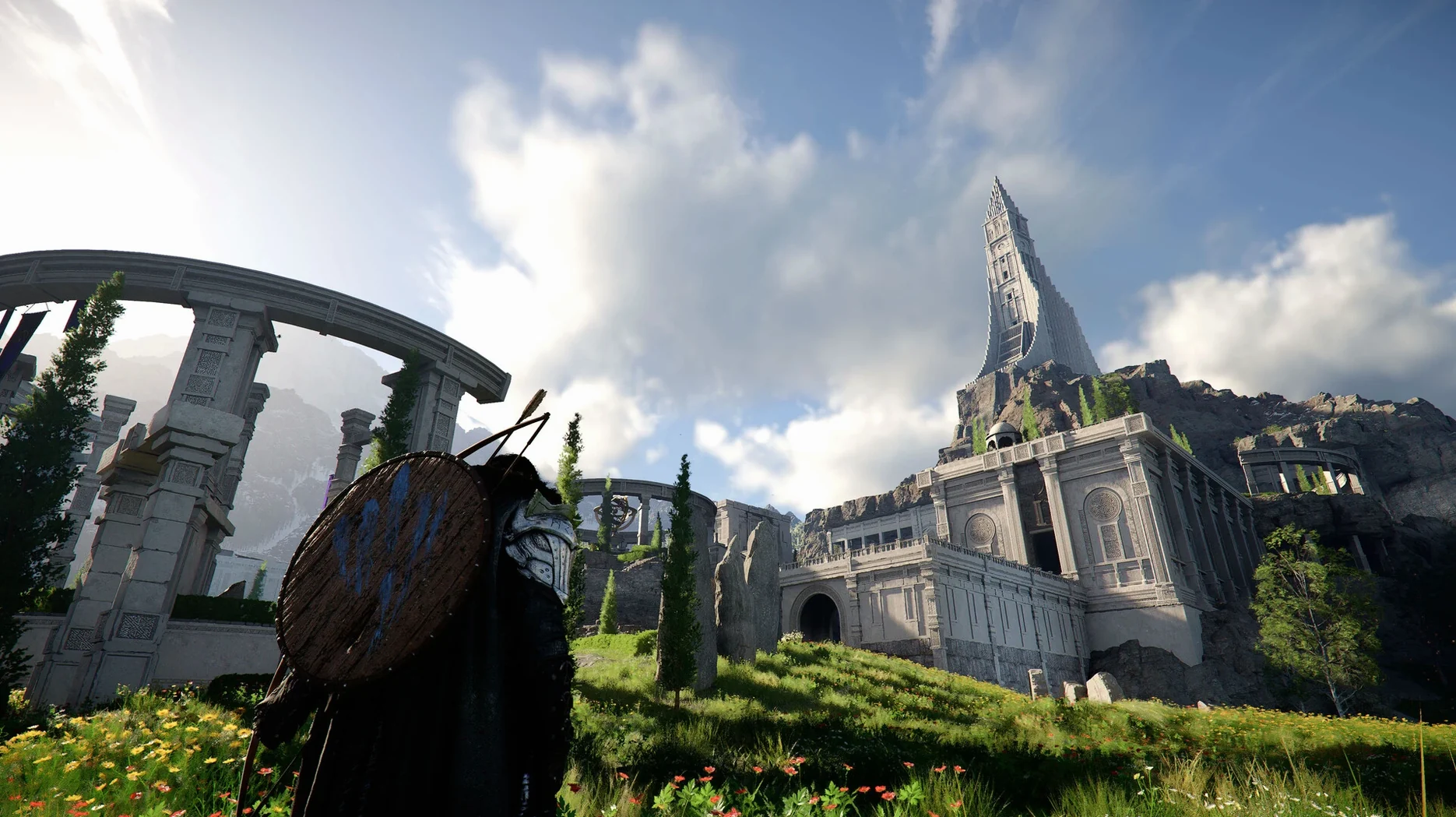
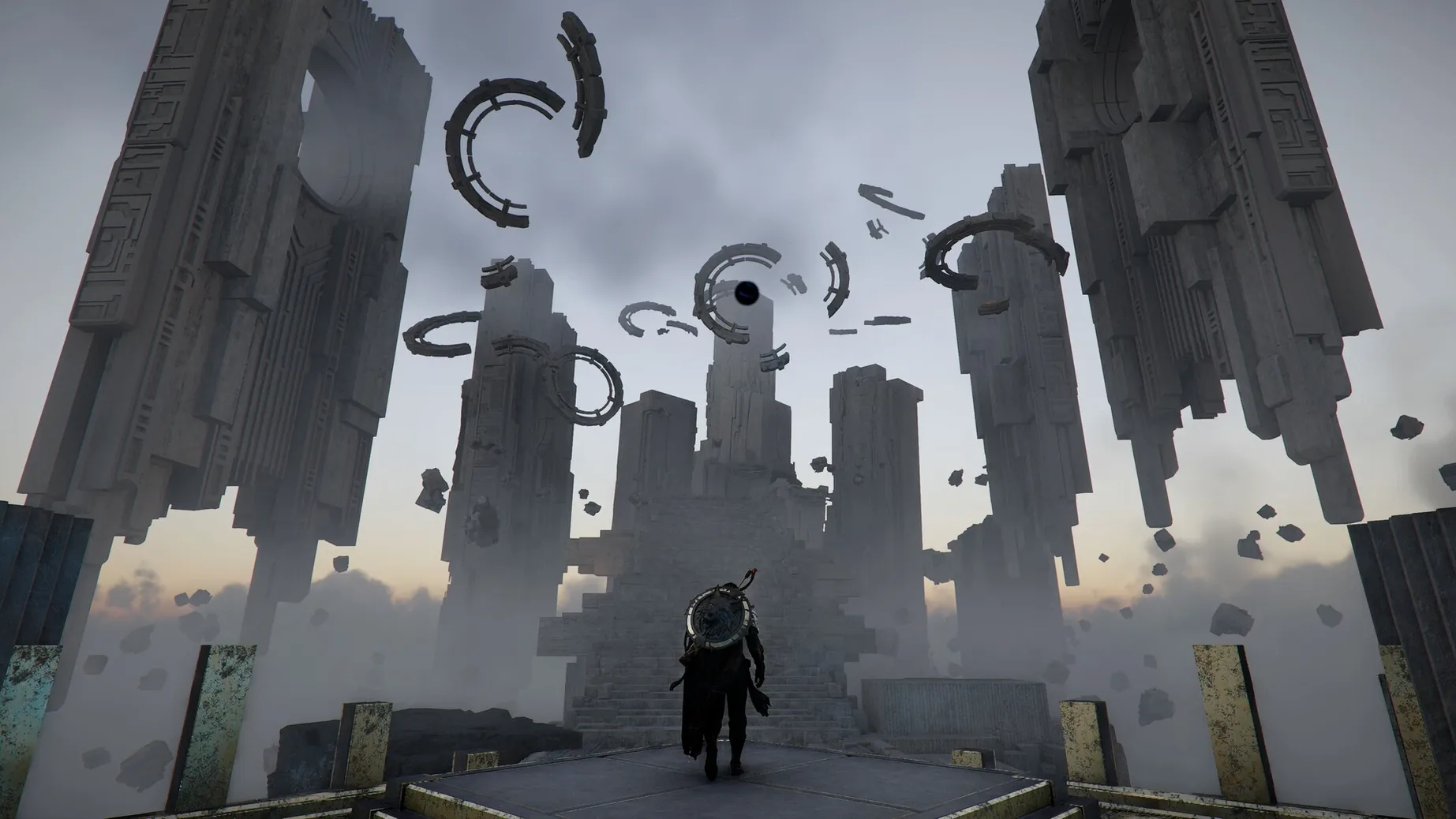
Scroll the row, it snaps to each screenshot. Click one to see it wider.
Crimson Desert is a big open-world action-adventure game, and it runs natively on Apple Silicon Macs. If you already use a Mac for work, this is a different kind of load — expect the fans to spin up during large-scale battles.
Cross-save and controller-ready combat
The game is built for controllers, but keyboard and mouse work fine. Combat is fast: weapon attacks, punches, kicks, grabs, and dodges. Each character has a distinct style, so switching fighters changes the pace. The Mac version currently supports cross-save, so you can move progress between devices.
Performance notes
Large fights with dozens of enemies will drop frames. Version 2.02.00 also fixes several quest bugs, including Thornbriar Fortress liberation and housing at Howling Hill Camp.
Fix render resolution for readability
Before you jump into Pywel, open the game’s graphics menu and check a few things. The defaults are tuned for a balanced experience, but you can improve readability and response time with a couple of changes. Set the render resolution to match your display’s native resolution — the game looks noticeably sharper on Retina panels. Lowering shadow quality one notch from its default frees up GPU headroom without making the world look flat.
Story-driven RPG with distinct biomes
This Mac port rewards three kinds of players. First, anyone who values single-player RPGs with a clear narrative arc: the story follows Kliff and the Greymanes through a continent with distinct biomes, so you are never just wandering. Second, open-world explorers who want variety in how they travel — horseback through forests, dragon over the desert, a mech in ruins. The map is large enough that mixing travel methods keeps each trip interesting. Third, players who like side systems that break up combat. Expanding your camp, fishing, cooking, hunting, and the resident mini-games all exist outside the main quest line, so you can take a break from fighting without quitting the game.
It also suits Mac users who share a game library across devices. Cross-save from version 2.02.00 means you can progress on a desktop Mac and pick up right where you left off on a laptop. No export steps, no cloud-sync headaches.
Lantern bug fixed, housing unblocked
- The lantern-and-NPC bug is fixed. Shining a light on a character now makes their nearby belongings appear, as originally intended.
- Raising the banner at Howling Hill Camp with a full inventory no longer blocks housing from becoming available. You can push through that quest step without clearing your bags first.
- Thornbriar Fortress liberation works correctly. Players stuck on that point can now complete the area.
- Some items that vanished from Trade Goods Storage on certain save loads are back. Inventory management during longer play sessions is now reliable.
- The letter in The Words of Alustin no longer disappears mid-quest, so that story beat completes without a reload.
- Force Palm chaining — Descending after Aerial — connects properly in more situations. Combat flow for that skill path is smoother.
- UI text shaking in specific menus is gone.
- A crash when starting a new game with DLSS Frame Generation enabled is fixed. That setting is now safe to leave on.
- Localization quality across all supported languages received general improvements. Dialogue and interface text read more consistently.
- Added cross-save for Mac.
- Various bug fixes and stability improvements.
- Architecture: Apple Silicon
The install order
- Open the downloaded disk image.
- Drag the app to the Applications folder shortcut.
- After copying finishes, open the app from Launchpad.