
- Version
- 1.4.2 + Russian language
- Developer
- Firaxis Games, Aspyr (Mac)
- Languages
- Russian, English, German, French
- License type
- Not required
- Released on
- 24.09.2010
- Installed and checked on
- macOS Sonoma, MacBook Air (M1. 2020)
- Audio language
- Russian, English, German, French
| Chip | Intel 64-bit |
|---|---|
| Download | 5.6 GB |
Screenshots
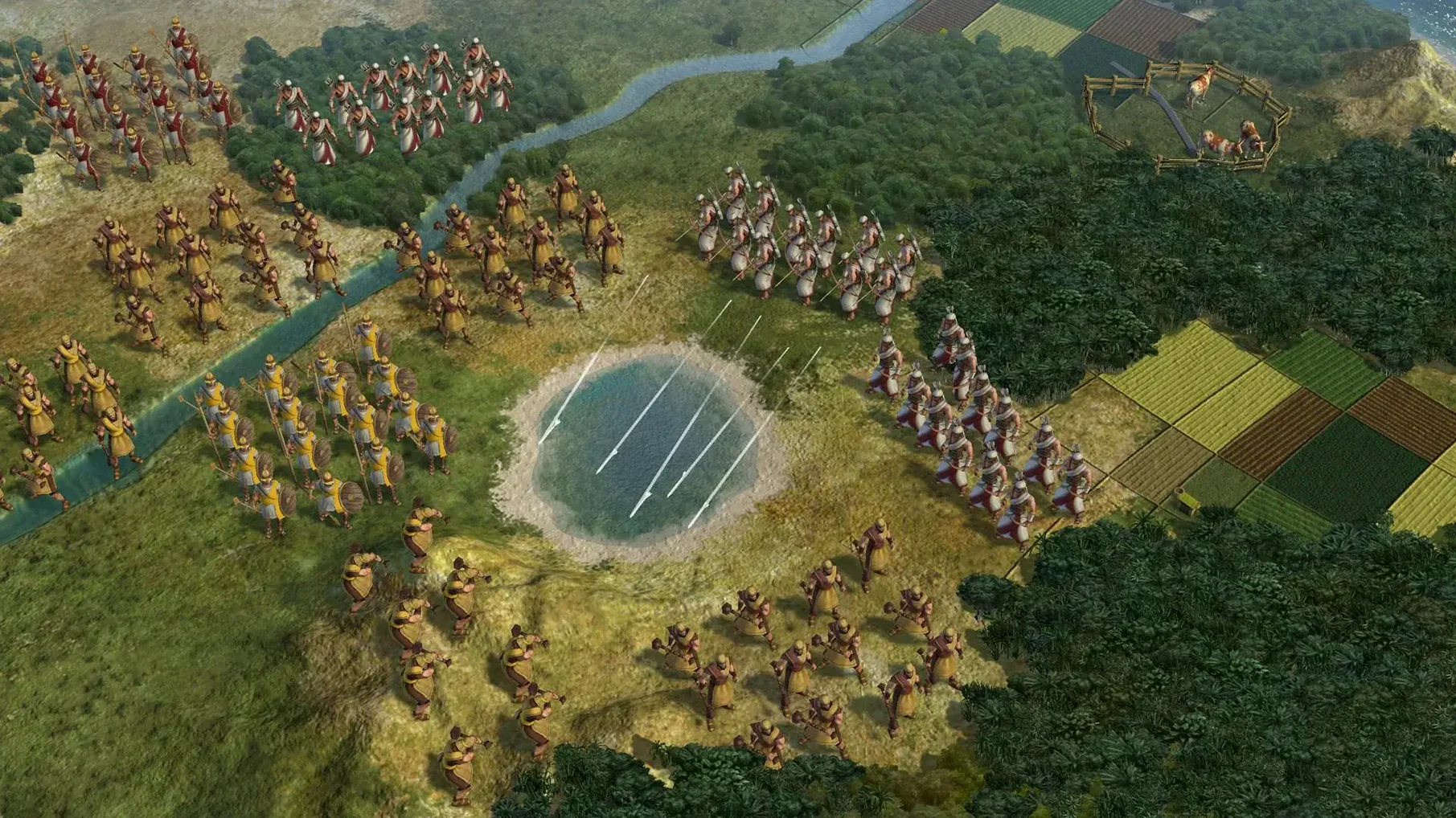
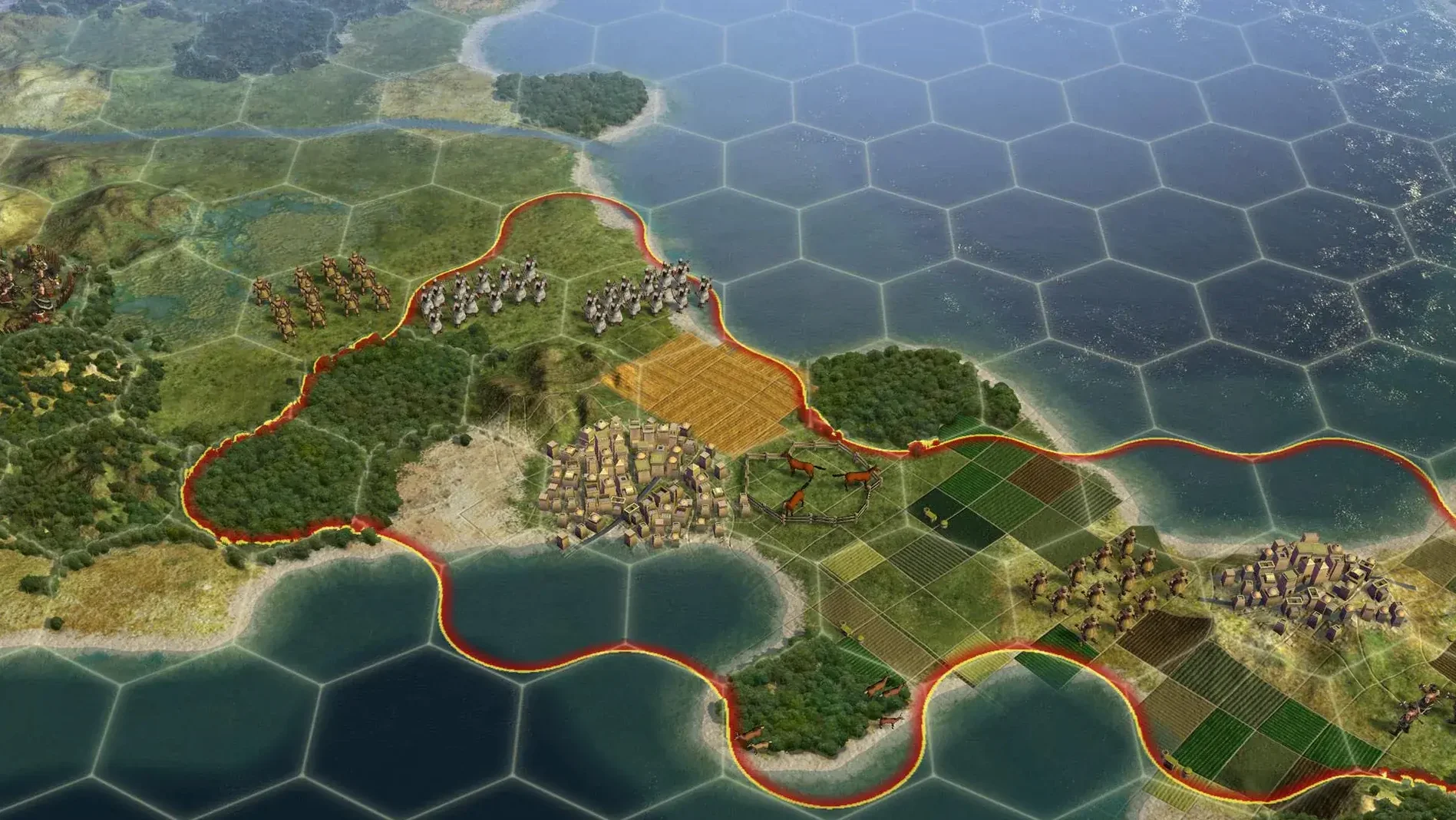
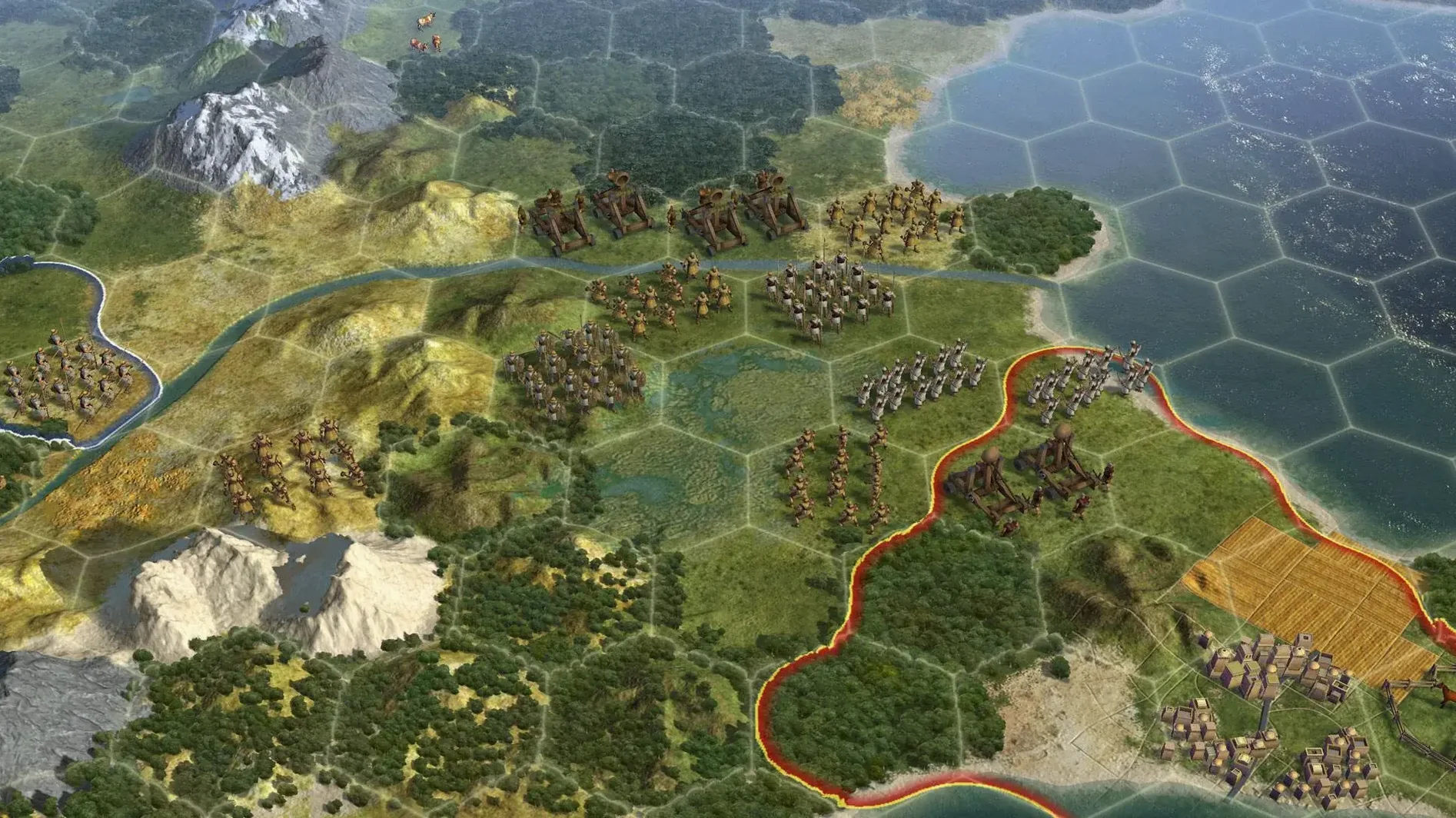

Scroll the row, it snaps to each screenshot. Click one to see it wider.
The current build of Civilization V for Mac adds Russian language support, so the interface and text can be switched to Russian, English, German, or French. The build is labeled as the Russian version, though it is multilingual without Russian in some configurations. Either way, you get the full turn-based strategy experience.
You start with a single settler in ancient times and guide your civilization through centuries of growth, diplomacy, and war. Cities grow, tech trees expand, and you decide how to react to rival leaders. Captured cities offer four options: annex them, turn them into puppet states, raze them, or liberate them. Puppet cities pay taxes to the capital, which is a handy way to boost income without micromanaging production. Holy cities and city-state capitals cannot be razed, so those need a different strategy.
Combat works at range, too. Cities can fire on enemy units, so a well-placed settlement doubles as a defensive turret. Player-founded cities are safe from razing unless they were captured and recaptured first, which adds a layer of permanence to your early expansion.
Aspyr handled the Mac port, and it runs as a 64-bit application on Intel Macs. Multiplayer is supported alongside single-player campaigns, so you can test your empire against friends. This is the classic Civ formula, now with a language option that makes it more approachable for Russian speakers.
Single-Player 4X Loop Fully Intact
This version of Civilization V is a good fit for three kinds of Mac users. First, strategy gamers who prefer single-player campaigns: the 4X loop of exploration, expansion, exploitation, and extermination is fully intact, and the AI opponents provide a solid challenge without requiring online coordination. Second, players who want to switch between languages — this build's Russian, English, German, and French text support means you can play in your native language or practice a second one without leaving the game. Third, anyone running an Intel Mac on macOS Sonoma or later who wants the classic Civ V experience without chasing a newer, more demanding version. The 64-bit Intel build is a safe bet for older hardware that still has life in it.
Sample Workflow: Conquering a Neighbor in the Classical Era
Here is one specific scenario from start to finish, using features unique to this version of Civilization V.
- Start a new game on a standard-sized map with two AI opponents. Pick a militaristic civilization like Rome to get early unique units.
- Found your first city on a river tile for the production bonus. Work tiles within a three-hex radius to focus on production and growth.
- Research Bronze Working and then Iron Working. Build a melee unit like a Swordsman in your capital.
- This triggers a diplomatic tension penalty, but you are planning for war anyway.
- Position your Swordsman next to the enemy city. Wait for the city to attack — it fires at range, so your unit might take damage before you strike. Heal for one turn if needed.
- Attack the city with your Swordsman. If the city falls, the capture menu appears. Choose "puppet state." The puppet city pays taxes to your capital from now on, which funds your next army, but you do not need to manage its build queue.
- If the AI has founded a second city elsewhere, move a scout to locate it. For that settlement, choose "annex" to take direct control so you can build units from it.
This approach keeps your economy running while you expand. The puppet state taxes are especially useful for a mid-game war effort without building courthouses or happiness buildings.
What Version 1.4.2 + Russian Changed in Everyday Play
Version 1.4.2 added Russian language support to the interface and text. For everyday use, that means:
- The main menu, tech tree, diplomacy screens, and city management panels display in Russian if you select it.
- Voice language options also include Russian, so spoken quotes from leaders and unit barks are in Russian when that language is active.
- Multiplayer games in Hot Seat or LAN mode now support Russian text, which is useful if you are playing with friends who prefer that language.
- The build is labeled as the Russian version, but it is also flagged as multilingual without Russian in some configurations — so if you see English after installing, check the language settings before assuming it failed.
- No other gameplay changes or balance patches were included; this update is purely about language coverage.
For a game from 2010, adding a full language set this late in its release cycle is a practical move for players who avoided it due to language barriers. Civilization V lets you guide a chosen empire from the Stone Age to the Space Age through diplomacy, war, and culture.
- Russian language included
- Build labeled as Russian version
- Multilingual build without Russian also available
- macOS Sonoma
- Intel processor
- 64-bit
- Tested on MacBook Air (M1, 2020)
Questions I get about this line
Yes, but only if they are not holy cities, city-state capitals, or player-founded cities that have never been captured.
The install order
- Open the downloaded disk image.
- Drag the app into the Applications folder shortcut.
- Once copying finishes, launch the app from Launchpad.