- Version
- 1.0.3682
- Developer
- Hovgaard Games
- Languages
- Russian, English, German, Spanish, Italian, Chinese (Traditional), Chinese (Simplified), Korean, Portuguese, Turkish, French
- License type
- Not required
- Released on
- 10.03.2023
- Installed and checked on
- macOS Tahoe, Mac mini 2024 M4
- Audio language
- English
| Chip | Apple Silicon, Intel 64-bit |
|---|---|
| Download | 2.3 GB |
Screenshots
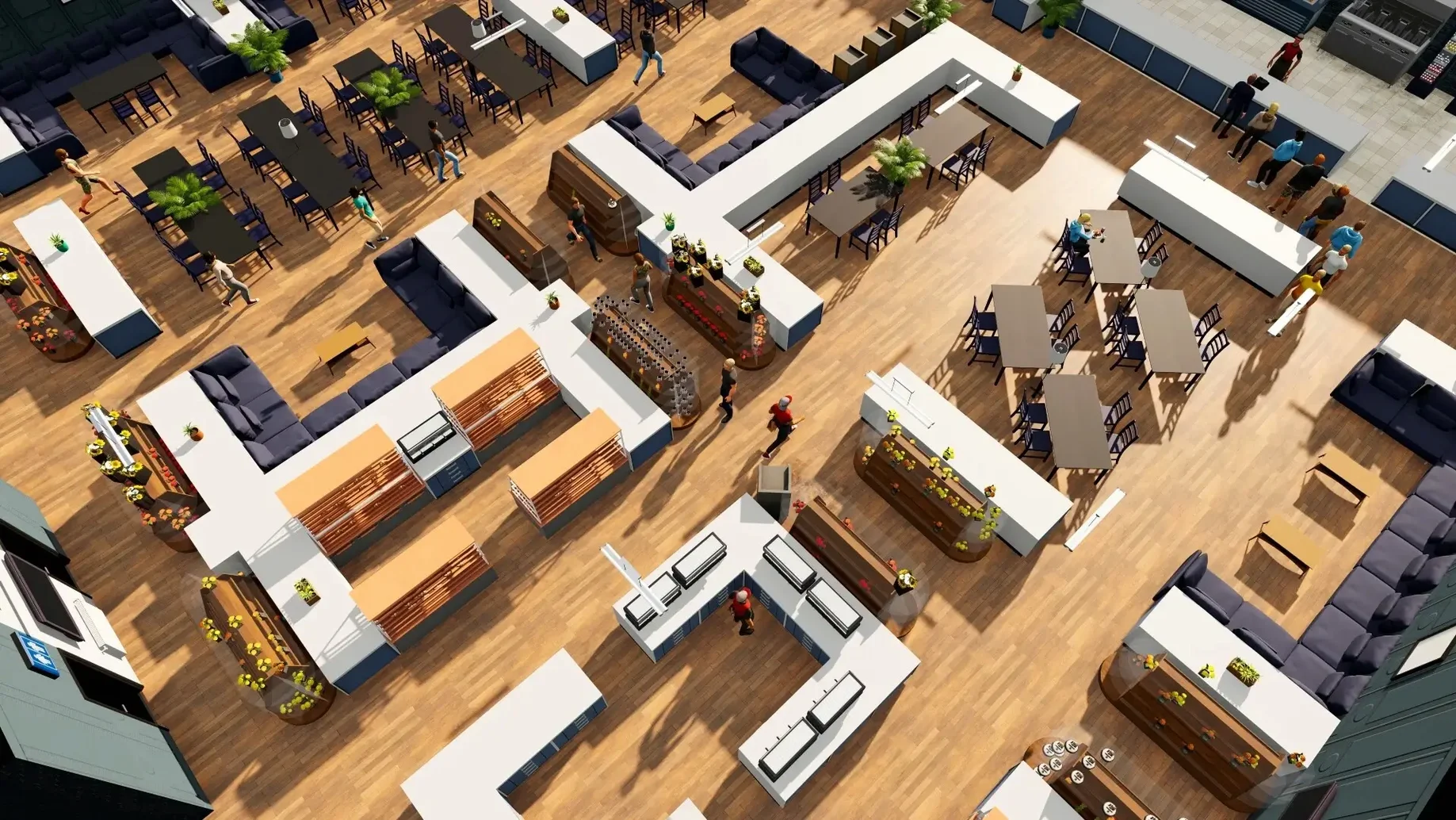
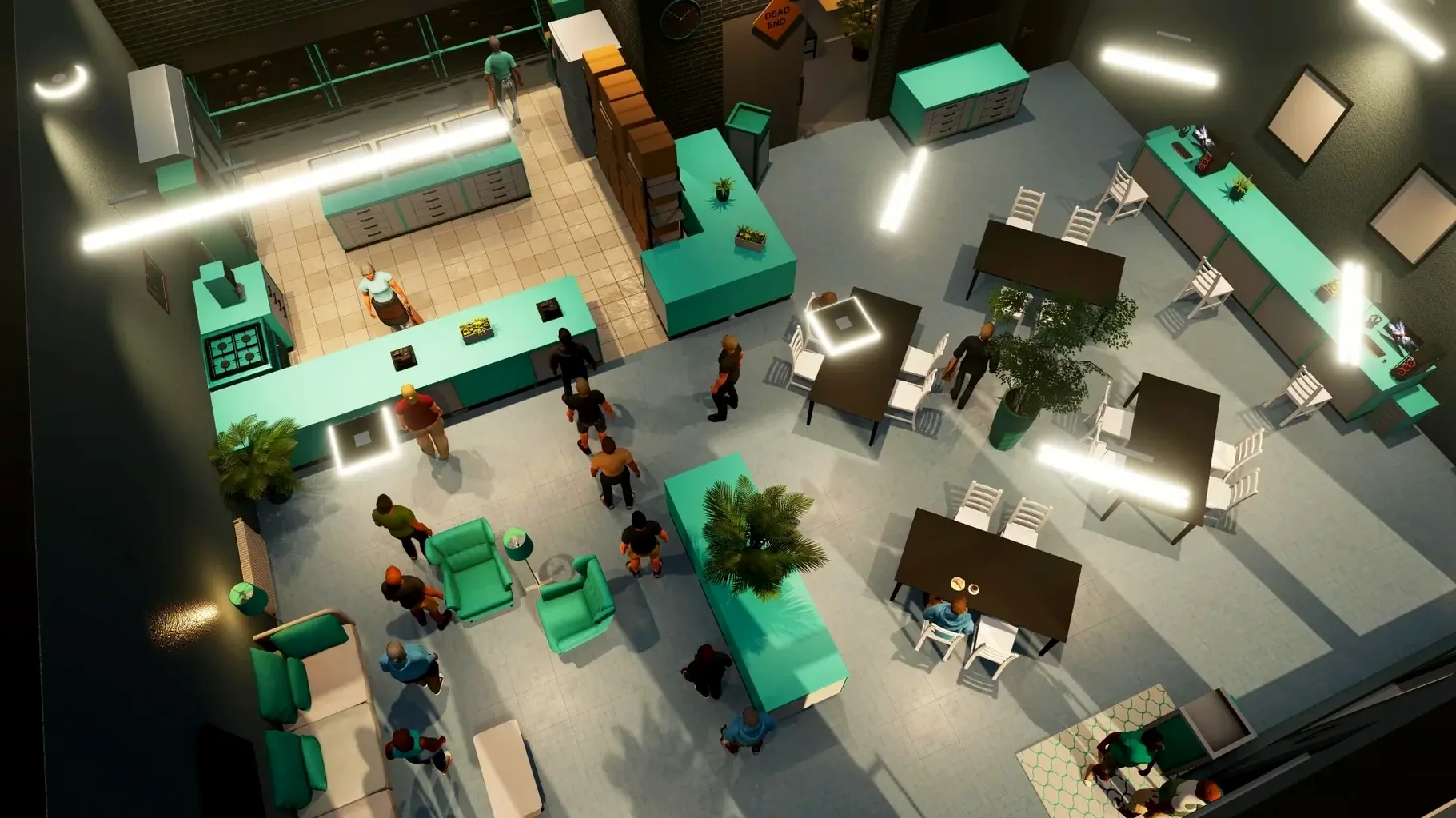
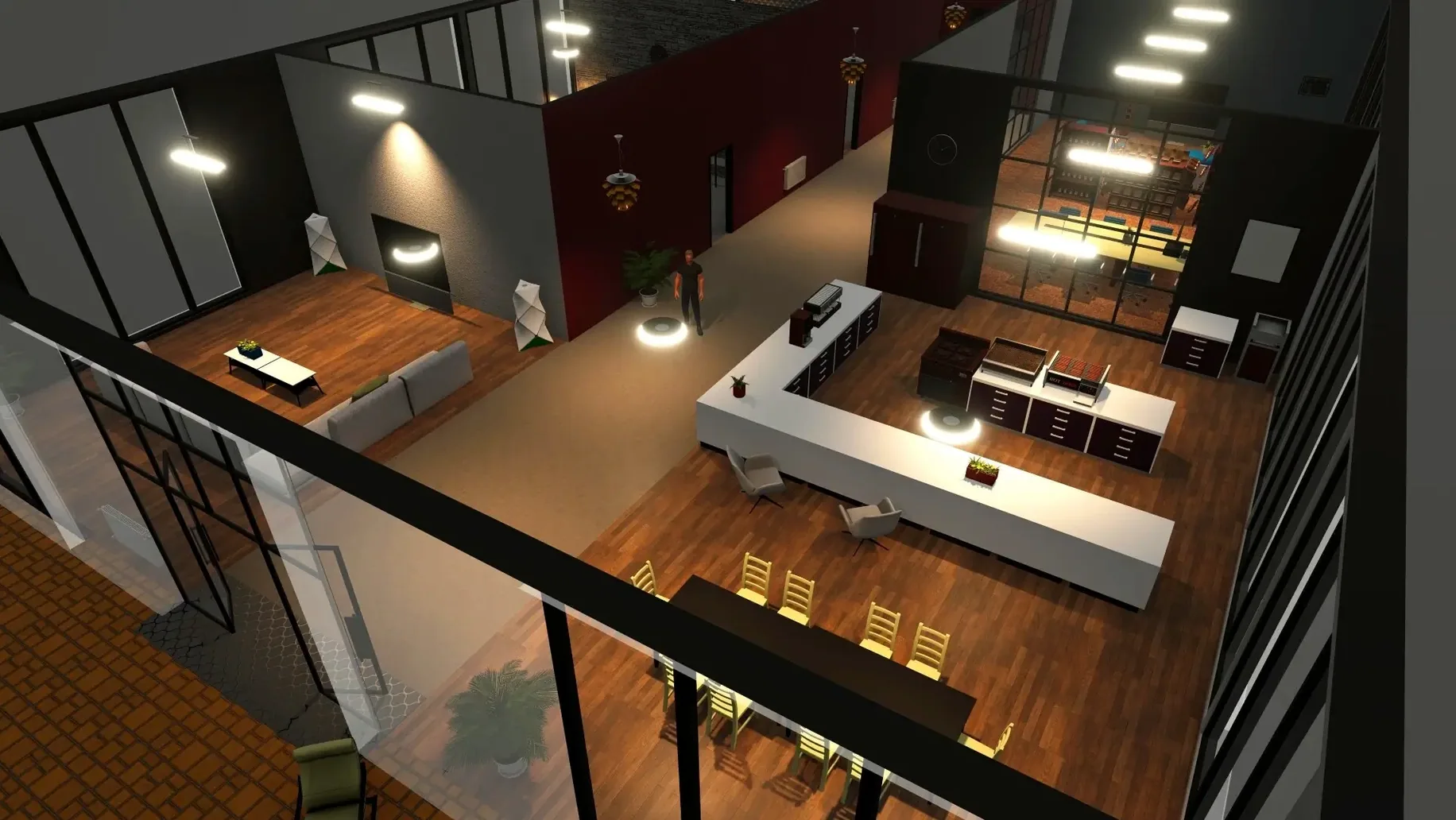
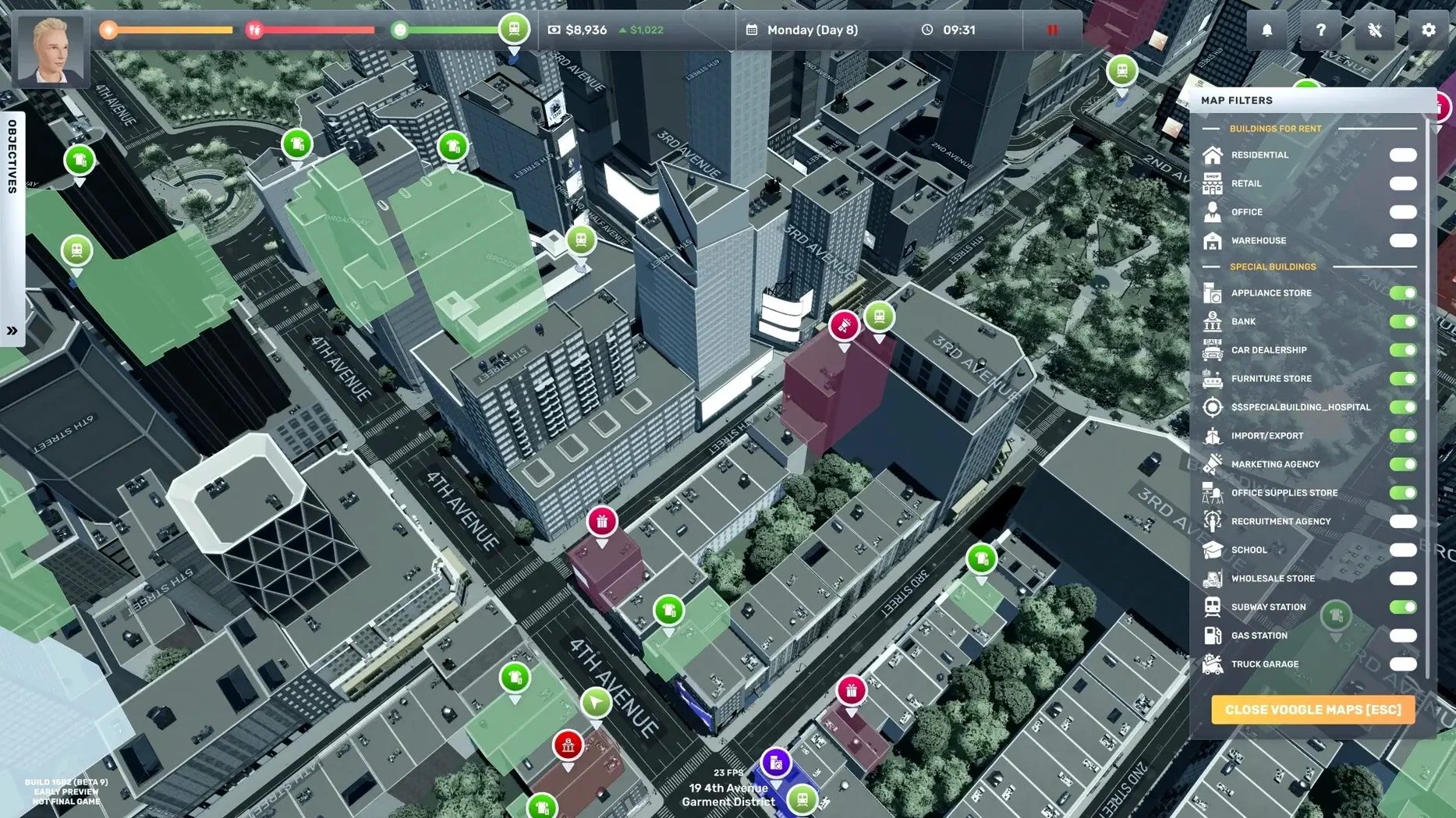
Click a screenshot to see it wider.
You start with almost nothing—a little money and a small loan from an uncle. From there, you build a business empire in New York City. Big Ambitions 1.0.3682 puts you in charge of your own rags-to-riches story, opening everything from coffee shops to law firms.
Manage souvenir shops to flower stores
The game blends life simulation with business strategy. You manage daily tasks, hire employees, and keep your stores stocked. You can run souvenir shops, supermarkets, clothing stores, wine stores, and flower shops—each with its own challenges. English voice acting adds to the immersion as you compete against rival businesses.
Game modes
Big Ambitions is a single-player experience with a focus on long-term growth. There’s no campaign timer; you set your own pace. Start small, reinvest profits, and expand across the city. The goal is simple: outgrow your competition and dominate the market.
Avoid early restarts with these pitfalls
A few things trip people up early on. Knowing them saves a restart or two.
Loans and interest
Taking a loan gets you started, but interest adds up fast. The game tracks it daily. If you borrow the maximum right away, payments can eat into your first few weeks of profit. Take only what you need for the first store and its inventory. Pay it down as soon as the register shows black numbers.
Staff management
Hiring too many people before your store turns a profit is the quickest way to go under. Start with one or two employees. Watch the financial tab to see if you can cover their wages before you add more. If a store sits empty because you hired nobody, the game still charges rent on the building.
Health and sleep
Your character has physical and mental health meters that drop when you work too many hours without a break. If they hit zero, you lose time recovering. Get into the habit of sleeping and eating between store visits. It sounds small, but skipping it stalls your expansion for days.
Mounts like any other DMG in Launchpad
Big Ambitions runs as a standard macOS app. It does not need extra launchers or background services. The disk image mounts like any other DMG on your Mac. After you drag the app into Applications, it shows up in Launchpad and the Dock normally.
The game respects macOS window management. You can switch between it and other apps using Mission Control or Cmd+Tab without issues. If you need to check a spreadsheet for inventory planning or look up a supplier online, the game stays paused in the background. No special settings required.
Because the game supports both Intel and Apple Silicon Macs, it runs natively on the M-series machines. The game uses standard macOS file locations, so your saves live in the usual game save folder.
Rename stores to track locations easily
A few features are not obvious from the first play session but make a difference once you find them.
- You can rename your stores. The default names work, but custom names help keep track of what each location sells when you have several.
- The logo creator lets you design a store identity. It is simple but gives each business a personal touch without leaving the game.
- You do not lose the building itself—only the business inside it.
- Trucks you buy for inventory transport are reusable across stores. One truck can serve several locations if you route deliveries efficiently.
- The game saves automatically at key points. Manual saves are also available before big decisions like taking a large loan or buying expensive property.
These are the kind of details that reward players who pay attention to the interface beyond the obvious buttons.
- macOS: not specified
- Architecture: Intel and Apple Silicon
- Interface languages: Russian, English, German, Spanish, Italian, Traditional Chinese, Simplified Chinese, Korean, Portuguese, Turkish, French
Questions I get about this line
You can open souvenir shops, supermarkets, coffee shops, law firms, clothing stores, wine stores, and flower shops, among others.
Yes, the game includes English voice acting.
The install order
- Mount the downloaded disk image.
- Drag the app to the Applications folder alias.
- After copying finishes, launch the app from Launchpad.