Free download (1.9 GB) Previous versions
- Version
- 1.26.0 fix
- Developer
- Motion Twin
- Languages
- Russian, English, German, Spanish, Italian, Chinese (Simplified), Korean, Portuguese, Turkish, French, Japanese
- License type
- DRM-free
- Released on
- 7.08.2018
- Installed and checked on
- macOS Sonoma, MacBook Air (M1. 2020)
- Audio language
- Music only
| Chip | Intel 64-bit |
|---|---|
| Download | 1.9 GB |
| Previous versions | 6 on file |
Screenshots
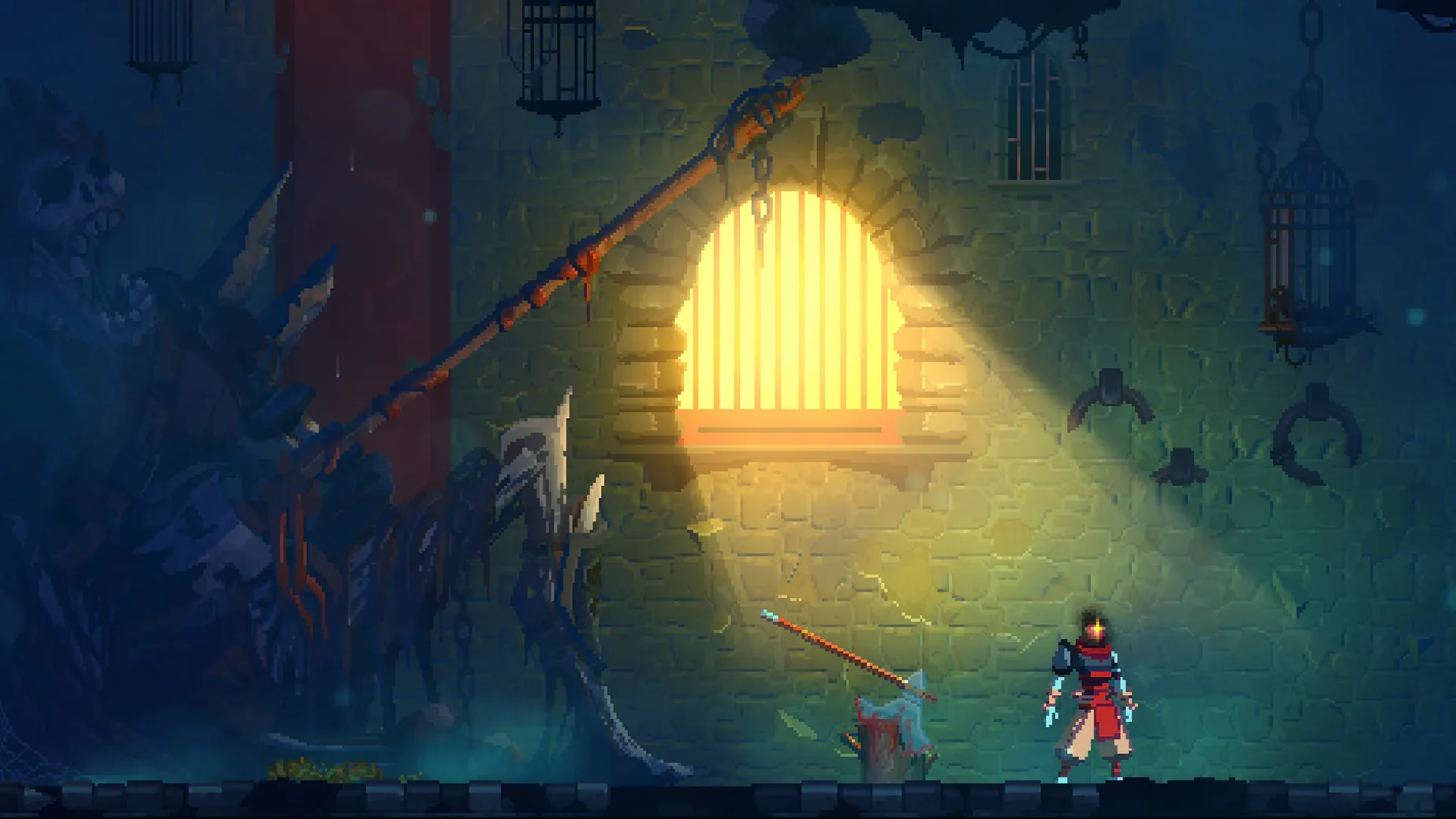
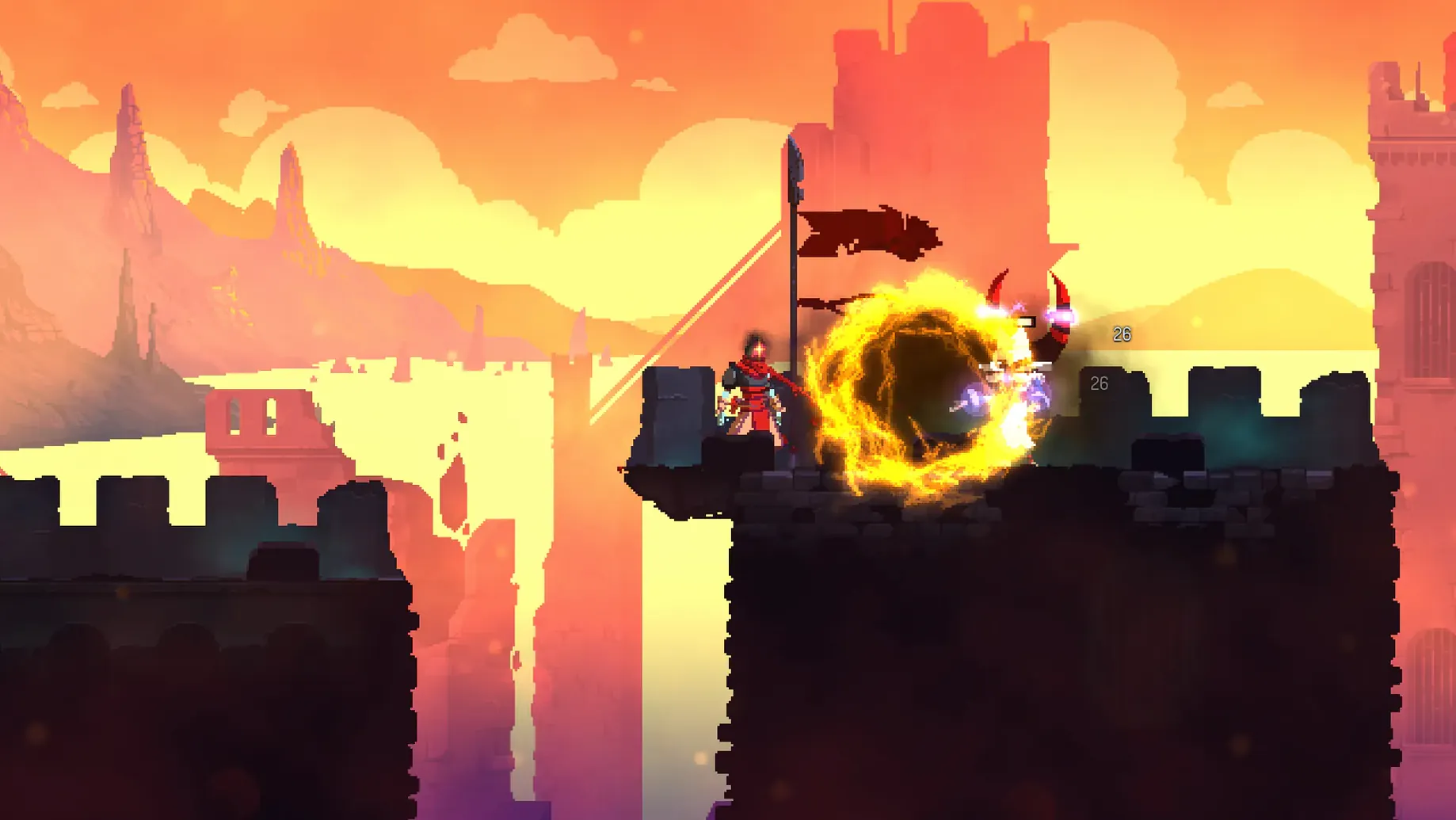
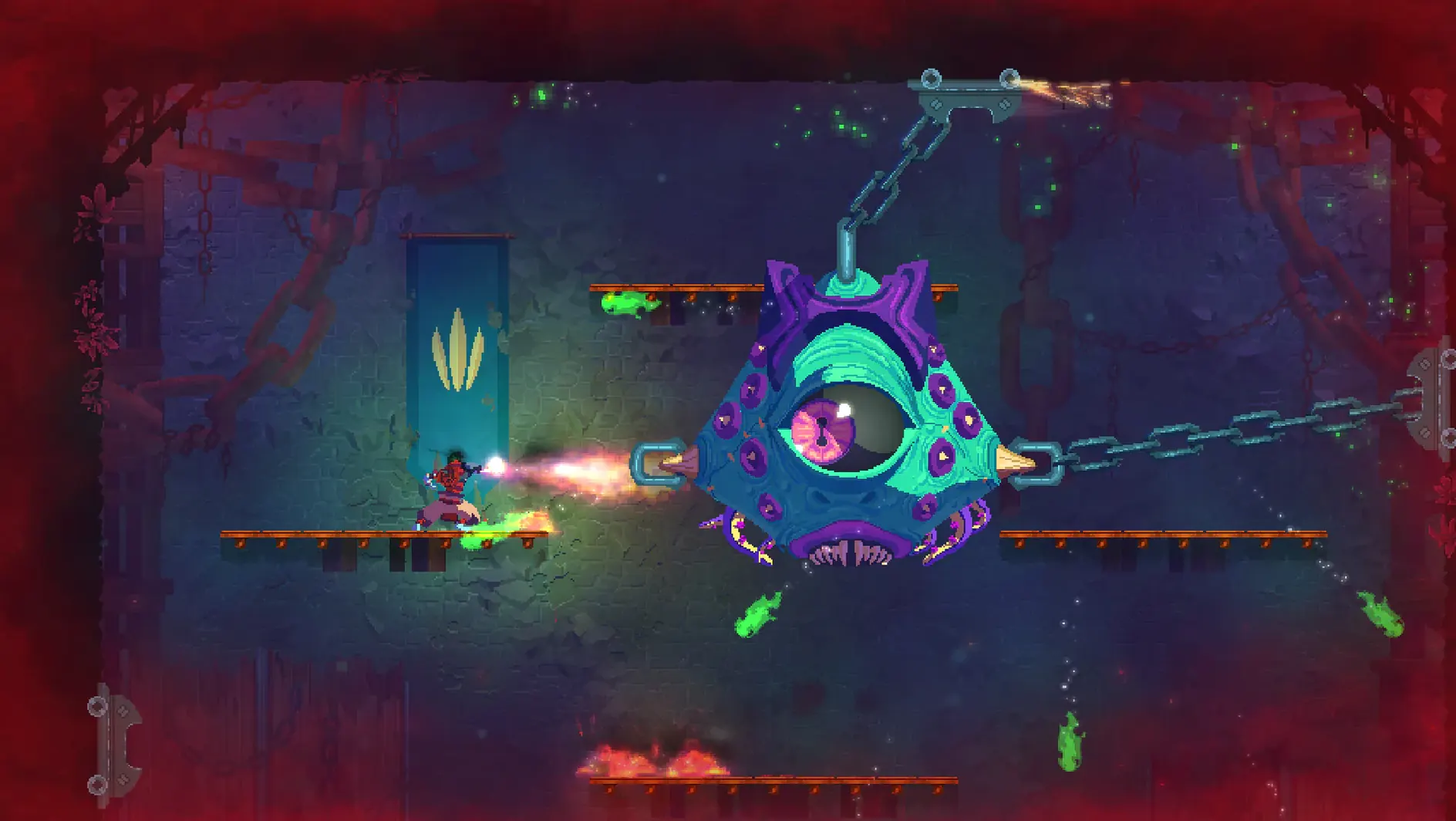
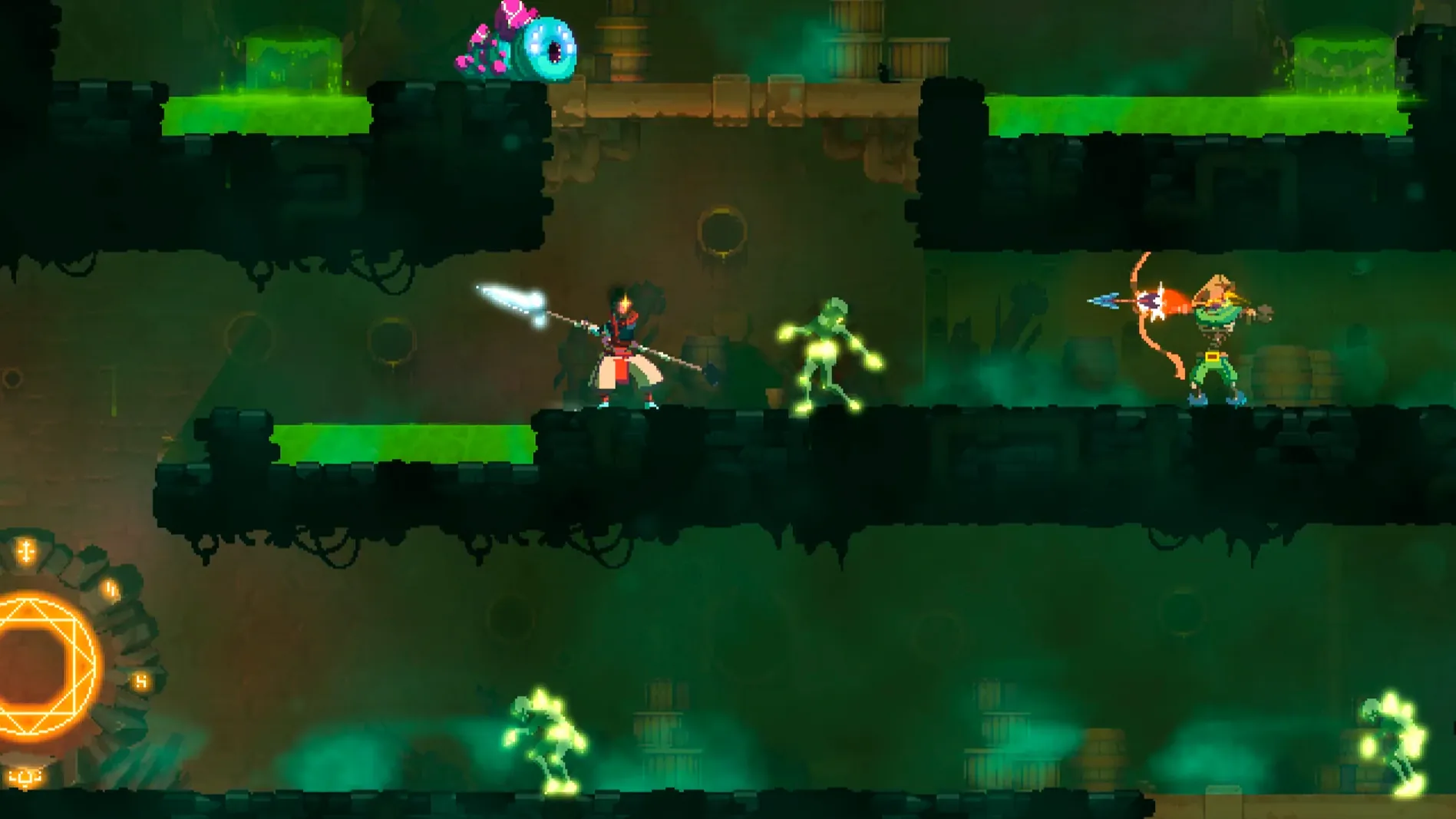
Scroll the row, it snaps to each screenshot. Click one to see it wider.
Dead Cells runs on Macs with Intel processors. The level layout is interconnected and changes over time. There is no save system. Interface languages include English, French, German, Italian, Japanese, Korean, Polish, Portuguese, Russian, Simplified Chinese, Spanish, and Turkish.
Content and Modes
This is a rogue-lite. Each run generates a new map layout, so no two playthroughs are the same. Combat feels deliberate and punishing, closer to a Souls game than a typical platformer. Permanent upgrades carry over between runs, but the game never saves mid-run. Motion Twin published it.
Download Includes Only the Base Game
The download includes the full game at version 1.26.0 fix. No extra modes or DLC are bundled. The build is x86 64-bit. Installation is straightforward: unpack the archive, run the installer, choose a location, and launch the game from the deadcells file in the game folder.
Fast Combat Over Exploration Like Hollow Knight
Dead Cells sits in a specific corner of the action-platformer space. Compared to Hollow Knight, Dead Cells is more about fast, reactive combat than exploration and atmospheric world-building. Hollow Knight feels like a metroidvania first; Dead Cells lets you keep abilities between runs, but the map resets every death.
Next to Hades, Dead Cells is less story-driven. Hades gives you a persistent narrative and a hub that grows as you play. Dead Cells focuses on moment-to-moment combat and weapon combos, with minimal downtime between runs. Both are rogue-lites, but Dead Cells leans harder on reflexes and the Souls-like risk of losing progress from one mistake.
Against Blasphemous, Dead Cells is faster and less punishing on the exploration side. Blasphemous uses a fixed map with heavy atmosphere and deliberate combat. Dead Cells trades that for variety: every run changes, and you have more control over your loadout between attempts.
Fix Launch by Checking Executable Permissions
A few issues pop up frequently when running Dead Cells on a Mac with the Intel build:
- Game won't launch. Check the
deadcellsfile has executable permissions. Right-click the file in Finder, select Properties, and confirm the check box for "Allow executing file as program" is set. - Black screen on startup. This usually means the game is trying to use display settings from a previous system or resolution your monitor doesn't support. Delete the
preferences.datfile in the game folder. The game will create a fresh one next launch. - Controls feel sluggish. Dead Cells uses keyboard input by default. If you have a controller connected, the game sometimes splits input. Unplug the controller before launching, or go into the in-game options and set the controller to disabled.
- Audio cuts out. The game uses music-only audio. If you hear nothing at all, check your system sound output and make sure the game isn't muted in the macOS volume mixer. Restarting the game after changing audio devices usually clears it.
Expect Frequent Deaths While Learning Timing
Dead Cells doesn't explain much upfront. A few things to know from the start:
- Expect to die often. The first few runs are about learning enemy timing and map layouts. Don't get attached to a build. Every death resets everything except permanent upgrades.
- Spend cells on upgrades early. The Collector in the starting area lets you spend cells on permanent stat boosts and new gear unlocks. These carry over and make later runs more manageable.
- Experiment with weapons. The game throws a lot of different weapons and skills at you early. Each one has a distinct feel. What looks weak in one run might be the key to clearing a tough area in the next.
- Learn the parry timing. Shields are available early. A well-timed parry opens enemies up for a counter-attack and gives you breathing room. It's worth practicing against the basic enemies in the first level.
- The game has no save system, so plan your sessions around finishing a run or being okay with starting fresh next time.
- macOS (version TBD)
- Intel (x86 64-bit) processor
Questions I get about this line
No. The game has no save system. Each run is a fresh start.
Russian, English, German, Spanish, Italian, Simplified Chinese, Korean, Portuguese, Turkish, French, and Japanese.
The install order
- Unpack the archive.
- Run the standard installer.
- Choose an installation location when setup finishes.
- Launch the game using the
deadcellsfile in the game folder.