
- Version
- 1.61.1.9s Native
- Developer
- SCS Software
- Languages
- Russian, English, German, Bulgarian, Hungarian, Greek, Danish, Spanish, Italian, Chinese (Simplified), Korean, Dutch, Norwegian, Polish, Portuguese, Romanian, Turkish, Ukrainian, Finnish, French, Czech, Swedish, Japanese
- License type
- Not required
- Released on
- 13.10.2012
- Installed and checked on
- macOS Tahoe, Mac mini 2024 M4
- Audio language
- Music only
| Chip | Intel 64-bit |
|---|---|
| Download | 35 GB |
Screenshots


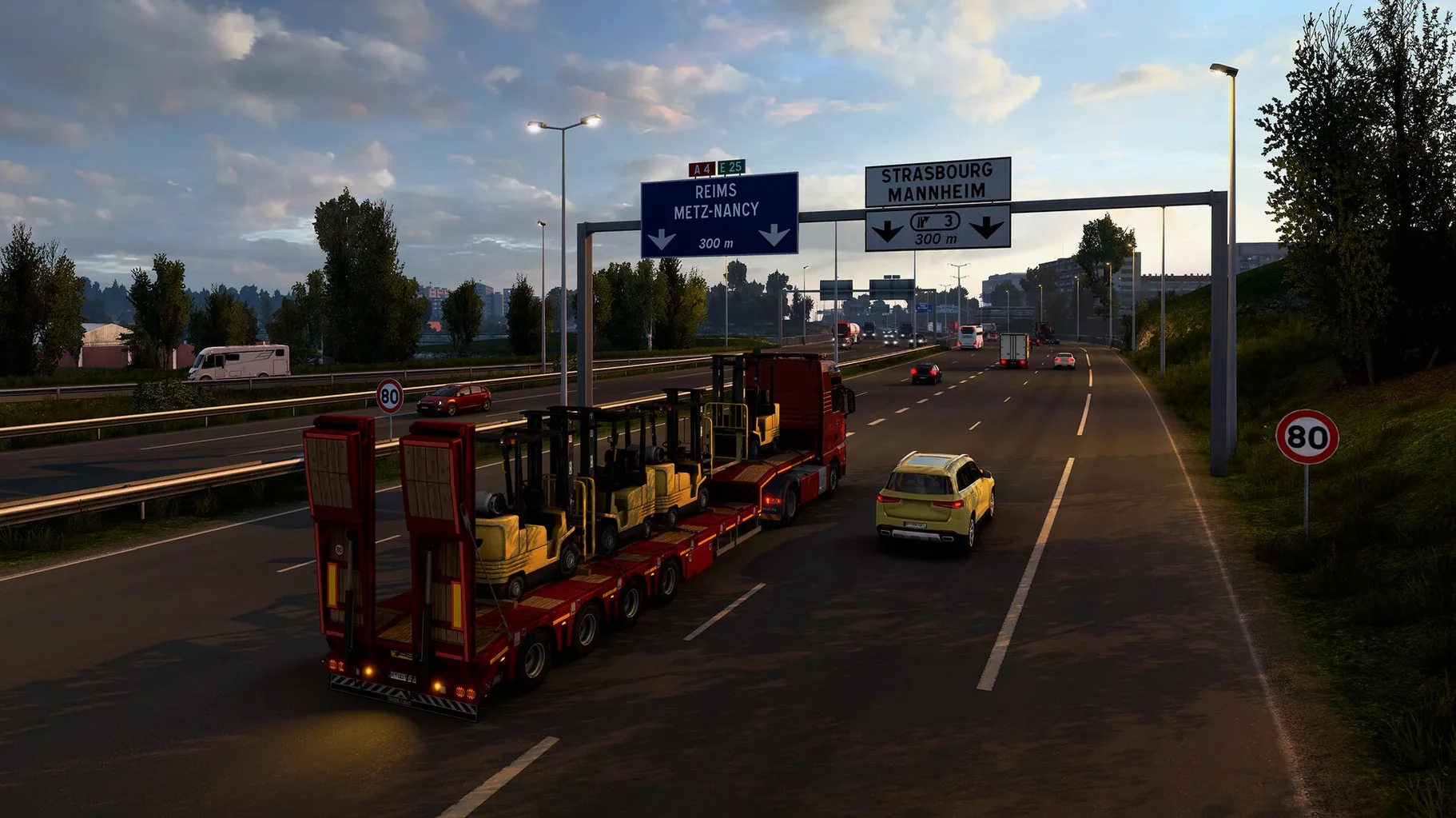
Scroll the row, it snaps to each screenshot. Click one to see it wider.
The current version of Euro Truck Simulator 2 for Mac is 1.61.1.1s. It adds Proximity Exploration, which automatically reveals the area around your truck as you drive. You also get the Volvo FH Series 6 100 Year Edition, an improved material system for selected trucks, and a full rework of the Livestock Trailer.
Drive the Roads
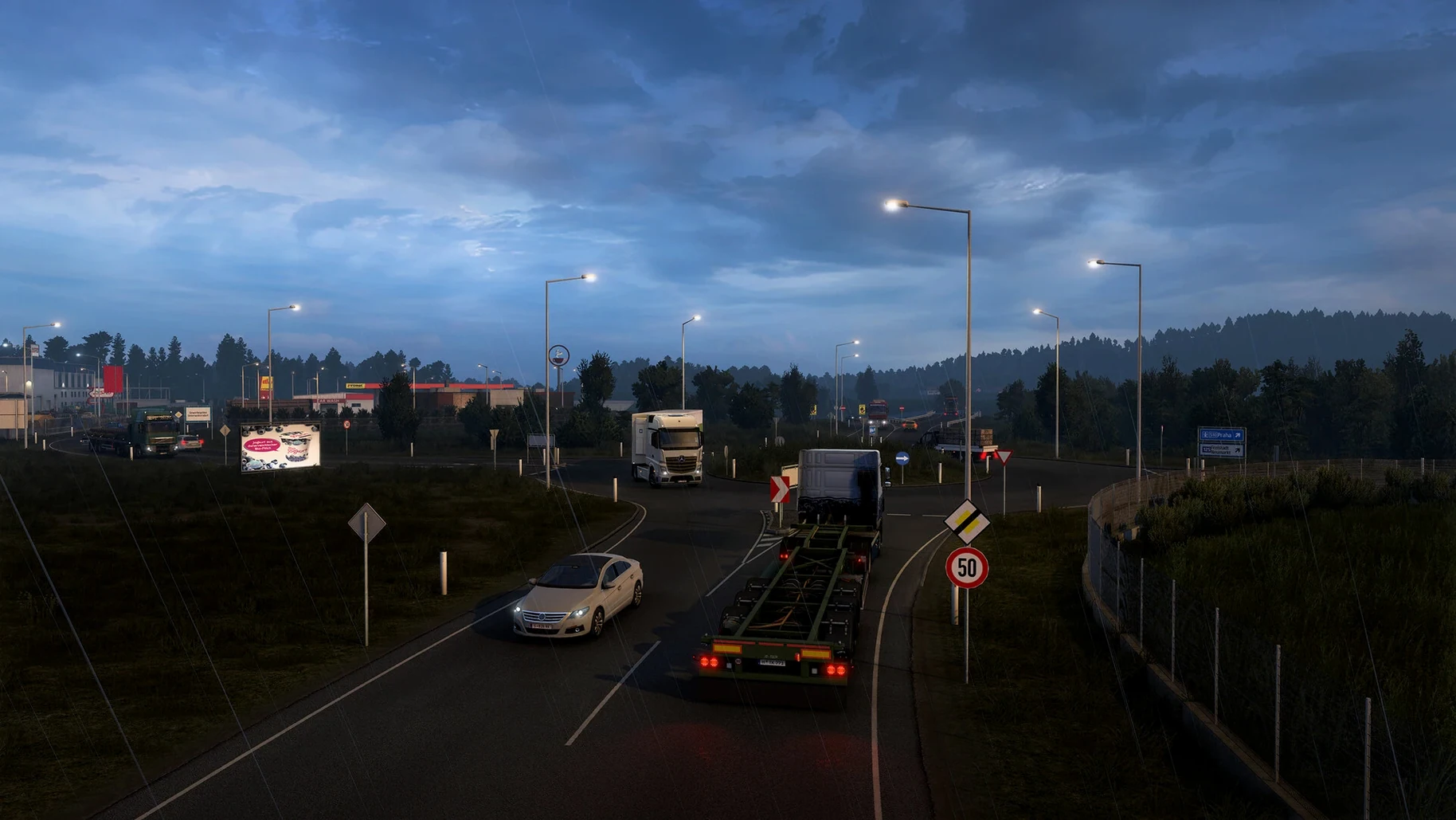
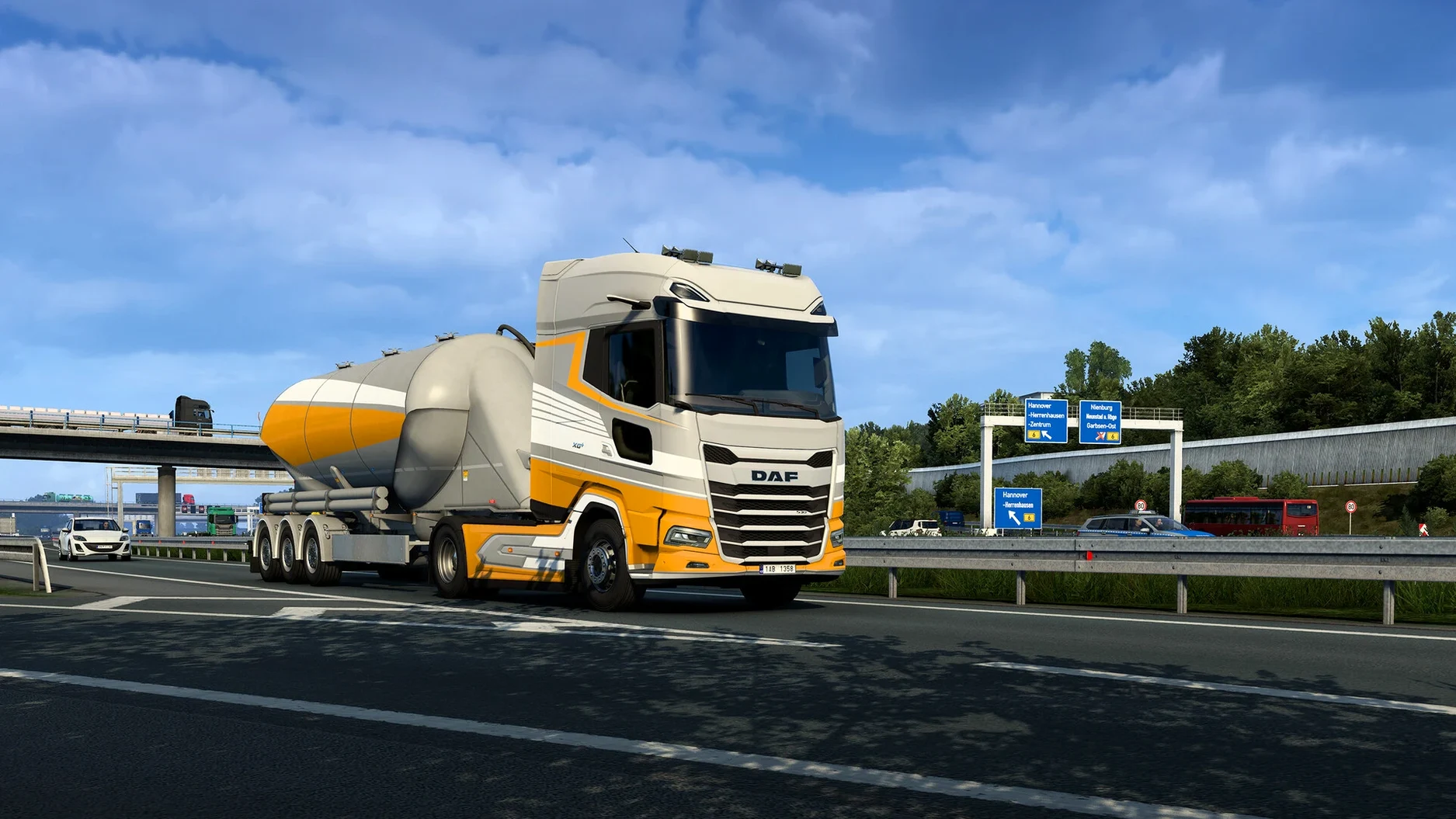
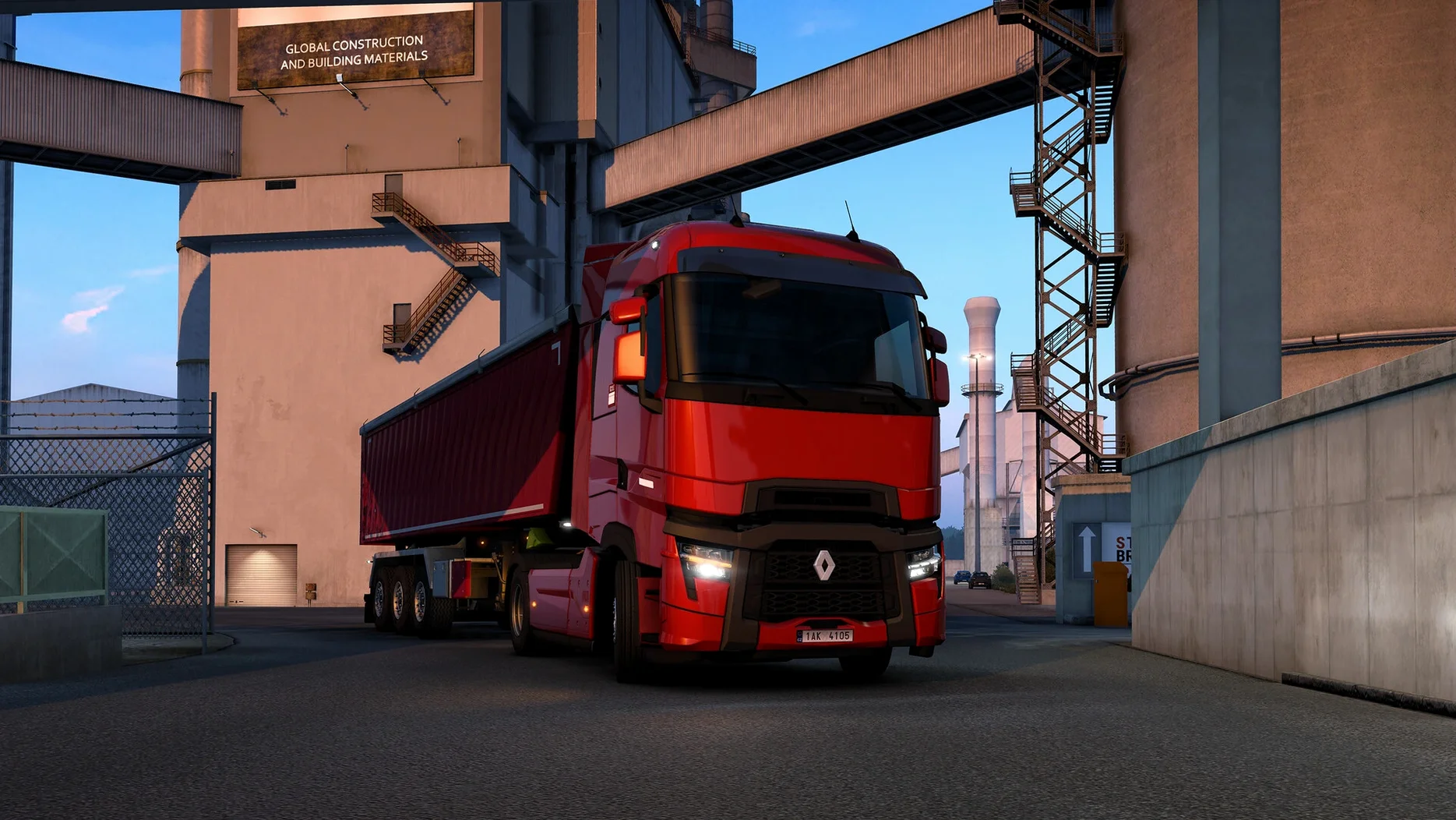
You take the wheel of a truck across real European roads that stretch for thousands of kilometers. More than 60 cities are yours to visit, each with its own feel and delivery points.
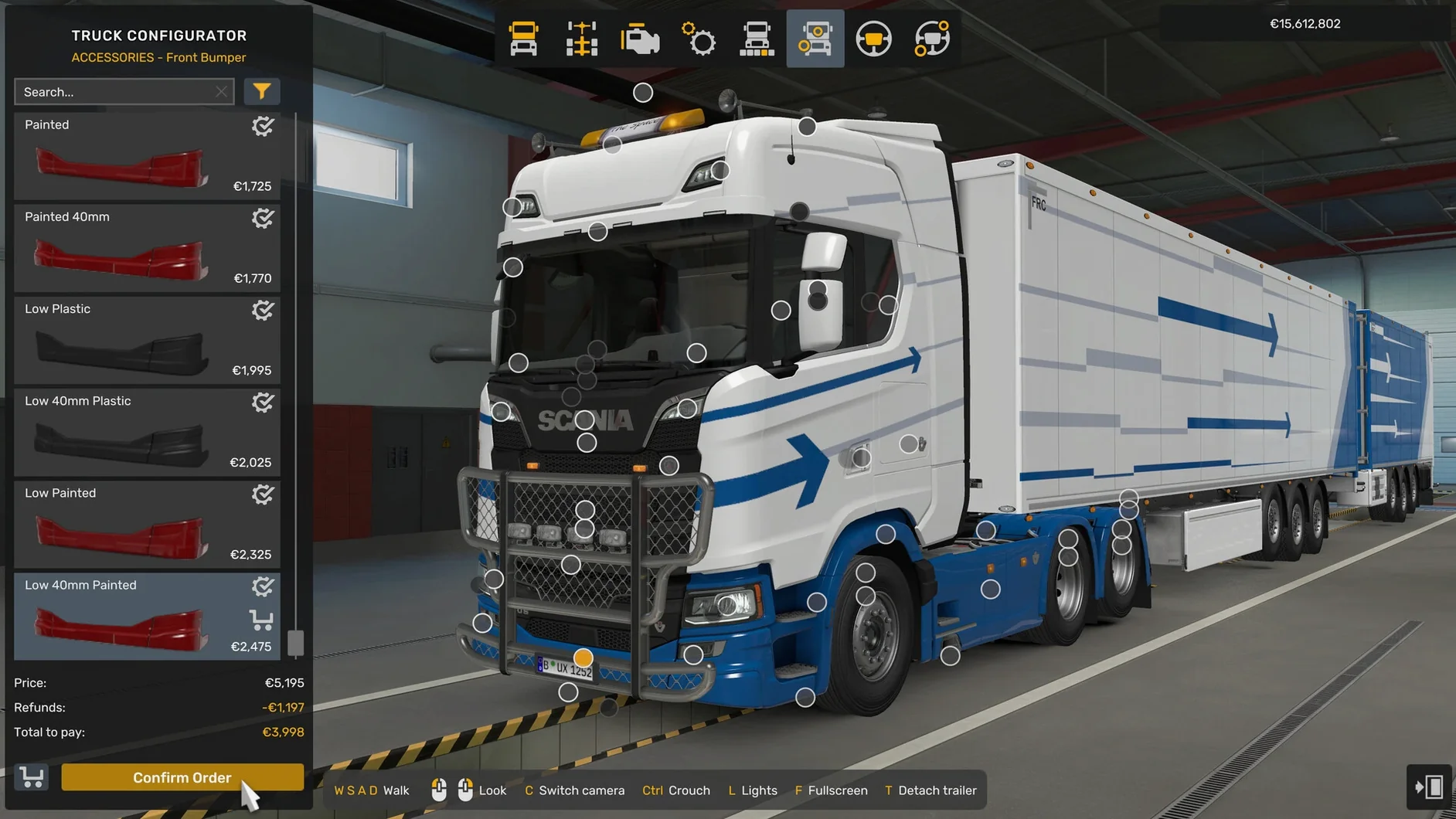
Customize Your Truck
The garage is yours. Swap headlights, signals, beacons, exhaust systems, and other parts to make each truck your own. Technical specs matter too, so you can tune for the job.
Run the Business
It is not just driving. You manage a growing company, hire drivers, and expand your fleet while hauling cargo across the continent. The game balances the road with the books.
Ecosystem and Integrations
Euro Truck Simulator 2 sits well with the rest of your Mac setup. The game uses standard macOS folder locations for saves, config files, and mods. You can find them under Documents. That makes backing up or syncing between machines straightforward.
Mods are the main way to extend the game. The community builds new trucks, maps, trailers, and gameplay tweaks. You drop them into the mod folder and activate them from the in-game manager. No separate tools or command line work needed.
The game also plays nice with macOS multi-monitor setups. If you run two displays, you can stretch the view across both for a wider cab perspective. Just set it to borderless windowed mode in the game options.
For streaming or recording, OBS Studio captures the game window without extra configuration. The game runs within a standard macOS window, so screen capture tools treat it like any other application.
Adjusting to Keyboard and Mouse Controls
Get the Controls Right
Before your first delivery, open the settings screen and map the controls. A gamepad works well. Keyboard and mouse also work. The default binds are decent, but adjusting the steering sensitivity and button layout to your hardware makes the first few trips easier.
Start on Easy Jobs
The quick jobs market lets you take single deliveries without owning a truck. Use this to learn highway signs, toll booths, and ferry routes. Each city has its own road layout, so spend time in one region before crossing borders.
Check the Map Regularly
Proximity Exploration reveals areas as you drive. But the full map screen shows delivery points, rest stops, and service stations. Plan your route before you leave. The GPS is helpful but it does not always choose the fuel-efficient path.
Back Up Your Profile
Your driver profile and company save file live in Documents/Euro Truck Simulator 2. Copy that folder to a second drive or cloud storage. One corrupt save can cost hours of company growth if you have no backup.
Scenario: The Logistics Planner
Anna runs a small dispatch service from her home in Columbus. She uses Euro Truck Simulator 2 to test real-world delivery routes for her drivers. Each evening she takes a single cargo run from, say, Berlin to Warsaw. She notes the road conditions, rest stop locations, and toll costs. The Proximity Exploration feature helps her spot fuel stations she would miss otherwise.
Back at the desk, she compares in-game travel times to her own route software. The Volvo FH Series 6 100 Year Edition gives her a modern cab layout to test against her fleet specs. She does not manage a virtual company. She just needs honest road data.
For Anna, Euro Truck Simulator 2 is a route research tool that happens to look good on a MacBook Air. No activation, no login. She installs it, maps her roads, and gets back to work.
- Proximity Exploration: automatically reveals a small area around your vehicle while driving.
- Volvo FH Series 6 100 Year Edition added.
- Improved Material System for selected trucks.
- Complete rework of the Livestock Trailer.
- macOS: not specified
- Architecture: Intel
The install order
- Mount the downloaded disk image.
- Drag the game to the Applications folder alias.
- After the copy finishes, launch the game from Launchpad.