- Version
- 1.25.0.0 Native
- Developer
- Giants Software
- Languages
- Russian, English, German, Hungarian, Vietnamese, Danish, Indonesian, Spanish, Italian, Catalan, Chinese (Traditional), Chinese (Simplified), Korean, Dutch, Norwegian, Polish, Portuguese, Romanian, Turkish, Ukrainian, Finnish, French, Czech, Swedish, Japanese
- License type
- Not required
- Released on
- 12.11.2024
- Installed and checked on
- macOS Tahoe, Mac mini 2024 M4
- Audio language
- English
| Chip | Apple Silicon, Intel 64-bit |
|---|---|
| Download | 31 GB |
Screenshots
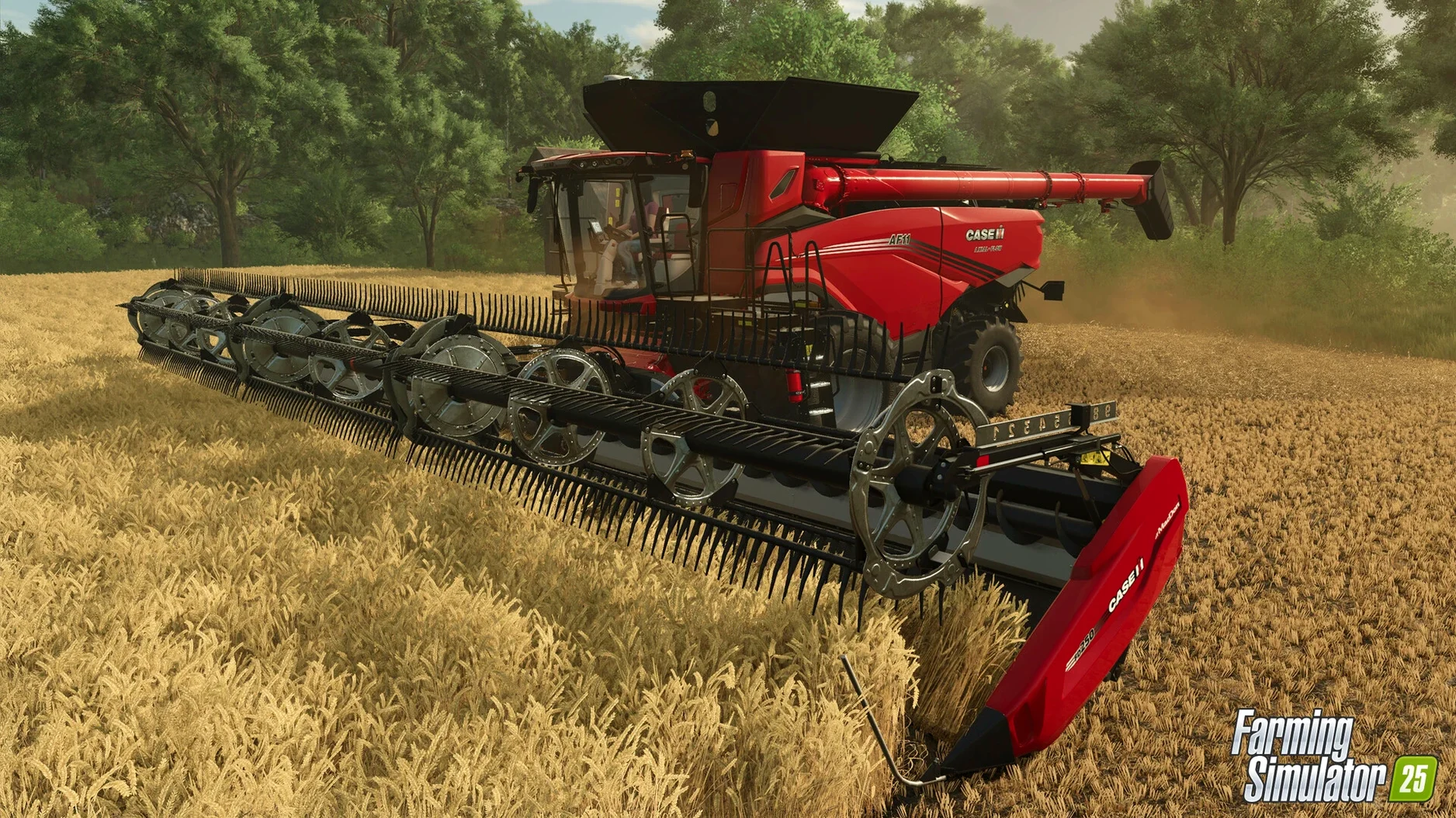
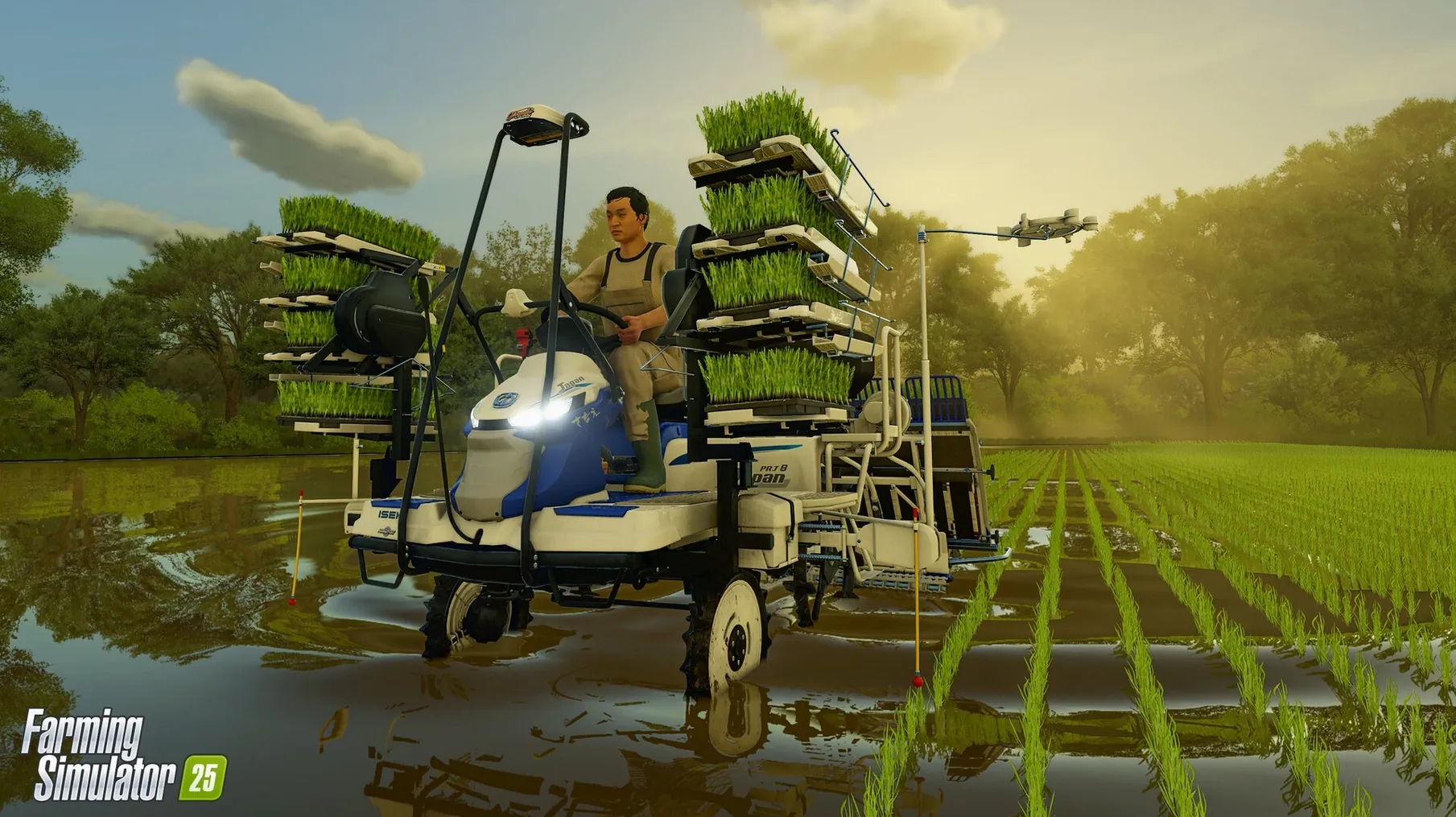
Scroll the row, it snaps to each screenshot. Click one to see it wider.
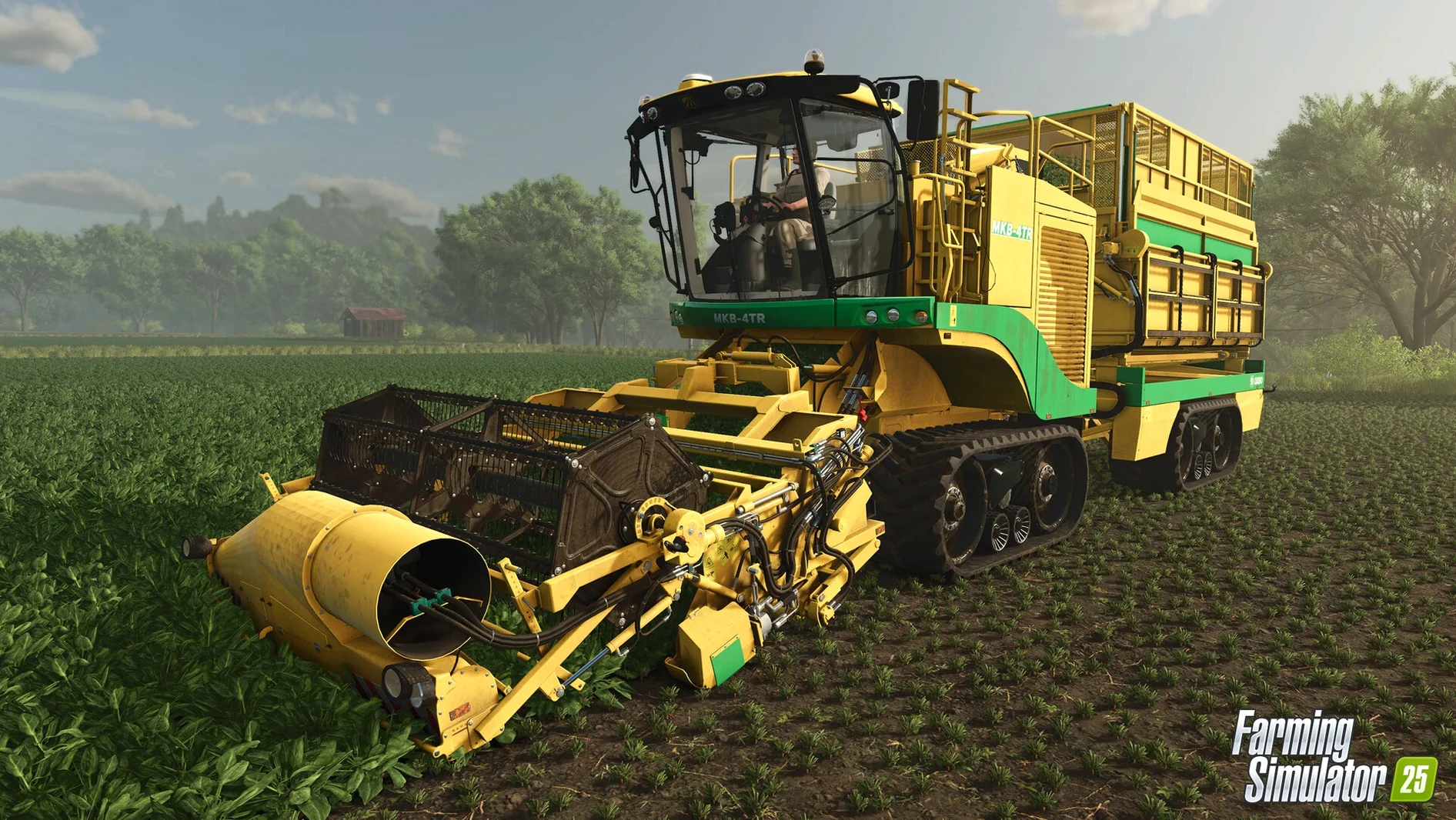
GPS-assisted steering is the feature that quietly changes how a farm runs. On a Mac, that precision matters even more, because every pass over a field costs time and fuel. Farming Simulator 25 brings the full series experience to Apple Silicon, with crops like spinach, peas, and green beans, plus two kinds of rice. The GIANTS Engine 10 handles it all, and the Mac version supports both Intel and Apple Silicon, though the requirements point squarely at M1 or later.
- Controls are fully mapped for keyboard and mouse, and gamepad support is solid for loader work and tractor operation.
- Performance on an M2 MacBook Air is playable at medium settings; heavy machinery with lots of trailers will drop frames.
- ModHub access is built in, so you can add user-created maps and equipment without leaving the game.
- Accessibility options cover UI scaling and color adjustments, which helps on smaller laptop screens.
- Install is a straightforward drag-and-drop from a DMG; no extra launcher required.
Expect a sim that respects your time. GPS steering cuts the monotony, and the production chains give you something to manage while the tractor drives itself.
Setting Up for a Work Session
First launch presents a clean main menu. The three locations — North America, Central Europe, and East Asia — each change the starting equipment and land layout. For a first real session, pick East Asia. The rice fields force you to learn the water management system early, which pays off later.
Open Settings before starting a new save. Three tweaks matter immediately:
- GPS steering: toggle it on. The game maps the field boundaries automatically once you start a task, and the tractor holds the line.
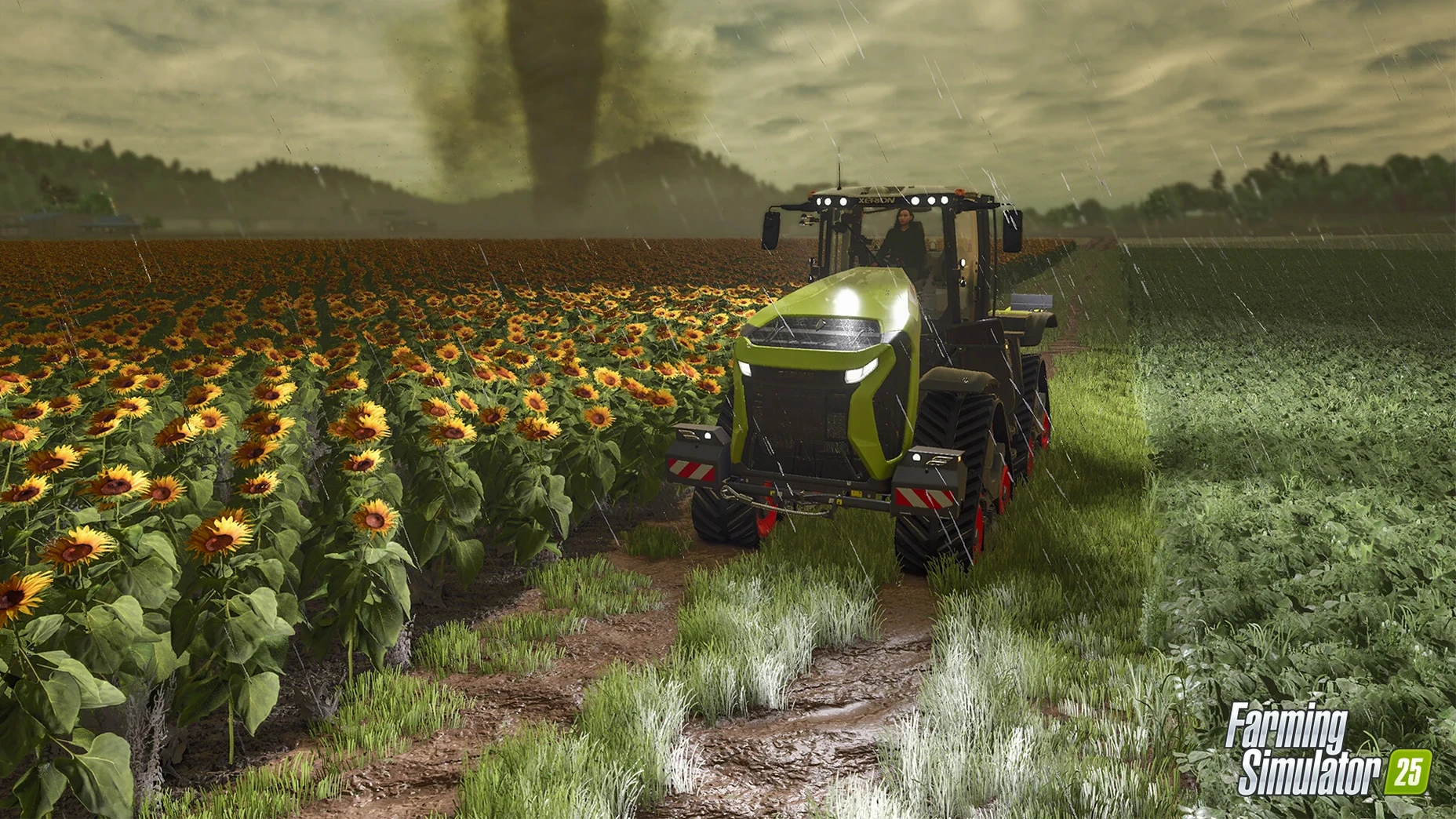
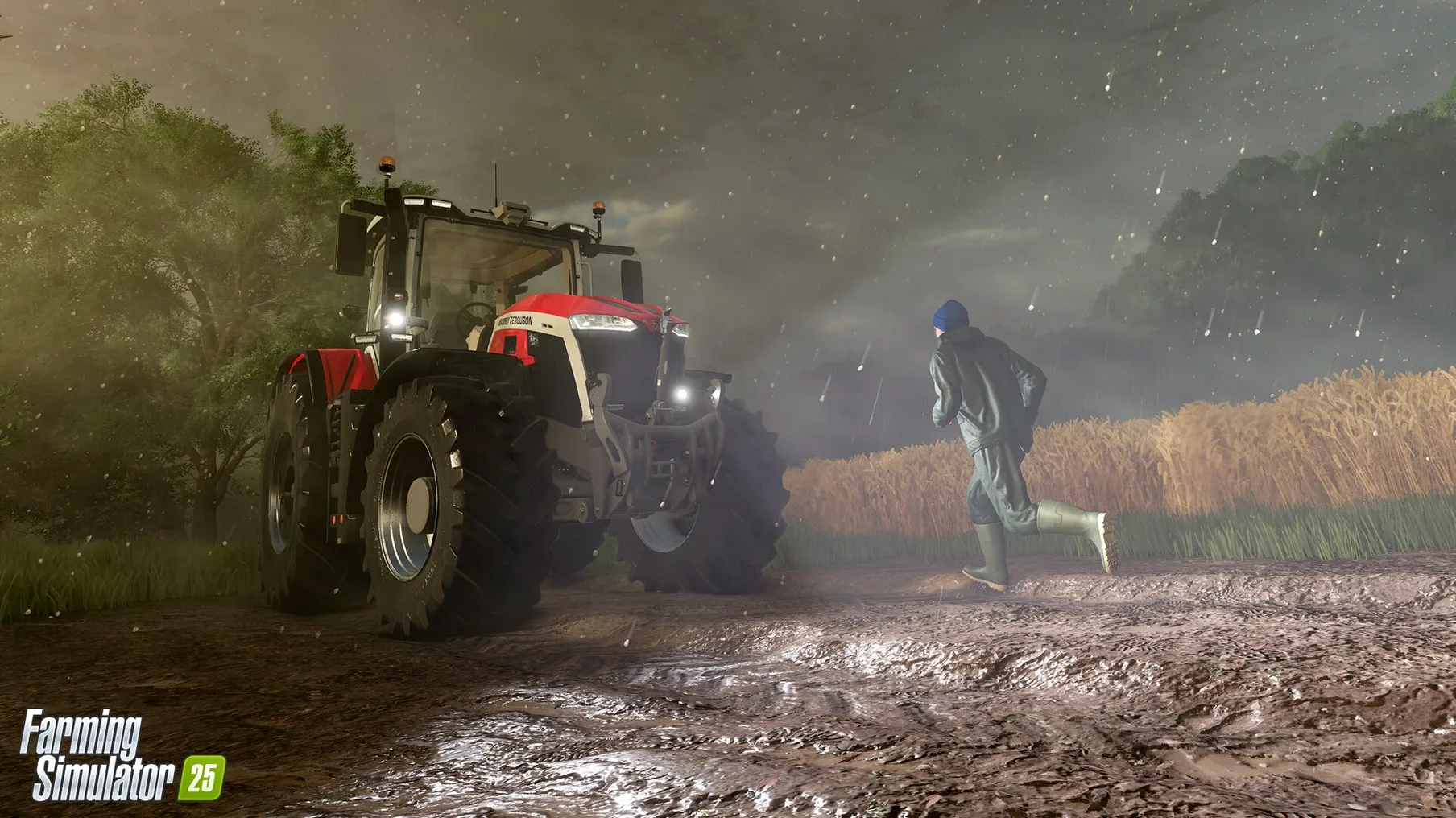
- Weather frequency: set it to normal. Hurricanes and hail show up often enough to be a problem, but not so often they ruin a season.
- Tire tracks: leave deformation on. It costs some frames in tight turns, but seeing where you have been helps plan the next pass.
Map auto-save to every 15 minutes. That keeps a storm from undoing an hour of planting.
Session Walkthrough: A Full Day
You start on the North America map with a mid-sized tractor, a seeder, and a header. The field is overgrown, so first job is clearing brush with the mulcher attachment. That takes about 20 minutes of real time. While the tractor runs, you open the production menu and set a simple chain: wheat goes to the mill, flour goes to the bakery. That passive income builds while you work the field.
Switch to the seeder. GPS steering engages automatically when you lower the implement. The tractor follows a straight line, and you only steer at the headlands to turn. That leaves your hands free to adjust seed rate and monitor the fuel gauge.
Animals are not decorative. The buffalo produces milk, which you can sell direct or process into cheese. That means building a small animal pen and assigning a worker to feed and clean. The baby animals grow over several in-game days, so plan ahead if you want a herd.
Mid-afternoon brings a hail warning. You have 30 in-game minutes to get the header under cover. Drive it to the shed, switch to a transport trailer, and park it. The storm passes without damage. The ground deformation shows deep ruts, so you spend the next hour smoothing the field with a cultivator before replanting.
Evening is for ModHub. Browse user-created maps — the community has built some clever layouts for East Asia that add terraced rice paddies. Download one, restart the save, and the new farm appears in the location list.
Comparisons with Similar Mac Games
Farming Simulator 25 sits in a specific niche. Compared to Stardew Valley, the scope is wider but the interaction is shallower. Stardew Valley gives you a personal farm and a town of characters to manage. Farming Simulator 25 gives you a machine fleet, production chains, and weather that can wreck a season. One is a life sim with farming. The other is a farming sim with production logistics.
Against Pure Farming 2018, the Giants Software title wins on scale. Pure Farming has fewer machines and no GPS steering. The Mac port of Farming Simulator 25 also runs natively on Apple Silicon, while Pure Farming relies on emulation on newer Macs. The ModHub support is unique — no other farming sim on Mac lets you download user content without a separate browser.
Against the Steam version of Farming Simulator 25, the DMG install is simpler. No Steam client, no cloud sync to manage. You just drag the app and run it. The downside is no automatic updates, but the ModHub integration means you get community content regardless.
GPS Steering and Production Chains for Real Farm Managers
Mac users who manage real farms or equipment fleets will appreciate the GPS steering and production chains. The game models logistics that mirror parts of actual farm management — deciding when to harvest, what to process, and where to sell. It is not a simulation of daily farm labor; it is a simulation of farm management decisions.
Players who enjoy slow-burn strategy games, like Factorio or Cities Skylines, will find the loop familiar. You set a machine running, solve a logistics problem, and check progress. The weather events add urgency without forcing panic. Hurricanes are rare enough to be memorable. Hail is common enough to keep you watching the forecast.
Multiplayer co-op works for groups who want to split tasks. One player manages the fields. Another handles animals and production. A third runs the ModHub and finds new equipment. The cooperative mode does not require constant communication, which makes it work for casual sessions with friends who have different schedules.
Mac users with Apple Silicon machines and at least 8 GB RAM will get the best experience. The game runs on Intel Macs too, but the GPS steering and deformation effects push the hardware. Stick with a dedicated graphics setup if you run an older Intel model.
- Bug fixes and general game improvements.
- Update 1.23.1.0 released September 9, 2026.
- macOS 11.3 or later
- Apple M1 or later
- 8 GB RAM
- 45 GB available storage
- 64-bit processor and operating system
Questions I get about this line
Yes, the game lists macOS 11.3 and a 64-bit processor as minimum, so Intel Macs meet the spec. But the requirement explicitly calls for Apple M1 or later, so performance on Intel will be limited.
The install order
- Open the downloaded disk image.
- Drag the app into the Applications folder alias.
- After copying finishes, launch the app from Launchpad.