
Free download (8.9 GB) Previous versions
- Version
- 1927 (46330)
- Developer
- 11 bit studios
- Languages
- Russian, English, German, Spanish, Italian, Chinese (Simplified), Korean, Polish, Portuguese, Turkish, French
- License type
- DRM-free
- Released on
- 24.04.2018
- Installed and checked on
- macOS Sonoma, MacBook Air (M1. 2020)
- Audio language
- English
| Chip | Intel 64-bit |
|---|---|
| Download | 8.9 GB |
| Previous versions | 2 on file |
Screenshots
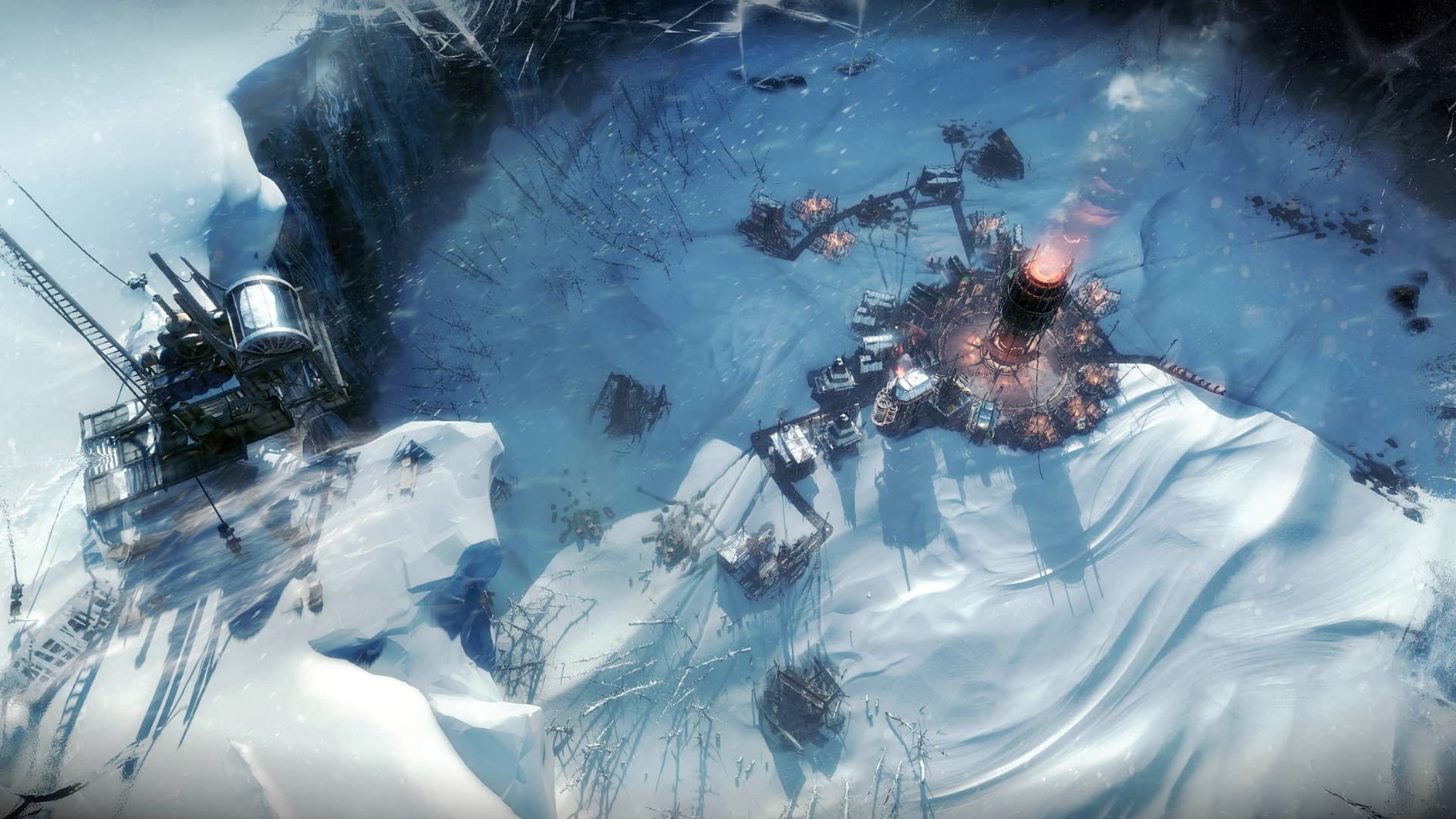
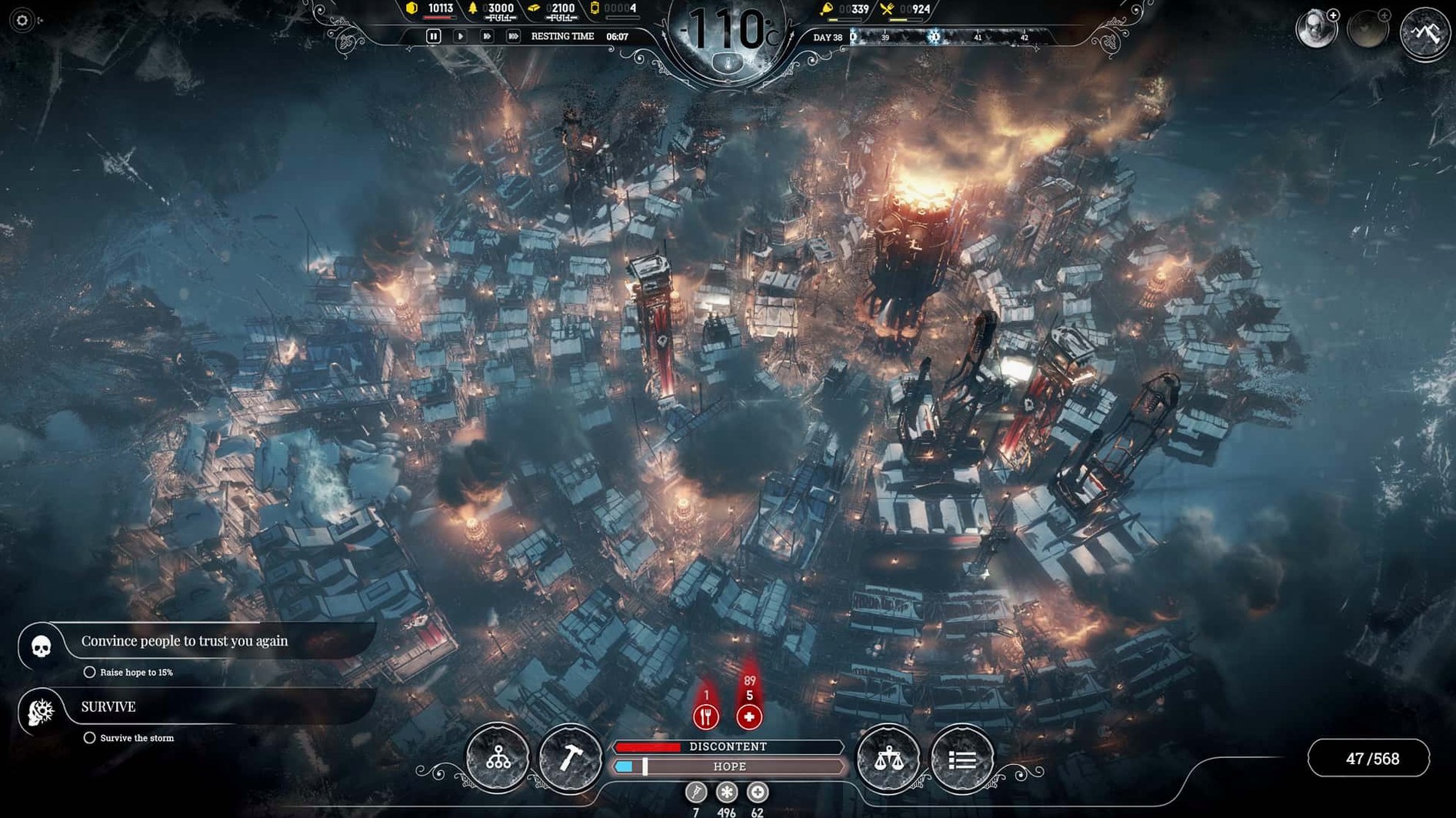
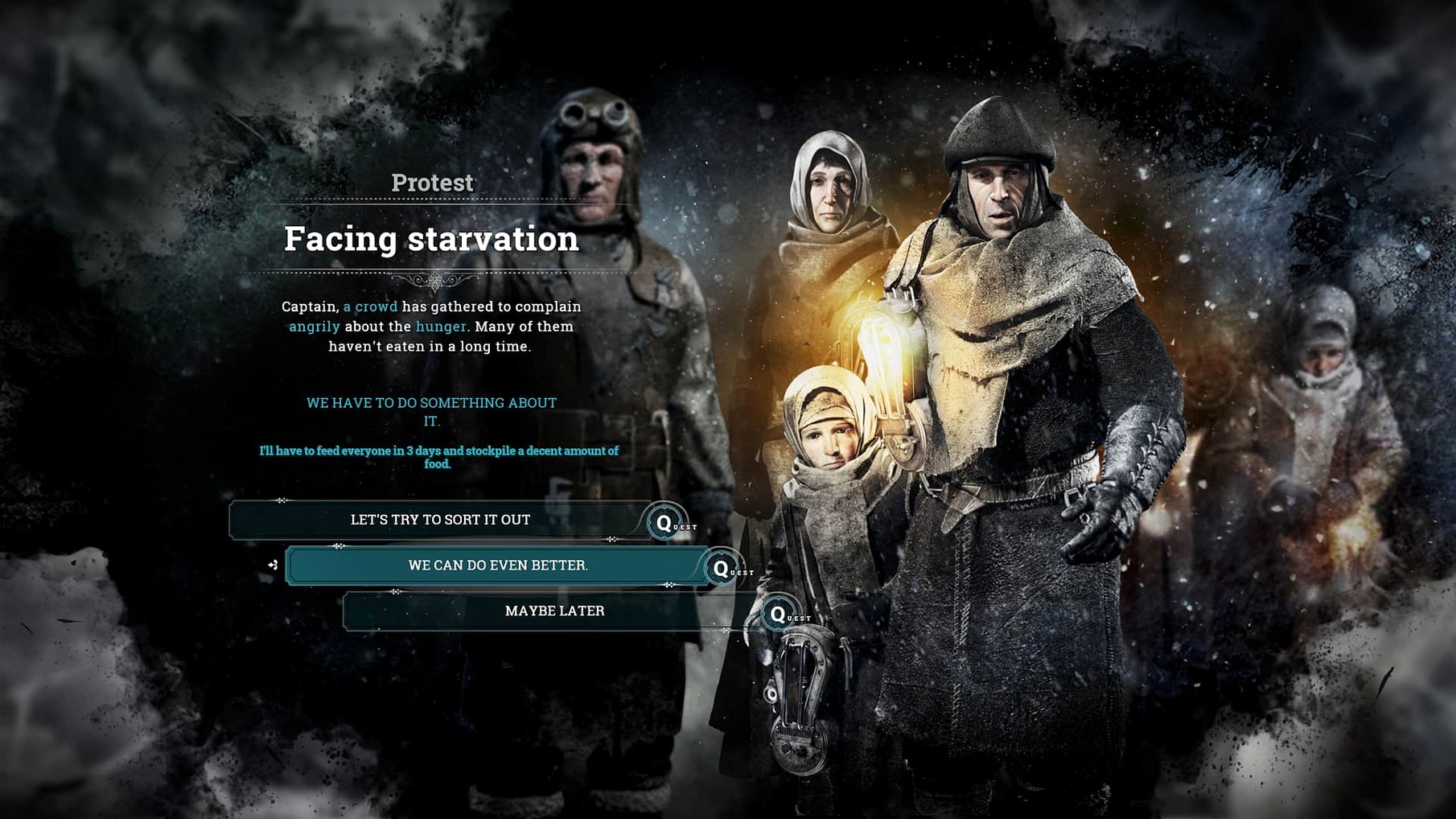
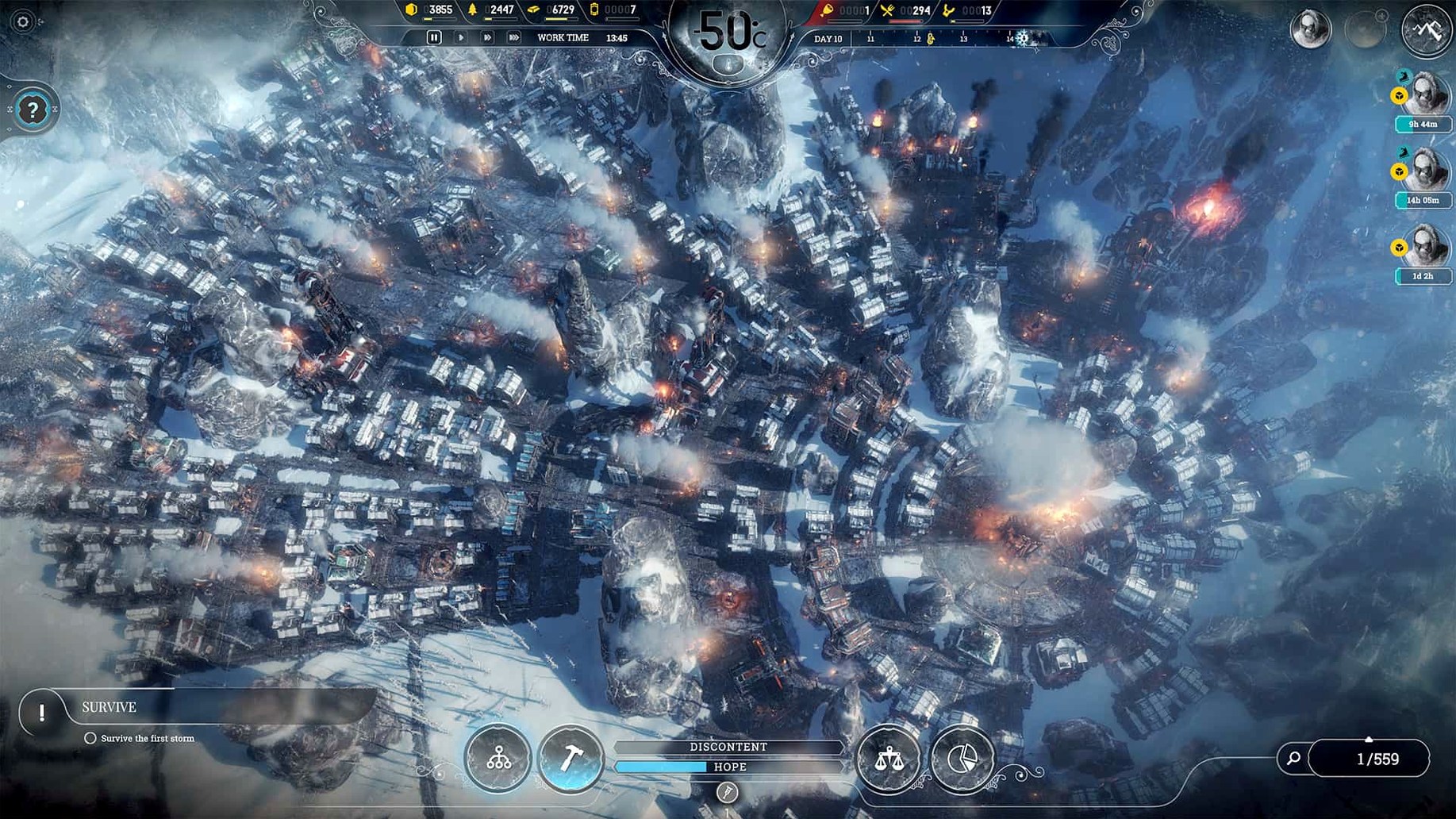
Scroll the row, it snaps to each screenshot. Click one to see it wider.
Players who manage a city in a frozen world: Frostpunk is for you. You lead the last settlement in a global ice age. Choices can favor harsh rule, compassion, faith, or a balance between them.
What Is in the Box
- Technology development: steam automatons and airships
- Expeditions outside the city for scouting, resources, and new people
- Endless mode with three variants: Endurance, Builders, and Serenity
- Single-player campaign with branching story
Language and Platform
English is the only voice language. Interface languages include Russian, German, Spanish, Italian, Simplified Chinese, Korean, Polish, Portuguese, Turkish, and French. The Mac version runs on 64-bit Intel hardware with macOS 10.15 or later.
City Builders Who Crave Moral Weight
City builders who like their sims with a moral weight get the most out of Frostpunk. If you play Anno or Tropico and thought "I wish my decisions actually mattered to these people," this is your next download. The generator that keeps the city warm is also the thing that burns people for fuel if you push too hard. That tension is the core loop.
Survival game players who normally play Don't Starve or The Long Dark will find the same resource scarcity here, scaled to a population. You are not just keeping yourself alive. You are keeping a hundred people from freezing. The expeditions outside the city feel like the risk-reward of a survival game map, just without the manual walking.
Strategy players who like branching consequences rather than min-maxing will stay engaged. Frostpunk punishes players who treat it like a closed economy sim. You can set laws that work on paper and still watch people die because you did not account for hope as a resource. That is not a bug. That is the design.
Real-World Scenario: Shift Manager with Limited Play Sessions
You work IT for dental clinics. You get forty minutes between closing a ticket and a late meeting. You need a game that gives you a real decision every session without needing to remember a complex save state.
Frostpunk works here because its campaign maps are short enough to make meaningful progress in one sitting. You build a few houses, set a law, send one expedition. The next time you open it, the city has either survived your last decision or it hasn't. No inventory management to re-learn. No tech tree you forgot to advance. You pick up the same generator, the same cold, and you keep going.
Expedition Fixes and Law UI Smoothness
- Expedition outcomes now trigger more consistently. Scouting runs that used to stall on a glitched resource node now resolve and return.
- Law-setting interface no longer skips a mouse click on certain resolutions. You can set a child labor law or a soup ration without fighting the UI.
- Endless mode map loading on the Builder variant no longer hangs on the map selection screen for some Intel Macs.
These are small fixes. They matter because Frostpunk's difficulty curve is tight. A UI hang or a stuck expedition breaks the flow and makes you restart a session you only had thirty minutes for. Build 1927 gets out of your way.
- macOS 10.15 or later
- 64-bit Intel CPU (x86 architecture)
- 2.6GHz Intel Core i7 or better
- 16 GB RAM
- 10 GB available storage
- AMD Radeon Pro 5300M, Radeon Pro 560X or better
Questions I get about this line
Endless mode offers three variants: Endurance, Builders, and Serenity, each changing the pace and survival challenge.
Yes, you can send expeditions outside the city to scout, gather resources, and recruit new people.
English is the only voice language. Interface languages include Russian, German, Spanish, Italian, Simplified Chinese, Korean, Polish, Portuguese, Turkish, and French.
The install order
- Run the downloaded package.
- Follow the standard installation process.
- Choose the installation location at the end.
- Applications is the recommended destination.