Free download (164 MB) Previous versions
- Version
- 1.21.7 [Legacy Launcher 167.7 Stable]
- Developer
- Mojang AB
- Languages
- Russian, English, Ukrainian
- License type
- Not required
- Released on
- 18.11.2011
- Installed and checked on
- macOS Tahoe, Mac mini 2024 M4
- Audio language
- Music only
| Chip | Apple Silicon, Intel 64-bit |
|---|---|
| Download | 164 MB |
| Previous versions | 4 on file |
Screenshots
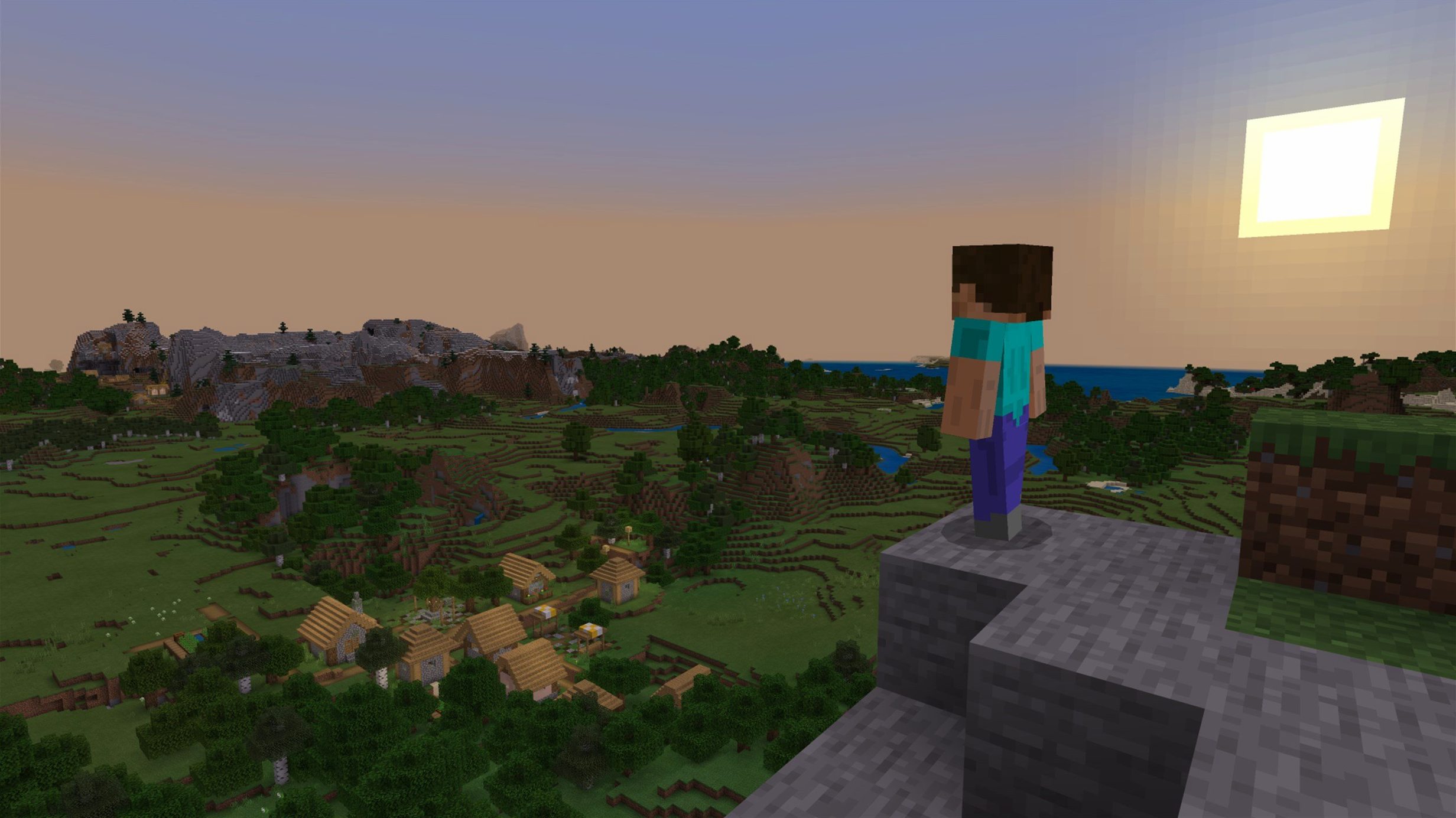
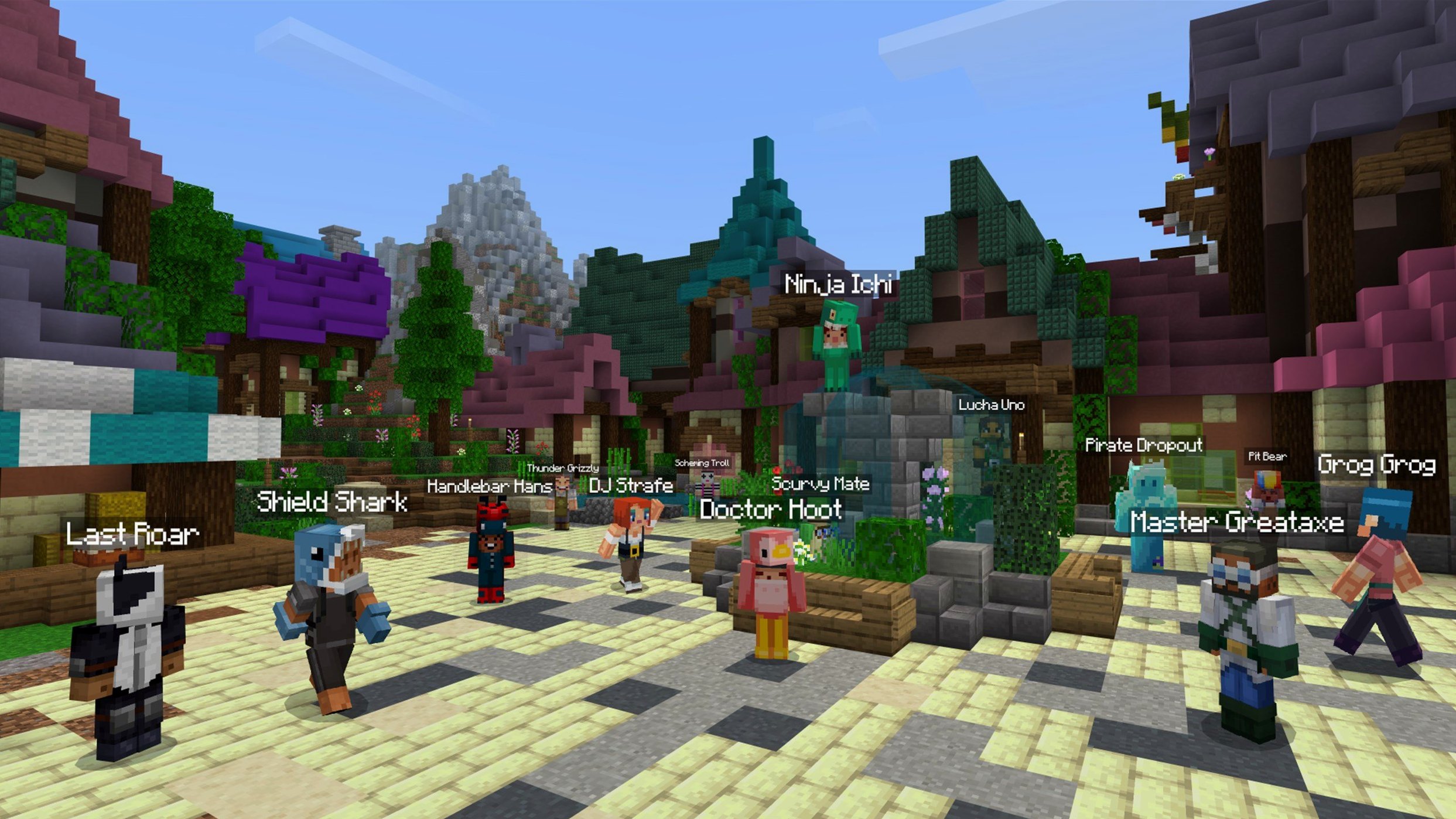
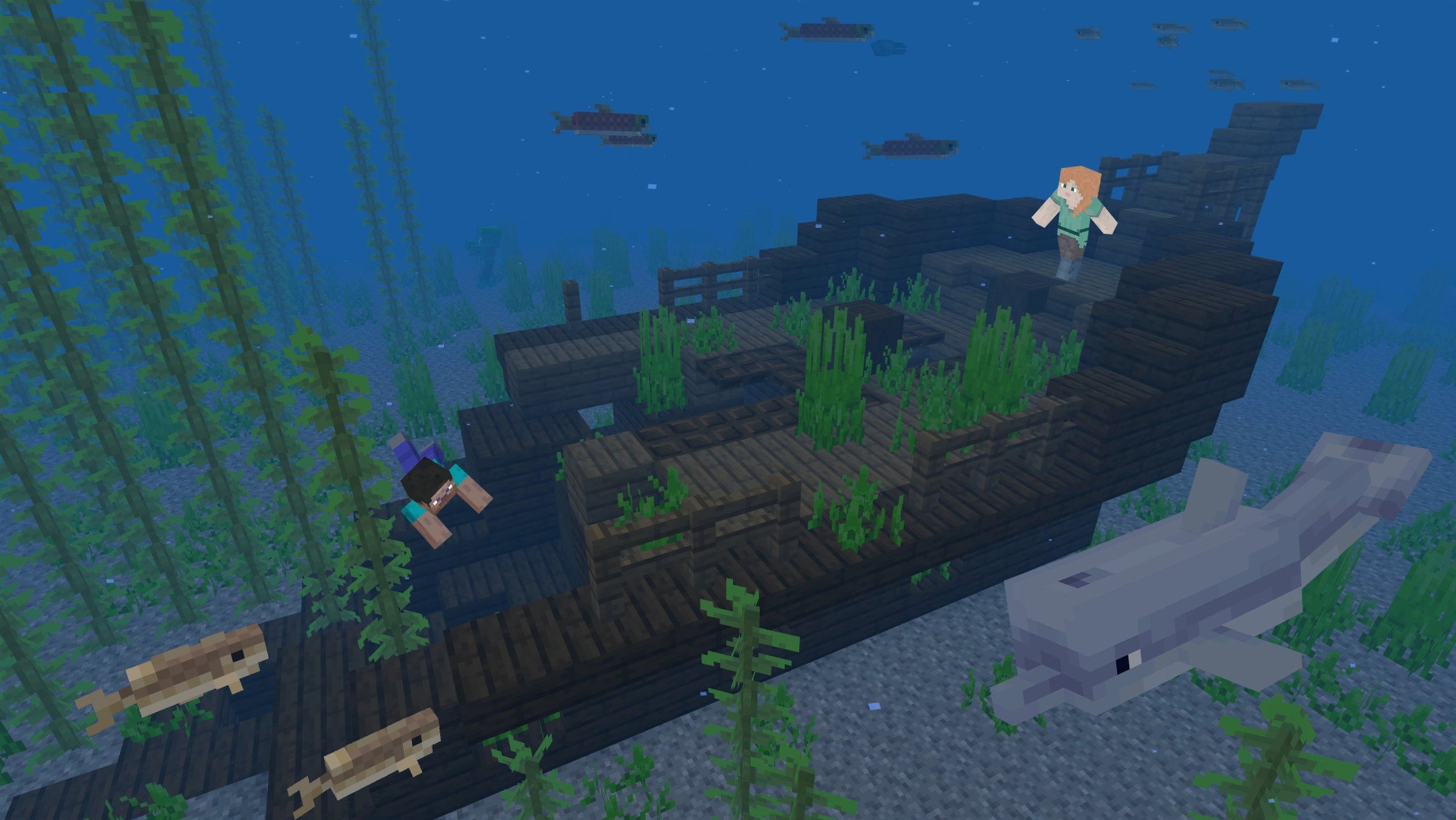
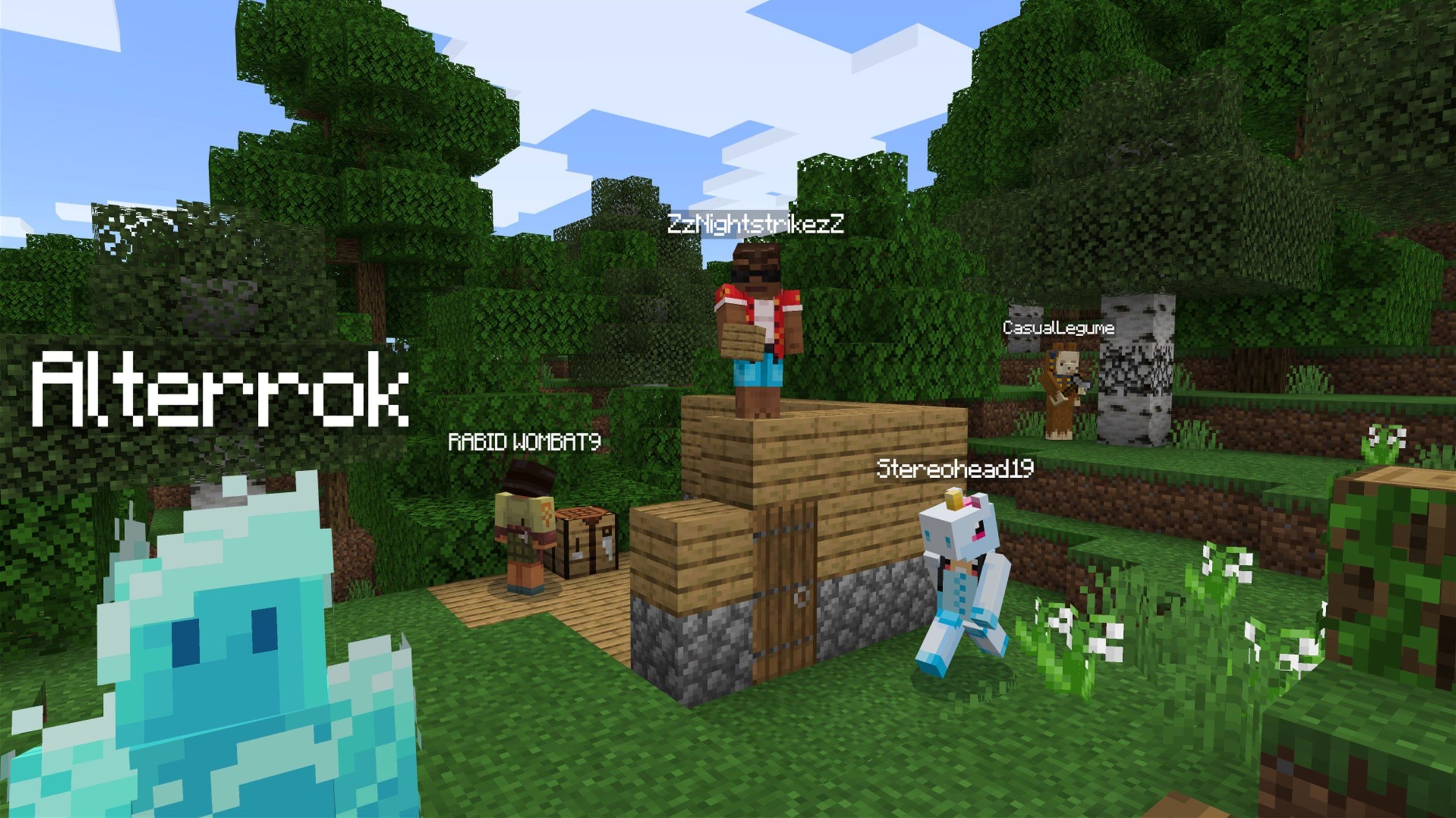
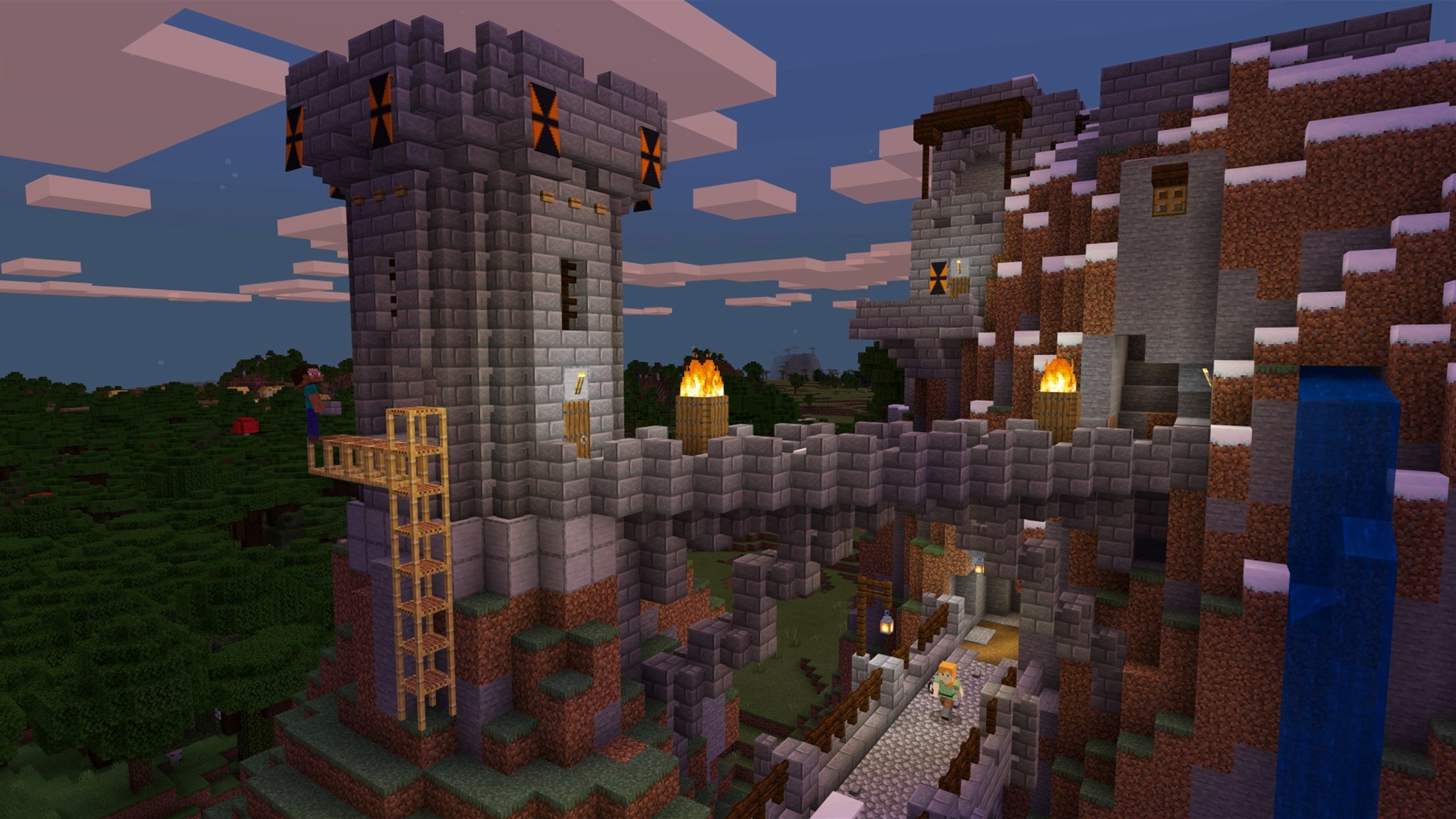
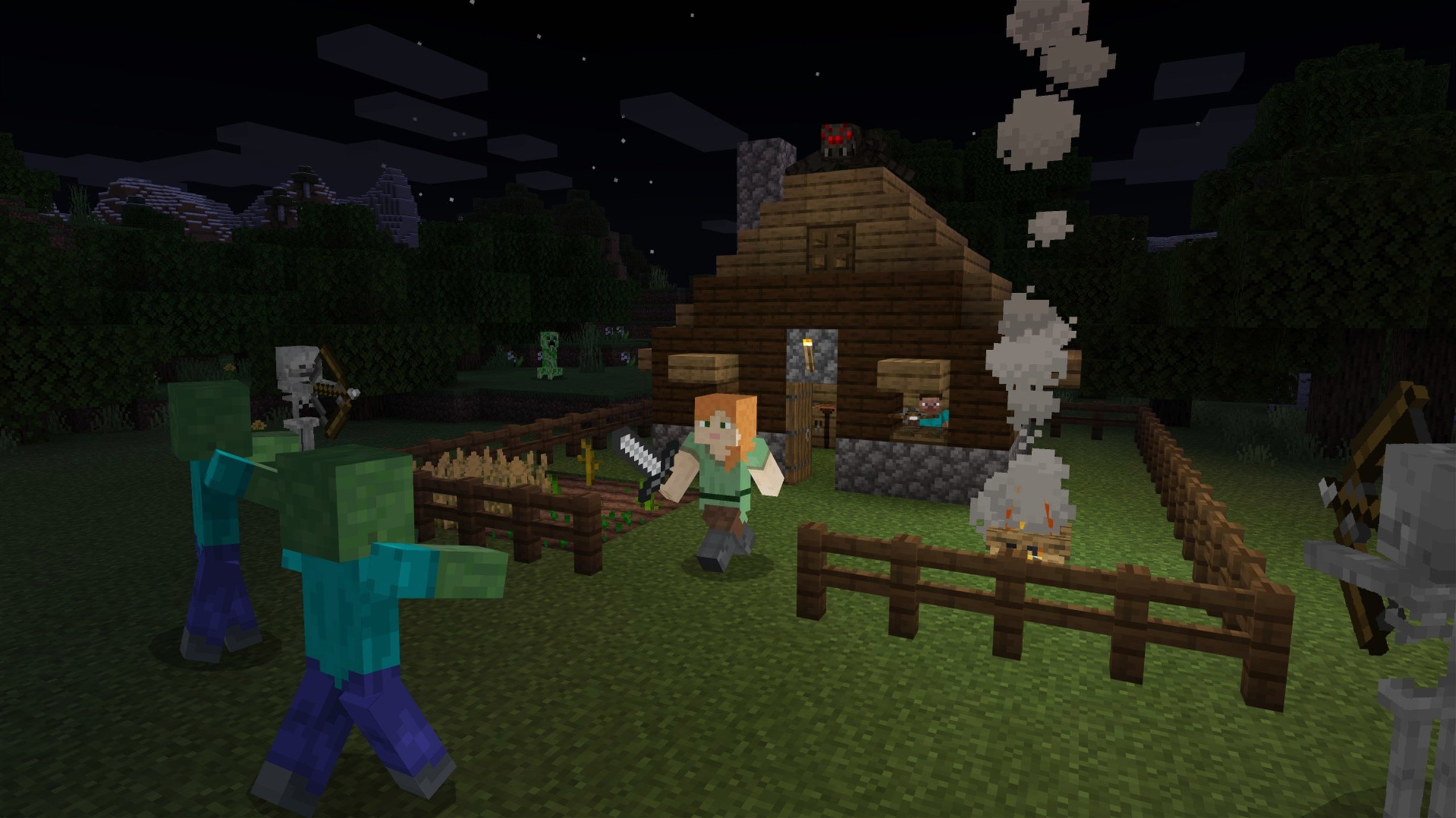
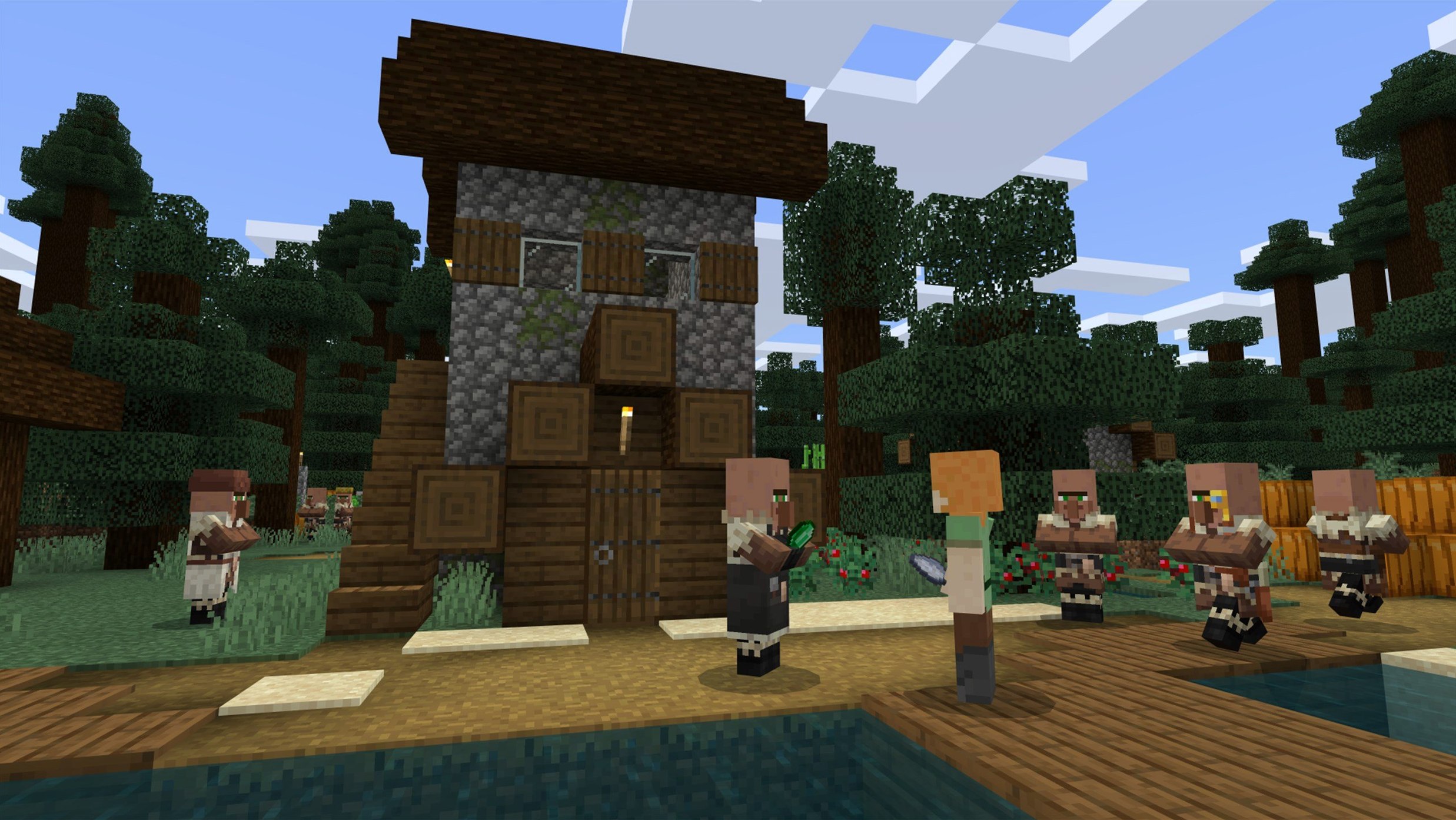
Scroll the row, it snaps to each screenshot. Click one to see it wider.
Minecraft is a sandbox game where you destroy and place blocks in a procedurally generated world. This is the Java Edition, version 1.21.7, built for macOS.
Open-ended building and survival mechanics
- Players who want open-ended building and exploration.
- Anyone who likes survival mechanics, crafting, and mining.
- Modders and server players who prefer the Java version.
Random world generation and language options
- Worlds generate randomly, so no two playthroughs are alike.
- The interface is available in Russian, English, and Ukrainian.
- It runs on both Apple Silicon and Intel 64-bit Macs.
- Version 1.21.7 updates data and resource pack versions to 81 and 64.
What 1.21.7 changes in play
The June 2025 update is small but noticeable. The new 3x3 painting gives builders one more decoration option for tight wall spaces — useful when you want detail without taking up a full block width. The Lava Chicken music disc adds another ambient track to your jukebox collection. Neither changes how you play, but both expand the creative and atmospheric palette.
Behind the scenes, the update fixes several real problems. Resource pack loading is more reliable, which matters if you switch texture packs often. Text rendering got cleaned up, so signs and book text look sharper. The crash fixes for AMD graphics and Qualcomm chips mean older Mac hardware or specific GPU configs are less likely to drop you to desktop mid-session. Texture leaks after reloading resources are patched — a stability improvement for anyone who changes packs or shaders during a play session.
How it fits macOS and other apps
Minecraft Java Edition is a standard Java application. On macOS, the launcher handles the Java runtime, so you don't need to install a separate JDK. It works alongside screen recording tools like OBS or QuickTime Player without extra setup — the game window captures like any other app.
File management is straightforward. Worlds save to ~/Library/Application Support/minecraft/saves/, so Time Machine backups include your builds automatically. Resource packs and mods go into their own folders under the same directory, which makes manual installs predictable. If you use an external drive for game storage, you can symlink the minecraft folder there and the launcher will follow it.
On Apple Silicon Macs, the game runs natively through the Java runtime bundled with the launcher. On Intel Macs, it uses the same runtime compiled for x86. The launcher itself is a universal binary, so it opens fast on both architectures.
Scenario: a builder who shares worlds
Lena runs a small creative server for a group of five friends. She plays on a MacBook Air and does most of her building in single-player before uploading schematics. In 1.21.7, she notices the resource pack loading fix immediately — her custom blocks theme loads on first launch without a manual reload. The Lava Chicken disc becomes a server joke: someone always triggers it in the main hall. The 3x3 painting lets her detail a corridor that was too narrow for the 4x4 versions. She updates her server to match the new data pack version 81 and tells the others to update their clients so chunk loading stays consistent.
System expectations
Minecraft Java Edition 1.21.7 needs a 64-bit macOS system. It runs on both Apple Silicon (ARM) and Intel (x86_64) Macs. The launcher version listed is 167.7 Stable. Minimum macOS version was not specified for this build, but the game was tested on macOS Tahoe on a Mac mini 2024 M4, which confirms compatibility with the current macOS generation.
Disk space varies by world size — the base install plus a few worlds typically stays under 2 GB. The game uses OpenGL for rendering, so older Macs with integrated Intel graphics will run at reduced performance, but the 1.21.7 crash fixes for AMD GPUs and Qualcomm chips improve reliability on those specific configurations. The launcher auto-updates, so you always get the latest Java runtime without manual downloads.
- Added a new 3x3 painting.
- Added the Lava Chicken music disc.
- Updated data pack version to 81.
- Updated resource pack version to 64.
- macOS (version not specified)
- Apple Silicon or Intel 64-bit
- 64-bit system
Questions I get about this line
Minecraft supports both Apple Silicon and Intel 64-bit Macs. It was tested on macOS Tahoe on a Mac mini 2024 M4.
Version 1.21.7 adds a new 3x3 painting and the Lava Chicken music disc, along with updated data and resource pack versions.
The install order
- Open the Minecraft Launcher.
- If the launcher does not show the latest release automatically, select Latest Release from the menu next to the Play button.