- Version
- 1.0.5.102999
- Developer
- Pocketpair
- Languages
- Russian, English, German, Spanish, Italian, Chinese (Traditional), Chinese (Simplified), Korean, Portuguese, French, Japanese
- License type
- Not required
- Released on
- 19.01.2024
- Installed and checked on
- macOS Tahoe, Mac mini 2024 M4
- Audio language
- Music only
| Chip | Apple Silicon |
|---|---|
| Download | 31 GB |
Screenshots


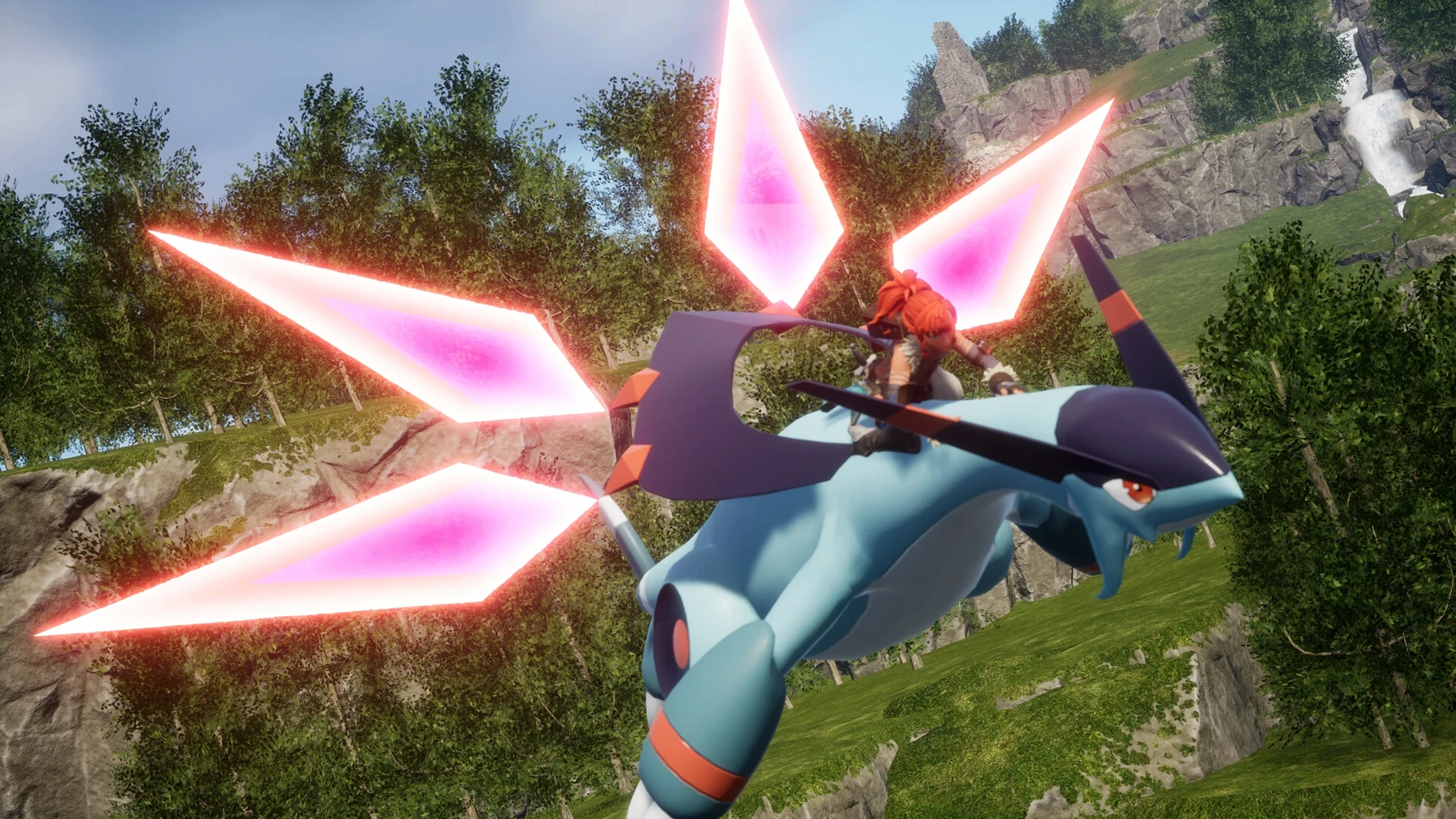
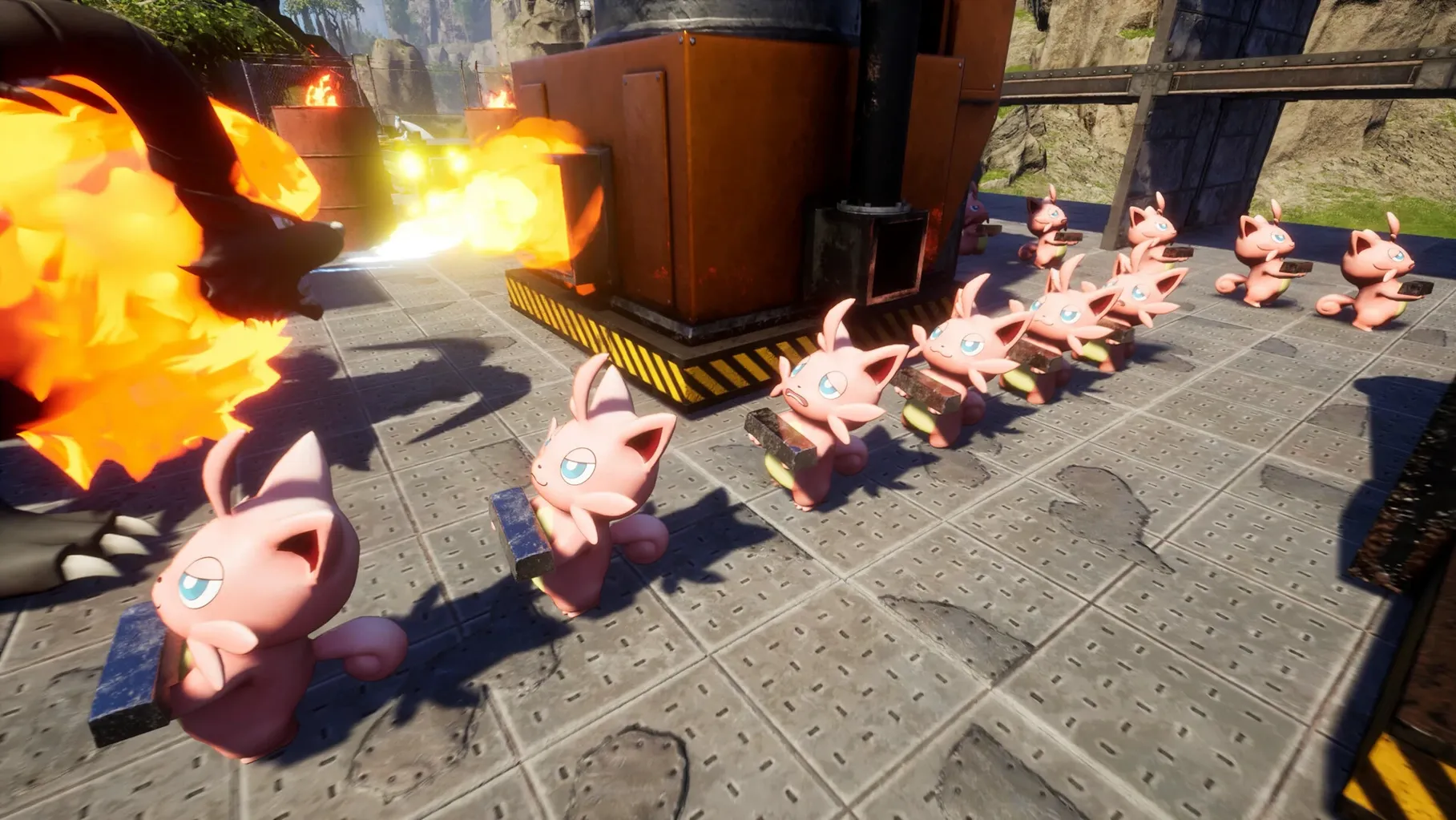



Scroll the row, it snaps to each screenshot. Click one to see it wider.
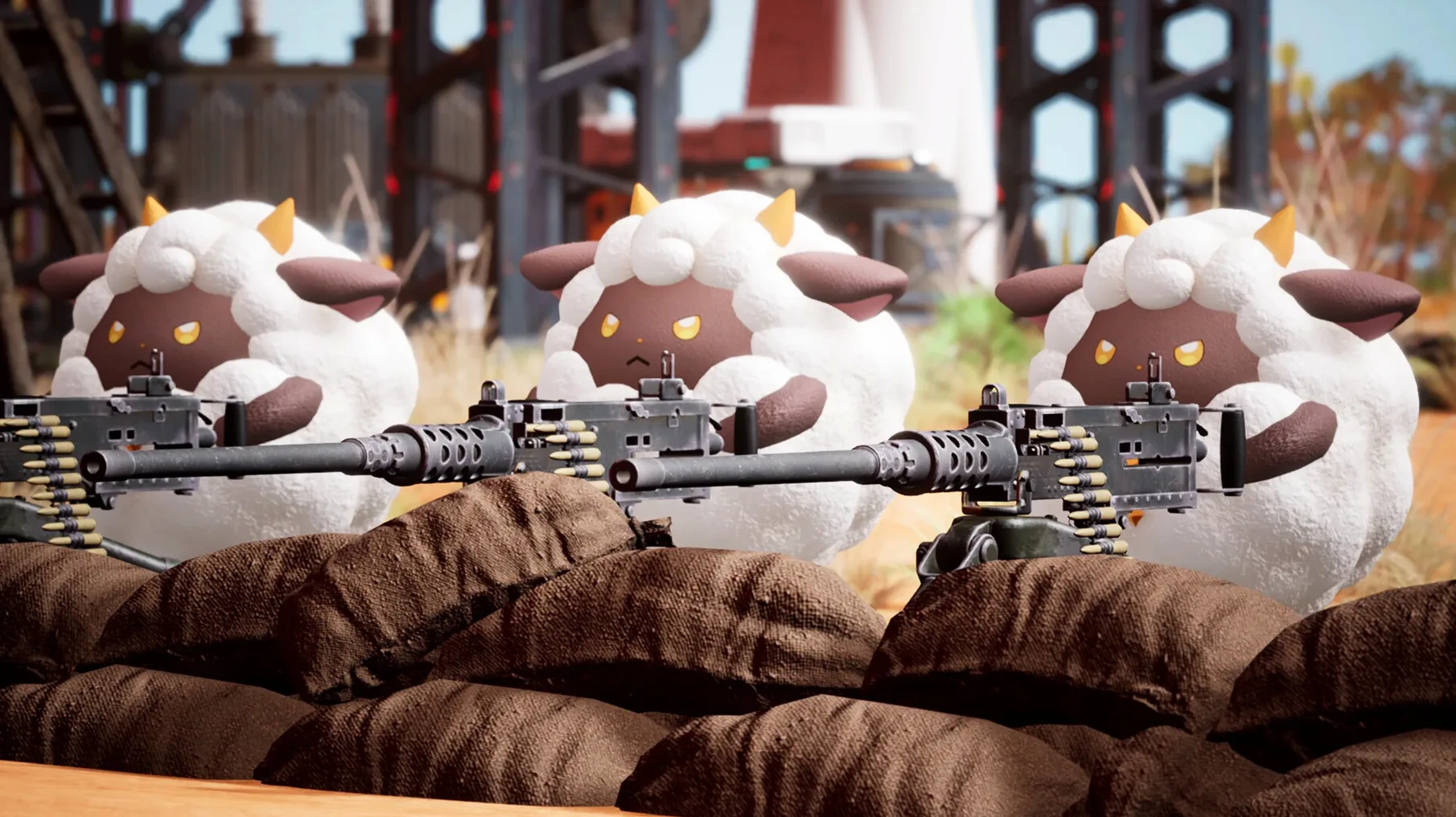
You already know the drill from survival crafting games: gather, build, defend. Palworld takes that loop and adds a monster-catching twist. You capture Pals, then put them to work — generating electricity, mining ore, sowing and harvesting crops, even automating factories. They also fight alongside you and serve as mounts across land, water, and air.
For Fans of Ark, Valheim, and Factory Games
If you like the base-building and resource grind of games like Ark or Valheim, but want more structure, Palworld fits. The automation angle is a big draw — assigning Pals to production lines scratches the same itch as factory games. Co-op play and dungeon exploration give you reasons to team up or go solo. You’ll spend as much time managing your base as you will exploring.
Skip It If You Want Story or Deep Combat
If you’re after a deep narrative or complex combat, this isn’t it. The Pals are charming but the combat stays simple. The voice language is music only, so don’t expect dialogue. Also, the game can feel grindy on the survival side — if you hate babysitting resources, that will wear thin.
Standard Mac App, No Extra Runtimes Needed
Palworld works as a standard macOS application. After you mount the disk image and copy the app to Applications, it launches from Launchpad like anything else. No extra runtimes or compatibility layers needed.
The game uses macOS window management well. You can snap it to a side monitor, cmd+tab out to check a Palworld wiki or a Discord call, and come right back. If you keep your browser open with a breeding calculator or a base-layout guide, the game handles alt-tab without fuss.
For multiplayer, the standard network stack is all you need. If you play over LAN with a friend, your router handles it. For internet play, you'll open whatever ports the developer documents — the usual drill for self-hosted co-op games. No macOS-specific tricks required.
M-Series Macs Only, Runs on M4 Mac mini
Apple Silicon Macs are the target. The tested build ran on an M4 Mac mini, so any M-series machine — M1, M2, M3, M4 — should run it. Intel Macs are not supported for this build.
If you have a MacBook Air, you can play portably. The game does not need a GPU monster. The base-building and factory automation are CPU-heavy tasks, but Apple Silicon handles that fine.
Mac users who already run Steam games through Parallels or Boot Camp will find Palworld simpler: no virtualization, no Windows license. It's a native ARM binary.
Scenario: The Base-Builder Who Automates Everything
Kate manages a small IT team. On weekends, she wants to unwind by building something that runs itself. She picks Palworld.
She captures a few low-level Pals early on and assigns them to a stone pit and a lumber station. That frees her to explore the map without manually swinging a pickaxe every minute. Later, she breeds two electric-type Pals to power a production line for metal ingots. By hour ten, her base has a conveyor belt feeding a crafting station while a third Pal waters the berry farm.
She plays co-op with a colleague who handles dungeon diving. Kate stays home, expands the factory floor, and sends crafted gear to her teammate via the shared base chest. The colleague brings back new Pal eggs, which Kate hatches and crossbreeds for better work traits. They never run out of resources, and neither of them has to grind the same tree for ore twice.
For Kate, Palworld is a factory sim with creatures. It fits into a Saturday afternoon session — she saves, quits, and the base state stays ready for next time.
- macOS (version not specified)
- Apple Silicon
The install order
- Mount the downloaded disk image.
- Drag the app into the Applications folder alias.
- Launch the app from Launchpad after copying finishes.