- Version
- 1.0.0 [MAS] Fix
- Developer
- Hangar 13, Aspyr (Mac)
- Languages
- Russian, English, German, Spanish, Italian, Chinese (Simplified), Korean, Polish, Portuguese, French, Czech, Japanese
- License type
- Not required
- Released on
- 7.10.2016
- Installed and checked on
- macOS Sequoia, Mac mini 2024 M4
- Audio language
- English, German, Spanish, Italian, French
| Chip | Apple Silicon |
|---|---|
| Download | 45.2 GB |
Screenshots
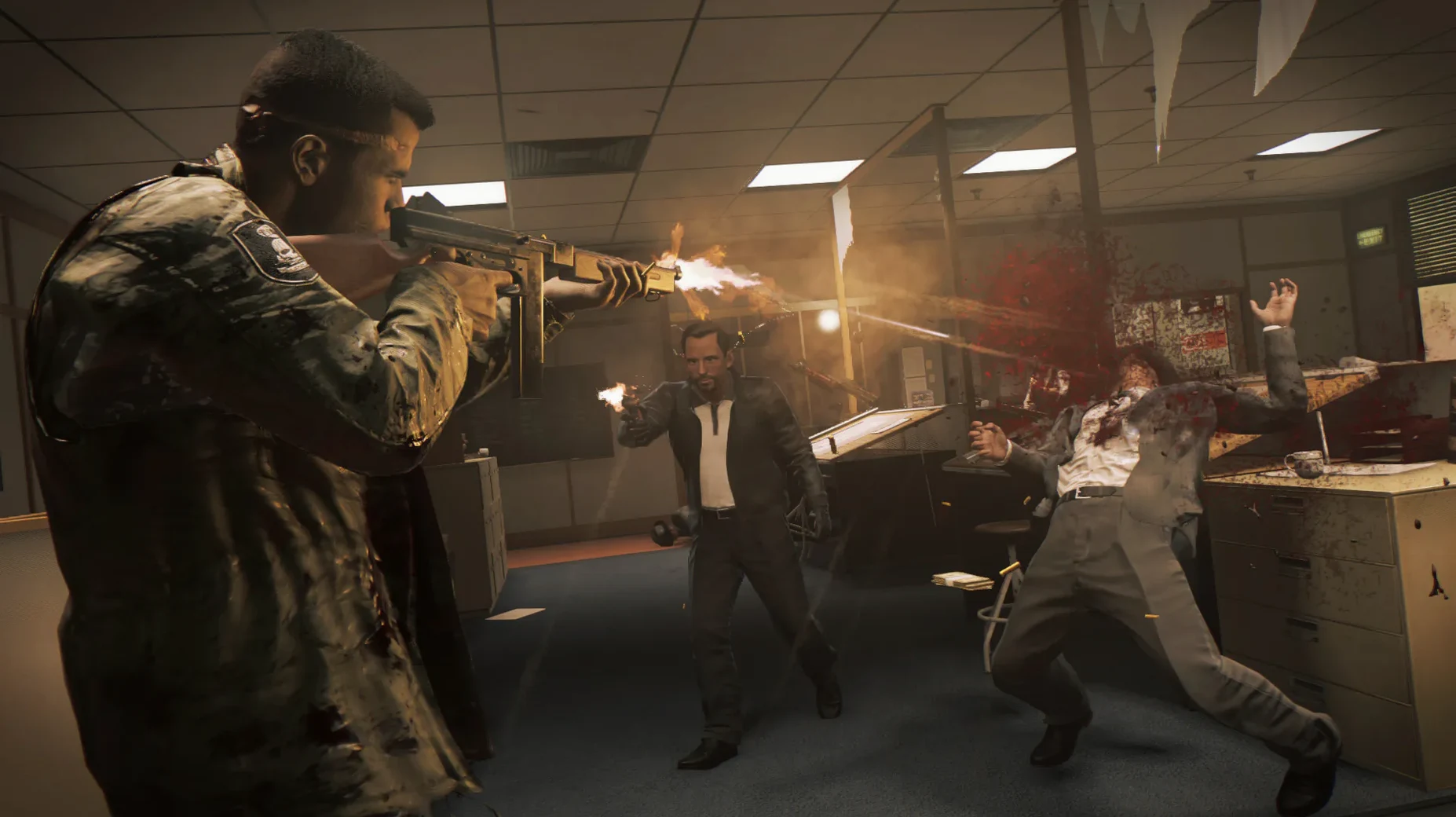
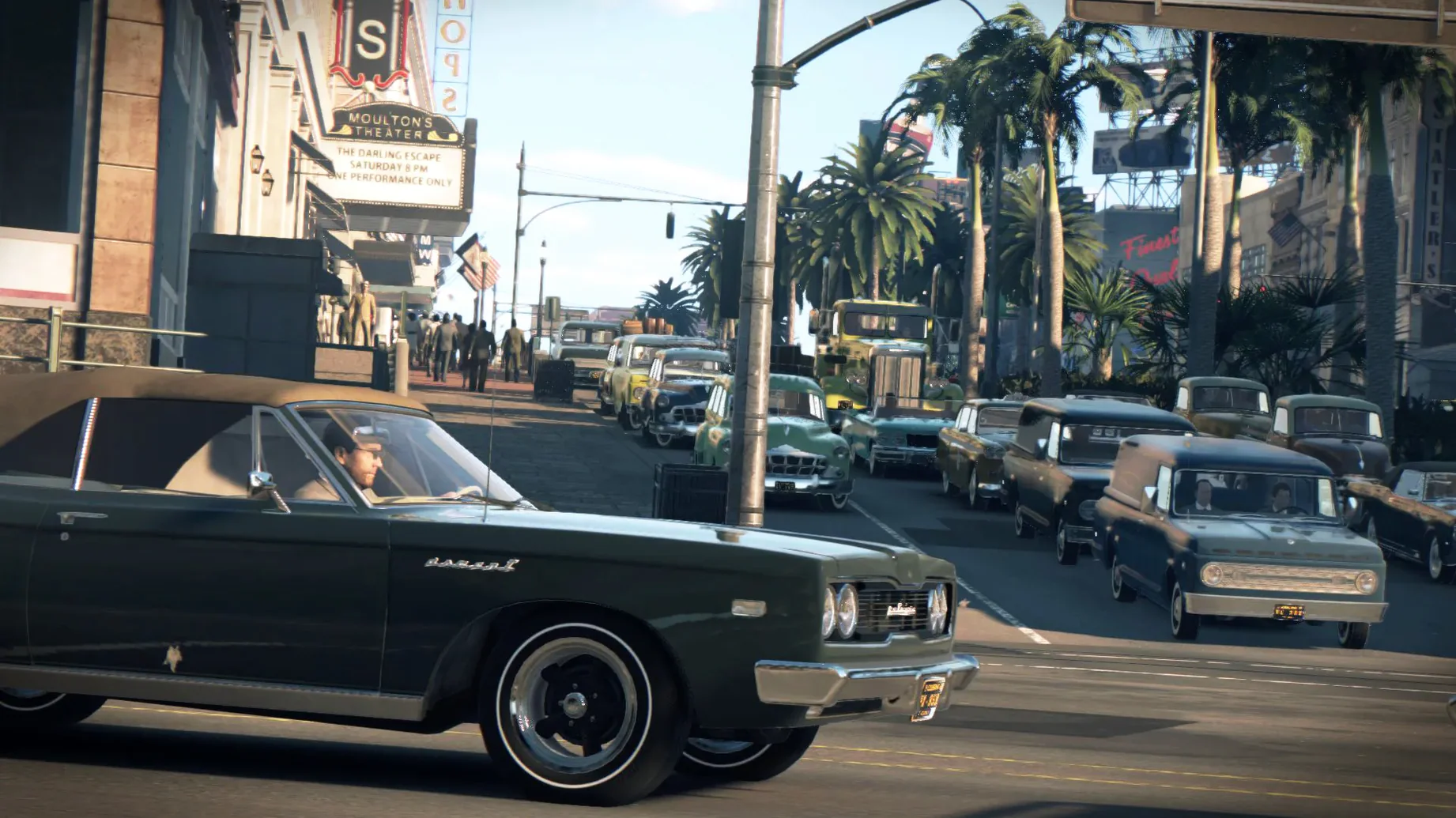
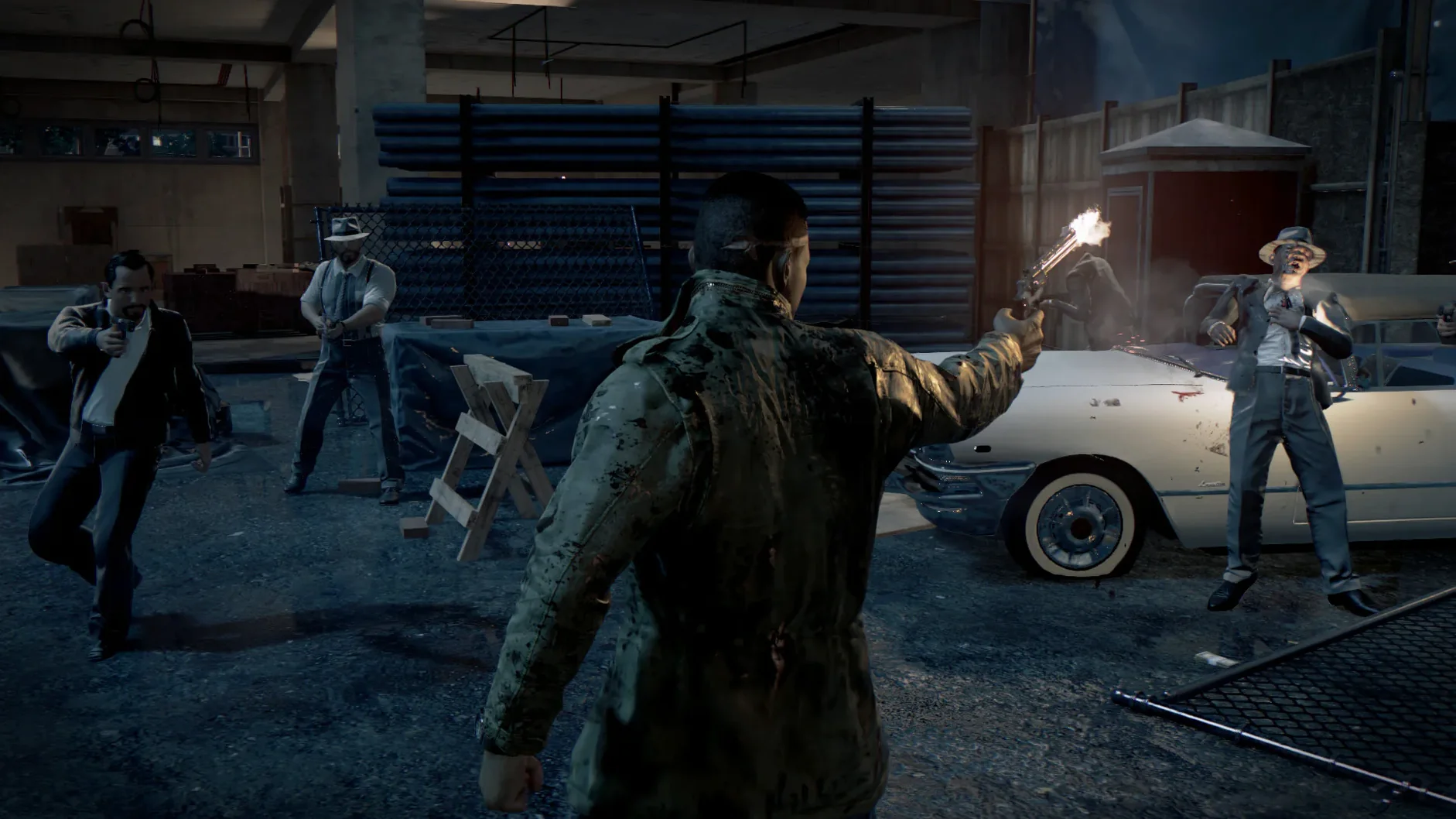
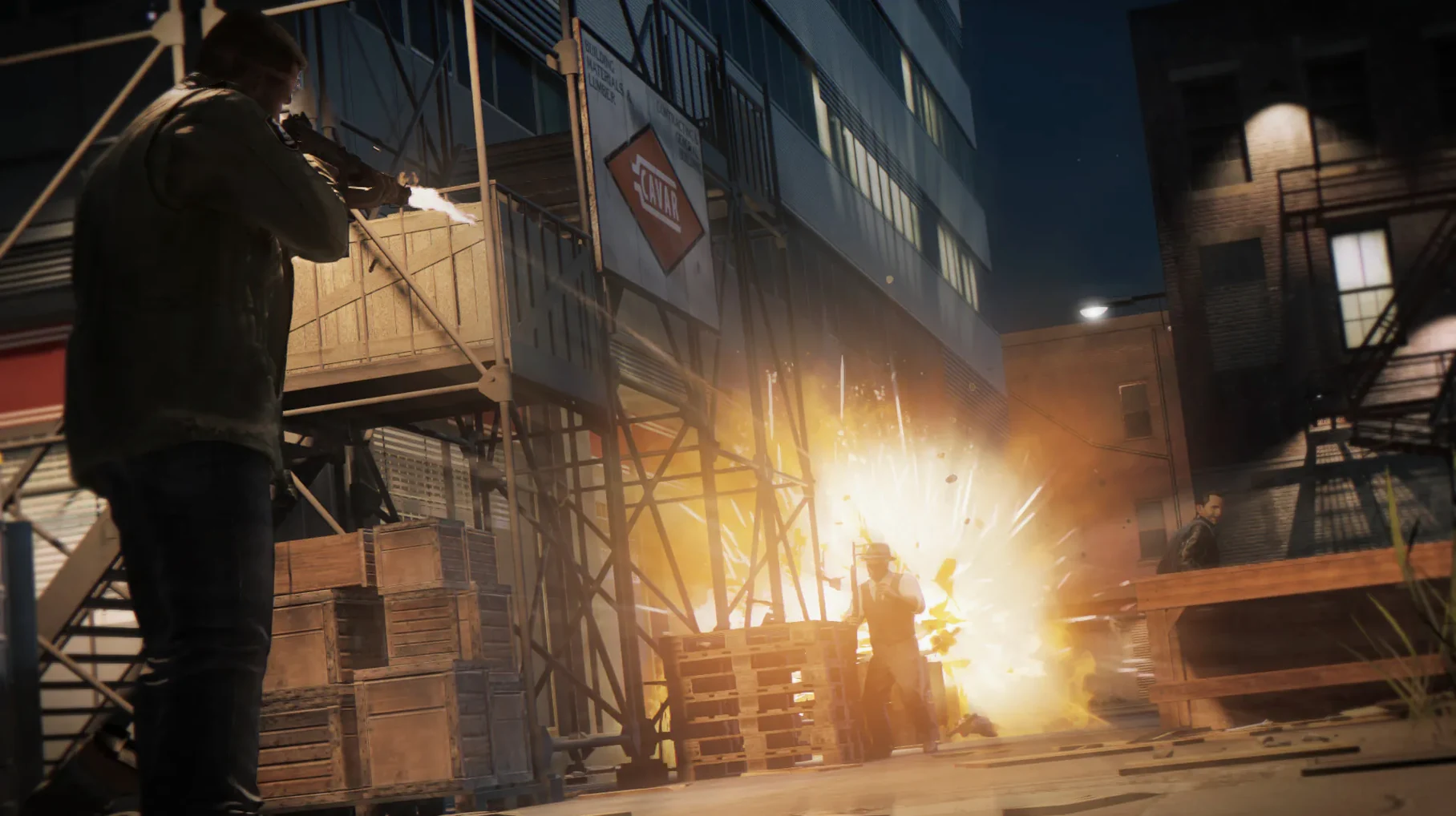
Scroll the row, it snaps to each screenshot. Click one to see it wider.
The Mac version of Mafia III has specific hardware requirements that can trip up a quick install. You need an AMD video card with at least 2 GB of VRAM — Intel and NVIDIA graphics are not supported. The game itself is set in a fictional New Bordeaux in 1968, and you can approach missions with brute force, gunfire, surveillance, or stealth kills. You also make choices about which allies to reward or betray as you build a criminal empire.
Controls and Performance
Supported input devices include Xbox 360, Xbox One, DualShock 4, DualShock 3, Logitech RumblePad 2, and Logitech Dual Action controllers. The Mac version requires macOS 10.12.4 or later and runs on Apple Silicon hardware. Expect performance to vary depending on your specific AMD GPU and RAM.
First-Day Snags and Fixes
The most common problem after a fresh install is the game not launching. Usually it's the GPU check. Mafia III's Mac port only works with AMD cards that have at least 2 GB VRAM. If the game window appears and then disappears, double-check your system's GPU. Go to System Report under the Apple menu and look at Graphics – if it says Intel or NVIDIA, the game won't start. No workaround exists for that.
Another frequent snag: the game launches but the screen stays black or the audio cuts out. This points to corrupted language files or a bad mount. Eject the disk image and remount it. If that doesn't help, re-copy the game into Applications – sometimes the initial drag-and-drop misses a file. Use a file verification tool if you have one to compare the folder size against the original disk image.
Controller not responding? Go into the game's settings menu and check the input device selection. The game auto-detects most supported controllers, but if it misses yours, manually pick it from the list. The supported list covers Xbox 360, Xbox One, DualShock 4, DualShock 3, Logitech RumblePad 2, and Logitech Dual Action controllers.
Practical First-Week Tips
Start with the story missions before you wander the open world. Mafia III opens up gradually, and early side activities can distract you from the main revenge plot. Focus on building Lincoln Clay's initial reputation – that unlocks better weapons and allies faster.
Save often. The game autosaves at checkpoints, but those can be sparse during long driving segments or firefights. Manual saves protect you from backing up fifteen minutes of wasted time. I keep three save slots rotating so I never lose more than a few minutes of progress.
Check your language setting before you start. The Mac version supports English, French, Italian, German, and Spanish for both text and audio. If you want text in Japanese, Korean, Russian, Czech, Polish, Portuguese, or Chinese (Simplified or Traditional), set that before you play – you can't change it mid-session without losing your current mission progress.
Mounting the .iso for a Friday Night Session
Friday night, 9 PM. I've got the game installed and the controllers synced. Here's how a session usually goes.
First, I mount the disk image – double-click the .iso file and wait for it to appear on the desktop. Then I open the Applications folder and check that the Mafia III folder is still there from the last time. Copy takes a minute if I'm reinstalling, but usually it's already there.
I launch the game from Launchpad. The opening cinematic plays – New Bordeaux at night, 1968. I pick my language (English, text and audio) and load my latest save.
Lincoln's on a bridge, scouting a racket operation. I've got a choice: drive in shooting, or pick off the guards from the roof with a silenced pistol. I go with surveillance first. I scope the compound from the water tower – three guards on patrol, two at the entrance, one by the cash room. I tag them with the binoculars so they show on the minimap.
I go stealth. Drop the two guards at the entrance with melee takedowns, then work around the back for the cash room guard. One of the patrols circles back, so I duck behind a stack of crates and wait. He passes. I take him from behind. That leaves two near the garage – I use a silenced pistol from twenty yards. Clean.
The cash room opens after I kill the lieutenant. Inside, I find intel on a rival family. I can sell it to Burke or keep it for myself. I save Burke's loyalty for now – I bet he'll be useful later. I take the cash and drive back to Father James's church to bank it.
Between missions, I check my empire map. I own two rackets and one illegal business. The DLC content – Judge, Jury & Executioner; Family Kickback; Faster Baby – is waiting in the side missions list. I might run one tonight if I have time. For now, I save and shut down.
- macOS 10.12.4 or later
- Apple Silicon processor
- 8 GB RAM minimum
- 50 GB available storage
- AMD GPU with at least 2 GB VRAM (Intel and NVIDIA not supported)
- Interface languages: Russian, English, German, Spanish, Italian, Chinese (Simplified), Korean, Polish, Portuguese, French, Czech, Japanese
Questions I get about this line
No, the Mac version only supports AMD video cards with at least 2 GB of VRAM. Intel and NVIDIA graphics cards are not supported.
The install order
- Mount the downloaded disk image.
- Drag the game into the Applications folder alias.
- Launch the game from Launchpad after copying is complete.