
- Version
- 0.11.1 Native
- Developer
- inZOl Studio
- Languages
- Russian, English, German, Spanish, Italian, Chinese (Traditional), Chinese (Simplified), Korean, Polish, Portuguese, French, Japanese
- License type
- Not required
- Released on
- 28.03.2025
- Installed and checked on
- macOS Tahoe, Mac mini 2024 M4
- Audio language
- Music only
| Chip | Apple Silicon |
|---|---|
| Download | 30 GB |
Screenshots
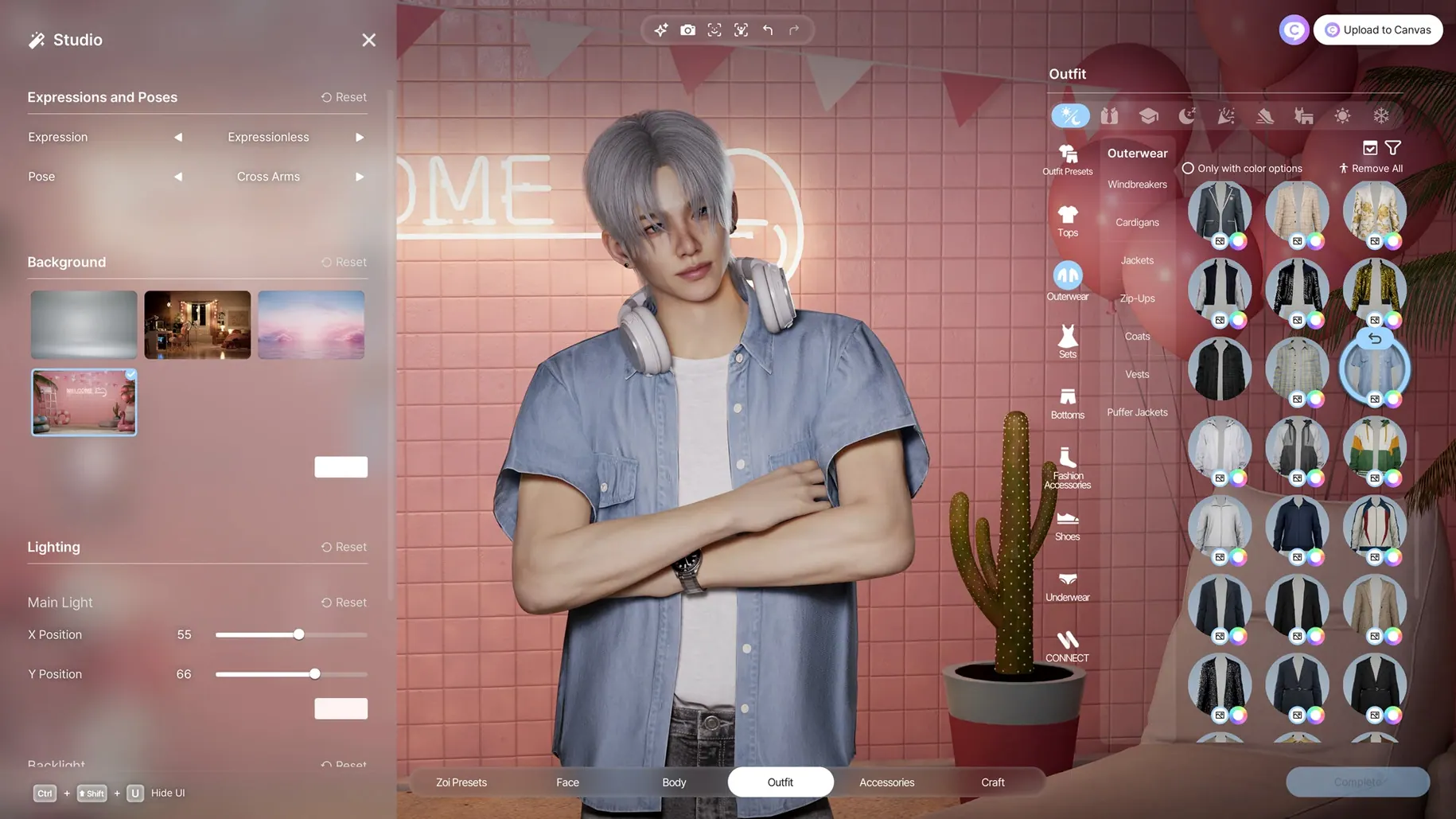
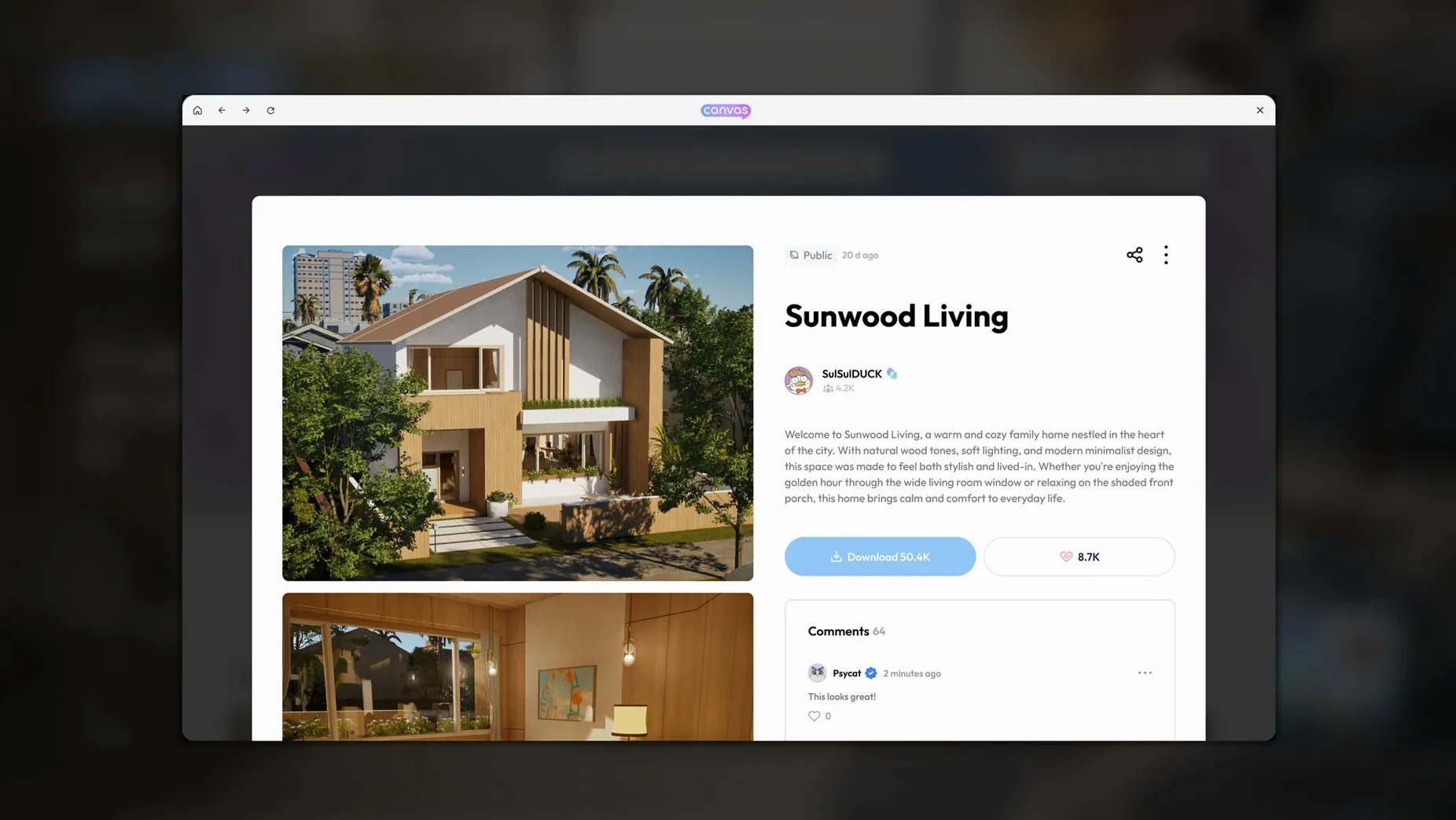
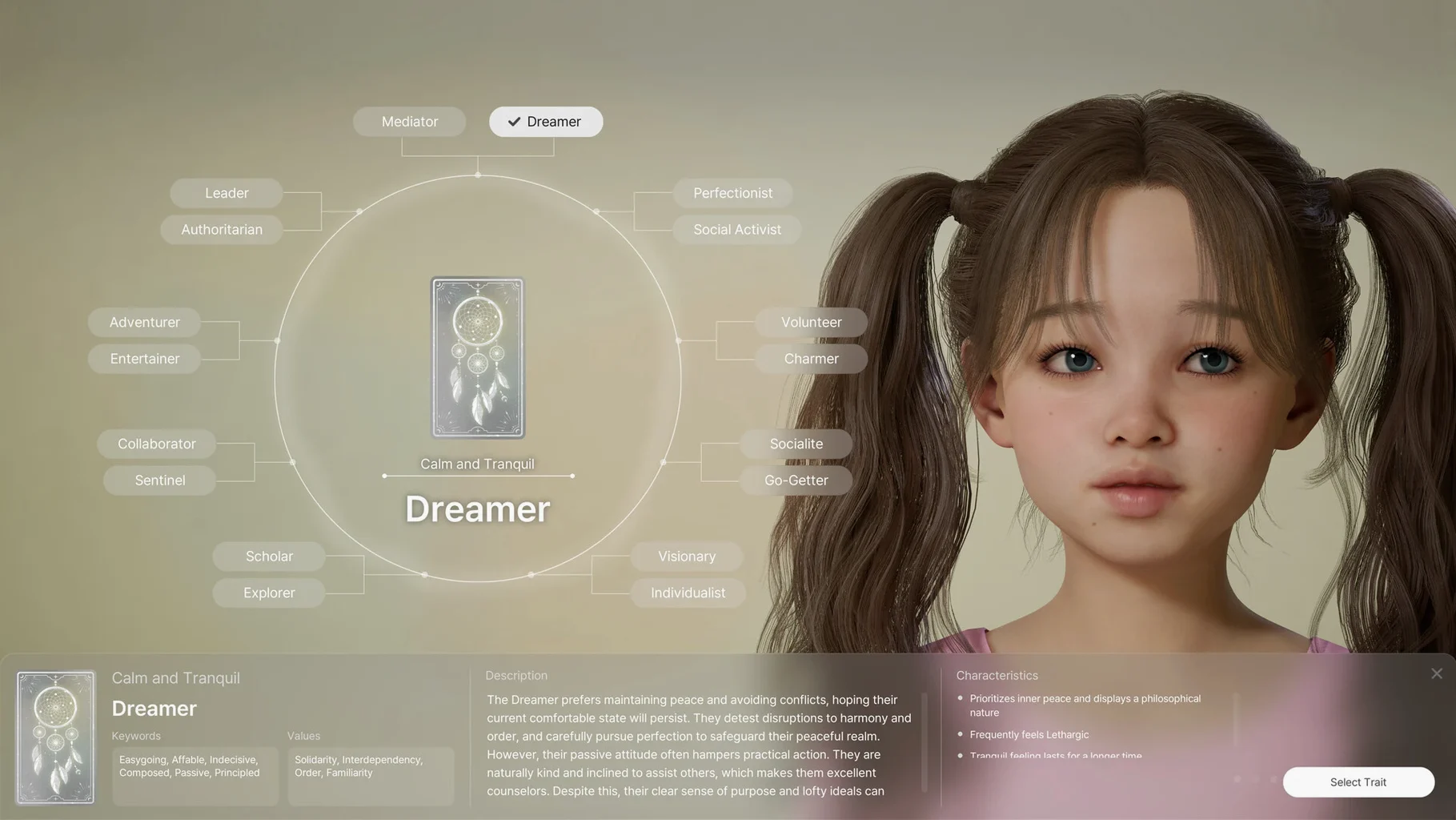

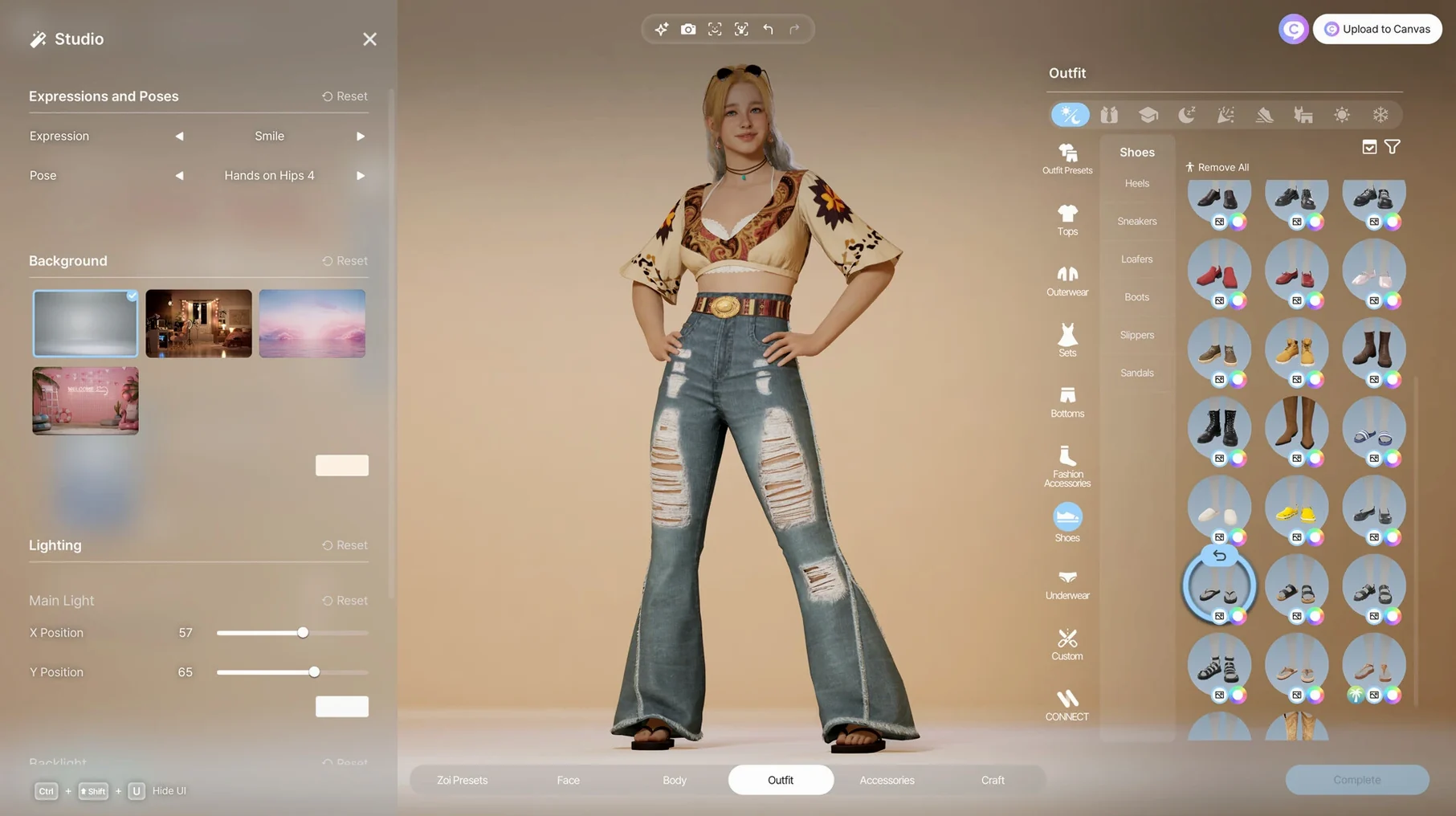
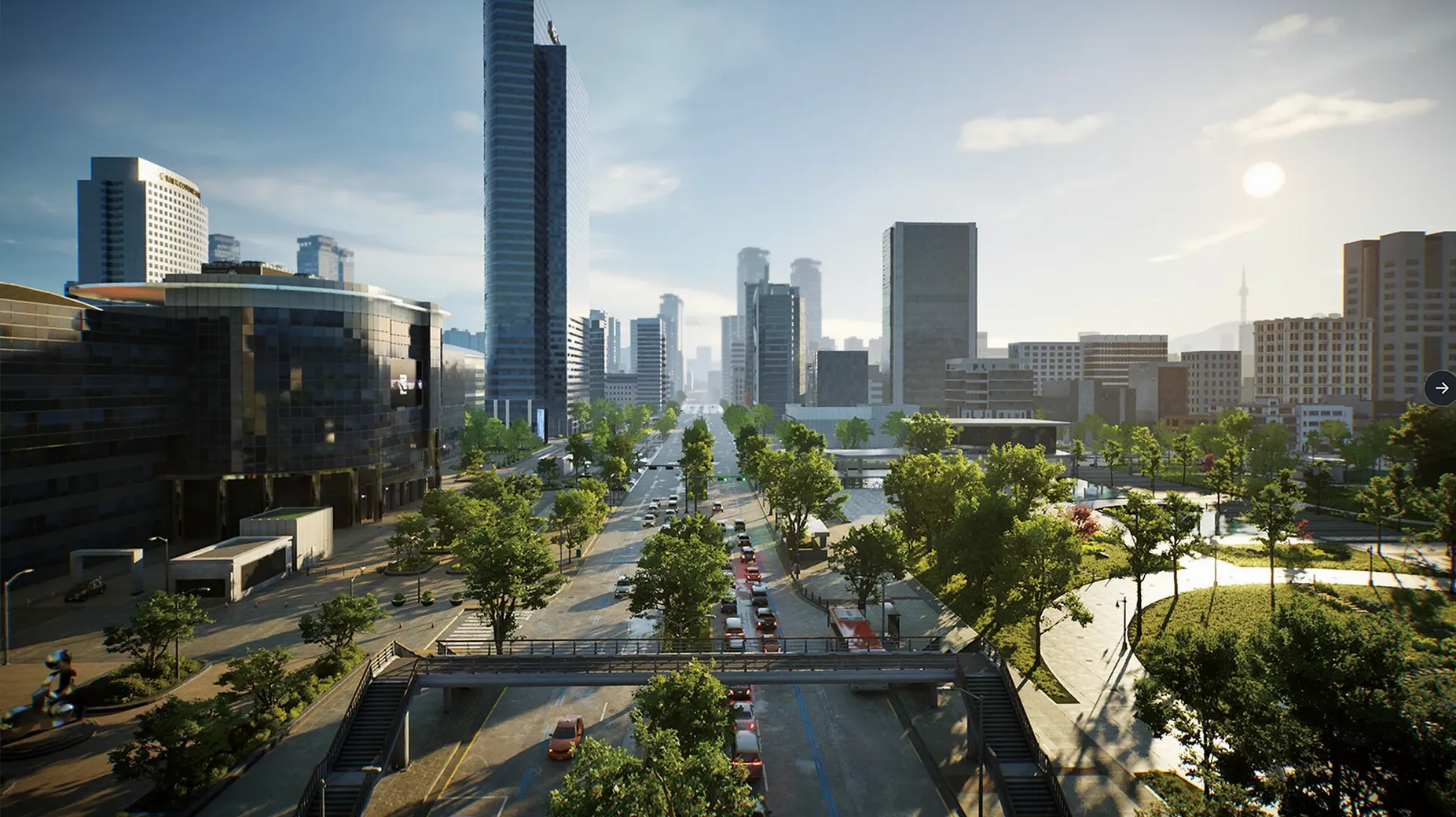
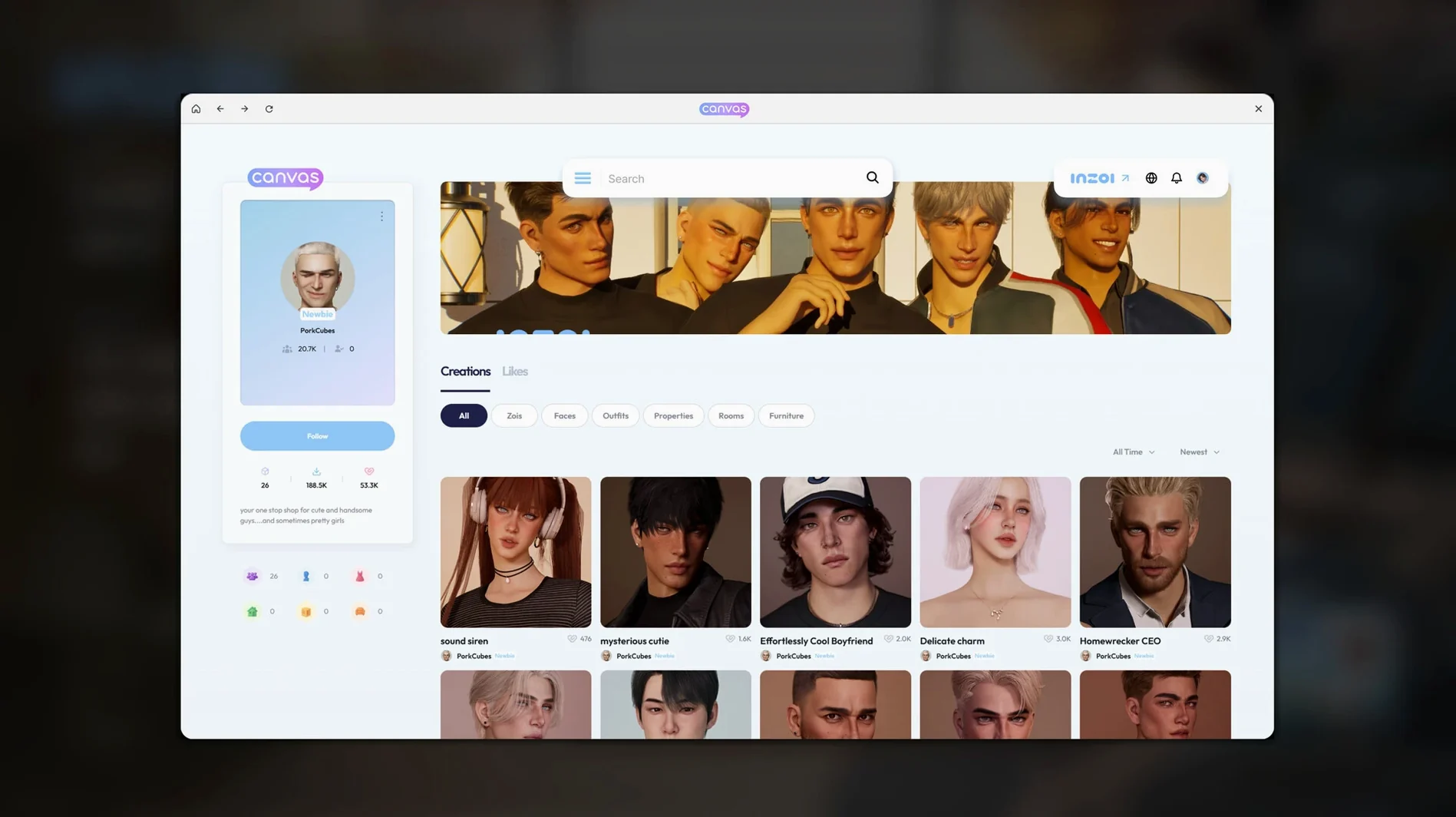

Scroll the row, it snaps to each screenshot. Click one to see it wider.
You start inZOI with an empty lot and a stack of tools. The first hour is usually spent laying out walls, placing a roof, and deciding whether the stairs go left or right. Then you switch to decorating: furniture, patterns, lighting — all adjustable down to the color of a throw pillow.
Once the space is livable, you turn to the Zois. Each character has personality traits and life experience that shape how they act and form relationships. You watch them interact, step in when needed, and tweak their environment to see how it changes their behavior.
Minute to minute, you're doing one of these:
- Drawing walls, roofs, stairs, fences, and gates to shape buildings.
- Placing and restyling interior items and furniture.
- Generating custom patterns or images from text prompts for clothing and decor.
- Converting 2D models into in-game 3D objects.
- Managing a city modeled after real places, keeping the community running.
- Observing Zois form relationships and react to their surroundings.
The game runs on Unreal Engine 5 and is optimized for Apple Silicon, so the city stays responsive even when you're zoomed in on a single conversation.
I get a few questions before people decide to install. Here they are, answered.
Pre‑Install Questions
Do I need an internet connection to play?
No. Once the game is installed, you can play offline. The generative AI features use a local model, so nothing gets sent to a server for pattern generation or 3D conversion.
Will it run on Intel Macs?
The game is optimized for Apple Silicon. The system requirement calls for macOS Tahoe and an M1 or later processor. Intel‑based Macs are not supported.
Is the game finished?
It is in early access. Version 0.10.4 is what you get. You will see incomplete features and occasional rough edges. That is the nature of an early‑access title.
Can I transfer saves from another platform?
There is no cross‑platform save transfer. Saves stay on your Mac.
Does it require an online account or activation?
No. The game does not need activation. Install it and launch it.
Workflow: Build a House in 30 Minutes
This is the fastest way to get a building up and a Zoi inside.
- Pick a lot. Open the city view and select an empty plot. The game shows you the boundaries and the street connection.
- Draw the walls. Use the wall tool to sketch a rectangle or a more complex shape. Do not worry about height yet – you adjust that later.
- Add a roof. Select the roof tool, choose a style, and drag it over the walls. The game auto‑adjusts the pitch.
- Place stairs. If your design has a second floor, place stairs before you furnish. Stairs snap to floor edges.
- Furnish the ground floor. Open the interior catalog. Place a kitchen counter, a table, chairs, and a bed. Adjust the colors of each item using the color picker.
- Generate a pattern for the sofa. Open the pattern tool, enter a text prompt like “blue geometric,” and apply the generated pattern to the sofa fabric.
- Create a Zoi. Switch to character creation. Pick a body shape, skin tone, and hair style – you have more than 250 options. Set two personality traits.
- Move the Zoi in. Assign the Zoi to the house. The Zoi walks through the front door and starts interacting with the furniture.
- Watch for 10 minutes. The Zoi will form opinions about the space, walk to different rooms, and react to the decorative choices you made.
That sequence gets you from an empty lot to a living simulation in under an hour.
Type your way to brick walls with ivy or floral shirts
These features are easy to overlook during your first sessions.
- Text prompts for patterns and images. You do not have to browse through hundreds of presets. Type what you want – “brick wall with ivy” or “floral shirt” – and the local AI generates it.
- 2D‑to‑3D conversion. Drop a flat image of a chair or a lamp into the converter. The game turns it into a 3D object that Zois can use.
- Facial capture and motion capture. If you have a webcam, the game can map your face expressions onto a Zoi. Same with body movements from a video file.
- Weather and street changes. You can change the weather in a district or add a street where there was none. The community simulation updates accordingly.
- Rumors and trends. Zois talk about each other and adopt trending styles. You do not have to script that – it emerges from the simulation.
These features sit in the background until you need them. That is the point.
- Version 0.10.4 is the current catalog build.
- macOS Tahoe
- Apple Silicon
Questions I get about this line
Yes. You can use text prompts to generate patterns and images for clothing, decorations, and furniture, and you can turn 2D models into in-game 3D objects.
The install order
- Open the downloaded disk image.
- Drag the app into the Applications folder alias.
- After copying finishes, launch the app from Launchpad.
- If the app does not start, run the listed Terminal commands or allow it in Privacy & Security settings.