- Version
- 7.06 Native
- Developer
- Hello Games
- Languages
- Russian, English, German, Spanish, Italian, Chinese (Traditional), Chinese (Simplified), Korean, Dutch, Polish, Portuguese, French, Japanese
- License type
- Not required
- Released on
- 12.08.2016
- Installed and checked on
- macOS Golden Gate, Mac mini 2024 M4
- Audio language
- Russian, English, German, Spanish, Italian, Chinese (Traditional), Chinese (Simplified), Korean, Polish, Portuguese, French, Japanese
| Chip | Apple Silicon, Intel 64-bit |
|---|---|
| Download | 24 GB |
Screenshots
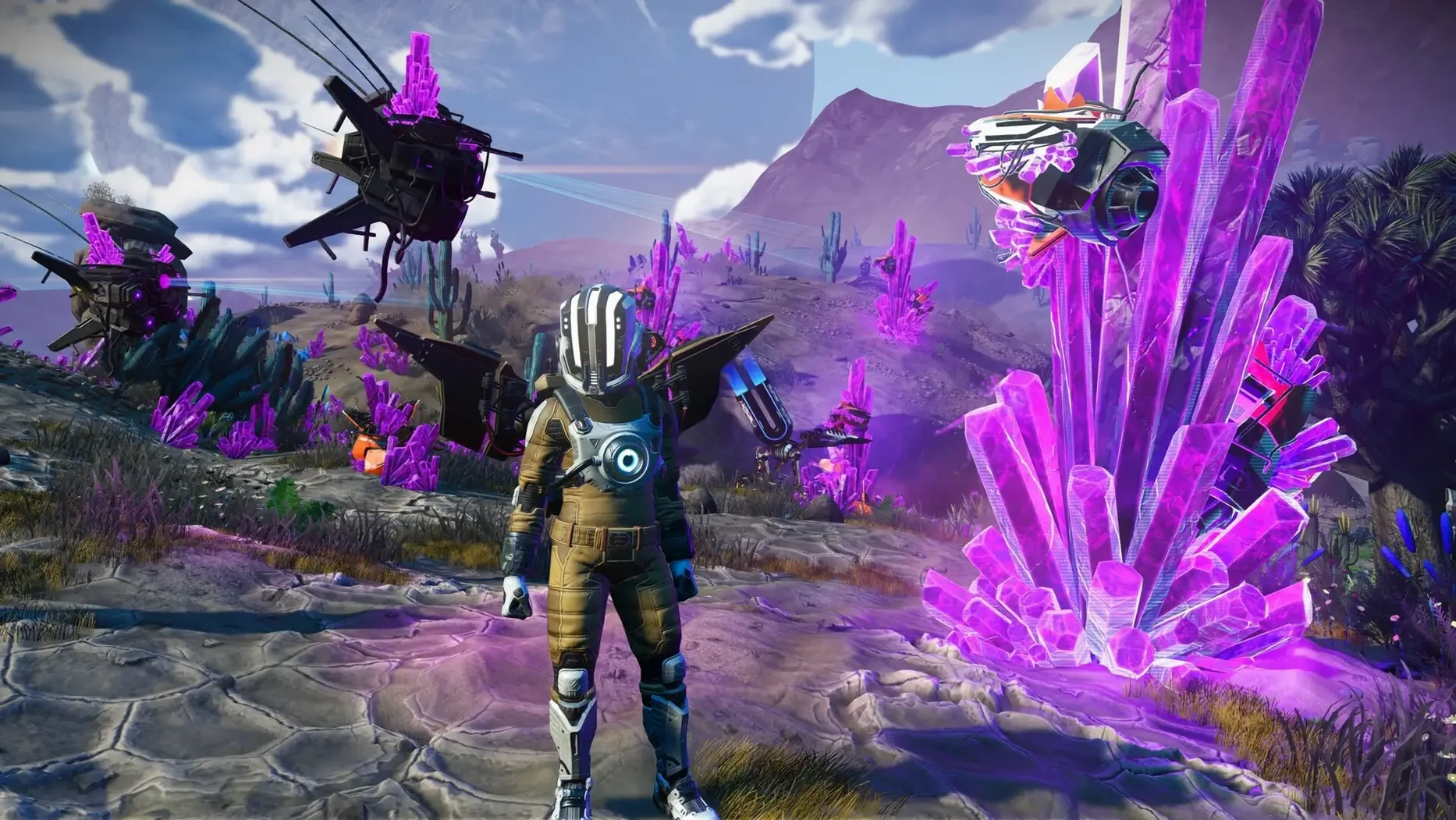
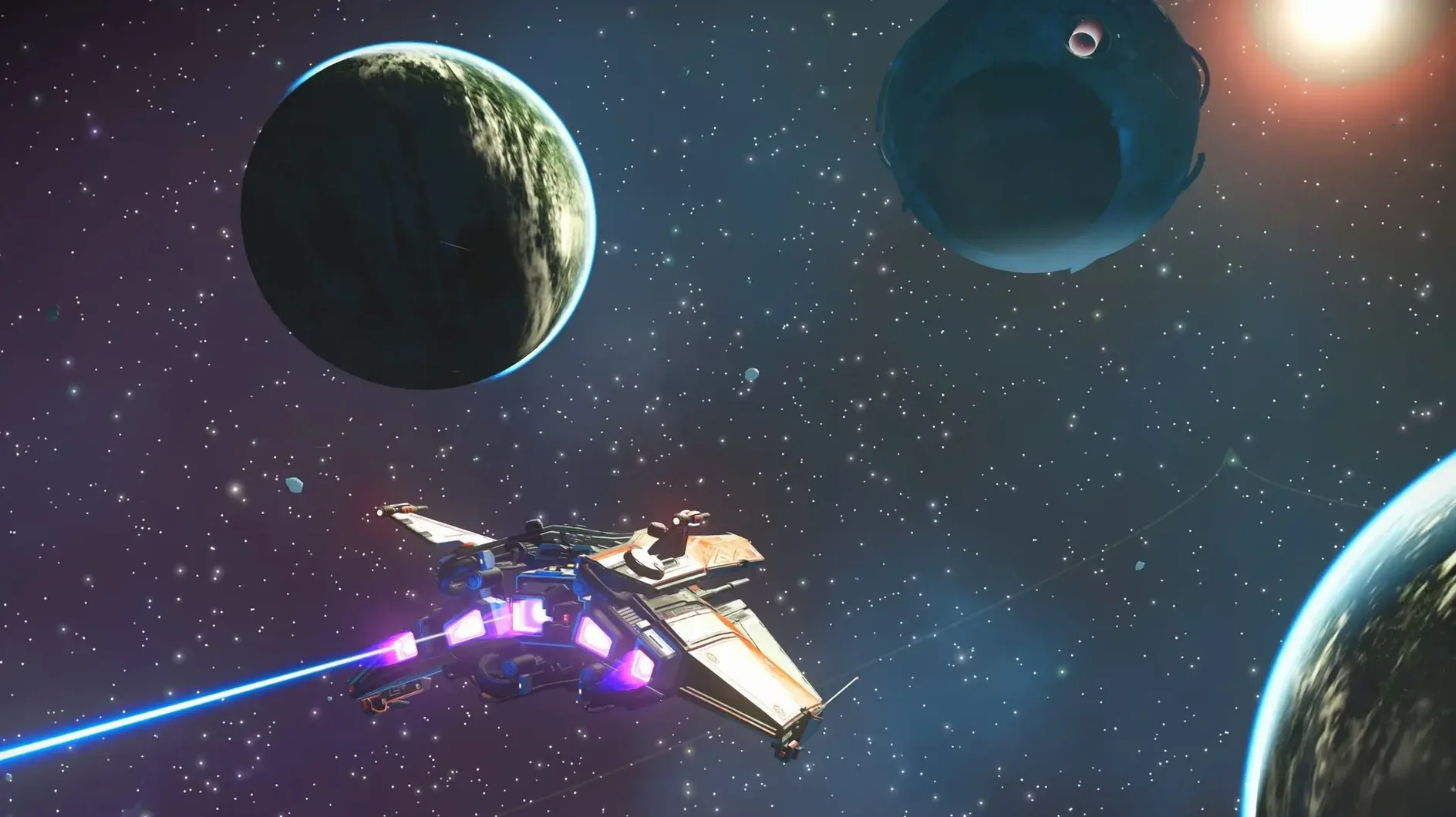
Scroll the row, it snaps to each screenshot. Click one to see it wider.
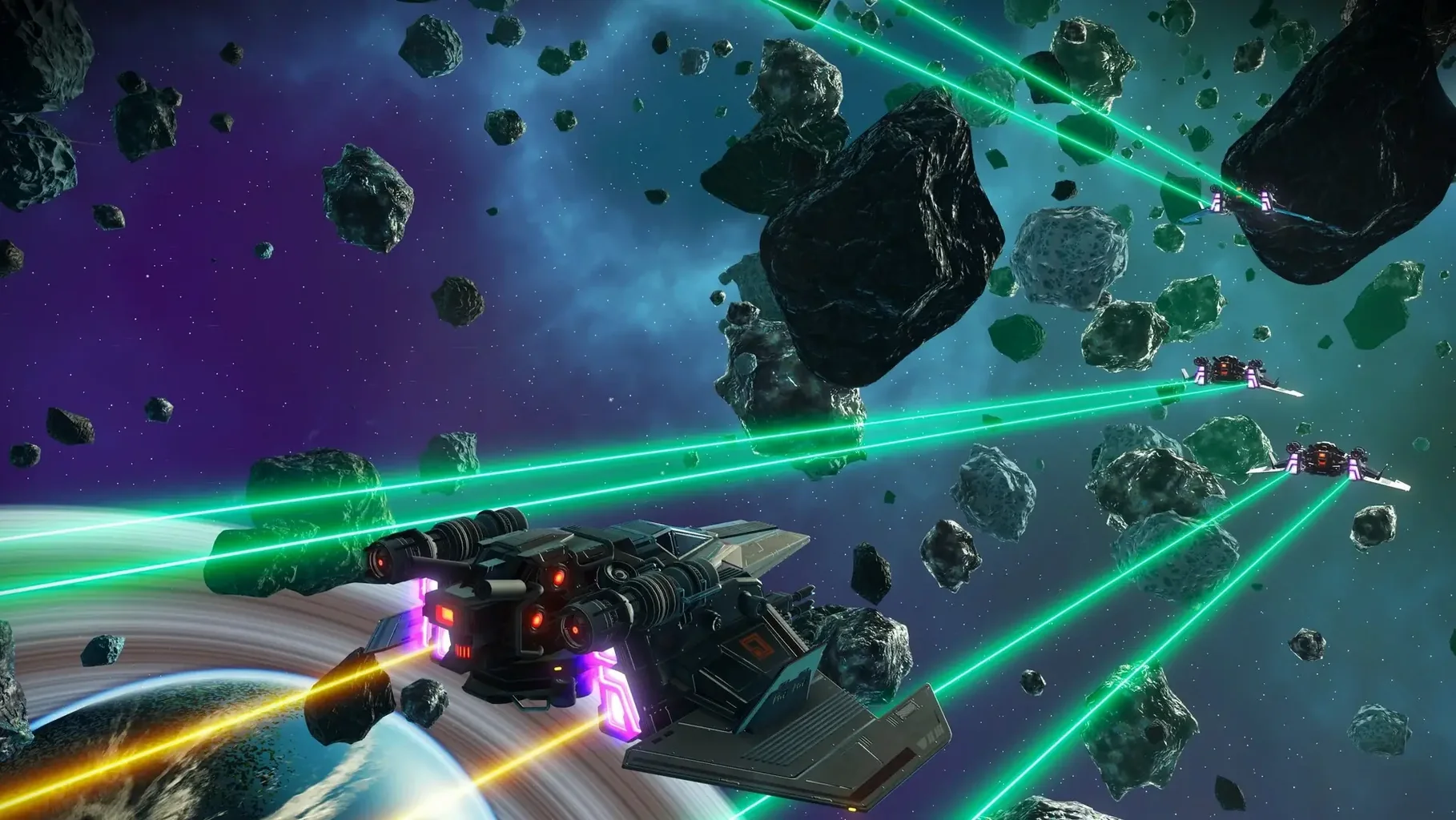
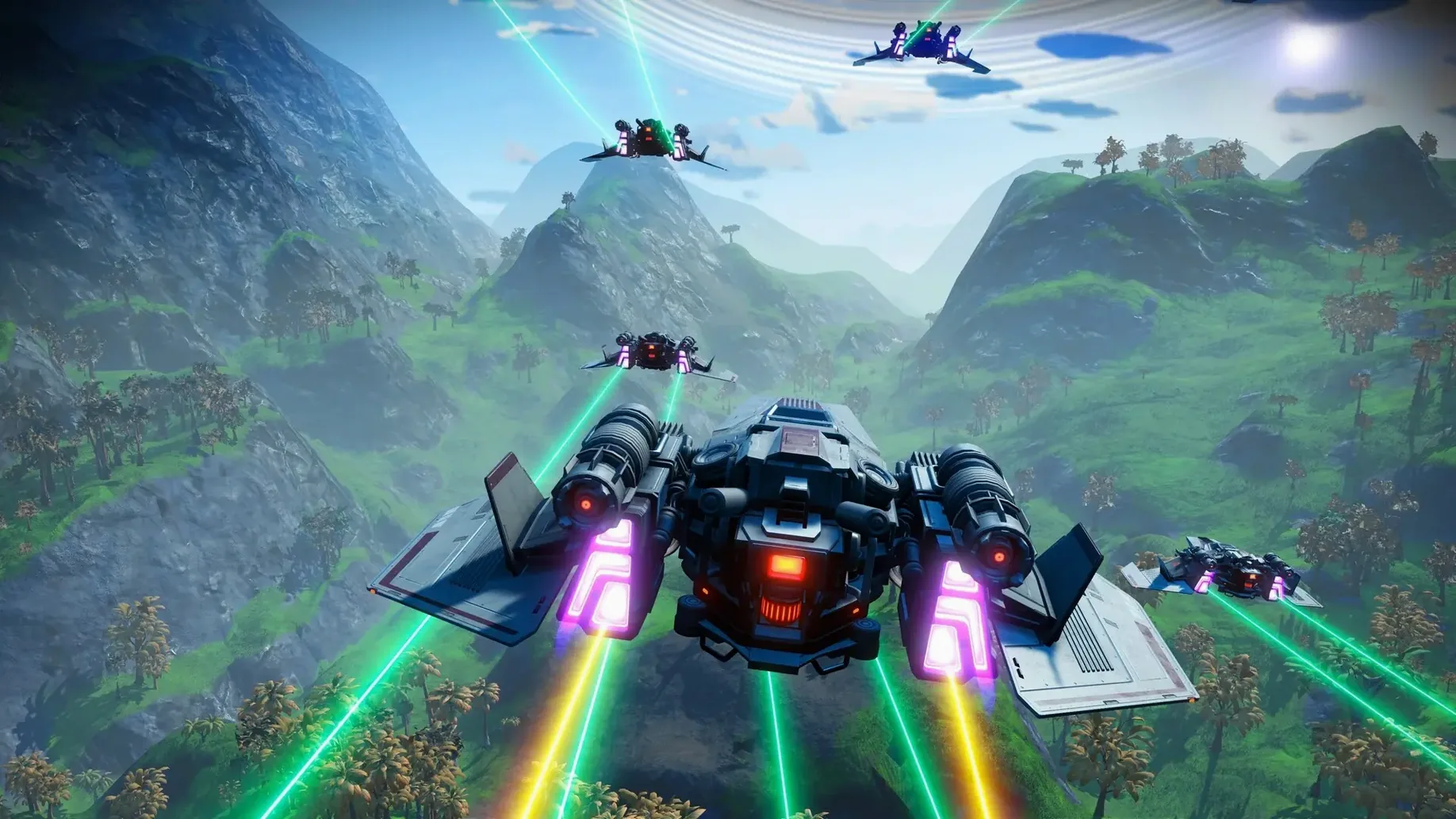
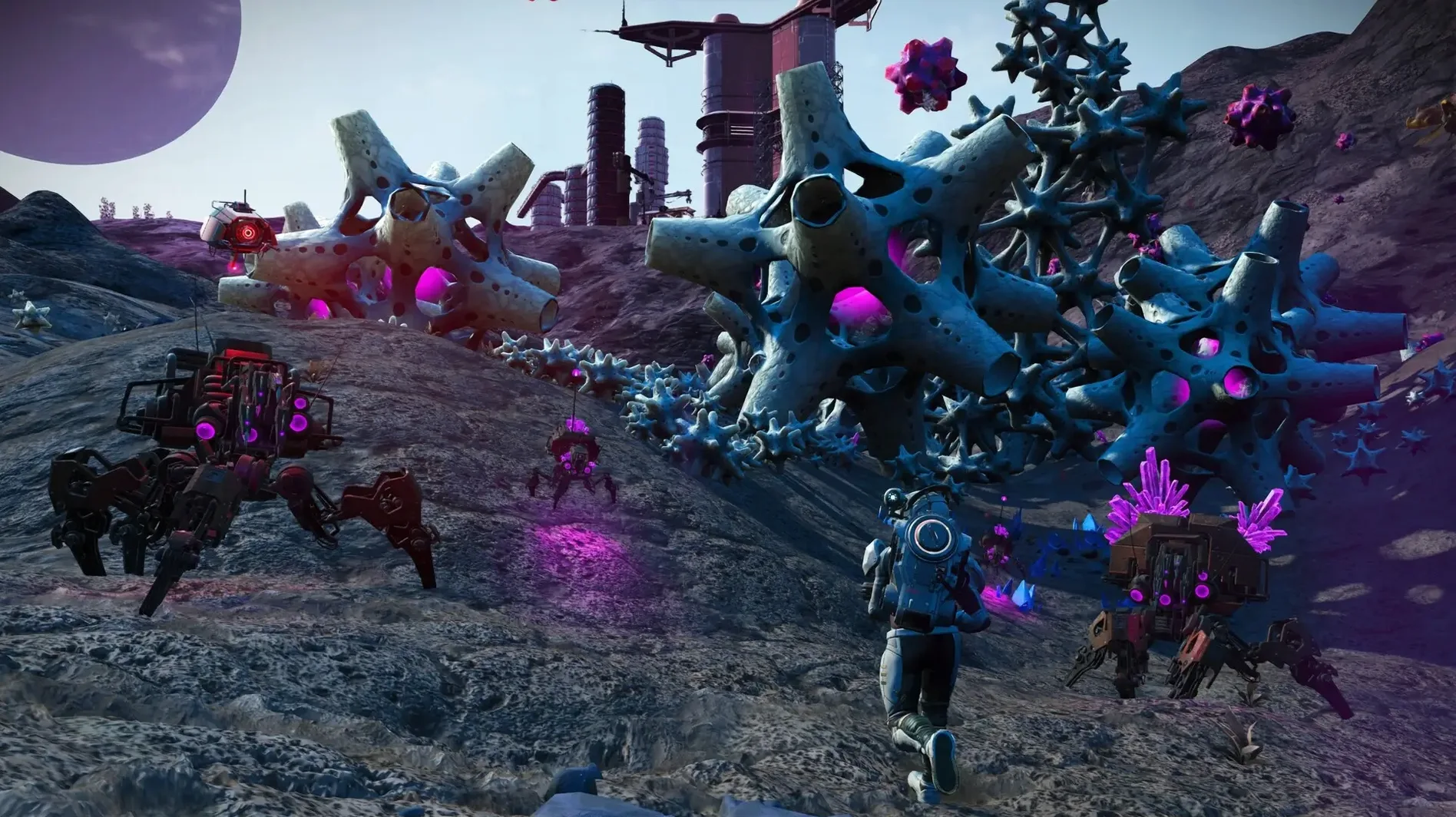
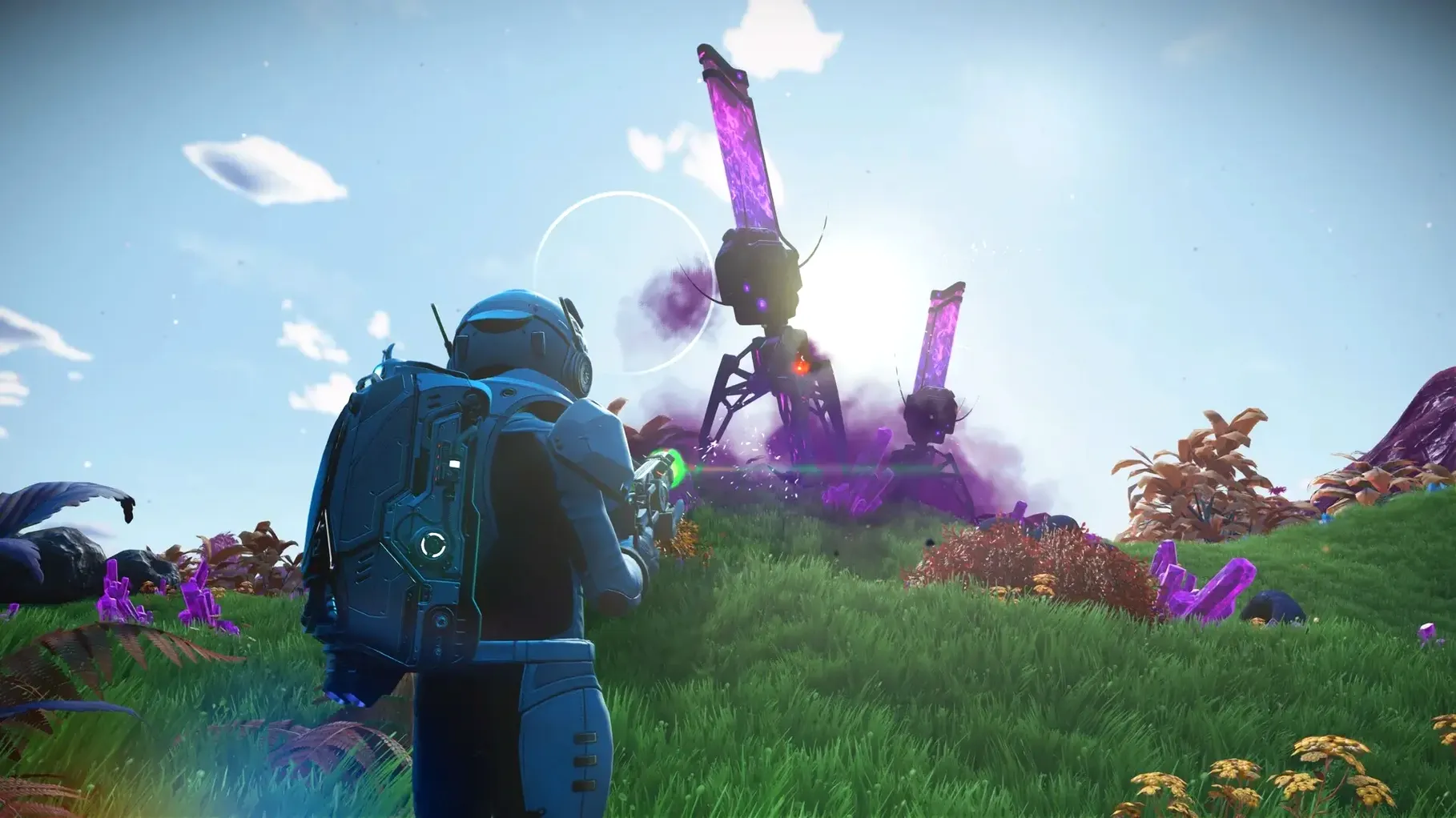
No Man’s Sky drops you into a universe of 18 quintillion planets, each one procedurally generated. You start on a random world with a broken ship and a simple goal: keep moving. The game doesn’t force a path. You can fight pirates, trade resources, or just scan alien flora and fauna.
Minute to minute, you’re managing inventory, refining materials, and upgrading your exosuit and multitool. The loop is simple: land, gather, survive, then lift off. There are no loading screens between space and the surface — you fly from a planet’s atmosphere straight into deep space. Each star in the sky is a real place you can travel to.
Combat is optional. Some systems are hostile, and you’ll need to defend yourself or run. Trading is straightforward — buy low, sell high at space stations. Exploration is where the game shines. Every planet has its own weather, terrain, and lifeforms. Some are breathtaking, others are lethal.
The Mac version is a full port with cross-play support, so you can team up with friends on other platforms. It uses a new rendering pipeline built for Metal and Apple silicon, and runs on both ARM and Intel Macs.
Surviving the Opening Planet
Give yourself an hour to get past the first planet. The early survival loop — repairing your ship, finding fuel, managing oxygen — is the steepest part of the curve. After that, the universe opens up.
Startup Checklist
- Set your language in the options menu before starting a save. The game supports thirteen text languages including Russian, English, German, Spanish, Italian, Traditional Chinese, Simplified Chinese, Korean, Dutch, Polish, Portuguese, French, and Japanese. Voice language can be set separately.
- Adjust the field of view and sensitivity if you are on a laptop screen. The procedurally generated planets can feel cramped on smaller displays until you find a comfortable setting.
- Enable cross-play if you plan to join friends on other platforms. The Mac version supports it, but it is not on by default.
What to Expect Performance-Wise
No Man’s Sky uses a new rendering pipeline built for Metal and Apple silicon. The game is designed to run on both ARM and 64-bit x86 Macs. The developers tested on macOS Tahoe with a Mac mini 2024 M4. You should expect the game to use your GPU for the heavy lifting — the pipeline was rebuilt specifically for that.
Patch 7.04 includes gameplay and stability fixes as part of the Cosmos update. If you run into odd behavior early on, make sure you are on the latest build.
Practical Navigation Tips
- Scan everything on your first planet. Early resources are scarce, and scanning flora and fauna gives you a small credit boost at space stations.
- Upgrade your multitool before your ship. The multitool extracts resources faster, and resources buy ship parts.
- Do not hoard everything. Inventory space is limited early. Refine raw materials into higher-value components and sell what you do not need.
- Use your ship as a mobile save point. The game auto-saves when you exit the cockpit, so land often if you are exploring dangerous terrain.
The galaxy is shared with other players, and discoveries show up on a shared map. If you find something interesting, tag it — other explorers might see it too.
No Man’s Sky lets you explore an infinite universe.
- Gameplay and stability fixes.
- Included in the Cosmos update.
- macOS version: not specified
- Architecture: ARM (Apple silicon) and 64-bit x86 (Intel)
Questions I get about this line
Yes, Hello Games says the Mac version supports cross-play with other platforms.
No Man's Sky supports both ARM (Apple silicon) and 64-bit x86 (Intel) Macs.
Version 7.04 includes gameplay and stability fixes, and is part of the Cosmos update.
The install order
- Mount the downloaded disk image.
- Drag the app into the Applications folder alias.
- Launch the app from Launchpad after copying finishes.