- Version
- 84977 Native
- Developer
- Mohawk Games
- Languages
- Russian, English, German, Spanish, Chinese (Traditional), Chinese (Simplified), French, Japanese
- License type
- DRM-free
- Released on
- 19.05.2022
- Installed and checked on
- macOS Tahoe, Mac mini 2024 M4
- Audio language
- Music only
| Chip | Apple Silicon, Intel 64-bit |
|---|---|
| Download | 4 GB |
Screenshots
Scroll the row, it snaps to each screenshot. Click one to see it wider.
The problem with most 4X games is that after the first hundred turns you are just clicking "next turn" until something happens. Old World fixes that by making every turn matter. Here is what you actually do minute to minute:
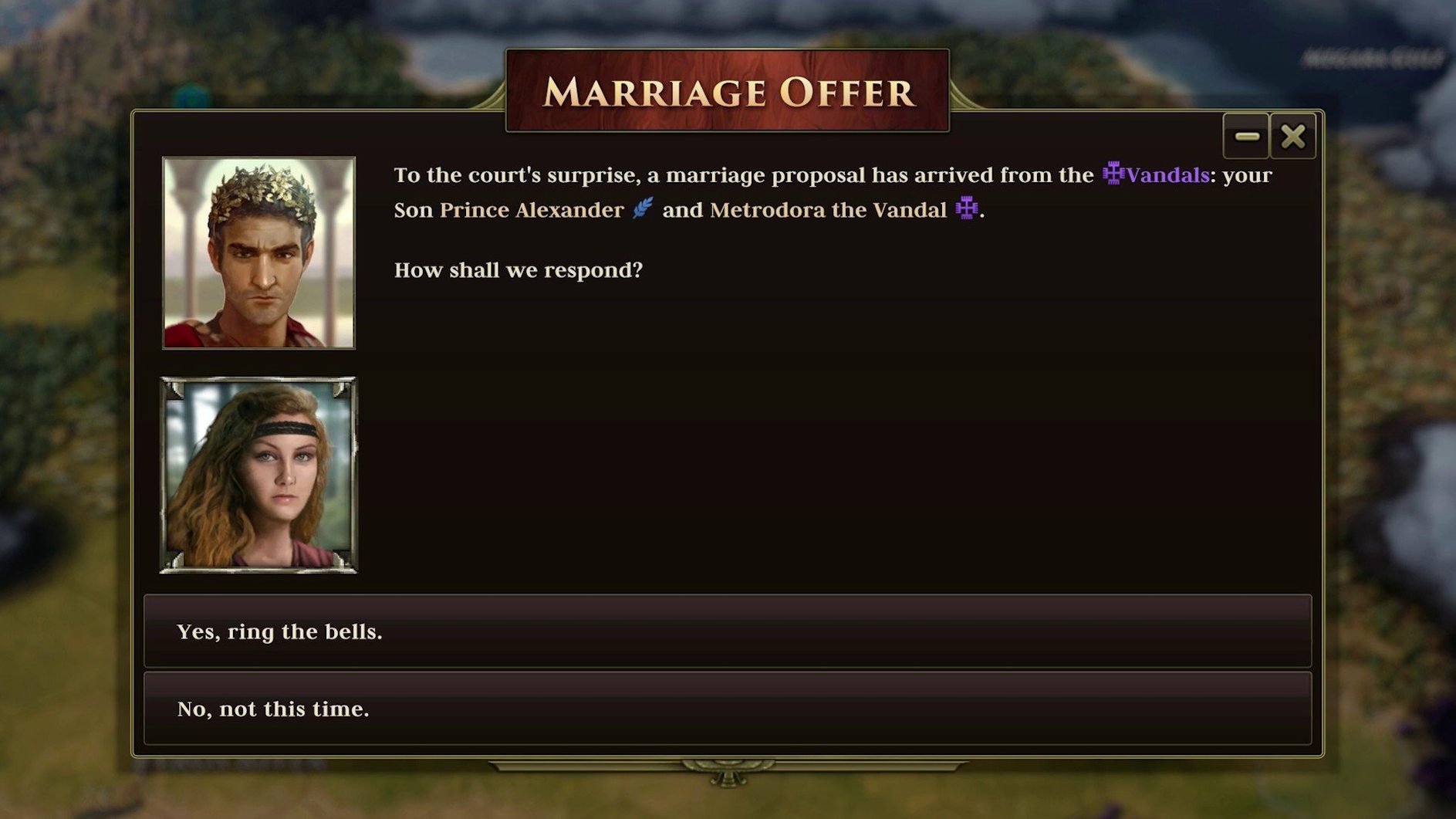
- Manage your royal court: arrange marriages, produce heirs, and keep four noble families from starting a civil war. One bad marriage can undo fifty years of rule.
- Spend Orders. That is your action currency. Every move, attack, or build costs an Order. You never run out of things to do because you never have enough Orders to do them all.
- Read events. Over 3,000 unique events pop up, based on real history and mythology. You make the call, and it changes your kingdom. No filler text.
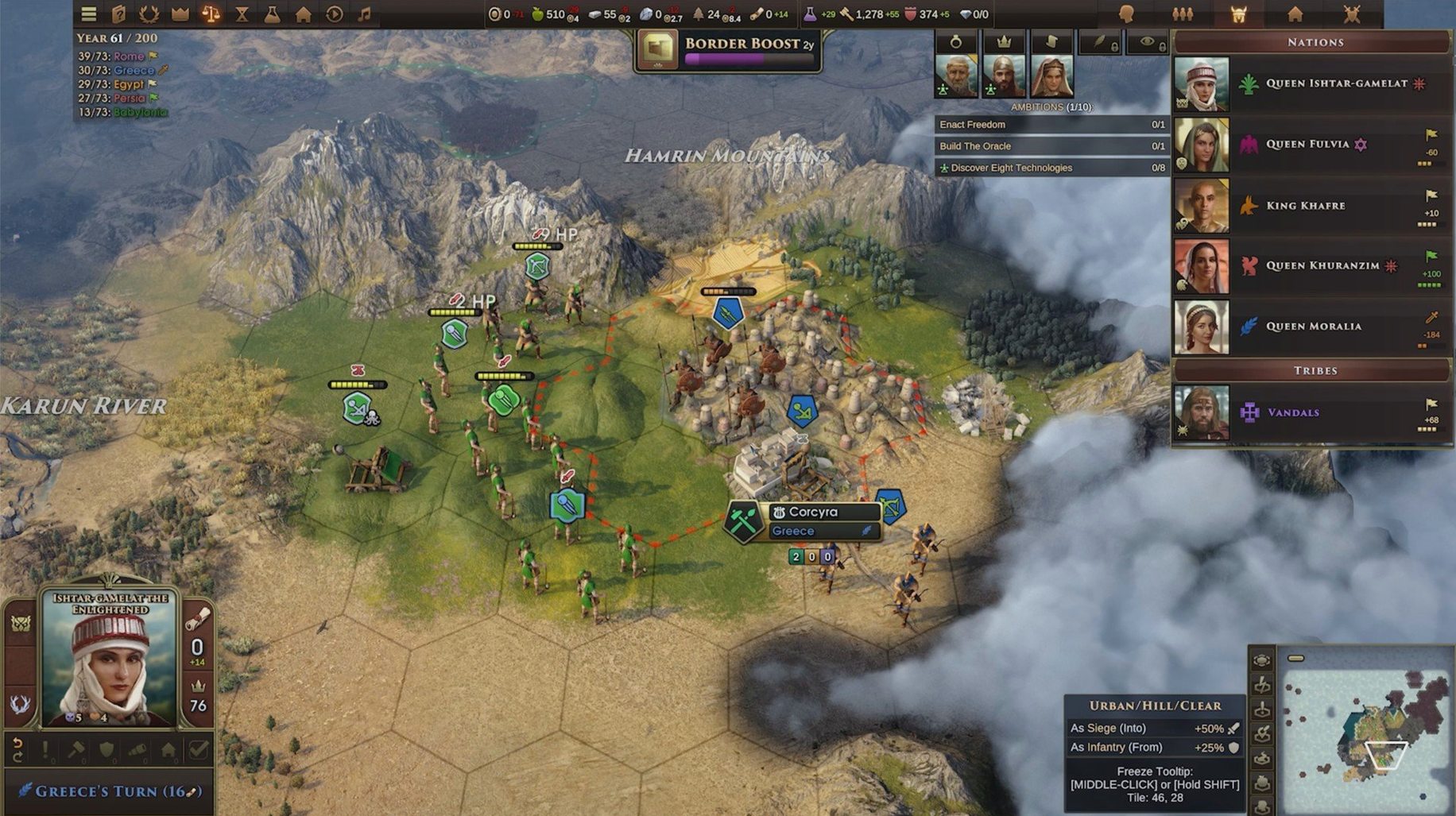
- Fight wars that feel different each time. The AI builds fewer obsolete units now, and forts cannot sit next to each other, so siege lines actually make sense.
- Plan across generations. Your ruler dies, your heir takes over. What you built matters; what you ignored haunts your successor.
First-Day Settings Worth Changing
Before you launch into a campaign, take a minute to adjust a few defaults. These save headaches later.
- Turn on the event log by default. The game generates so many events you can miss a critical marriage offer or a barbarian raid if you click through too fast. The log keeps a readable history of every decision.
- Set the auto-save interval shorter than the default. One bad heir or a war declaration you did not expect can unravel ten turns of work. A five-turn auto-save means you redo less ground.
- Enable the Orders reminder if your play style is aggressive. It is easy to end a turn with unused Orders, and that is wasted momentum. The reminder catches it before you hit end turn.
- Adjust the camera speed to something comfortable for scrolling across large maps. The default is fine on small maps, but the generated maps can be huge, and slow scrolling gets old fast.
Game Fails to Launch After Install
The game is stable, but a few gotchas show up in the first week of play. Here is what to watch for.
- The game does not launch after install. Check that you mounted the disk image and ran the installer from the mounted drive, not from the download folder. Also confirm that your macOS is current enough for the DRM-free build. If it still hangs, restart the Mac entirely; the DRM-free installer sometimes needs a clean session.
- Multiplayer connections drop. Cloud saves and async play rely on the game's own servers. If a match disconnects, wait a minute and rejoin. For hotseat, pass the MacBook Air to the next player and tap the screen to wake it up; the game handles hotseat turn passes without a network.
- Events repeat or feel out of order. This happens if you load an old save after updating to version 84658. The new event table does not always re-sync with a save from an older build. Start fresh after an update, or at least verify the event log is not duplicating entries.
- The UI looks too small on a high-res screen. The game does not scale every element perfectly on Retina displays. It makes the text legible without losing map visibility.
- Mods do not appear in the menu. Make sure mods are unzipped into the correct folder, usually in Documents/Old World/Mods. The game reads them on launch, not during play, so restart the game after adding a mod.
Start with a Hand-Made Map for Your First Campaign
You do not need a manual, but a few habits make the first campaign less punishing.
- Play the first scenario on a small, hand-made map, not a randomly generated one. The hand-made maps are balanced for learning the Orders system and the family mechanics. Random maps can spawn you next to three aggressive neighbors before you have a second city.
- Marry early and marry often. A ruler without an heir is one assassination event away from a game-over. Even a mediocre spouse is better than an empty succession line.
- Do not neglect the noble families tab. Each family has a happiness rating. Let one drop too low, and they trigger a civil war that takes twenty turns to recover from. A small gift or a marriage alliance fixes it faster than a military campaign.
- Save before every event choice in the first twenty turns. Some early events look small but have massive consequences fifty years later. Reloading a save and picking the other option teaches you the event system faster than reading about it.
- Use the weekly challenges as a low-stakes way to learn a new kingdom. Each challenge forces you into a specific scenario with a fixed setup, so you can focus on the mechanics instead of the opening strategy.
It supports mods, runs on both ARM and x86 Macs, and includes multiplayer hotseat, async, and cloud play. You manage an empire, not a spreadsheet.
- Polybolos now have +50% attack.
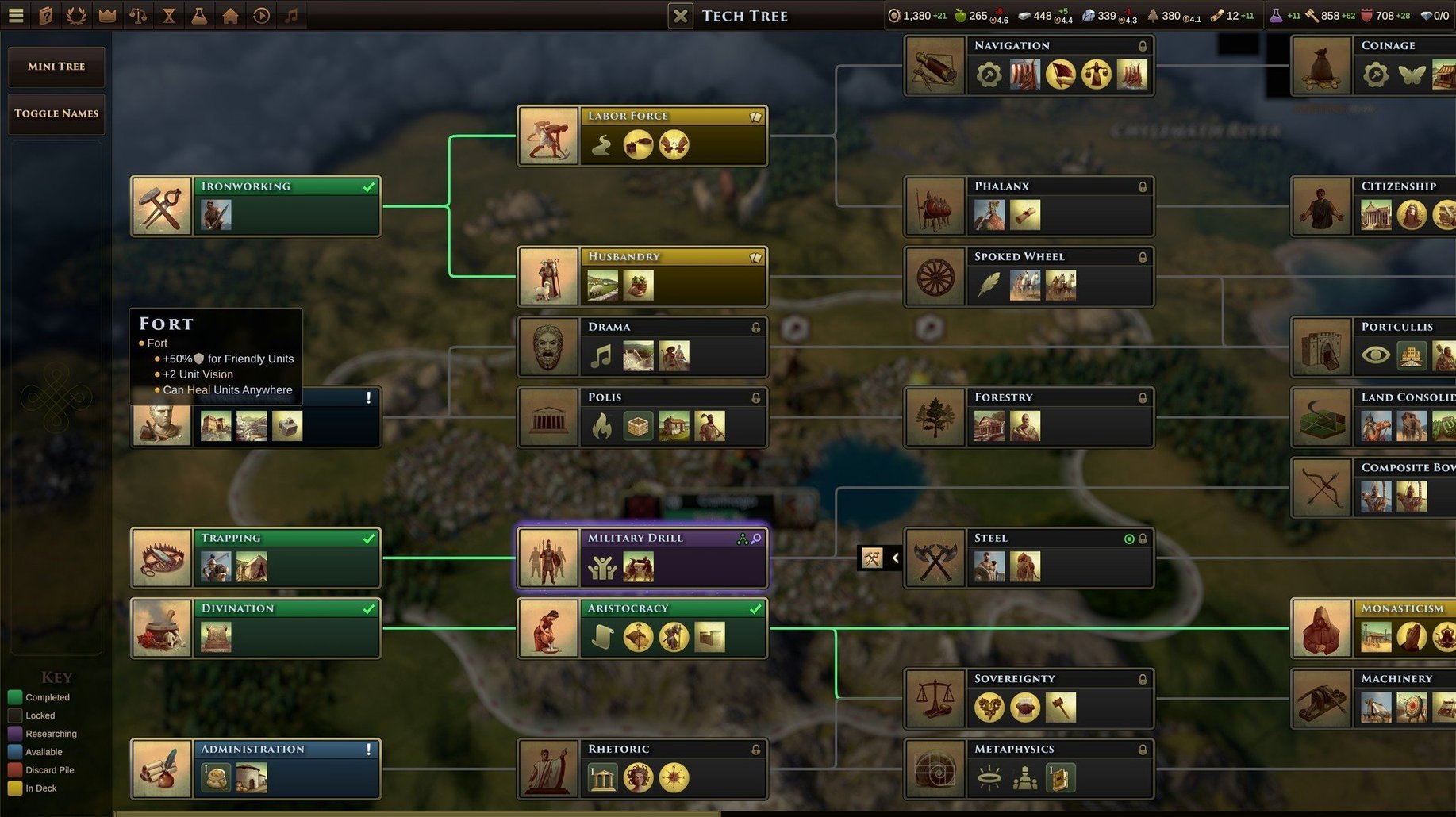
- Forts cannot be adjacent to other Forts.
- AI builds fewer Militia, Conscripts, and obsolete units.
- Some Mac crash debugging was added.
- macOS (version not specified)
- 64-bit Intel or Apple Silicon (ARM) processor
Questions I get about this line
Yes, Old World supports mods, letting you tweak events, units, or families.
The install order
- Mount the downloaded disk image.
- Run the standard installer.
- Choose the installation location.
- Applications is recommended as the destination folder.