- Version
- 1.5.0.1 Native
- Developer
- Firaxis Games
- Languages
- Russian, English, German, Spanish, Italian, Chinese (Traditional), Chinese (Simplified), Korean, Polish, Portuguese, French, Japanese
- License type
- Not required
- Released on
- 11.02.2025
- Installed and checked on
- macOS Golden Gate, Mac mini 2024 M4
- Audio language
- Russian, English, German, Spanish, Italian, Chinese (Traditional), Chinese (Simplified), Korean, Polish, French, Japanese
| Chip | Apple Silicon |
|---|---|
| Download | 18 GB |
Screenshots
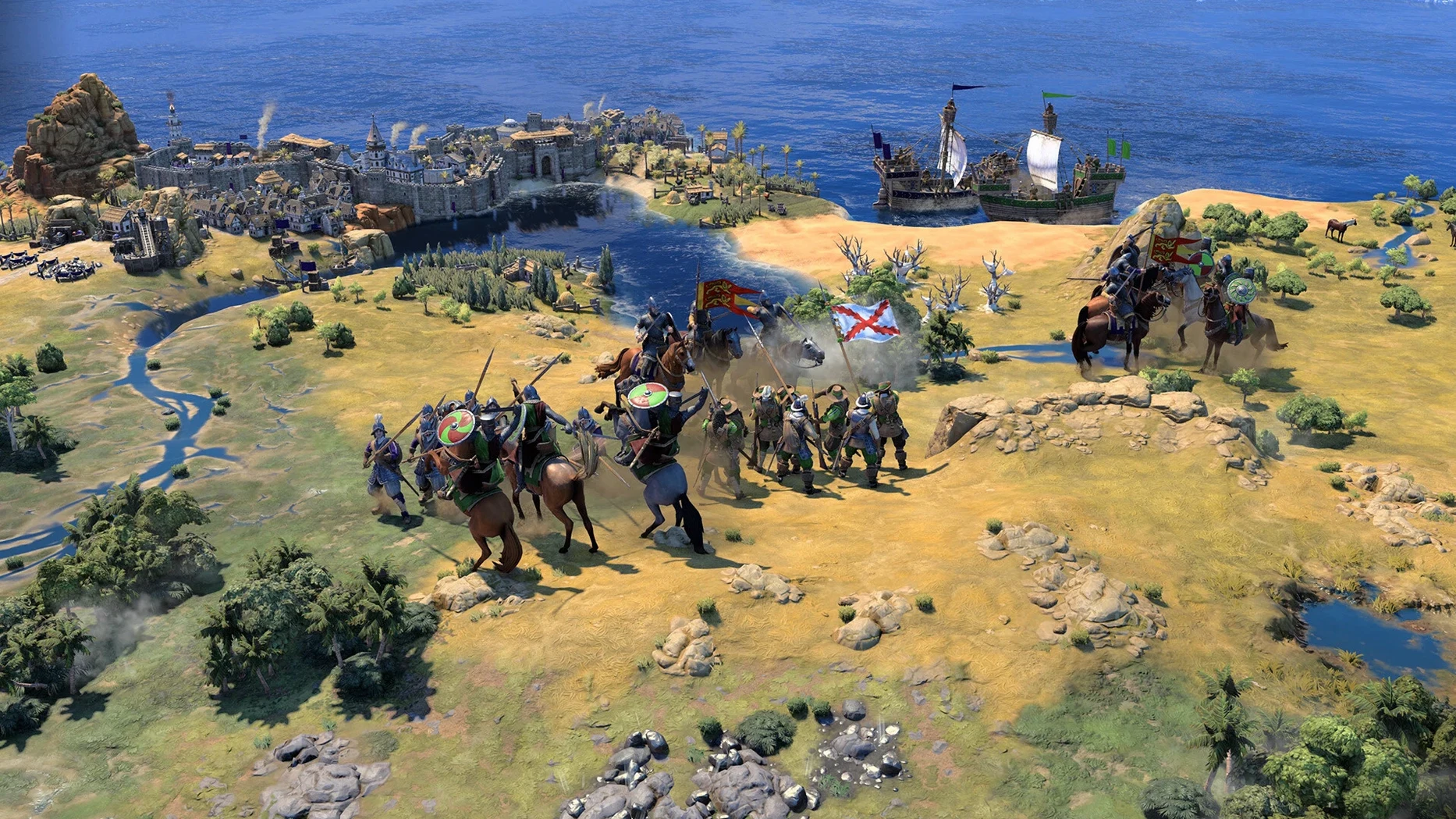
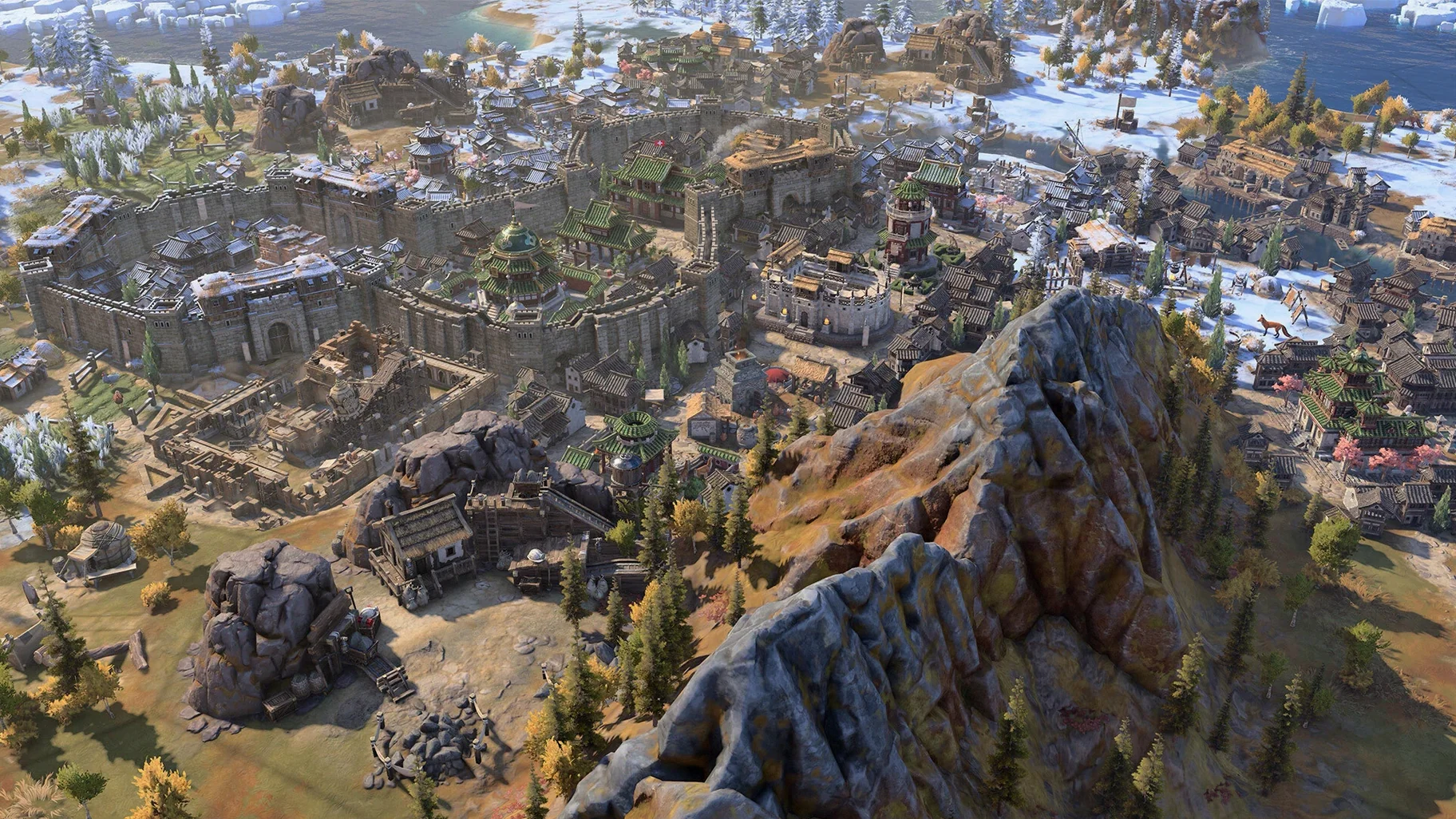
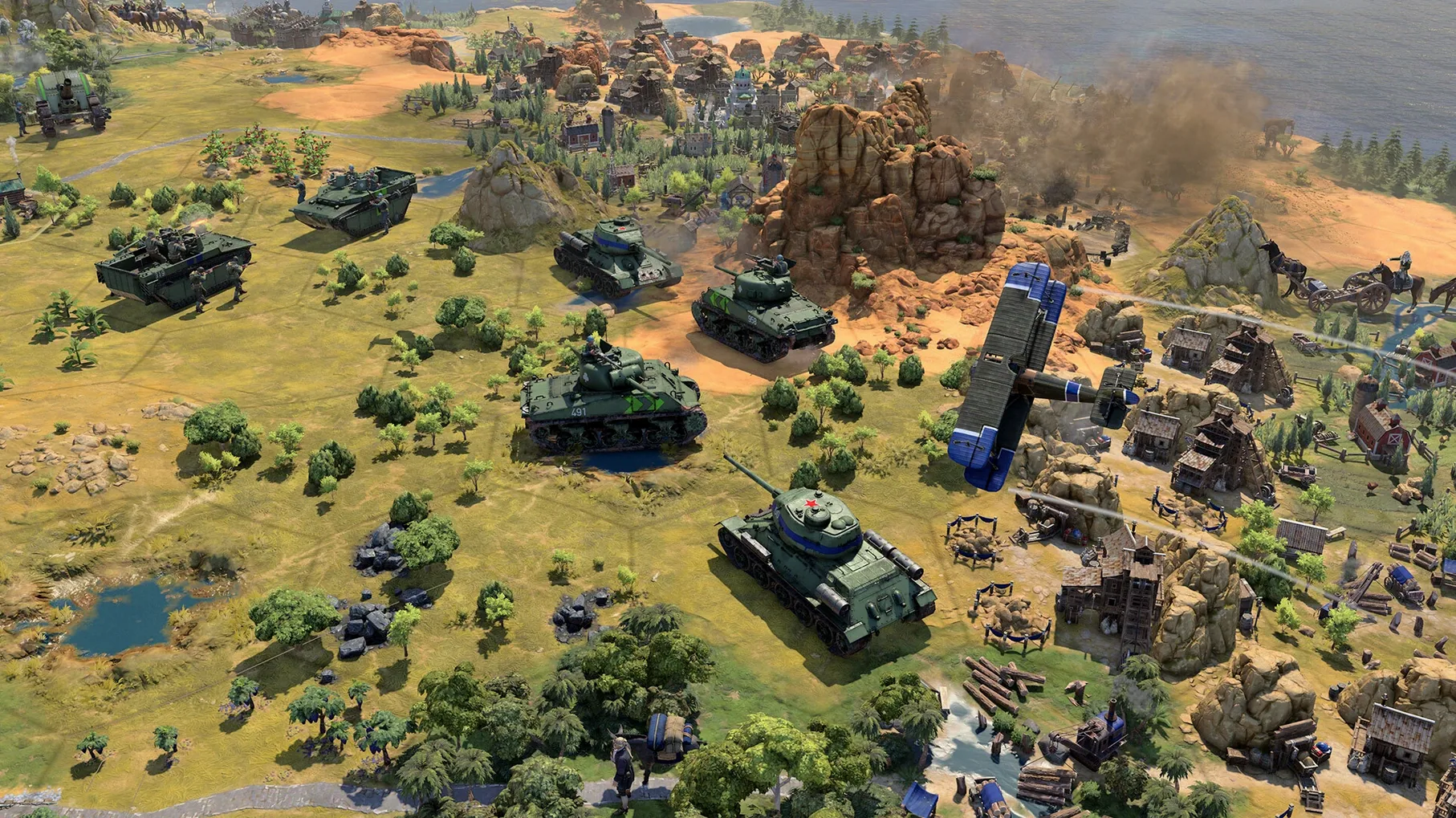
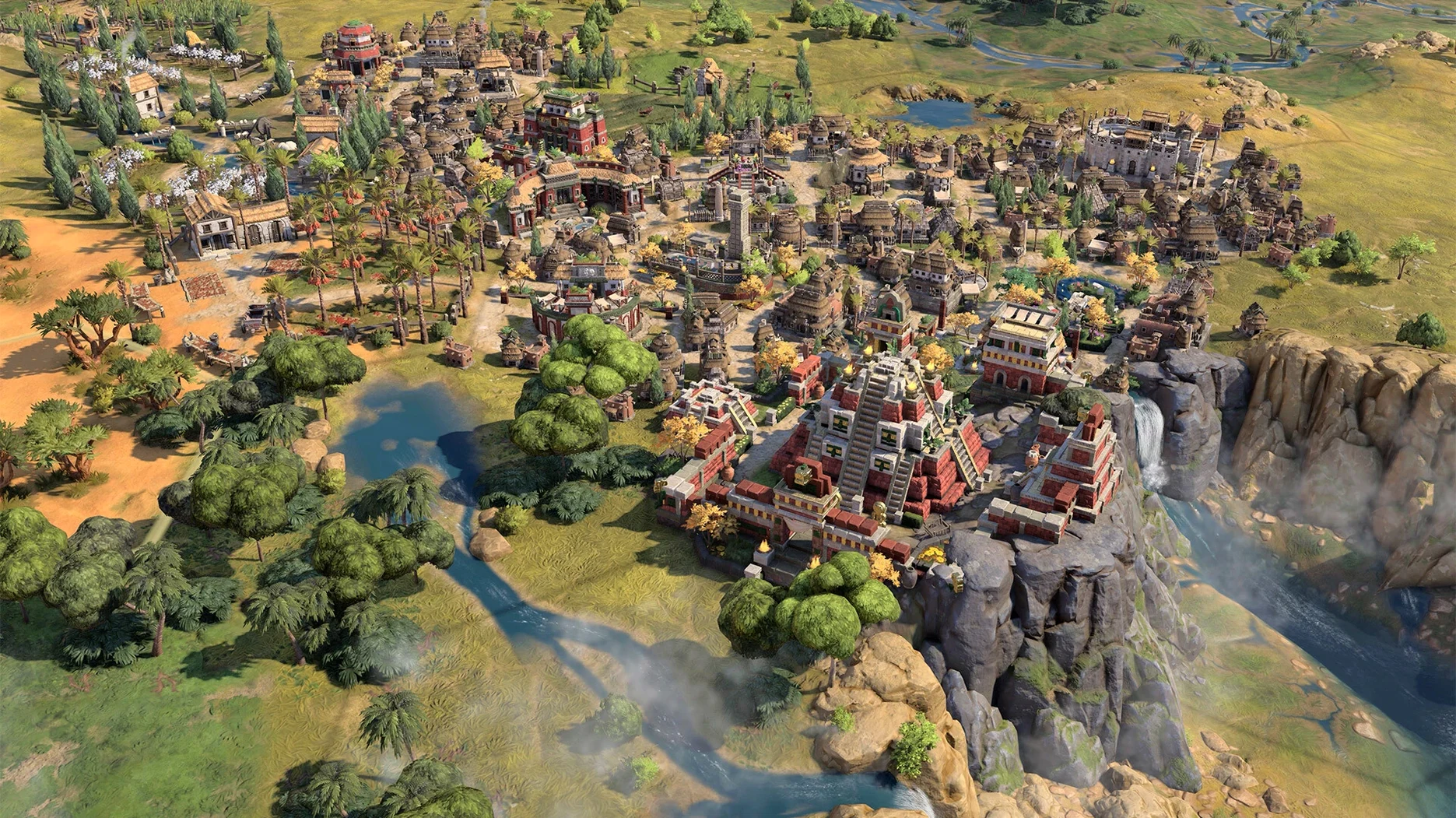
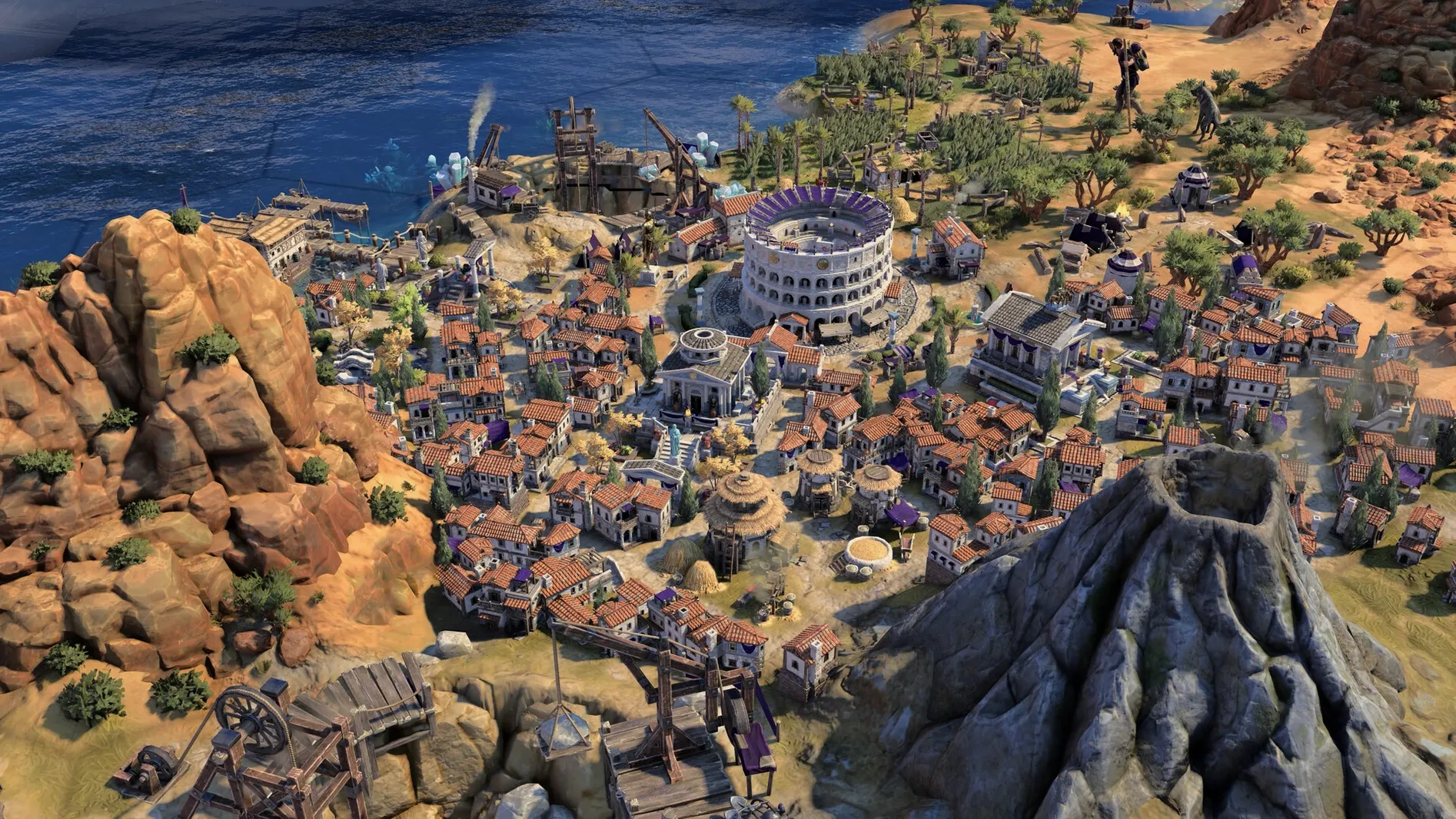
Scroll the row, it snaps to each screenshot. Click one to see it wider.
The True Start Location Earth map is the kind of feature that pulls you back in, but Civ VII is a bigger commitment than that.
Turn-based strategy — You build and guide a civilization through historical eras, making decisions each turn.
Empire building — You choose traits and bonuses that fit your strategy, shaping your civilization's path.
Broad appeal — Improved onboarding helps new players, while series veterans get deeper systems to master.
Who will enjoy it — Players who like long, thoughtful sessions, planning ahead, and watching a civilization grow from ancient times to the modern age.
Who might not — If you prefer fast-paced action or real-time gameplay, the turn-based pace may not suit you.
Platform — A Mac release is available, developed by Firaxis Games.
Command-Tab to Strategy Guides Without Quitting
Civ VII works well with a few standard macOS tools. Use Command-Tab to switch between the game and a browser or notes app — useful for checking a strategy guide or a leader's ability tree without quitting. The game respects macOS window management; you can Command-H to hide it quickly if needed.
For multitasking, the game runs fine alongside Steam or the Epic Games Store overlay. If you use Discord, push-to-talk binds work without interfering with in-game hotkeys. The late-game Modern Age benefit from closing background apps, though that’s more about hardware than software.
Save files sit in the usual macOS user data folders, which means Time Machine or any cloud sync tool can back them up. If you switch between a MacBook and a desktop, copying the save folder keeps your campaign going without re-downloading. The game does not use a launcher-exclusive save system, so manual transfers are straightforward.
Era-Based Leaders Outshine Civilization VI
Against Civilization VI, Civ VII is a clear step forward. The leaders feel more distinct, with abilities that evolve as you move through ages. The new era-based mechanics — where your civilization changes its bonuses and conditions — replace the old linear tech tree approach. Civ VI veterans will recognize the core loop, but the strategic decisions are different enough to warrant the upgrade. The True Start Location Earth map in version 1.5.0 is something Civ VI never had.
Compared to Humankind, Civ VII keeps the historical grounding tighter. Humankind lets you switch cultures each era, which some players enjoy for variety. Civ VII instead ties your civilization’s traits to your chosen path, rewarding a coherent long-term plan rather than mix-and-match experimentation. The turn-based pacing is comparable, but Civ VII’s interface and onboarding are more polished, especially for Mac users who want a pick-up-and-play experience.
Old World is another turn-based empire builder on Mac. It leans into character-driven storytelling and family trees, which Civ VII doesn’t emphasize. If you prefer leader-focused narratives, Old World might be your choice. Civ VII focuses on the civilization itself — architecture, units, and cultural style — rather than individual rulers’ soap operas. Both games respect your time with reasonably fast AI turns, but Civ VII’s scale is larger.
Speed Up Camera and Disable Tutorial Pop-Ups
Before starting a campaign, open the in-game settings and adjust a few things. The default camera sensitivity may feel slow; increase it to reduce drag when scrolling across the map. Disable the tutorial pop-ups if you have played a Civilization game before — the onboarding is solid, but it gets in the way for experienced players.
Set autosave to the shortest interval available. Late-game turns involve more units and cities, and a crash in the Modern Age can lose considerable progress. Version 1.5.0 includes stability fixes for that era, but frequent saves are cheap insurance.
If you use a mouse with extra buttons, bind map zoom and next-turn to those. The game supports simultaneous mouse and keyboard input better since update 1.5.0, but dedicated controls speed up routine actions.
For language, the game supports twelve interface languages and ten voice languages. Pick your preferred option before starting — switching mid-campaign can reset some menu text if you have mods enabled. English and Russian are safe choices for voice, as both are fully voiced across all leaders and events.
- Added the True Start Location Earth map.
- Added stability and crash fixes in the late game Modern Age.
- Addressed lag with simultaneous mouse and keyboard input.
- Architecture: Apple Silicon
- macOS: version not specified
Questions I get about this line
Yes, the Mac version requires Apple Silicon. It was released on February 11, 2025 for Mac, PC, and Linux.
The install order
- Open the downloaded disk image.
- Drag the app to the Applications folder alias.
- Launch the app from Launchpad after copying finishes.
- Quit the game with Command-Q.