- Version
- 1.0.0
- Developer
- Cowboy Toad Games
- Languages
- English, Spanish
- License type
- Not required
- Released on
- 13.09.2024
- Installed and checked on
- macOS Sonoma, MacBook Pro (M3 Max. 2023)
- Audio language
- English
| Chip | Apple Silicon, Intel 64-bit |
|---|---|
| Download | 2.8 GB |
Screenshots
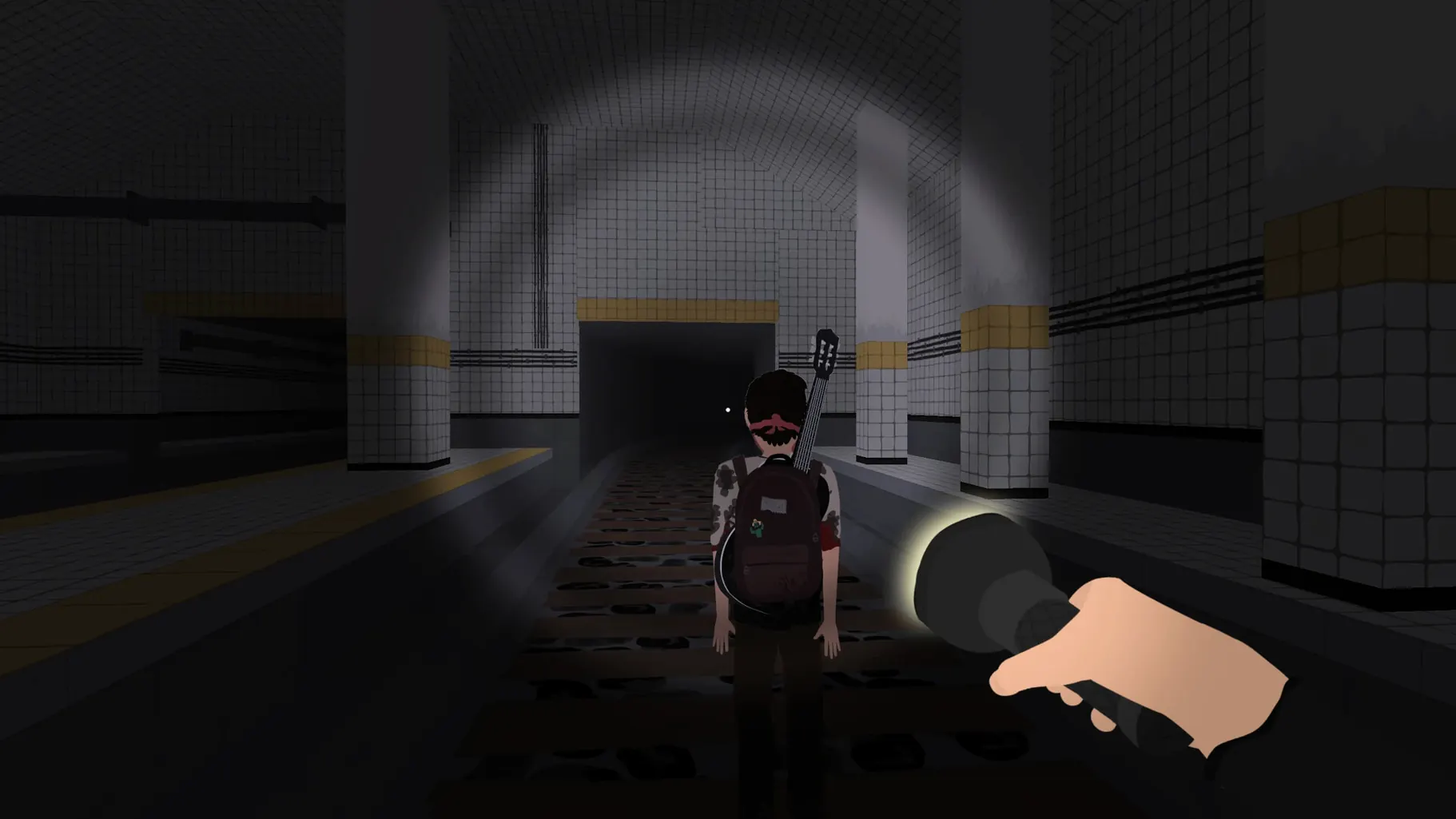
Click a screenshot to see it wider.
Nocturnals comes in two separate downloads, one for ARM and one for 64-bit x86, so you pick the build that matches your Mac. That's a small detail, but it tells you this is a game built with Mac users in mind.
Ted and Diego's Journey in Ruddleside
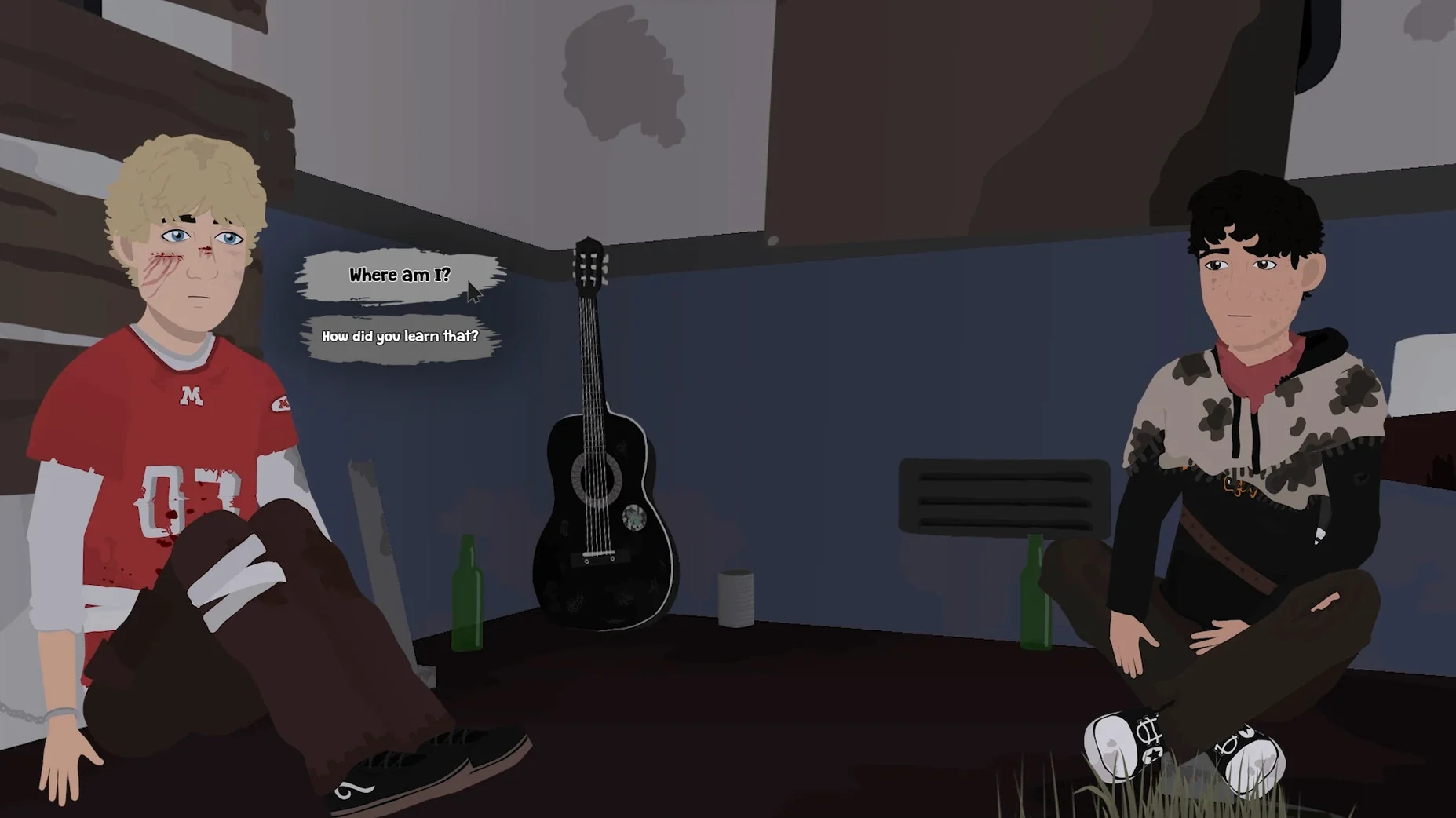
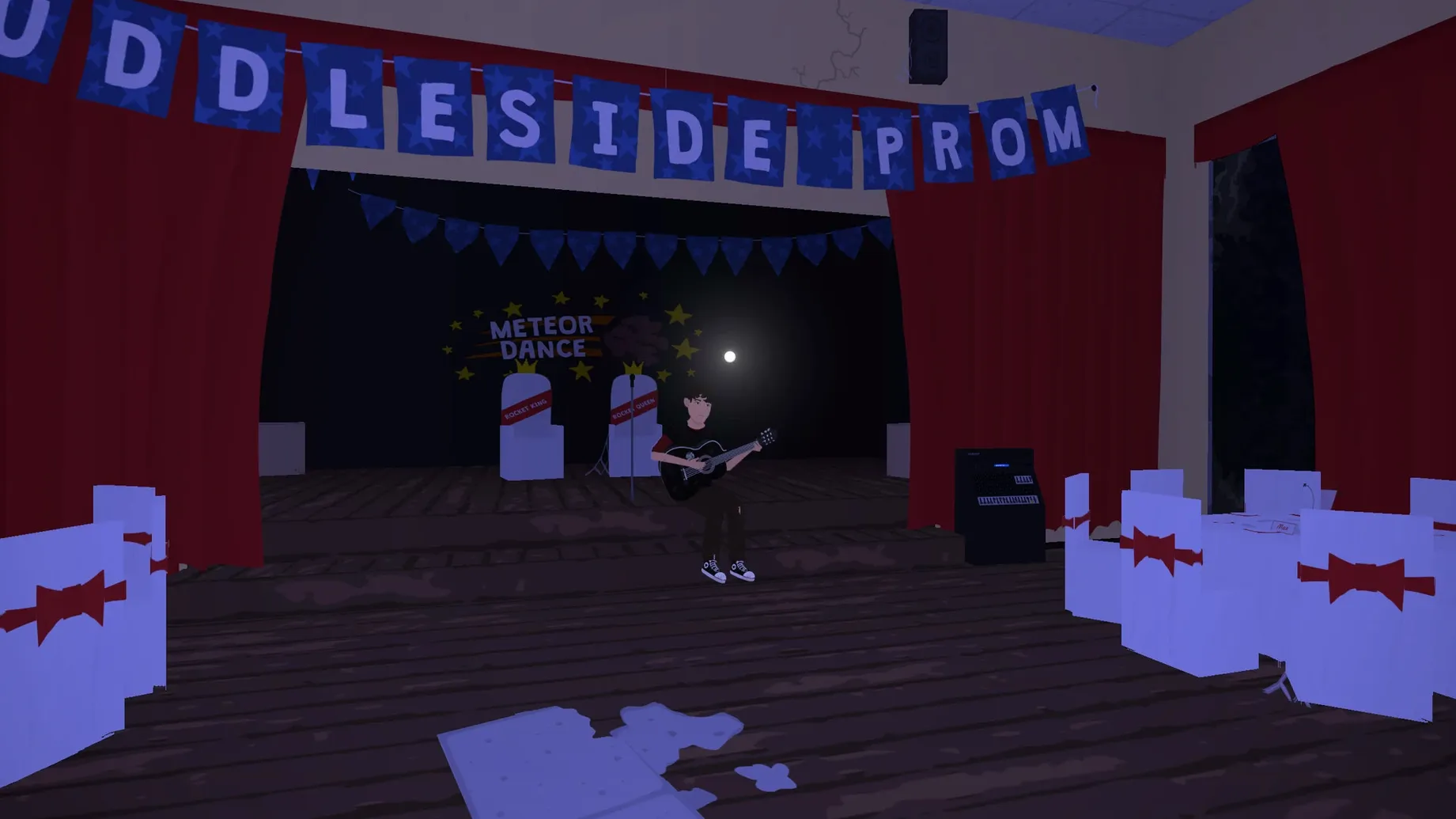
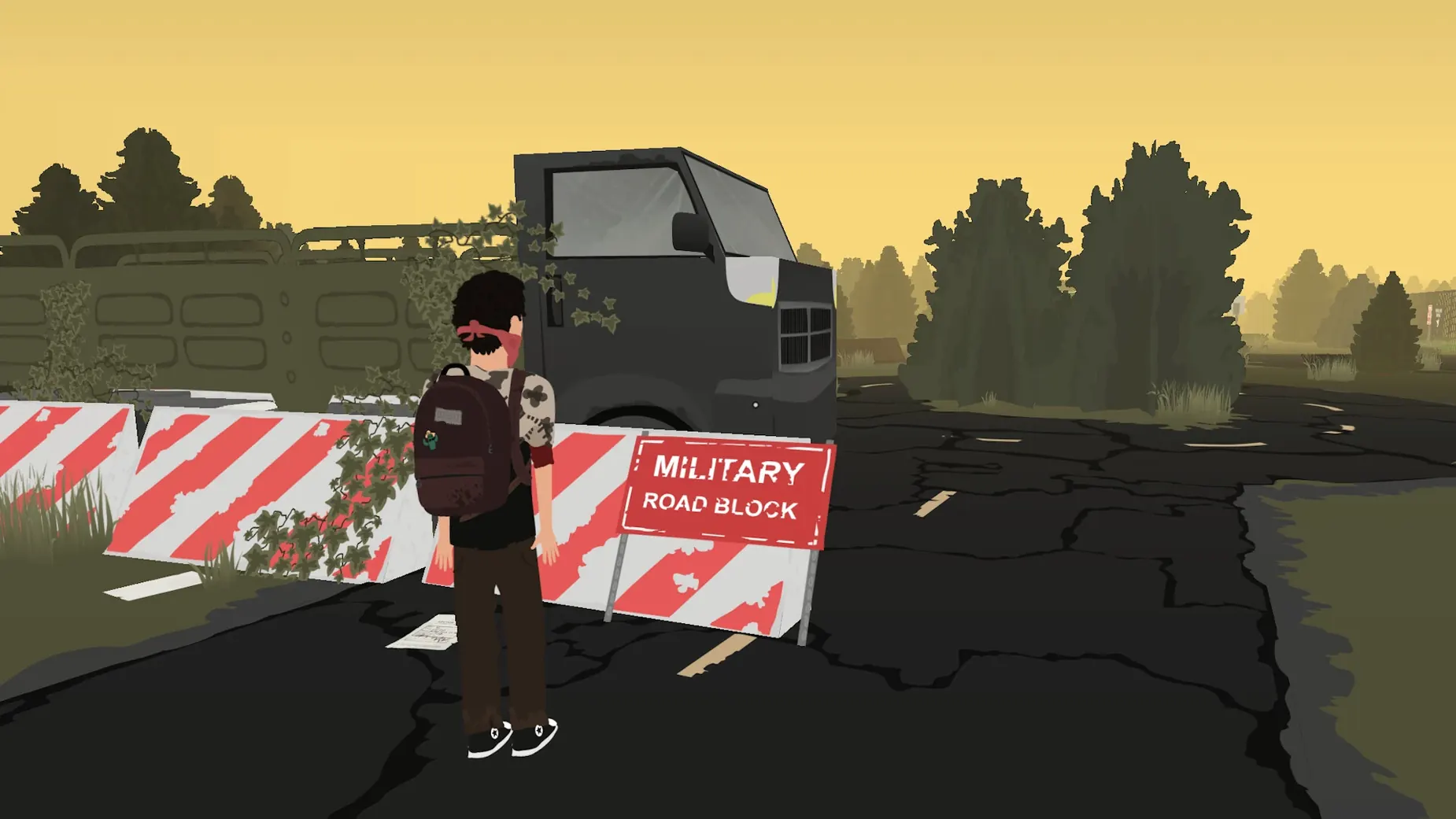
You play Ted, who finds a solitary companion named Diego in a post-apocalyptic world. The two try to escape the horrors of Ruddleside. Your choices shape their journey—some lead to cooperation, others to conflict between them. The game includes puzzles and collectible items, so it's not just dialogue trees.
Who Should Play
If you like narrative games where decisions matter and you don't mind a bit of tension between characters, this fits. The puzzles add a light layer of challenge. If you prefer pure action or fast-paced combat, this isn't that. It's a slower, story-driven experience.
Before you start, adjust the language setting if Spanish is your preference — the game defaults to English. You can change it in the options menu. The voice language is English only, so subtitles in your chosen language will display during voiced scenes.
ARM vs Intel Mac Compatibility
Does the ARM build run on my Intel Mac? No. The ARM build is for Apple Silicon Macs, the Intel build is for older 64-bit x86 models. Download the correct one for your processor.
Do I need an internet connection to play? No. Once the game is installed, it runs entirely offline. Activation is not required.
Will my save carry over if I switch from an Intel Mac to an ARM Mac? The game stores saves in the user's Documents folder. If you copy that folder to the new Mac, your progress should transfer. The developer doesn't mention any cross-architecture compatibility issues.
Plan for an evening or two, depending on how many dialogue branches you want to explore.
Can I play with a controller? The game is designed for keyboard and mouse. No controller support is listed.
Settings Worth Changing First
Before you start your first playthrough, open the options menu and check two things. First, confirm the text language is set to English or Spanish, whichever you prefer. The default is English, but it takes seconds to switch. Second, adjust the audio levels. The game has ambient sound and voice acting, so you want to balance them so dialogue stays clear over background noise. The options panel is straightforward—no hidden submenus.
I'd also recommend turning off any macOS system notifications before you start. The game runs in full-screen mode by default, but a pop-up from Calendar or Mail can break immersion during a tense conversation between Ted and Diego. You can do this in System Settings under Focus or Notifications.
Questions People Usually Ask Before Installing
If you're new to download nocturnals for mac, you might wonder how much disk space it needs. The download is a disk image around a few hundred megabytes, and the installed game is similarly sized. It's not a massive open-world title, so it won't eat up your storage.
Another common question is whether the game works on macOS Sequoia or older versions like Ventura. The developer tested it on macOS Sonoma with an M3 Max MacBook Pro, but the build supports both ARM and Intel architectures, and the minimum macOS requirement is the same for both. In practice, if your Mac can run macOS 12 Monterey or later, you're likely fine. The game doesn't use any system features that would require a newer OS.
Some players ask if they need to install additional frameworks or libraries, like Rosetta for Intel games on Apple Silicon. The answer is no. Each download is a native build—ARM for Apple Silicon, 64-bit x86 for Intel. Just drag the app to your Applications folder and launch it. No extra steps.
Finally, people wonder if the game supports cloud saves or syncing across devices. It does not. Saves are stored locally in your Documents folder. If you want to continue a game on another Mac, you'll need to manually copy the save file. The developer doesn't mention any cloud integration, so plan accordingly.
English and Spanish are both supported, so it works for bilingual players.
- macOS version not specified
- Architecture: both ARM and 64-bit x86
Questions I get about this line
The game has separate downloads for ARM and 64-bit x86, so it runs on both Apple Silicon and Intel Macs.
Yes, the game includes puzzles as part of the adventure gameplay.
The interface is available in English and Spanish.
The install order
- Open the downloaded disk image.
- Drag the app into the Applications folder alias.
- After copying finishes, launch the app from Launchpad.