
- Version
- 1.8.41
- Developer
- Coredumping
- Languages
- English
- License type
- Not required
- Released on
- 1.05.2015
- Installed and checked on
- macOS Tahoe, Mac mini 2024 M4
- Audio language
- Music only
| Chip | Apple Silicon, Intel 64-bit |
|---|---|
| Download | 273 MB |
Screenshots


Scroll the row, it snaps to each screenshot. Click one to see it wider.
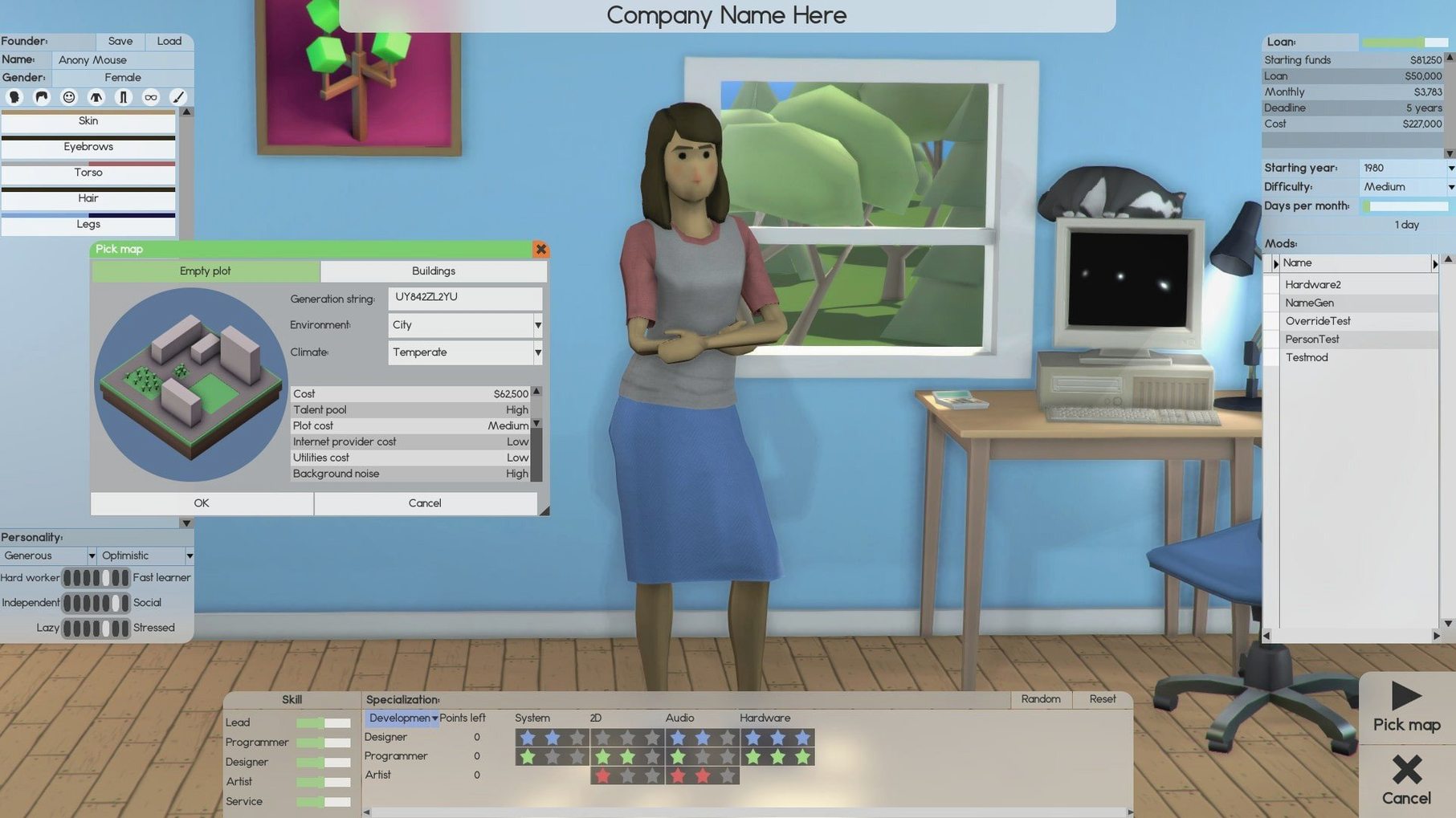
Start with the hiring screen. You pick a lead designer, a couple of coders, maybe a support rep, and suddenly you are running a payroll before you have shipped anything. Software Inc. puts you in charge of a software company, and it does not hold your hand.
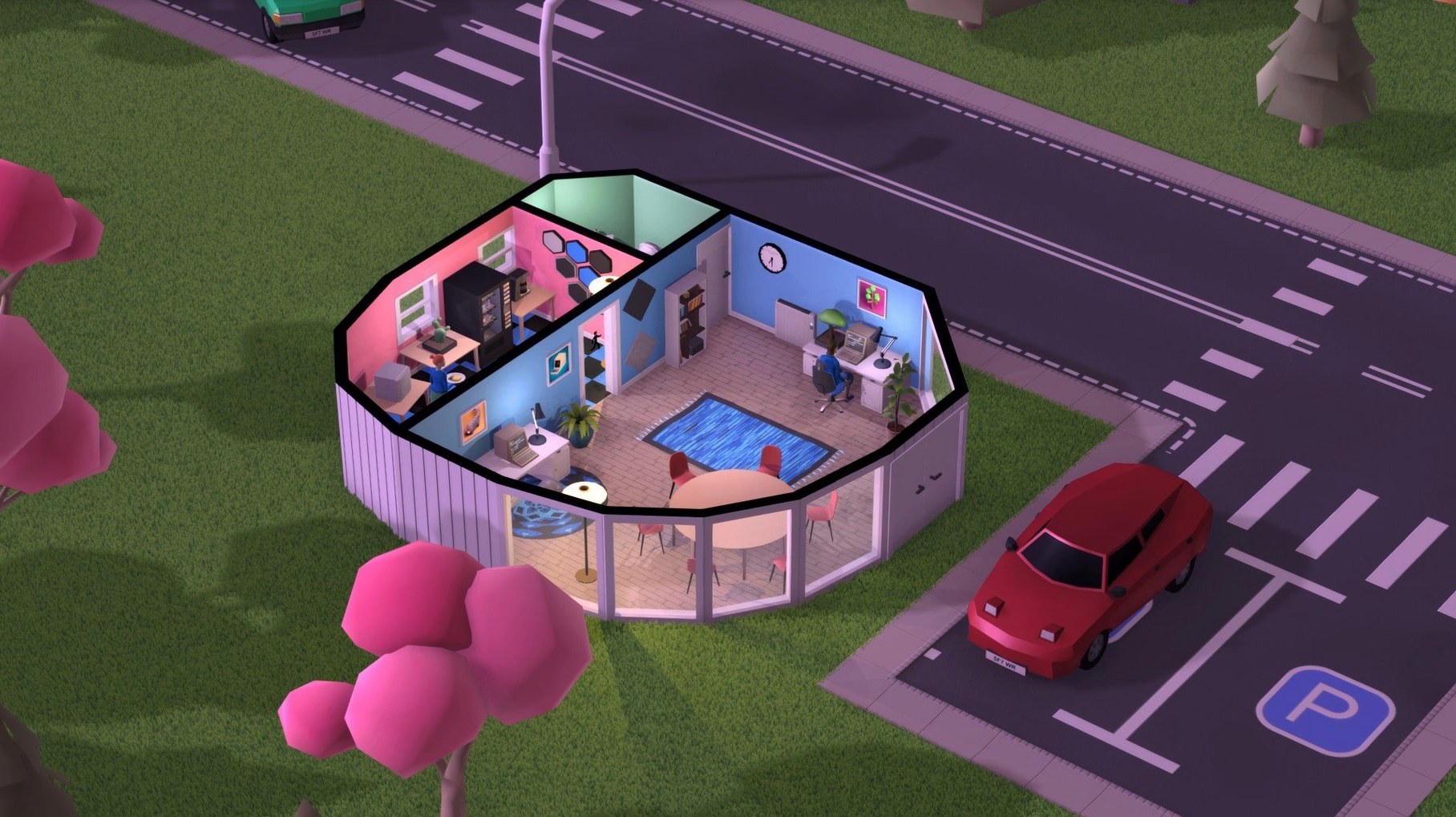
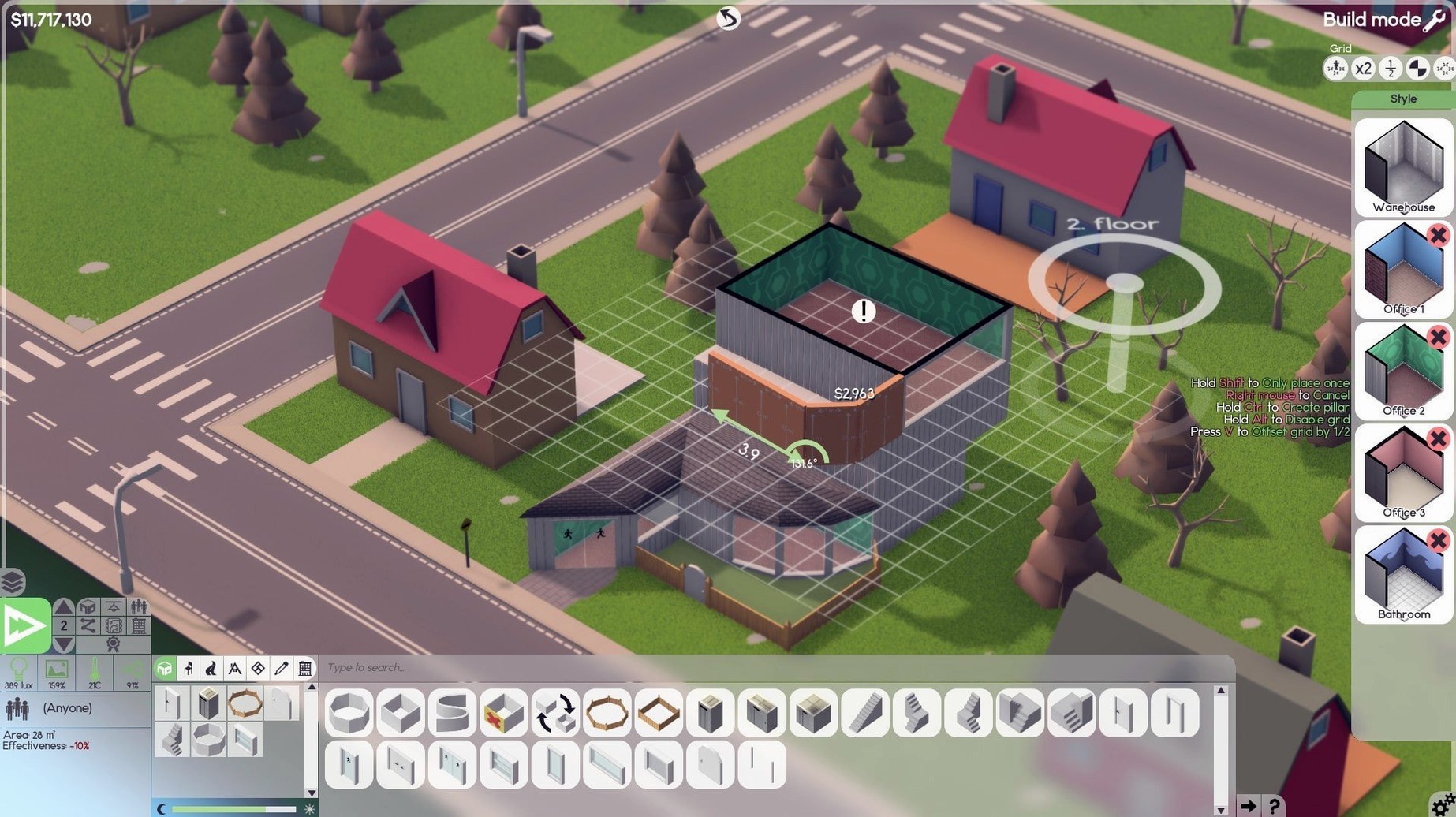
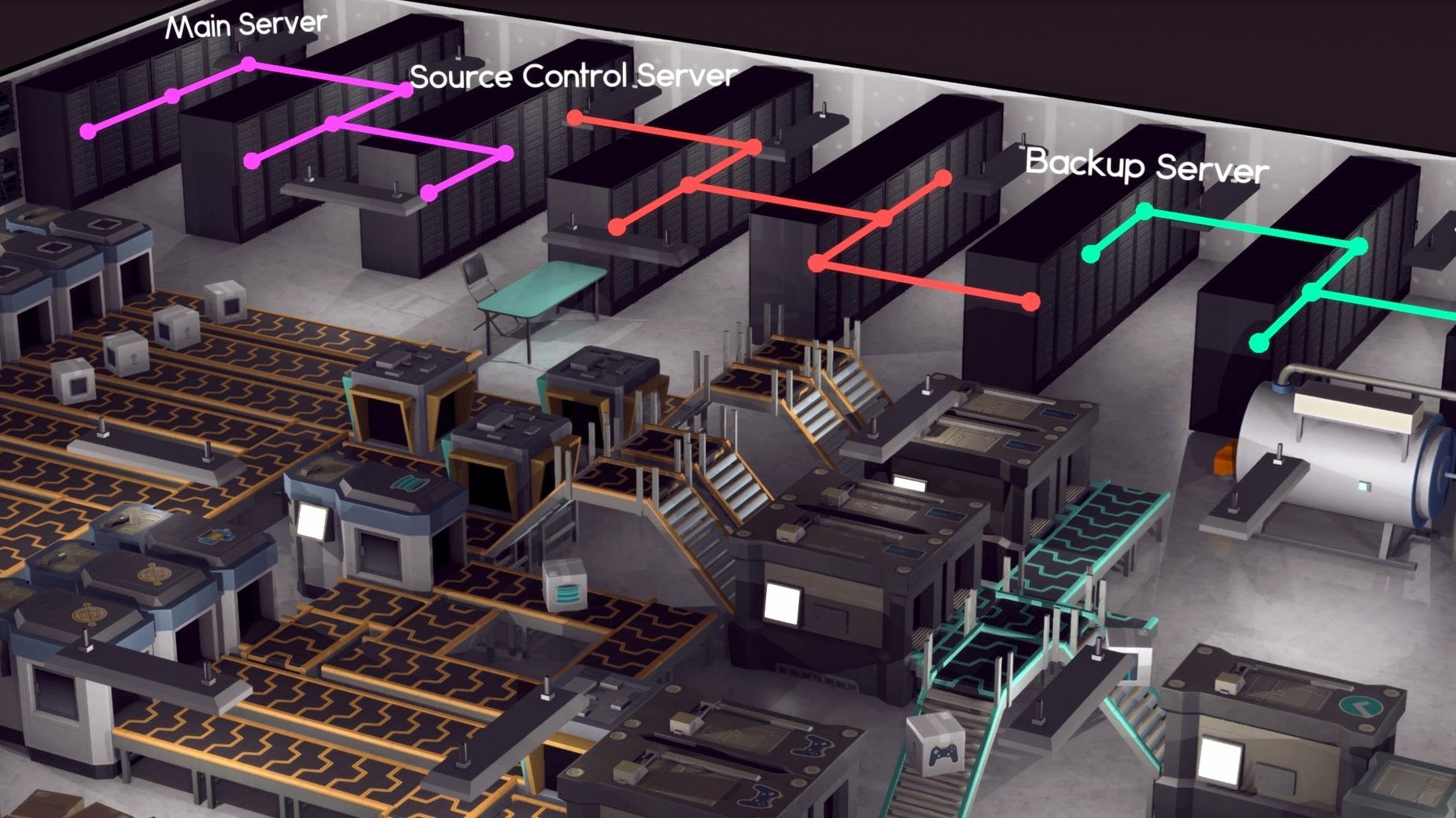
The game gives you real tools: build offices up to ten floors, add basements, lay roads and parking lots. Hire staff for design, development, support, research, and sales. Create an online store, spin up servers to support development, and keep everything running with maintenance workers who repair furniture and clean rooms. It is a lot to juggle.
Who will enjoy it? If you like micromanagement sims where every hire and desk placement matters, this is your game. It rewards planning and patience. You watch your little company grow from a two-person startup to a multi-floor operation, and that feels good.
Who might not? If you want a fast-paced arcade sim or a game with a story, skip it. Software Inc. is a slow burn. Early access means rough edges and missing features. You have to bring your own goals. The interface is English only, and the music gets repetitive after a few hours. But for the right player, those trade-offs are easy to ignore.
First-Week Snags and Fixes
A few things trip up new players. None are game-breakers, but knowing them saves an hour of head-scratching.
- Staff quits on day two. You hired too fast without a support budget. New employees need desks, chairs, and a clean room before they start. Hire maintenance staff first, then furnish, then hire developers.
- Nothing ships. Your lead designer is assigned to "Research" instead of "Development." Open the task assignment panel and drag each employee to the correct role. Leaders coordinate the team, so set one per department.
- Money runs out in week four. You signed a big server contract before you had revenue. Start with small projects, sell shares, or sign a modest contract. Scale server capacity as orders come in, not before.
- Rooms stay dirty. You hired one cleaner for ten floors. Maintenance staff have limited reach. Hire one per floor or assign a roving team in the management panel.
- Franchise won't launch. You need a completed product and a dedicated sales team. Check the product status screen first. If it says "in development," finish coding before you sign the franchise deal.
First Three Days: What to Do
Day one is about survival, not growth. Set yourself up so the early cash burn does not sink you.
- Build a single room on ground level. Furnish it with basic desks and chairs. Add a bathroom and a cleaning closet.
- Hire exactly one maintenance worker. Assign them to clean and repair the starter room.
- Hire one lead developer and one designer. Assign the lead to development coordination.
- Start a simple software project. Do not sign contracts yet. Just build a product.
- Sell a few copies through the basic store to get cash flow. Then expand.
On day two, add a parking lot and a second room. Hire a sales employee. On day three, consider your first contract or franchise deal. By then you should have stable income and a clean office.
A Typical Session: Wednesday Night
You open the game after work. The company is six weeks old and has two floors. You check the project screen first. You assign the lead developer to set milestones for the next phase.
Next you look at staff morale. One designer has a red mood icon. You click around and see their desk is next to a broken vending machine. You open the maintenance panel and queue a repair. Then you move the designer to a different workstation temporarily.
Revenue is flat this week. You decide to sign a small support contract. It pays monthly and does not require a new hire. You assign your support rep to handle it.
Before you close, you expand. You build a third floor shell and add a server room. You hire two more coders and a researcher. The new staff start tomorrow. You save, close the laptop, and think about what you will build next session. That is the loop: fix what is broken, push a little further, then plan the next move.
- macOS: not specified
- Architecture: both (ARM and x86_64)
- Interface language: English
The install order
- Open the downloaded disk image.
- Drag the app into the Applications folder shortcut.
- After copying finishes, launch the app from Launchpad.