Free download (412 MB) Previous versions
- Version
- 3.0.19a Native
- Developer
- Bitrich.info
- Languages
- Russian, English, German, Hungarian, Spanish, Chinese (Simplified), Dutch, Polish, Portuguese, French, Czech, Japanese
- License type
- DRM-free
- Released on
- 23.06.2021
- Installed and checked on
- macOS Sequoia, MacBook Air (M1. 2020)
- Audio language
- English
| Chip | Apple Silicon, Intel 64-bit |
|---|---|
| Download | 412 MB |
| Previous versions | 1 on file |
Screenshots
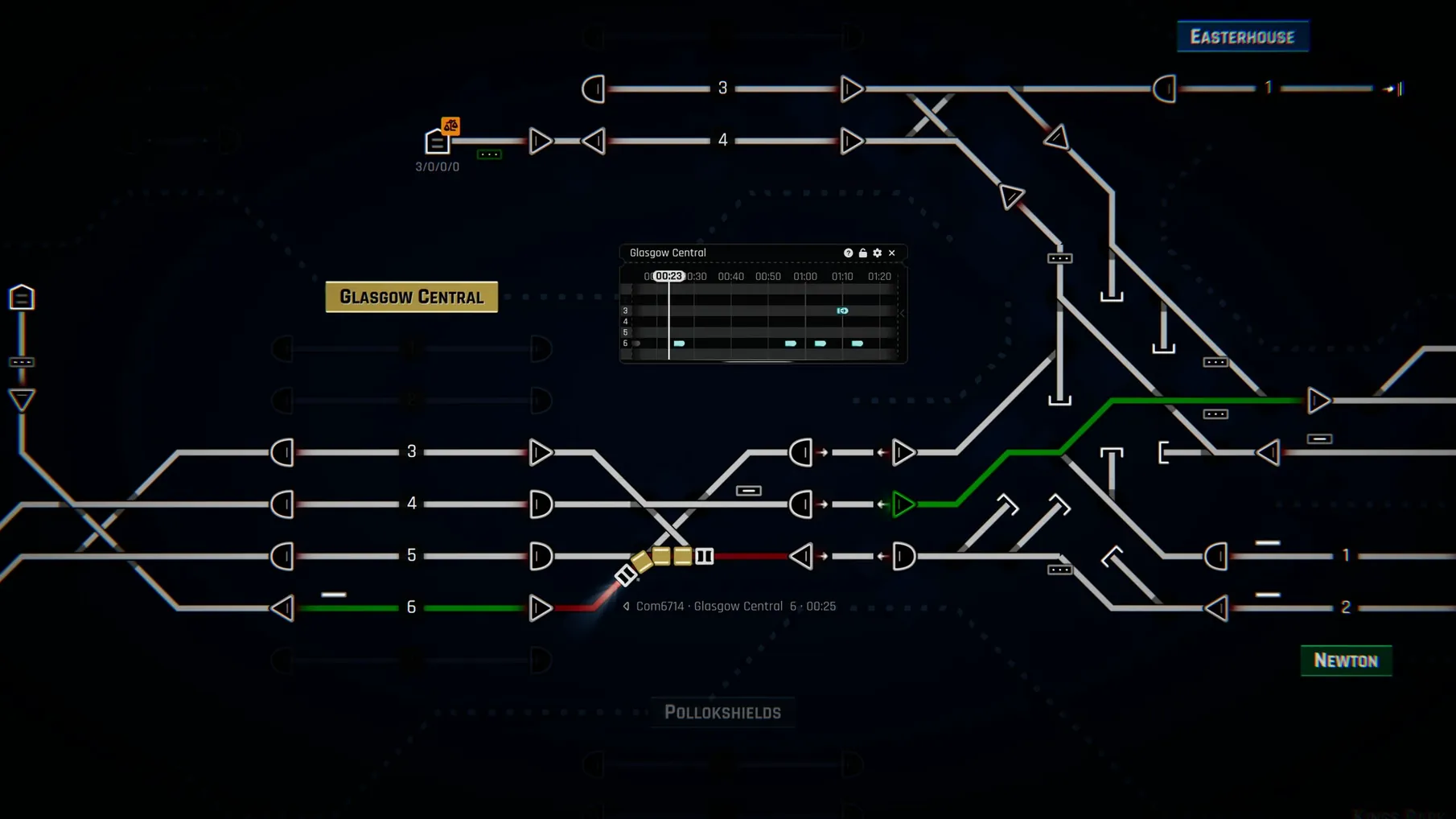
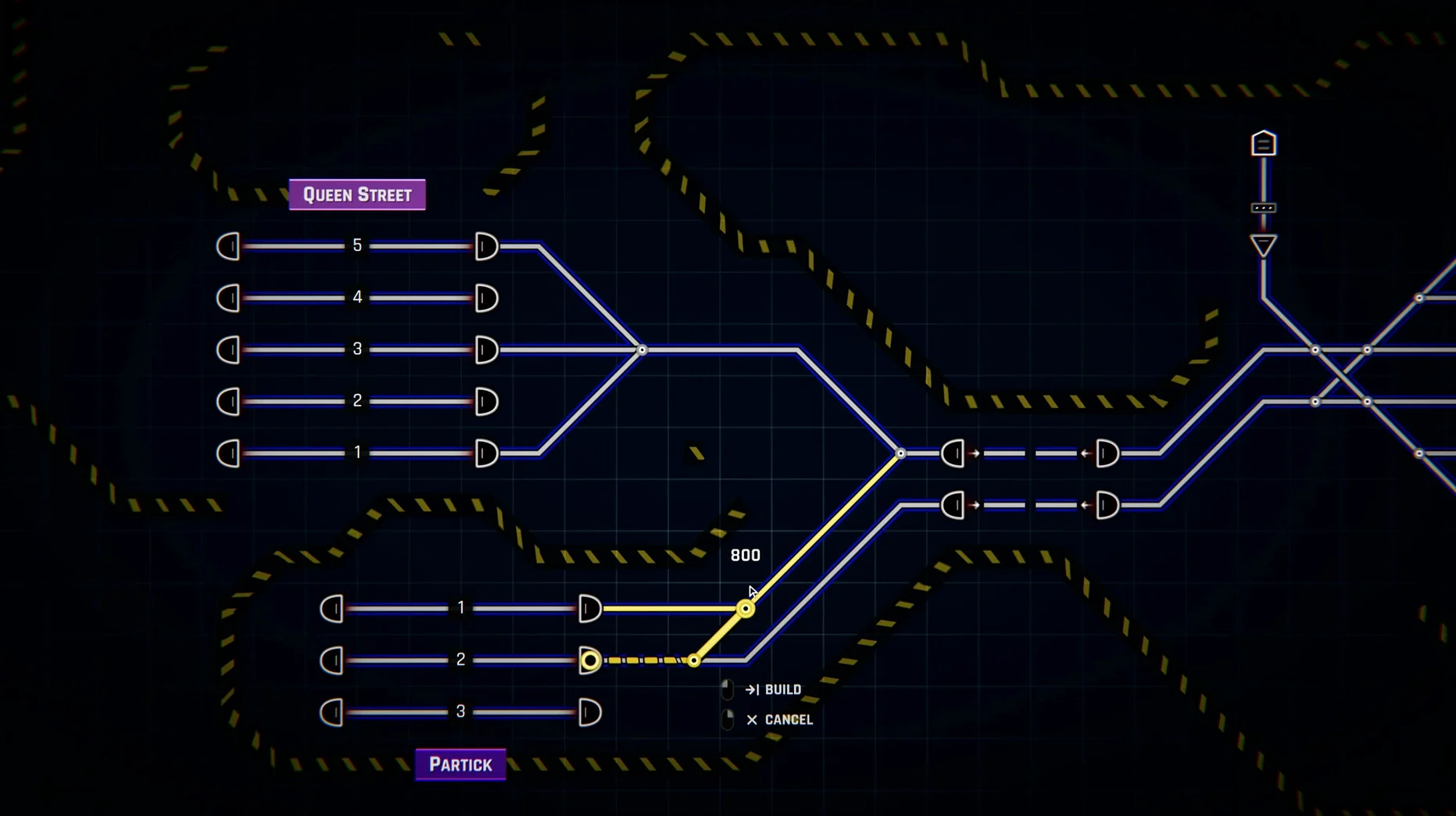
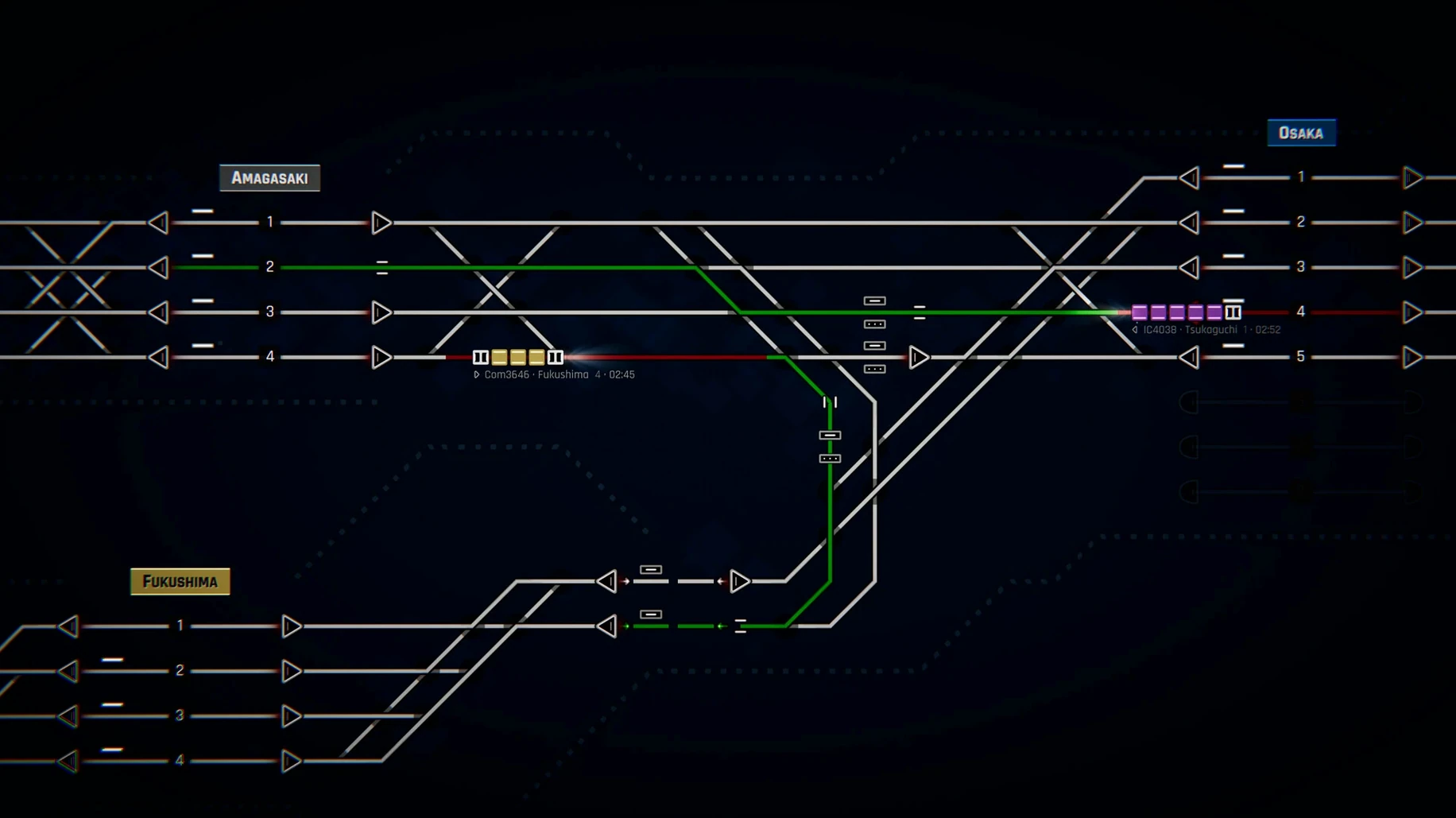
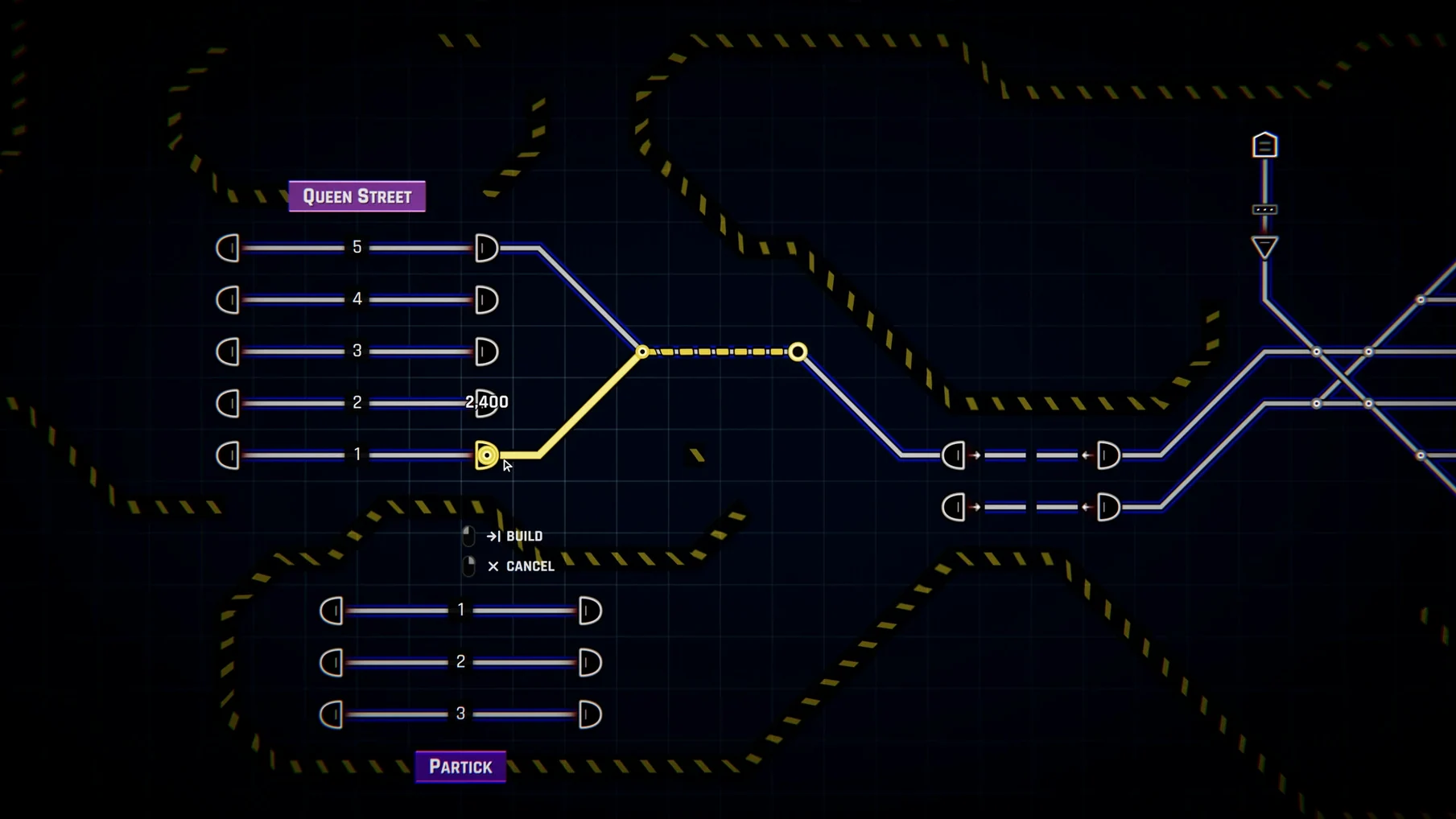
Click a screenshot to see it wider.
Rail Route is for anyone who likes rail operations and logistics puzzles. You dispatch trains, build out the network, and automate traffic as the system grows.
What It Needs
Rail Route runs on macOS Sequoia. The build supports both Apple Silicon and Intel. I tested it on a 2020 MacBook Air M1 and it ran fine.
Interface in Twelve Languages
The interface is understandable within minutes. Voice audio is in English. You can accept new contracts to earn money and upgrade your network. The game is available in twelve languages including English, German, Spanish, and French.
Display Scaling for Large Screens
Once installed, open the game's settings panel. A few tweaks make the dispatcher screen easier to work with.
- Display scaling. The minimalist interface can run small on larger screens. Bump up the UI scale if you are on a 27" display or a MacBook with Retina.
- Sound balance. The game mixes ambient rail noise with alert tones. Turn down the background track if you want to hear contract alerts clearly.
- Language. The default may match your system locale, but you can switch any time. The interface text and help tooltips update immediately.
- Keyboard shortcuts. Check the control bindings before you start a scenario. Knowing the hotkeys for pausing time, placing signals, and splitting tracks saves clicks during time-pressure maps.
Strategy and Logistics Fans
Rail Route fits three kinds of Mac users best.
Strategy and logistics players. If you enjoy games where you solve routing problems rather than fight enemies, the dispatching loop clicks fast. The real city maps add a layer of familiarity that pure abstract puzzle games lack.
Railway enthusiasts. The simulation treats signaling and track layouts seriously. The interface mimics real dispatcher screens, so it feels closer to a training tool than a casual builder. The community maps add variety once you finish the included scenarios.
Mac users with limited GPU power. The game runs on integrated graphics. Older Intel Macs and the base M1 handle it without stutter. That makes it a solid choice if you want a simulation that does not demand a Pro chip or a dedicated GPU.
If any of those match your setup, download rail route for mac and start dispatching.
Settings Worth Changing First
After installation, open the game preferences. Three settings save you time later.
- Autosave interval. The default is fine for casual play, but if you experiment with complex junctions, set it to a shorter interval. Losing progress on a half-built network is frustrating.
- Contract notifications. Toggle on visual alerts for new contracts. The game can stack several at once during busy periods, and a popup helps you prioritize without missing deadlines.
- Camera sensitivity. The default scroll speed works on a standard trackpad. If you use a mouse with adjustable DPI, lower the camera sensitivity to keep panning precise when you zoom in on tight rail yards.
Which Mac Users Get the Most Out of It
Rail Route suits three types of Mac users beyond the obvious simulation crowd.
Multitaskers with limited screen space. The minimalist interface fits in a window alongside other apps. You can leave a map running on one side of the display while you work or browse. The game does not need full-screen attention between train moves.
Mac users who dislike launcher bloat. The DRM-free build installs directly with no extra login, launcher, or background service. It is a clean install that does not clutter your Applications folder with secondary processes.
Users who travel with older Mac hardware. The game runs on both ARM and Intel architectures, and the 2020 M1 test machine handled it fine. If you carry a pre-M1 Intel MacBook or a base M1 Air, Rail Route gives you a deep simulation that does not require a fan to spin up.
Mouse and keyboard are all you need. Trackpads work fine. No heavy GPU demands.
Version 3.0.19a Native has landed. No patch notes this round — grab it fresh and get back to dispatching.
- Apple Silicon or Intel 64-bit Mac
Questions I get about this line
Yes. Rail Route: The Story of Jozic is a standalone expansion from the same developer, Bitrich.info.
The install order
- Mount the downloaded disk image.
- Run the standard installer.
- Choose the installation location.
- Applications is the recommended destination.