- Version
- 1.1.2 fix
- Developer
- CAPCOM
- Languages
- Russian, English, German, Arabic, Spanish, Italian, Chinese (Traditional), Chinese (Simplified), Korean, Portuguese, Thai, French, Japanese
- License type
- Not required
- Released on
- 28.10.2022
- Installed and checked on
- macOS Tahoe, Mac mini 2024 M4
- Audio language
- Russian, English, German, Spanish, Italian, Chinese (Simplified), Portuguese, French, Japanese
| Chip | Apple Silicon |
|---|---|
| Download | 32 GB |
Screenshots
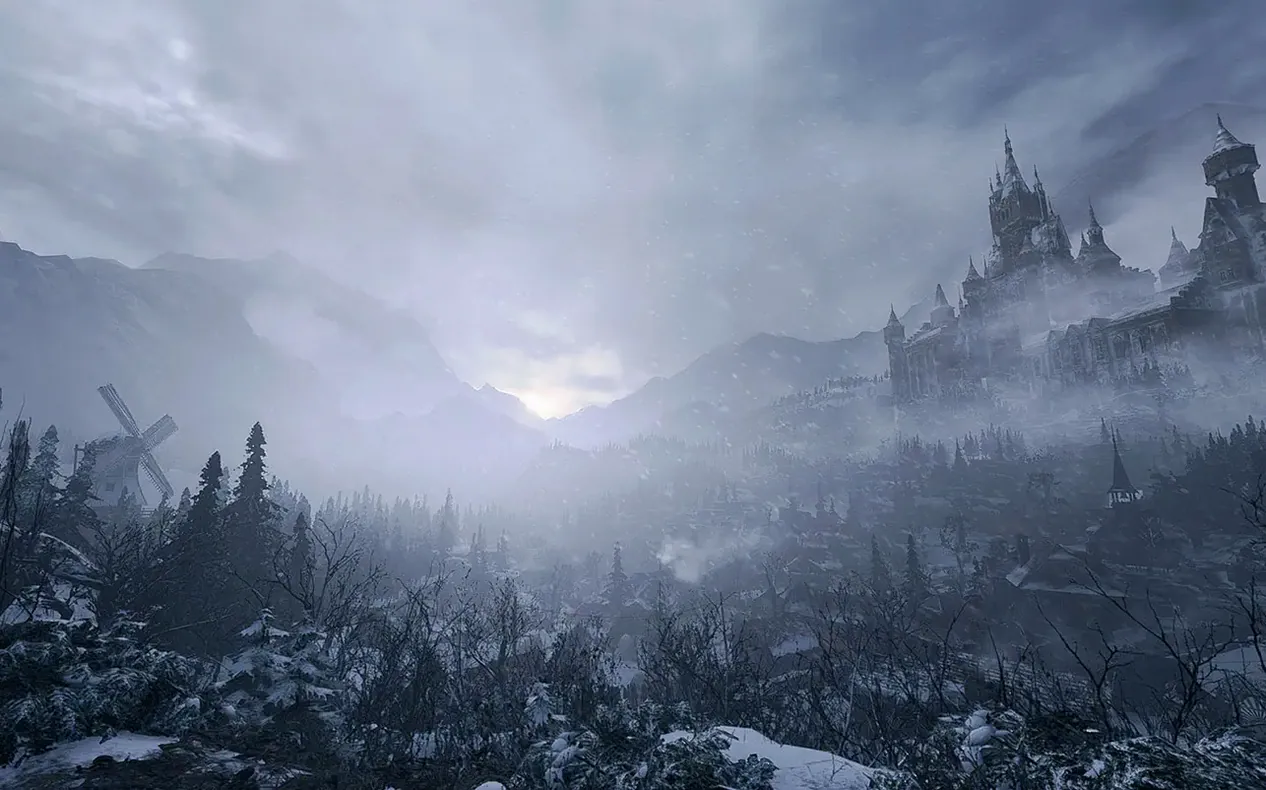
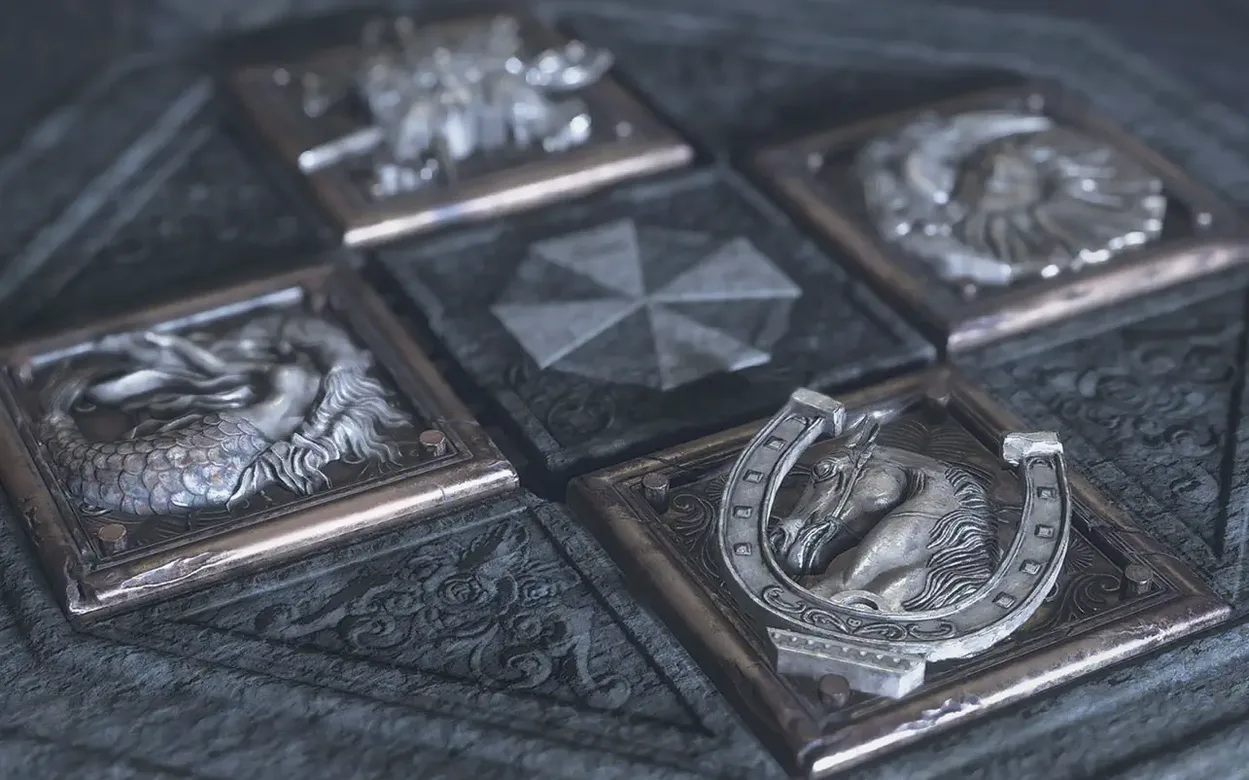
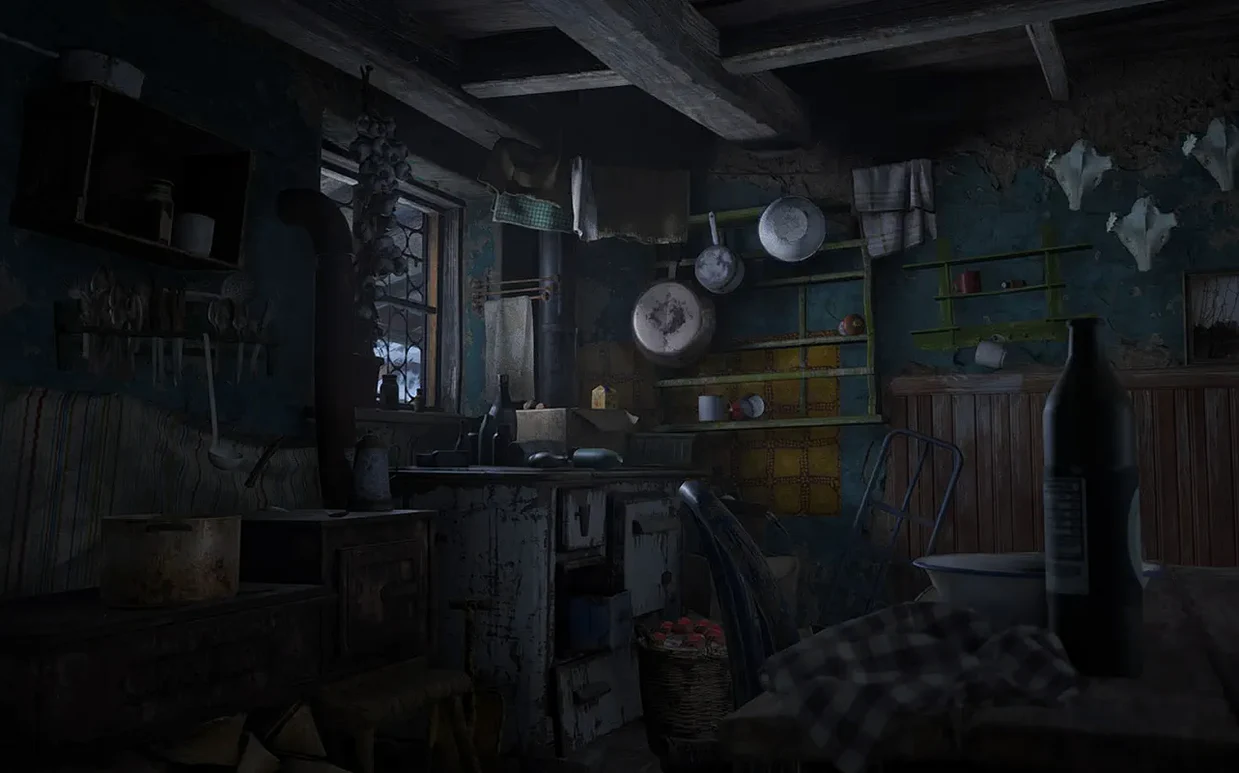
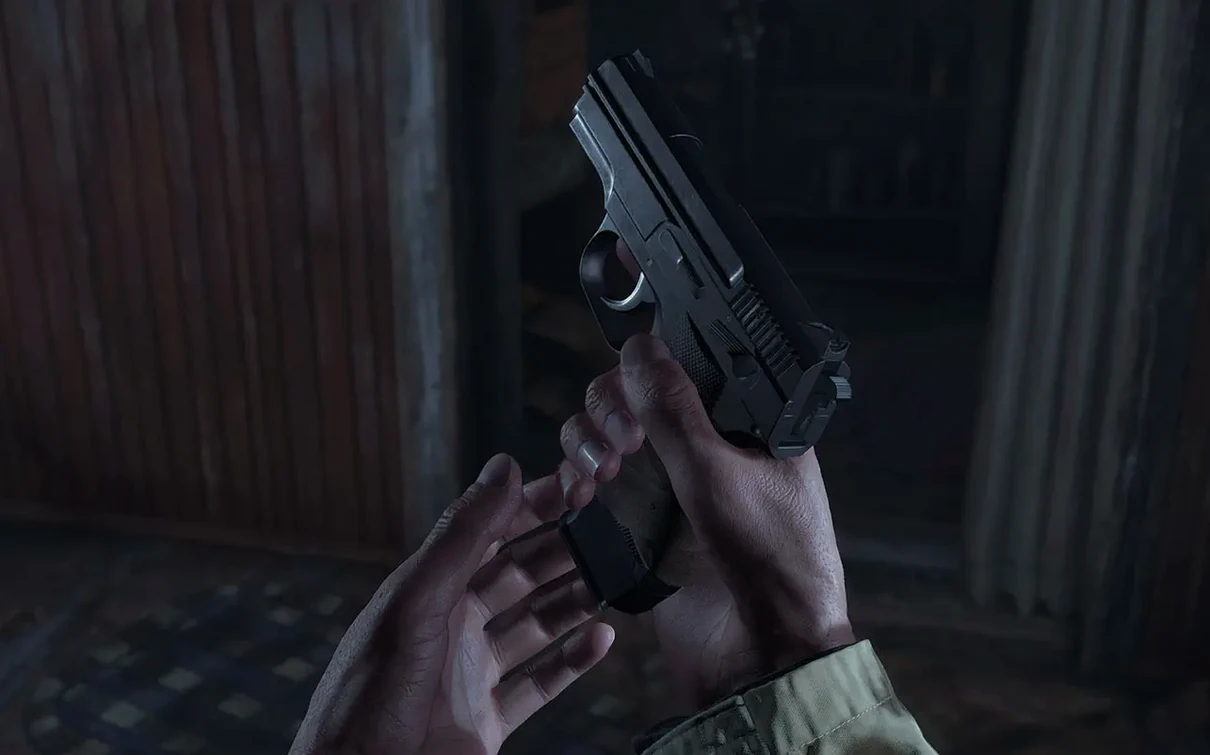
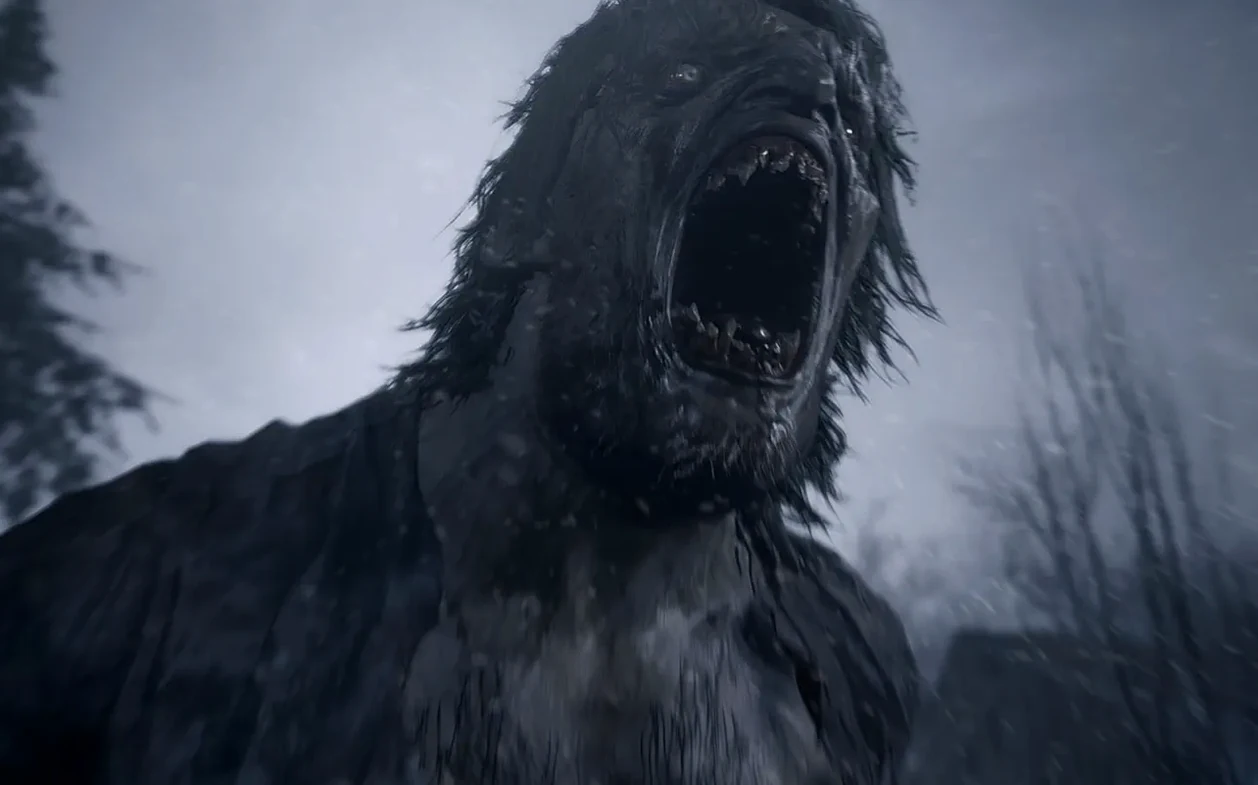
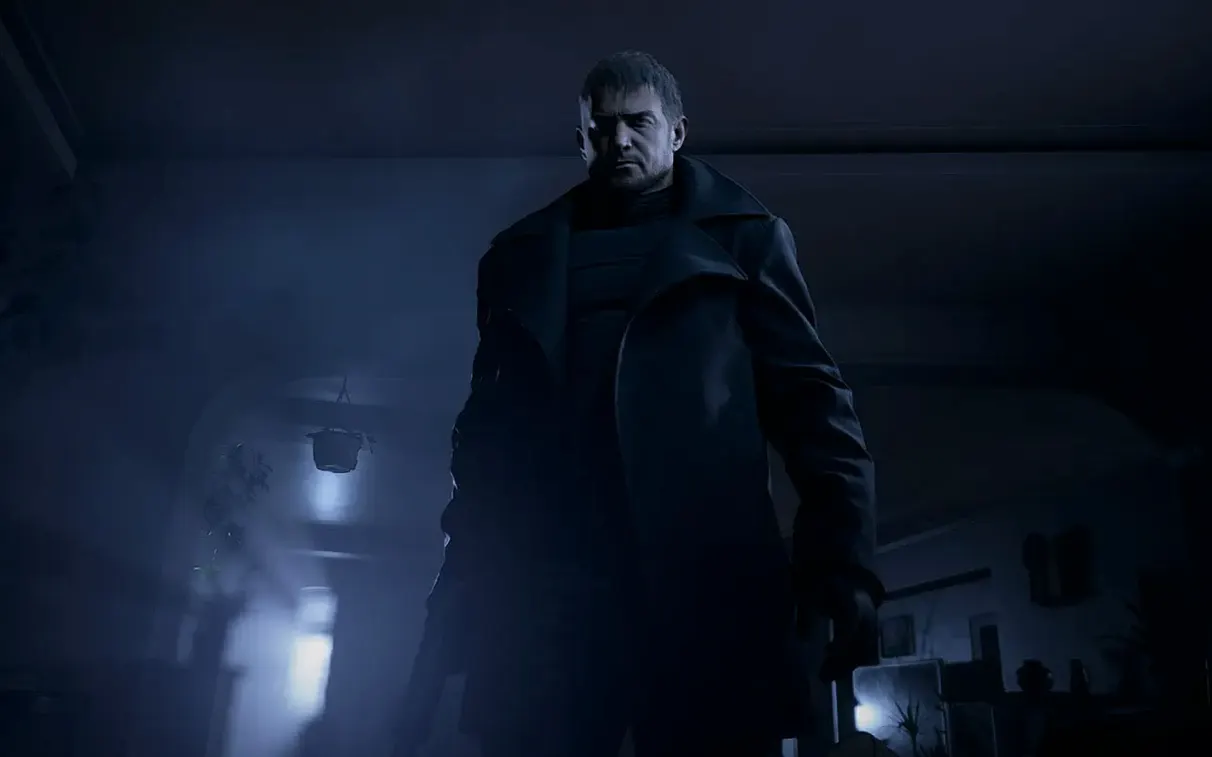
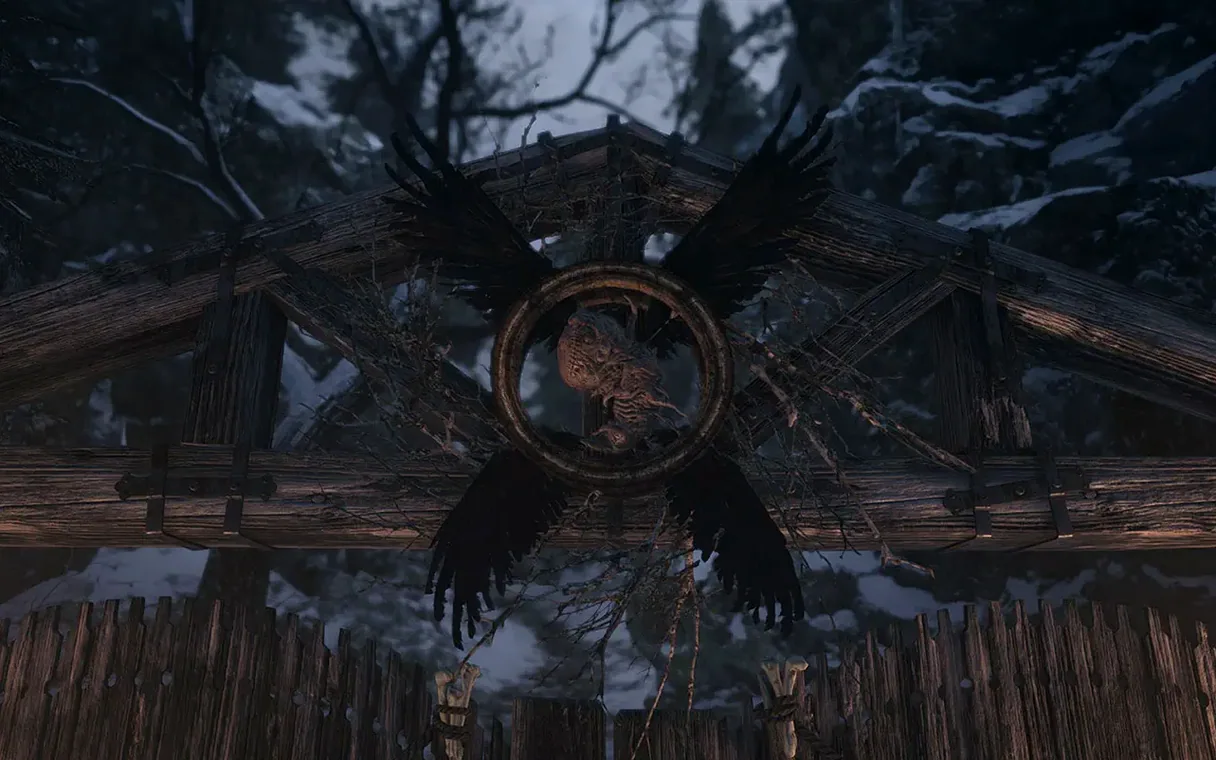
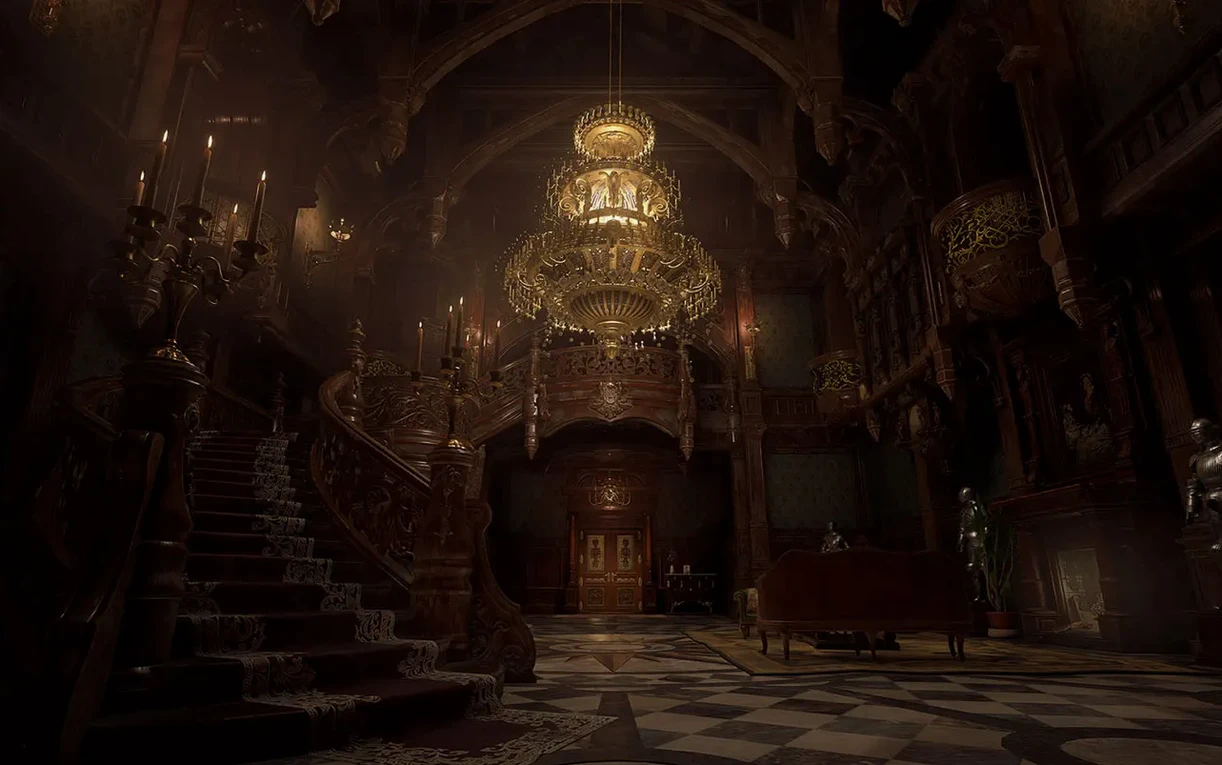
Click a screenshot to see it wider.
If you’ve played Resident Evil 7 biohazard, you know the drill: first-person horror, tight corridors, and a story that doesn’t let go. Village picks up with Ethan Winters, now facing Chris Redfield and a new nightmare in a snowbound European village. The Mac version runs natively on Apple silicon and ships with everything you need to get started.
- Full campaign — the main story, from the opening chase to the final confrontation.
- The Mercenaries: Additional Orders — the arcade-style bonus mode, included.
- Controller support — play with a gamepad or the Mac’s built-in keyboard and mouse.
- First-person perspective — the same view as RE7, so the scares stay close.
- Multiple languages — English, Spanish, German, French, Italian, Japanese, Korean, Russian, and more.
Performance on Apple silicon is solid, and the game runs on macOS Monterey 12.x and Ventura 13.0. If you’re tracking down a resident evil mac free copy, this is the version to grab.
Native Apple Silicon Build, No Rosetta Needed
The game works like any other Mac app once installed. It sits in the Applications folder and launches from the dock, Finder or Spotlight. Because it’s a native Apple silicon build, you don’t need Rosetta or any compatibility layer. The game also uses the Mac’s built-in controller support — plug in any standard gamepad and the system recognizes it without extra drivers.
If you run other software alongside it, keep in mind that the game is a full-screen application. It will take over your display and audio. Closing background apps like browsers or music players before you launch is a good habit. The macOS virtual desktop feature (multiple desktops) is useful here: leave one desktop for the game and another for a walkthrough or chat.
The game ships with its own saved-game system and uses the Mac’s storage, not cloud services. You can back up saves manually by looking for the game’s folder in ~/Library/Application Support/. This is helpful if you move between machines or keep a backup of your progress.
Requires macOS Monterey 12.0 or Later
From the requirements and specs, here’s what you need to know before installing:
- macOS version — the game needs macOS Monterey 12.0 or later. That includes Ventura 13.0 and everything after it. If you’re on an older macOS, you’ll need to update first.
- Apple silicon only — the game runs only on Macs with an M1 chip or newer. Intel-based Macs are not supported. If you have a MacBook Air M2, MacBook Pro M1 or M2, Mac mini M2 or an iMac with Apple silicon, you’re good.
- Storage — the game is large. Make sure you have enough free space on your internal drive before you start the download. An external drive won’t work for installation unless it’s formatted for macOS.
- Internet — you need a connection to download the disk image. After that, you can play offline. The installer notes recommend disconnecting from the internet during launch to avoid a black screen, so plan for that.
- Controller — the game supports controllers but does not require one. Keyboard and mouse work fine. If you use a controller, make sure it’s connected before the game starts.
M1 Chip or Later Required
Do I need an Apple silicon Mac to play this?
Yes. The game requires a Mac with an M1 chip or later. It will not run on Intel Macs. If you have an older Mac without Apple silicon, you cannot install this version.
Can I play it on a MacBook Air M2?
That model is Apple silicon, so yes. The MacBook Air M2 meets the hardware requirement. Just make sure your macOS is at least version 12.0.
Will my saved games from the Windows version transfer?
No. The Mac version uses a different save format. You start fresh on the Mac. There is no cross-platform save system between Windows and macOS.
Does it work with an external GPU?
macOS does not officially support external GPUs with Apple silicon Macs. The game relies on the internal GPU of the Apple silicon chip. Do not expect an eGPU to improve performance or compatibility.
Can I use a keyboard and mouse only?
Yes. The game supports keyboard and mouse input. You do not need a controller. The controls map to standard FPS layouts, which is familiar if you have played other first-person games on Mac.
What happens if I don’t disconnect from the internet during launch?
The installer notes warn that the game may show a black screen if you stay online. The fix is simple: disconnect your Mac’s Wi-Fi or unplug the ethernet cable before launching the game. You can reconnect after the game loads.
- macOS 12.0 or later (Monterey or Ventura)
- Apple Silicon (M1 or newer)
The install order
- Open the downloaded disk image.
- Drag the app into the Applications folder alias.
- If the app doesn’t open, run the Terminal command from the installer notes.
- Let the command finish, even if Terminal looks stuck.
- Disconnect from the internet during launch to avoid a black screen.