- Version
- 13.7.8 (22H730)
- Developer
- Apple
- Languages
- Russian, English, German, Arabic, Hungarian, Vietnamese, Greek, Danish, Hebrew, Indonesian, Spanish, Italian, Catalan, Chinese (Traditional), Chinese (Simplified), Korean, Malay, Dutch, Norwegian, Polish, Portuguese, Romanian, Slovak, Thai, Turkish, Ukrainian, Finnish, French, Hindi, Croatian, Czech, Swedish, Japanese
- License type
- DRM-free
| Chip | Apple Silicon, Intel 64-bit |
|---|---|
| Download | 12 GB |
Screenshots
Click a screenshot to see it wider.
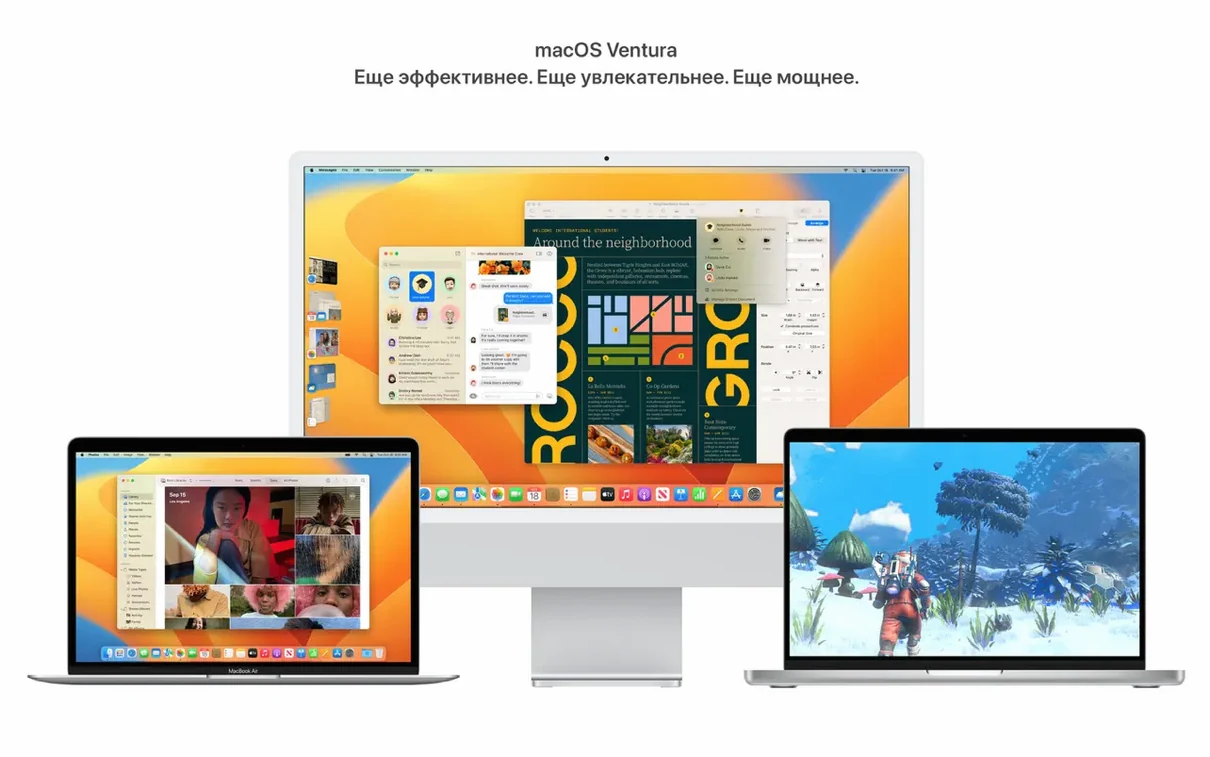
macOS Ventura runs on any Mac from 2017 and later. If you are coming from an older system, the first thing to notice is Stage Manager: it collects your open windows on the left side and keeps the active app front and center. It cuts clutter fast and works well with a single monitor.
Continuity Camera and Spotlight Actions
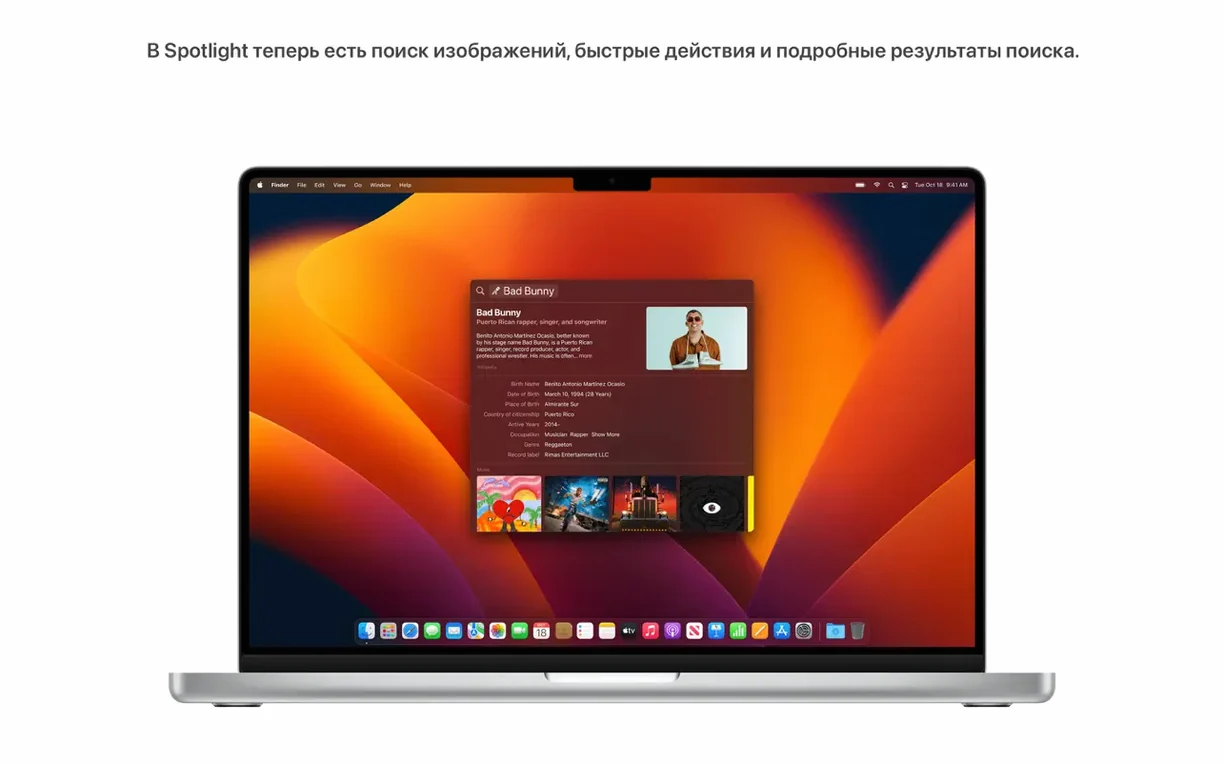
You can use your iPhone as a webcam wirelessly. No dongles, no extra software. Just mount the phone and the Mac picks it up. Spotlight in Ventura is more than a launcher: start a timer, run a shortcut, or search Photos by location, people, or text in the image. It saves clicks throughout the day.
Safari and the New Apps
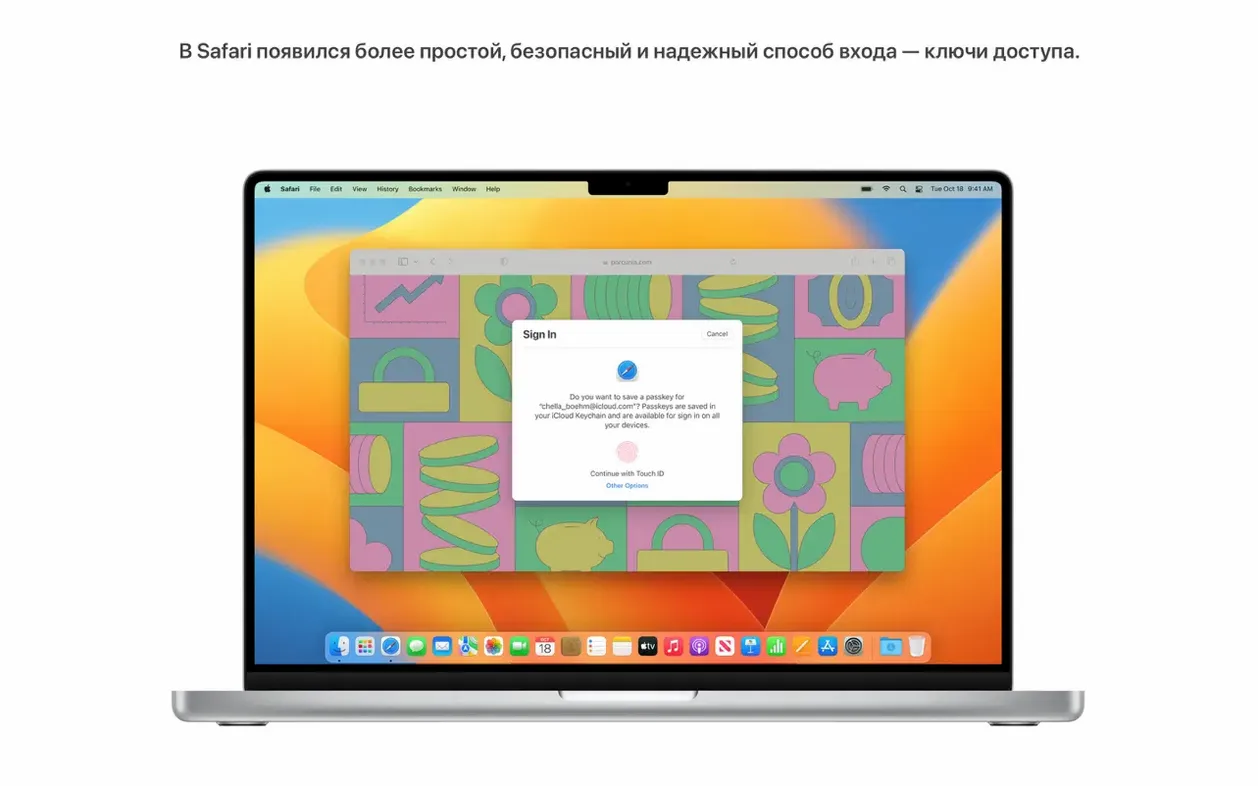
Safari adds shared tab groups and support for biometric passkeys. The Weather and Clock apps are finally native on the Mac. For a newcomer, these small additions make the daily workflow feel tighter. Build 13.7.8 includes important security fixes and is recommended for all users.
Setting Up a Room for a Presentation: A Full Workflow
Here is one way to use Ventura's features to prep a conference room Mac for a team review.
- Open the documents, slides, and web pages you need for the presentation. Drag each window to Stage Manager by clicking the background previews on the left. The active window stays centered, so you can flip through without stacking or resizing manually.
- Open the Clock app and set a timer for the session time. Keep it visible on the edge of the centered window.
- If you plan to use a phone camera for a remote attendee, open Continuity Camera. Mount the iPhone on a stand, select it in the Mac's camera list, and choose Center Stage or Portrait Mode from the continuity options. The call will follow the speaker without manual panning.
- Use the Weather app to check the local forecast if the meeting agenda includes an outdoor activity. The data is pulled from the same source as the iOS app, so you do not have to open a browser.
- When the presentation starts, switch between windows by clicking the background previews in Stage Manager. Spotlight is also available: press Cmd+Space, type "timer" to start a new countdown, or type "shortcut" to run a custom automation without leaving the stage.
This sequence takes advantage of Stage Manager, Continuity Camera, and the new Clock app without installing third-party tools.
Security Patch with No Visible Changes
Build 13.7.8 (22H730) is a security release. The visible interface, Stage Manager behavior, Spotlight functionality, and the Weather and Clock apps remain unchanged from earlier Ventura builds. The only practical difference is that the system is now patched for the vulnerabilities addressed in this update. For IT staff managing a fleet of Ventura machines, this is the version to roll out for compliance and to close known issues. Users who already keep their system up to date will not see new features in this release.
FaceTime Call Transfer from iPhone
Some of Ventura's refinements are easy to overlook if you are not looking for them.
- FaceTime call transfer. Ventura lets you move a FaceTime call from your iPhone to your Mac without hanging up. This works if you start a call on the phone and then switch to the Mac when you need a larger screen or better audio.
- Biometric passkeys in Safari. Safari supports passkeys as an alternative to passwords. On a Mac with a compatible fingerprint reader or a phone with a biometric sensor, you can authenticate without typing a password. The Mac stores the passkey in the system keychain.
- Spotlight image search. Spotlight can find photos by location, people, scenes, objects, or text in the image. This works with the Photos app library. It is useful for finding a receipt photo by the store name or a screenshot by the text shown in the screenshot.
- This update provides important security fixes.
- Recommended for all users.
- macOS Ventura
- Architecture: Intel and Apple Silicon
Questions I get about this line
macOS Ventura supports Macs from 2017 and later, including MacBook Air, MacBook Pro, iMac, Mac mini, Mac Pro, and Mac Studio models from that year onward.
Yes. Continuity Camera lets you use your iPhone as a wireless webcam. No extra hardware or cables are required.
Stage Manager automatically organizes open windows on the left side of the screen and keeps your active app front and center. It helps reduce desktop clutter.
The install order
- Use the PKG file to update directly from the current macOS.
- Use the PKG file to create a bootable installer from Terminal.
- Use the IPSW file to restore or perform a clean install through Apple Configurator.
- Use the IPSW file to roll back the system version or recover from serious issues.