- Version
- 2.9.6 [MAS]
- Developer
- Metaclassy Lda.
- Languages
- Russian, English, German, Spanish, Italian, Chinese (Simplified), Portuguese, French
- License type
- K'ed by TNT team
| macOS range | OS X 10.10 or later |
|---|---|
| Chip | Intel 64-bit |
| Download | 6 MB |
Screenshots
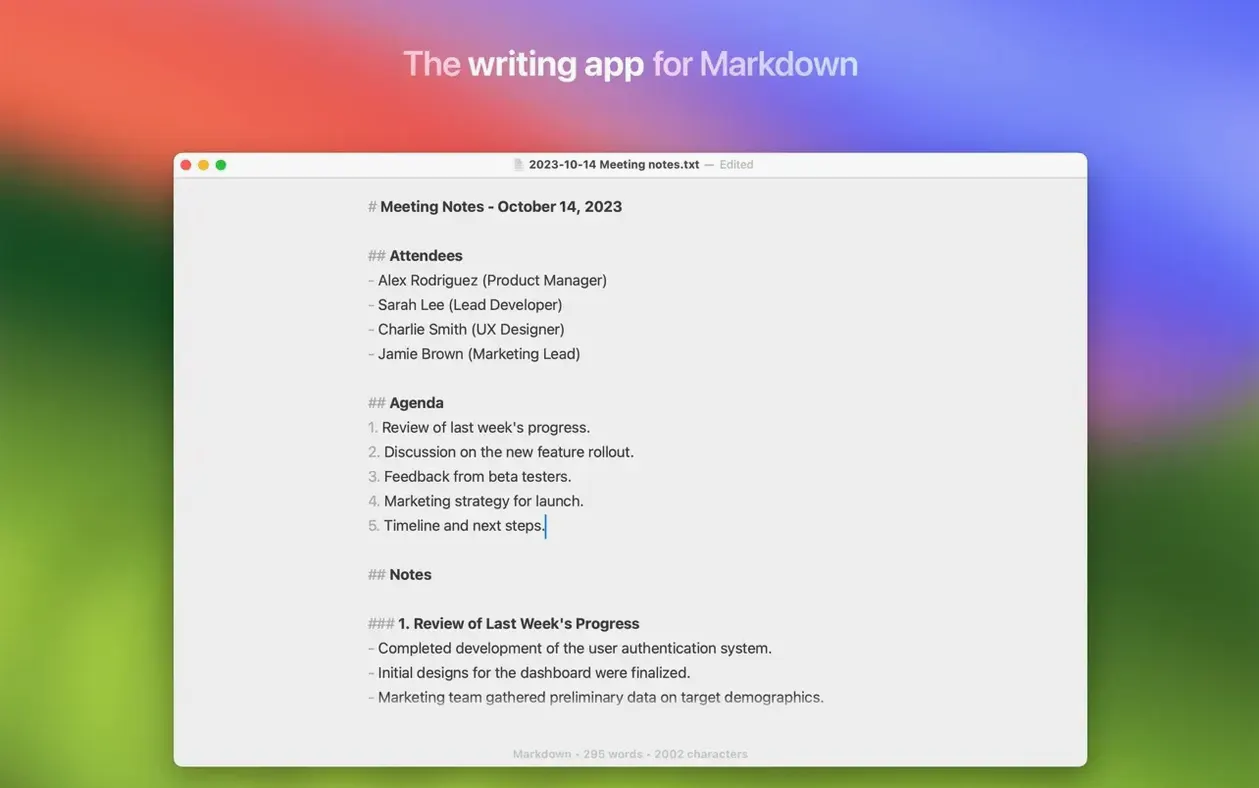
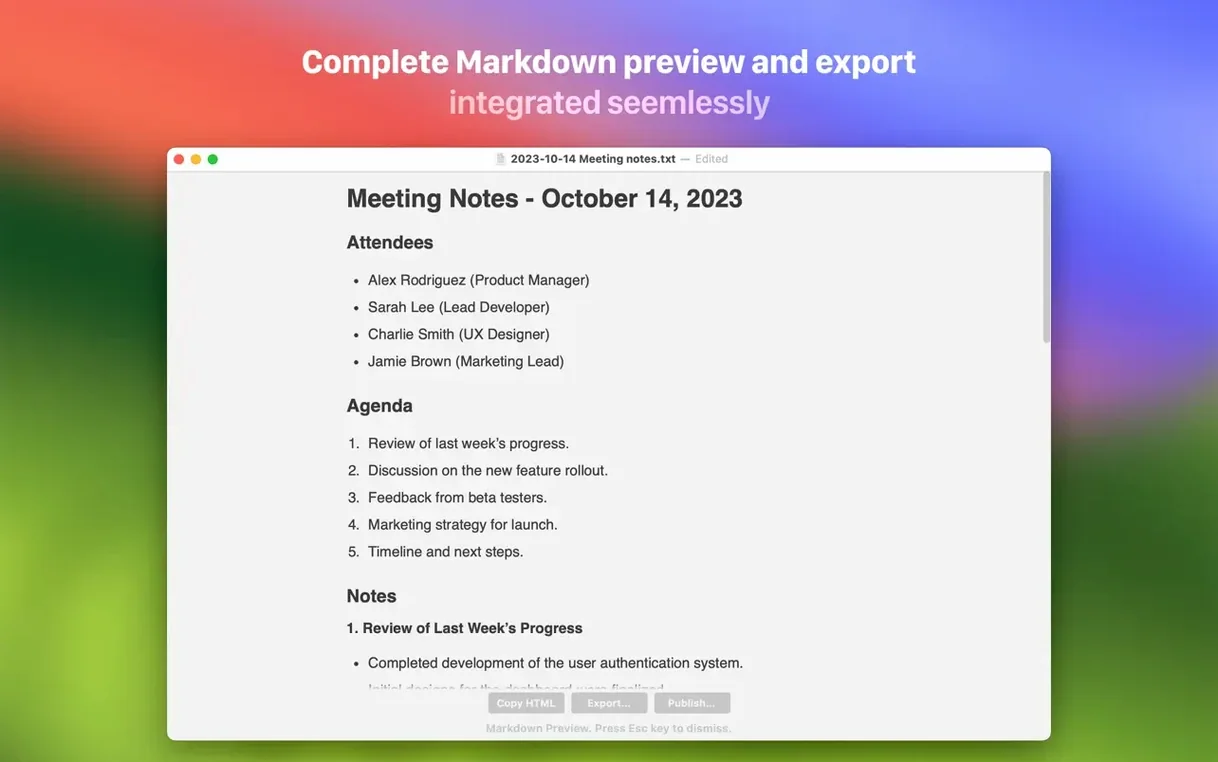
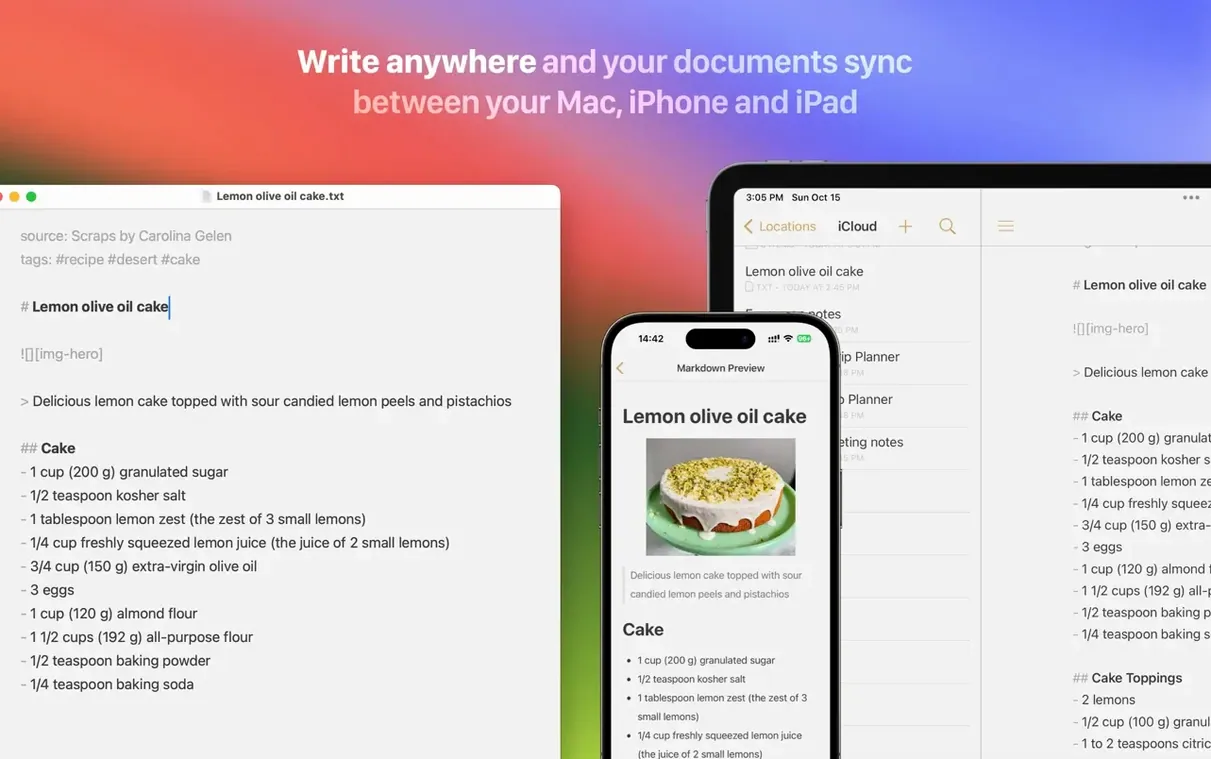
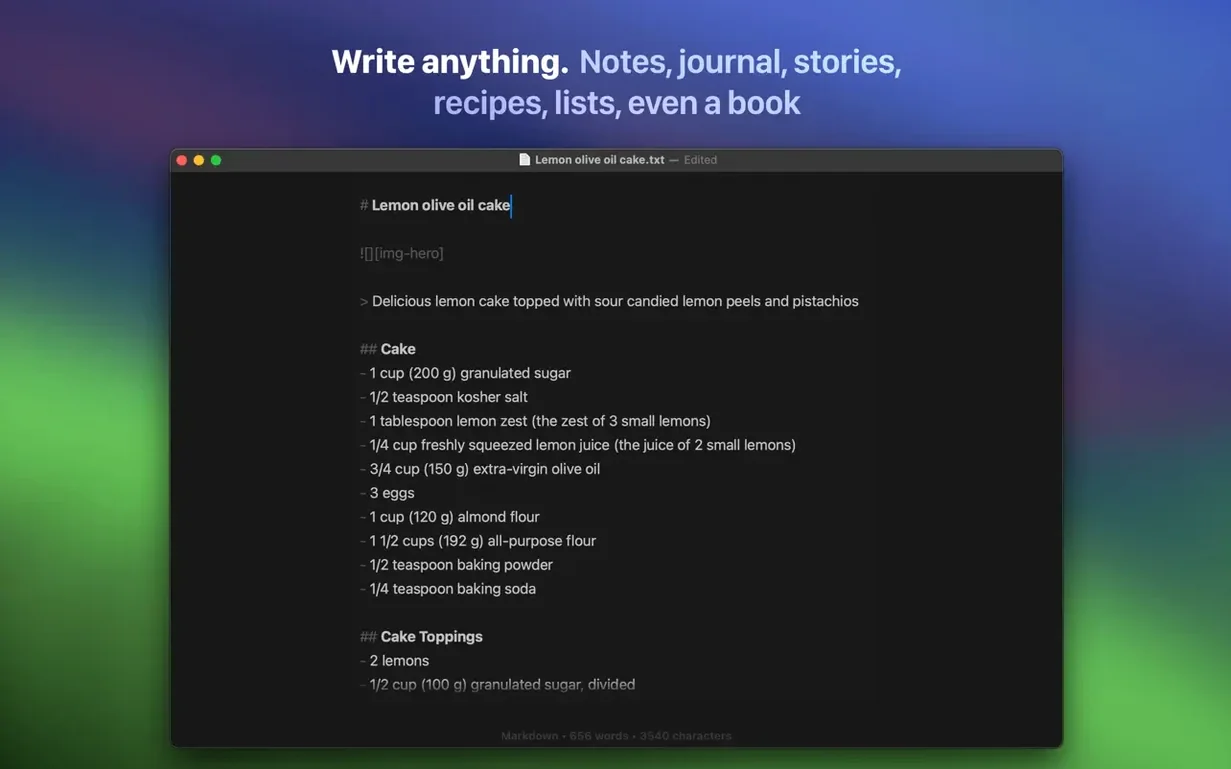
Click a screenshot to see it wider.
Byword is a Markdown text editor for macOS, built for distraction-free writing. Version 2.9.6 is a 64-bit Intel app, so it runs on older Macs as well as current ones via Rosetta.
Is Byword only for Markdown?
No. It handles Markdown and rich text (RTF). You can switch between plain and formatted editing, which makes it useful for notes, drafts, and longer documents.
Does it help with focus?
Yes. The interface controls hide while you type, and a typewriter mode keeps the current line centered on screen. Full-screen writing is supported too, so you can clear away distractions.
Can I export or print?
Yes. Byword prints directly and exports to PDF. It also includes find and replace, plus special selection functions for quicker text manipulation.
Does it support document versions?
Small conveniences that are easy to miss
Byword includes a contextual menu for formatting. Right-click selected text to apply bold, italic, or heading styles without reaching for a keyboard shortcut. The menu appears only when you need it.
Five typography presets are built in. Each one optimizes letter spacing, line height, and font choice for readability. Switch between them until the page looks right to your eyes. The presets apply to the editing view, not just the export.
Hotkeys cover common editing tasks. The app does not surface every shortcut in the toolbar, so check the menu bar to find them. The combination of hotkeys and the contextual menu means you can keep your hands on the keyboard for most work.
Special selection functions let you pick words, lines, or paragraphs faster than dragging the cursor. These are listed in the Edit menu. If you edit long plain text or Markdown files, they save a few seconds per selection.
Workflow: Write a Markdown post from start to export
This is how a typical session might go.
- Open Byword and create a new document. Type a title and start writing in Markdown. Use asterisks for bold, underscores for emphasis, hash signs for headings. The live preview does not show formatted output, but the editor keeps Markdown syntax legible.
- When you need a break from distractions, enable full-screen mode. The interface goes away. To focus on the sentence you are writing, turn on typewriter mode so the current line stays centered.
- After the first draft, run find and replace to fix repeated terms or standardize formatting. Use the special selection functions to grab entire paragraphs for reorganization.
- Save a version before making heavy edits. macOS Versions handles this automatically if you have it set up, or you can use File > Revert To to browse older copies.
- Export to PDF for sharing. The typography preset you chose during writing carries over to the export.
How Byword compares with similar Mac apps
Byword sits in a specific spot: it is a Markdown editor that also works with plain TXT and RTF. That is not common.
iA Writer is probably the closest competitor. It offers focus modes, typewriter scrolling, and document versions, but it pushes its own file format and sync service. Byword stays closer to the file system and does not require an account.
Typora shows rendered Markdown as you type, which is a fundamentally different approach. Byword shows the raw Markdown syntax, which some writers prefer for control over formatting. Typora also uses more screen space for its live preview.
MacDown is a free option with live preview and GitHub-flavored Markdown support. It lacks the focus modes, typography presets, and RTF editing that Byword includes. For someone who needs a mix of plain text and rich text work, Byword covers more ground.
Yes. Byword works with macOS Versions, so you can track and revert changes to your documents.
- macOS OS X 10.10 or later
- Intel (64-bit)
- Interface languages: Russian, English, German, Spanish, Italian, Simplified Chinese, Portuguese, French
The install order
- Mount the disk image and launch the installer.
- Press Enter in Terminal to bypass Gatekeeper.
- Drag Byword to the Applications folder.
- Open the app when installation completes.