Free download (37 MB) Previous versions
- Version
- 3.24.1 [MAS]
- Developer
- Cultured Code GmbH & Co. KG
- Languages
- Russian, English, German, Spanish, Italian, Chinese (Traditional), Chinese (Simplified), French, Japanese
- License type
- K'ed by TNT team
| macOS range | macOS 10.15 or later |
|---|---|
| Chip | Apple Silicon, Intel 64-bit |
| Download | 37 MB |
| Previous versions | 2 on file |
Screenshots
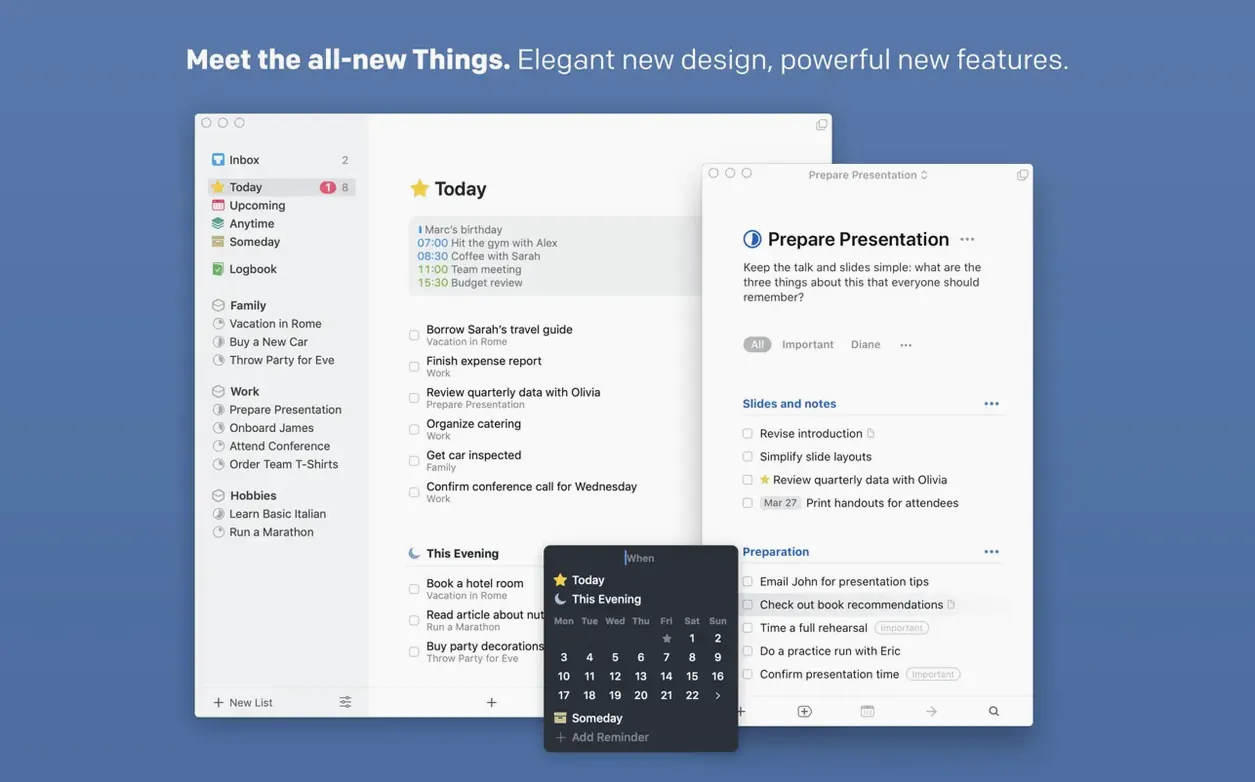
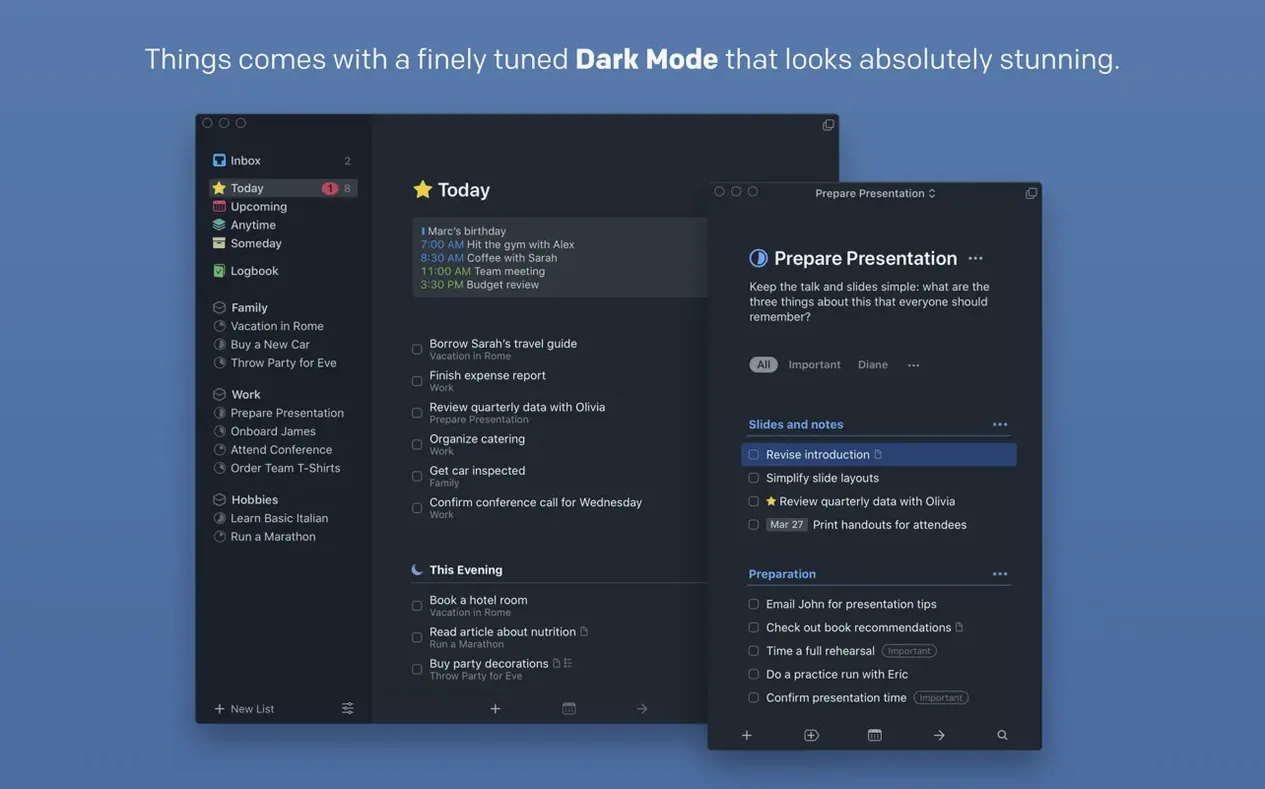
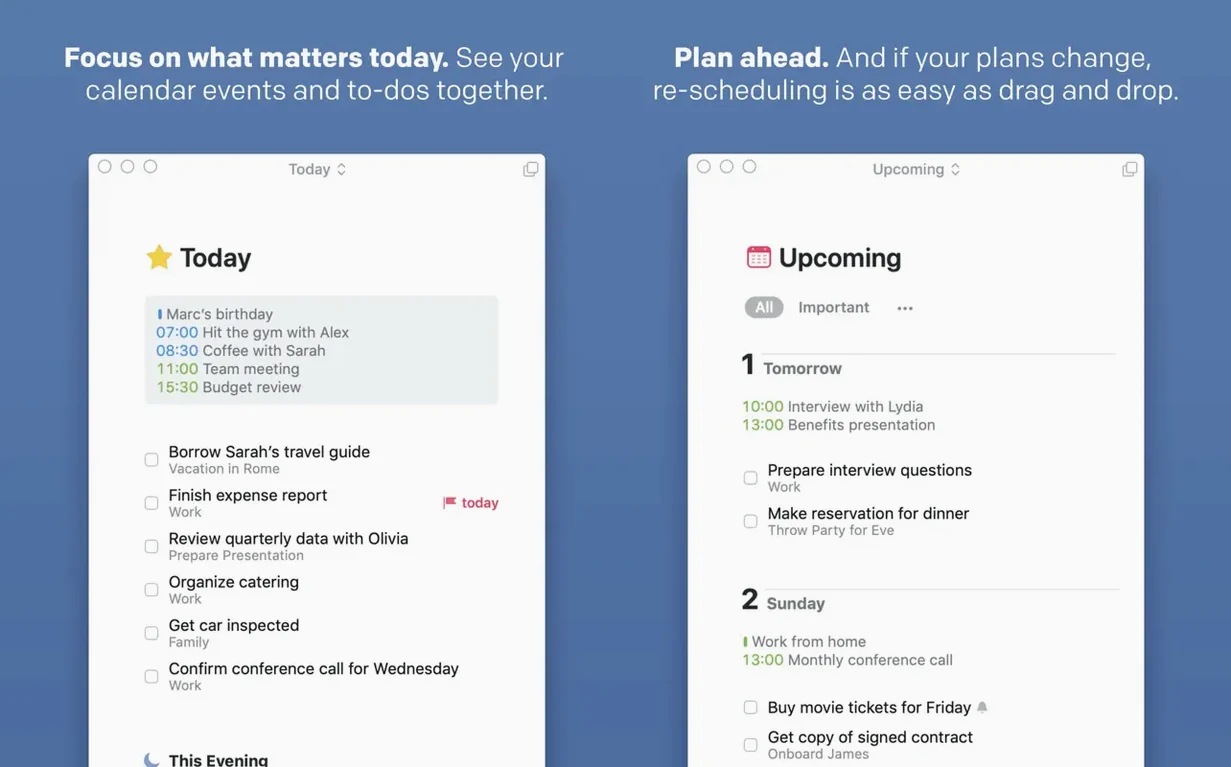
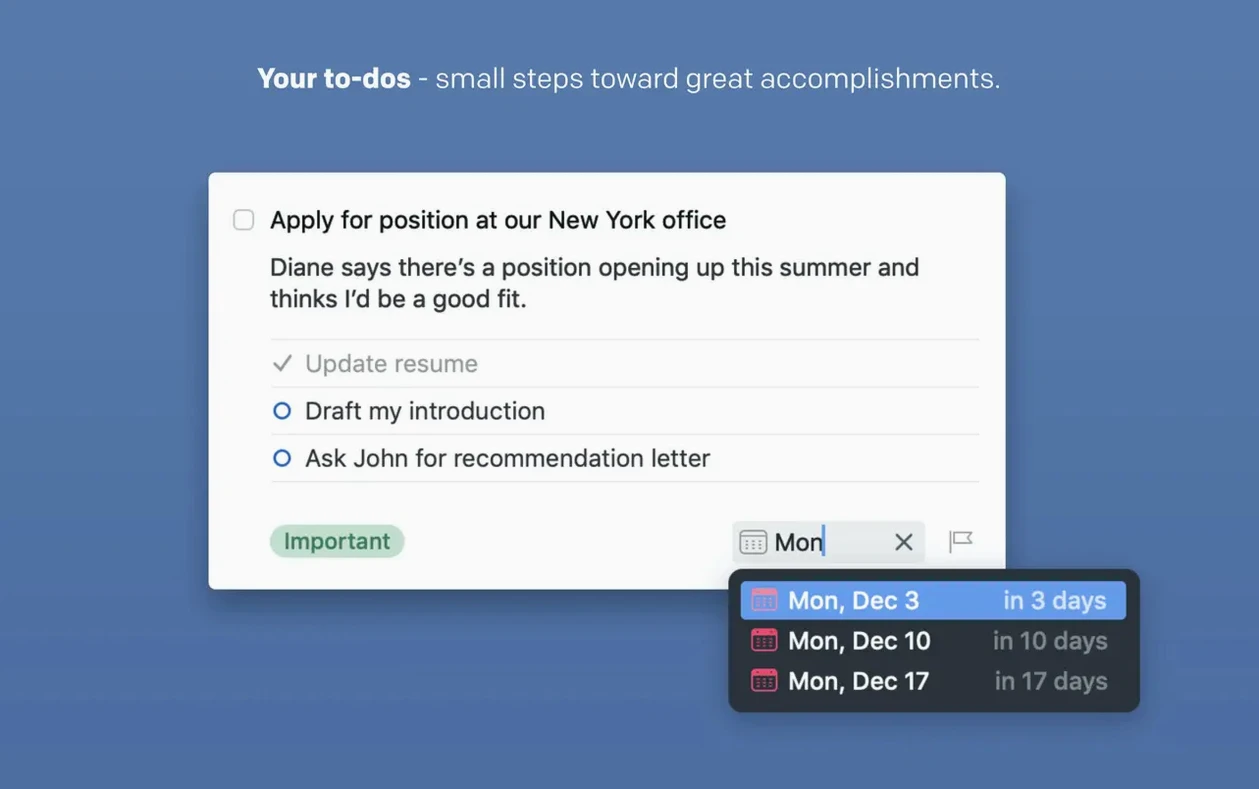
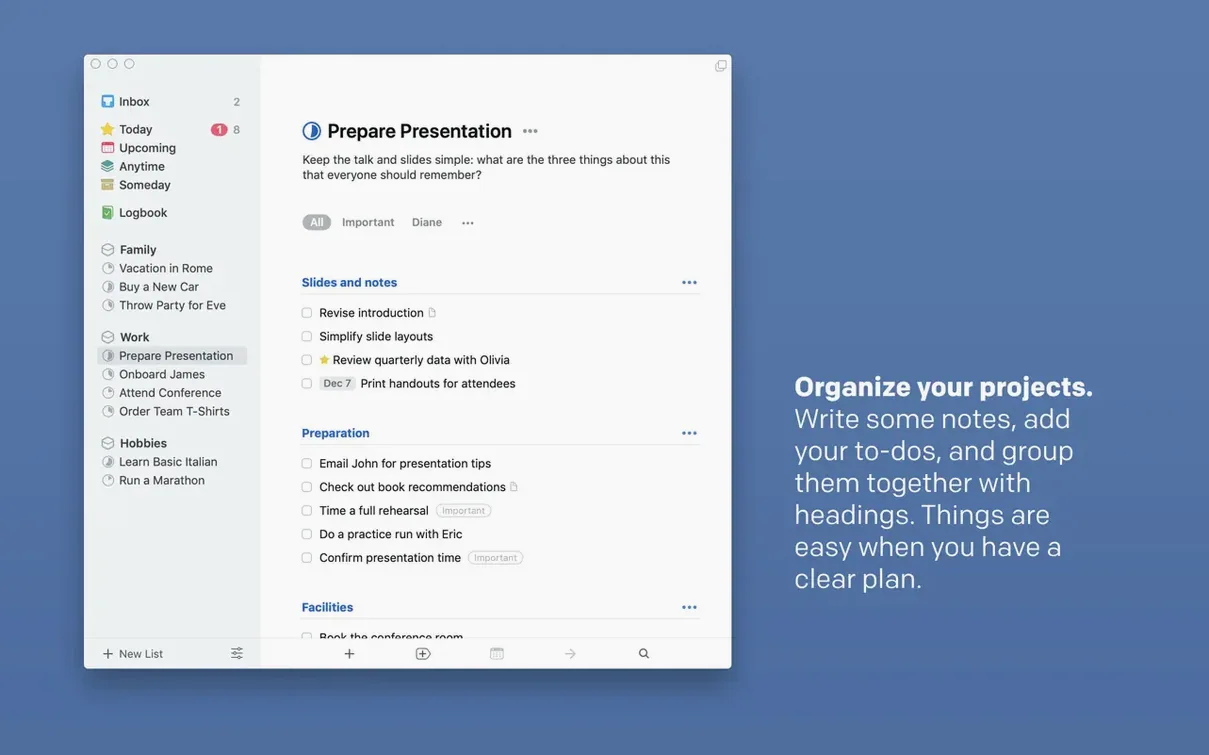
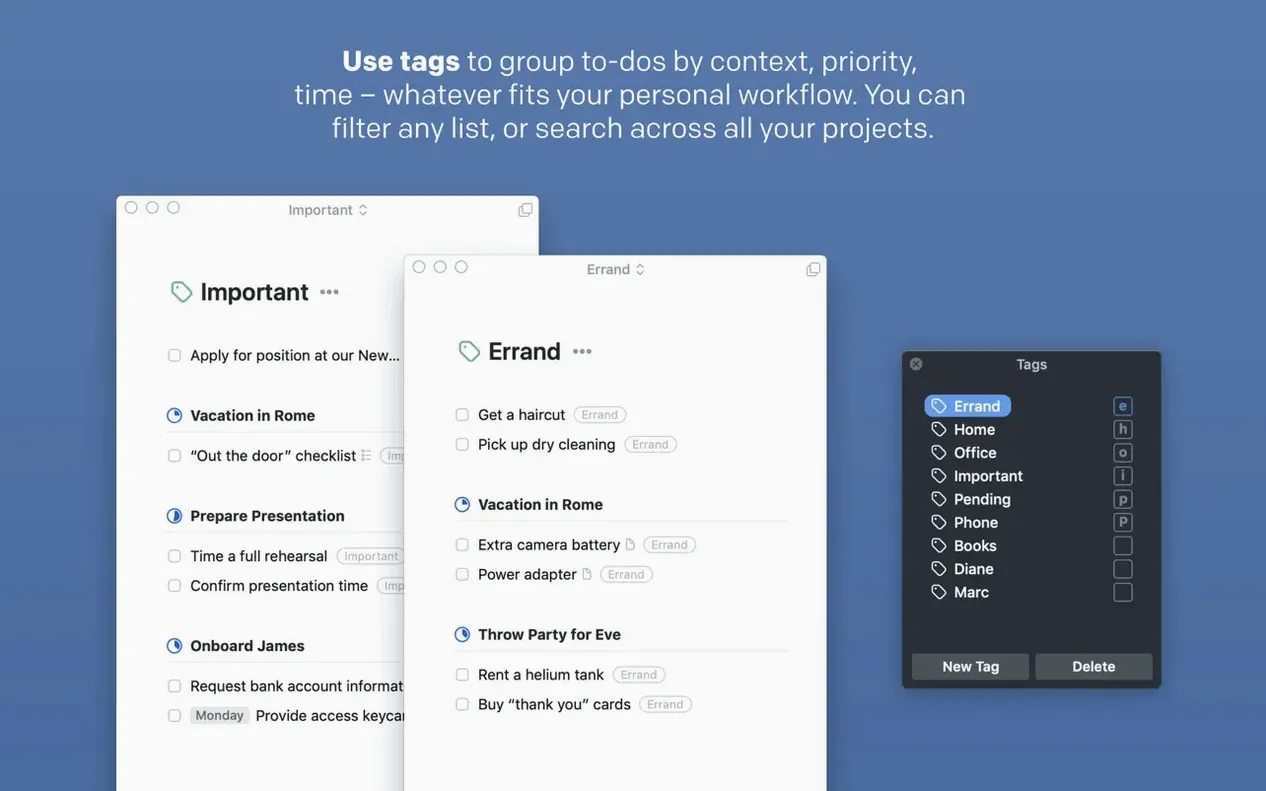
Scroll the row, it snaps to each screenshot. Click one to see it wider.
Open Quick Find in Things 3.24.0 and you’ll see results from Spotlight too. That’s the headline feature: full Spotlight integration means you can search tasks, projects, and tags without leaving the system search. No more jumping into the app just to find a deadline.
- Build a project. Start with a larger goal. Add tasks, deadlines, and reminders inside it. Use notes and subtasks to break work into steps.
- Automate with AppleScript. Hook Things into your daily routine. Create repeating tasks, log completed work, or pull data from other apps.
- Sync via Things Cloud. Keep your Mac, iPhone, iPad, and Vision Pro in lockstep. No cables, no manual export.
- Use the new extra-tall widget. See more tasks at a glance on your desktop. Snooze options are better too—dismiss a task and pick a return time.
- Talk to Siri on OS 27. The new Siri AI handles natural-language task creation. “Remind me to order supplies Tuesday at 3” works.
Touch Bar users get quick access to deadlines and tags. Share actions let you send tasks from other apps straight into Things. The Mac version is sold separately from the mobile versions, so you only pay for what you need.
Sync first with Things Cloud
Set up Things Cloud first. Sync is the backbone. Create a free account, log in on the Mac app, and your phone or tablet will pick up the same data within seconds.
Map the quick entry shortcut early. The keyboard shortcut works from any app — use it to capture a thought without switching windows. Muscle memory for that one key combination pays off fast.
Start with a single project, not ten. Dump everything into Inbox first. Then tag each task and move it into a project or area. Over-tagging early makes filtering harder later. Use two or three tags until you understand your own workflow.
Test the Spotlight integration. Open system search, type a task name, and see it alongside files and apps. That alone changes how often you open Things during the day.
Set up one repeating task and let it run for a week. A weekly review, a monthly invoice reminder — something simple. Repeating tasks in Things handle the recurrence logic, so you can trust them and stop keeping it in your head.
Things is sold per platform. The Mac version covers the Mac. No ongoing fees beyond the initial buy.
Can I see my Google Calendar or iCloud events inside Things? The app shows calendar events and Things tasks together in one list. It does not replace a full calendar app, but it gives you a combined view so you can plan around meetings without tabbing out.
Does it work with older Macs? macOS 10.15 or later is the only requirement. That covers Intel Macs from around 2018 onward and all Apple Silicon models. The app is native on both architectures.
What happens if I don't create a Things Cloud account? The app works locally. You lose device sync, but the task list stays intact on the Mac. You can add an account later without losing data.
Is the interface available in English? Yes, along with eight other languages including German, French, Japanese, and both simplified and traditional Chinese. You can switch in the settings.
Inbox to Today in one session
Tuesday morning. I hit the quick entry shortcut from inside a browser window and type “order replacement toner for the front desk printer.” It lands in Inbox with a default tag and no deadline.
I open Things. The Today view shows a team standup at 10 and a recurring task to review open IT tickets. The calendar overlay puts the standup right above my task list. No context switching.
I open Inbox. The toner note is there. I assign it to the Projects > Office Supplies project, set a deadline for Thursday, and add a subtask: “check current toner model number.” The original note becomes a task note so I can paste the product link later.
I tap the new extra-tall widget on the desktop. It shows five tasks at once — way more than the old short widget. I see a task from last week that I snoozed until today. Good. I mark it complete.
I need to check if the backup script ran last night. I open system search and type “backup verification.” Spotlight returns the task card from Things right next to the log file. I click the task, open the note, and confirm the last run date. No need to launch anything else.
Before lunch I add two more items via Siri on the phone. “Add buy hand sanitizer for exam rooms to Things.” It goes straight to Inbox. I look at the list one last time, tag a few stragglers, and close the app. The widget stays on the desktop for the afternoon.
- Full integration with Spotlight
- Support for the new Siri AI on OS 27
- Better snooze options
- New extra-tall widget
- macOS 10.15 or later
- Intel or Apple Silicon
- Requires a free Things Cloud account for sync
The install order
- Mount the disk image and launch Open Gatekeeper friendly.
- Press Enter in Terminal to bypass Gatekeeper.
- Drag the app to the Applications folder.
- Launch the app.