Free download (3.3 GB) Previous versions
- Version
- 15.0
- Developer
- Wolfram
- Languages
- Russian, English, German, Vietnamese, Greek, Spanish, Italian, Chinese (Traditional), Chinese (Simplified), Korean, Lithuanian, Polish, Portuguese, Ukrainian, French, Japanese
- License type
- Included
| macOS range | macOS 12 or later |
|---|---|
| Chip | Apple Silicon, Intel 64-bit |
| Download | 3.3 GB |
| Previous versions | 13 on file |
Screenshots
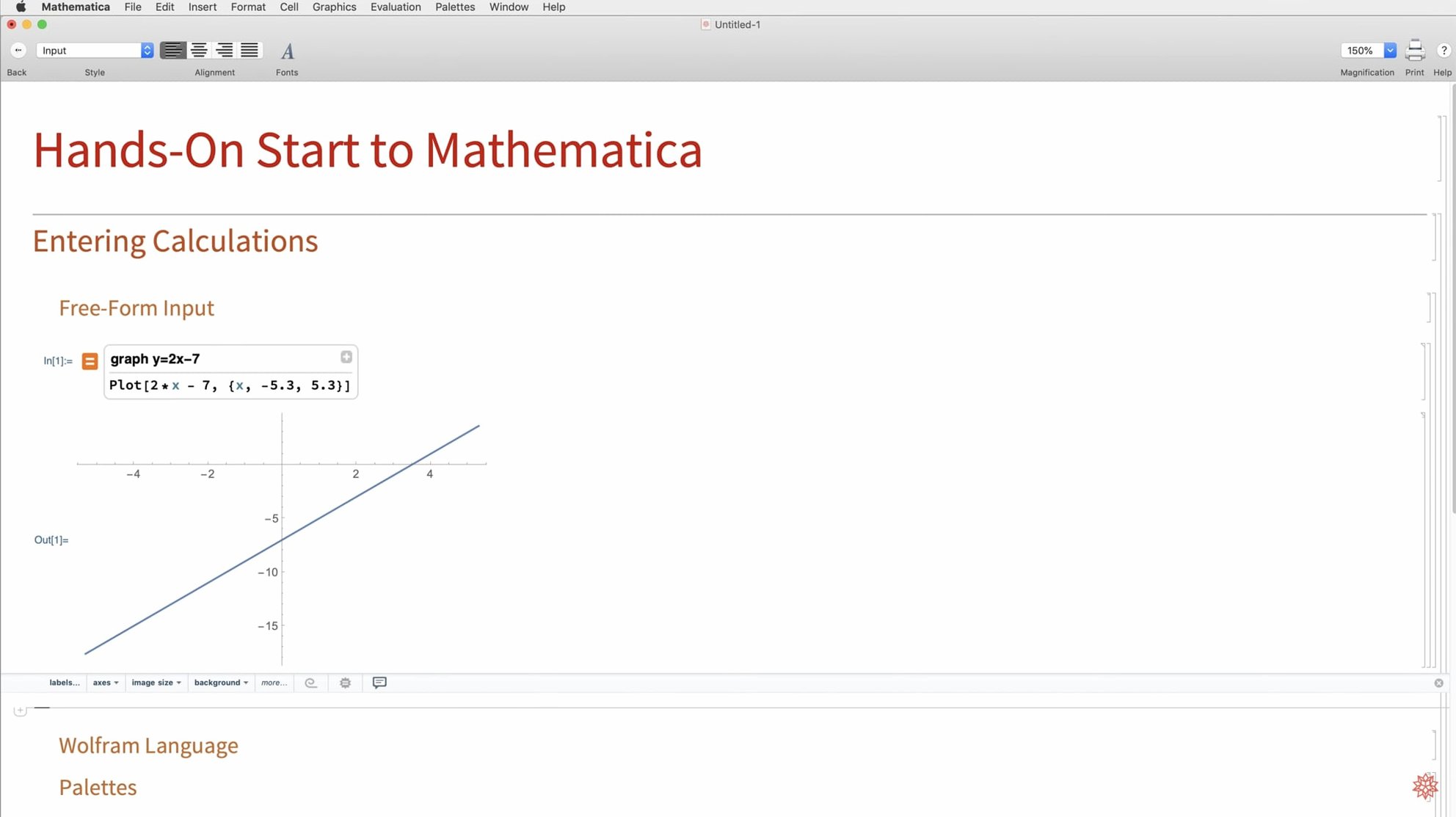
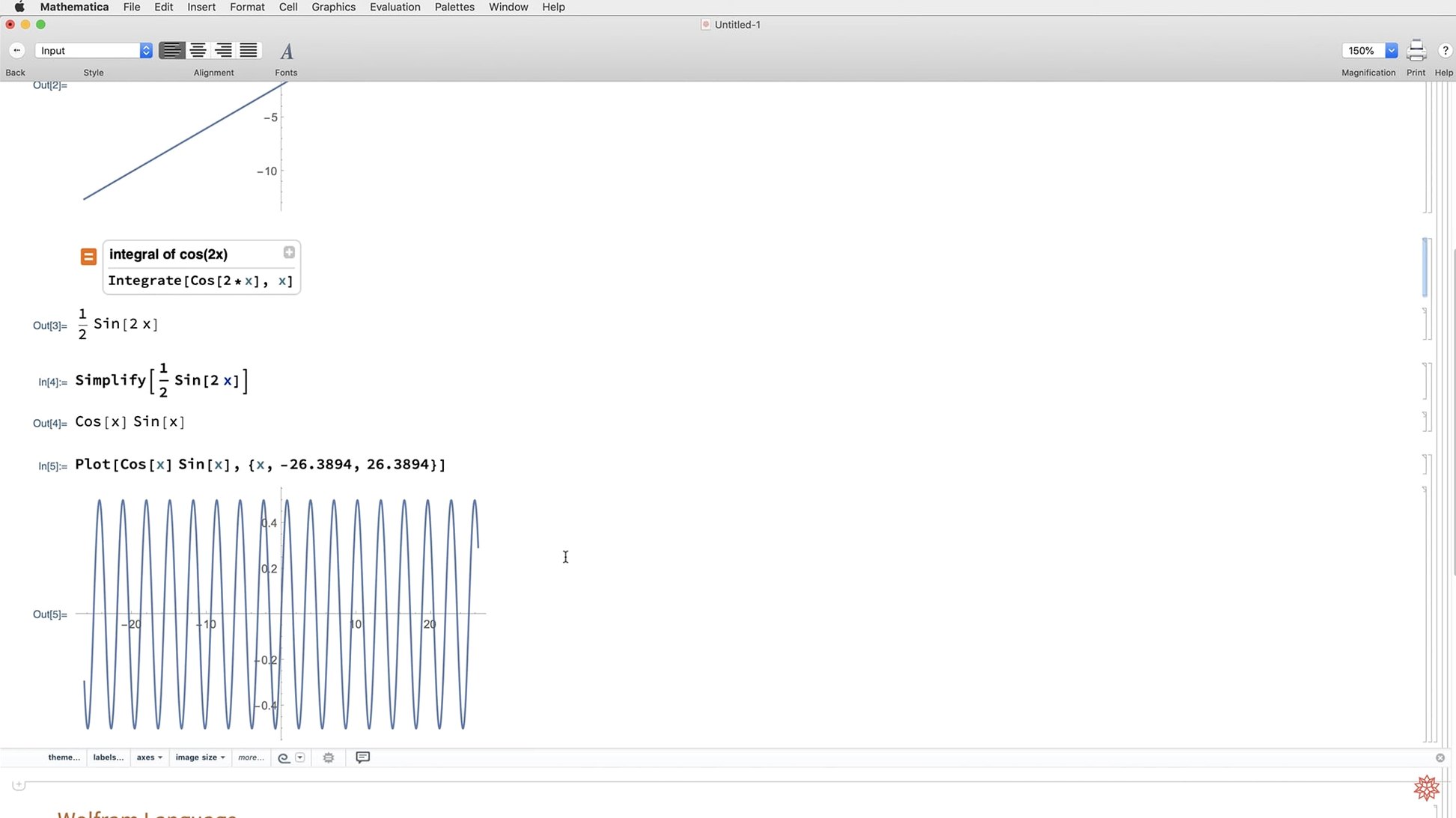
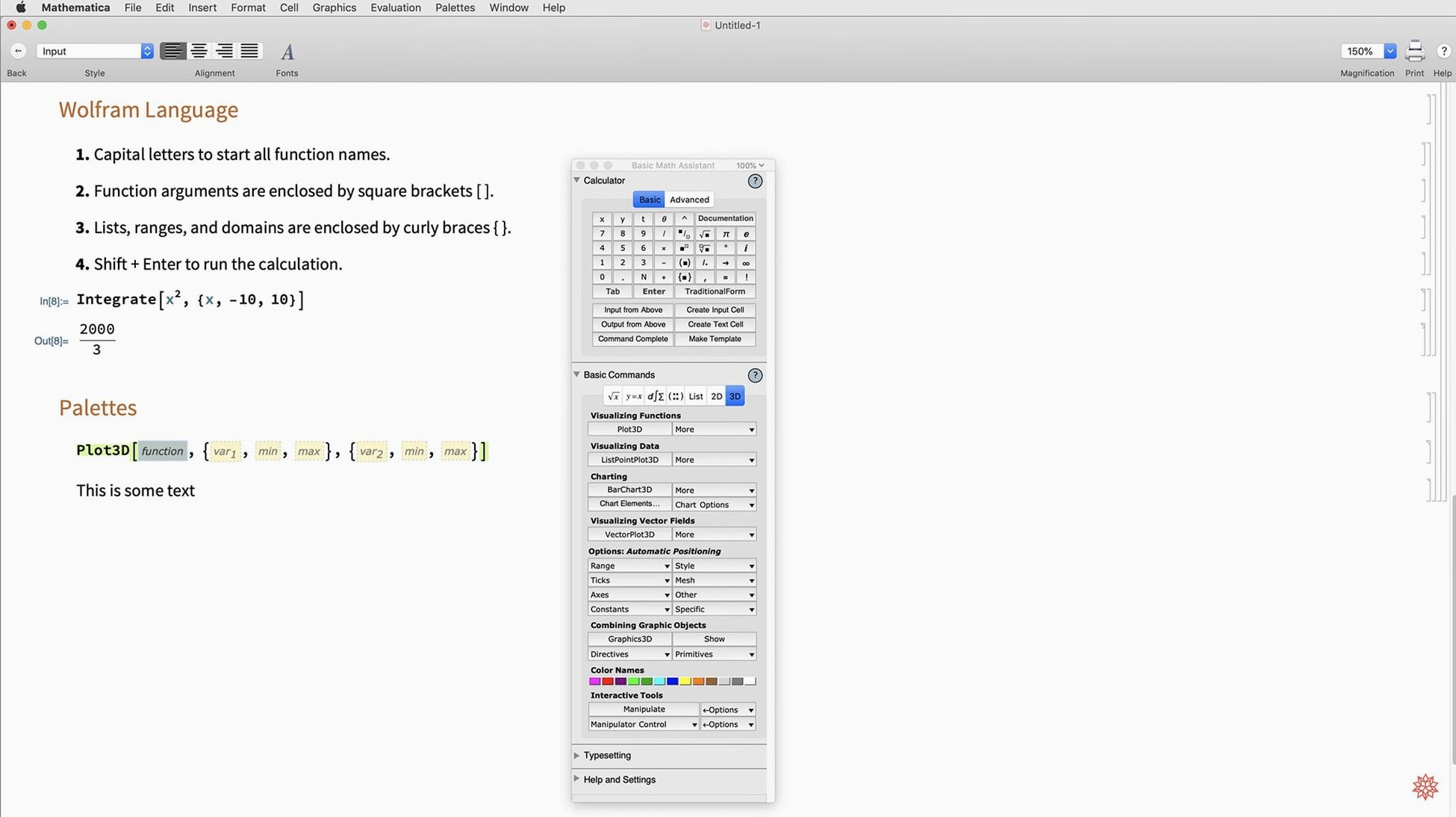
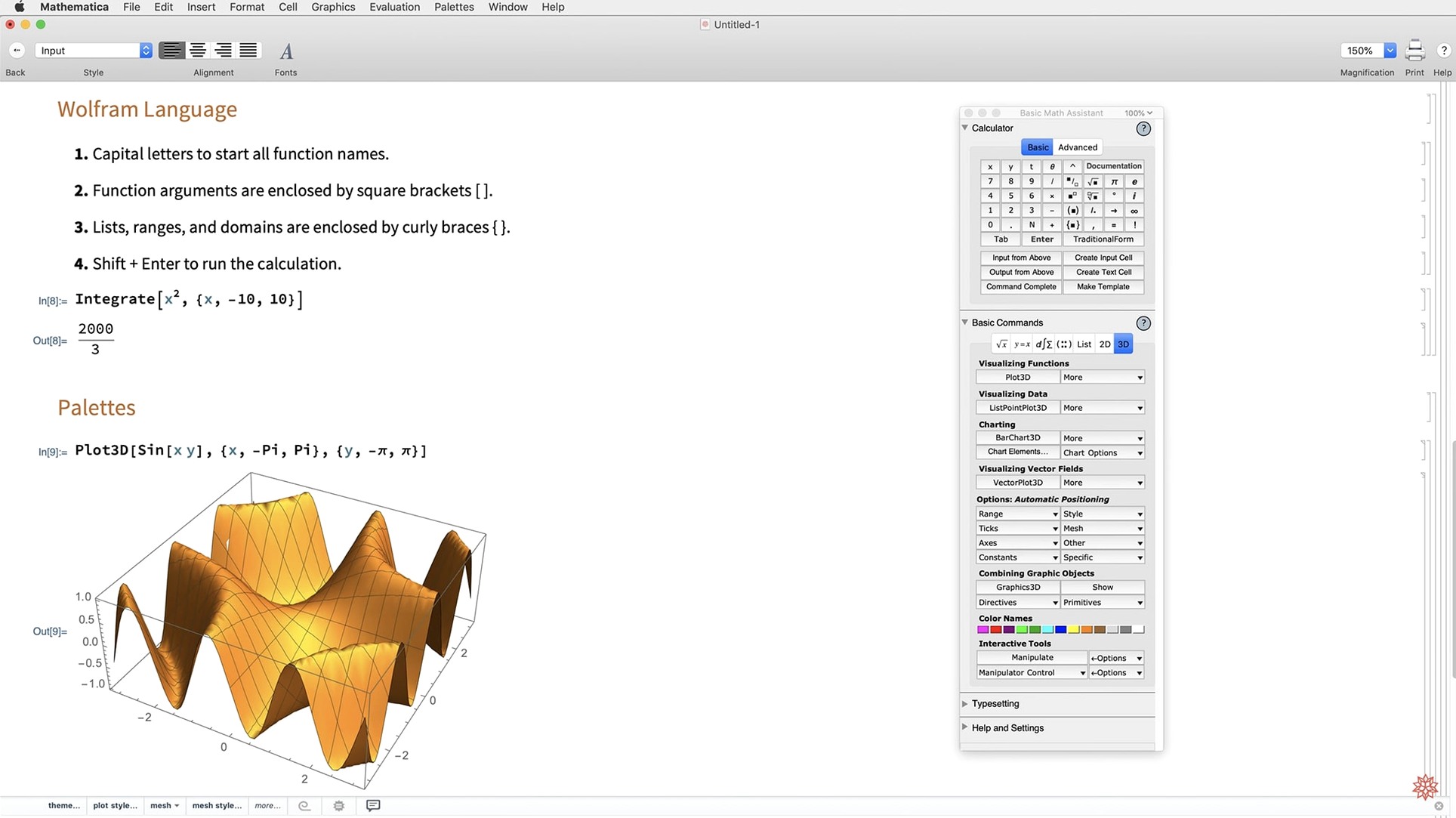
Scroll the row, it snaps to each screenshot. Click one to see it wider.
Version 14.3 of Wolfram Mathematica for macOS is out, and the headline additions target people who live in notebooks. Geodesic computation, LLMGraph, and faster Python and R integration cut time on real tasks. ColumnwiseCombine simplifies column-heavy data work. System model validation tools and Markdown export round out the update.
What an experienced user will actually dig into:
- New matrix decompositions and Hilbert transforms for linear algebra work.
- Lommel functions added to the special function library.
- ListFitPlot and surface plotting functions for quicker curve and surface fitting.
- Vector-based maps and mesh processing tools for geographic and geometric visualization.
- Dark mode support with new standard colors that adapt to light and dark environments.
This build runs natively on Apple Silicon and Intel, and the cloud desktop split still holds. If you do heavy symbolic or numerical work, 14.3 is worth the upgrade.
Getting adapted to version 14.3
Dark mode is the first thing you will notice when you launch 14.3. It is system-wide, not just a theme toggle. The new standard colors automatically shift between light and dark environments, so plots and graphics stay readable without manual palette adjustments. If you work late or in a low-light room, this change alone cuts eye strain.
The Markdown export support is worth testing early. Open an existing notebook, export it as Markdown, and inspect the output. It produces clean files that work with static site generators, documentation pipelines, or plain-text archiving. No extra conversion steps.
Dark mode and Python/R speed tests
- Turn on dark mode from the notebook preferences and check how your existing color schemes render. Adjust the new standard colors if needed.
- Test the Python and R integration speed on a script you run often. The faster link can save minutes on data-heavy workflows.
- Try
ColumnwiseCombineon a multi-column dataset to see if it simplifies your usual aggregation patterns. - Export one notebook to Markdown and verify the formatting matches your intended output format.
Vector maps and geodesic computation for researchers
Researchers who deal with geographic data benefit from the vector-based maps and geodesic computation. Instead of stitching together external mapping libraries, you can compute shortest paths, distances, and areas directly inside a notebook. Mesh processing tools also help anyone working with 3D geometry or finite element data.
Machine learning practitioners will find LLMGraph useful for prototyping graph-based neural network architectures without switching to a dedicated graph library. It sits inside the Wolfram Language syntax, so you can combine it with the existing symbolic toolset.
For engineers who validate system models against specifications, the new validation tools remove a manual checking step. The functions report mismatches between simulation output and expected behavior in a structured way.
Students and educators get a cleaner experience from the dark mode and the refreshed visualization functions. ListFitPlot and the surface plotting functions reduce the code needed to produce publication-ready figures from raw data.
- Full dark mode support with new standard colors for light and dark environments.
- Adds Hilbert transforms, Lommel functions, and new matrix decompositions.
- Expands visualization with ListFitPlot, surface plotting functions, vector-based maps, and mesh processing tools.
- Adds geodesic computation, LLMGraph, faster Python and R integration, ColumnwiseCombine, system model validation tools, and Markdown export.
- macOS 12 or later
- Apple Silicon or Intel 64-bit
Questions I get about this line
Yes, version 14.3 runs natively on both Apple Silicon and Intel 64-bit Macs.
The install order
- Install the app using the included instructions.
- Follow the included activation instructions if prompted.