Free download (19 MB) Previous versions
- Version
- 26.6.20
- Developer
- ExactCODE GmbH
- Languages
- Russian, English, German, Greek, Spanish, Italian, Chinese (Traditional), Chinese (Simplified), Portuguese, Ukrainian, French, Japanese
- License type
- K'ed by TNT team
| macOS range | macOS 10.13 or later |
|---|---|
| Chip | Intel 64-bit |
| Download | 19 MB |
| Previous versions | 2 on file |
Screenshots
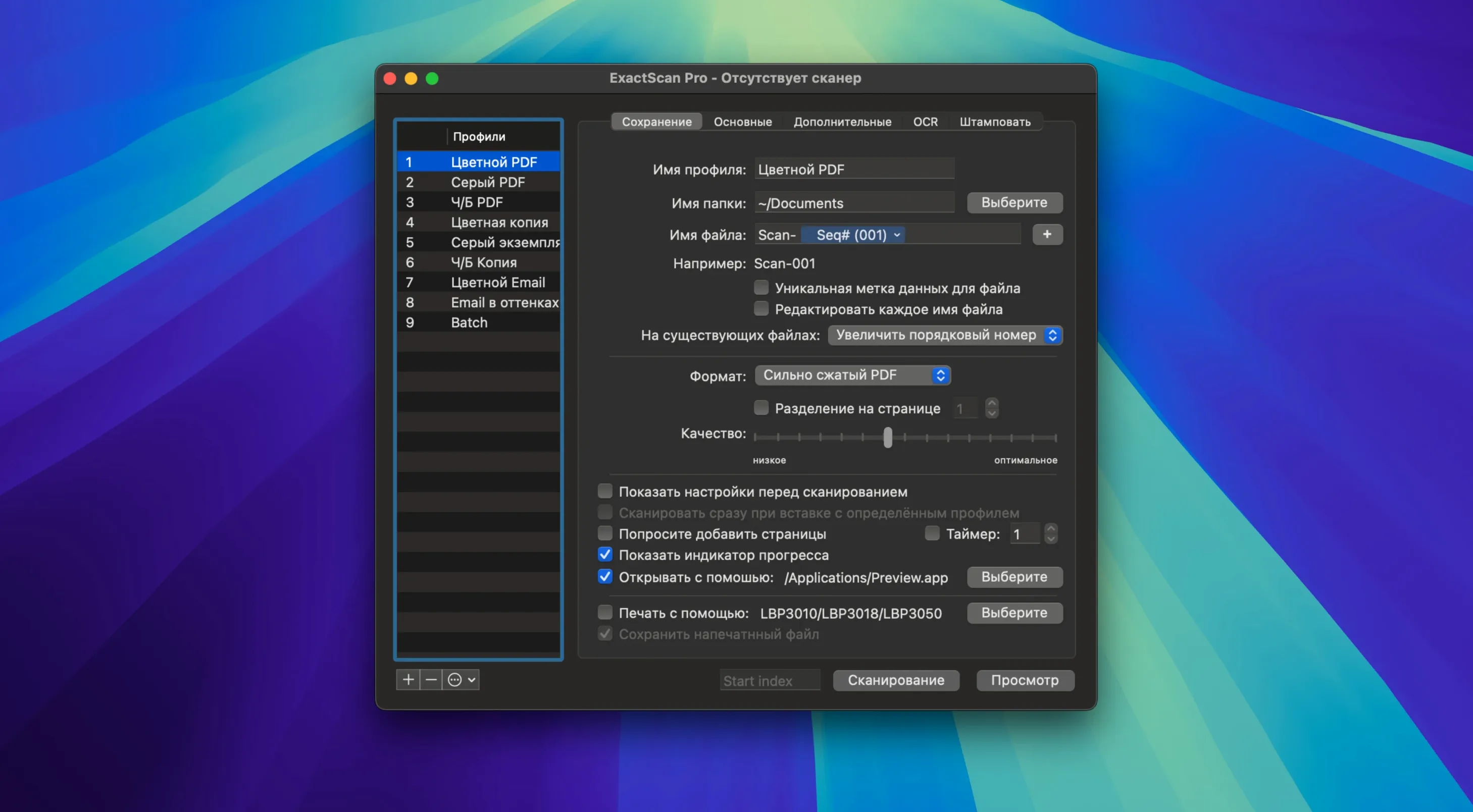
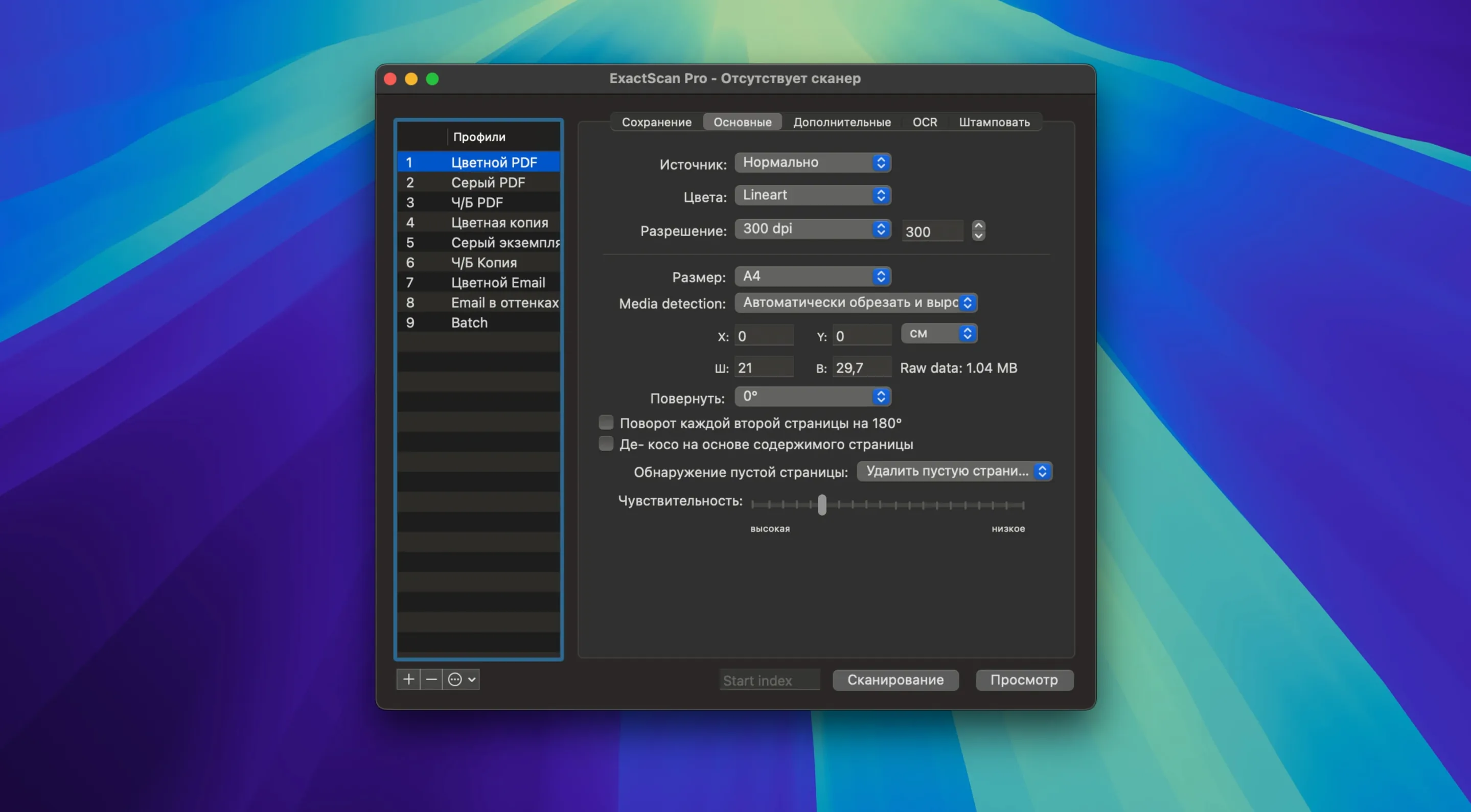
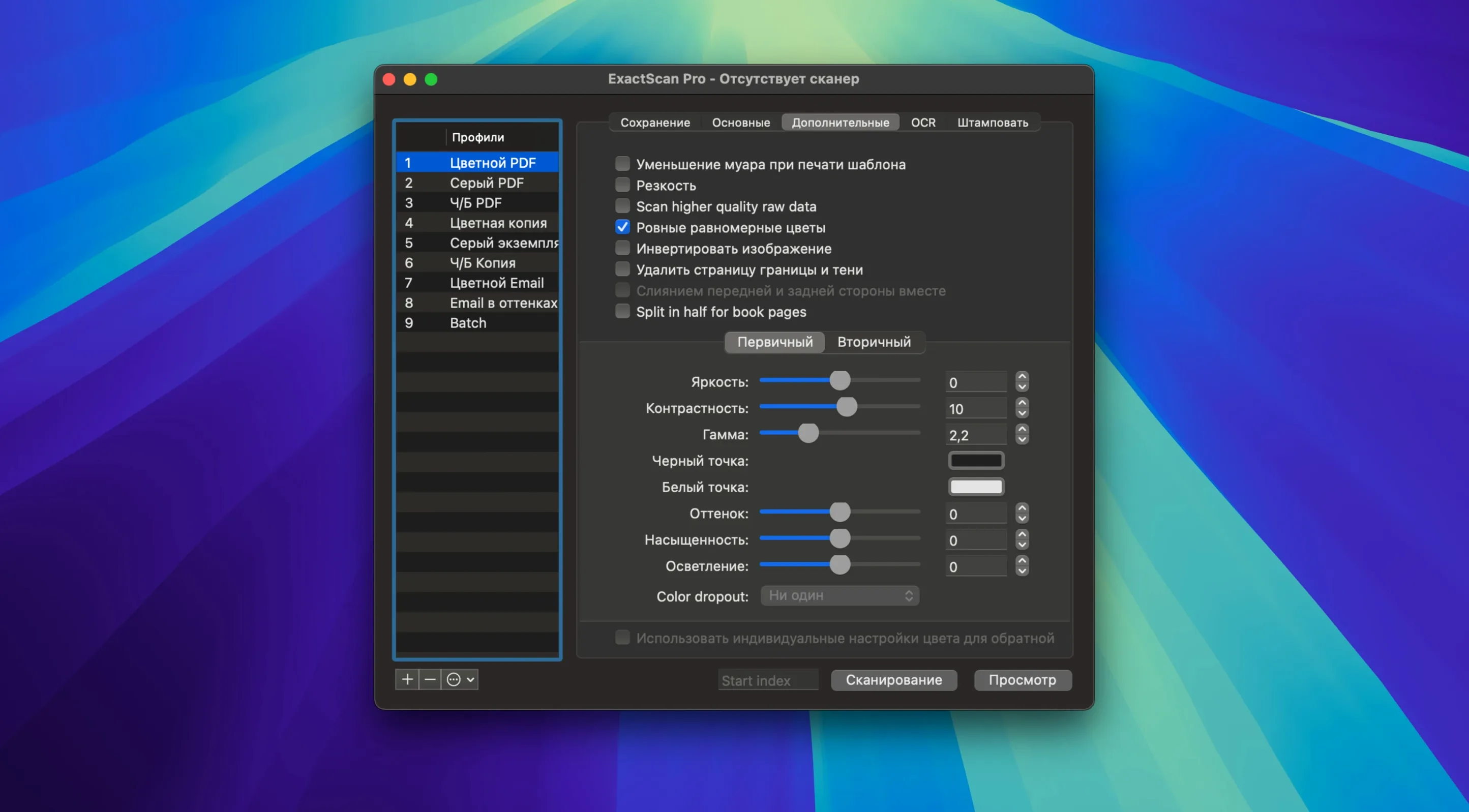
Click a screenshot to see it wider.
ExactScan supports more than 500 professional document scanners from Avision, Canon, Fujitsu, HP, Kodak, Oki, Visioneer, and Xerox. It turns them into a paperless office workhorse.
Workflow Steps
- Create a scan workflow profile that sets resolution, file format, and destination.
- Place a document in the scanner and select the profile.
- ExactScan auto-crops and deskews each page.
- For searchable PDFs, OCR runs in the background.
- Save results as PDF, TIFF, JPEG, JPEG 2000, PNG, BMP, or PNM.
- Automate repeated steps with AppleScript if you need to.
Batch processing of existing image files also works. If your scanner isn't in the driver list, ImageCapture and TWAIN drivers fill the gap. The current version adds macOS 26 Tahoe support and improved OCR in ExactScan Pro.
Auto-Rotate and Color Detection
Auto-rotate and color detection are easy to miss. The app can tell if a page is portrait or landscape and rotate it without asking. It also detects if the page is color, grayscale, or black and white, then sets the output mode to match. This keeps multi-page batches consistent.
Blank page removal works during scanning. If you feed a batch with empty sheets, the app skips them. No separate step needed. Barcode sorting is another quiet helper. If your documents have barcodes, ExactScan can read them and sort the output files accordingly. Useful for separating client paperwork or invoice batches without manual file renaming.
End-to-End Task: Scan a Multi-Page Contract to Searchable PDF
- Make sure the scanner is plugged in and powered on. ExactScan picks it up through its built-in driver or a TWAIN fallback.
- Create a new workflow profile. Set the output format to PDF, enable OCR for searchable text, and turn on auto-crop and deskew. Choose a destination folder on your Mac.
- Place the contract pages in the scanner hopper. Select your profile from the ExactScan window.
- Start the scan. The app feeds each page through OCR, crops margins, and straightens any tilted pages.
- Once scanning finishes, the searchable PDF is in the destination folder. You can search within it using macOS Finder or any PDF reader.
For repeat work, save that profile. Next contract takes only two clicks. ExactScan for Mac torrent is a document scanner utility that supports older macOS versions with consistent profiles.
Small Conveniences That Are Easy to Miss
ExactScan lets you print flexible text directly onto scanned images. This is useful if you need to add date stamps, page numbers, or short labels before saving. The text placement and content are controlled within the scan workflow profile.
The app can scan directly to print. You can skip saving a file entirely and send the document straight to a printer. Handy for quick copies or when you only need a paper duplicate.
Direct scanning to print and printing text onto images are both configured inside the same workflow profiles you already set up for saving files. No separate interface to learn.
For anyone searching for a utility that handles legacy hardware, exactscan pro for mac covers scanners that newer macOS versions dropped support for. The built-in driver library keeps older Fujitsu and Canon scanners working.
End-to-End Task: Batch-Process Existing Scans With Barcode Sorting
This workflow assumes you already have a folder of scanned TIFFs that need sorting.
- Open ExactScan and choose the batch processing mode for existing image files.
- Select the folder containing your TIFFs. The app loads them into a queue.
- Enable barcode sorting in the workflow profile. Set the output format to PDF.
- Run the batch. ExactScan reads each file, identifies the barcode, and saves the sorted PDFs into separate files based on the barcode value.
- Open the output folder. Documents are grouped and named by barcode, ready for filing.
This saves time when you have a stack of mixed invoices or forms that were scanned as one big batch. ExactScan enables batch barcode scanning and document capture on older Mac systems.
- Support for macOS 26 Tahoe.
- New scanner models added.
- Improved scan speed for select new scanners.
- Better auto-crop and deskew accuracy.
- Enhanced OCR in ExactScan Pro 26.
- macOS 10.13 or later
- Intel processor
Questions I get about this line
Yes, ExactScan supports third-party scanners through ImageCapture and TWAIN drivers, so even models without a built-in driver can be used.
The install order
- Mount the disk image and run Open Gatekeeper friendly.
- Press Enter in Terminal to bypass Gatekeeper.
- Drag the app to the Applications folder.
- Launch ExactScan when the copy finishes.