Free download (89 MB) Previous versions
- Version
- 3.3.3
- Developer
- The low-tech guys
- Languages
- English
- License type
- Included
| macOS range | macOS 13 or later |
|---|---|
| Chip | Apple Silicon, Intel 64-bit |
| Download | 89 MB |
| Previous versions | 1 on file |
Screenshots
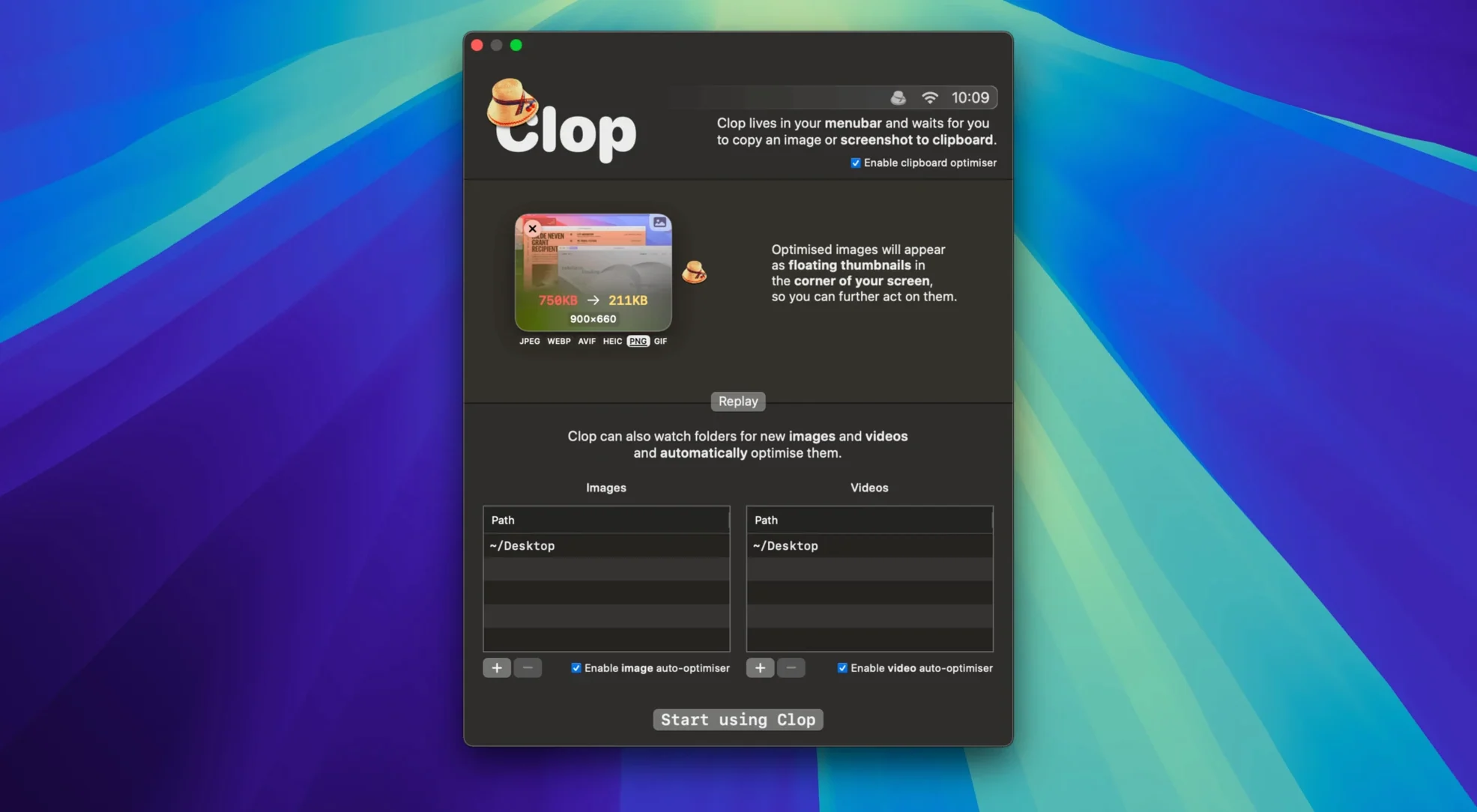
You already use the clipboard dozens of times a day. Clop Pro 3.3.3 takes that workflow further by optimizing copied images, videos, PDFs, and other content the moment they hit your clipboard. No extra clicks — just paste and go.
Runs on Ventura or Later, Intel and Apple Silicon
Clop Pro needs macOS 13 (Ventura) or later. It runs on both Intel and Apple Silicon Macs, so the M2 Air in my bag is fine, and so is a 2019 Intel MacBook Pro. No extra configuration or plugins — install, grant clipboard access, and it works with the system copy function.
Drag-and-Drop, Screen Recording, and Shortcuts Automation
Beyond automatic optimization on copy, you can drag files directly onto Clop Pro for the same treatment. It also handles screen recordings, shrinking them as they’re captured. Shortcuts support means you can slot Clop Pro into larger automation routines. For an IT person, that’s the difference between a clipboard tool and a clipboard workhorse.
Turn On Auto-Optimize for Screenshots and PDFs First
After the initial install, open Clop Pro’s preferences and adjust a few defaults for your workflow. Turn on auto-optimize for images if you copy screenshots regularly — it cuts file size without asking. The same toggle exists for PDFs and videos, but you may want to leave video optimization off if you copy raw clips for editing. Enable optimize on drag so files dropped onto the app icon get the same treatment. Finally, check the start at login box; Clop Pro lives in the menu bar and works best when it’s always running.
Menu-Bar App with One-Time Clipboard Permission
Clop Pro runs as a menu-bar app with no visible window most of the time. It needs clipboard permissions on first launch — approve that once, and it stays quiet. Because it works at the system level, there is no separate interface for each optimized file; the output replaces the original in your clipboard. The app uses negligible screen space and integrates with the standard macOS copy-and-paste flow. No background services, no scheduled tasks, no dashboard to check.
Pairs with CleanShot, Shottr, Acrobat, and Preview
Clop Pro pairs naturally with screenshot tools like CleanShot or Shottr — copy a screen grab, and Clop Pro shrinks it before you paste into Slack or email. For PDF workflows, combine it with Acrobat or Preview: copy a selection from a PDF, and the optimizer trims the output. The Shortcuts integration lets you build automations: for example, copy a video, run a Shortcut that calls Clop Pro, then paste the compressed version into a project folder. It also works from Finder’s right-click menu, so you can select files, run Clop Pro, and paste the optimized result elsewhere. If you download clop pro for mac, expect it to sit alongside your existing tools without conflict.
- macOS 13 or later
- Intel or Apple Silicon
Questions I get about this line
Yes, Clop Pro runs on both Intel and Apple Silicon architectures, as long as you’re on macOS 13 or later.