Free download (53 MB) Previous versions
- Version
- 3.18.0 [MAS]
- Developer
- Electronic Team
- Languages
- Russian, English, German, Hungarian, Spanish, Chinese (Simplified), Korean, Dutch, Polish, Portuguese, Ukrainian, French, Czech, Japanese
- License type
- K'ed by TNT team
| macOS range | macOS 10.13 or later |
|---|---|
| Chip | Apple Silicon, Intel 64-bit |
| Download | 53 MB |
| Previous versions | 2 on file |
Screenshots
Scroll the row, it snaps to each screenshot. Click one to see it wider.
Version 3.18.0 tightens macOS 27 compatibility, fixes drag-and-drop on that system, and sorts out hotkey handling for non-English keyboard layouts. If you manage files across multiple locations, this is the Finder replacement that gets out of your way.
Browse Two Folders at Once
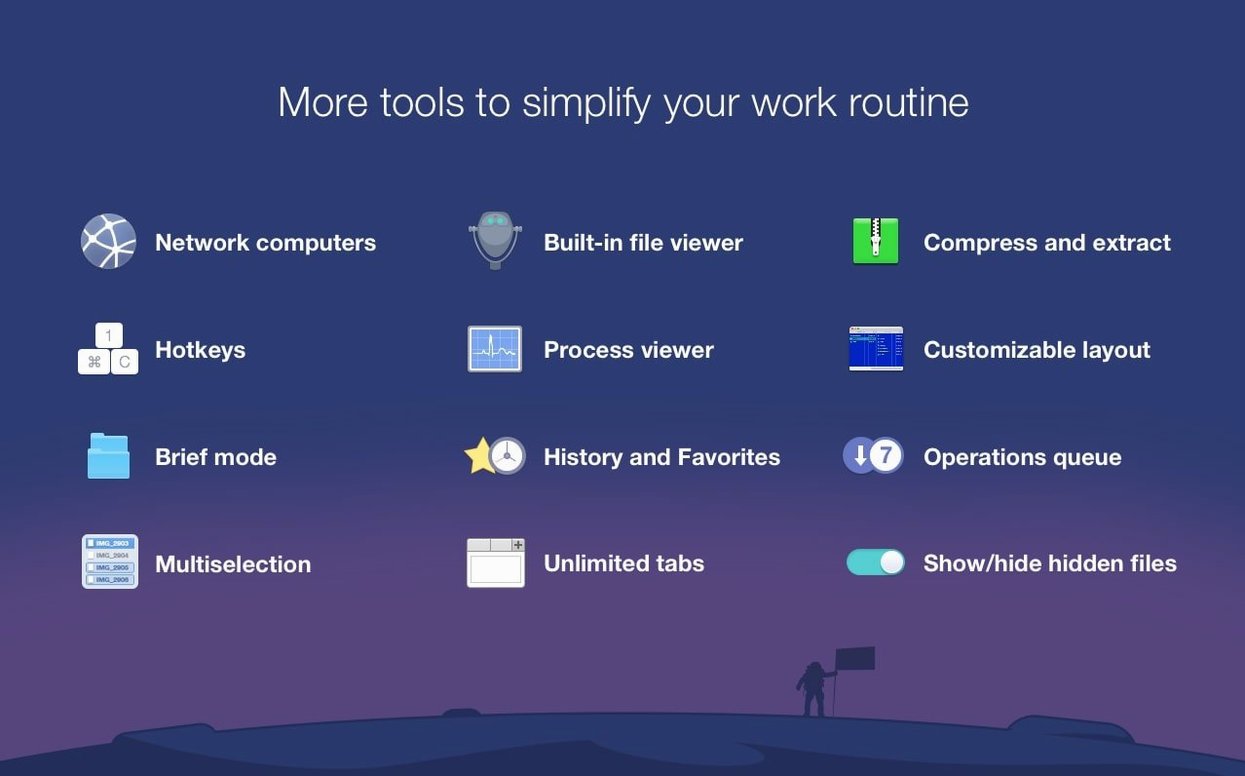
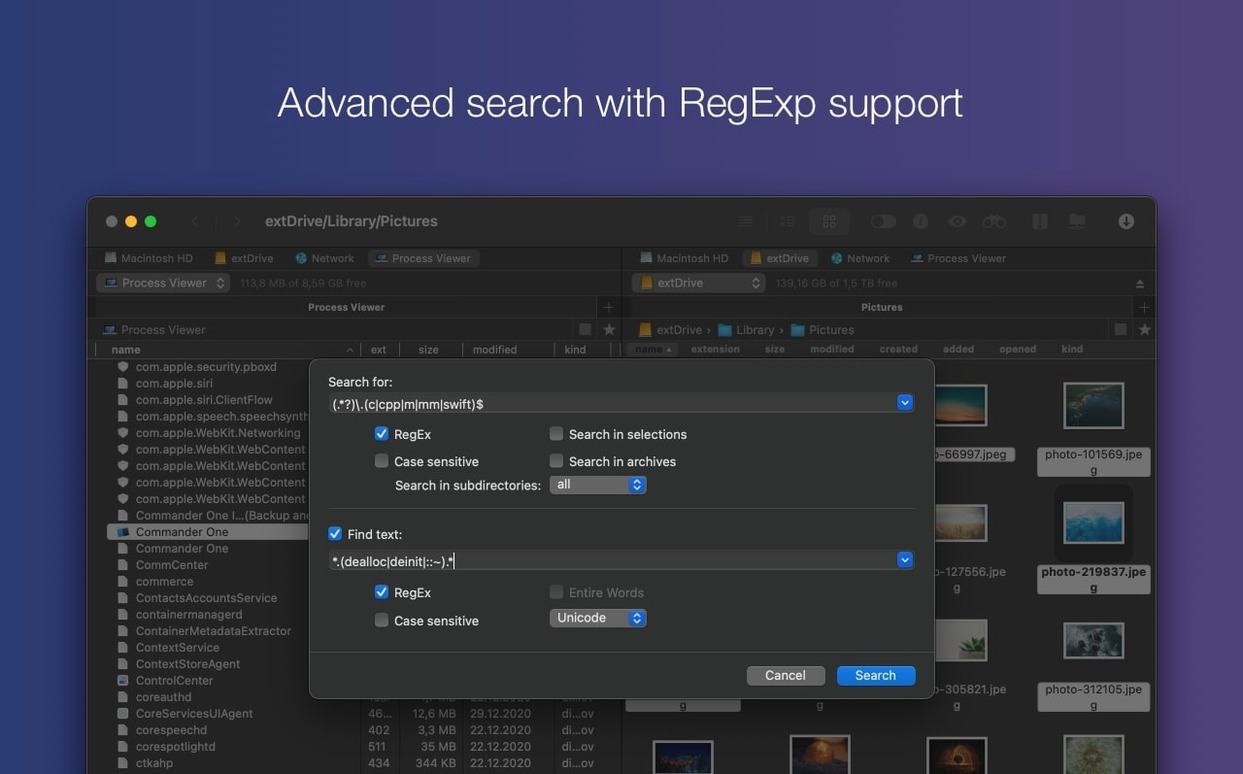
The dual-pane layout lets you copy or move files between directories without juggling windows. Hidden files show up when you need them, and searches accept regular expressions for precise filtering.
Connect to Remote Storage
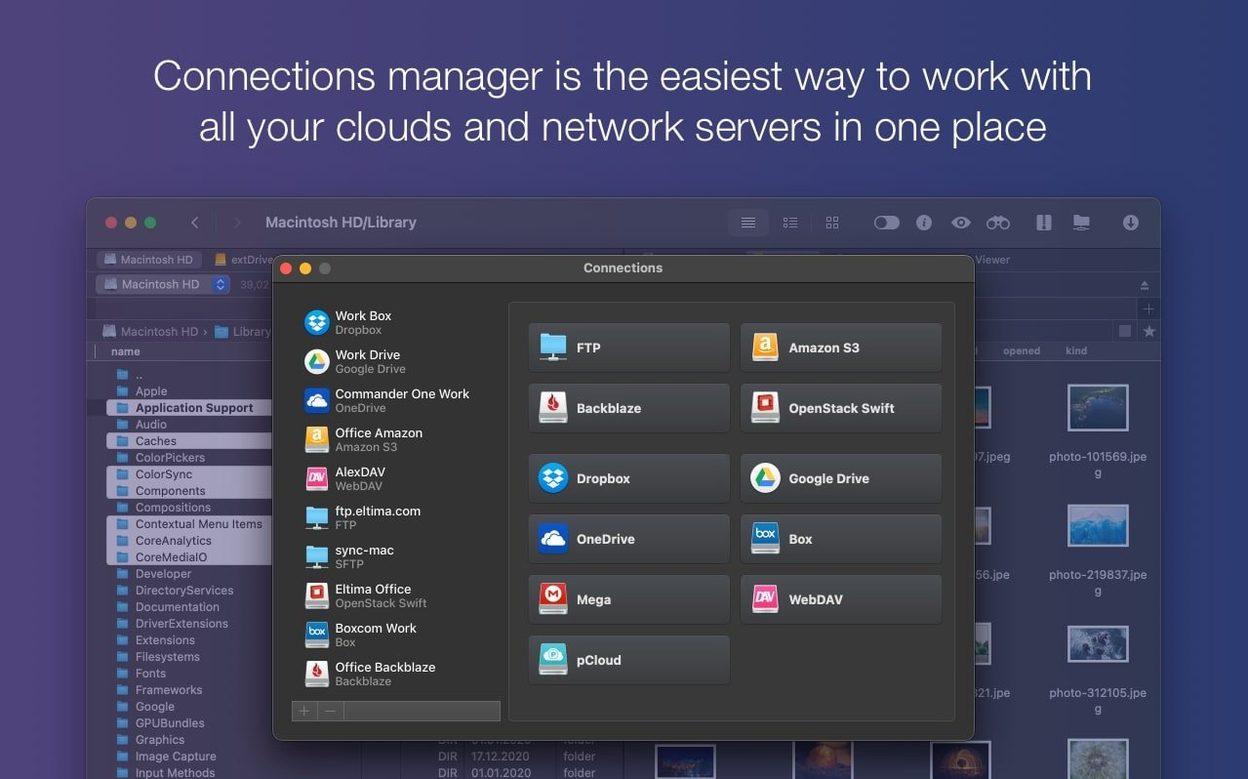
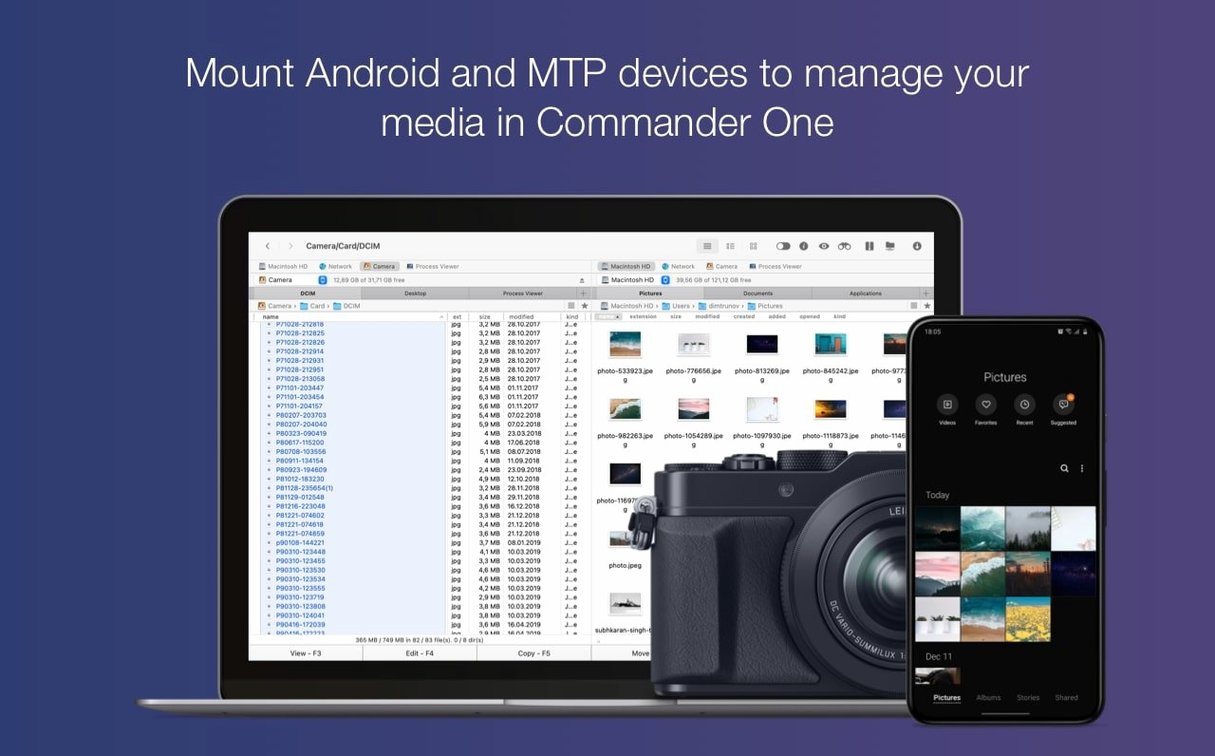
Built-in FTP support covers classic server transfers. Cloud accounts, network volumes, and Amazon S3 buckets mount as folders. Plug in an iPhone, Android device, or MTP device and files appear right in the pane.
Handle Archives Without Extra Tools
ZIP, RAR, TBZ, TGZ, and 7z archives open directly. No need to install separate unarchivers for everyday tasks. Commander One PRO suits IT folks and power users who want one tool for local and remote file work.
Dual Panels Replace Finder's Limits
Finder works fine for basic tasks but falls short when you need two panels, FTP, or cloud mounts. Commander One PRO replaces all that with one app.
muCommander is open-source and lightweight, but it lacks cloud integration and device access. Its interface feels dated compared to Commander One PRO's modern Swift layout.
Transmit is a strong FTP and cloud client, but it is a file transfer tool, not a full file manager. You cannot browse two local folders side by side or open archives in Transmit. Commander One PRO handles both local and remote work in one window.
For IT generalists who juggle clinic Macs, cloud storage, and the occasional Android phone, Commander One PRO covers more ground than any of those alternatives.
Dual-Pane Setup Ignored by New Users
- Ignoring the dual-pane setup. New users sometimes resize one pane to near nothing, then wonder why they cannot see both folders. Keep the divider roughly centered for efficient copying and moving.
- Using regular expressions when a plain text search works. Regex is powerful, but beginners often paste in complex patterns that match nothing. Start with the basic search field unless you need pattern matching.
- Forgetting to mount cloud accounts. Dropbox and Google Drive do not appear automatically. You must add them from the connection menu before Commander One PRO can see them.
- Trying to open unsupported archive formats. ZIP, RAR, TBZ, TGZ, and 7z are covered. Anything else requires a third-party app. Check the format before you double-click.
- Leaving the Process Viewer running. It uses system resources. Close it when you are done monitoring active processes.
Real-World Scenario: Clinic IT Rollout
Alex manages 30 Mac workstations across three dental clinics. A new imaging software package arrives as a ZIP archive. He connects to the server, opens the archive in Commander One PRO, and extracts the installer to the shared network folder without launching a separate tool. Later, he mounts a dentist's iPhone to pull photos for the patient record system. Three tasks, one window.
For the monthly check on disk layouts across the clinic network, Alex uses the dual-pane view to compare the server folder with a local backup. Regular expressions let him filter out log files and focus on data directories. The whole process takes half the time it used to in Finder.
That is the kind of use case Commander One PRO is built for: real work across local, remote, and cloud storage without switching apps.
- Improved compatibility with macOS 27.
- Fixed drag and drop of files on macOS 27.
- Fixed handling of some hotkeys with non-English keyboard layouts.
- macOS 10.13 or later
- Intel or Apple Silicon
- 52.82 MB of free space
Questions I get about this line
Yes, it can display hidden files, so you can access system and dotfiles without opening Terminal.
It includes FTP client functionality and works with cloud accounts, network servers, and Amazon S3.
It unpacks ZIP, RAR, TBZ, TGZ, and 7z archives directly.
The install order
- Mount the disk image and launch Open Gatekeeper friendly.
- Press Enter in the Terminal window to bypass Gatekeeper.
- Drag the app into the Applications folder.
- The app is ready to use.