Free download (26 MB) Previous versions
- Version
- 6.1
- Developer
- BZG
- Languages
- English, German, Spanish
- License type
- Not required
| macOS range | macOS 13 or later |
|---|---|
| Chip | Apple Silicon, Intel 64-bit |
| Download | 26 MB |
| Previous versions | 1 on file |
Screenshots
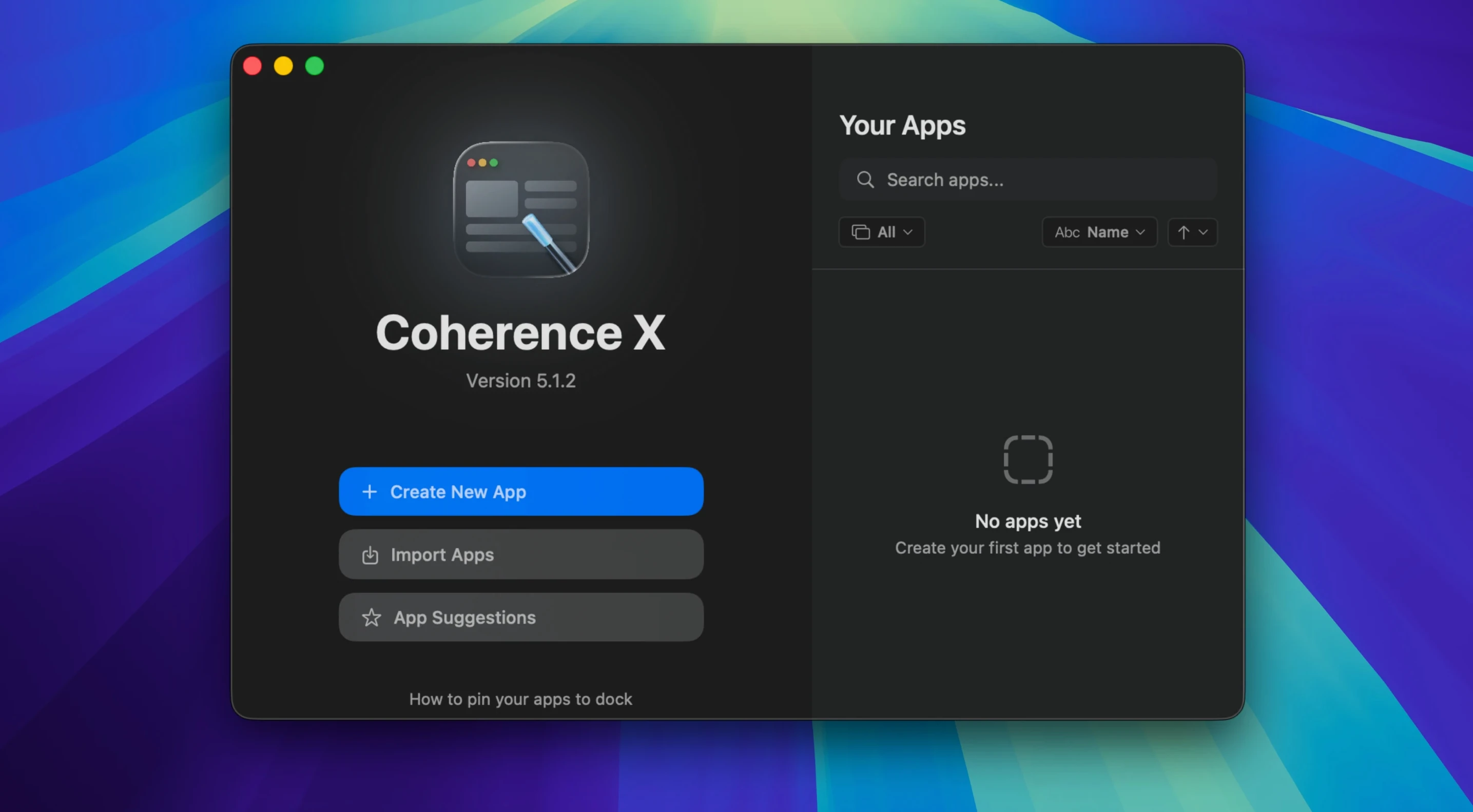
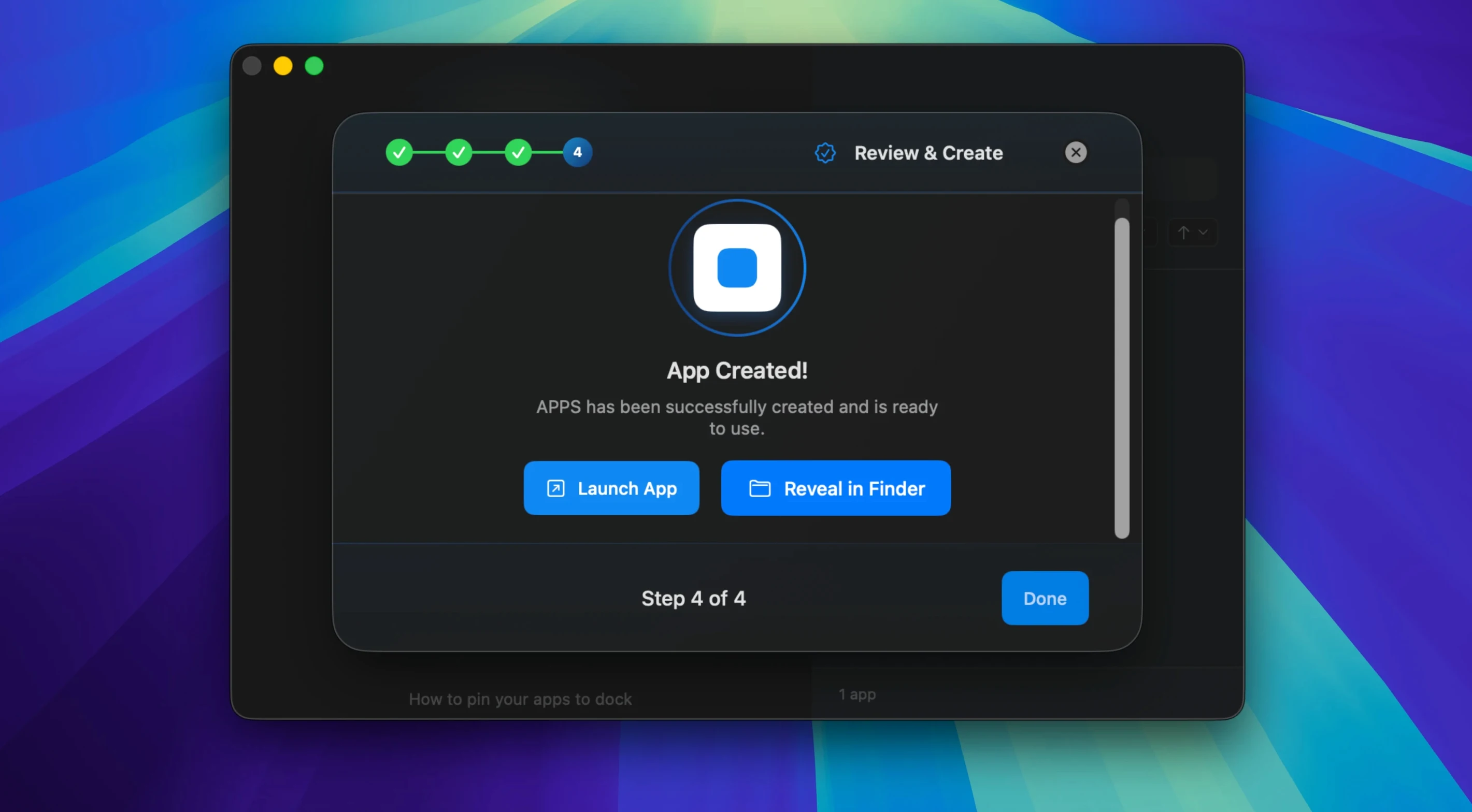
Scroll the row, it snaps to each screenshot. Click one to see it wider.
Coherence X is for the Mac user who lives in a browser but wants some sites to feel like native apps. It wraps websites in a Chrome engine and gives each one its own Dock icon, so tools like a project tracker or a help desk behave more like a dedicated application.
| Detail | Value |
|---|---|
| Developer | BZG |
| Version | 6.1 |
| Category | Utilities |
| Engine | Chrome |
| Architecture | Apple Silicon and Intel |
| macOS | 13 or later |
What sets it apart is how it handles extensions. You can install and manage Chrome Web Store extensions inside each created app, which makes it a practical companion to your everyday browser setup. Version 6.1 tightens link routing with multiple domains per rule and suggested destinations, so less time goes into configuration. Incognito mode and tab restore round out the basics. For anyone who already uses Chrome and wants a lighter, more focused workspace, Coherence X fits neatly beside your existing tools.
Missing Separate Profiles
Most people who try Coherence X for the first time miss a couple of things that make the experience better.
- Not using separate profiles. If you create an app for Gmail and another for a work Slack, they share the same Chrome profile by default. That means saved logins and cookies mix. Go into the app settings and assign a dedicated profile to each site. Keeps work and personal data separate without logging in and out.
- Skipping link routing setup. A new app opens every link inside itself unless you tell it otherwise. That gets annoying fast. Spend two minutes in the routing settings to send external links to your main browser. Version 6.1 lets you add multiple domains at once, so it takes less time than you think.
- Forgetting to copy extensions. Extensions you install in Chrome don't carry over automatically. Open the app's settings, go to the extensions panel, and install what you need from the Chrome Web Store. Saves you from wondering why your password manager isn't showing up.
- Launching from the disk image. The download instructions say drag the app into Applications and launch from Launchpad. Running it directly from the mounted disk image loses your data after you eject. Do it right the first time.
Fixing the Common Roadblocks
Even careful users hit a few roadblocks. Here is what usually comes up.
Extension won't connect
Version 6.1 added a message for when the extension cannot connect to Coherence X. If you see it, check that the extension was installed inside the app's own extensions panel, not the main Chrome browser. Uninstall and reinstall it from the app. Also make sure the app has network access in macOS's firewall settings.
Dock icon creates a second window instead of bringing the first one forward
By design, clicking the Dock icon opens a new window if no window exists. If you have one window open and click the icon, it should bring that window forward. If it does not, check that the app was created using the Standard app type. Tabbed apps behave differently and may not respond the same way.
Changes to link routing or appearance don't stick
Before version 6.1, you had to rebuild the app after every change. In 6.1, routing and appearance changes save without rebuilding. If your edits still do not stick, restart the app once. If that does not fix it, delete the app from Coherence X and create it again. Export the app first so you do not lose your settings.
Tops Alternatives for Site Apps
Coherence X is not the only tool for turning websites into Mac apps. Here is how it stacks up against two others.
Unite
Unite wraps sites in Safari's WebKit engine, not Chrome. That matters if you rely on Chrome extensions or a specific Chrome profile. Unite is lighter on resources for basic sites, but Coherence X wins when you need extension support and profile separation. Unite also uses a different rendering engine, so site behavior can differ slightly.
Fluid
Fluid is older and has not been updated in years. It also uses WebKit and lacks extension support entirely. It works for simple single-page sites, but it does not handle link routing, tab restore, or multiple domains per rule. Coherence X is more current and better suited for complex web services like project management tools or CRM systems.
Nativefier (via command line)
Nativefier is free and open source, but it requires Node.js and command-line experience. It builds standalone apps from sites using Electron, which can produce larger binaries. Coherence X gives you a GUI, built-in Chrome extensions, and a simpler workflow. If you prefer a visual interface and do not want to manage dependencies, Coherence X is the cleaner choice.
- Easier link routing: add multiple domains at once.
- New routing rules start with a suggested destination.
- Link routing and appearance changes save without rebuilding the app.
- macOS 13 or later
- Apple Silicon or Intel Mac
Questions I get about this line
Yes. Coherence X lets you install and manage Chrome Web Store extensions inside the apps you create, so they behave like a full Chrome browser in a standalone window.
The install order
- Open the downloaded disk image.
- Drag the app into the Applications folder.
- Launch it from Launchpad once the copy finishes.