
Free download (187 MB) Previous versions
- Version
- 5.3.2
- Developer
- David Kocher
- Languages
- Russian, English, German, Arabic, Bulgarian, Hungarian, Greek, Georgian, Danish, Hebrew, Spanish, Italian, Catalan, Chinese (Traditional), Chinese (Simplified), Korean, Latvian, Norwegian, Polish, Portuguese, Romanian, Serbian, Slovak, Slovenian, Thai, Tamil, Turkish, Ukrainian, Finnish, French, Croatian, Czech, Swedish, Estonian, Japanese
- License type
- Included
| macOS range | macOS 13 or later |
|---|---|
| Chip | Apple Silicon, Intel 64-bit |
| Download | 187 MB |
| Previous versions | 5 on file |
Screenshots
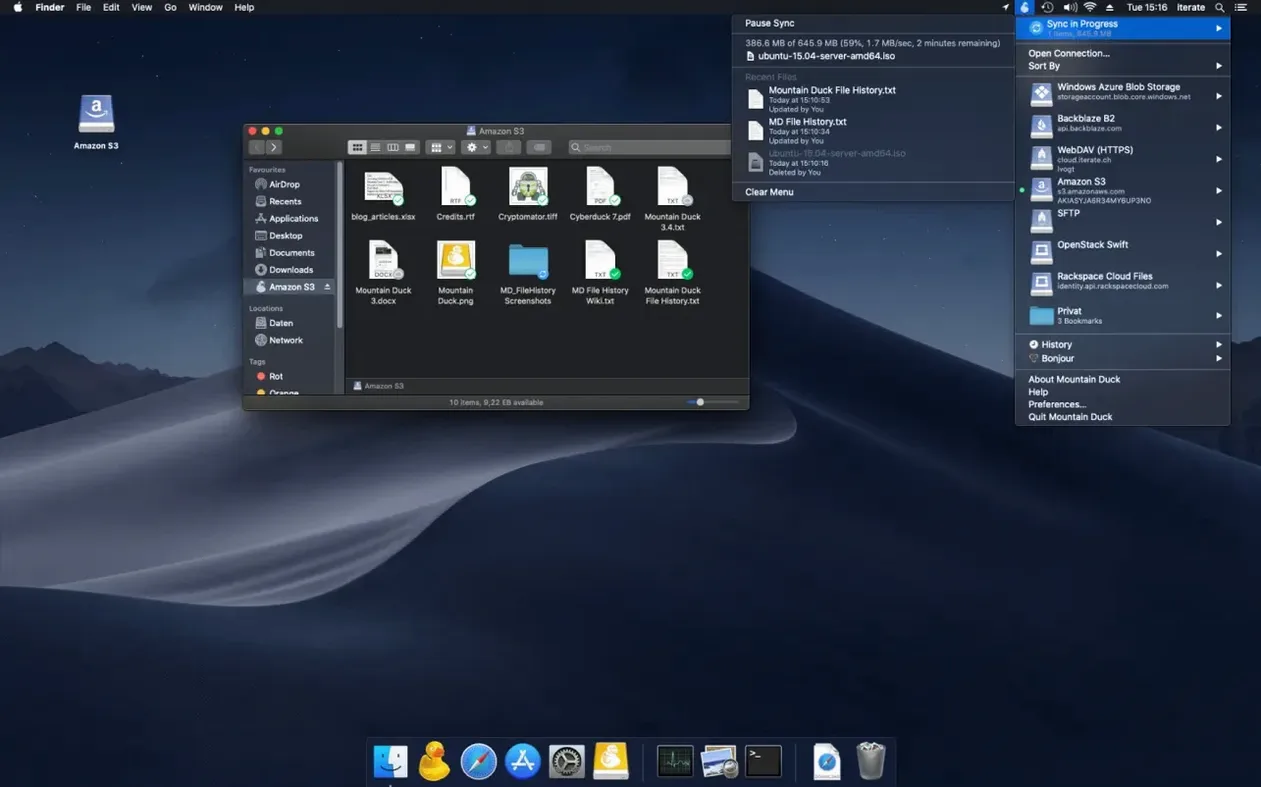
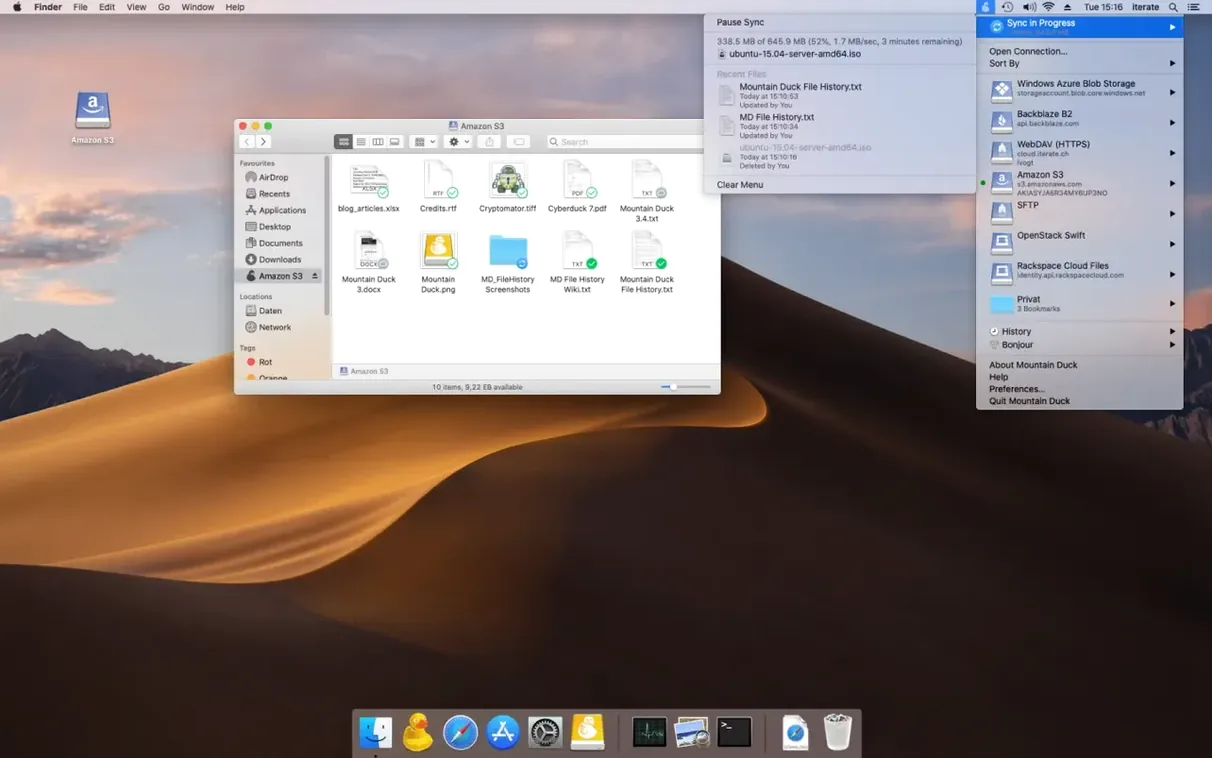
Scroll the row, it snaps to each screenshot. Click one to see it wider.
If you know Cyberduck, Mountain Duck is its file-explorer sibling. Instead of a transfer window, it mounts FTP, SFTP, WebDAV, S3, Google Drive, Dropbox, and more as a disk in Finder. The current version 5.3.2 keeps that core idea and adds a few practical upgrades.
| Detail | Info |
|---|---|
| Version | 5.3.2 |
| Developer | David Kocher |
| Category | Utilities |
| macOS | 13 or later |
| Architecture | Apple Silicon / Intel |
Version 5 brought storage-independent file versioning and SMB connections. Files open with any app; others are cached only when needed. Smart Synchronization downloads on open, and uploads happen in the background when a connection is available. Encryption at rest works with Cryptomator storage. Bookmarks sync with Cyberduck if installed. For a mountain duck torrent, this is the current build you are looking for.
Who benefits from Mountain Duck
Anyone who regularly touches remote files benefits. But the biggest win goes to people who work across multiple cloud services or SFTP servers daily. Instead of opening a transfer app, finding the file, downloading, editing, and re-uploading, you treat the remote folder like a local one. Open a text file in Sublime Text, save, and Mountain Duck uploads the change. That pattern saves time.
Web developers editing site files on a production server get immediate use. So do video editors who need to pull a clip from a shared Dropbox folder without syncing the whole drive. Office staff who keep spreadsheets on Google Drive or Sharepoint WebDAV can open them in Numbers or Excel without a browser. Mountain Duck also helps IT people who manage servers: mount the SFTP root, run scripts from Terminal, and see file structures in Finder like a local volume.
Finder mount vs. transfer window
Cyberduck. Same developer, same bookmark system. Cyberduck is a transfer window: you browse, upload, download, and manage files manually. Mountain Duck is a mount. No window, no manual sync. Files appear in Finder and act like local files. If you want full control of transfers and folder comparison, Cyberduck works. If you want remote storage to feel invisible, Mountain Duck wins.
ExpanDrive. ExpanDrive does the same Finder-mount job and supports many of the same protocols (SFTP, S3, Google Drive, Dropbox). It includes an SSH terminal built in and has a longer list of enterprise cloud providers. Mountain Duck is lighter in interface and relies on the Finder for browsing. ExpanDrive charges per-user licensing; Mountain Duck does not have that model. For a Mac user who wants fewer background processes and shares bookmarks with Cyberduck, Mountain Duck is the cleaner choice.
CloudMounter. CloudMounter also mounts cloud storage in Finder. It supports S3 and some SFTP, but is more focused on consumer cloud drives. Mountain Duck covers more protocol types (FTP, SFTP, WebDAV, S3, Google Cloud, Azure, Dropbox, Backblaze B2) and adds storage-independent versioning and Cryptomator encryption. CloudMounter lacks SMB support, which Mountain Duck added in version 5. For mixed work environments with SMB network shares and cloud storage, Mountain Duck handles all of them in one app.
Runs without Cyberduck installed
Do I need Cyberduck installed? No. Mountain Duck works on its own. If Cyberduck is present, bookmarks are shared between the two apps, which is convenient for switching between mount mode and transfer mode.
Everything else is cached only when opened. If you go offline, the files you marked remain usable. Changes upload when a connection returns.
Can I use it with a mountain duck torrent on an older Mac? Version 5.3.2 requires macOS 13 or later. It runs on both Apple Silicon and Intel 64-bit. Earlier macOS versions are not supported.
What about encryption? Mountain Duck supports encryption at rest with Cryptomator-compatible storage. If your cloud provider is set up with Cryptomator vaults, Mountain Duck decrypts them transparently when mounted.
Does it work with SMB network shares? Yes, version 5 added SMB connections. This is useful for mounting NAS drives and Windows file shares alongside cloud storage in a single view.
- macOS 13 or later
- Apple Silicon or Intel
The install order
- Open the downloaded disk image.
- Drag the app to the Applications folder.
- Launch the app from Launchpad after copying is complete.