
- Version
- 2026.10.24
- Developer
- 卓文 高
- Languages
- Russian, English, German, Vietnamese, Indonesian, Spanish, Italian, Chinese (Traditional), Chinese (Simplified), Korean, Portuguese, Thai, French, Japanese
- License type
- Not required
| macOS range | macOS 13 or later |
|---|---|
| Chip | Apple Silicon, Intel 64-bit |
| Download | 36 MB |
Screenshots
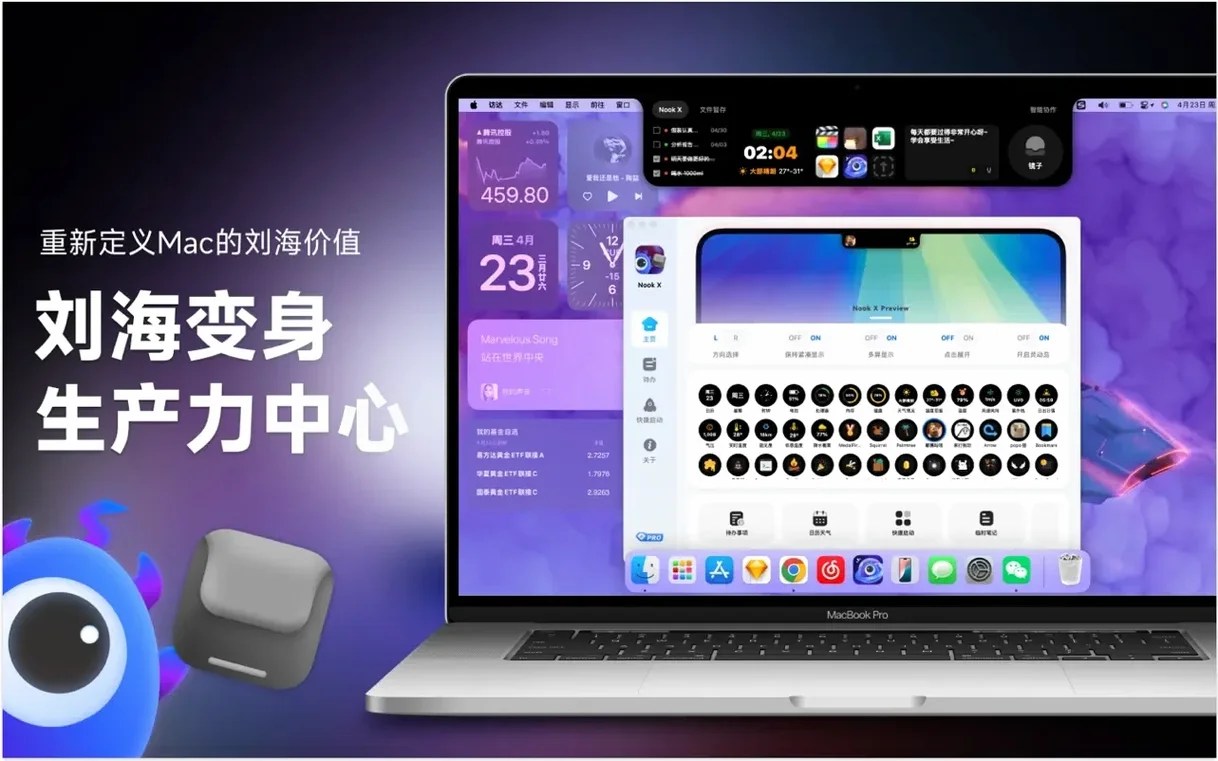

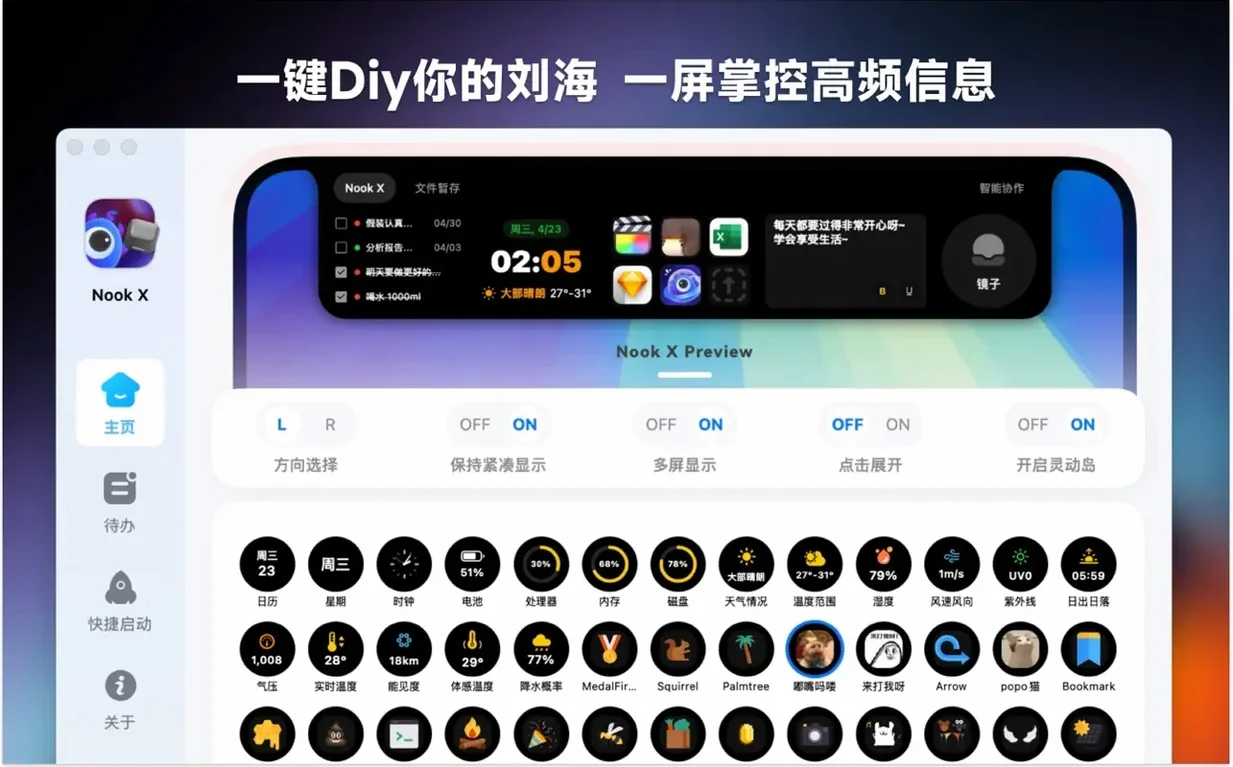
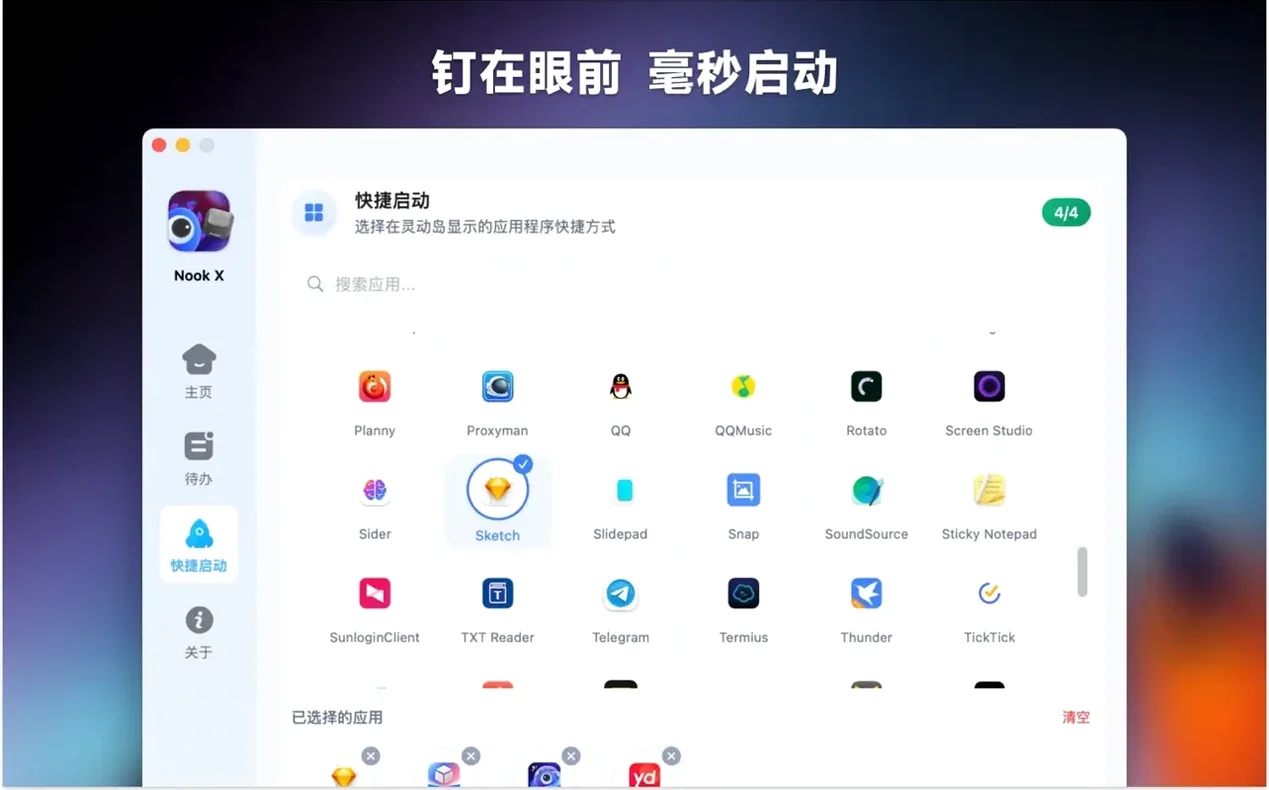

Scroll the row, it snaps to each screenshot. Click one to see it wider.
IT folks and power users who juggle tasks, music, and quick answers will find Nook X handy. It bundles a to-do list, a lyrics-aware music player, and an AI assistant in one window.
One Realistic Workflow
- Open Nook X and create a to-do list for the day. Set priorities and a reminder for the first task.
- While working, search for a song by a lyric snippet you remember. Play it with the built-in player, and switch to karaoke mode to follow along.
- When a question comes up, ask the AI assistant to translate a phrase or generate a quick idea—no need to open another app.
Voice Input for Quick AI Requests
Nook X has a few tucked-away touches that don't show up in the main feature list but save time once you know them.
- Voice input for the AI assistant. Instead of typing a question or translation request, you can speak it. Useful when your hands are on the keyboard for something else.
- Create tasks from chat. If the AI assistant suggests a next step or a reminder, you can turn that response directly into a to-do item. No copy-paste, no retyping.
- Search songs by lyrics. You don't need to know the title or artist. Type a line you remember, and the built-in player finds the track for you.
- Karaoke mode. The app shows lyrics automatically and highlights the current line as the song plays. It's not just for singing along—it also helps you follow a foreign-language track.
- Priority and reminder on every task. The to-do list isn't just a flat checklist. Each item can carry a priority level and a notification, which keeps the list useful for real work, not just casual tracking.
How Nook X Compares With Similar Mac Apps
Nook X isn't the only macOS app that works from the notch, but it covers more ground than most.
Nook X vs. Task-Only Tools
Apps like Todoist or TickTick handle task management well, with due dates, labels, and sync across devices. Nook X keeps its to-do list simpler—no cloud sync or project hierarchies—but it adds the music player and AI assistant in the same window. For an IT guy managing one machine, not a team, Nook X does enough without the overhead of a full project manager.
Nook X vs. Lyric Players
Dedicated lyric apps such as Lyricify or Musixmatch are built for finding and displaying song words. They do that one thing well, but they don't include task management or AI chat. Nook X's built-in player handles popular audio formats and shows lyrics in karaoke style, which is convenient when you want both music and something else on screen.
Nook X vs. General AI Assistants
ChatGPT for desktop or the AI features in Raycast can answer questions and translate text. They don't come with a music player or a to-do list. Nook X's AI lives in the same notch panel as your tasks and your player, so you can switch between them without juggling windows.
For a single utility that handles three different tasks from one spot, Nook X fits a niche that separate apps don't cover.
Nook X covers macOS 13 and later on both Apple Silicon and Intel Macs, so it fits mixed fleets.
- macOS 13 or later
- Apple Silicon or Intel 64-bit Mac
Questions I get about this line
Yes, Nook X supports searching for songs by lyrics, so a partial line is enough to locate the track.
It does—besides answering questions and generating ideas, it can translate text.
It plays popular audio formats, so most common music files will work without extra codecs.
The install order
- Open the downloaded disk image.
- Drag the app onto the Applications folder shortcut.
- Once the copy finishes, launch Nook X from Launchpad.