- Version
- 1.4.6
- Developer
- tonnoz
- Languages
- English
- License type
- Included
| macOS range | macOS 14.6 or later |
|---|---|
| Chip | Apple Silicon, Intel 64-bit |
| Download | 13 MB |
Screenshots
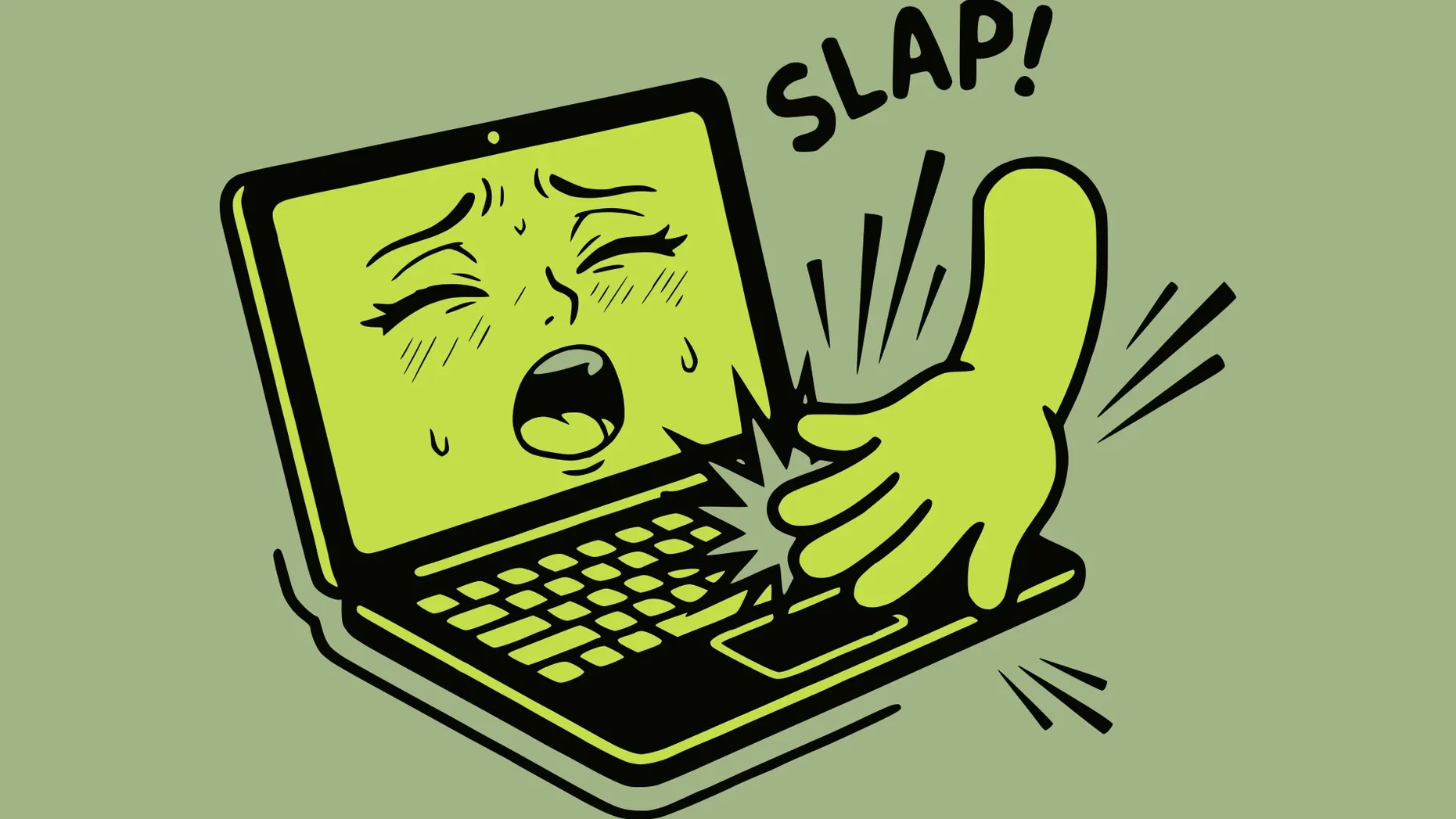
SlapMac runs on MacBooks with an M1 Pro or later chip and macOS 14.6 or newer. It uses the built-in accelerometer to detect taps and impacts, then plays sound effects. The strength of the hit controls the volume.
Plays 150+ Impact Sounds
- Play sounds on impact. Nine voice packs — including Woman, Goat, Metal, and Man — give you over 150 sounds. Combo Hit adds an optional screen flash.
- Track slaps. The menu bar shows a slap counter so you can see how many times you've hit the laptop.
- React to lid and USB events. Lid Creak plays a sound when you open or close the lid (requires M2 Pro or later). USB Moaner reacts to plugging or unplugging a USB device.
- Adjust sensitivity. Tune how hard you need to tap for the app to respond.
Day-One Scenario: Office Pranks and Desk Sharing
A support tech at a co-working space set SlapMac on a loaner MacBook and left it in a common area. By lunch, three people had discovered the goat voice pack. The slap counter read 47. No one had to install anything — they just tapped the lid. The USB Moaner got someone when they plugged in a flash drive to transfer files. The app stayed on for the rest of the week. It cost nothing to set up and added zero friction to the loaner workflow.
Cycle Voice Packs and Test Combo Hit
- Cycle through voice packs. Woman and Goat are obvious. Combo Hit is worth testing with the screen flash on — it makes a tap feel like a game hit.
- Cooldown timer. Set it to 1 second if you want rapid-fire sounds. Leave it at default if you only want reactions from deliberate taps.
- USB Moaner. Plug a drive in and out a couple of times. It works on any USB-C or USB-A device. People will notice.
- Lid Creak on M2 Pro or later. Close the lid slowly the first time. The sound is a single creak, not a loop. Open it again and the creak reverses.
- Slap counter. Check it after an hour of regular use. Reset it from the menu if you want a fresh count for a demo.
Requires Open Lid for Accelerometer
It does not poll continuously. The app lives in the menu bar and uses negligible resources at idle.
Does it work when the lid is closed? No. The accelerometer needs the laptop open to detect impacts. Lid events also require the lid to move.
Can I turn it off without quitting? Yes. The menu bar icon has a toggle. The app stays loaded but stops reacting until you turn it back on.
Will it interfere with other audio apps? No. SlapMac uses its own audio output. It does not change system volume or routing.
Does it work on an external display with the laptop closed? The accelerometer cannot detect taps when the lid is shut. You can use USB Moaner in that setup, but impact sounds will not trigger.
SlapMac is a utility for anyone who wants their MacBook to respond physically. It does nothing until you hit it.
- Lid Creak: plays a sound when opening or closing the lid (M2 Pro+).
- USB Moaner: reacts to plugging or unplugging USB devices.
- Slap counter in the menu bar.
- macOS 14.6 or later
- Apple Silicon (M1 or later)
- M1 Pro or later for impact detection
- M2 Pro or later for Lid Creak
- Built-in accelerometer
Questions I get about this line
No. It requires an M1 Pro or later for impact detection and macOS 14.6 or later. Lid Creak needs an M2 Pro or later.
SlapMac ships with nine voice packs and more than 150 sounds.
Lid Creak plays a sound when you open or close the MacBook lid. It only works on M2 Pro and later models.
The install order
- Open the downloaded disk image.
- Drag the app to the Applications folder alias.
- Launch the app from Launchpad after copying finishes.