- Home
- VST Plugins
- Accentize Complete Bundle

Free download (433 MB) Previous versions
- Version
- 2025.07 (ARM only)
- Developer
- Accentize
- Languages
- English
- License type
- k'ed by GUISEPPE
| macOS range | macOS 10.14 or later |
|---|---|
| Chip | Apple Silicon |
| Download | 433 MB |
| Previous versions | 1 on file |
Screenshots
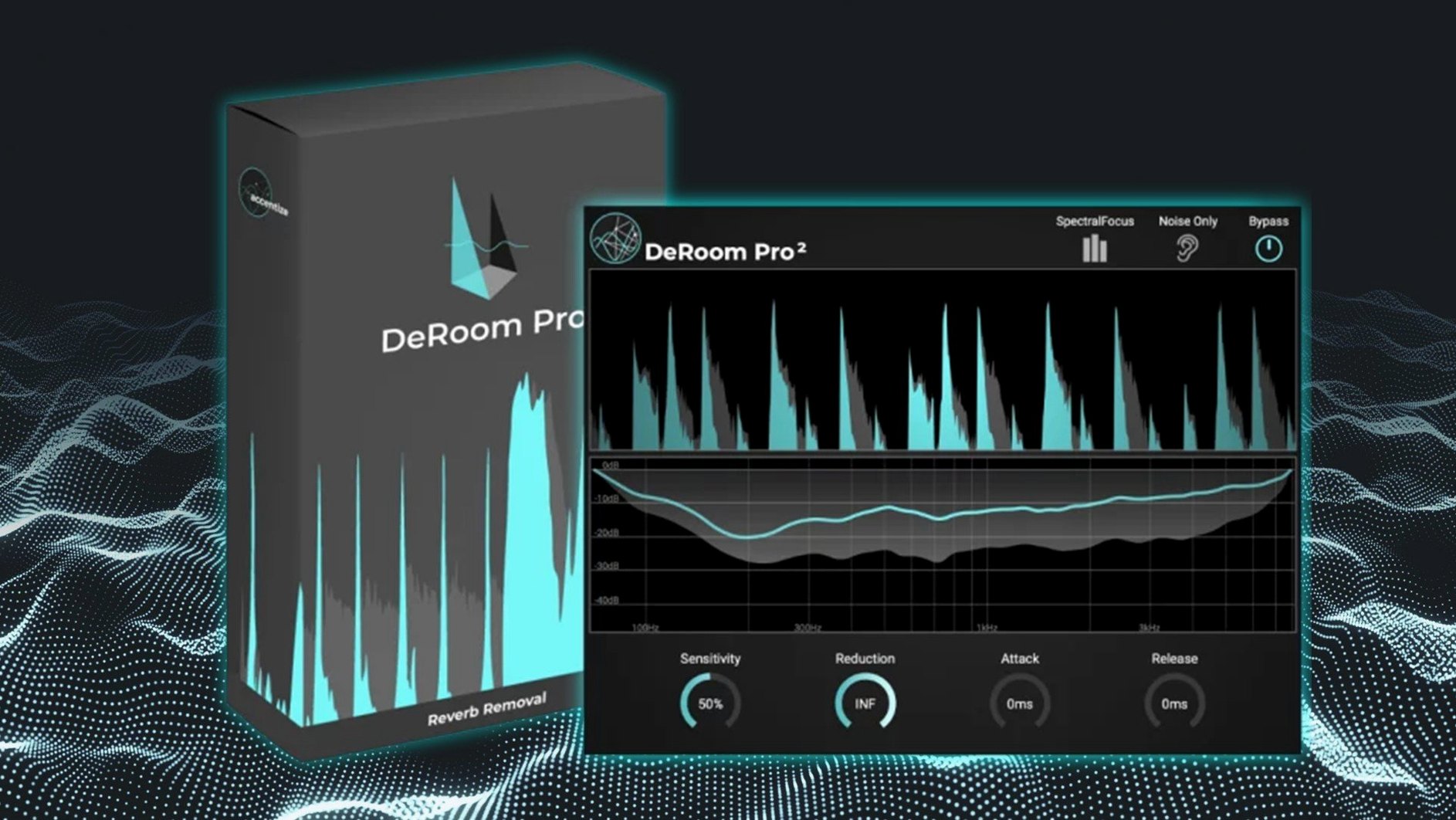
When a podcast or film dialogue track has room tone, hum, or reverb that won't go away, the Accentize Complete Bundle gives you the tools to clean it up. This plugin collection covers noise reduction, reverb removal, and vocal processing for post-production and content creation.
Complete Pro packages plus eight plugins
Complete Pro packages Chameleon Surround, dxRevive Pro, SpectralBalance, and DeRoom Pro. The bundle also adds DialogueEnhance v1.1.9, DeRoom v1.1.9, VoiceGate v1.6.7, PreTube v1.1.1, and Chameleon v1.0.7.
How does the speech restoration work?
DialogueEnhance applies noise reduction, Auto-EQ, dynamic reduction, and loudness boost. DeRoom Pro uses machine learning to remove reverb from recordings.
A typical workflow with the Accentize Complete Bundle
Start with a dialogue clip that has noticeable room reverb. Insert DeRoom Pro first. Listen for the reverb tail on the voice and adjust the reduction amount until the room collapses but the voice stays natural. The machine‑learning engine handles the heavy lifting.
Next, add DialogueEnhance after it. Hit the noise reduction module to clean up low‑level hiss or AC rumble. If the vocal level is uneven, turn on the dynamic reduction. A loudness boost at the end brings the spoken word up to broadcast level without pumping.
When the recording was made in a hall or church, Chameleon v1.0.7 estimates the reverb content and models it. Use it to neutralise the early reflections before DeRoom Pro takes over. The result is a dry, close‑mic sound from a distant source.
For a voice that sounds dull or boxy, SpectralBalance v1.0.7 adjusts the frequency curve. It targets the common imbalances in untreated recordings.
AUX, VST3, and AAX across Logic, Pro Tools, Resolve
The bundle loads as standard AUX, VST3, or AAX plugins. It works inside Logic Pro, Pro Tools, Reaper, DaVinci Resolve, and any DAW that accepts third‑party plugins. Use the Audio Units feature in macOS to route processed audio between apps if you need an offline clean‑up step before the final mix.
VoiceGate v1.6.7 acts as a noise gate that opens only on speech. PreFET v1.0.1 and PreTube v1.1.1 add analog‑style color before restoration or compression. Drop PreFET on a dialogue bus for a slight edge that cuts through a dense mix.
Because all plugins share the Accentize control layout, once you learn one, the rest are familiar. Save presets per project for consistent voice processing across a series of episodes.
Building a session around room tone
I open a podcast episode recorded in a small untreated room. The first pass is always the same: insert DeRoom Pro on the dialogue track and dial out the boxy low‑mid buildup. With the reverb reduced, the voice sits closer in the mix.
Next I duplicate the track and add SpectralBalance. I adjust the EQ curve to tame the muddy frequencies the room added. The difference is immediate — the voice goes from muffled to clear without sounding thin.
On the original track I insert VoiceGate set to a fast attack. It cuts the background noise between words. Then I route both tracks to a bus with DialogueEnhance. The noise reduction module catches the remaining hum, and the loudness boost brings the final level to match the rest of the episode.
Integration with macOS audio routing
When I need to clean up a clip before importing it into Logic, I use Audio Units in QuickTime Player or GarageBand to process the audio offline. The AUX versions of the plugins load directly in these apps.
For batch processing multiple files, I set up a workflow in Apple Shortcuts that routes audio through DialogueEnhance via Audio Units. This saves time when I have a dozen interview clips to clean before the edit.
The plugins also work with Audio Hijack for real‑time processing of livestream audio. Drop DeRoom Pro on the input chain and the room tone disappears before it reaches the stream.
If you need to download accentize complete bundle for mac, the build is ARM‑only and runs on macOS 10.14 or later.
The bundle version is 2025.07 and runs on Apple Silicon Macs. It requires macOS 10.14 or later. English is the interface language.
- macOS 10.14 or later
- Apple Silicon (ARM)
- Interface language: English
Questions I get about this line
The bundle includes DialogueEnhance, DeRoom Pro, VoiceGate, PreTube, Chameleon, Chameleon Surround, dxRevive Pro, and SpectralBalance.
No, the bundle is built for ARM architecture, so it needs an Apple Silicon Mac.
You need macOS 10.14 or later.
The install order
- Open the downloaded package and read the included installation and activation instructions.
- Follow those instructions to complete the setup.