- Home
- VST Plugins
- Neural DSP Archetype Cory Wong X

- Version
- 1.0.1
- Developer
- Neural DSP Technologies
- Languages
- English
- License type
- K'ed by FLARE
| macOS range | macOS 10.13 or later |
|---|---|
| Chip | Apple Silicon, Intel 64-bit |
| Download | 555 MB |
Screenshots
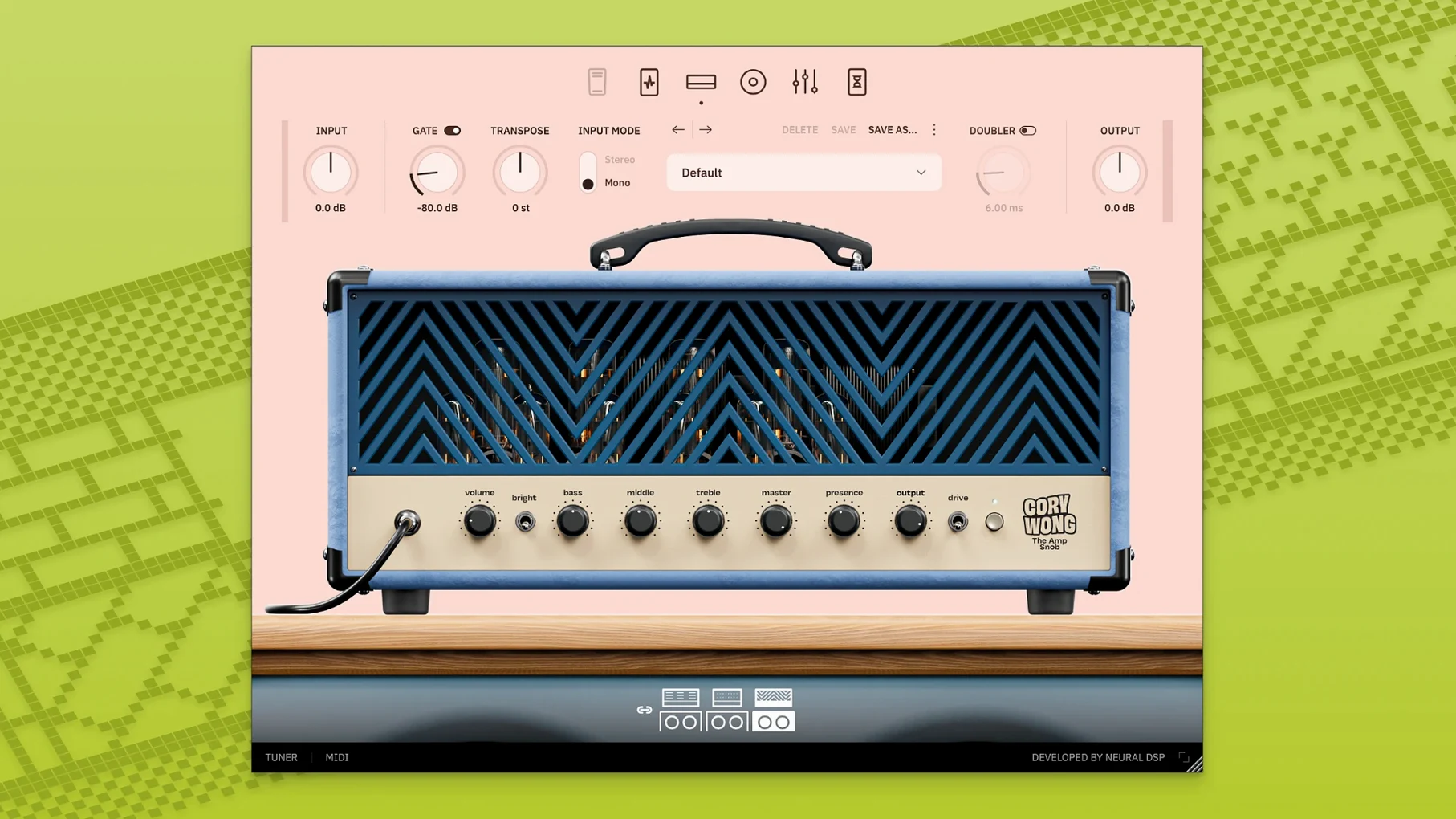
Guitarists chasing pristine cleans and that just-breaking-up sweet spot will feel at home here. The Archetype Cory Wong X plugin is built for exactly those tones, and the macOS version runs on anything from 10.13 onward, so even older Macs are covered.
Format-wise, you get the full spread: 64-bit VST2, VST3, AU, and AAX, plus a standalone app with a metronome for practicing without a DAW. The X update brought a redesigned interface, new room reverbs, global features, and 133 new presets to dig through.
On the signal chain, four pre-effect pedals handle compression and drive, a wah is onboard, and the 9-band graphic EQ shapes your tone. Post effects like The 80s, Delay-y-y, and The Wash cover the ambience side, while transpose and doubler functions add practical flexibility.
Version 1.0.1, released June 12, 2025, is the current build. If you want a focused clean-and-edge amp sim with solid host compatibility, this one is worth a look.
What the X Version Changed in Daily Use
The jump from the original Archetype Cory Wong to the X version is not a subtle bug-fix refresh. It changes how you work with the plugin day to day.
The redesigned user interface is the first thing you notice. Controls are laid out differently, so if you are used to the old layout, give yourself a session to learn where everything landed. The global features are the bigger shift: settings that used to live inside individual modules are now accessible from a single spot. That means less clicking around when you want to adjust input level or MIDI mapping.
The new room reverbs matter for clean tones. The original plugin had reverb, but the X version's room verbs feel more natural for the kind of edge-of-breakup playing Cory Wong is known for. You can dial in a small room for tracking or a bigger space for solo work without layering a separate reverb plugin.
Those 133 new presets are not filler. They cover amp and pedal combinations that were not in the original bank. For a working guitarist, that is 133 fewer patches you have to build from scratch.
324 IRs from three cabs left unused
New users tend to miss the cabinet simulator section entirely. The plugin ships with 324 impulse responses across three cabinets and six virtual microphones, but the default cab might not suit your guitar or pickups. If your tone sounds thin or boxy, check the cab and mic selection before touching the EQ.
Another common miss: the wah effect is not assigned to an expression pedal by default. If you use a MIDI controller and expect wah to work immediately, it will not. You have to map it in your controller or DAW.
Beginners also crank the pre-effect pedals too hard. The Tuber and The Big Rig Overdrive are designed for clean-to-breakup range, not high-gain metal. Pushing them past noon with single-coil pickups can turn a polished edge into a muddy mess. Start low and bring up drive slowly.
Finally, the standalone version's metronome is easy to overlook. It is there for practice without a DAW, but its volume defaults to a level that can be distracting.
- New room reverbs
- Global features added
- Redesigned user interface
- 133 new presets
- macOS 10.13 or later
- Intel or Apple Silicon
Questions I get about this line
The plugin supports macOS 10.13 and later, including both Intel and Apple Silicon Macs.
It comes in 64-bit VST2, VST3, AU, and AAX formats, plus a standalone application.
Yes, the standalone version has a built-in metronome for practicing without a DAW.
The install order
- Open the downloaded disk image.
- Run the standard installation procedure.