- Home
- VST Plugins
- Neural DSP Fortin Nameless Suite X

- Version
- 1.0.1
- Developer
- Neural DSP Technologies
- Languages
- English
- License type
- K'ed by FLARE
| macOS range | macOS 10.13 or later |
|---|---|
| Chip | Apple Silicon, Intel 64-bit |
| Download | 441 MB |
Screenshots
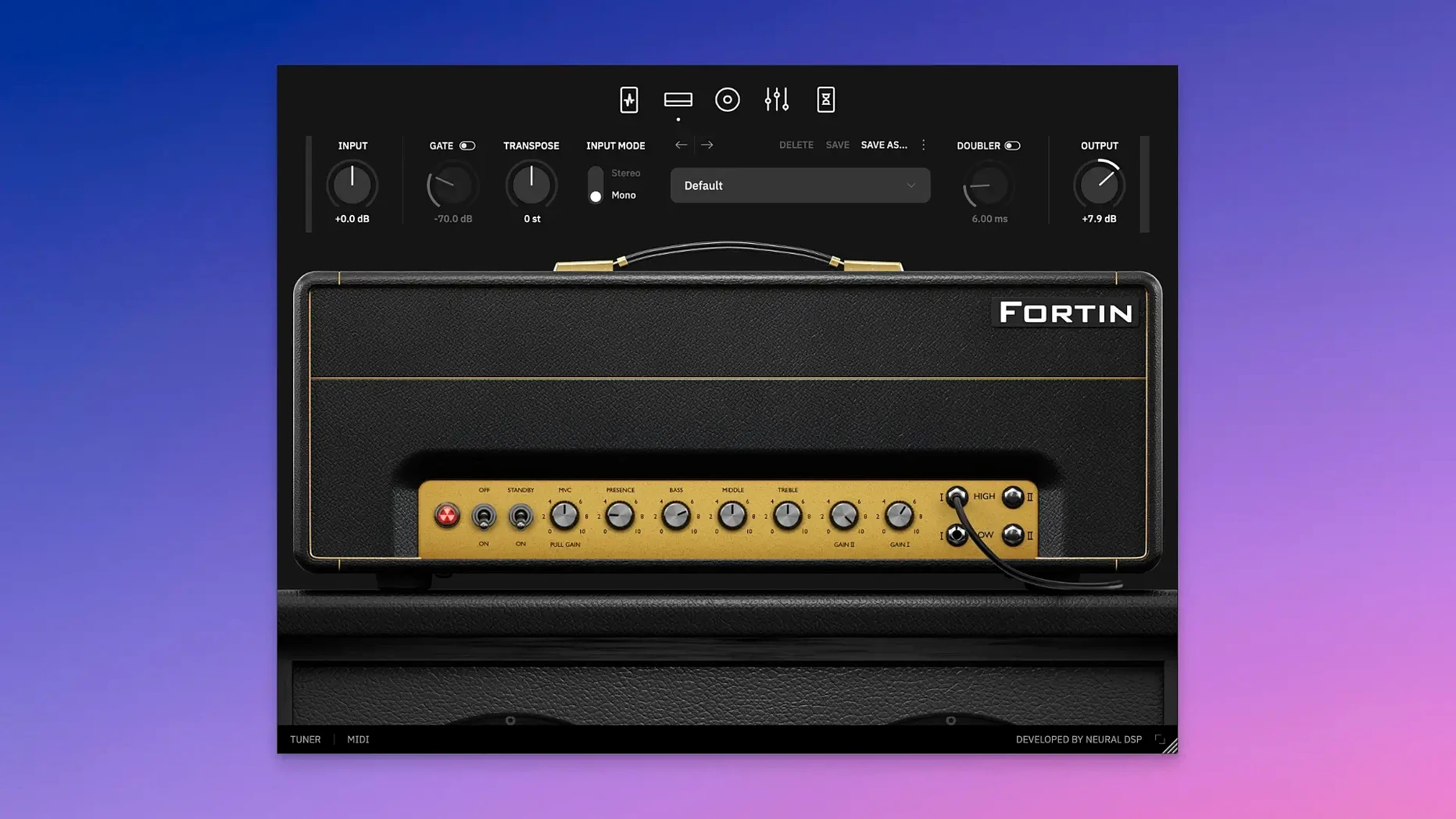
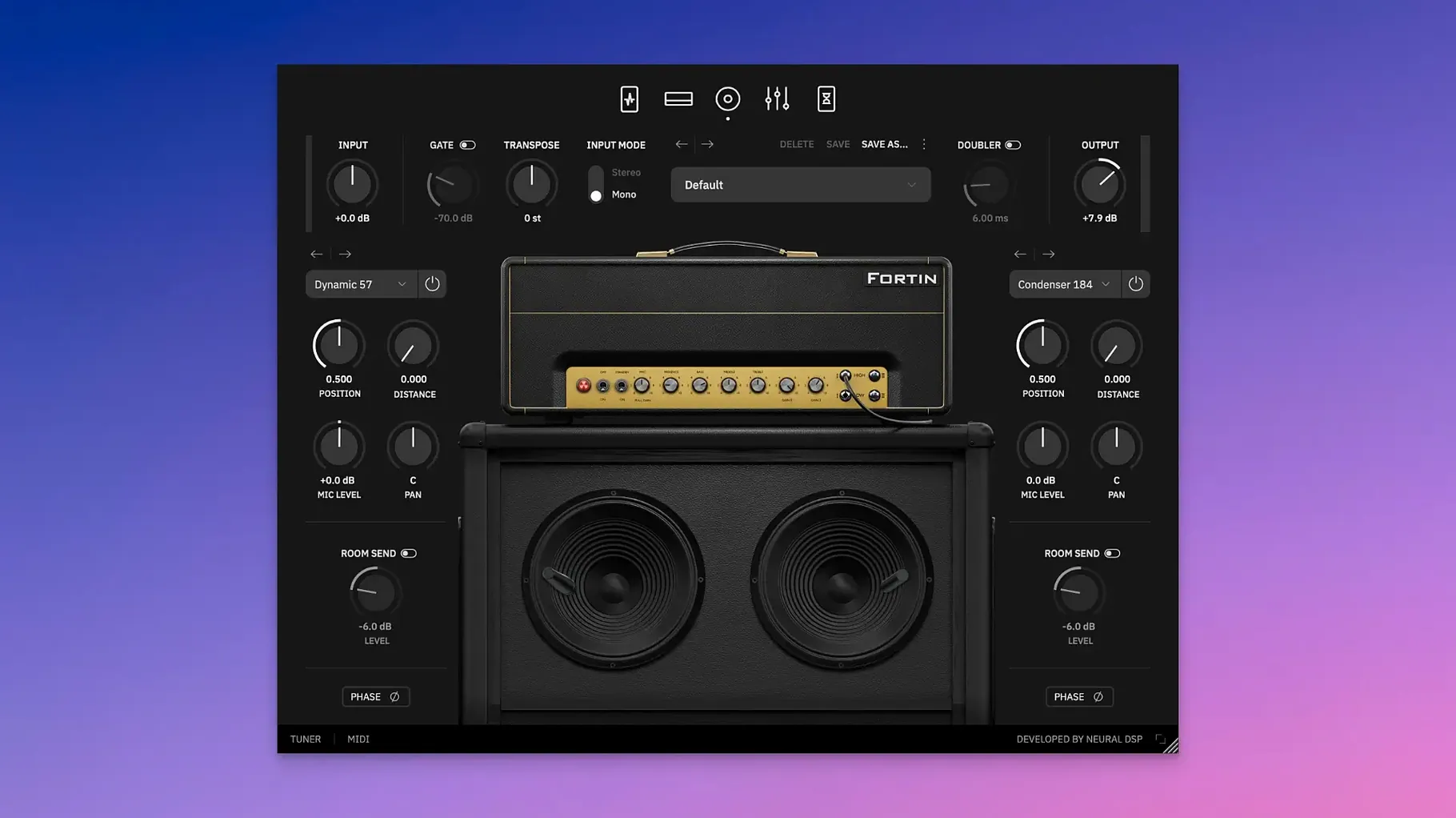
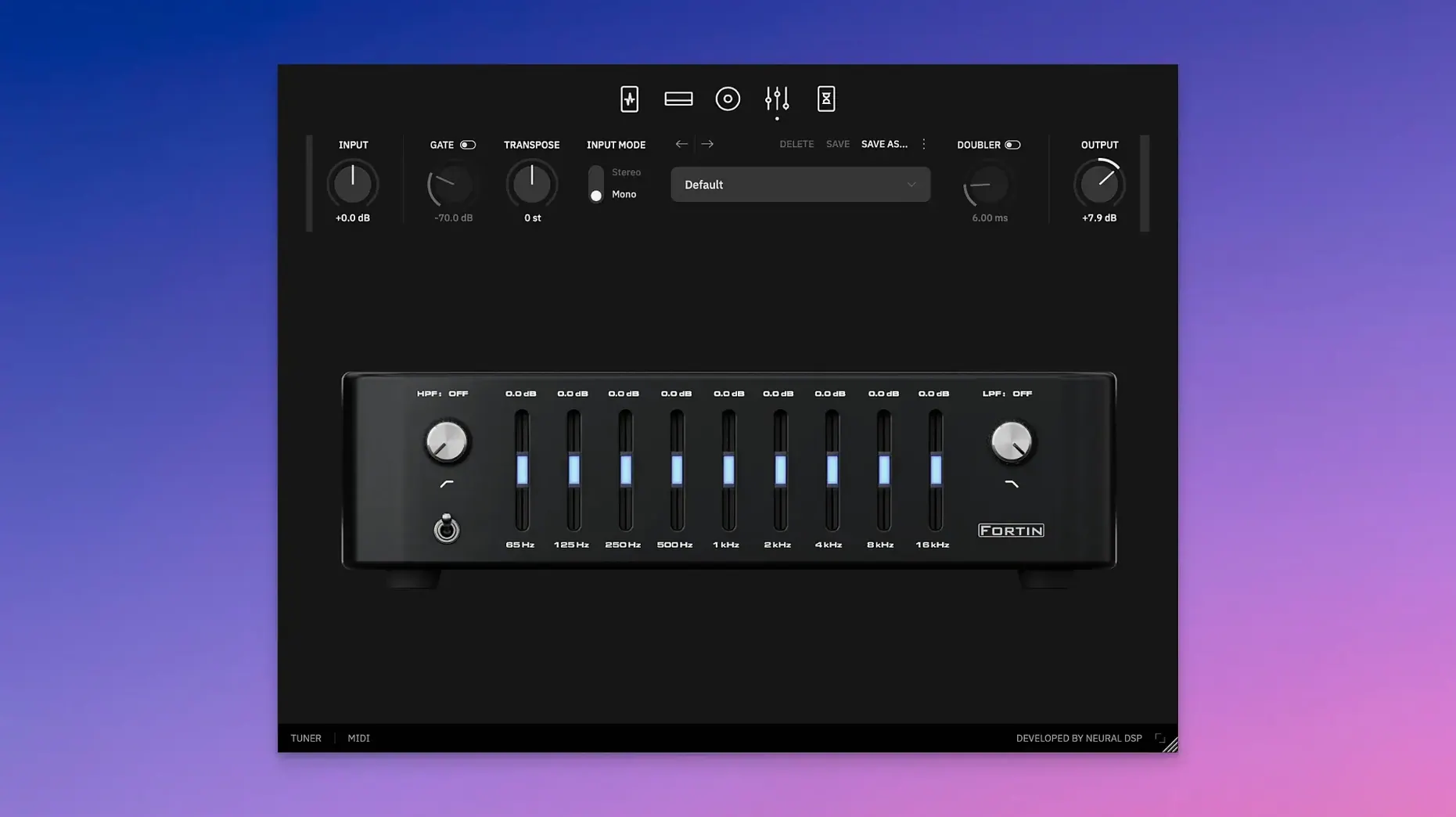
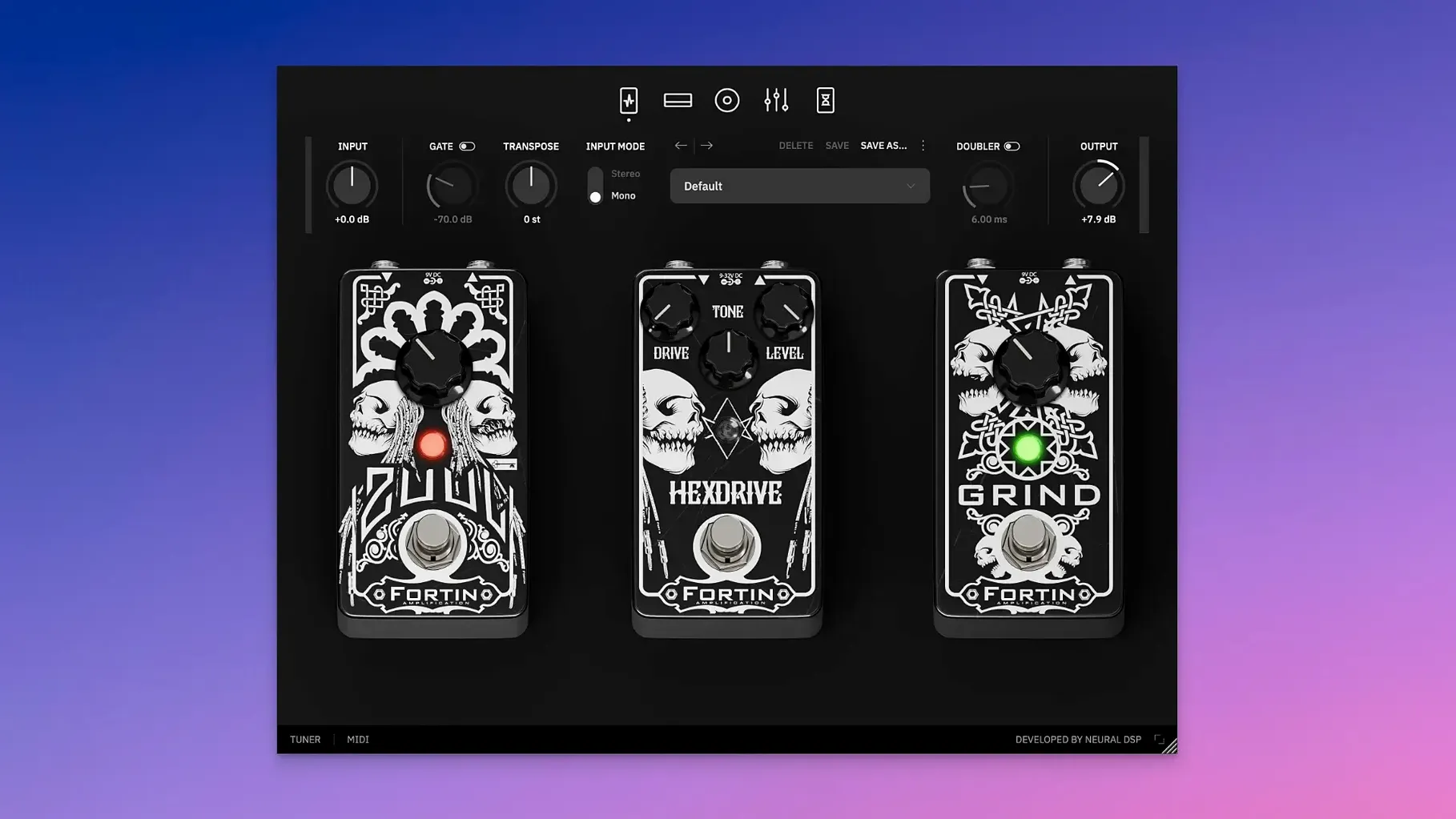
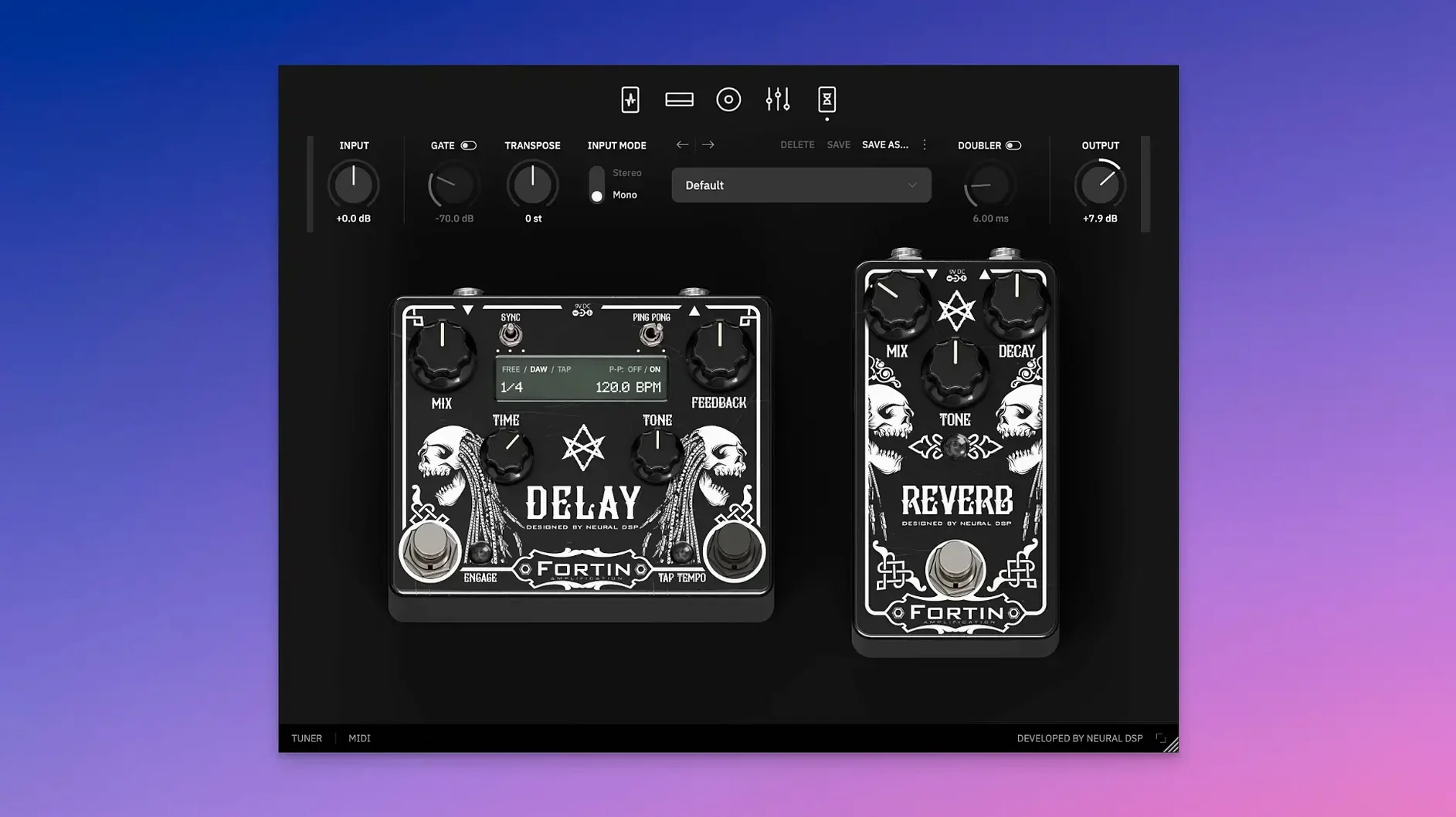
Click a screenshot to see it wider.
Neural DSP Fortin Nameless Suite X is a guitar amplifier plugin that recreates the aggressive, tight overdrive of Mike Fortin's original hardware. It is designed for metal and hard rock tones that need to cut through a mix without mud.
Chugging rhythms that stay defined under heavy palm muting
- Chugging rhythms that stay defined even with heavy palm muting.
- Lead tones that are dense but not flabby, with enough bite to sit on top of a mix.
- Tracking or live use with Quad Cortex and Quad Cortex mini.
X update adds Transpose, Doubler, and native Apple Silicon support
- This is an X update, adding Transpose and Doubler features.
- Version 1.0.1 runs natively on Apple Silicon.
- Requires macOS 10.13 or later; both Intel and ARM architectures are supported.
Transpose shifts pitch ±12 semitones without retuning
The X update added two features that affect how you work with the plugin.
- Transpose shifts your guitar pitch by a constant interval from +12 to -12 semitones. You can tune down without retuning, or play a part an octave higher for layering. The interval stays locked once set, so it works more like a capo than a pitch shifter that follows your playing.
- Doubler creates a second voice that fattens the sound. It is practical for widening a single track without recording the part twice.
Both are set-and-forget controls. They do not alter the amplifier character itself, so the tone stays the same you just have more routing options inside one instance.
Fix missing plugin in DAW by scanning correct folder
- Plugin not showing in the DAW after install. Make sure you scanned the correct folder. VST2, VST3, AU, and AAX formats each use separate locations. Restart your DAW after moving the files. The package includes a readme with exact paths.
- Standalone version does not detect audio input. Open the audio device menu inside the standalone app and select your interface. The plugin does not auto-detect, so you need to pick the input manually once.
- Transpose or Doubler controls do nothing. Check that the feature is toggled on. Each has an on/off switch in the plugin panel. If the knob is at zero, the effect is bypassed.
- Quad Cortex preset mismatch. The X version uses the same naming as the previous suite, but the parameters are not identical. Load a preset, then adjust the controls to match. It is not a bug, just a new parameter set.
Transpose range covers +12 for harmonics or -12 for faux bass
- The transpose range covers both directions, so you can go +12 for a thin harmonic layer or -12 for a faux bass octave. The step is one semitone, not continuous, which keeps tuning clean.
- Both Transpose and Doubler work with the standalone version, not just inside a DAW. You can test them before loading a project.
- The installer is self-contained. No additional account or online activation tool is needed. Flare's release notes inside the package cover the install steps.
- Apple Silicon and Intel builds are both included. You do not need to pick one in advance just run the right installer for your system.
- Added Transpose and Doubler features.
- Version 1.0.1 is listed in the official downloads page.
- macOS 10.13 or later
- Intel or Apple Silicon
- English interface
The install order
- Open the package and run the included installer.
- Follow the installation and activation instructions inside the package.