- Home
- VST Plugins
- Nuro Audio Bundle
- Version
- 2026.03
- Developer
- Nuro Audio
- Languages
- English
- License type
- k'ed by GUISEPPE
| macOS range | macOS 10.13 or later |
|---|---|
| Chip | Apple Silicon, Intel 64-bit |
| Download | 2.4 GB |
Screenshots
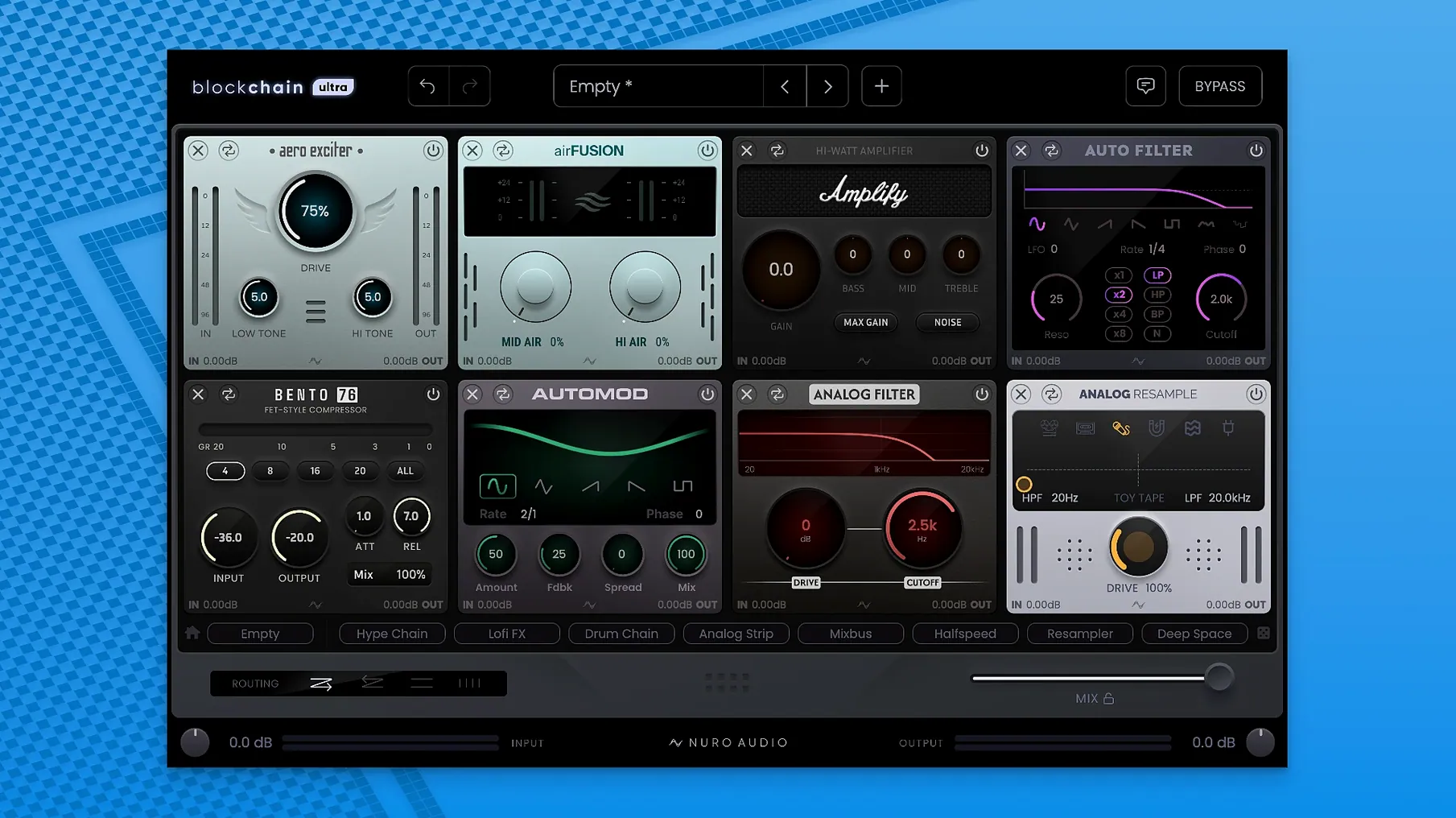
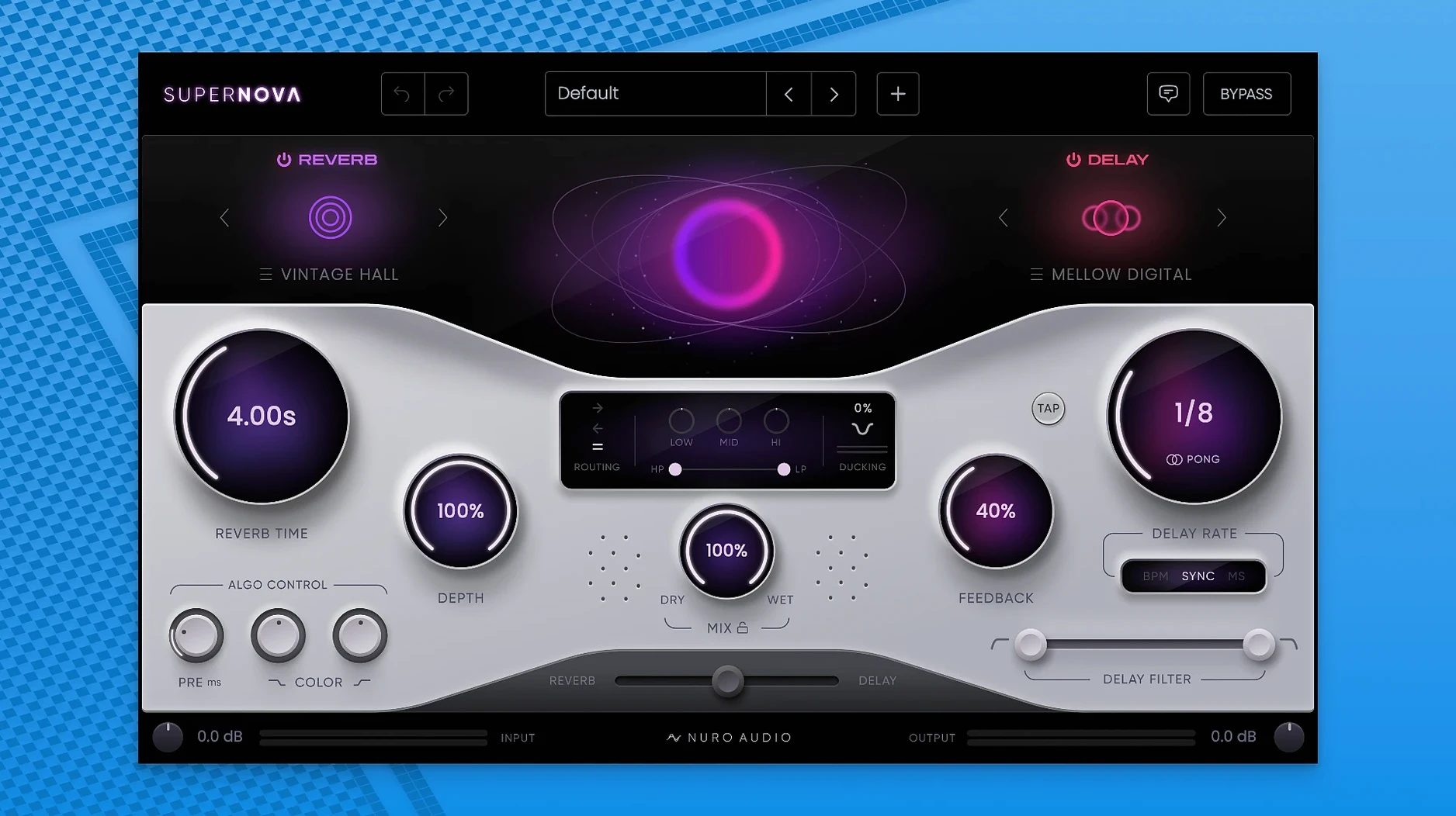
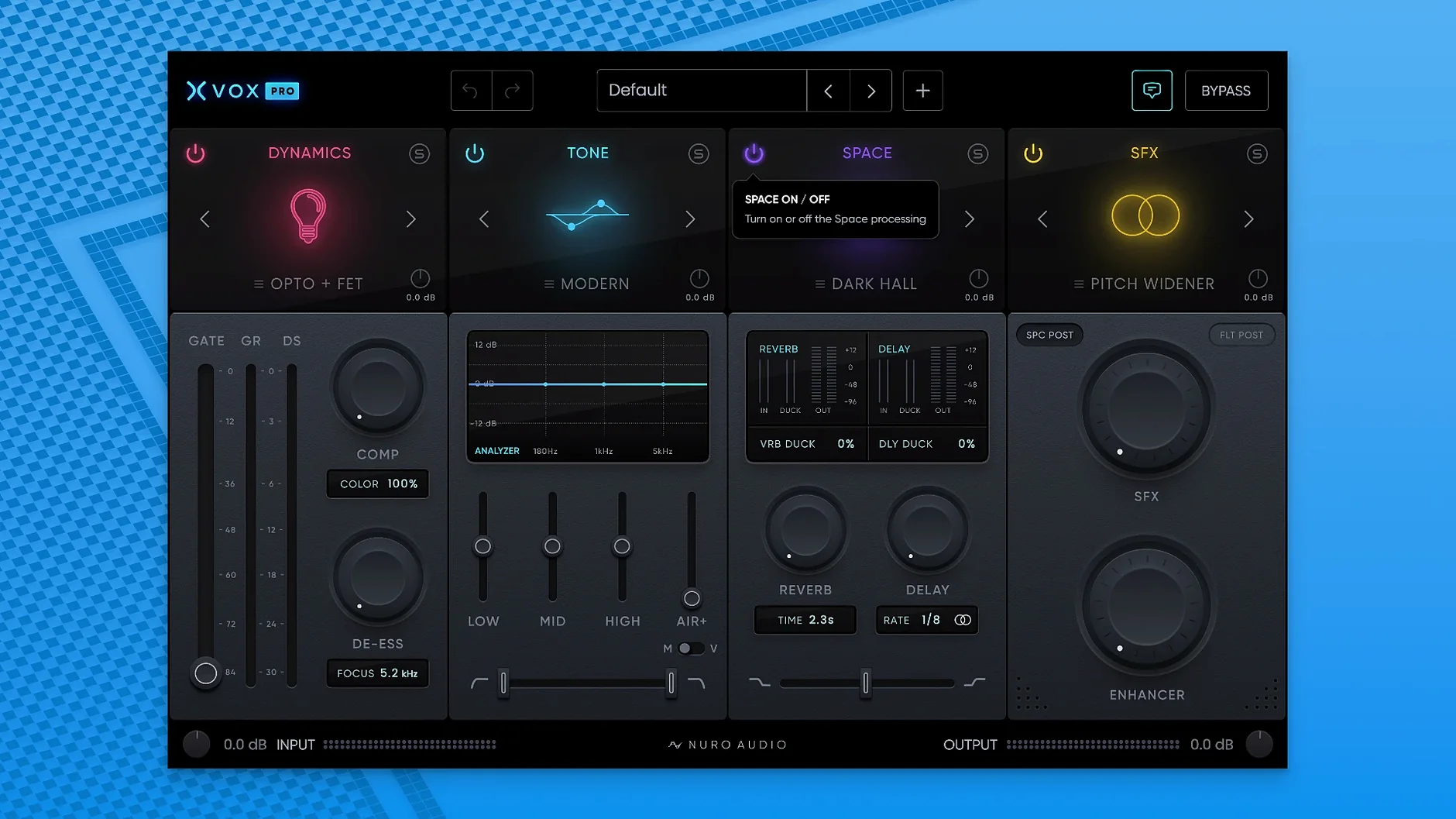
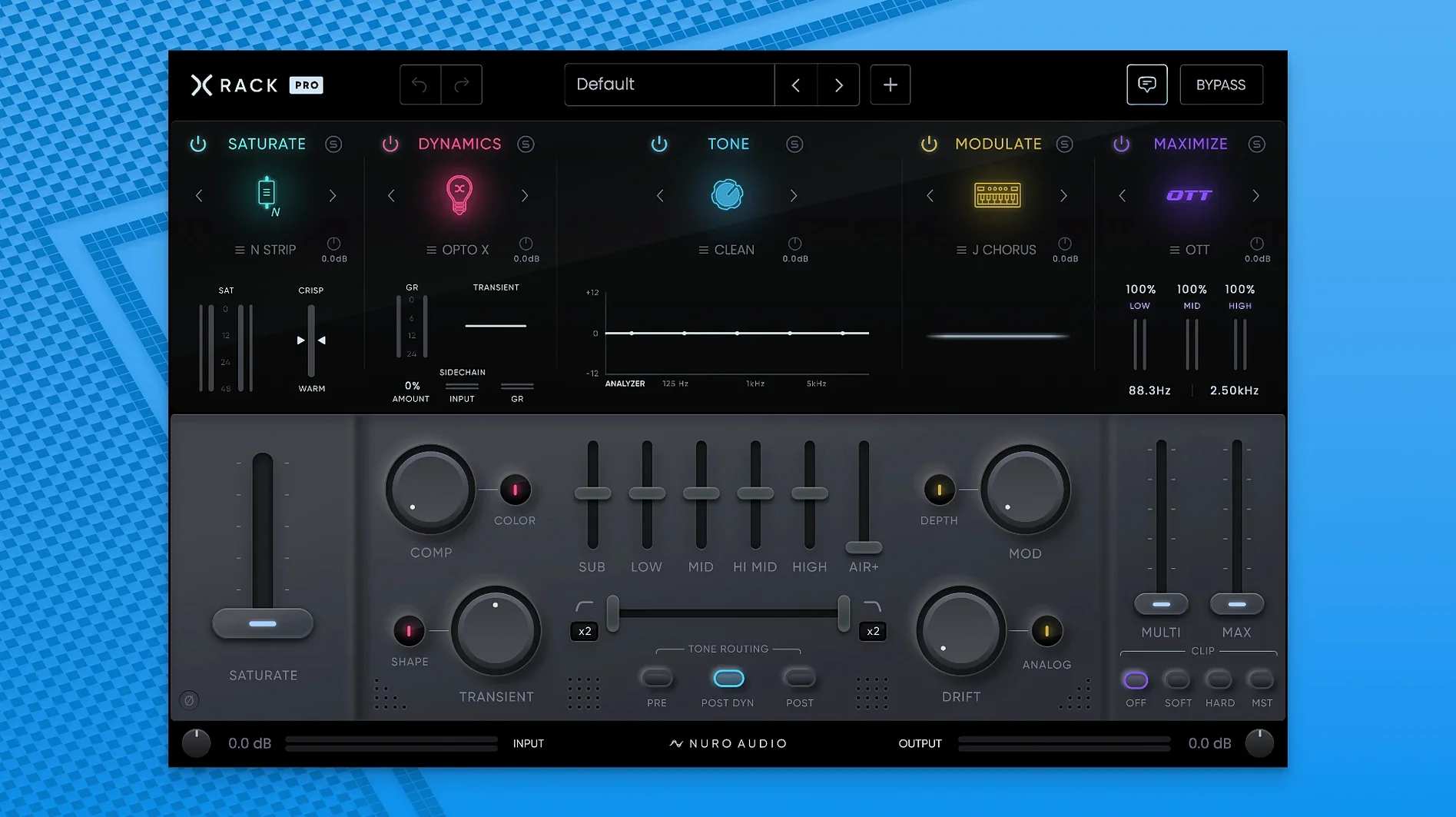
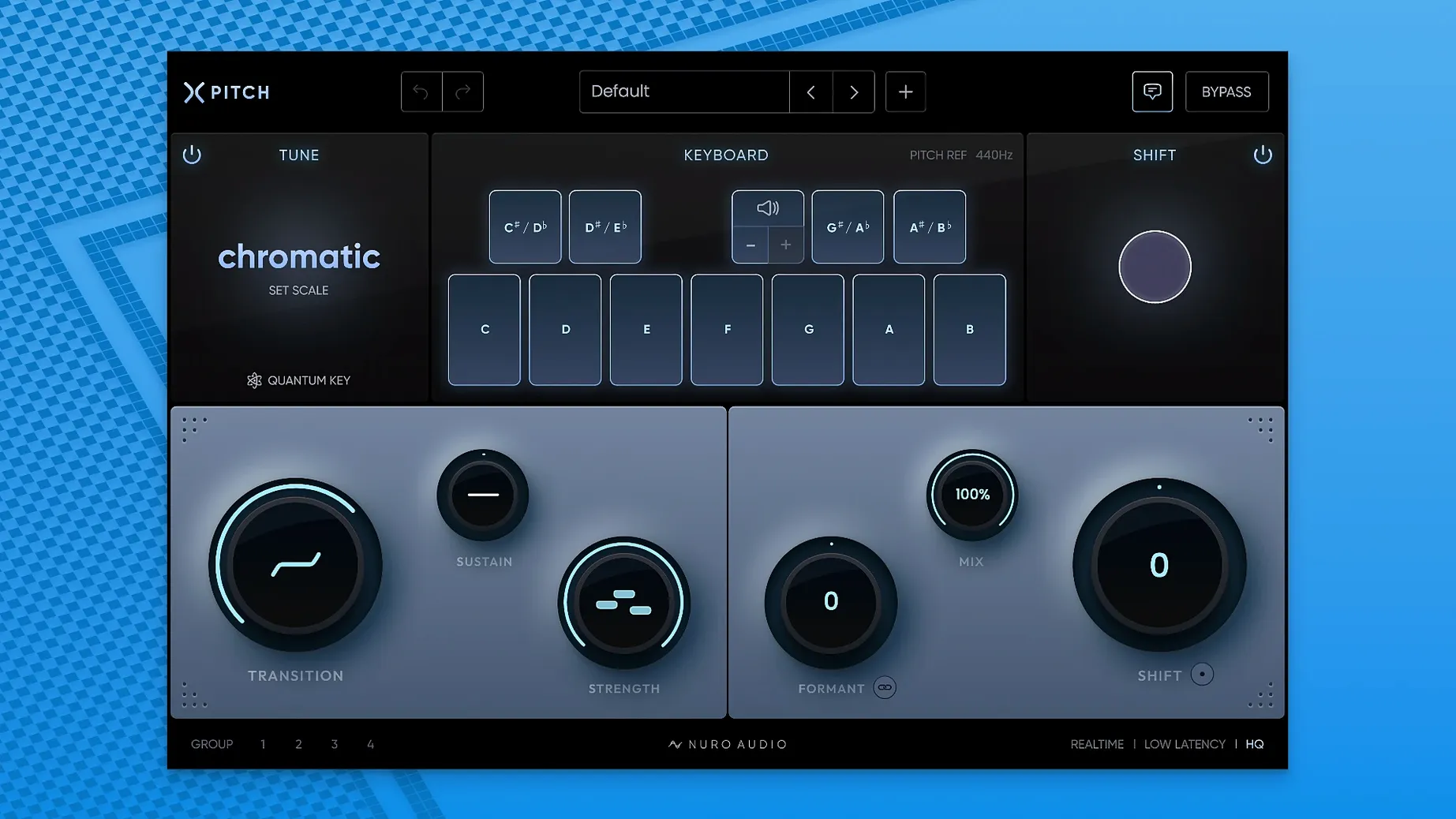
Click a screenshot to see it wider.
Nuro Audio Bundle is a collection of audio plugins for music production and mixing that covers drums, vocals, instruments, and full mixes.
Compression to vocal shaping in one set
It includes Xrider, Xrack, Blockchain, Blockchain Ultra, Supernova, and Xvox Pro. Together these cover modern processing needs from compression to vocal shaping.
Is it compatible with Apple Silicon Macs?
Yes. It supports both Apple Silicon and Intel 64-bit architectures, and runs on macOS 10.13 and later.
What kind of workflow does it fit?
It works for drums, vocals, instruments, and full mixes. You can load Xvox Pro on a vocal track or drop Blockchain on a stereo bus without switching toolkits.
One installer for all plugins
The Nuro Audio Bundle 2026.03 has a few touches that make daily work less fiddly but are easy to overlook at first.
- One installer, all plugins. A single package gives you the full set. No hunting for separate downloads for Xpitch, Xrider, or Blockchain Ultra.
- K'ed by GUISEPPE, activation handled. The included installation and activation instructions walk you through the process inside the package. No online account, no license file to misplace.
- No extra background services. The plugins load in your DAW as native plug-ins. Nothing runs in the background, no phantom processes in the menu bar.
- English interface across the board. Every plugin uses the same language. No surprises switching between Xvox Pro and Supernova.
- macOS 10.13 floor. The same minimum for all plugins. You do not have to check which plugin needs a newer OS version.
Drum bus parallel compression in minutes
Start a mix session. The arrangement has acoustic drums, a pop vocal, and a synth pad. Load Xrack Pro on the drum bus for quick parallel compression. It gets the kit sitting together without extra faders.
Move to the vocal track. Insert Xvox Pro first. It handles basic EQ and compression in one go. Then add Xpitch for subtle pitch correction on the chorus takes. It works fast so you do not lose the performance feel.
The synth pad needs width. Drop Supernova on a stereo aux. It adds harmonic content and spread without eating CPU. On the master bus, insert Blockchain for glue compression. That keeps the low end tight and the transient punch intact.
For the last pass, use Xrider on a vocal subgroup to ride the level during the bridge. It follows the phrase dynamics without automation lines. The session stays clean: one instance per track, no aux chains.
Save the project. The next day, the session opens with all plugin instances intact. No re-authorization needed. That is the workflow the bundle is built for.
Small conveniences that save time
A few details in the Nuro Audio Bundle 2026.03 are easy to miss but worth knowing.
- The extra controls are added, not rearranged.
- Xpitch works on mono and stereo tracks. No need to insert a utility plugin first. Drop it on a mono vocal or a stereo instrument and it adapts.
- Blockchain and Blockchain Ultra are separate. One is for standard bus processing, the other for heavier multiband work. You can load both in the same session without conflicts.
- Xrack and Xrack Pro follow the same pattern. The Pro version adds features, but presets and routing carry over. No relearning needed.
- Supernova is one of the simpler plugins in the set. It has fewer controls than Xvox Pro or Blockchain Ultra. Good for quick widening without menu diving.
A typical vocal editing session
Open a session with a raw vocal take recorded on a single track. The performance is good but has uneven dynamics and a few pitch wobbles.
Insert Xvox Pro first. Dial in basic compression and EQ. The plugin handles the heavy lifting so the vocal sits in the mix without harshness. Next, add Xpitch on the same track. Target the chorus sections only. The pitch correction is subtle, enough to tighten the notes without making it sound robotic.
The verse needs level control. Instead of writing automation, insert Xrider on a send. It follows the vocal dynamics and evens out the loud and soft phrases. No need to touch faders during playback.
For the final polish, route the vocal to a bus with Blockchain. It adds glue and keeps the low end from getting boomy. The whole chain is four plugins, all from the same installer, all loaded in minutes.
Save the session. Everything is ready for the next mix pass.
- macOS 10.13 or later
- Intel or Apple Silicon processor
Questions I get about this line
The set includes Xrider, Xrack, Blockchain, Blockchain Ultra, Supernova, and Xvox Pro.
Yes. It supports both Apple Silicon and Intel 64-bit architectures.
It requires macOS 10.13 or later.
The install order
- Use the included installation and activation instructions.
- Follow the steps provided inside the package.