- Home
- VST Plugins
- Unison Audio MIDI Wizard
- Version
- 2.2.48
- Developer
- Unison Audio
- Languages
- English
- License type
- k'ed by Team V.R
| macOS range | macOS 11 or later |
|---|---|
| Chip | Apple Silicon, Intel 64-bit |
| Download | 500 MB |
Screenshots
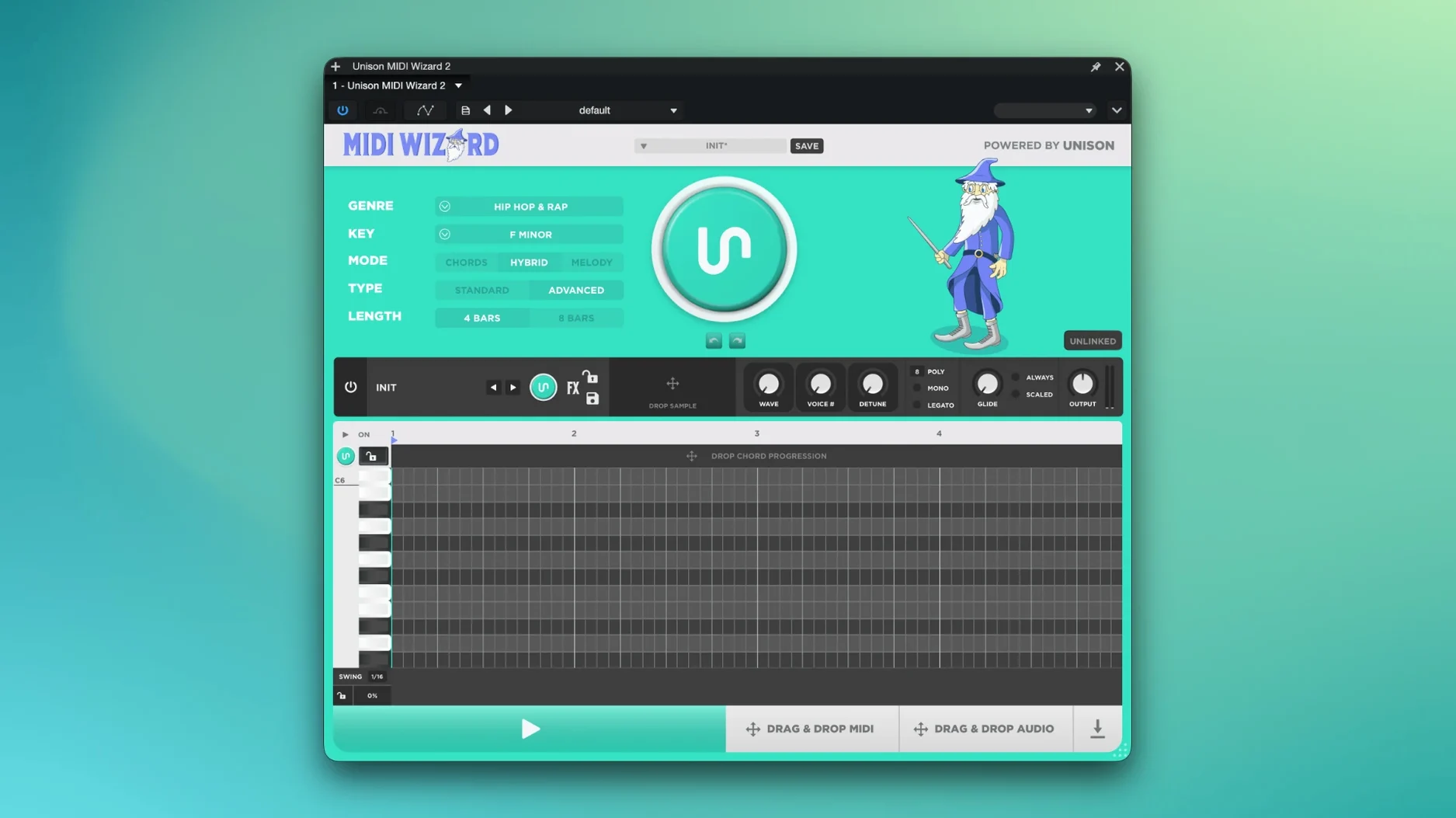
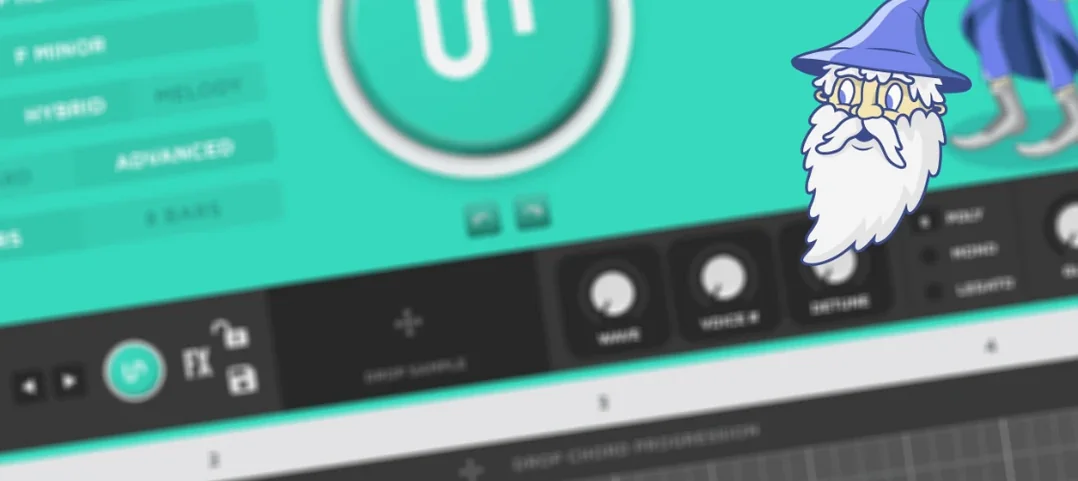
MIDI Wizard sits in the same lane as a chord trigger or an arpeggiator, but it does more of the writing. You drop it on a MIDI track, set a key, and it generates progressions, melodies, or both in hybrid mode. It can also read existing MIDI chords and build a melody that fits them, which is useful when you already have a progression you like.
Chord Names on the Plugin Face
- Sketching chord progressions fast, with chord names shown on the plugin face.
- Generating melody lines that match your own chords.
- Hybrid patterns that combine chord and melody output in one pass.
- Adding human feel with Velocity and Swing controls.
- Using the internal synth or audio sampler for quick previews without loading other instruments.
Runs on macOS 11 and Silicon
- It runs on macOS 11 or later, both Intel and Apple Silicon.
- 16 built-in effects shape the generated MIDI or the internal sound.
- The 2.x line adds Velocity, Swing, and direct audio export.
- It is a plugin, not a standalone app, so it needs a DAW host.
Bass Dragon Link from the Same Session
- Chord names display on the plugin face as you cycle through presets — no need to guess or count semitones.
- The Bass Dragon link works from inside the same session: generate a progression in MIDI Wizard, then send it to Bass Dragon for a matching bass part without rewriting anything.
- Hybrid mode runs both generators at once, which saves an extra track and a second plugin instance when you want layered output.
- Direct audio export captures what you hear from the internal synth or sampler, so you can bounce a rough mix without assigning an external instrument.
How a songwriter might use it
Say you have a verse chord loop you wrote on a keyboard. You drop MIDI Wizard on the track, let it analyze those existing chords, and set the genre to something like pop or lo-fi. It builds a melody line over your chords, and you export the MIDI to a new track. With Velocity and Swing you loosen up the timing so it doesn't sound like a grid exercise. From there you have a working top line you can edit or replace notes on. No staring at a blank piano roll.
Small conveniences in the 2.x line
- Velocity and Swing are separate controls, so you can add groove without flattening the dynamics.
- The 200 factory presets cover 32 genres — scroll through them to find a starting point instead of building from scratch each time.
- The internal synthesizer and audio sampler let you hear what the generated MIDI sounds like without routing to an external instrument first.
- Chord names display as you work, which helps when you are not sure what you just played.
What a beatmaker might do with it
A beatmaker working on a trap or drill track can open MIDI Wizard, pick a genre preset, and let hybrid mode generate both the chord progression and a melody in one pass. The 16 built-in effects can process the internal synth sound directly, so you get a rough mix of the harmonic layer without extra routing. If the track needs a bassline, the Bass Dragon link creates a part that follows the same progression. Export the MIDI to your own instruments later, or keep the audio export from the internal sound if it fits the vibe. The whole harmonic section of the beat can be roughed out in a few minutes.
- New modes and styles in the 2.x line.
- Velocity and Swing controls added.
- Direct audio export added.
- macOS 11 or later
- Intel or Apple Silicon
- English interface
The install order
- Open the downloaded disk image.
- Run the standard installer and follow the prompts.