- Home
- VST Plugins
- Yamaha Expanded Softsynth Plugin for MONTAGE M
Free download (7.2 GB) Previous versions
- Version
- 3.0.1
- Developer
- Yamaha Corporation, Steinberg Media Technologies GmbH
- Languages
- English
- License type
- k'ed by Team V.R
| macOS range | macOS 13 or later |
|---|---|
| Chip | Apple Silicon, Intel 64-bit |
| Download | 7.2 GB |
| Previous versions | 1 on file |
Screenshots
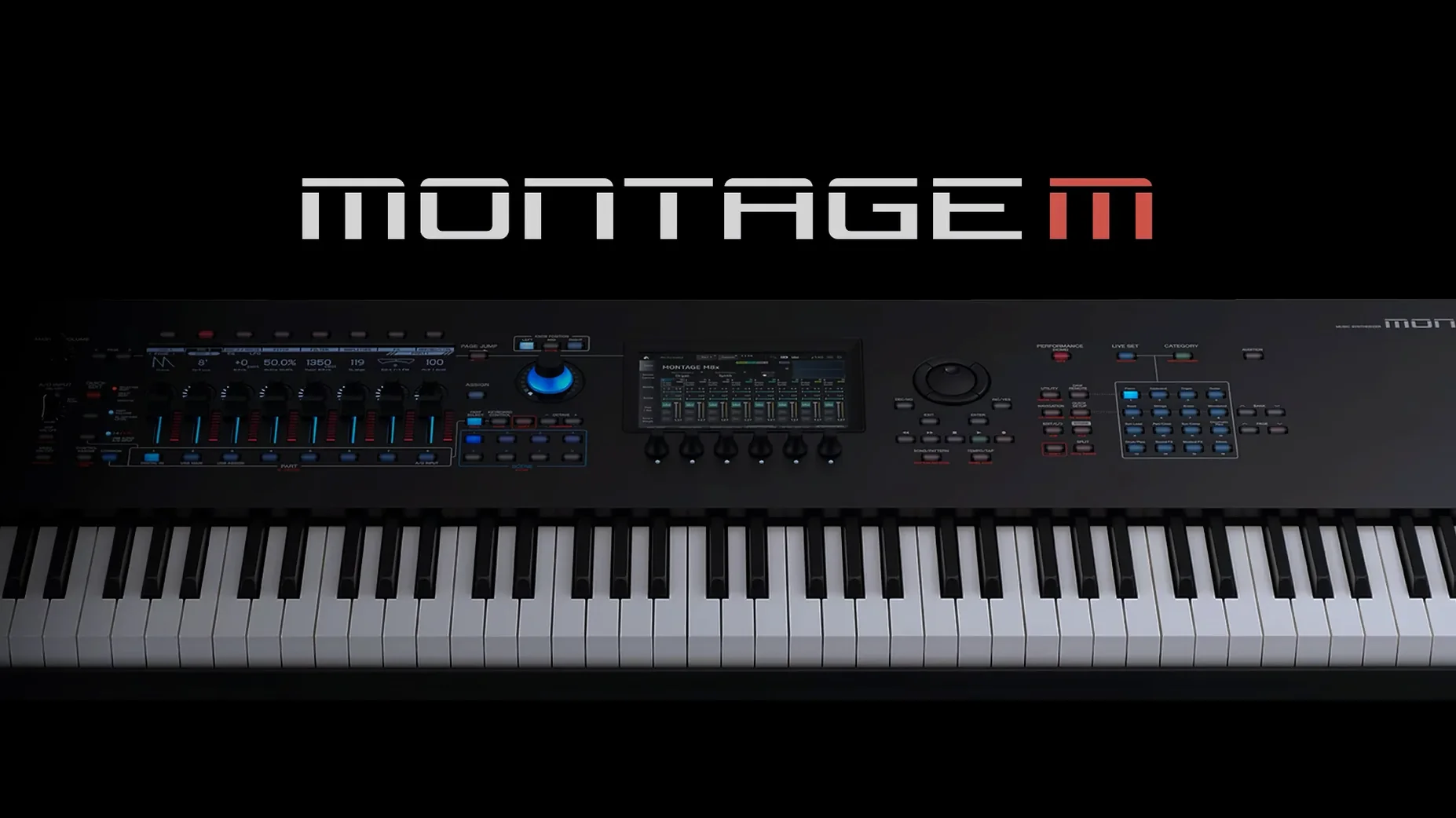
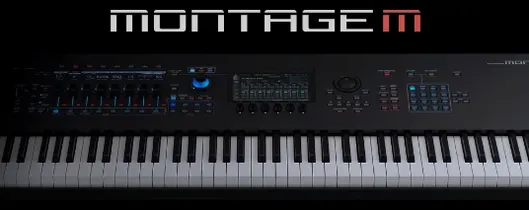
Studio producers and live performers who own a MONTAGE M use this plugin to bring the hardware's sound engine into a DAW session. It reproduces MONTAGE M synth functions on a computer, so you can tweak patches on a large display without touching the keyboard. The plugin syncs with MONTAGE M hardware when connected, but it also works without the unit. Yamaha says the plugin is not sold separately, and ESP development stays in step with MONTAGE M updates.
Version 3.0 added full edit capability, which means you can adjust parameters beyond the basic controls. Because hardware and software share the same sound engine, your edits transfer cleanly between the two. It is a practical tool for anyone who wants to build or refine sounds in a DAW environment.
Full Edit Capability in Version 3.0
Version 3.0.1 is a maintenance release that keeps the plugin aligned with MONTAGE M hardware updates. The big practical jump came with version 3.0, which introduced full edit capability. Before that, you could load and play sounds from the hardware but could not dig into the synth engine parameters. Now you can build a patch from scratch, adjust envelopes, filters, and modulation routings, and then send that patch back to the keyboard. The edit window mirrors the hardware panel layout, so you are not learning a second interface. For a working producer, that means you can start a sound design session on the computer before the keyboard leaves its case.
DAW Integration for Logic Pro and Cubase
The plugin works inside any DAW that supports VST3, AU, or AAX. Logic Pro users can load it on a track and treat it like a standard instrument plugin. Cubase users get the same workflow. The plugin stores its settings inside the DAW project file, so recalling a mix later brings back every synth tweak. That is useful when you revisit a session months after the hardware has been packed up for a different gig.
Offline processing and rendering are supported. You can bounce a part without playing it live, which speeds up quick arrangements. Multiple instances run as long as the computer has the resources. The plugin also respects macOS audio routing, so you can send its output to different channels in your interface or use it with aggregate devices. No special setup is needed beyond the standard DAW instrument chain. If you search for a yamaha expanded softsynth plugin for montage m for mac torrent, this is the version that matches the current hardware firmware.
What Version 3.0.1 Changes in Everyday Use
The 3.0.1 patch addresses compatibility with the latest MONTAGE M firmware. If you updated your hardware recently, the plugin stays in sync. No new features were added in this point release. For daily work, the main benefit is that your DAW project loads without errors and the plugin communicates correctly with the keyboard when connected via USB. It is a maintenance step that prevents mismatches between the software and hardware.
Yamaha states that ESP development is synchronized with MONTAGE M updates. So if you see a firmware update for the keyboard, expect a plugin patch to follow. The plugin itself remains version 3.0.1 as of this writing. For users who keep both the hardware and software current, the workflow stays consistent.
How It Fits With Other Apps and macOS Features
The plugin works with standard macOS audio routing. You can route its output through Audio MIDI Setup or use it with a multi-output aggregate device for headphone mixes. It also respects system MIDI setup, so you can control plugin parameters from a separate controller or automate them in your DAW.
If you use Yamaha's other software tools, the plugin integrates at the file level. A performance saved from the plugin can be loaded onto the MONTAGE M via a USB stick or direct connection. The plugin does not require any additional Yamaha utilities to run. It installs as a standard VST3, AU, and AAX plug-in. For project collaboration, you can share the plugin's saved presets with other MONTAGE M users who have the same version installed.
macOS 13 or later is required. The plugin runs natively on both Intel and Apple Silicon Macs, so it works in Rosetta or native mode depending on your DAW. No extra configuration is needed for either architecture.
- macOS 13 or later
- Intel or Apple Silicon
- Interface language: English
Questions I get about this line
Yes, it works without using the hardware unit, so you can edit sounds on your Mac even when the keyboard is not available.
No, Yamaha states that the plugin is not sold separately. It is part of the MONTAGE M ecosystem.
The install order
- Run the package file named
Install Expanded Softsynth Plugin for MONTAGE M-MODX M V3.0.1.pkg. - Apply the patch file named
MONTAGE-M-patch-3.0.1-osx.