- Version
- 2.7.5
- Developer
- BAO Plugins
- Languages
- English
- License type
- K'ed by Monter Group
| Chip | Apple Silicon, Intel 64-bit |
|---|---|
| Download | 6 MB |
Screenshots
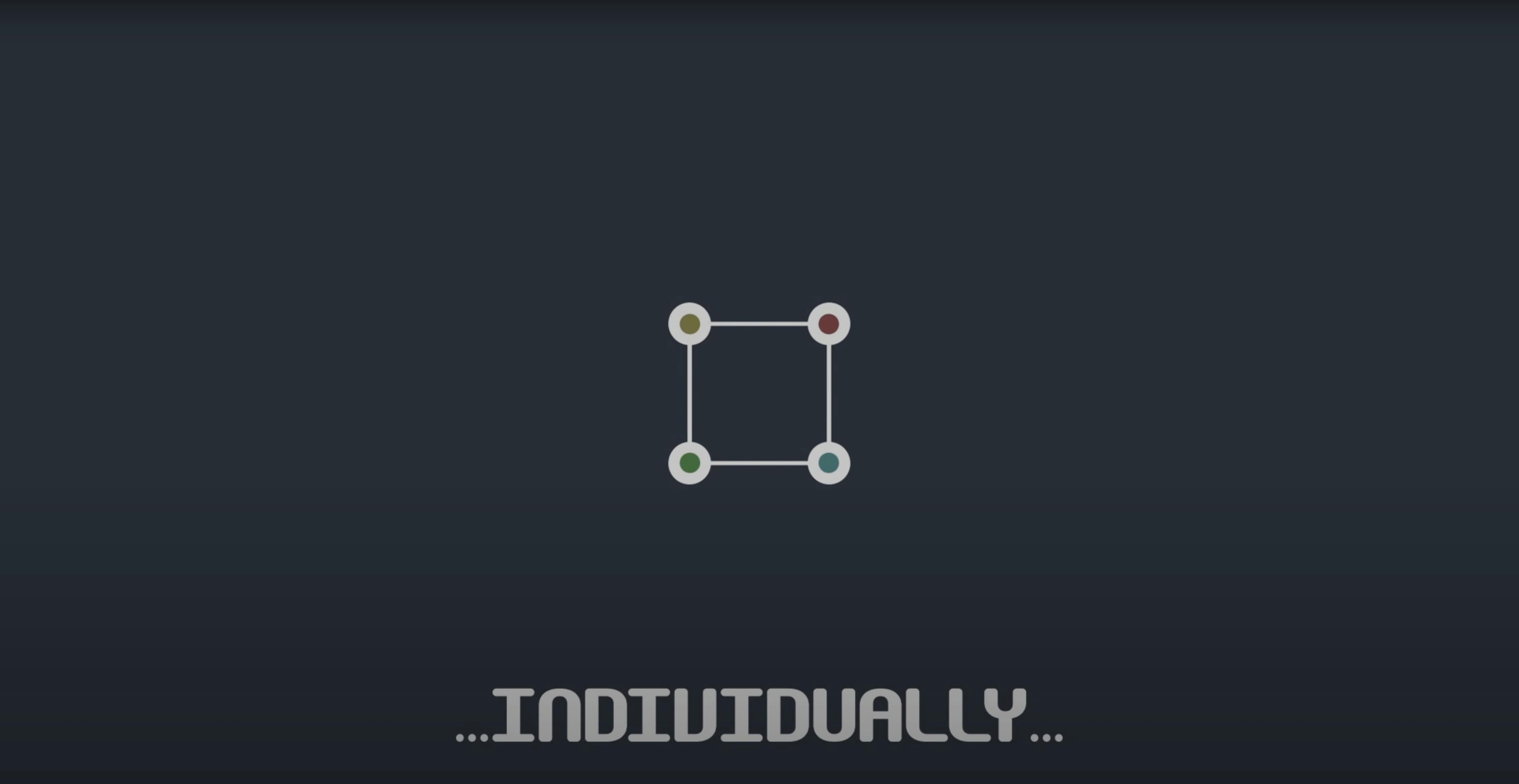
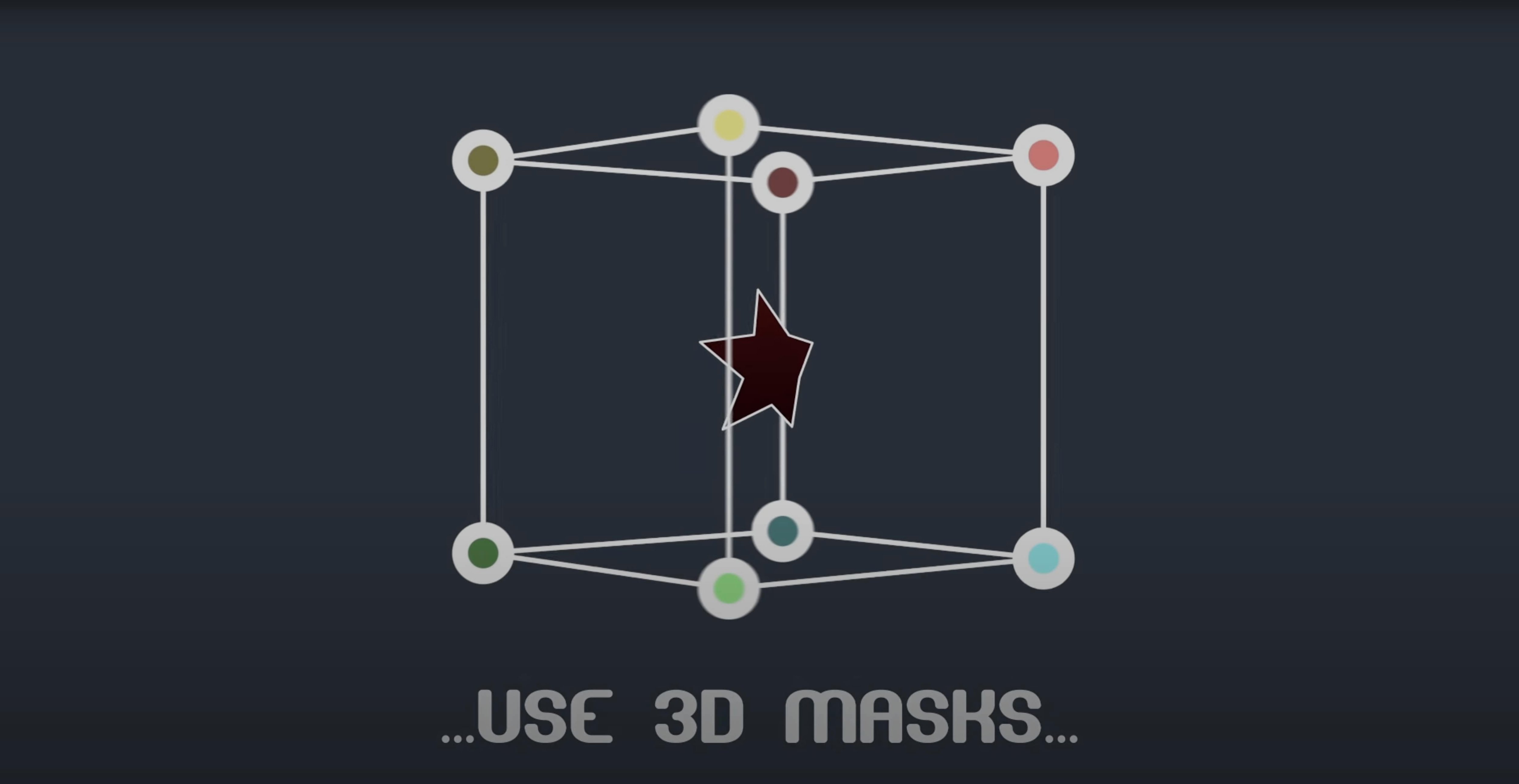
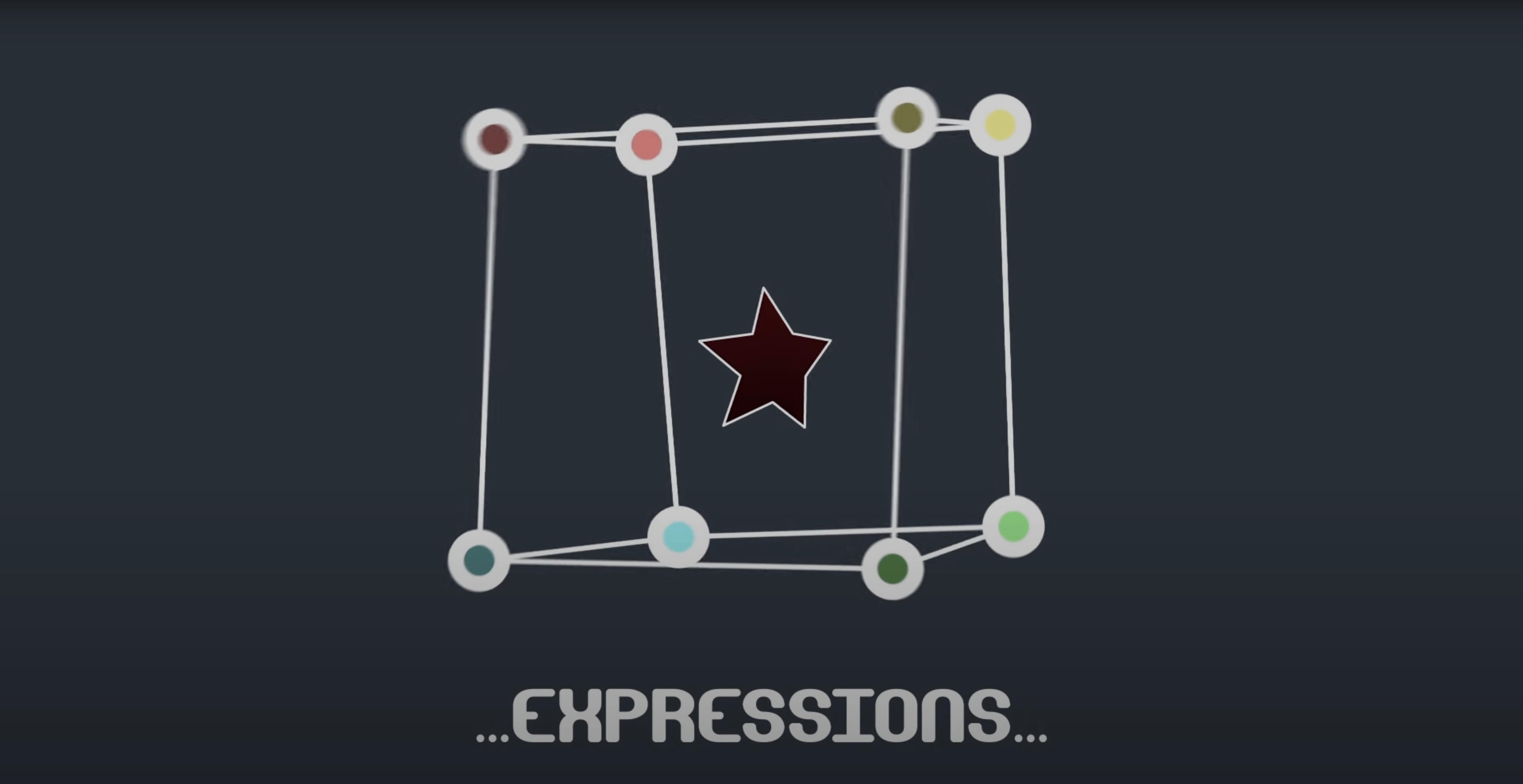
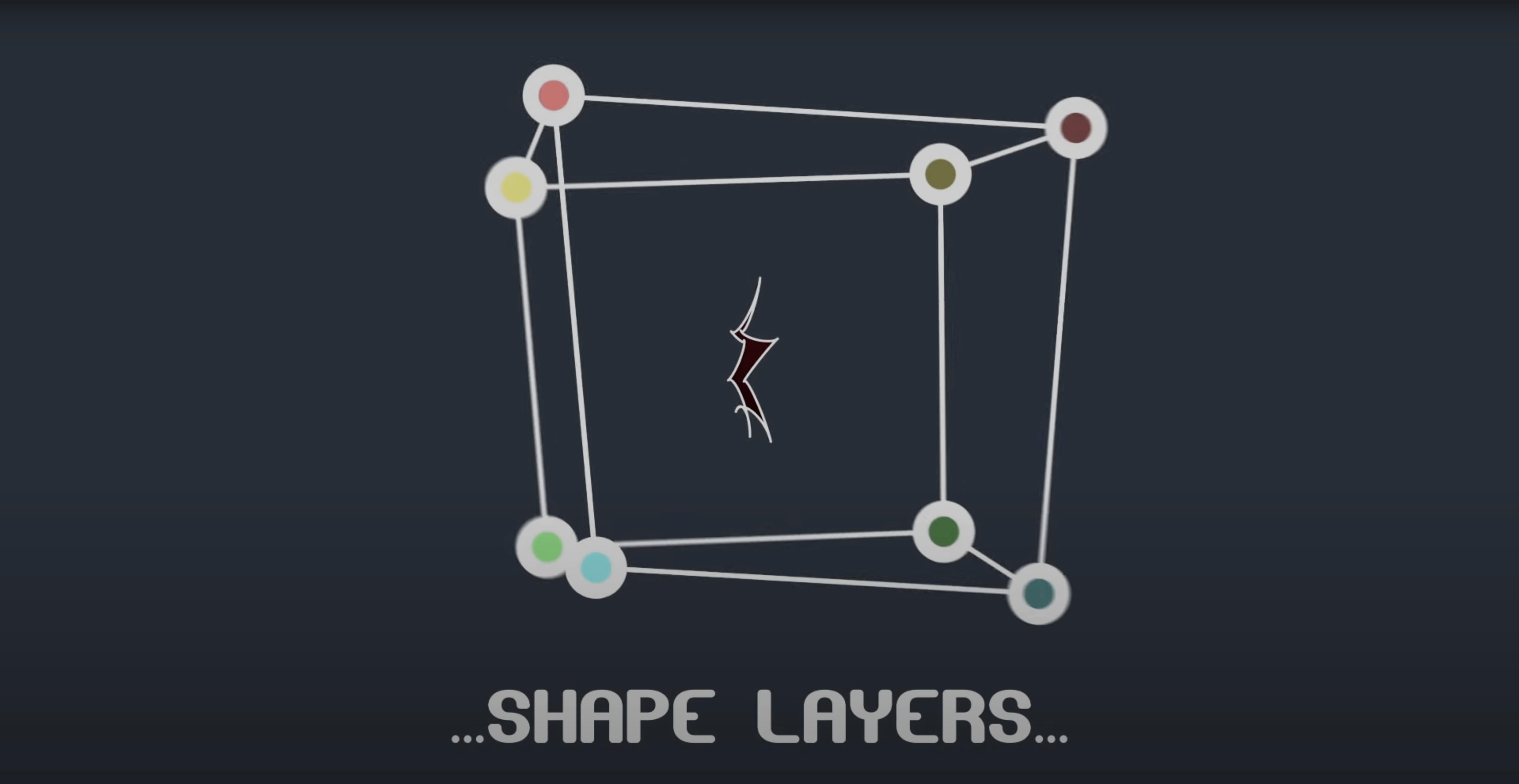
Scroll the row, it snaps to each screenshot. Click one to see it wider.
BAO Mask Avenger is an After Effects plugin that gives you individual control over mask vertices and tangents, right inside a session.
Mask vertices — each point on a mask path can be selected and manipulated on its own, not just as part of the whole path.
Tangents — adjust the curve handles per vertex for precise shape control, or work with vertices only if that's all the job needs.
Position and orientation data — the plugin reads this from any point along a mask path, which makes tracking and matching masks to moving footage simpler.
Freeze mode — bakes the mask state so you can share a project with someone who doesn't have the plugin installed.
Native integration — uses After Effects masking functions directly, and can replace the need for Mask Renderer.
Practice Vertex & Tangent Controls on a Simple Shape
Spend the first session getting familiar with the vertex and tangent controls on a simple shape. Draw a basic polygon mask on a solid layer, then select individual vertices and move them. Add a second keyframe a few frames later and watch the path animate. This tells you how the plugin behaves with After Effects' native keyframing.
Test the tangent handles next. Switch to tangent control and pull one handle out. The curve changes predictably. If you only need straight-edged masks, stick with vertices-only mode. It keeps the timeline cleaner.
Try the freeze mode early. Apply it to one mask, save the project, then reopen it on a machine without BAO Mask Avenger. The mask should render as expected. This is useful if you collaborate with editors who do not run the plugin.
Set up a mask that reads position data from a moving point in your footage. Link a vertex to a tracker point using the pick-whip expression. This takes a few minutes to wire up but saves time on manual repositioning across a long timeline.
M1 Compatibility Fix Eliminates Glitches and Crashes
Version 2.7.5 fixed an M1 compatibility issue on Mac. For anyone running After Effects on an Apple Silicon Mac, this means the plugin loads and operates without the glitches or crashes that earlier builds had on ARM hardware. If you upgraded to an M1 or newer Mac and had to switch back to an older machine to finish a project, that workaround is no longer necessary.
The fix applies across the full range of After Effects versions from CS6 through 2024. No change to the interface or workflow — just the underlying compatibility.
Mask a Tree Branch for a Logo Reveal Behind Foliage
I open After Effects and load a client comp that needs a logo revealed behind moving foliage. The footage has a tree branch crossing the frame. I draw a rough mask around the branch on frame one, then scrub forward a few frames to see it drift out of position.
I enable BAO Mask Avenger and switch to vertex control. I grab the two vertices that need to follow the branch edge and nudge them into place. Then I set keyframes at both frames. The interpolation mode is set to center of gravity, which handles the rest of the path reasonably well for natural movement.
Halfway through the comp, the branch changes direction. I add an independent key anchor point to keep one corner of the mask locked to a stationary rock while the rest follows the branch. This avoids having to re-keyframe the whole mask.
For a tighter fit, I switch to tangent control on the curved section of the mask and adjust the handles on three vertices. The curve matches the branch silhouette. I duplicate this mask to a shape layer so the client can see a colored outline during review.
Before exporting, I run freeze mode on all masks in the comp. The project goes to an editor who does not use the plugin. The masks render as I set them.
If the branch tracking needs to be precise across a longer sequence, I link the mask vertices to tracker points from After Effects' built-in tracking using the pick-whip expression. The mask follows the footage without further manual adjustment.
- Fixed an M1 compatibility issue on Mac.
- macOS (version not specified)
- Intel or Apple Silicon
- After Effects 2024, 2023, 2022, 2021, 2020, CC 2019, CC 2018, CC 2017, CC 2015.3, CC 2015, CC 2014, CC, CS6
Questions I get about this line
Yes. Version 2.7.5 fixes an M1 compatibility issue, and the plugin supports both Intel and Apple Silicon architectures.
Yes. You can work with vertices only, or enable full tangent control when you need finer adjustments.
Use freeze mode. It bakes the mask state so the project opens without the plugin installed.
The install order
- Open the package and follow the included installation instructions.
- Activate the plugin using the steps provided in the package.