Free download (3 MB) Previous versions
- Version
- 1.6
- Developer
- Plugin Everything
- Languages
- English
- License type
- K'ed by Monter Group
| Chip | Apple Silicon, Intel 64-bit |
|---|---|
| Download | 3 MB |
| Previous versions | 3 on file |
Screenshots
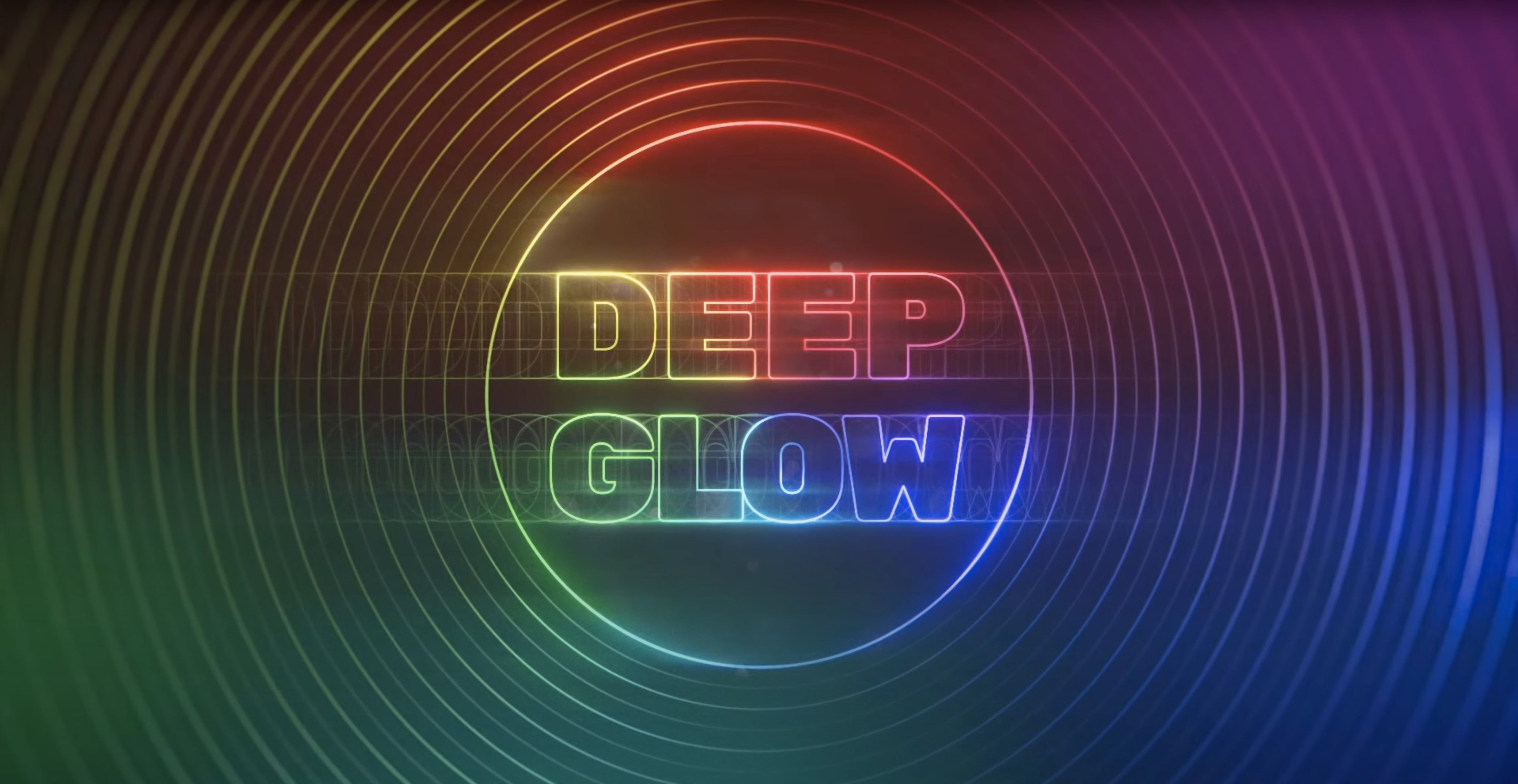
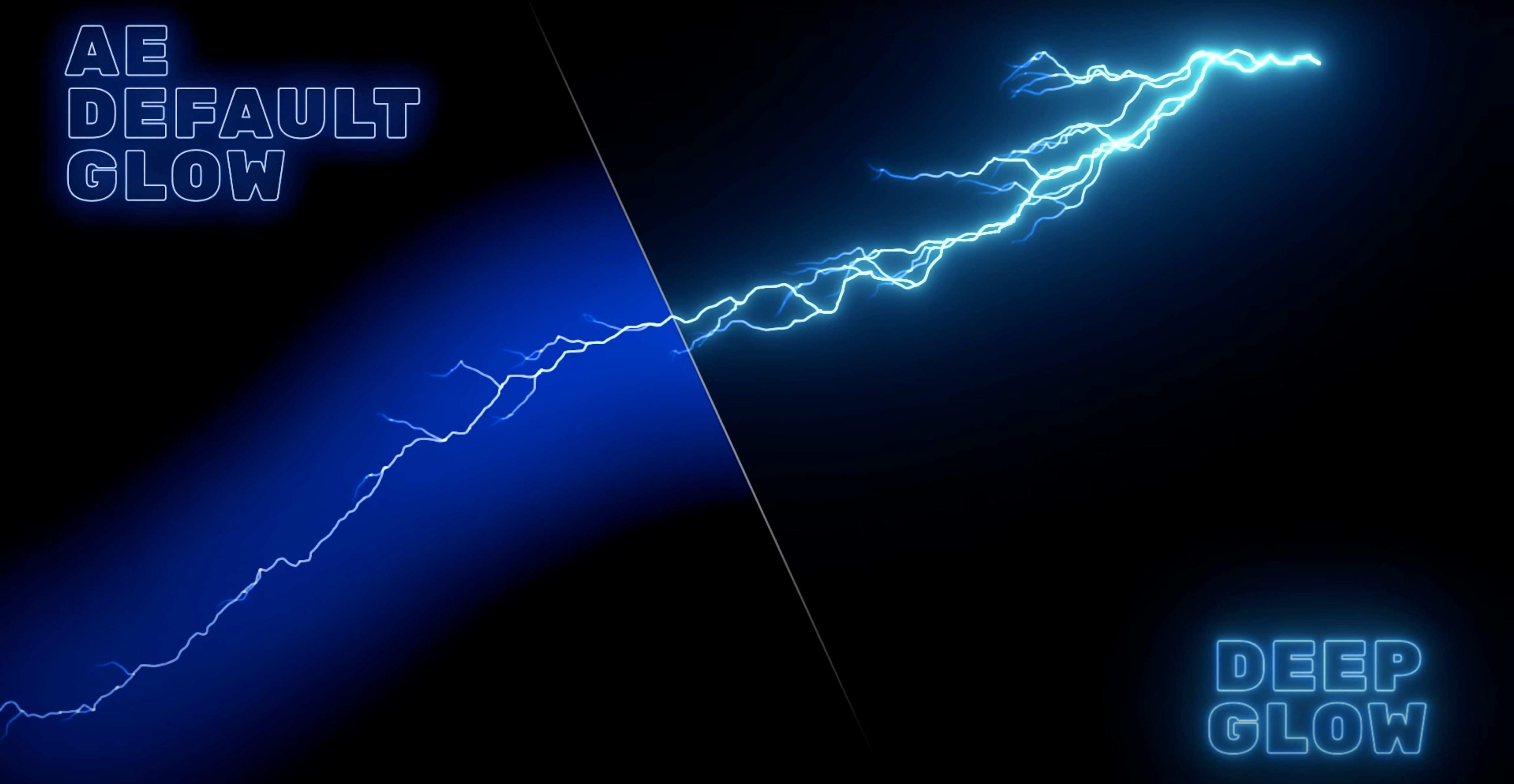
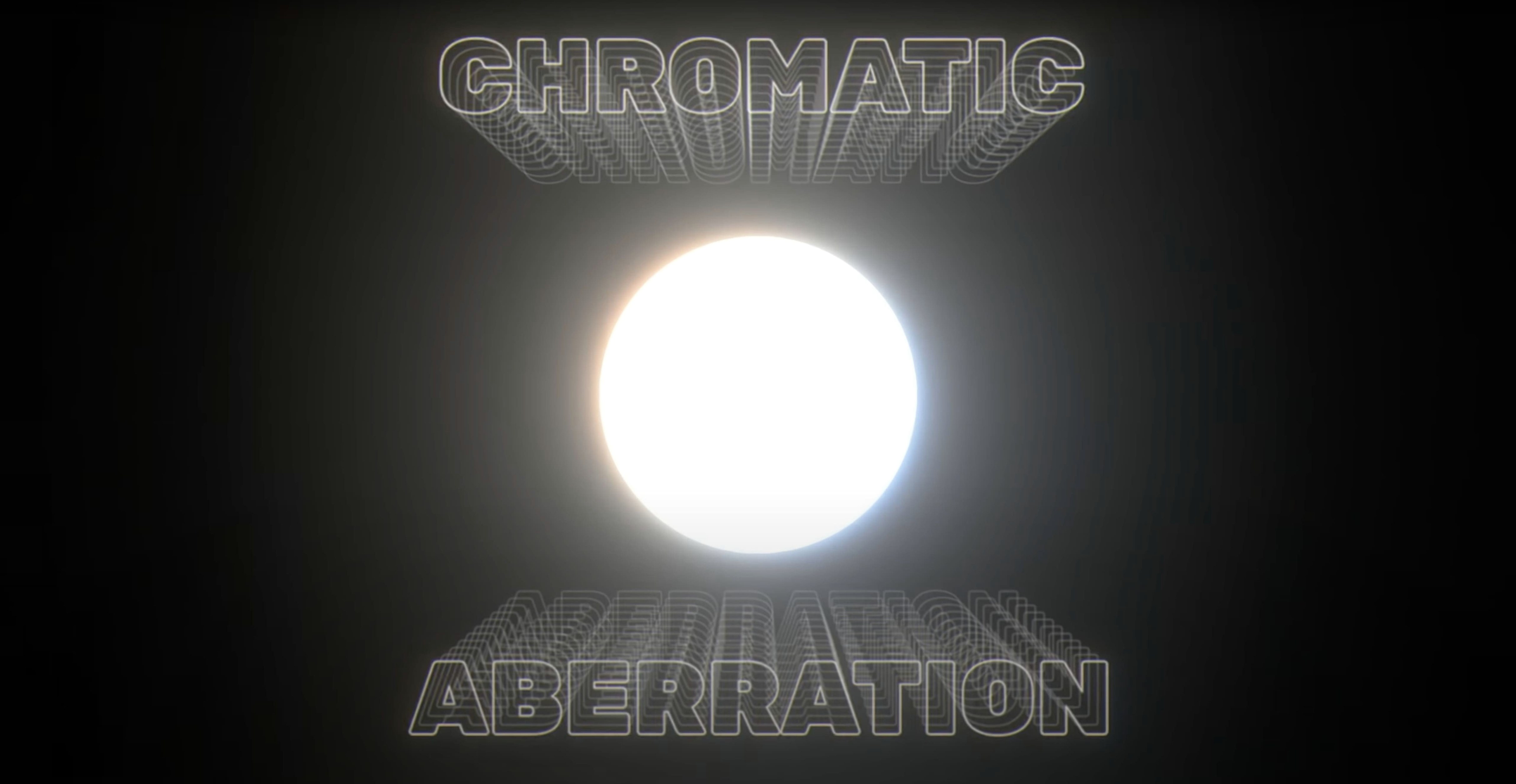
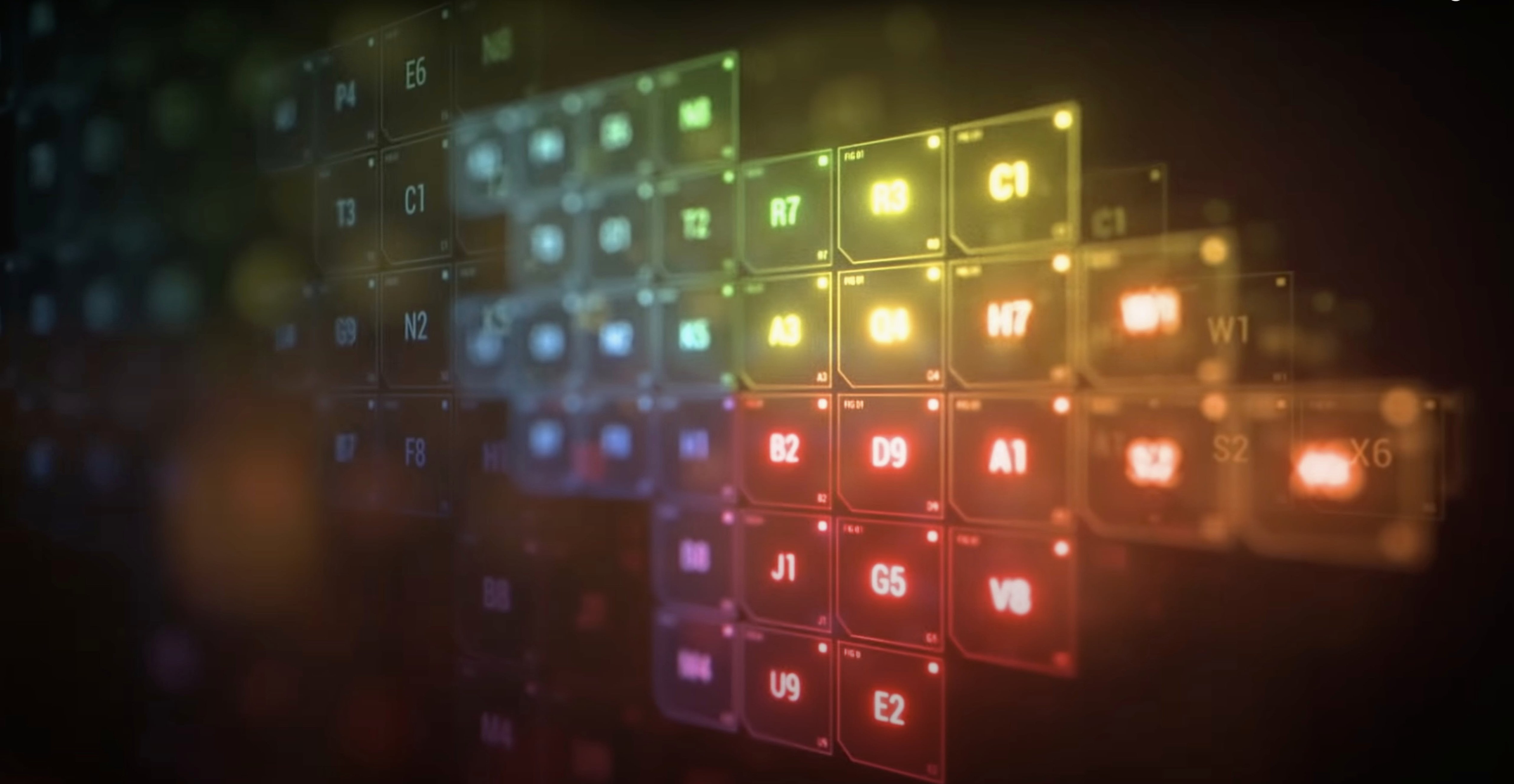
Click a screenshot to see it wider.
You've got a shot that needs a neon sign to pop, or a light streak that should bloom without washing out the whole frame. Deep Glow handles that in After Effects, with GPU acceleration so previews stay responsive even on heavier comps.
Check Metal GPU and After Effects Support
Deep Glow is an After Effects plugin, so your Mac needs a recent After Effects version and a GPU that supports Metal. The plugin works on both Intel and Apple Silicon Macs.
Set Up the Glow
Apply it to a layer, then use the compositing controls to tune the result. It's built for non-linear color spaces, so the glow blends correctly with your working color profile.
Refine the Look
The interface is English. Adjust thresholds and intensity, then let the GPU speed up the iteration. For most motion graphics tasks, the 1.6 build is what you want.
Glow Invisible? Verify Layer and Effect
Glow not showing up at all. Check the layer visibility and make sure the effect is actually applied — happens more often than you'd think. If everything looks correct but the glow is invisible, verify your After Effects project is set to a non-linear color space. Deep Glow expects that by default.
GPU acceleration not kicking in. Open After Effects preferences and confirm your GPU is selected under the Video Renderer setting. The plugin uses Metal acceleration on Mac, so if After Effects itself isn't using the GPU, the plugin won't either. Restart After Effects after changing that preference.
Results look harsh or clipped. The quality controls include downsampling options. Drop the internal resolution a notch to soften the glow and speed up previews at the same time. Bump it back up for final render.
Grain or noise appearing where it shouldn't. Deep Glow can create stylized grainy results deliberately, but if it's unintended, lower the grain controls inside the plugin interface. The downsampling and quality controls also affect grain behavior.
Runs on ARM and Intel Macs via Disk Image
Deep Glow runs on both ARM and x86 64-bit architectures. That covers every Mac from the first M1 Air through the latest Intel MacBook Pros. The installer is a standard disk image — mount it, run the installer, and the plugin lands in your After Effects plugins folder.
The interface is English only. No localization options, so if you work in a different language version of After Effects, the plugin panels will still display in English. The compositing controls and quality settings are all labeled the same way.
You'll see GPU acceleration working during previews. The plugin does not require a specific graphics card model, but it does use whatever Metal-compatible GPU your Mac has. Apple Silicon Macs handle this natively. Intel Macs with discrete GPUs benefit too, but integrated Intel graphics may feel slower on dense comps.
Set Downsampling to Half for Faster Previews
Open Deep Glow on a test layer before you touch your actual project. Find the downsampling control and set it to half or quarter resolution for the initial adjustments. That keeps previews fast while you dial in the general look.
Enable the compositing controls next. These let you blend the glow back with the original layer — useful for keeping detail while adding bloom. Start with a soft blend mode and adjust from there.
Set the glow falloff to simulate inverse-square if you want realistic light behavior. That's the core of what Deep Glow does differently from a standard blur-and-overlay approach. It makes the glow taper naturally, like a real light source.
Neon Sign Glow Behind Title Sequence Text
You're comping a title sequence. The client wants a neon sign flickering behind the main text. You've got the sign layer isolated, with the text on top.
Apply Deep Glow to the sign layer. The glow immediately pops on the bright edges. Too strong. Drop the intensity and switch on the compositing controls — set the blend to something that keeps the sign readable underneath the bloom.
The preview stutters on your current Mac. Crank the downsampling to quarter. Now scrubbing the timeline is smooth again. The glow looks a little blocky, but that's fine for positioning. You'll raise the quality for the final export.
Add a subtle grain to the glow. The client asked for an old film feel, and the grain control in Deep Glow adds the texture without affecting the sign itself. Bump it just enough that the edges shimmer slightly.
Export a test. The glow holds up at full quality. The inverse-square falloff keeps the light looking real, not blown out. You adjust the threshold a hair to let the neon tube's core stay bright white while the outer glow fades naturally.
That's the session. The plugin stays responsive throughout because the GPU handles the heavy lifting.
- Deep Glow 1.6 is now listed in the previous versions archive.
- Adobe After Effects
- GPU acceleration required
- Architecture: Intel or Apple Silicon
- Interface language: English
Questions I get about this line
Yes, Deep Glow runs on both Intel and Apple Silicon Macs, with GPU acceleration for faster processing.
The latest listed version is 1.6.0, though the product page also notes Deep Glow 1.4 as available.
Yes, Deep Glow is designed to work in non-linear color spaces, which helps keep glow results consistent.
The install order
- Mount the downloaded disk image.
- Run the standard installer.