Free download (647 MB) Previous versions
- Version
- 5.15.0
- Developer
- DxO Labs
- Languages
- English
- License type
- K'ed by Antibiotics
| macOS range | macOS 11 or later |
|---|---|
| Chip | Apple Silicon, Intel 64-bit |
| Download | 647 MB |
| Previous versions | 3 on file |
Screenshots
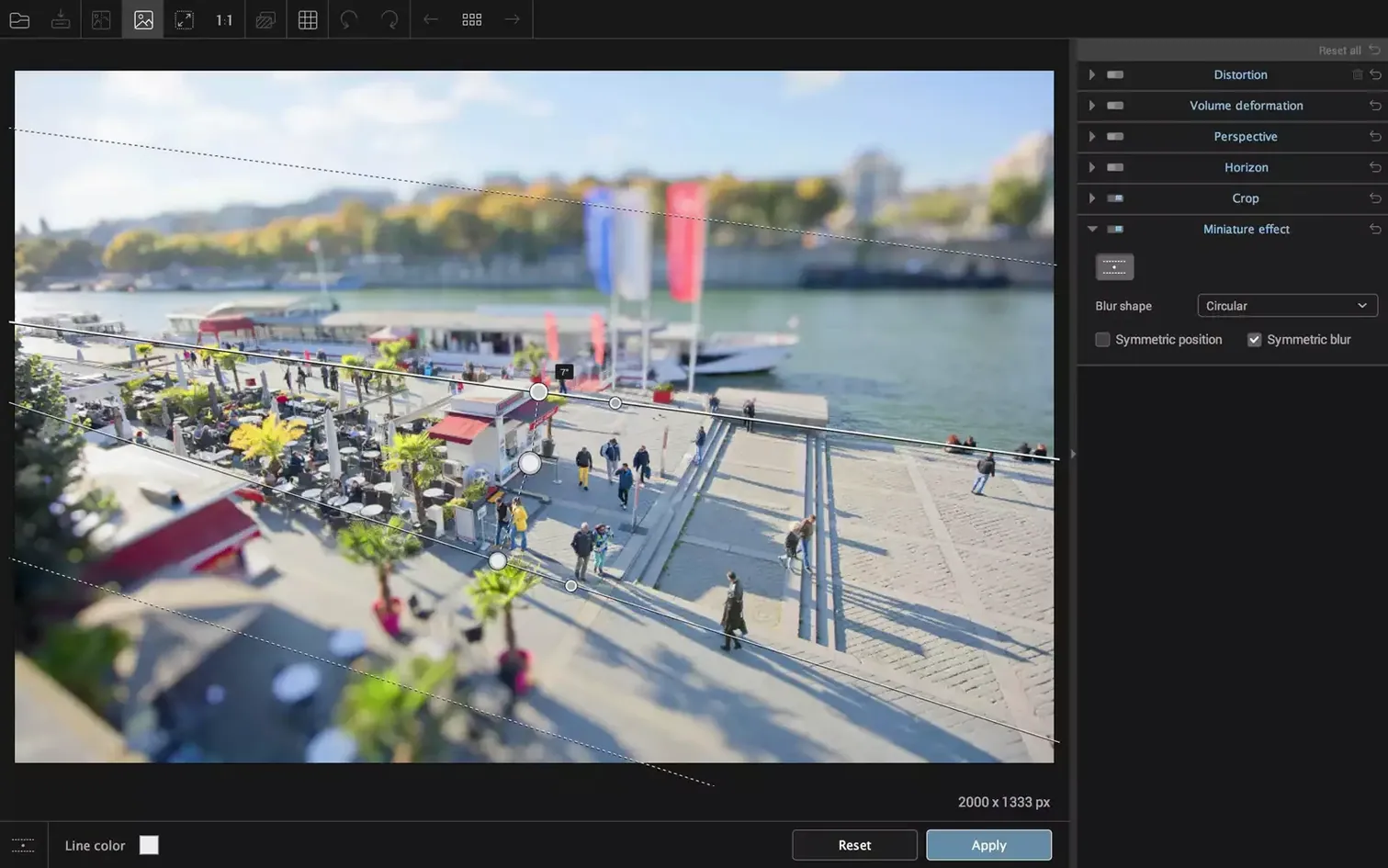
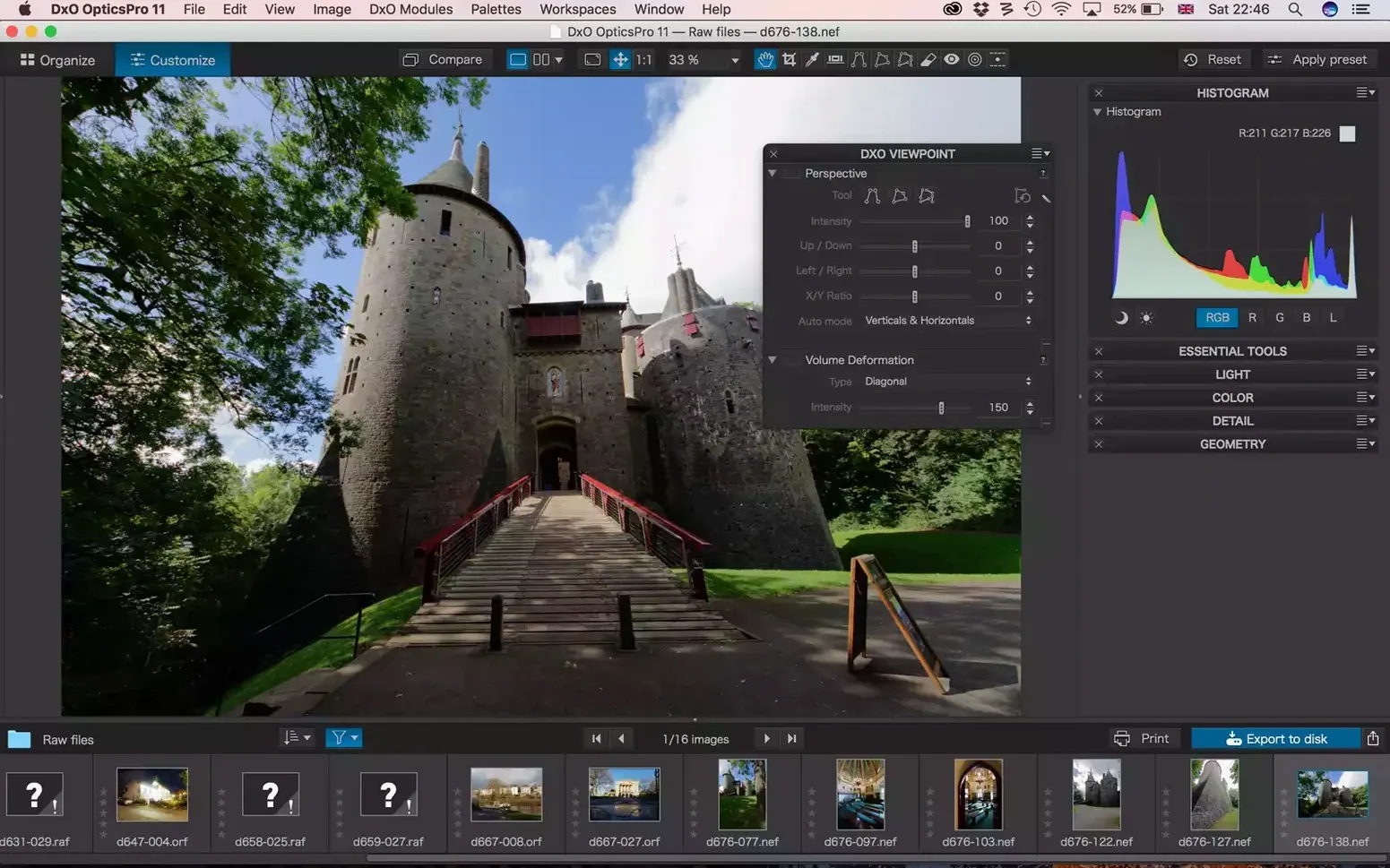
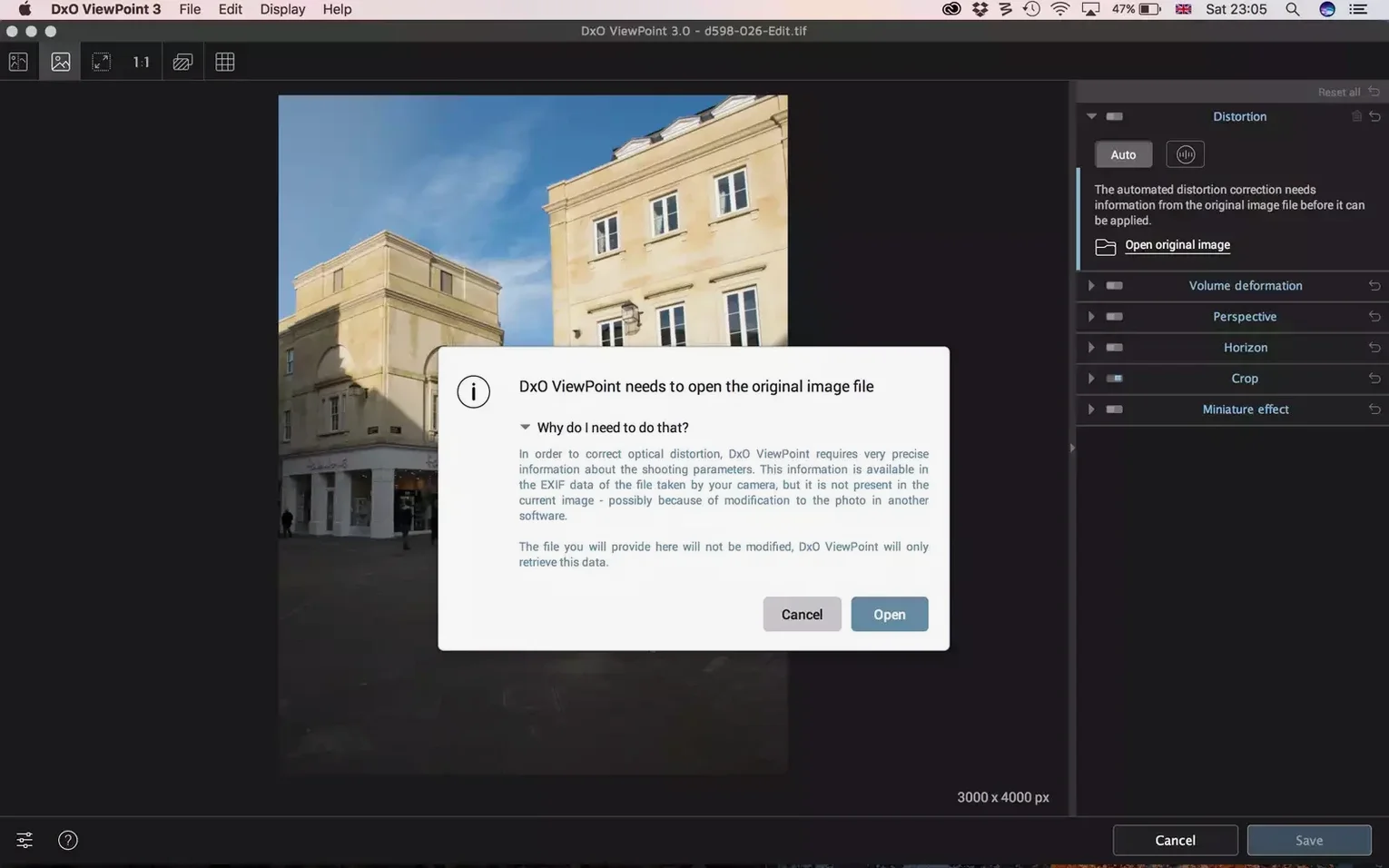
Click a screenshot to see it wider.
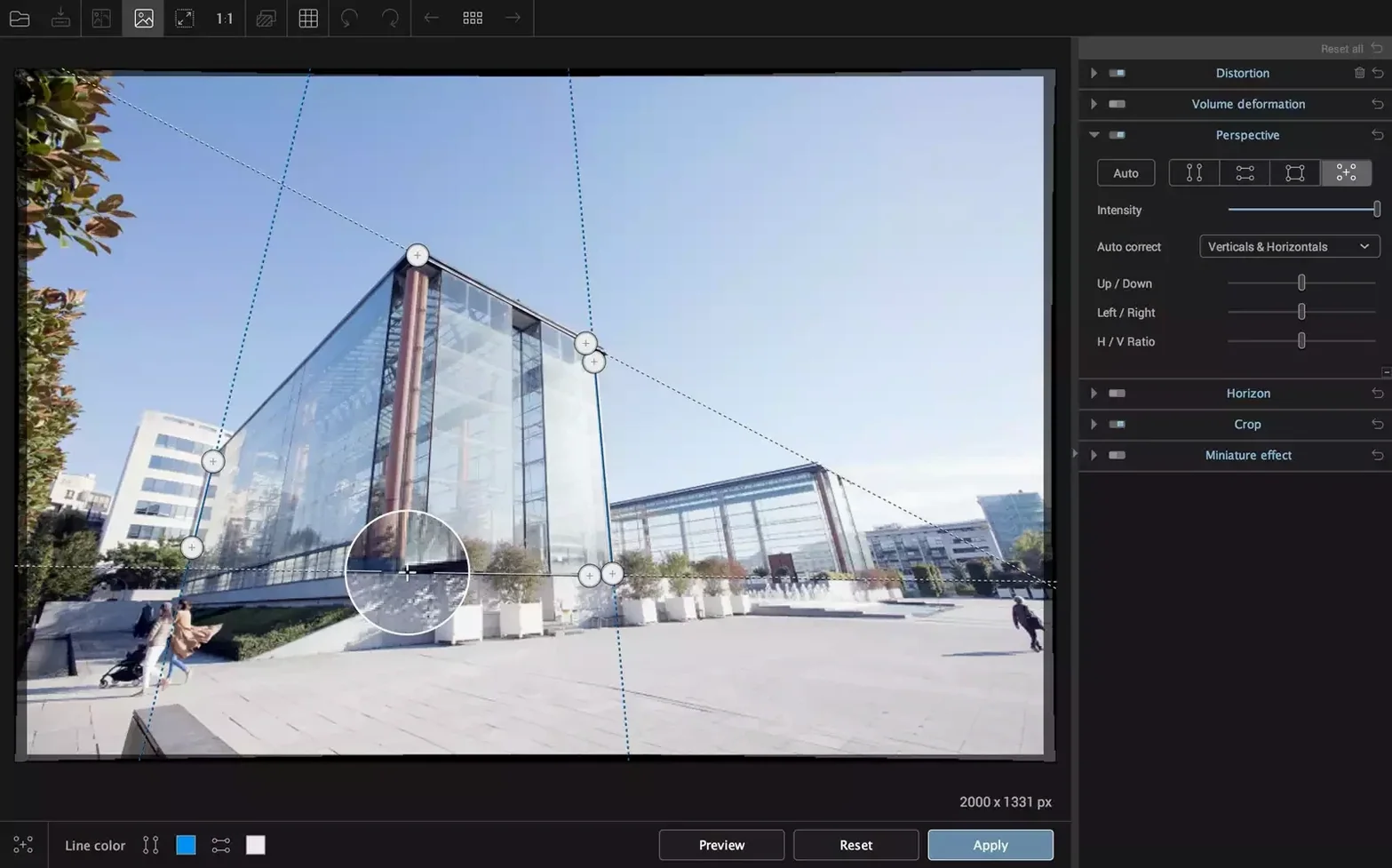
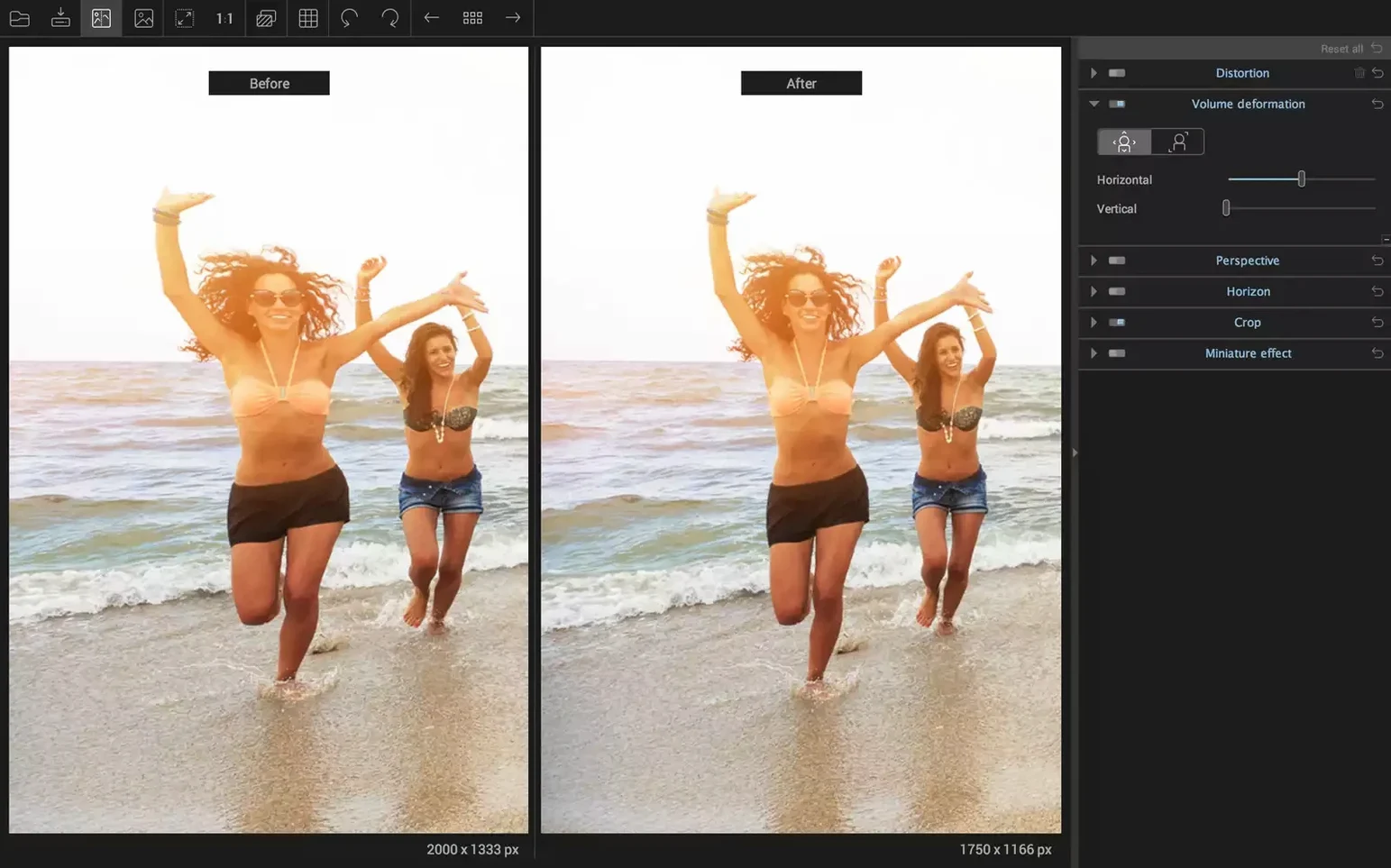
You know that shot where the building leans back like it's about to tip over? Or the group photo where everyone at the edges looks stretched? DxO ViewPoint 5.15.0 for Mac handles both in a few clicks. It works as a standalone app or as a plug-in for Adobe Photoshop and Lightroom Classic.
Straighten the Horizon
Open a landscape photo with a tilted horizon. In the standalone app, you can drag a line along the horizon, and the software rotates the image to level it. One click on the automatic correction does the same when the tilt is obvious. The result is a clean, natural horizon without cropping guesswork.
Fix Wide-Angle Distortion
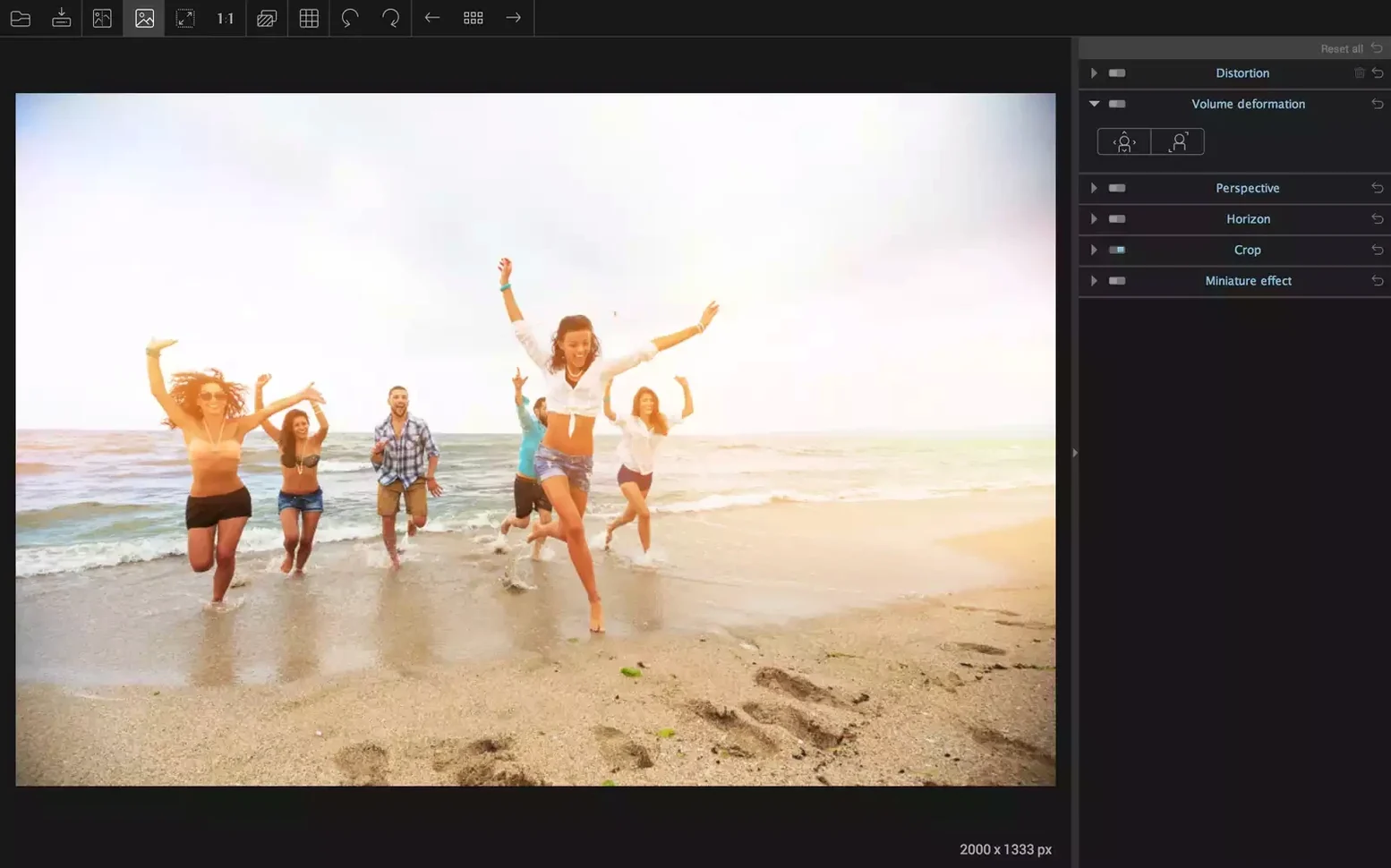
Wide-angle shots often bend straight lines at the edges. DxO ViewPoint corrects barrel, pincushion, and fisheye distortion. It also restores natural shapes at the edges—faces and bodies don't look stretched anymore. The ReShape Fusion tool lets you move, scale, or rotate any part of the image, so you can tweak the composition after fixing the geometry.
I hear the same few questions from other IT guys and photographers before they install this. So here they are, answered in plain terms.
Before Installing
Does it work as a standalone app, or do I always need Photoshop?
It does both. You can process JPEG and TIFF files in the standalone application without any host software. Or you can run it as a plug-in inside Adobe Photoshop and Lightroom Classic. The standalone version handles 8-bit and 16-bit TIFF files up to 200 MB.
Runs Natively on Apple Silicon
Yes. Version 5.15.0 works on both ARM (Apple Silicon) and x86 (64-bit Intel) Macs. Minimum OS is macOS 11.
No Lens Database Required
No. The tools don't depend on specific lens profiles. You drag lines, adjust sliders, and use the visual guides. The software calculates the geometry from what you define. No database needed.
A Few Hundred MB Install
It's not a small install, but it's typical for a DxO product. Expect a few hundred megabytes. Every feature—distortion correction, volume deformation, ReShape Fusion—is included in the single package.
Straightening a Falling-Backward House
You pull up a real estate photo where the house looks like it's falling backward. The brick wall at the edge curves inward. The client wants it straight.
You launch the standalone app and drag the TIFF in. Two clicks to hit the perspective correction tool: you draw a vertical line along the door frame, then a horizontal line along the roofline. The grid snaps the geometry flat. The barrel distortion at the edges vanishes in the preview window.
Next, you check the volume deformation tool. Two people stand at the left edge of the frame—their faces appear slightly wider than they should. You enable Volume Deformation and let it run. The faces look natural again without you adjusting each one manually.
One last pass through the ReShape Fusion tool: you nudge the whole house a few pixels to the right so the composition balances. Export as a 16-bit TIFF. Done. From open to export, maybe two minutes when you know the tools.
16-bit TIFF Export and Auto-Horizon
- Output format and bit depth. If you work in Photoshop later, set the standalone to export 16-bit TIFF. That preserves more tonal data for further edits.
- Auto-correct horizon. Turn this on by default if you shoot landscapes. The automatic detection is fast. You can override the line if it guesses wrong.
- Volume Deformation default strength. The default is a moderate correction. If you shoot groups with wide lenses routinely, bump the strength up one notch so edge figures don't look stretched between crops.
- Grid overlay. Enable it in the main view. It shows you exactly where the verticals and horizontals land after each adjustment. Makes the manual fine-tuning go faster.
- macOS 11 or later
- Intel or Apple Silicon
Questions I get about this line
Yes, it corrects barrel, pincushion, and fisheye distortion automatically or with manual controls.
The install order
- Download the package from the link above.
- Open the .dmg file and drag the app to your Applications folder.
- Install and activation instructions are included inside the package.