Free download (131 MB) Previous versions
- Version
- 8.4.3.8984
- Developer
- Fontlab Ltd
- Languages
- English
- License type
- K'ed by TNT team
| macOS range | macOS 10.14 or later |
|---|---|
| Chip | Intel 64-bit |
| Download | 131 MB |
| Previous versions | 2 on file |
Screenshots
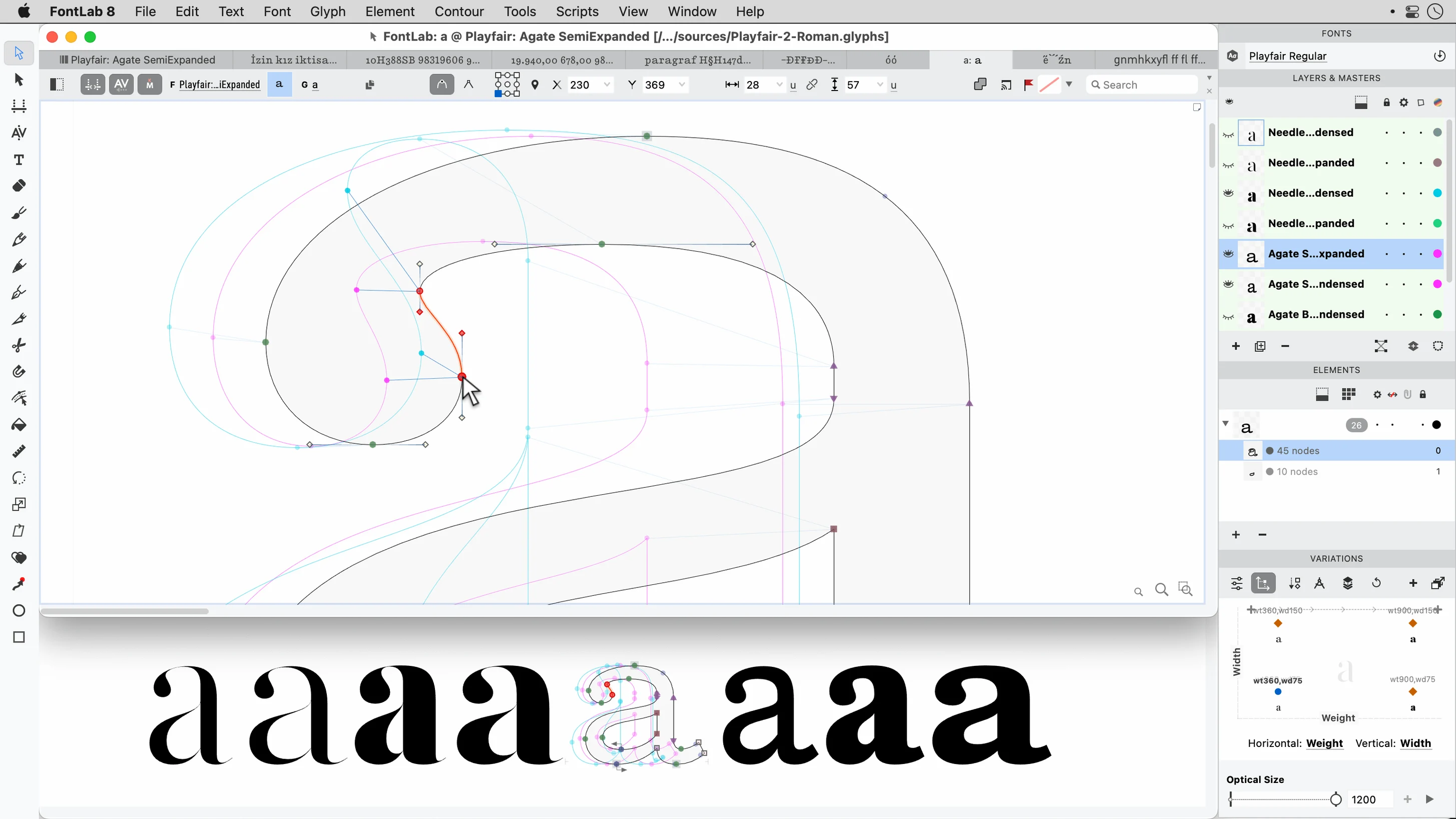
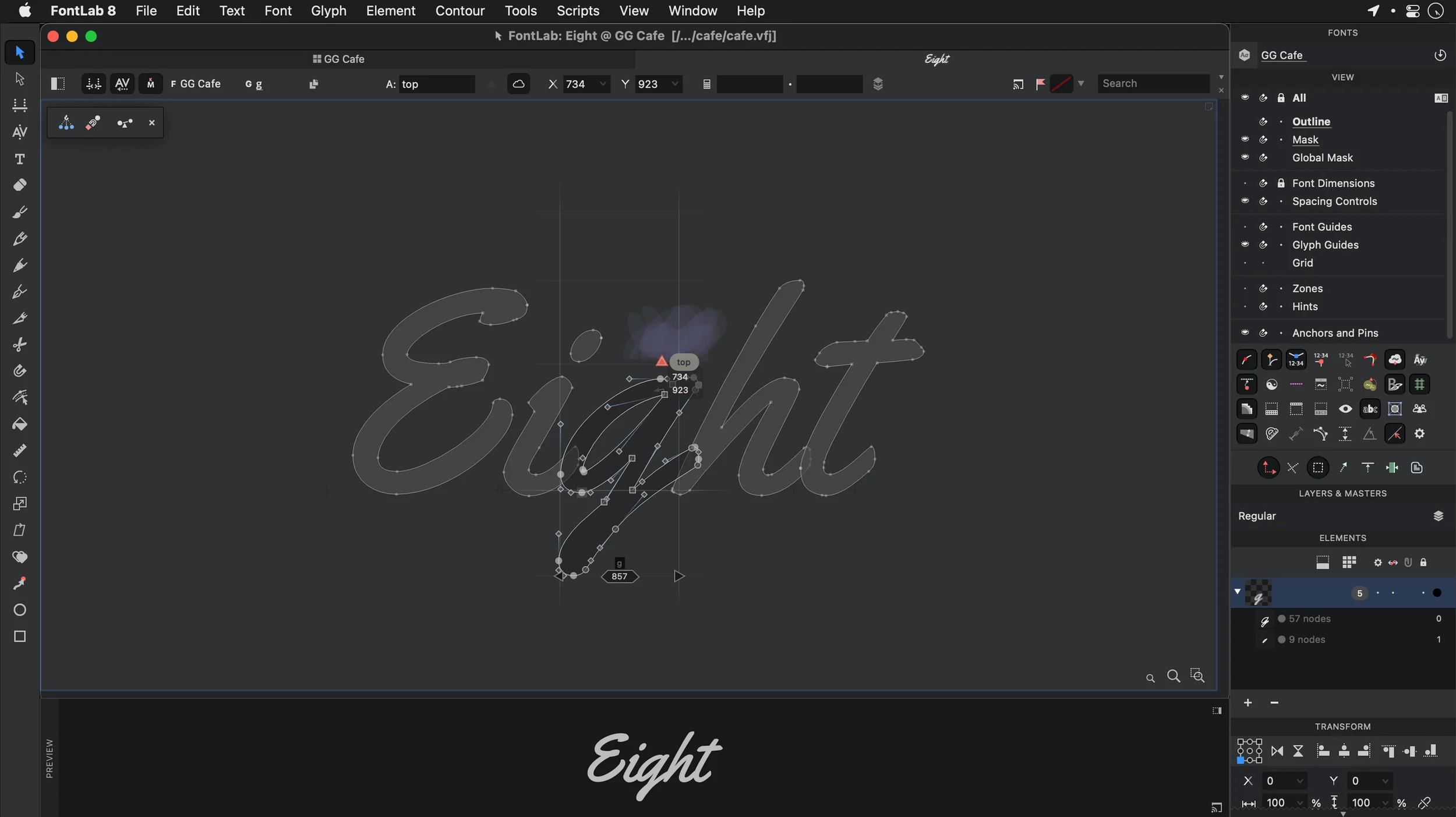
Scroll the row, it snaps to each screenshot. Click one to see it wider.
Type designers, lettering artists, and anyone who builds fonts for a living use FontLab. It is the integrated editor that replaced FontLab Studio 5, and it handles the full workflow: drawing glyphs, adjusting spacing, and exporting finished typefaces.
Import from Illustrator and scans
FontLab sits alongside your other creative tools rather than replacing them. You can bring in vector work from Adobe Illustrator or EPS files, and pull in TIFF or BMP scans for tracing. The vector drawing tools are built for precision, not quick mockups, so it behaves like a proper drafting table. Batch transformation of glyphs and programmable font transformations mean repetitive cleanup work gets handled in one pass, not glyph by glyph. That matters when you are cleaning up a 300-character set.
Format support and languages
The editor covers TrueType AAT fonts and ASCII/Unix Type 1 formats, and it handles Arabic and Hebrew scripts. That makes it a practical choice if your projects cross into non-Latin territory. It runs on macOS 10.14 or later, Intel architecture, and the current 8.4 build carries roughly 500 refinements over version 8.0.
Working with FontLab day to day
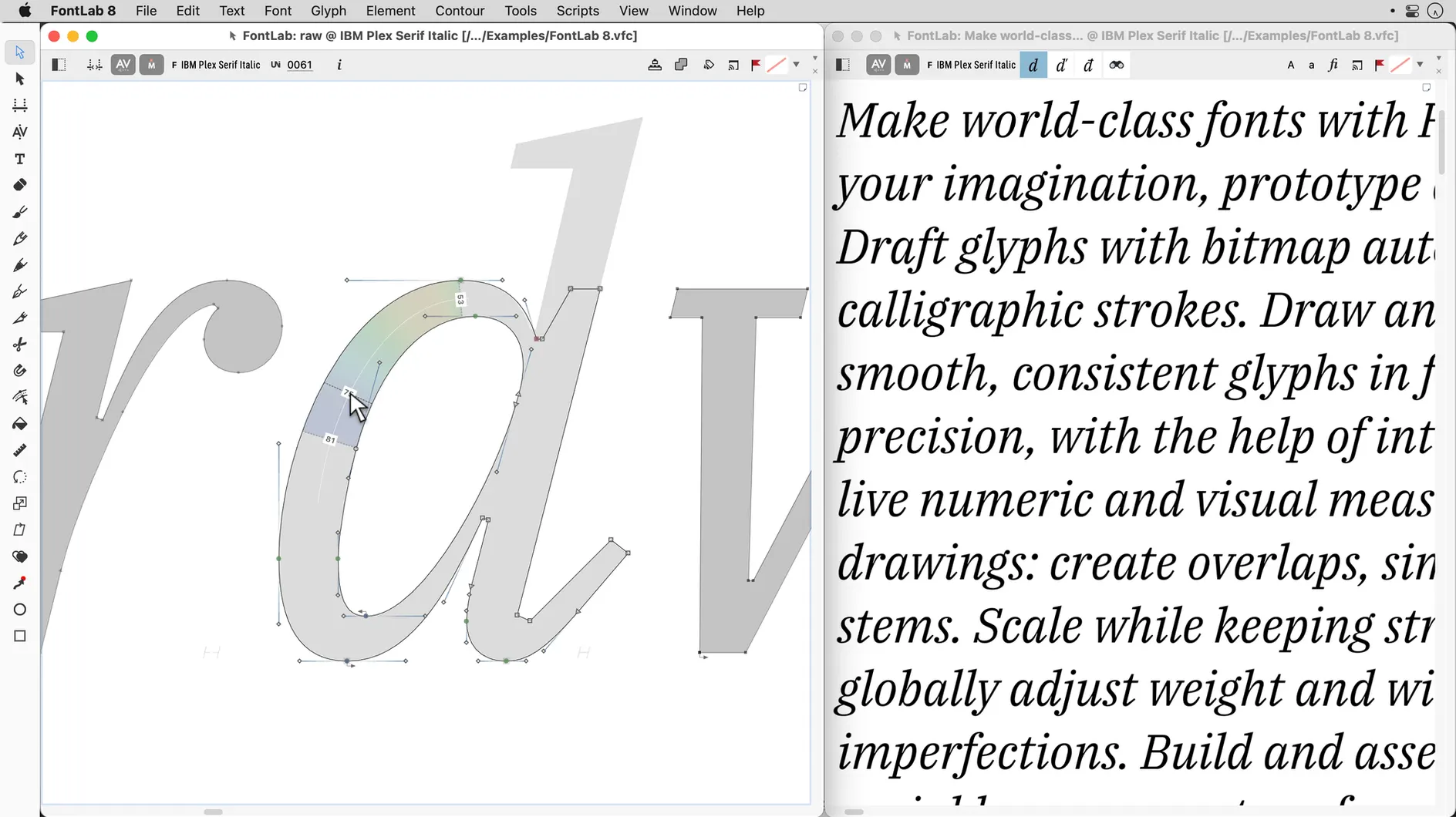
A typical session starts with the font viewer. You scroll through the character set to get a feel for what needs work. If you are starting from scratch, you create a new font file, set the basic metrics, and begin drawing. The vector tools respond to every click without lag, and you switch between glyphs using the glyph window. Drag-and-drop glyph placement lets you move characters between positions or copy them into empty slots without going through a menu.
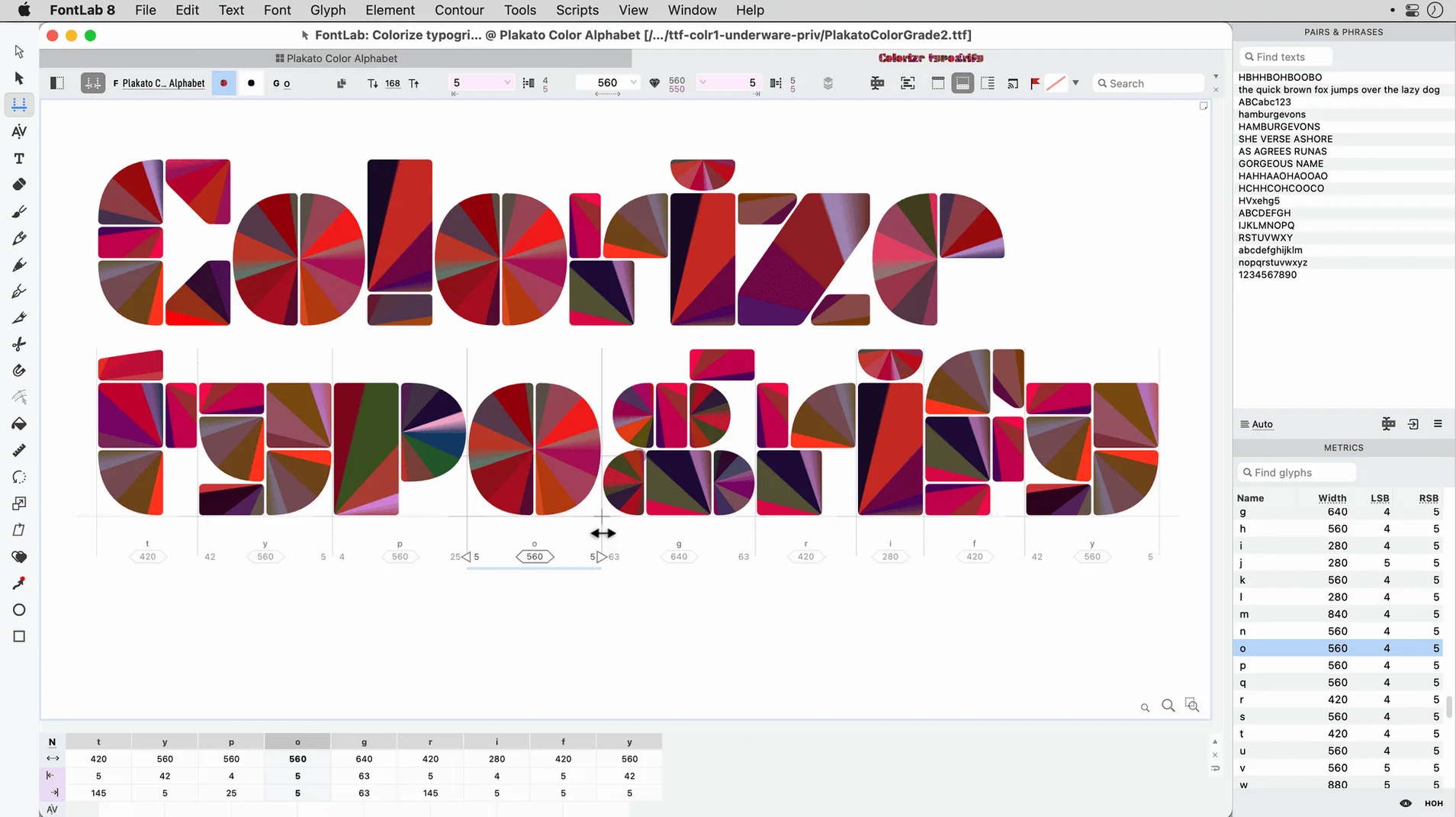
When the outlines are ready, you adjust side bearings and kerning. The spacing tools are straightforward — you click a glyph, adjust the left and right margins, and the preview updates. For larger edits, you use the batch transformation panel to move or scale groups of glyphs in one operation. The programmable font transformations handle the rest: if you need to shift all accented characters or rotate a set of symbols, you write the rule once and apply it across the font.
Export is the last step. You can compile OpenType, TrueType, or Unicode-based formats depending on where the font is headed. The editor keeps your work safe with more than 200 undo and redo levels, so you can test bold experiments and roll them back if they do not work.
Set undo levels above 200
Out of the box, the defaults work for general editing. But if you do font production regularly, a few preferences make the experience better.
- Undo levels. The app supports over 200 levels. I set mine high from the start so I never hit the ceiling in a long session.
- Code pages and encodings. If the project uses non-standard character mappings, I set editable code pages early. That keeps the glyph order consistent and prevents encoding mismatches later.
- Grid and snap settings. For precise drawing, turn on grid snapping and adjust the grid spacing to match your design units. This keeps curves clean from the first point.
- Viewer layout. I keep the font viewer docked to one side so I can see the whole character set while editing a single glyph. It saves time jumping back and forth.
These tweaks take two minutes but save time across the rest of the project.
Requirements recap: macOS 10.14 or later, Intel Mac. The current build is 8.4.3.8984. If you are still running an older version of FontLab or working with fontlab 8 free download options, this is the stable release to use.
- FontLab 8.4 includes about 500 improvements over version 8.0.
- Compared to FontLab 7, the 8.4 build has roughly 900 improvements.
- macOS 10.14 or later
- Intel architecture
- Interface language: English
Questions I get about this line
Yes. FontLab can import AI, EPS, TIFF, and BMP files, so you can bring in vector outlines or scanned artwork for tracing.
The install order
- Open the downloaded disk image.
- Drag the app into the Applications folder alias.
- After the copy finishes, launch FontLab from Launchpad.