
Free download (19 MB) Previous versions
- Version
- 4.7.7
- Developer
- BinaryNights LLC
- Languages
- English, German, Hungarian
- License type
- K'ed by TNT team
| macOS range | macOS 12 or later |
|---|---|
| Chip | Intel 64-bit |
| Download | 19 MB |
| Previous versions | 4 on file |
Screenshots
Scroll the row, it snaps to each screenshot. Click one to see it wider.
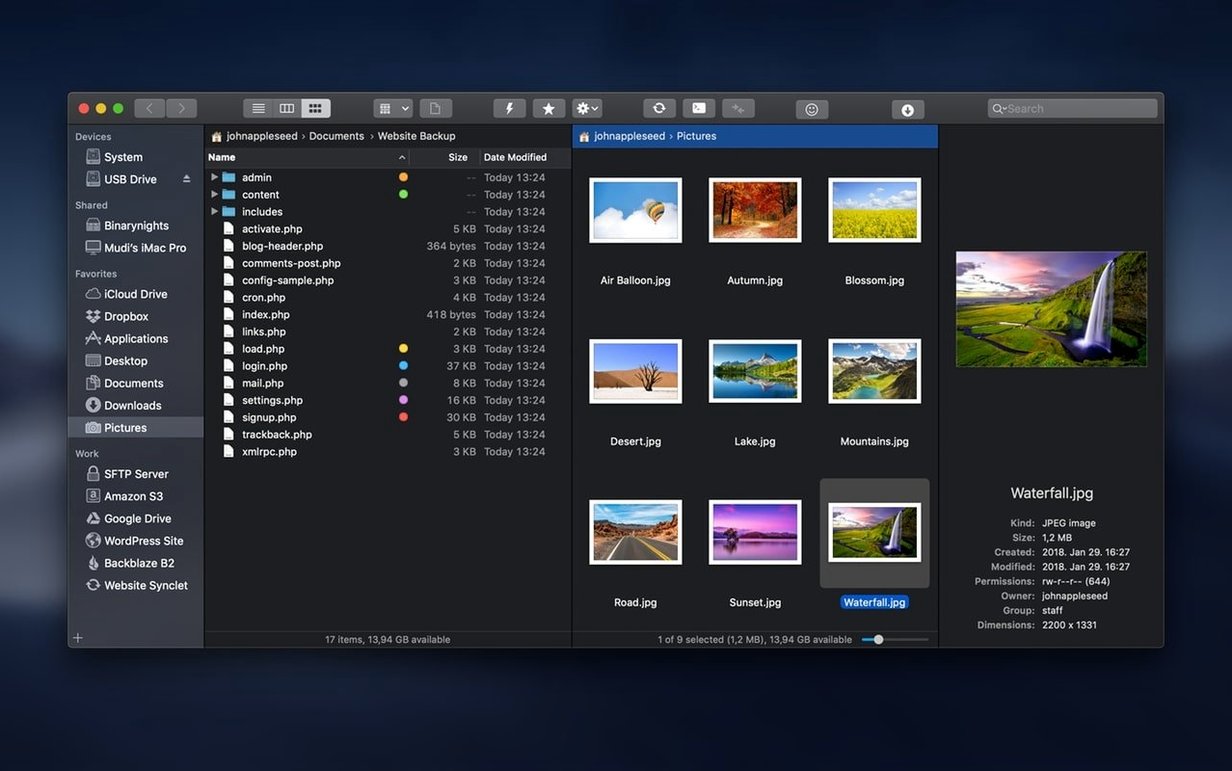
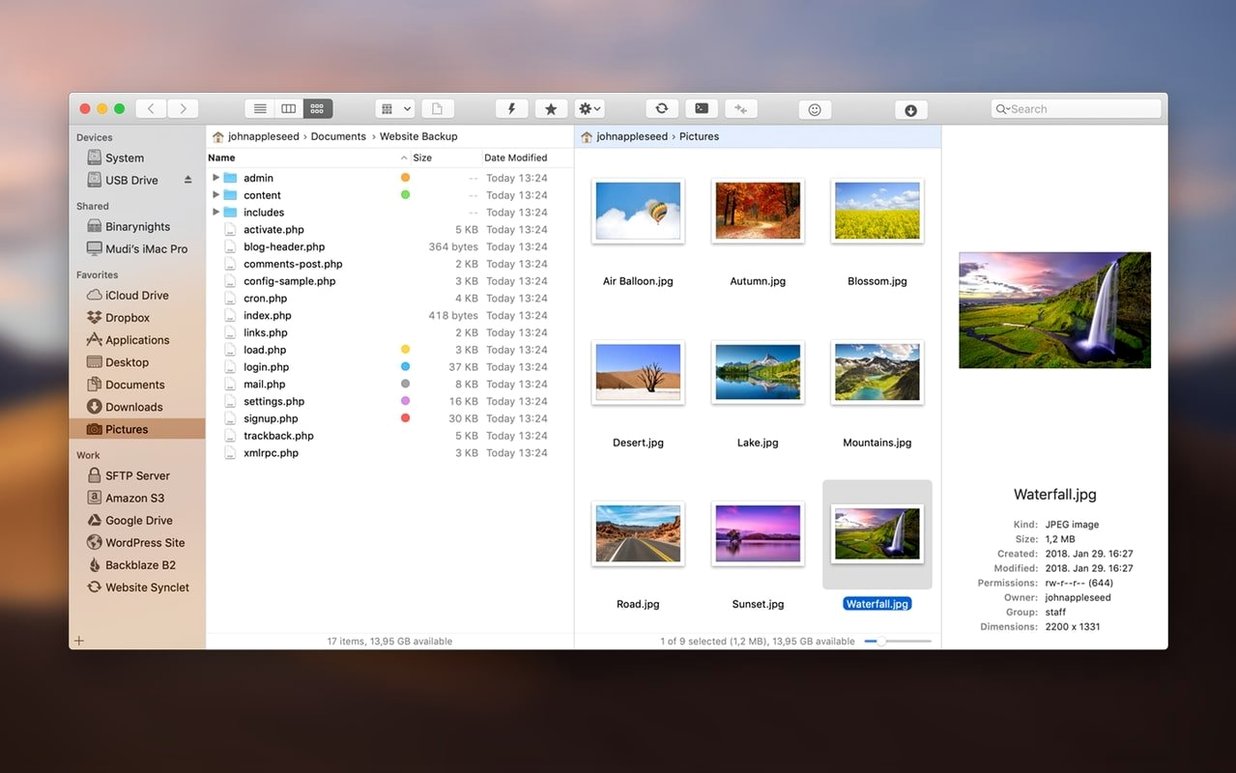
ForkLift handles two panes side by side — local files, remote servers, or archives treated as folders. Version 4.7.6 brings user experience improvements when interacting with files and fixes two issues on macOS 27 Golden Gate.
- Dual-pane layout — compare local and remote sources, drag between panes, or run two-way sync. One pane can be an archive; ForkLift reads ZIP, DMG, and others without extracting first.
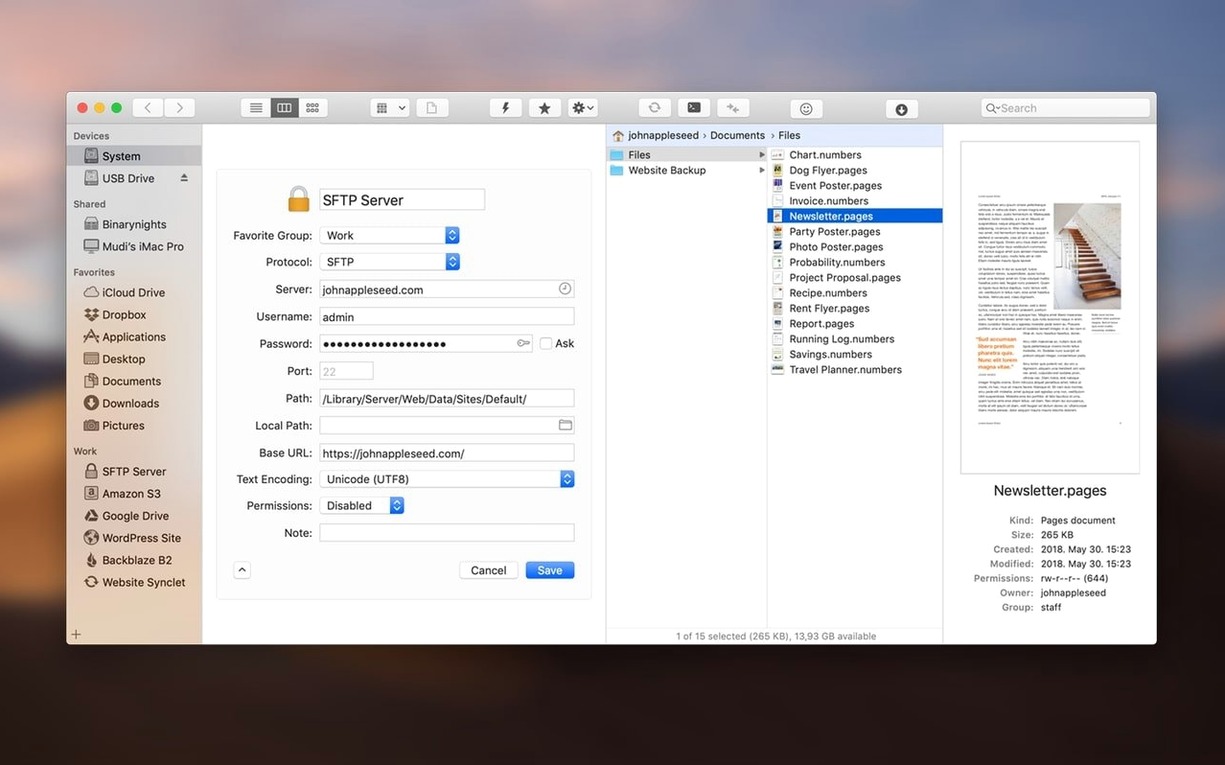
- Built-in FTP/SFTP/WebDAV client — connect to servers, edit text files directly on the remote side, and use the preview pane to check images or documents before transferring.
- Synchronization — one-way or two-way sync between folders, with rules for what to skip. Useful for maintaining a local mirror of a remote site.
- Archive browsing — open a .zip or .dmg like a folder, copy files out, or preview contents without extracting the whole archive.
- Text editing — edit plain-text files on local or remote servers without launching a separate editor. Changes save directly back.
- Preview pane — select any file and see its contents in a sidebar panel. Works with common image, document, and video formats.
Working with macOS and Other Tools
ForkLift integrates with the familiar macOS workflow without forcing you to abandon Finder entirely. Drag files from a Finder window into a ForkLift pane, or drop a remote download straight onto your desktop. The app can launch Terminal, iTerm, or Hyper from its toolbar, so you can SSH into a server or run a local command without switching context. Archive browsing means you can grab a single file from a ZIP inside a DMG without touching the command line. The search function indexes tags and text content, not just file names, which helps locate that one config file buried in a project tree.
First Days with ForkLift
Spend the first session setting up your frequently used remote connections. Save each server with its protocol, credentials, and any default directory. Arrange the connection panel so your main sites are one click away. Try the sync feature on a small test folder first — understand how the one-way and two-way modes handle conflicts. Assign a keyboard shortcut to toggle between single-pane and dual-pane layout if you prefer quick switches. Test the archive browsing by opening a DMG and pulling out a single file to confirm it works for your use case.
Drop a stylesheet from local to staging server
Monday morning. You open ForkLift with two panes side by side. The left pane shows a local project folder; the right pane is an SFTP connection to the staging server. You drop a revised stylesheet from the local pane onto the server pane — the file transfers immediately. Next, you double-click a remote HTML file, edit a line in the built-in text editor, and save. The change writes directly to the server. Before lunch, you scan the remote log files using the search bar with a date filter, preview each file in the preview pane, and download only the ones you need. A quick two-way sync between your local backup folder and the archive server runs in the background. No extra software, no Finder windows cluttering the dock.
ForkLift acts as a Finder replacement for anyone who works with multiple locations or remote servers regularly.
- User experience improvements when interacting with files.
- Fixes for two issues on macOS 27 Golden Gate.
- macOS 12 or later
- Intel processor
The install order
- Mount the disk image.
- Run Open Gatekeeper friendly.
- Press Enter in Terminal to bypass Gatekeeper.
- Drag the app to the Applications folder.
- Disable SIP if required.