Free download (1.8 GB) Previous versions
- Version
- 1.5.5 (13797)
- Developer
- Skylum
- Languages
- English, German, Spanish, Italian, Chinese (Traditional), Chinese (Simplified), Korean, Dutch, Portuguese, French, Japanese
- License type
- K'ed by TNT team
| macOS range | macOS 10.13.6 or later |
|---|---|
| Chip | Apple Silicon, Intel 64-bit |
| Download | 1.8 GB |
| Previous versions | 1 on file |
Screenshots
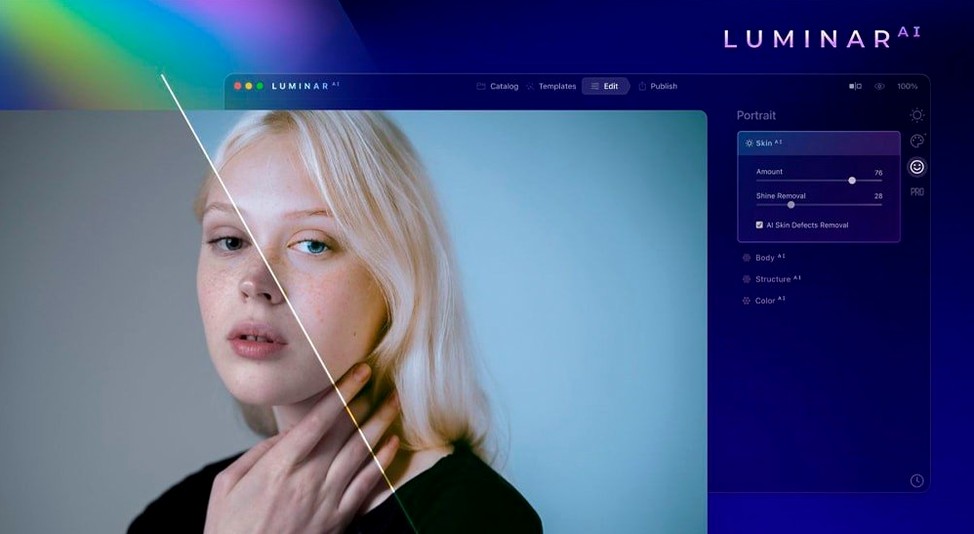
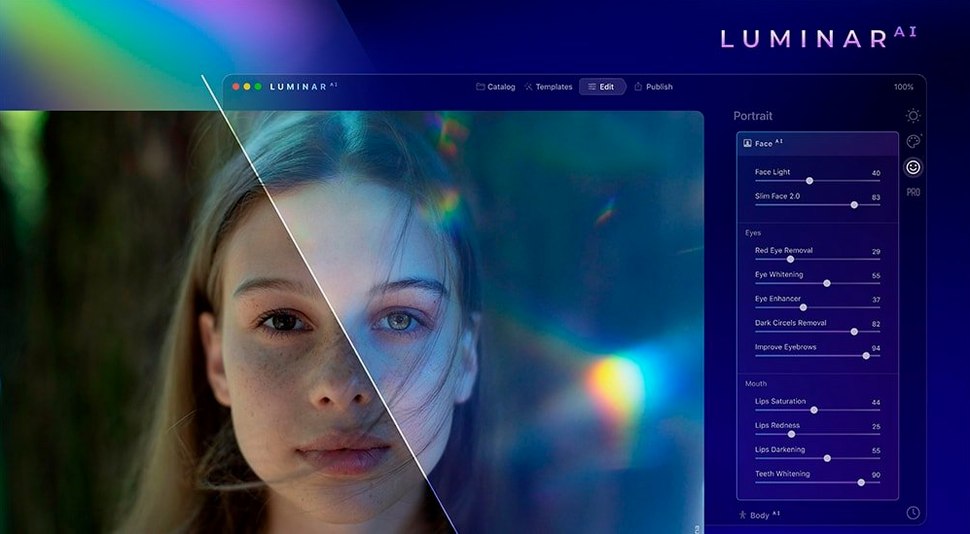
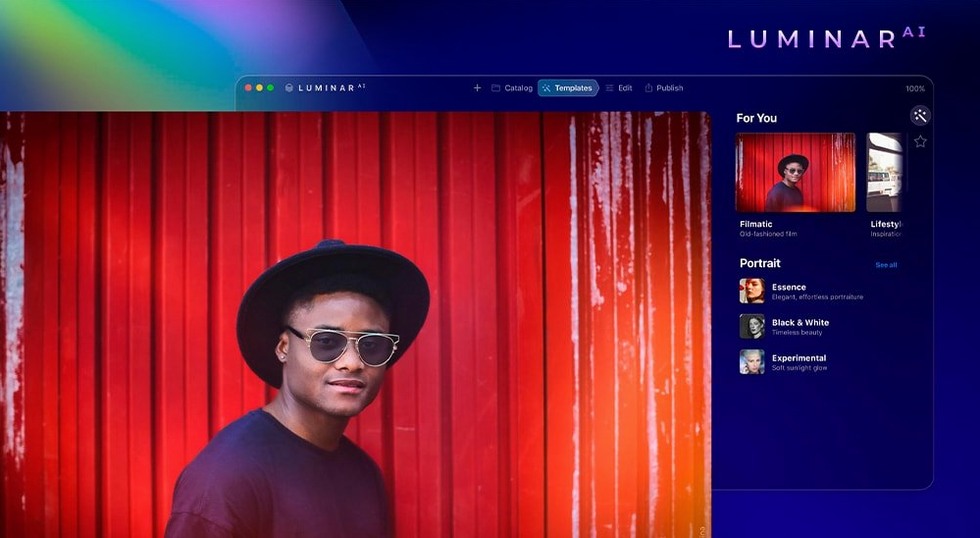

Scroll the row, it snaps to each screenshot. Click one to see it wider.
Manually fixing skies, blemishes, or crooked horizons eats up time you could spend actually shooting. Luminar AI 1.5.5 for Mac tackles those repetitive edits with automated tools that work as a standalone editor or a plugin.
Sky AI replacements and portrait retouching
- Replacing dull skies with Sky AI, then adjusting the rest of the scene to match.
- Cleaning up portraits with Skin AI — it removes blemishes but keeps pores and hair texture.
- Whitening teeth, removing dark circles, and reshaping facial features with Face AI.
- Letting Composition AI crop and straighten based on classic rules.
- Adding fog, haze, or drizzle with Atmosphere AI for mood without manual masking.
- Enhancing detail in people, water, sky, and objects via Structure AI.
System requirements and language options
- Version 1.5.5 (13797) is the current release; no feature changes were added.
- It runs on macOS 10.13.6 or later, both Intel and Apple Silicon.
- Interface is available in 11 languages, including English, German, Spanish, and French.
From template to raw file adjustments
Open Luminar AI and import a raw file from a portrait session. The first stop is Templates — choose one that matches the scene, like "Soft Portrait" or "Moody Landscape." The app applies base adjustments instantly, but the real work starts in the Edit panel.
Run Face AI to even out skin tone and remove dark circles. Switch to Skin AI — it catches blemishes without smearing pores or hair detail. Then nudge Body AI or Iris AI if the subject needs it. For a landscape frame, open Sky AI, pick a replacement, and let the app match exposure and warmth automatically. Add Atmosphere AI for a strip of fog across the valley. Finish with Composition AI: one click crops to the rule of thirds and levels the horizon.
Export as a TIFF or JPEG, or hit Save to keep the Luminar AI file for later tweaks. The whole edit runs under two minutes when the tools hit right.
Overusing Accent AI and skipping layer comparison
- Over-applying Accent AI. The one-slider control is powerful — push it too far and shadows get crushed or highlights blow out. Dial it back and use Structure AI for targeted sharpness instead.
- Skipping the layer comparison. After a Sky AI replacement, check the edge mask. If the horizon is misaligned, the blend looks fake.
- Letting Bokeh AI blur everything. The effect works best with a clear subject separation. Apply it sparingly to the background only, not the whole frame.
- Ignoring the plugin mode. Using Luminar AI as a plugin inside Capture One or Lightroom keeps your catalog workflow intact. Beginners often open it standalone and re-import manually.
Fixing unnatural Sky AI and Face AI issues
- Sky AI swap looks unnatural. The replacement sky's color or brightness doesn't match the original scene. Go to the Sky panel and adjust the Relight and Warmth sliders until the foreground sits in the same light.
- Face AI adjustments don't appear. The app requires a detected face region. If the subject is small in the frame or turned away, Face AI may not trigger. Crop tighter around the face or use manual retouching instead.
- Composition AI crops too aggressively. It follows rules like the golden ratio and might cut off important elements. Check the crop preview — you can dial back the crop strength or accept the rotation only.
- Atmosphere AI adds haze where you don't want it. The effect layer covers the whole image. Use the mask brush to paint atmosphere out of specific areas, like faces or foreground rocks.
- Performance lag with large files. Luminar AI processes AI models on the fly. For 42-megapixel raws, work from an SSD and close other apps to keep memory free.
- macOS 10.13.6 or later
- Intel or Apple Silicon
The install order
- Mount the disk image and launch the app marked as Open Gatekeeper friendly.
- Press Enter in Terminal to bypass Gatekeeper.
- Drag the app to the Applications folder.
- Open the app from Applications.