Free download (135 MB) Previous versions
- Version
- 11.3.4
- Developer
- Synium Software GmbH
- Languages
- Russian, English, German, Hungarian, Danish, Spanish, Italian, Chinese (Simplified), Dutch, Norwegian, Polish, Portuguese, Finnish, French, Czech, Swedish
- License type
- Not required
| macOS range | macOS 12 or later |
|---|---|
| Chip | Apple Silicon, Intel 64-bit |
| Download | 135 MB |
| Previous versions | 3 on file |
Screenshots
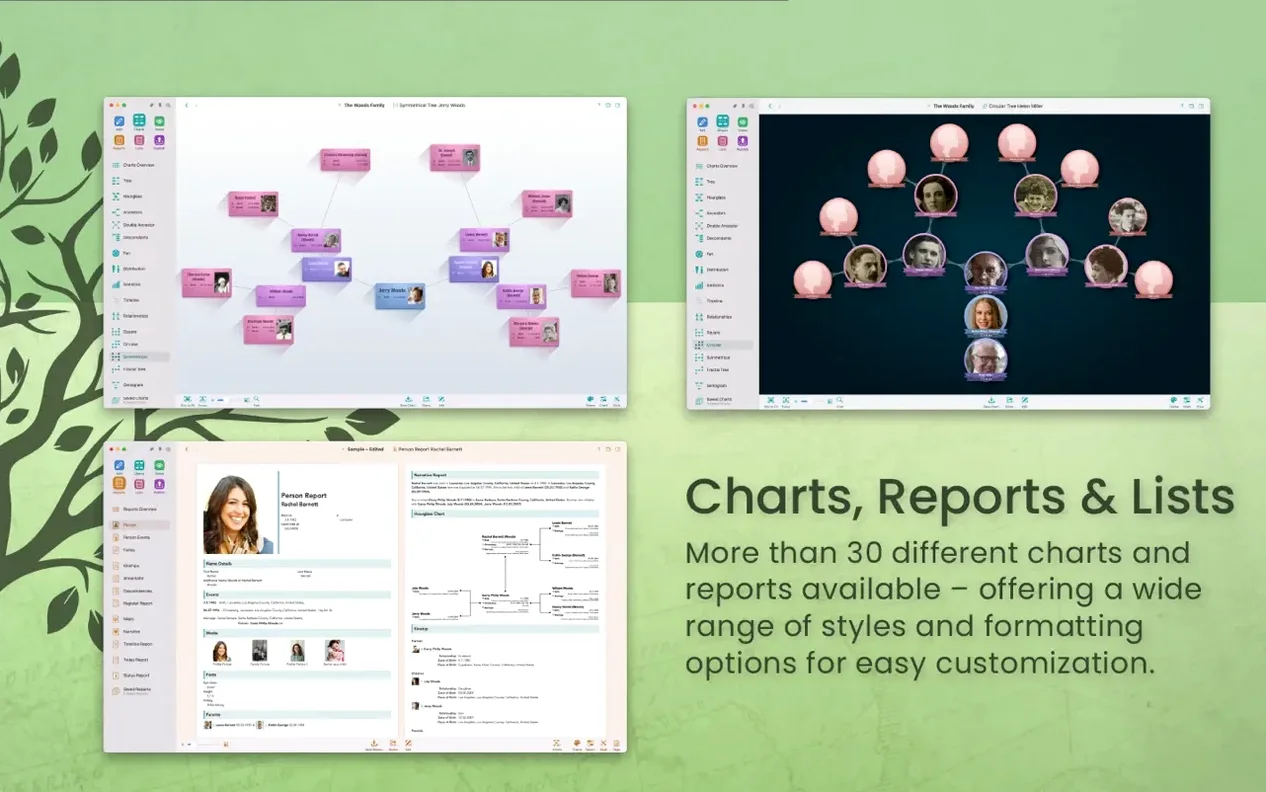
Scroll the row, it snaps to each screenshot. Click one to see it wider.
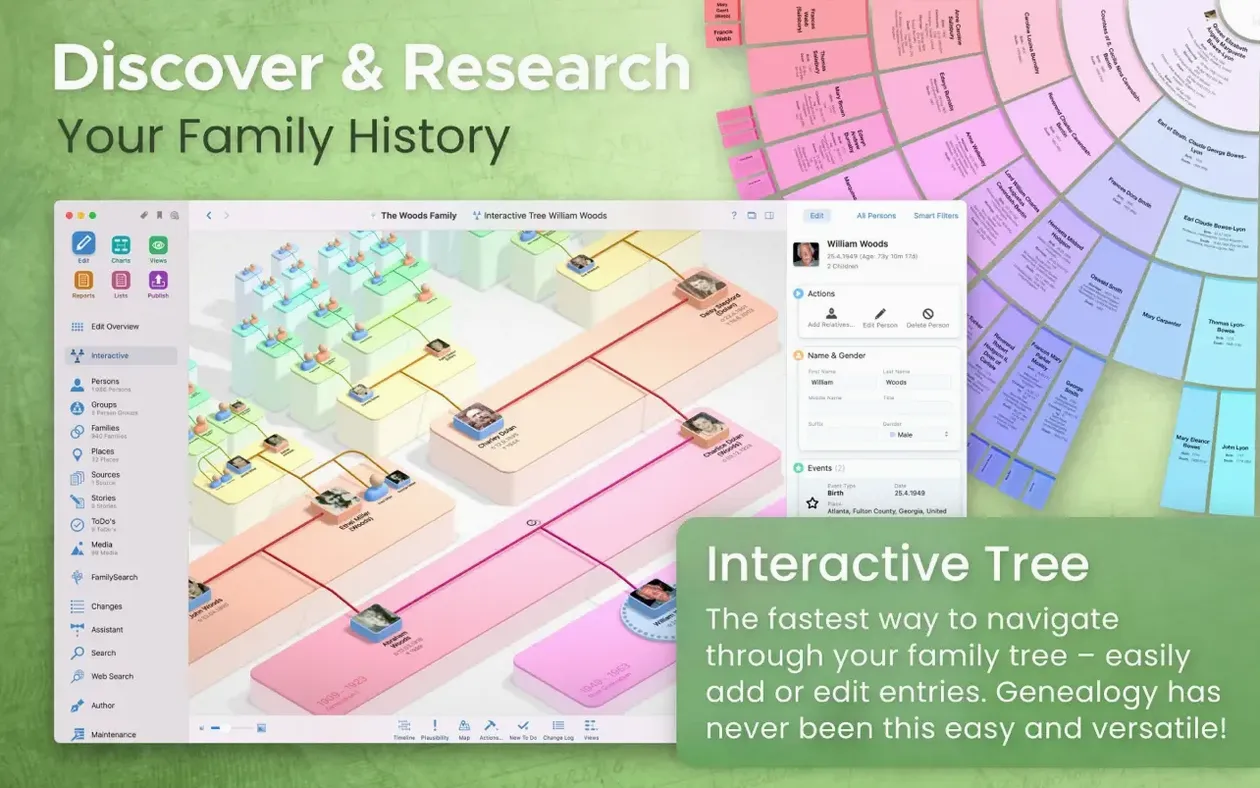
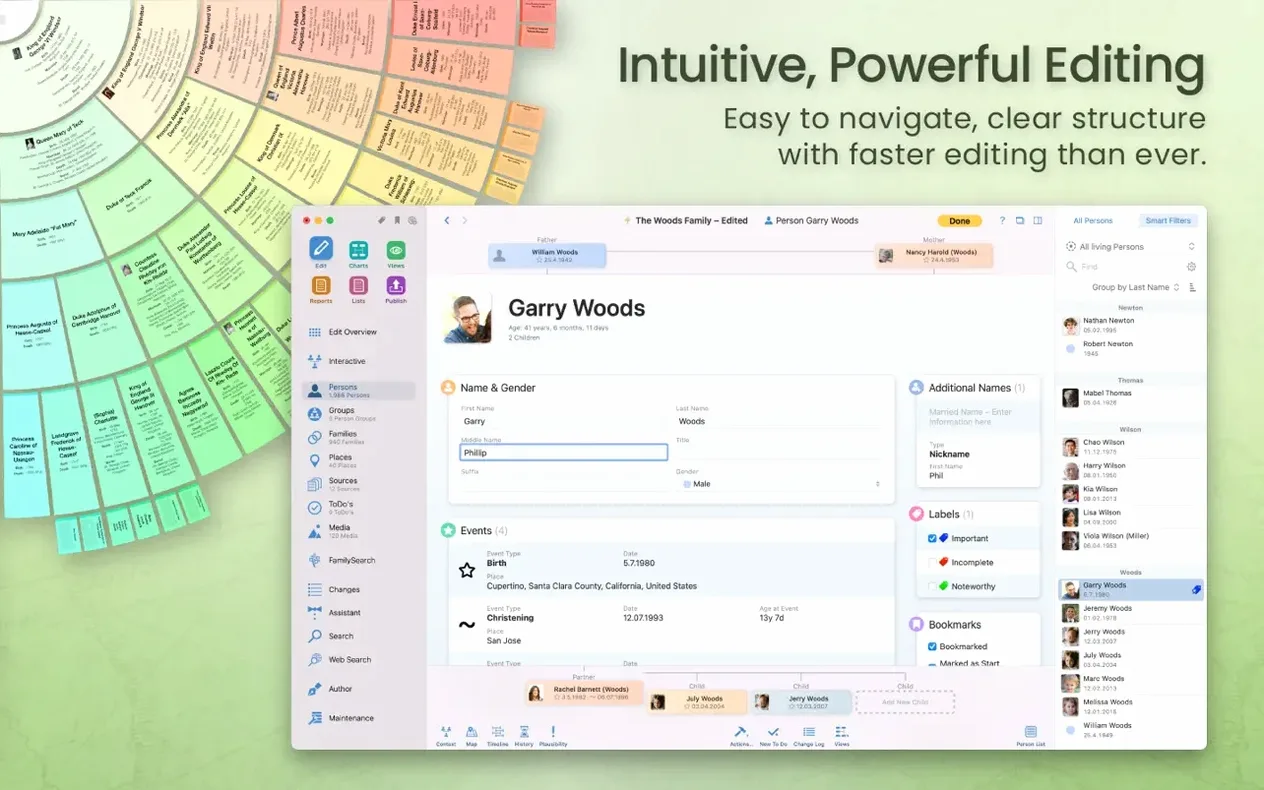
MacFamilyTree is a Mac native genealogy application for building, viewing, and sharing family trees with support for GEDCOM, multiple chart types, and direct genealogy portal searches.
- GEDCOM import/export
- Transfer your family data to and from other genealogy apps using the standard GEDCOM format.
- Chart types
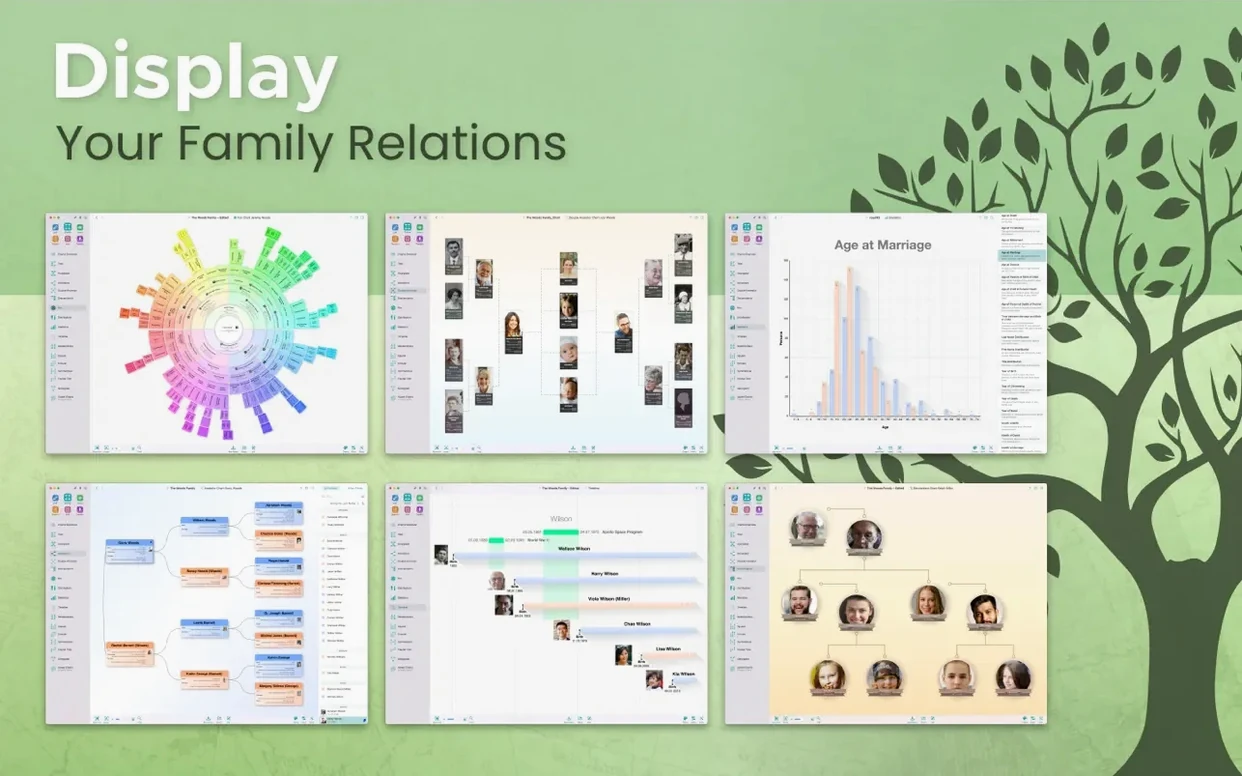
- Includes hourglass, pedigree, timeline, double pedigree, fan, relationship, genogram, statistical maps, name distribution, and virtual globe charts.
- Genealogy portal search
- Search online genealogy databases directly from within the app without leaving your workspace.
- iCloud sync
- Store data locally or encrypted in iCloud. Requires an iCloud account to sync between devices.
- Password protection
- Set a password for the website feature to control access to published trees.
- Export controls
- Hide specific people or records when exporting charts and reports.
- Companion app
- MobileFamilyTree for iPhone and iPad works alongside the Mac version.
- Interface languages
- Available in 17 languages including English, German, French, Spanish, Italian, Russian, Chinese, and others.
GEDCOM Import and Export Compatibility
Will this work with my existing family tree data? If you have a GEDCOM file from another genealogy app, MacFamilyTree handles import and export in that format. That covers most scenarios for moving data between programs.
Can I work on the same tree with someone else? Yes. CloudTree Sync & Share allows real-time syncing and collaboration. An iCloud account is needed to keep devices in sync, but the data itself can be stored encrypted.
What if I don't want everything shared? You can set a password on the website feature. Additionally, you can hide specific people or entire records so they don't appear in exports or published trees.
Does it work on older Macs? The developer states macOS 12 Monterey or later is required. Apple Silicon and Intel 64-bit Macs are both supported. The current build, version 11.3.2, is optimized for Apple Silicon.
Is there a mobile version? Yes. MobileFamilyTree is the companion app for iPhone and iPad. Syncing between the Mac and mobile versions relies on an iCloud account.
Setting the Interface Language
After the app launches for the first time, a few adjustments will get you organized quicker.
- Language preference – MacFamilyTree is available in 17 languages. Check the interface language setting early so labels, menus, and reports display in your preferred language.
- iCloud sync setup – If you plan to collaborate or work across devices, connect your iCloud account from within the app. This enables CloudTree Sync & Share and encrypted data storage.
- Privacy and export filters – Before you start adding living people or sensitive records, review the export controls. Marking people or records as hidden now prevents accidental exposure in exports, charts, or the website feature later.
- Website password – If you plan to publish a tree via MacFamilyTree.com, set a password in the website feature settings. This is optional but recommended if you share the link beyond a small group.
Native Apple Silicon and Intel Support
MacFamilyTree 11.3.2 runs natively on both Apple Silicon and Intel 64-bit Macs, provided the system is running macOS 12 Monterey or later. The developer states the application is optimized for Apple Silicon, which means it takes advantage of the architecture on newer Macs.
The app stores your genealogy data either locally on the Mac or encrypted in iCloud, depending on your preference. Real-time syncing and collaboration through CloudTree Sync & Share depends on an active iCloud account.
For users who search genealogy records, the app provides direct access to portals like FamilySearch from inside the interface, so you don't need to leave MacFamilyTree to look up records. When you are ready to share findings, the app can generate charts and reports in multiple formats, or you can publish a website through MacFamilyTree.com with password protection available.
- Stability improvements.
- macOS 12 Monterey or later
- Intel or Apple Silicon processor
- iCloud account required for syncing between devices
The install order
- Open the downloaded disk image file.
- Drag the application into the Applications folder alias.
- Once the copy finishes, launch the app from Launchpad.