Free download (1.8 GB) Previous versions
- Version
- 2025.1 (14.0.0.176) Fix
- Developer
- Luxion
- Languages
- Russian, English, German, Spanish, Italian, Chinese (Traditional), Chinese (Simplified), Korean, Polish, French, Czech, Japanese
- License type
- K'ed by WhiteDeath
| macOS range | macOS 12 or later |
|---|---|
| Chip | Apple Silicon, Intel 64-bit |
| Download | 1.8 GB |
| Previous versions | 5 on file |
Screenshots
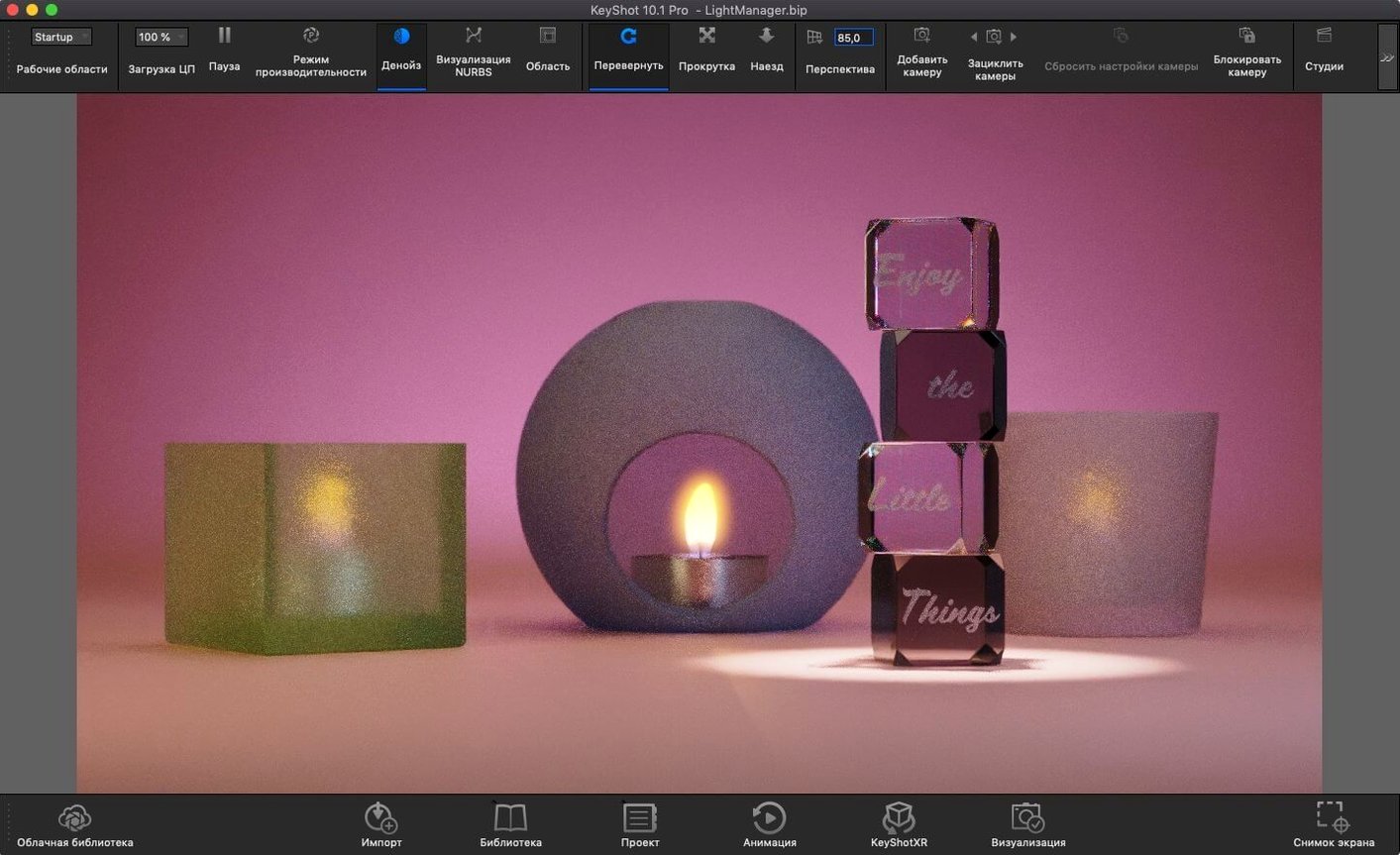
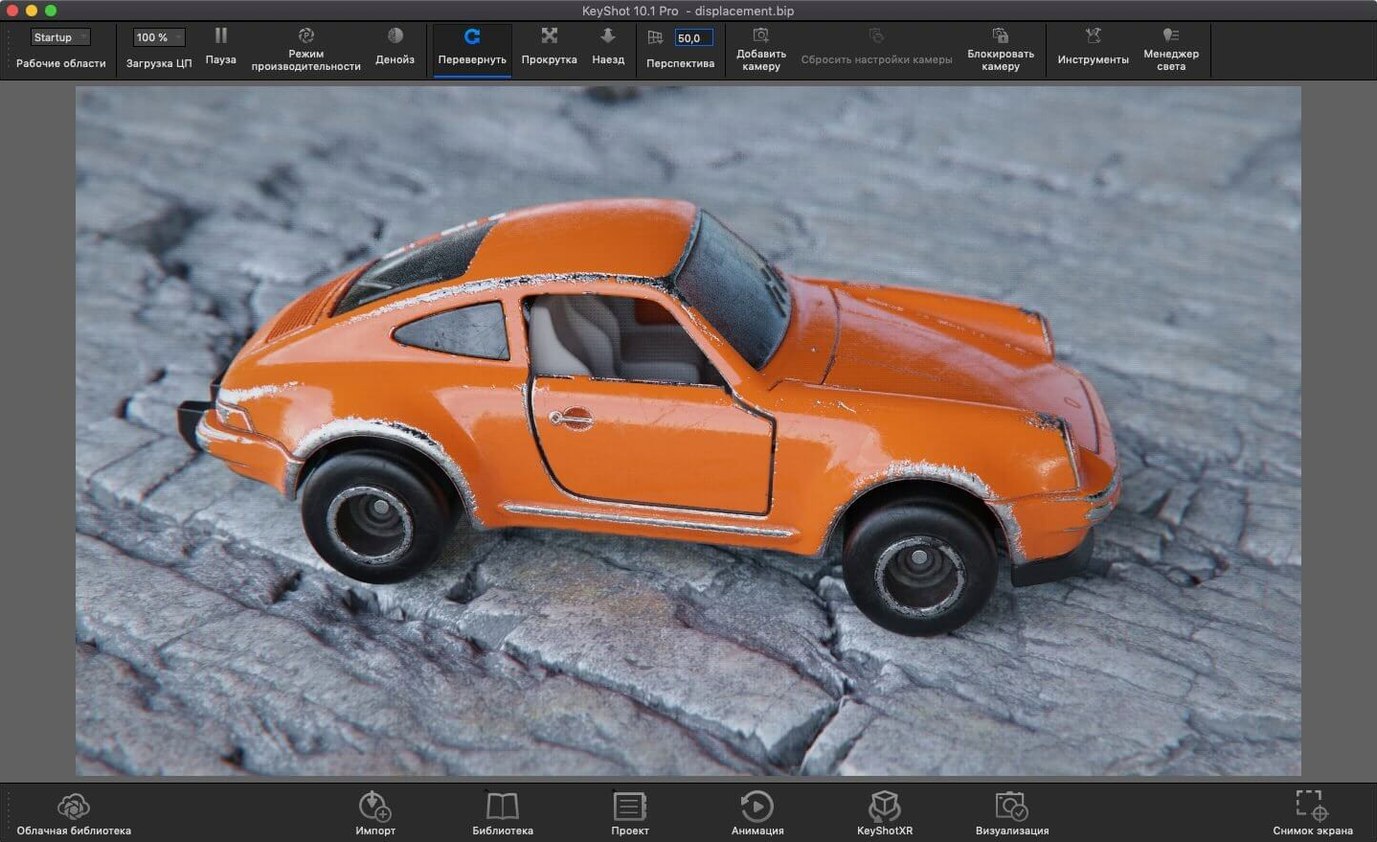
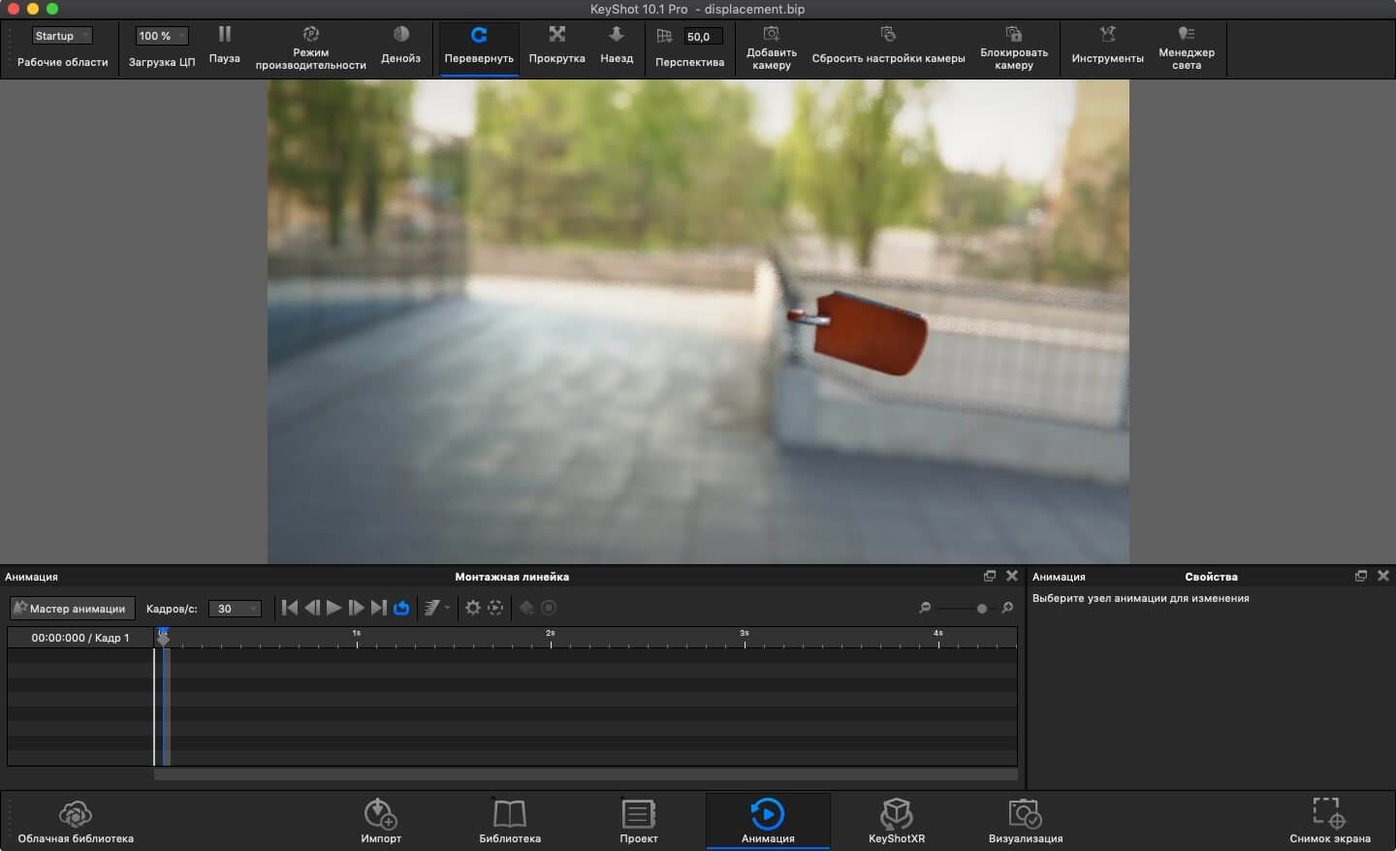
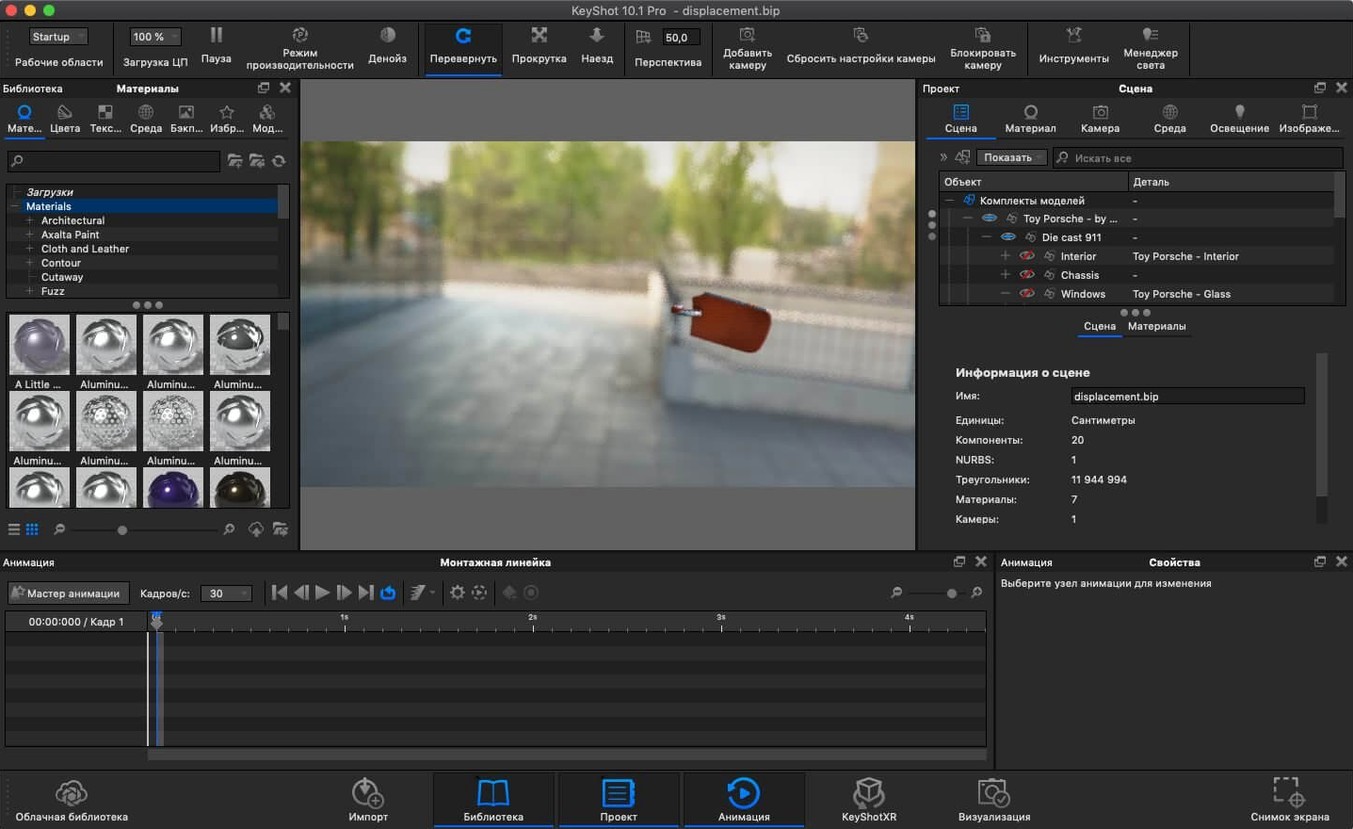
Scroll the row, it snaps to each screenshot. Click one to see it wider.
KeyShot Studio 2025.1 (14.0.0.176) Fix runs on both Apple Silicon and Intel 64-bit Macs. That means an M2 Air will handle it, and so will an older Intel iMac. macOS 12 or later is the only system requirement.
Physically Based Materials and Global Illumination
- Physically based materials and global illumination for realistic renders.
- Photon mapping, HDRI lighting, ambient occlusion, caustics, and inter-object light bouncing.
- New Planar Light material and a Light Tool for placing physical lights.
- glTF export and a new hotkey for Add Studio.
- Interface in 12 languages, including English, German, French, and Japanese.
Workflow: Set Up a Product Shot from a CAD Import
Here is one way to take a product model from a STEP file to a finished render in KeyShot Studio. This is a typical workflow for a designer showing a prototype to a client.
- Import the model. Go to File > Import, select your STEP file. KeyShot handles IGES, STEP, OBJ, FBX, and several other formats, so it usually works with whatever your engineering team sends.
- Apply materials. Drag physically based materials from the library onto the model surfaces. The global illumination engine updates the preview in real time, so you see how a brushed aluminum or a soft-touch plastic behaves with the light.
- Place lights. Use the new Light Tool to add Physical Lights. Click where you want the light source, then adjust angle and intensity. This is faster than fiddling with coordinates.
- Add a Planar Light material. If the product needs a backlit logo or a glowing panel, apply the new Planar Light material to that surface. It behaves like a light source without needing a separate fixture.
- Render. Switch on ray tracing with interactive WYSIWYG output. Tweak photon mapping or HDRI lighting while the engine runs. The output updates live, so you can fix a harsh shadow or a blown highlight without starting over.
- Export. Save as a static image, or export in glTF or USDz for AR delivery. For an engineering review, USD or GLB work well.
This whole loop runs on an M2 Air without a hitch. No need to switch to a Windows box or a render farm for a single product shot.
Ambient Occlusion and Shadow Casting On by Default
KeyShot Studio has details that are not in the release notes but save time once you know them.
- Ambient occlusion and environment shadow casting are on by default in most scenes. That means you get those soft contact shadows under a curved surface without manually placing a shadow catcher.
- Inter-object light bouncing is part of the global illumination engine. A red plastic part next to a white one will tint the white surface slightly red. If that is too strong, dial it back globally, not per object.
- Self and inter-object shadow casting means a handle casts a shadow onto its own base. That depth is automatic, not a post-process effect.
- The new hotkey for Add Studio is what it sounds like: one key to add a Studio scene. If you work with multiple scenes in one project, this cuts out menu navigation.
- The Re-tessellate Tool is now scriptable. If you write custom workflows, you can re-triangulate a mesh from a script instead of doing it by hand every time.
Cinema 4D, Blender, and Modo Alternatives
On macOS, the main alternatives for product visualization are Cinema 4D, Blender, and Modo.
- Cinema 4D excels at motion graphics and has a mature Mac version. But for physically accurate materials and global illumination out of the box, KeyShot is more direct. Cinema 4D leans on third-party render engines for that level of realism. KeyShot Studio does it natively, and it imports STEP/IGES files without conversion issues.
- Blender is free and powerful, but its rendering engine requires more manual setup. You have to configure photon mapping, HDRI, and ambient occlusion yourself. KeyShot Studio offers those as built-in checked boxes. For a product designer who wants a realistic render fast, Blender is overkill in learning curve and underkill in preset quality.
- Modo is strong for automotive and industrial design, but its macOS version lags behind KeyShot in file format support. KeyShot handles Parasolid, CATIA V5, and SolidWorks natively. Modo users often convert to OBJ or FBX first, which adds a step.
None of these run natively on both Apple Silicon and Intel the way KeyShot does. For a mixed-hardware team, that matters.
Real-World Scenario: An Industrial Designer at a Small Firm
Say you work for a five-person product development shop in Columbus. A client sends over a Creo model of a handheld power tool. You need to show the client three finish options by tomorrow morning.
You import the file. KeyShot reads Creo files via the plugin workflow, so you open it as a plugin or standalone. Apply a matte black material to the body, a textured rubber grip, and a bright orange accent strip. The physically based materials react to the scene light without extra tuning.
Place two Physical Lights with the Light Tool: one key light from above-left, one fill from the right. The global illumination engine handles the bounce light from the table surface. You duplicate the scene twice, swap the orange for yellow and blue, and export all three as static renders.
Total time: maybe 25 minutes. The client gets the visuals in their email, and the next meeting moves forward. No one asks why the shadows look fake or why the logo does not reflect light. KeyShot handles that on its own.
Runs standalone or as a plugin. The Re-tessellate Tool is now available in the Scripting API. For the crack download, check the install steps below.
- Added a new hotkey for Add Studio.
- Added a new Light Tool for easier placement of Physical Lights.
- Added support for the Re-tessellate Tool in the Scripting API.
- macOS 12 or later
- Apple Silicon or Intel 64-bit
Questions I get about this line
Yes, it supports both Apple Silicon and Intel 64-bit Macs. You just need macOS 12 or later.
The install order
- Open the included installation and activation instructions.
- If the server shows a Host or Host name error, open Terminal.
- Run the provided command to add the local host mapping to /etc/hosts.
- Restart the Mac.