Free download (75 MB) Previous versions
- Version
- 15.8
- Developer
- Good Snooze
- Languages
- English
- License type
- Not required
| macOS range | macOS 14 or later |
|---|---|
| Chip | Apple Silicon, Intel 64-bit |
| Download | 75 MB |
| Previous versions | 3 on file |
Screenshots
Scroll the row, it snaps to each screenshot. Click one to see it wider.
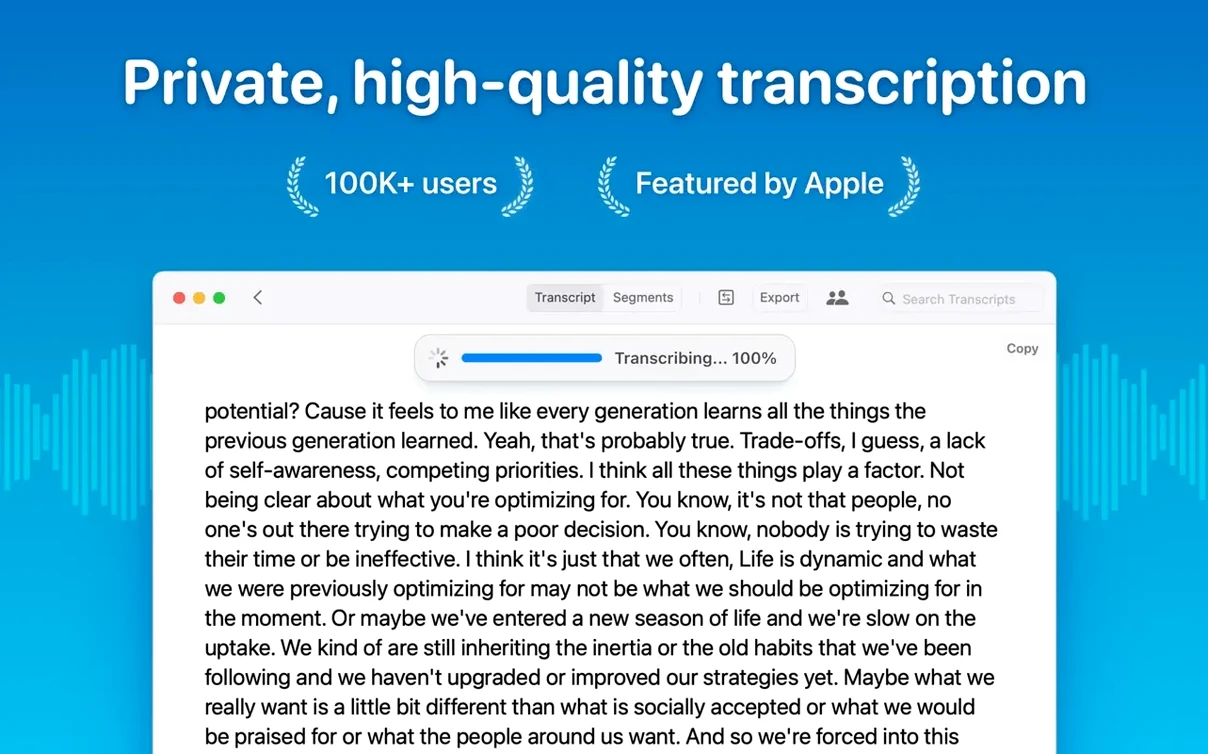
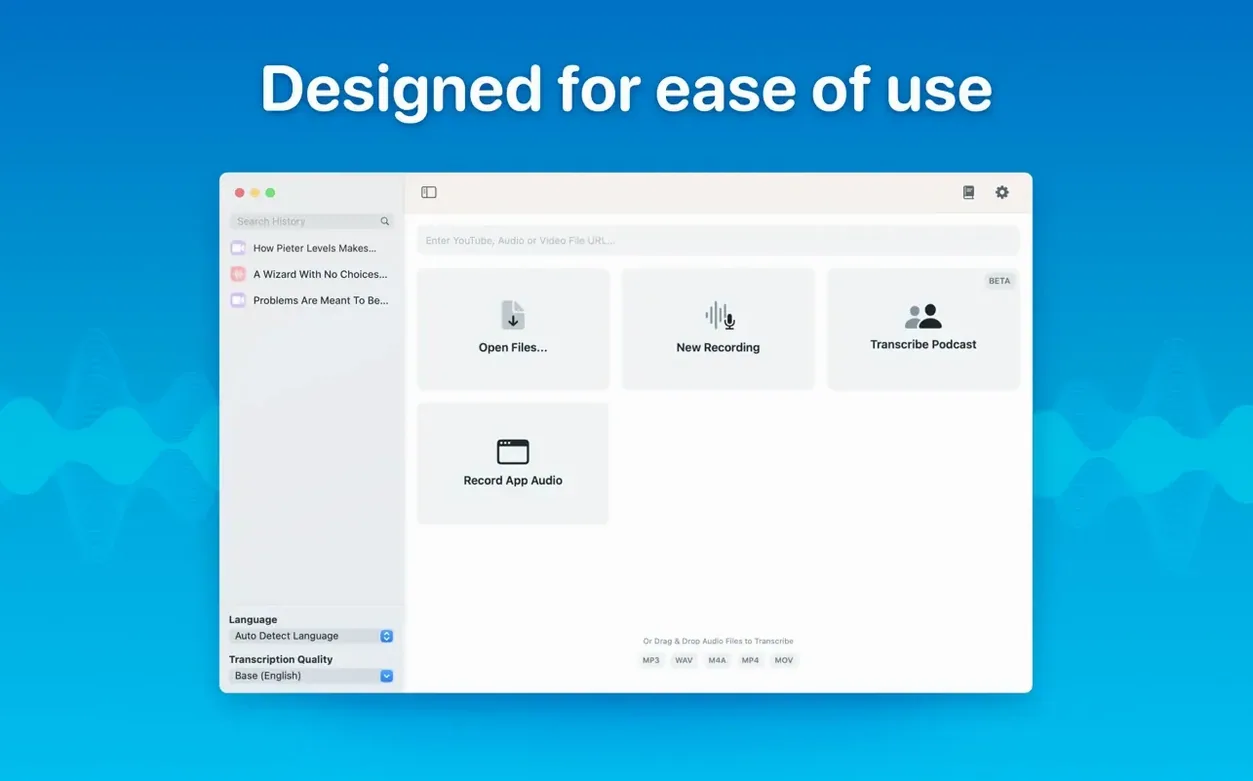
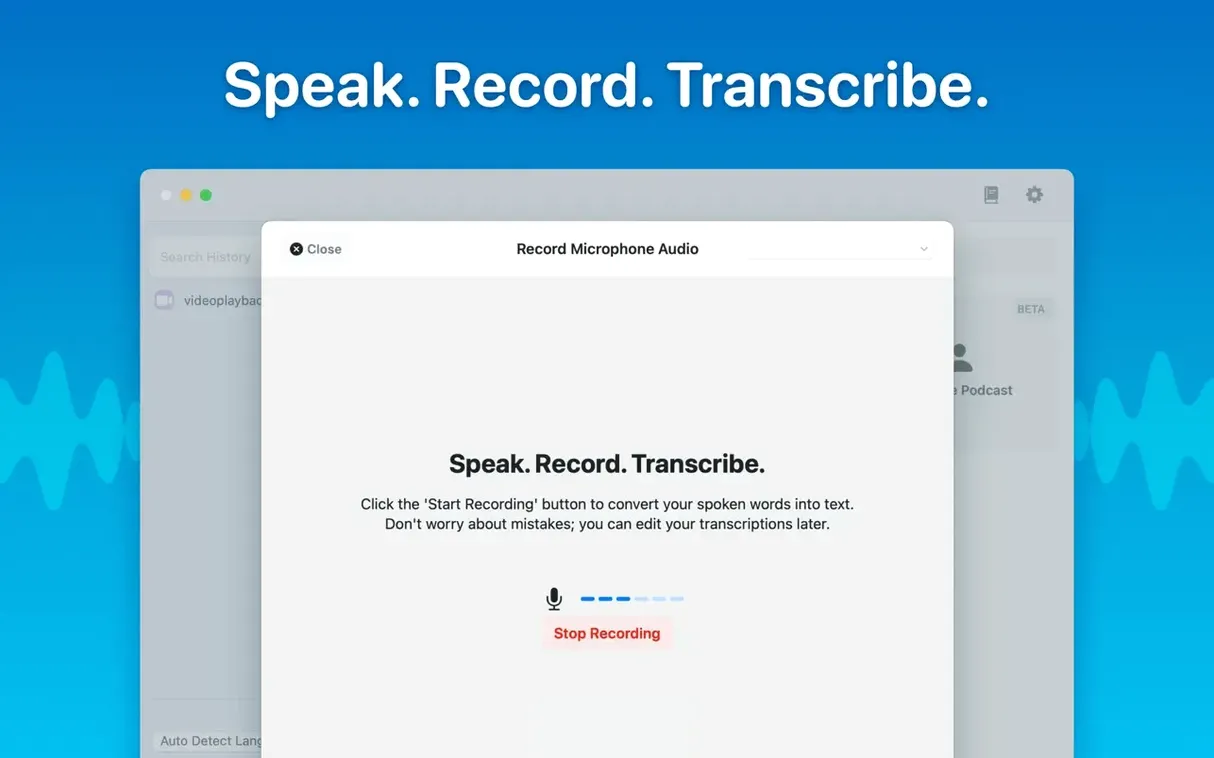
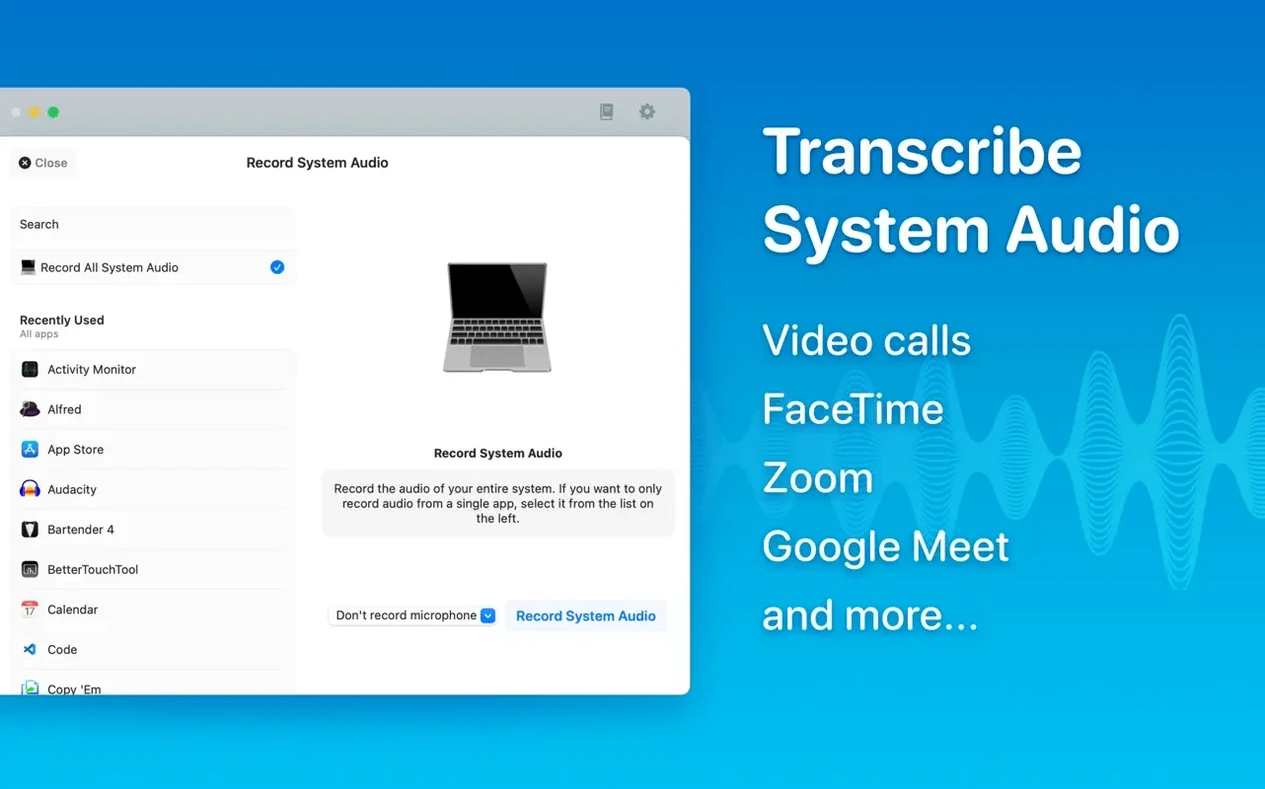
MacWhisper runs on both Apple Silicon and Intel 64-bit Macs, needing macOS 14 or later. It slots in next to your existing audio tools: drop an mp3, wav, m4a, mp4, mov, ogg, or opus file onto the window, and it converts speech to text using on-device Whisper recognition. No data leaves your machine.
Real-Time Meetings and Organised Transcripts
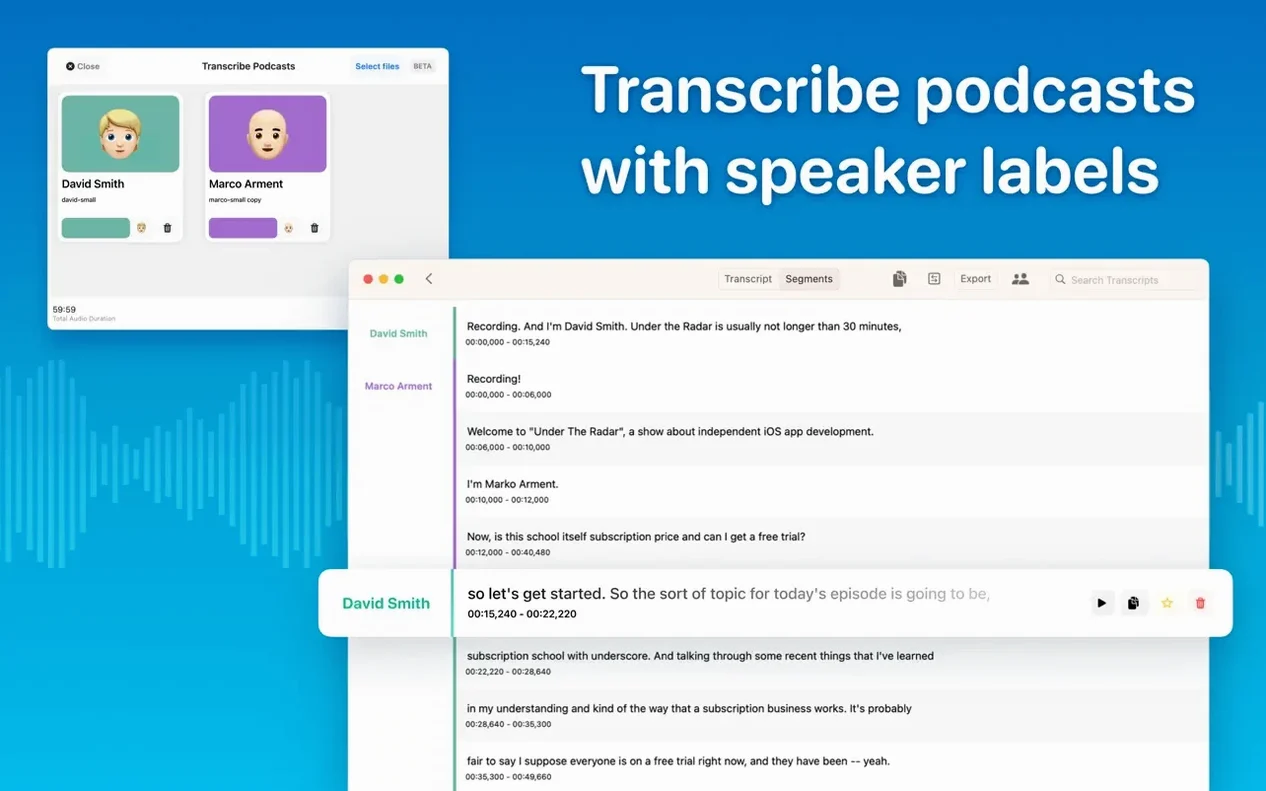
Version 15.2 adds live meeting transcripts and folders for sorting transcripts and meetings. Speaker recognition now uses a newer diarization model, and batch transcription lets you export multiple files to Word, PDF, or HTML at once. Language detection works automatically, or you can pick one manually.
Fits a Workflow, Not a New Habit
If you already handle audio files for notes, interviews, or meetings, MacWhisper is the transcription layer. Drag files in, get text out. The reading mode helps review transcripts without switching apps. For anyone keeping a local archive of spoken content, it replaces cloud-dependent services with something that runs entirely on your own hardware.
A Monday Morning Session
I open MacWhisper, then go straight to the folder view. There are two new folders from last week: "Weekly Standups" and "Client Calls." I drag a 45-minute mp3 from the Tuesday standup onto the window. The model selector shows Large-V3 highlighted — that is what I used last time. Language is set to auto-detect. I click transcribe and get back to email.
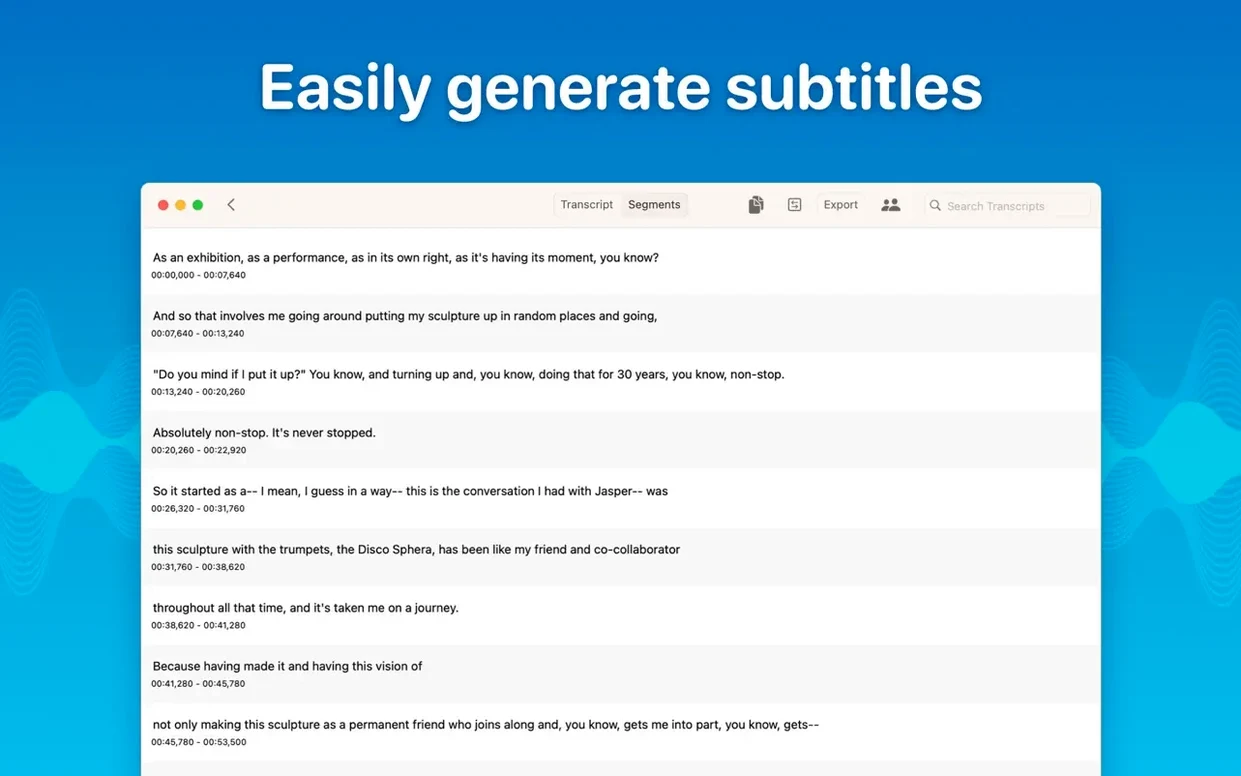
About six minutes later the transcript is ready. Speaker names appear as Speaker-1, Speaker-2. I scan the segments, editing a misheard term in the first line. I delete a stretch of dead air in the middle where nobody was talking. Then I select the whole text, copy it, and paste it into the meeting notes doc I keep in Bear.
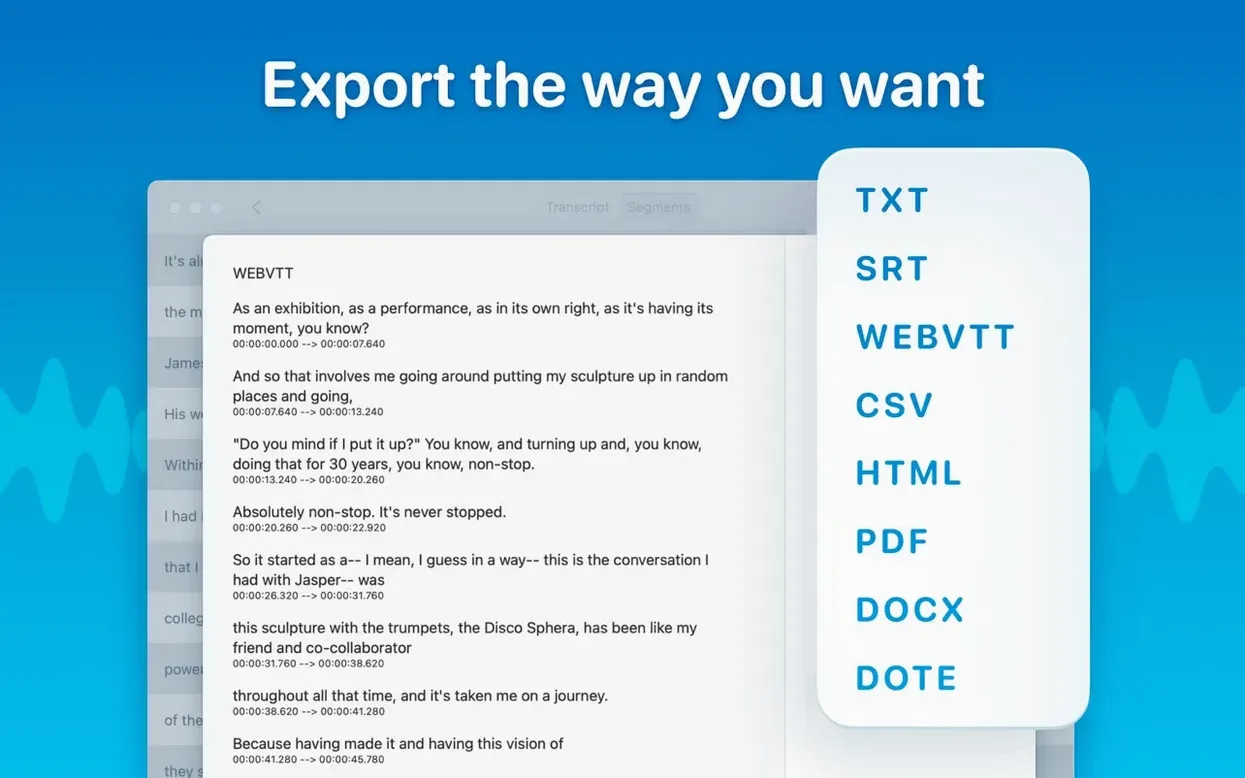
For the client call I need subtitles. I drop the m4a file in, pick English, choose SRT export, and start transcription. While it runs I cue the next file — three more recordings from yesterday. I queue them all for batch transcription. When it finishes I export everything as a single Word document, with speaker labels intact. That file goes straight into the shared drive.
Tiny vs Large-V3: Find Your Speed-Accuracy Balance
Start by dragging one short file — a two-minute test recording or a voicemail. Try each model size. Tiny finishes fast but misses some words. Large-V3 takes longer but catches more. Pick your balance for the kind of audio you work with most.
Set up folders early. Even if you only have a few files, folders save time later. Drag transcripts into project folders or date-based subfolders. Batch export only works on what you select, so organized files export faster.
Keep an eye on the model list. MacWhisper 15.2 shows only models your Mac can run. If you are on an M1 and see the Local Models section looks thin, that is normal — the app hides what does not work on your hardware.
Try speaker separation on a recorded meeting with two voices. The new diarization model does a better job labeling who said what. If it mislabels a stretch, edit the segment name directly in the transcript and move on.
Podcast Editor's Workflow
A podcast editor runs interviews every week. Guest sends a 90-minute mp4 over Dropbox. Drag it into MacWhisper. Set language detection to English. Pick Medium model for a balance of speed and accuracy. Transcribe. The speaker separation splits host and guest across the timeline. Copy the whole transcript into show notes, then export a VTT for YouTube captions. No cloud upload. No waiting on a server. The entire session stays local, and the exported files go into the episode folder alongside the final mix.
- Improved speaker recognition using a new diarization model.
- Added real-time meeting transcripts.
- Added folders and subfolders for organizing transcripts and meetings.
- macOS 14 or later
- Apple Silicon or Intel 64-bit Mac
- No activation required
Questions I get about this line
It supports mp3, wav, m4a, mp4, mov, ogg, and opus files.
Yes, transcription runs entirely on your Mac. Audio data never leaves your device.
You can export transcripts to Word, PDF, or HTML, and batch export multiple files at once.
The install order
- Open the downloaded disk image.
- Drag the app to the Applications folder alias.
- Launch the app from Launchpad after copying finishes.