Free download (9 MB) Previous versions
- Version
- 3.21
- Developer
- Jordi Bruin
- Languages
- English
- License type
- DRM-free
| macOS range | macOS 12 or later |
|---|---|
| Chip | Apple Silicon, Intel 64-bit |
| Download | 9 MB |
| Previous versions | 3 on file |
Screenshots
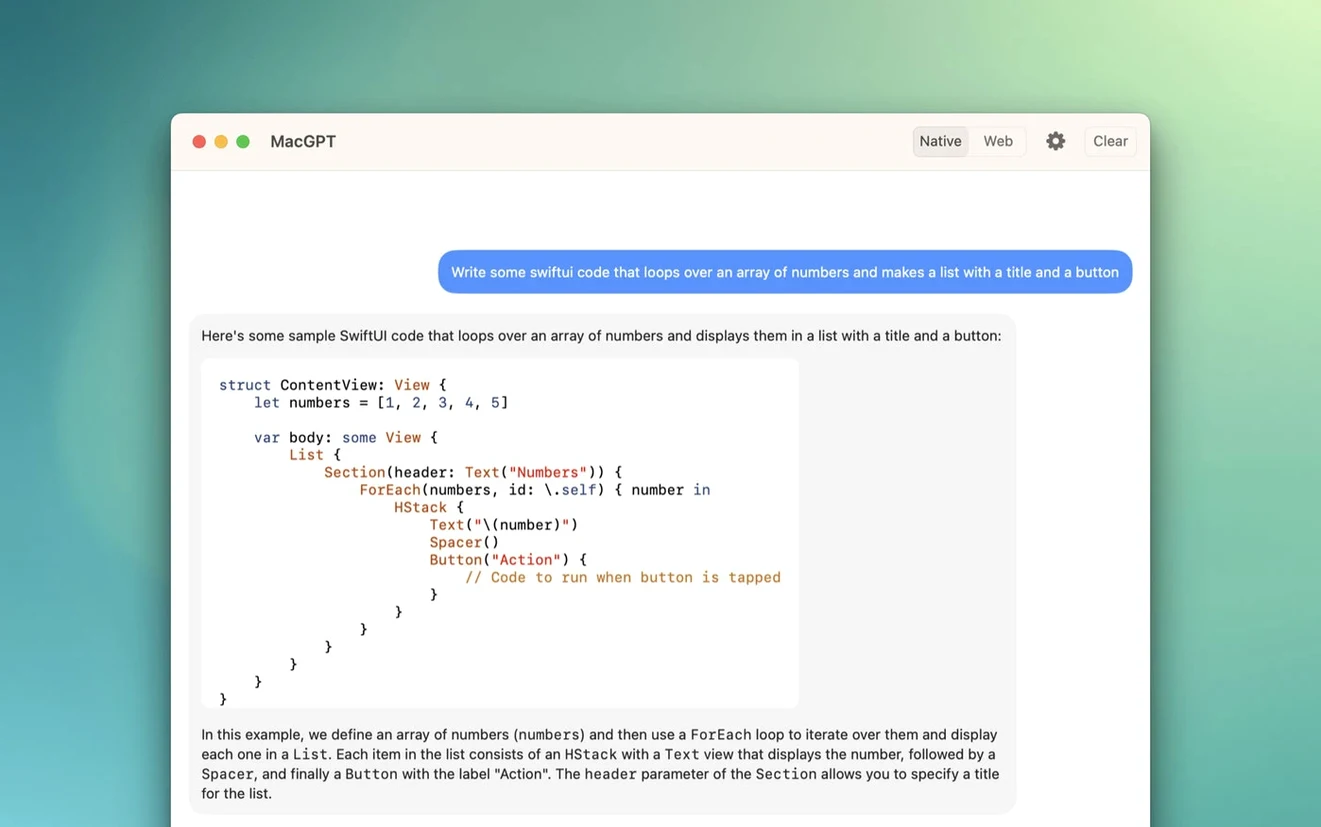
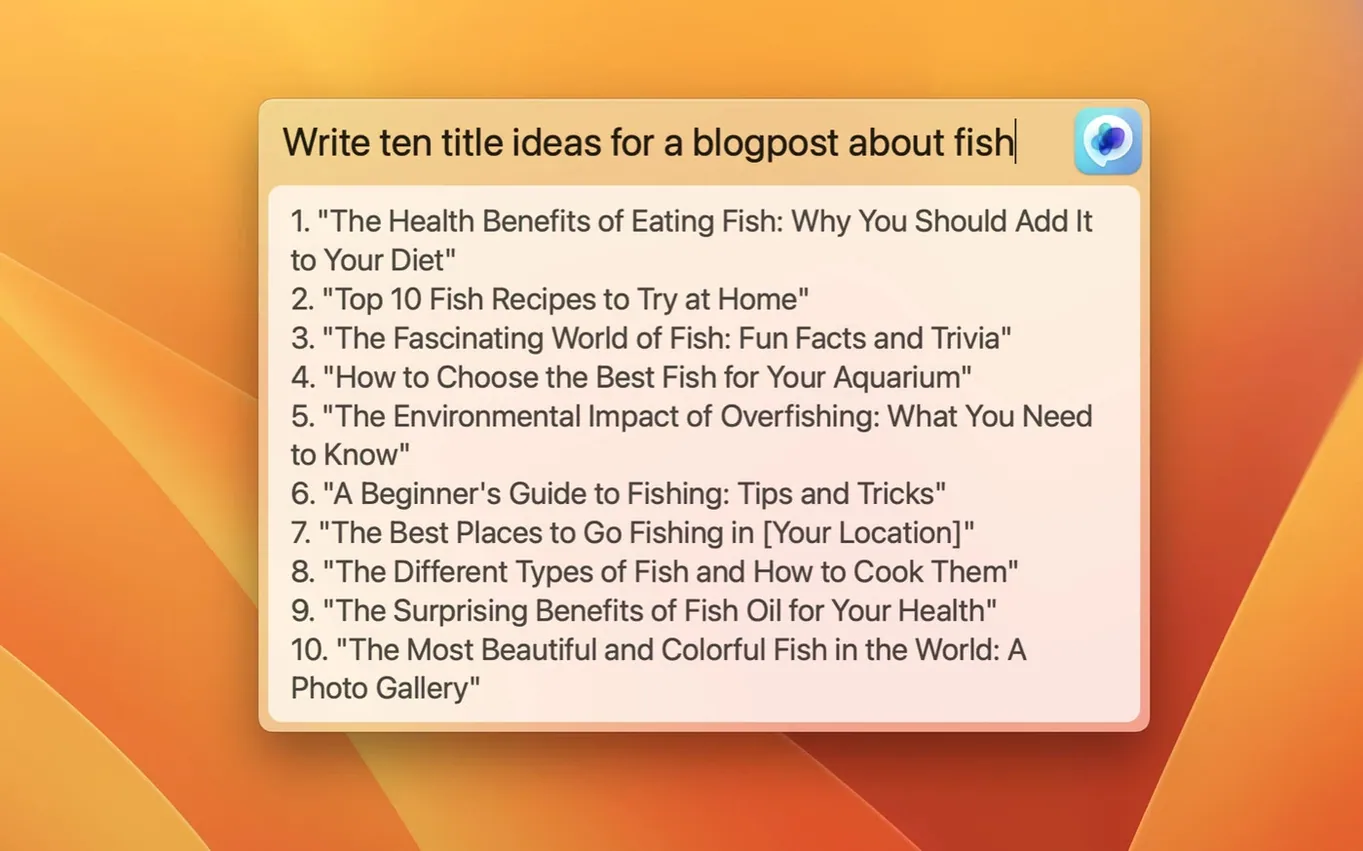
Scroll the row, it snaps to each screenshot. Click one to see it wider.
Version 3.21 of MacGPT brings one notable change: support for gpt-4o. That means the menu bar app now talks to the latest OpenAI model out of the box. Everything else stays the same, which is good news if you just want ChatGPT a click away.
GPT-4o Support Added
The headline is gpt-4o support. You won't see a redesigned window or new shortcuts. Just a model bump under the hood. The app still loads the ChatGPT web interface in a browser, so you get the same chat experience without leaving your desktop.
Menu Bar Login Remains
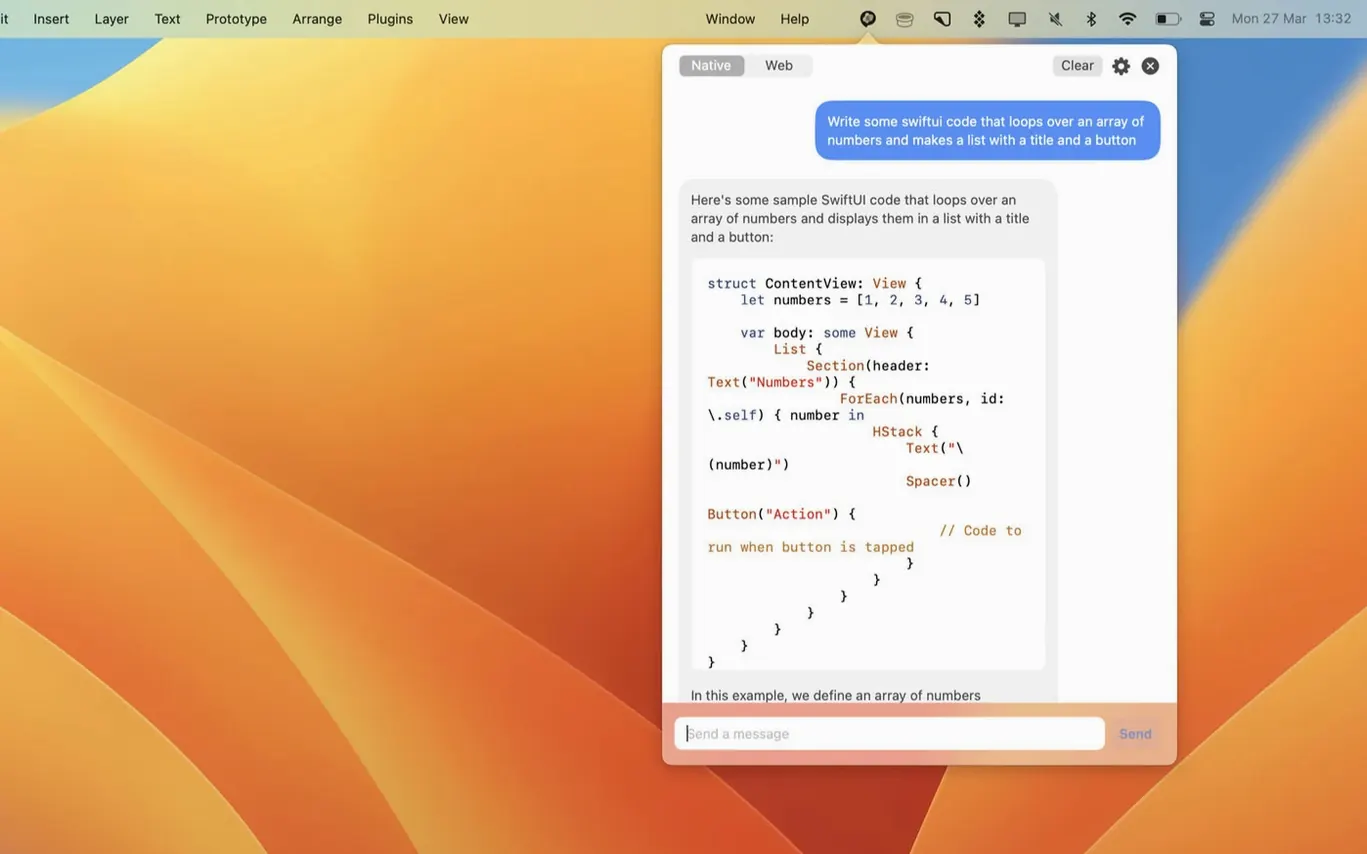
MacGPT remains a native macOS app that opens ChatGPT from the menu bar with a single click. It still relies on your OpenAI account credentials or an API key. If the key isn't set up properly, error messages are clearer now—a small but useful touch.
One thing to note: the app only supports macOS Monterey and Ventura because it uses newer APIs. If you're on an older system, this won't run.
How MacGPT Stacks Up
MacGPT is not the only way to put ChatGPT on your Mac menu bar, but it has a different approach than most.
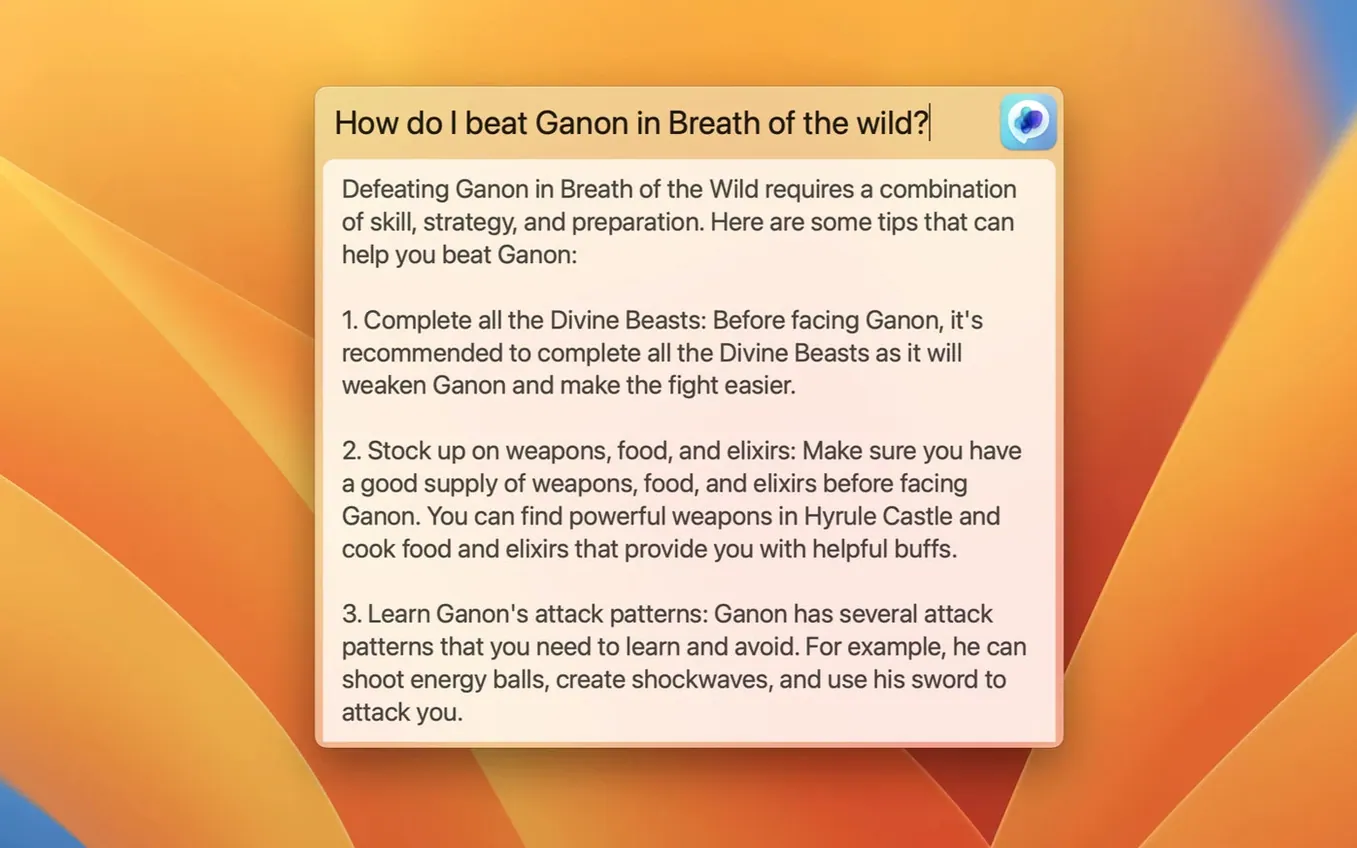
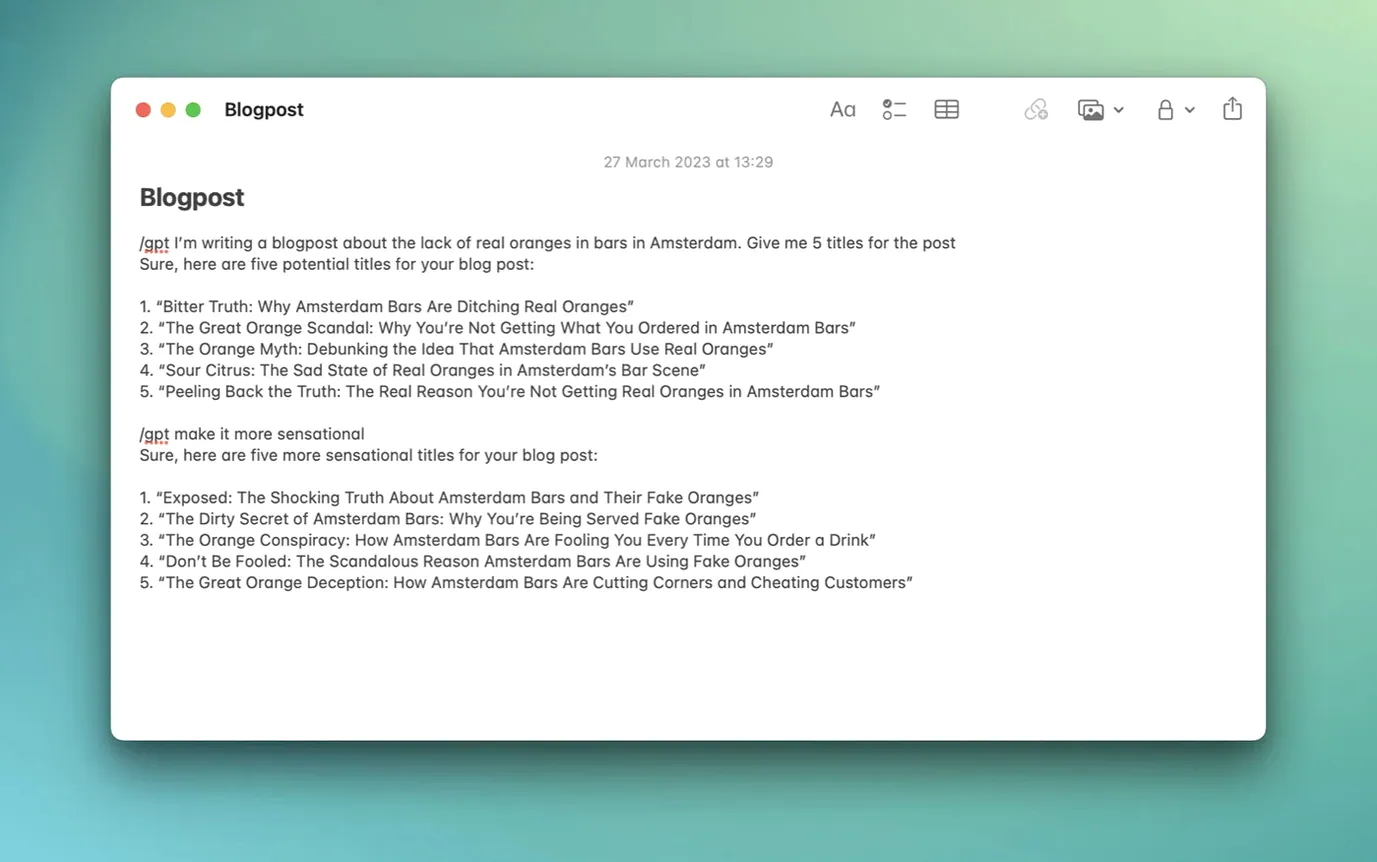
Typical menu bar wrappers for ChatGPT—like ChatGPT for Mac or MacGPT's closest competitor, ChatGPT Menu—load the OpenAI web interface in a stripped-down browser window. MacGPT does the same thing, but it adds two extras: a Global feature that opens a centered text field for quick input, and an Inline feature that lets you use ChatGPT directly inside any text field on your system. That second one is rare. Most menu bar clients just give you a floating browser and stop there.
Another common alternative is a full desktop client like ChatGPT Desktop, which runs as its own window and often requires a separate login flow. MacGPT stays in the menu bar, out of the way, and uses your existing OpenAI credentials or a custom API key. No extra accounts, no separate launcher.
The trade-off is scope. MacGPT doesn't try to become a full chat app with conversation history, file uploads, or custom instructions in the client itself. It's a bridge. You click, you type, and the heavy lifting happens on OpenAI's servers. If you want a self-contained chat program, you'd look elsewhere. If you want quick access without leaving what you're doing, MacGPT's approach wins.
OpenAI Account or API Key Required
Do I need an OpenAI account?
Yes, unless you bring your own API key. The app can authenticate either way. Without one or the other, it shows a clear error message and won't connect.
Will it work on macOS 13 or 14?
The developer lists support for Monterey and Ventura only. Later macOS versions may work, but they are not officially tested or supported because the app uses newer macOS APIs that could change.
Does it work with Apple Silicon?
Yes. The app is built for both ARM (Apple Silicon) and x86 (Intel) systems, so it runs natively on any Mac that meets the macOS requirement.
Can I use it with a free OpenAI account?
Yes. The web mode loads the standard ChatGPT web interface, which works with free or paid OpenAI accounts. The API mode requires a paid API key.
Does it store my conversations locally?
No. Everything goes through OpenAI's servers. The app itself is just a client that passes your input and shows the response.
Pop-Up Rewrite on Keyboard Shortcut
It's Tuesday morning. You're in a text editor drafting a client email, and you need a quick rewrite of one paragraph. You hit the keyboard shortcut you assigned in MacGPT settings. A centered text field pops up across the middle of your screen—the Global feature. You paste the paragraph, type "make this more formal," and press Enter. A few seconds later, the rewritten version appears. You copy it back into the email.
An hour later, you're filling out an online form. The "description" field is small and you're stuck on wording. Instead of switching apps, you use the Inline feature. MacGPT opens a small input area inside the text field itself. You type a quick request, get a suggestion, and paste it right in place. No window management, no copy-paste between apps.
By the afternoon, you're reviewing a technical spec. You open the menu bar menu, click MacGPT, and it loads the full ChatGPT web interface in your default browser. You ask a detailed question about the spec, get a long answer, and continue working. You never opened a browser first. You never navigated to the site. One click, and you're in.
- Added support for gpt-4o.
- macOS 12 Monterey or later (Ventura supported)
- Apple Silicon or Intel
- OpenAI account credentials or an OpenAI API key
- Interface: English
Questions I get about this line
No.
The install order
- Unpack the downloaded archive.
- Move the app to the Applications folder.