
- Version
- 6.9.0
- Developer
- MAMP GmbH
- Languages
- English
- License type
- K'ed by TNT team
| macOS range | macOS 10.12 or later |
|---|---|
| Chip | Intel 64-bit |
| Download | 472 MB |
Screenshots
Scroll the row, it snaps to each screenshot. Click one to see it wider.
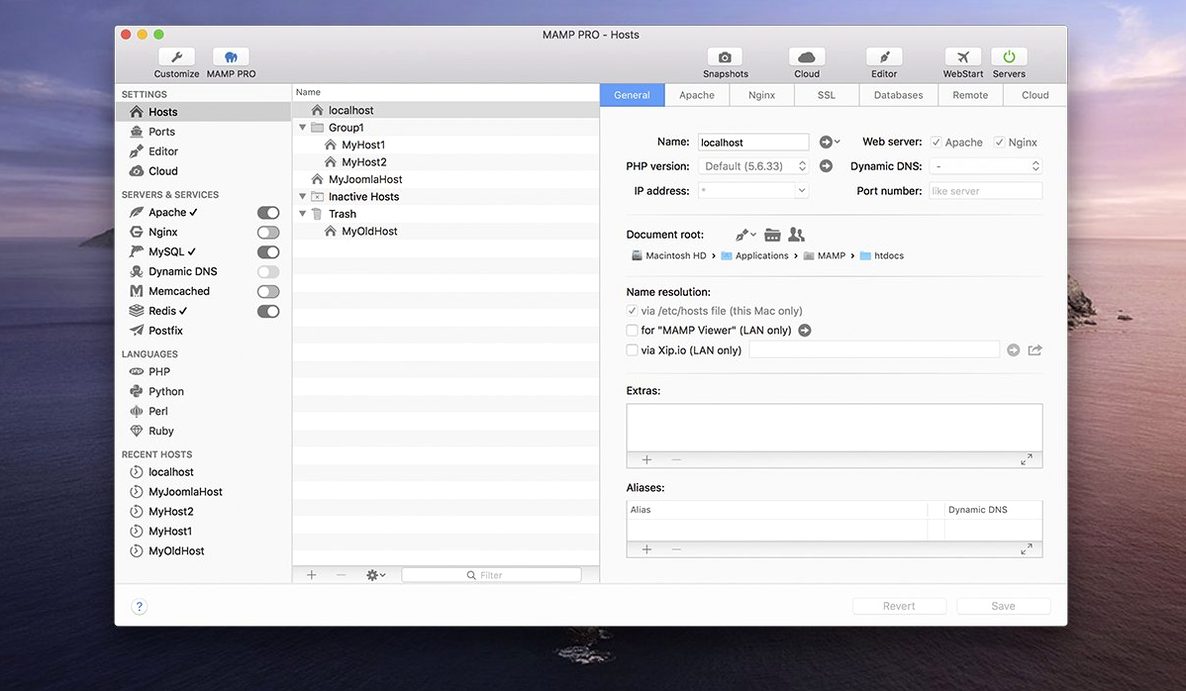
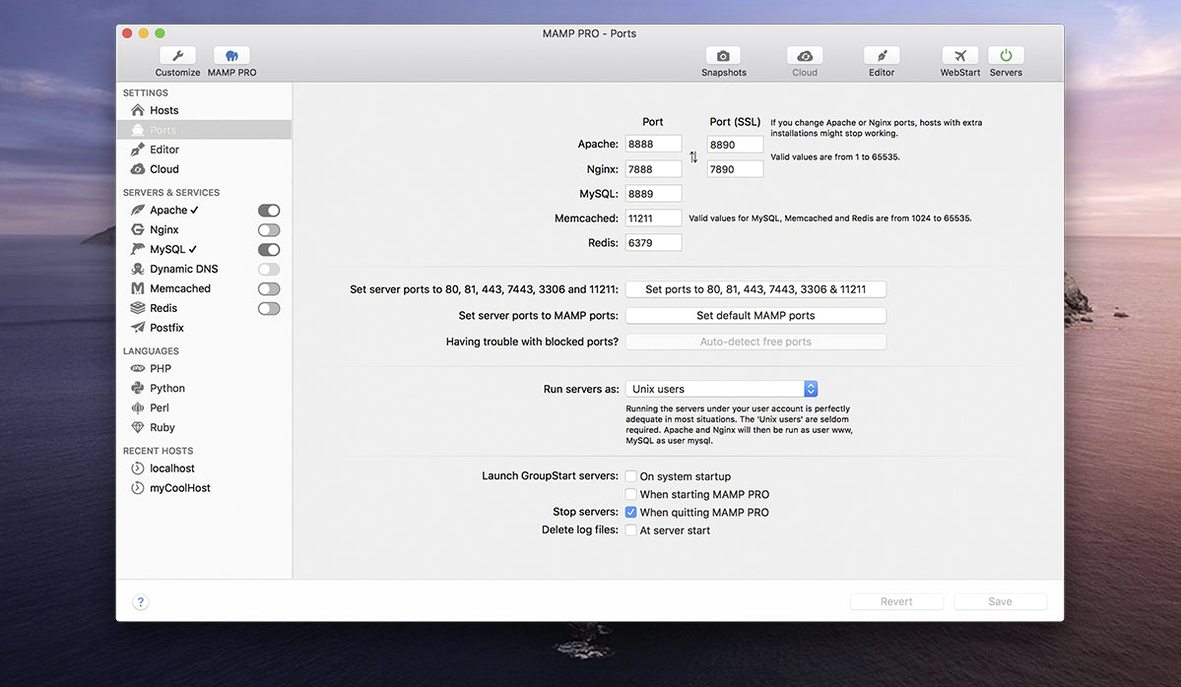
You spin up a local Apache or Nginx server, point it at a WordPress install, and need MySQL, Redis, or Memcached running without touching the command line. That is the daily use case for MAMP PRO, the commercial front end for the MAMP stack. Version 6.9.0 keeps the same core job: set up and run local web environments for PHP, MySQL, and more, all from one window.
Familiar workflow, redesigned toolbar
The toolbar got a redesign, but the workflow is familiar. You still manage hosts, switch PHP versions, and control services from the main panel. WordPress migration and live publishing remain part of the package, so moving a site from local to a production server stays a few clicks away. Screenshot capture is still there for quick client previews.
What 6.9 changed
This release is about stability. Editing host-specific server configurations no longer crashes the app. MAMP Cloud network issues got several fixes. PHP version installation is smoother, and opening phpMyAdmin 5 via alias responds better. Nothing flashy, but the day-to-day annoyances are addressed.
You have a working MAMP PRO install and your first hosts created. The next few days are about getting comfortable with the quirks and avoiding the common head-scratchers.
Gatekeeper bypass and first launch steps
After you drag MAMP PRO into Applications and run the Gatekeeper bypass, launch the app once before adding any hosts. Let it start Apache or Nginx and MySQL at least once so the default config files and log directories are written. Check the log panel after the first startup — if you see permission errors on /Library/Application Support/MAMP PRO, give your user read-write access there.
Create one throwaway host with a plain PHP info file. Open phpMyAdmin 5 through the alias in the toolbar. If the alias doesn't load right away, the 6.9 improvements usually fix it after a relaunch. This saves time later when you are debugging a real project.
Lighter alternatives like Laravel Valet
MAMP PRO is not the only local server manager on Mac, and which one fits depends on how you work.
Laravel Valet is lighter and faster for single-site PHP work, but it assumes you are comfortable with the command line and Homebrew. You get no GUI for MySQL or Redis, no host-level config per site, and no one-click WordPress installs. MAMP PRO gives you all of that in one window.
Local by Flywheel is purpose-built for WordPress. It handles site cloning and live links better than MAMP PRO for WordPress-only shops. But Local restricts you to its own bundled tools — you cannot easily swap Nginx for Apache per host or run a non-WordPress PHP app without workarounds. MAMP PRO is more flexible if your projects mix PHP frameworks, static sites, or Python backends.
DDEV (Docker-based) is the choice for teams that need identical environments across machines. It is more powerful once set up, but the initial config takes longer, and you manage containers through a CLI. MAMP PRO is faster for a single developer who just wants Apache, MySQL, and PHP running in five minutes.
Everyday changes in 6.9
The biggest practical difference from earlier versions is the crash fix for host-specific server configs. If you ever opened a host's Apache or Nginx settings and had the app quit, that specific path is now stable. You can edit httpd.conf overrides per host without saving after every small change.
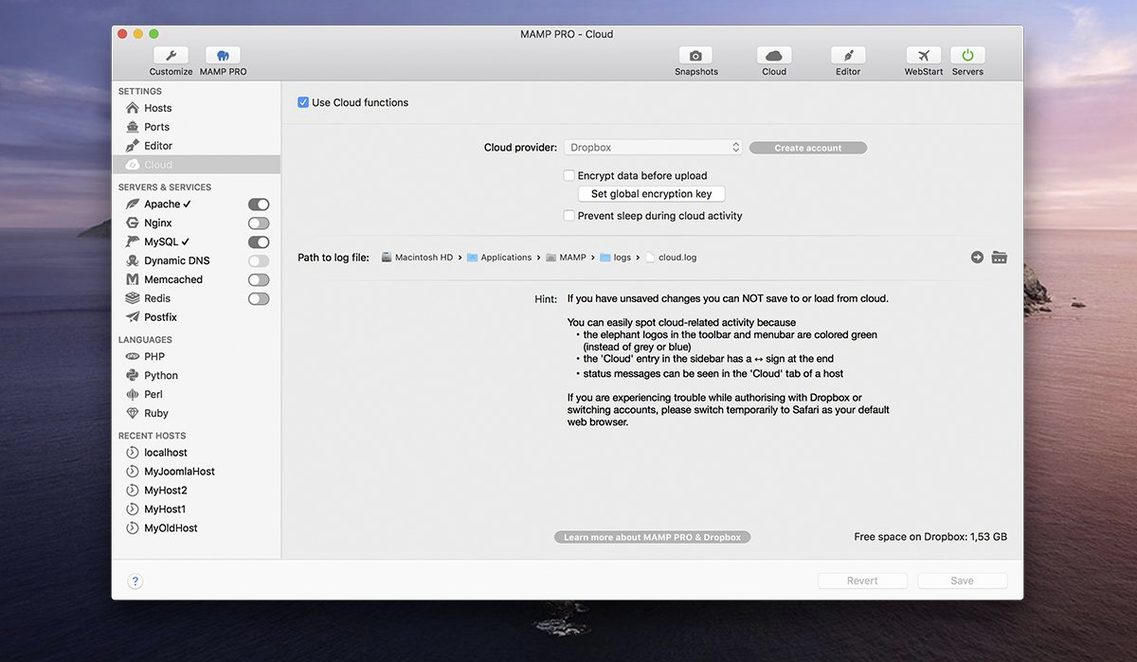
MAMP Cloud syncs that used to stall or timeout on certain networks now complete reliably. If you push sites to a staging server through Cloud, that workflow is less likely to hang midway.
PHP version installs — 5.6, 7.0, 7.4, 8.0, 8.1, 8.2 — download and compile faster than in 6.8. The progress bar actually reflects real progress now. You do not stare at a frozen dialog wondering if the process is alive.
For anyone running multiple PHP versions across different hosts, these 6.9 fixes remove the small friction points that used to interrupt your flow. The app still does what it always did, but it does it with fewer interruptions.
- Fixed a crash when editing host-specific server configurations
- Fixed several network issues in MAMP Cloud
- Improved PHP version installation
- Improved opening phpMyAdmin 5 via alias
- macOS 10.12 or later
- Intel and Apple Silicon (both)
- Interface: English
Questions I get about this line
The release notes list Intel Macs with macOS 10.12 or later. Architecture is listed as both, so it should run on Apple Silicon through Rosetta, but Intel is the stated target.
Yes, the product includes migrating WordPress sites from one server to another and publishing WordPress hosts to a live server.
The install order
- Mount the disk image and run Open Gatekeeper friendly.
- Press Enter in Terminal to bypass Gatekeeper.
- Drag the application to the Applications folder.
- Launch the app when installation is complete.