
Free download (1.7 GB) Previous versions
- Version
- v2024.2.139 (r52064)
- Developer
- CLO Virtual Fashion Inc.
- Languages
- Russian, English, Arabic, Spanish, Italian, Chinese (Traditional), Chinese (Simplified), Korean, Portuguese, Turkish, French, Japanese
- License type
- K'ed by The Blade
| macOS range | macOS 12 or later |
|---|---|
| Chip | Apple Silicon, Intel 64-bit |
| Download | 1.7 GB |
| Previous versions | 2 on file |
Screenshots
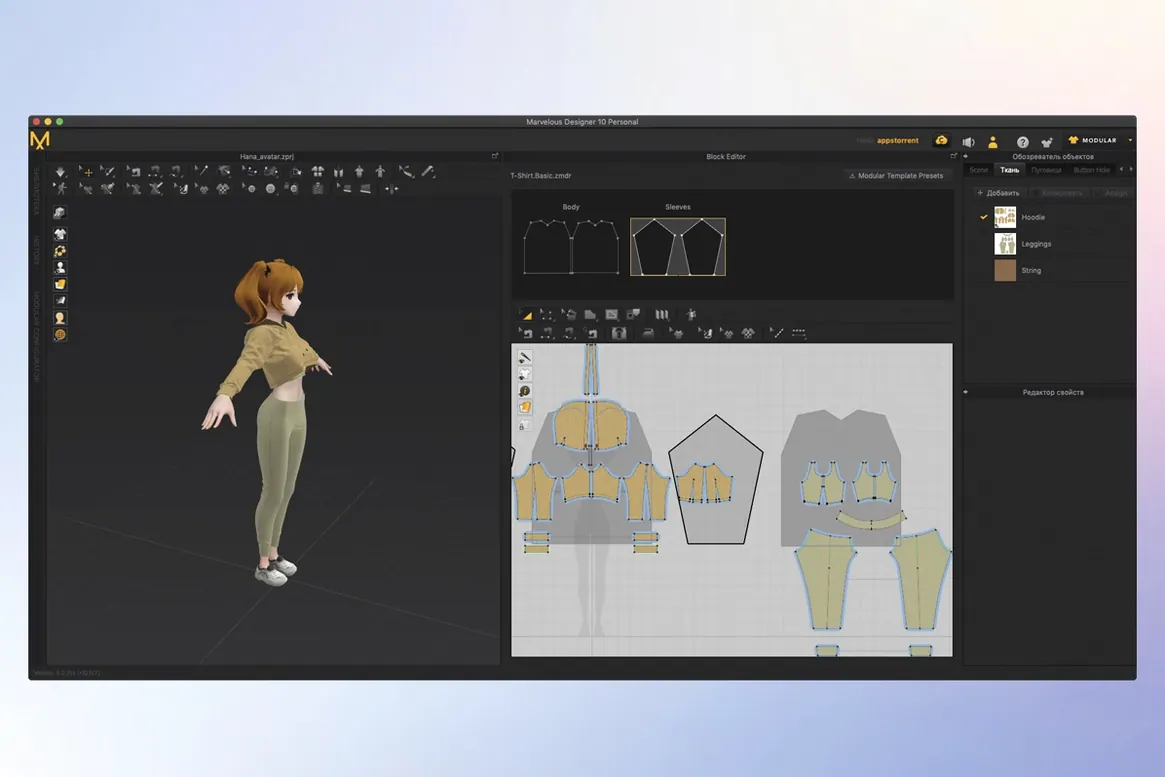
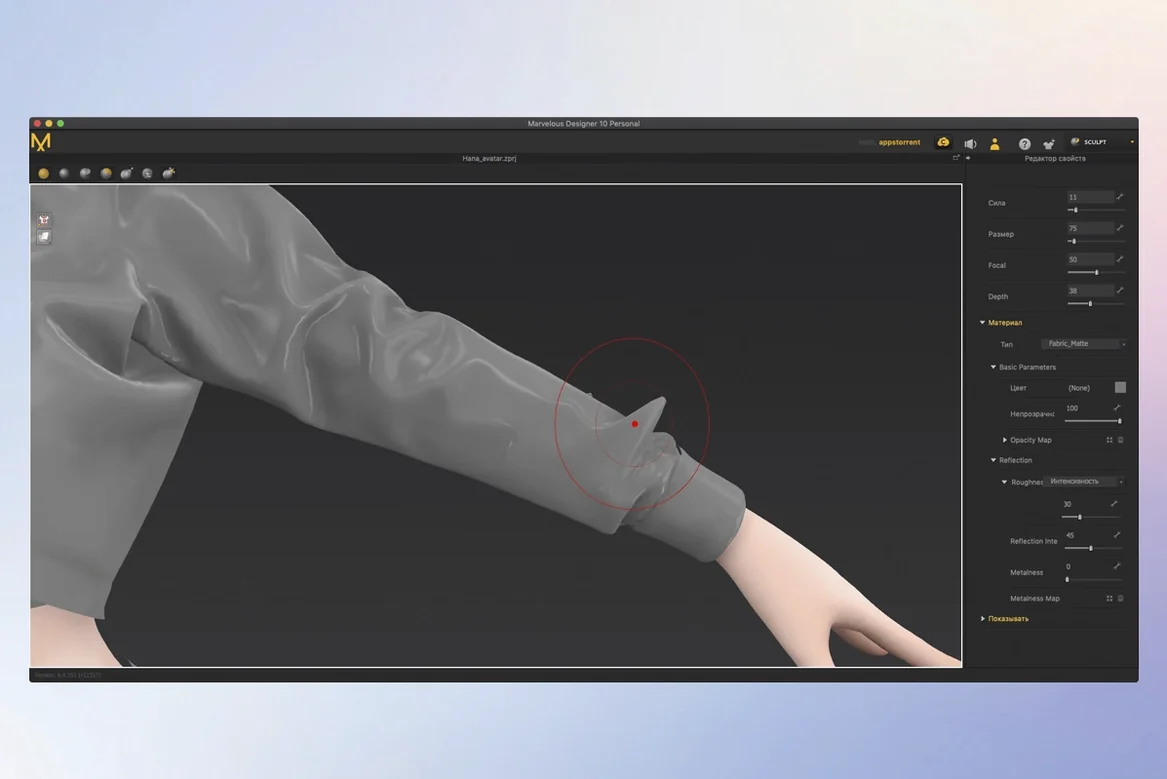
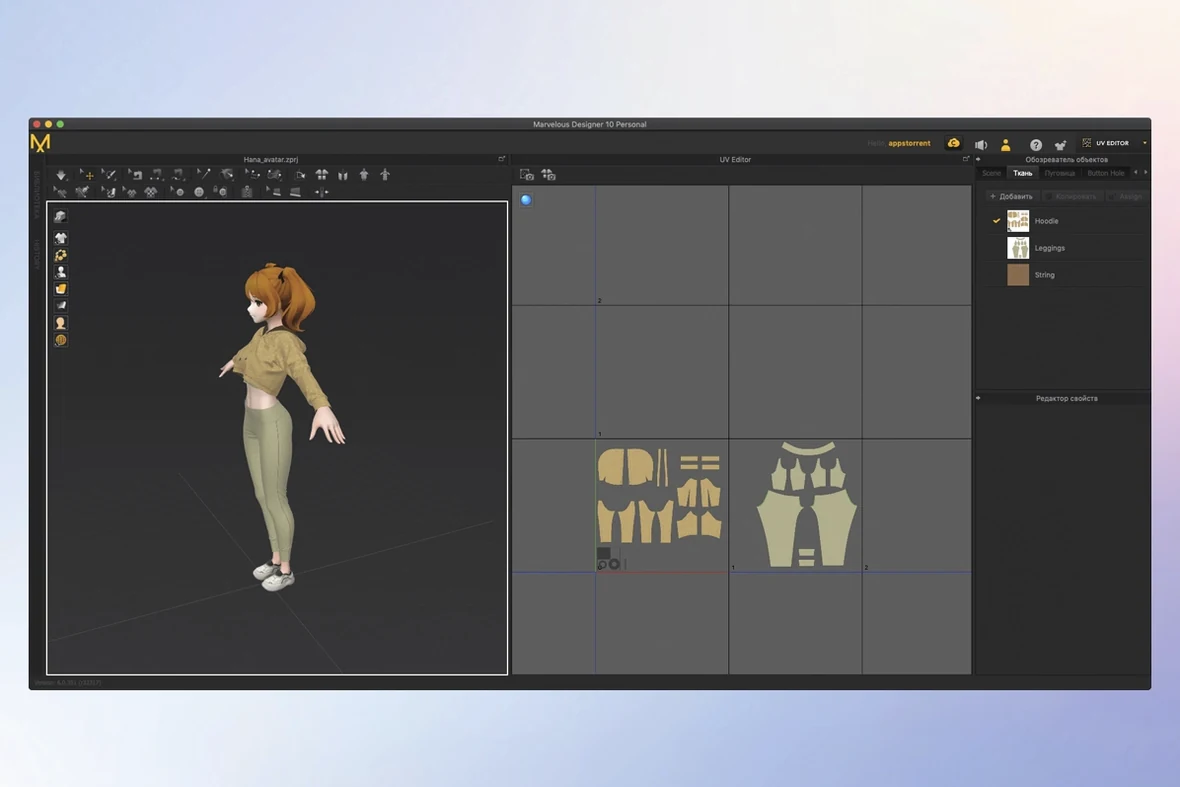
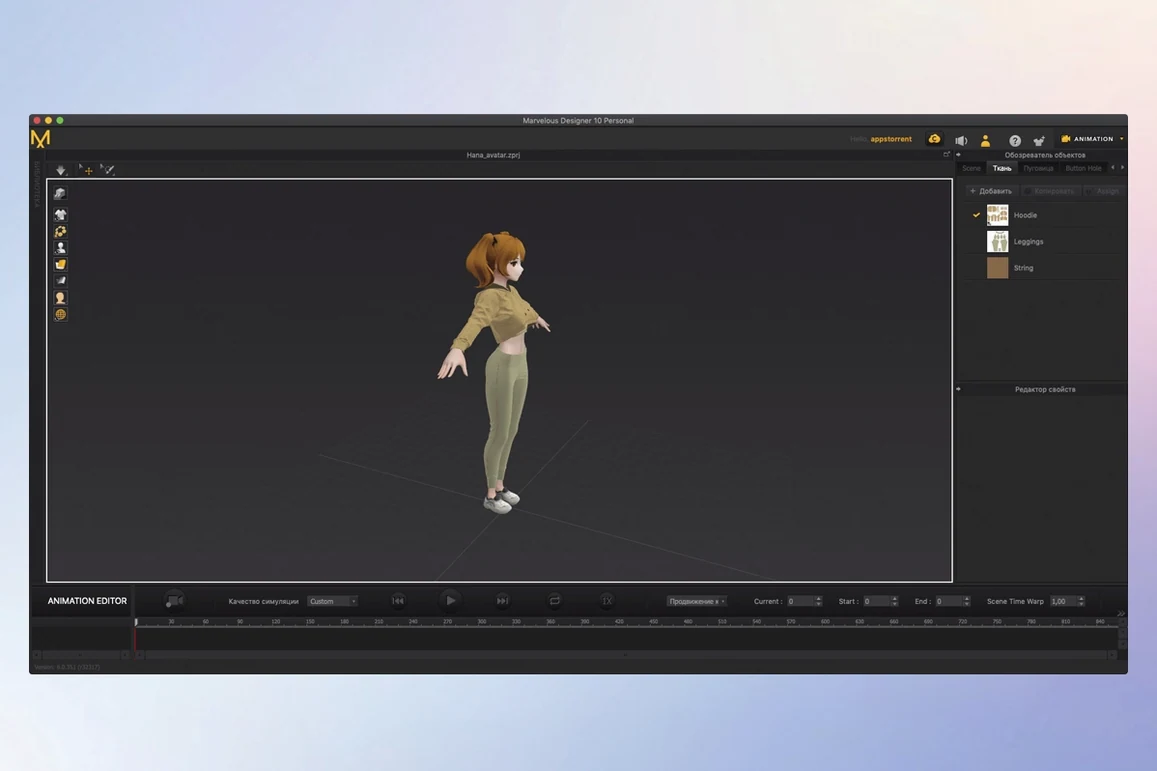
Scroll the row, it snaps to each screenshot. Click one to see it wider.
If you've worked with 3D modeling tools, you know fabric is a pain. Marvelous Designer solves that by focusing on cloth simulation, letting you build virtual garments from pattern pieces and see them drape, fold, and move realistically.
Here's a quick workflow for a first try:
- Create a pattern – draw polygonal shapes that act like fabric panels.
- Arrange on an avatar – position the pieces around your character model.
- Sew and simulate – stitch the panels together, then run the simulation to see the cloth fall into place.
- Add materials – adjust texture and physical properties (stiffness, thickness, friction) for the fabric feel.
- Animate – record the garment's motion as the character moves, then export via USD or Alembic.
Panel Shapes That Sew Correctly
New users tend to rush the pattern-creation step. Drawing polygonal shapes that don't match the garment's actual panel layout makes sewing impossible. Take time to trace each panel as a separate closed shape. Another frequent error is ignoring fabric properties. The default stiffness and thickness give you a stiff cardboard look. Adjusting those sliders early turns plastic folds into believable cloth.
Placing pattern pieces too far from the avatar also causes simulation failures. The sewing tool needs the panels close to the body surface. Keep them within a few inches of the model. Beginners also forget to set sewing direction. A seam sewn backward pulls fabric in the wrong way and warps the drape. Check the direction arrow on each stitch line before running the simulation.
Character Artists vs. Production Tools
CLO's own CLO 3D is the direct alternative. Marvelous Designer shares the same simulation engine but strips down the interface for garment-focused work. CLO 3D has more industrial pattern-grading tools for production lines. Marvelous Designer leans toward character artists and game modelers who need quick cloth results without the factory workflow.
Blender handles cloth simulation through its built-in physics engine, but it requires add-ons and manual mesh work. You spend hours rigging seams and collision surfaces. Marvelous Designer gives you a pre-built pipeline: draw, sew, simulate. The learning curve is shorter because the tools are purpose-built for fabric.
Browzwear targets the fashion industry with enterprise-level accuracy. It's powerful but Mac-native support is limited. Marvelous Designer runs fully on macOS and doesn't require a separate rendering server. For solo artists and small studios, that convenience matters more than enterprise features.
First-Day Fabric Settings to Adjust
Day One – Pattern Practice
Start with a simple rectangle panel. Sew it into a tube on the avatar and run the simulation. This teaches you how sewing direction, stiffness, and gravity interact. Repeat with a basic shirt pattern from the included learning materials until the folds look right.
Day Two – Material Exploration
Create a copy of your working shirt file. Change the fabric properties one at a time. Set thickness to zero, then crank it high. Watch how the same pattern behaves like silk versus denim. This builds intuition for material settings.
Day Three – Wardrobe Assembly
Once a garment fits well, save it as a reusable item. Build a small wardrobe of three pieces: a shirt, pants, and a jacket. Test each on a different avatar pose. This reveals how the simulation handles movement. Adjust contact points and seam ranges as needed.
Use the marvelous designer cracked version's full feature set from the start. The activation instructions in the package give you everything.
That's enough to start. From simple shirts to uniforms, you can iterate quickly, and saved items work as a reusable wardrobe.
- macOS 12 or later
- Intel or Apple Silicon
Questions I get about this line
Yes, Marvelous Designer supports USD and Alembic import and export, so you can move your clothing into other 3D pipelines.
Yes, the app runs on both architectures, requiring macOS 12 or later.
The install order
- Download the package and extract it.
- Run the installer and follow the on-screen prompts.
- Activate the app using the instructions included in the package.