Free download (14 MB) Previous versions
- Version
- 2.6.1 [MAS]
- Developer
- Silvio Rizzi
- Languages
- English, German, Italian, French
- License type
- K'ed by Antibiotics
| macOS range | macOS 11 or later |
|---|---|
| Chip | Apple Silicon, Intel 64-bit |
| Download | 14 MB |
| Previous versions | 3 on file |
Screenshots
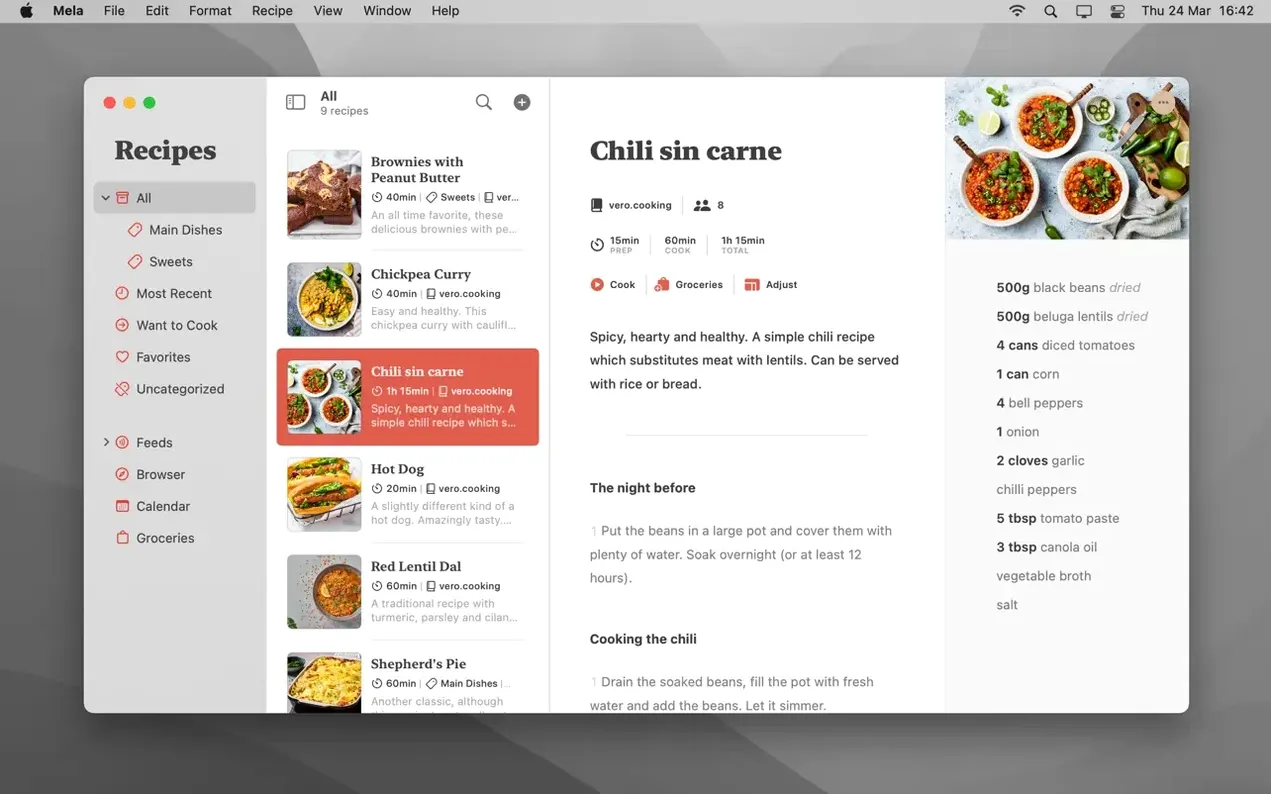
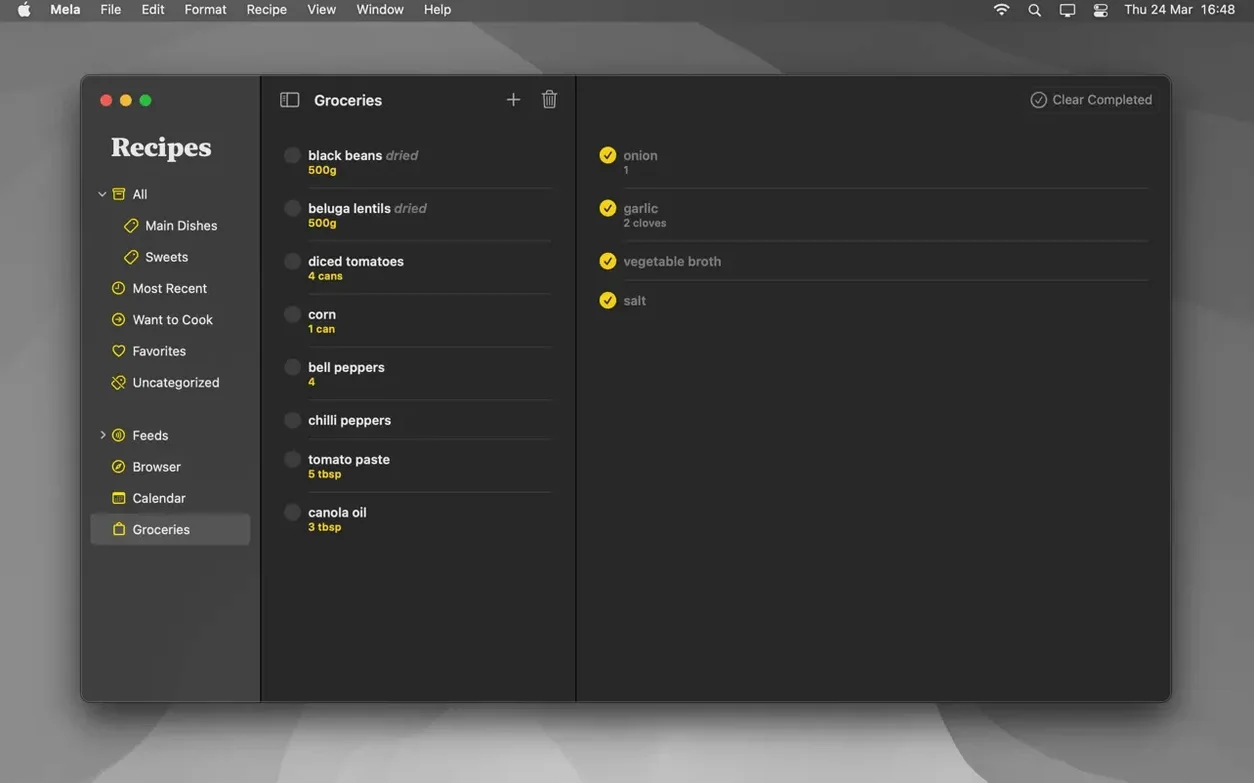
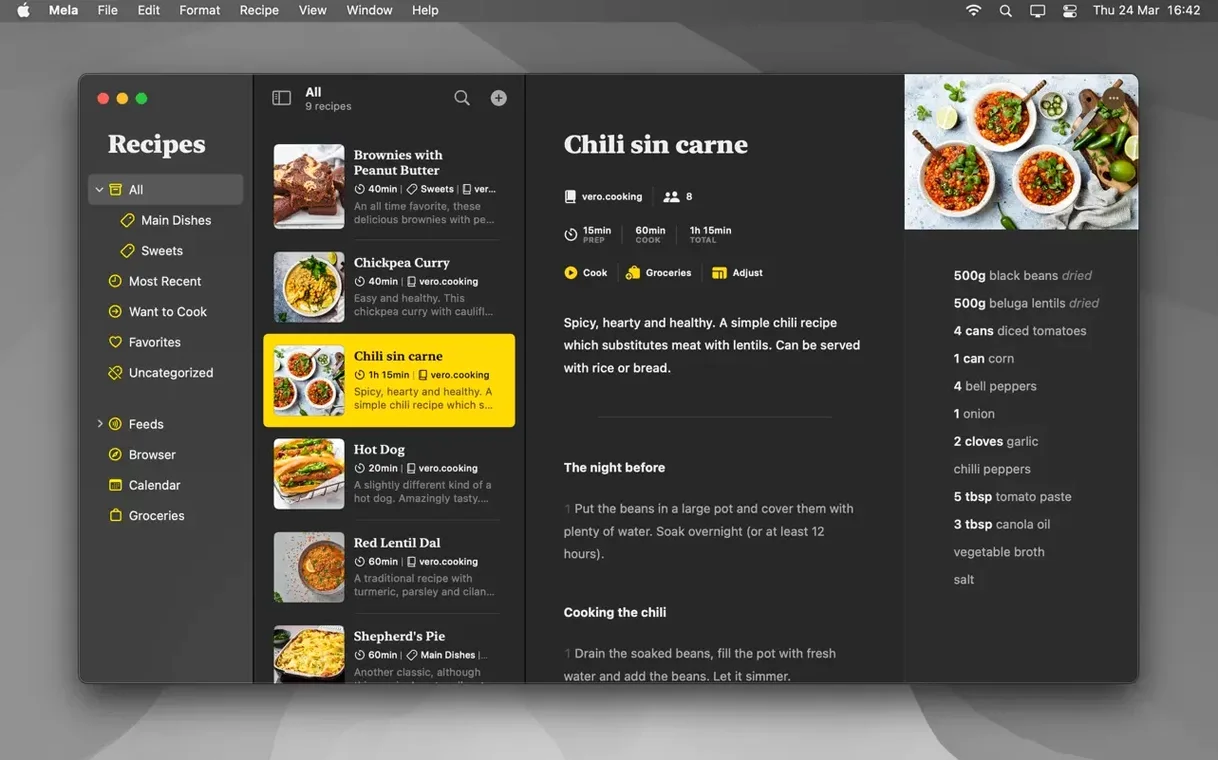
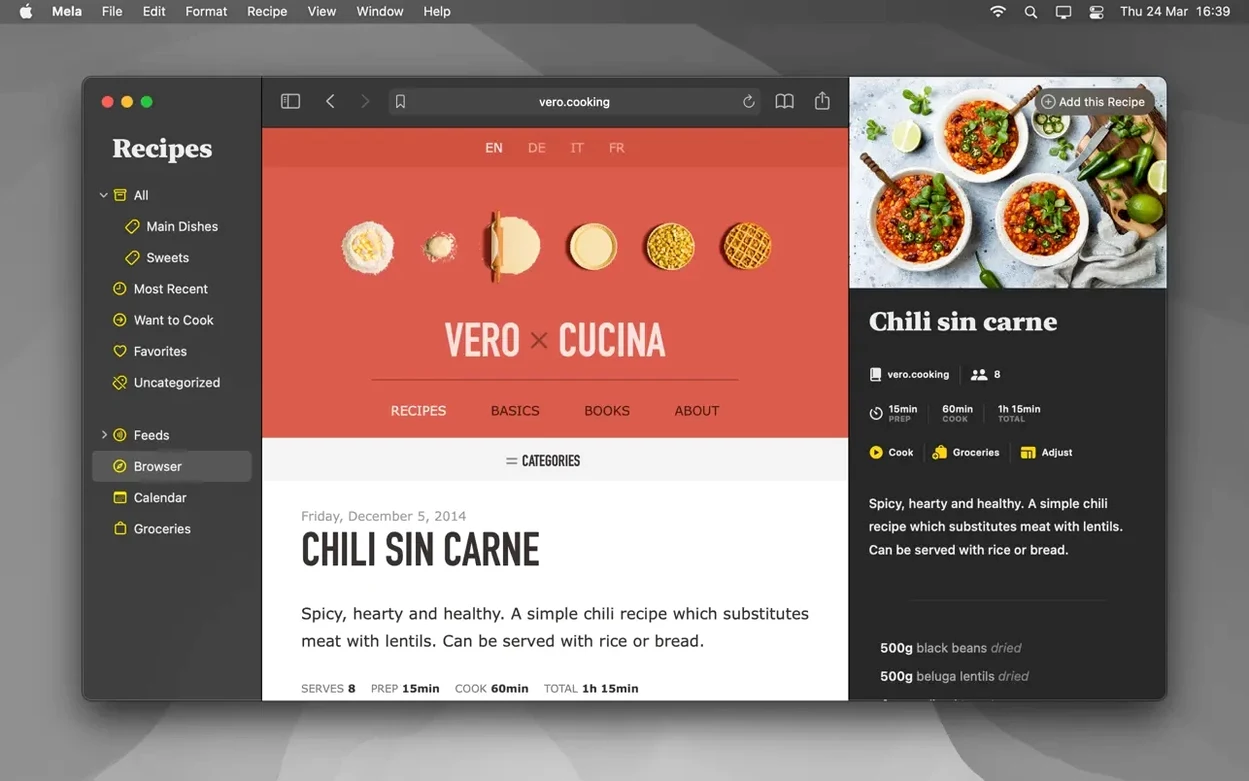
Scroll the row, it snaps to each screenshot. Click one to see it wider.
Mela is for anyone who collects recipes from the web and wants them in one tidy, searchable place. It suits home cooks who clip a lot of links and never find them again.
How do I add my first recipe?
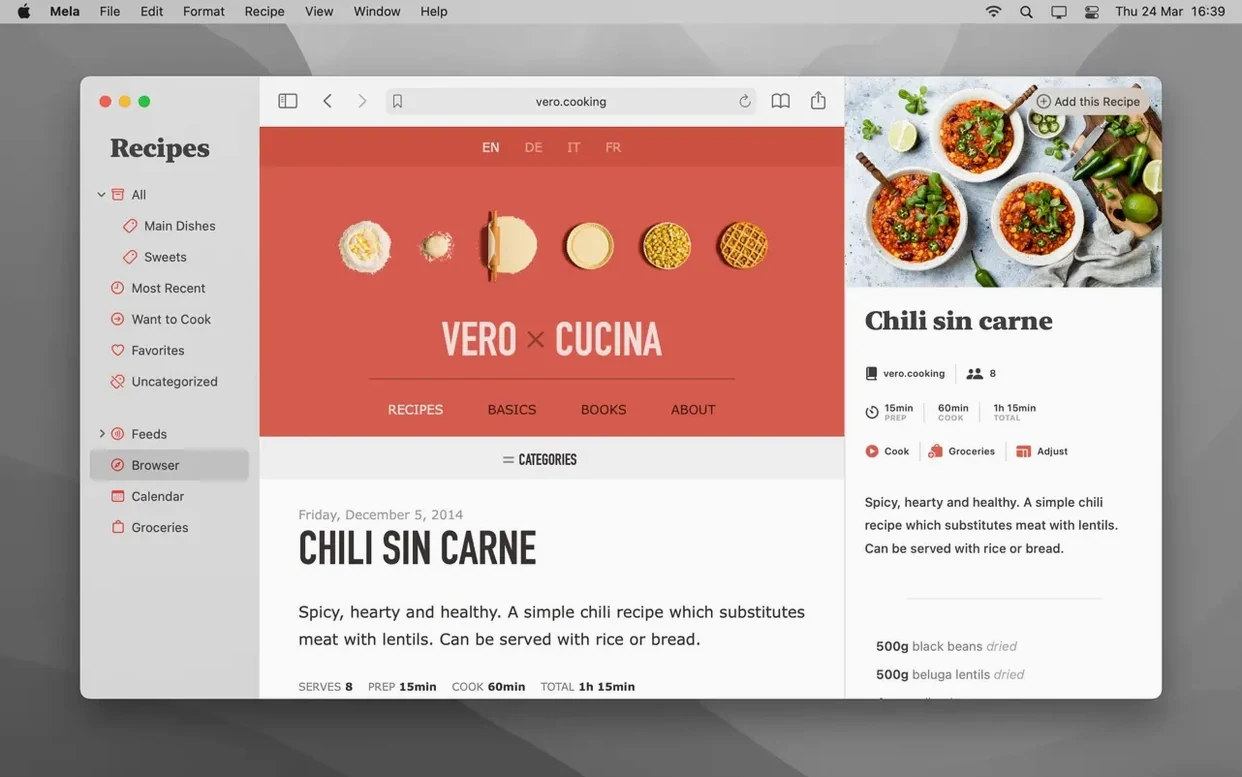
Use the sharing extension when you spot a recipe in Safari or another browser. Mela detects the recipe on the page and saves it with a live preview in its built-in browser.
Categories and Want to Cook
Create categories and drop recipes into them. Mark anything you want to try later as Want to Cook, so it stays on your radar without cluttering your main list.
How does meal planning work?
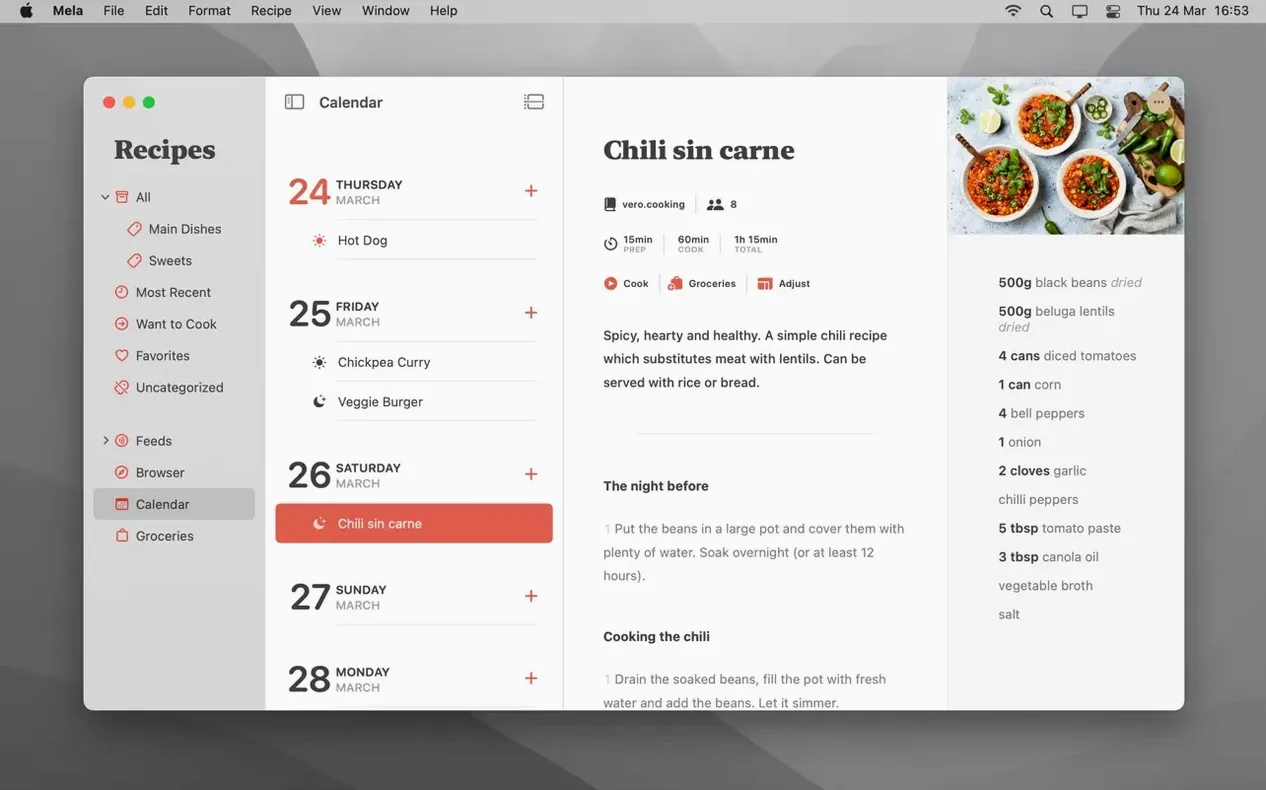
Mela uses Calendar.app for planning. Pick a recipe and assign it to a date, and it appears on your calendar like any other event.
Can I share recipes with family?
Yes. Mela supports shared recipe libraries with other iCloud users. Private iCloud syncing is on by default, so your library stays between you and the people you invite.
Small conveniences that make a difference
A few details in Mela 2.6.1 save time once you know they are there. The in-app browser can display a detected recipe on the current webpage and load it directly into Mela's recipe viewer — no copy-paste, no manual formatting.
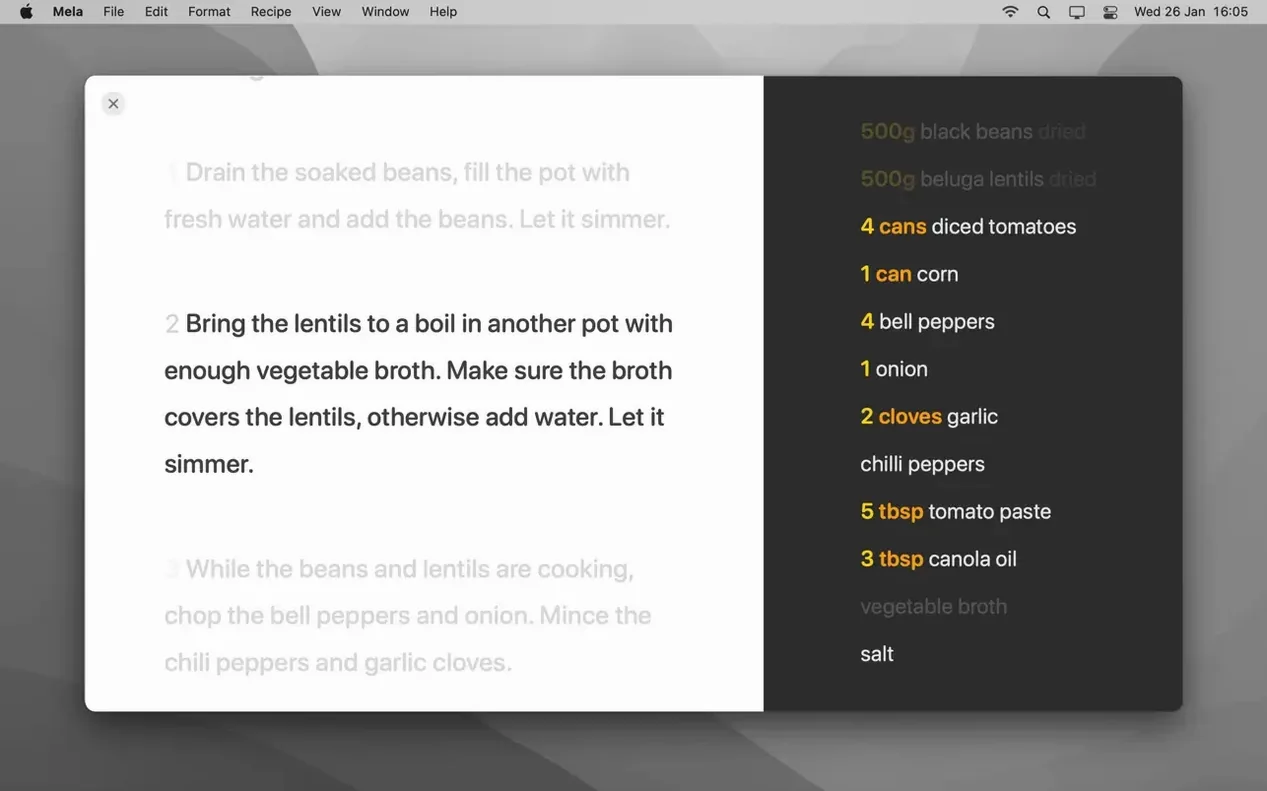
Cooking mode is more than a font size toggle. It can hold multiple recipes at once, and you can start timers inside the same view. That means one screen shows the braise, the roast and the timer for each, without switching back to the main library.
Text recognition for scanning a recipe from a book works from a photo. Point the camera at a printed page, and Mela converts it into an editable recipe entry. It is not a full OCR suite, but it handles clear type well enough for the occasional family cookbook page.
Here is a concrete sequence from start to finish, using only features Mela provides.
- Open Mela and go to the built-in browser. Navigate to a recipe blog you follow, such as a personal site or a newsletter archive.
- Future posts will appear inside Mela's recipe viewer automatically.
- Browse the blog's archive. When you see a recipe you want, click "Detect Recipe on Page" (or the equivalent control in the browser). Mela extracts the ingredients and steps into a new recipe entry.
- Assign the new recipe to a category — Dinner, Pasta, whatever you already set up. Mark it as Favorites if it is a keeper.
- Open the calendar inside Mela (powered by Calendar.app). Drag or assign the recipe to a specific day. The recipe now appears on your calendar like an event.
- Start cooking. Open cooking mode from the recipe view. The text enlarges automatically. If you are cooking two dishes, add the second recipe to the same cooking session. Set a timer for each step.
That is it. No separate browser, no paper notes, no switching between apps.
Pre-Install Questions Answered
Does Mela replace my existing recipe collection?
No. It imports from the web and from scans. If you already have recipes in plain text files or email, you add them one by one through the sharing extension or by pasting into the in-app browser. There is no bulk import for CSV or Evernote exports.
Will my recipes vanish if I stop subscribing to iCloud?
Mela syncs through iCloud by default. If you turn off iCloud sync, your library stays on the Mac that created it. The calendar integration uses Calendar.app, so meal plans tied to specific dates live in your local calendar data. Nothing disappears, but you lose sync between machines.
Can I use Mela without an internet connection?
Yes. The app works offline for everything except web-based features: subscribing to blogs, detecting recipes from live pages and sharing libraries. Scans from a book, local recipe editing and cooking mode all work without a network.
Does the shared library need everyone on the same macOS version?
Shared recipe libraries require macOS 12 on the inviting machine. Recipients can be on macOS 11 or later, but the share itself is set up from a Mac running 12 or newer.
- macOS 11 or later
- Intel or Apple Silicon
- English, German, Italian, French
Questions I get about this line
Yes, Mela can save any recipe as a PDF. That’s handy for printing or keeping an offline copy.
The install order
- Open the downloaded disk image.
- Drag the app into the Applications folder alias.
- Once the copy finishes, launch Mela from Launchpad.
- If you hit any errors, follow the included instructions.