
Free download (721 MB) Previous versions
- Version
- 2024.2.0
- Developer
- Maxon
- Languages
- English, German, Arabic, Spanish, Italian, Chinese (Simplified), Korean, Polish, French, Czech, Japanese
- License type
- K'ed by Monter Group
| macOS range | macOS 11 or later |
|---|---|
| Chip | Apple Silicon, Intel 64-bit |
| Download | 721 MB |
| Previous versions | 8 on file |
Screenshots
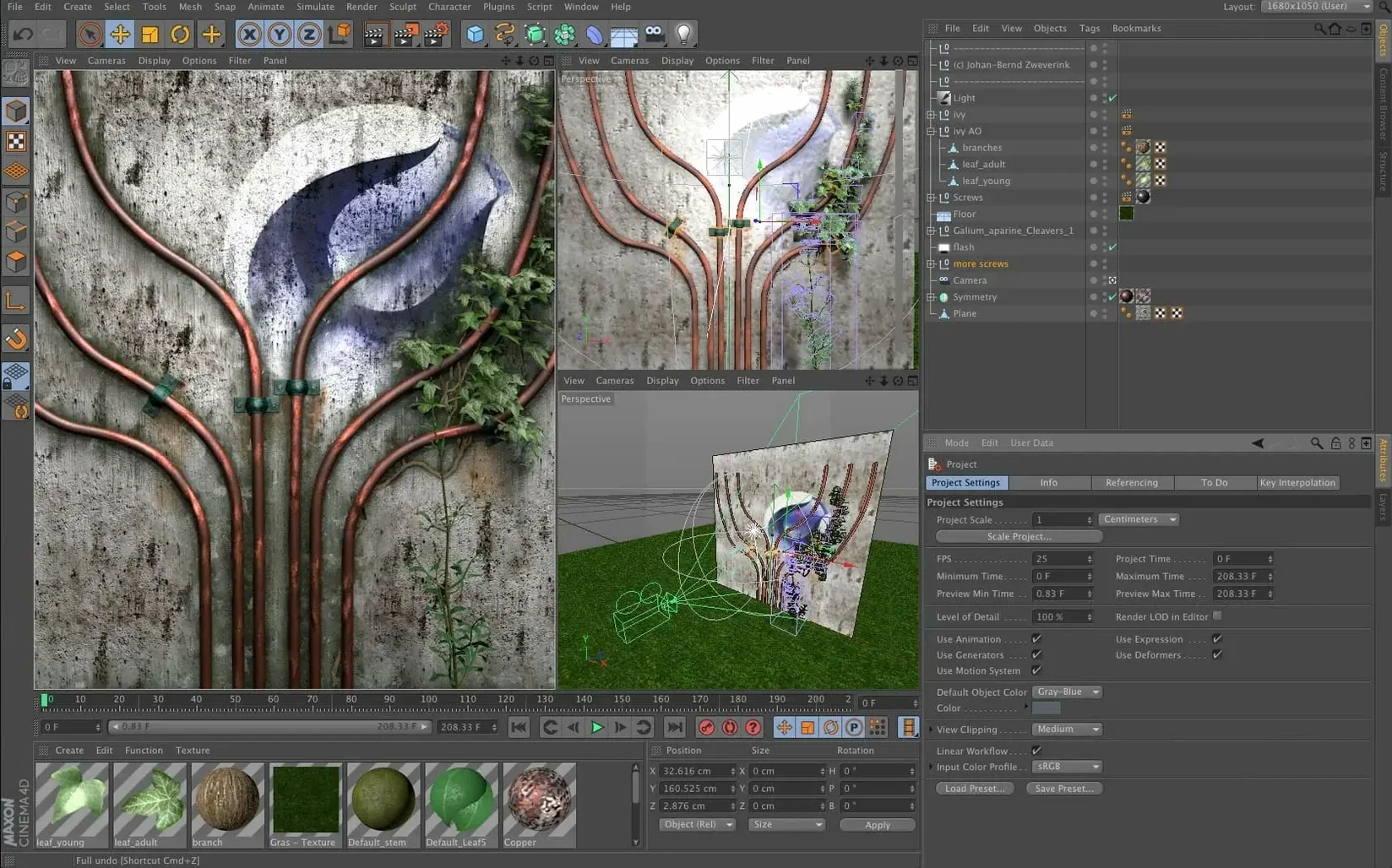
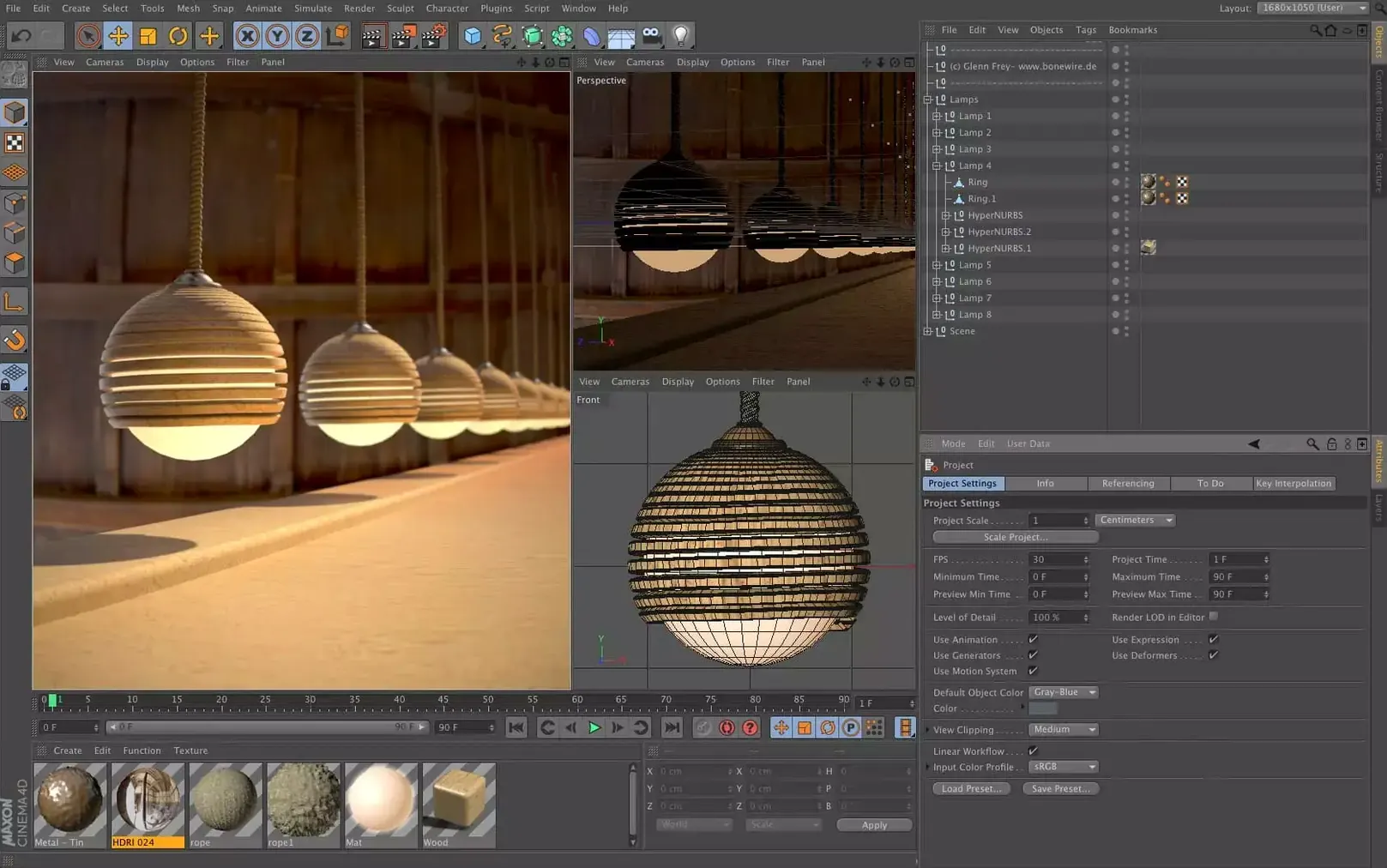
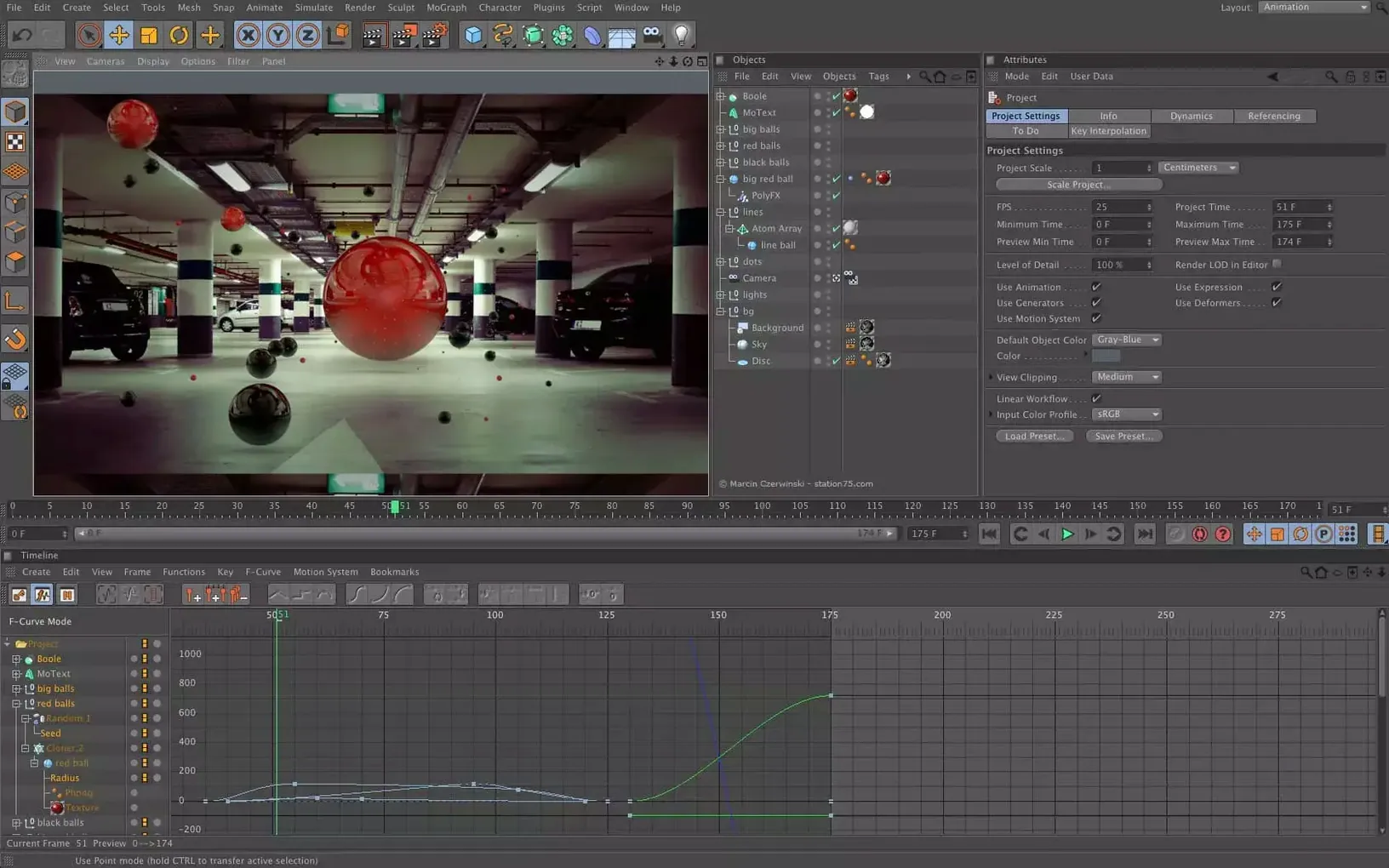
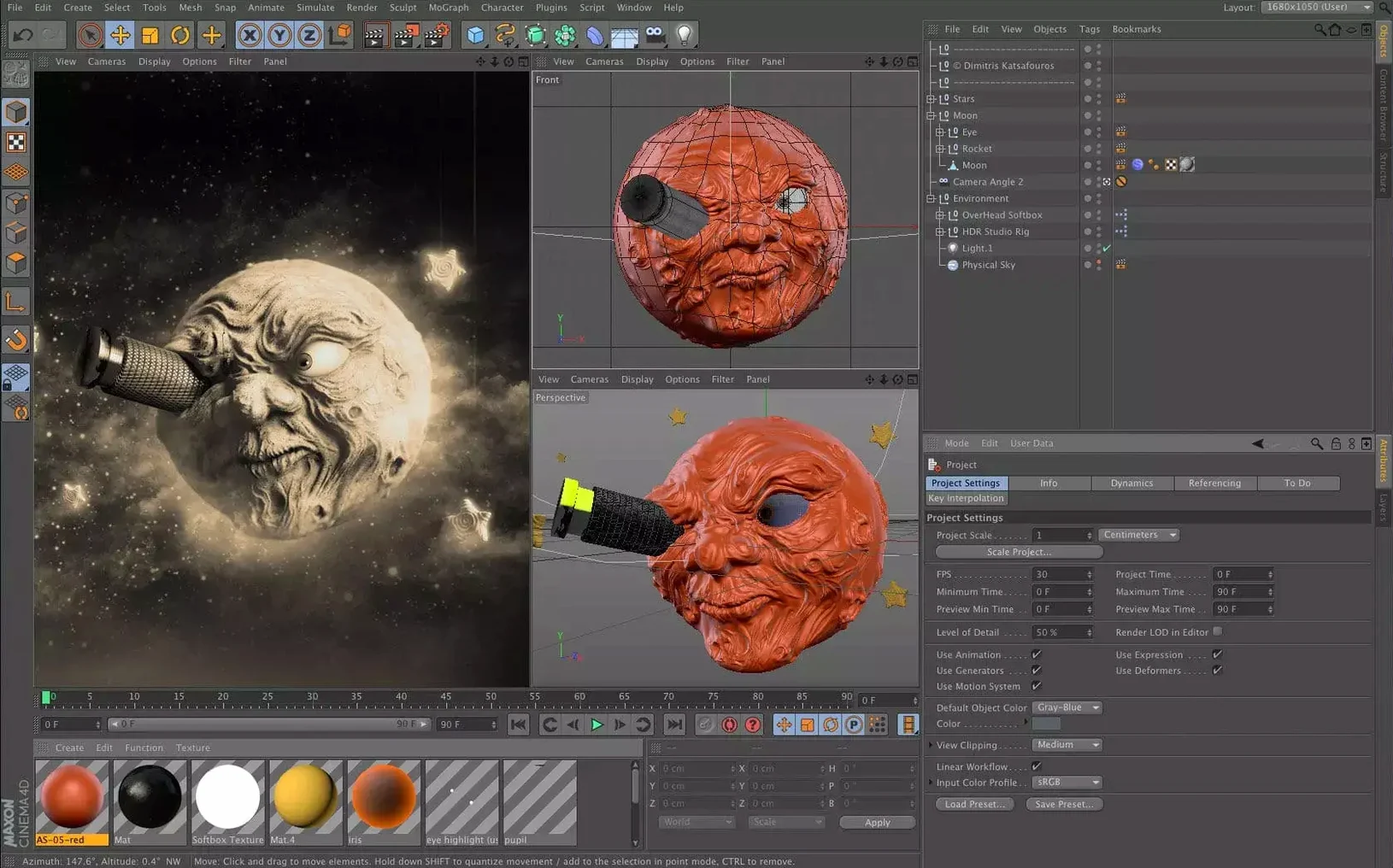
Scroll the row, it snaps to each screenshot. Click one to see it wider.
If you already use After Effects or Final Cut Pro, Cinema 4D fits right into that workflow. It is Maxon’s 3D application for modeling, animation, simulation, and rendering — the same tool that powers motion graphics and VFX in many studios. It runs natively on both Apple Silicon and Intel Macs, so it works with whatever you have.
The 2024.2 release brings scene nodes, the Scene Manager, and Capsules for data import and spline work. That means you can build more complex setups without fighting the object manager. It is used across design, motion graphics, AR/VR, and game development, so the skills transfer.
On a Mac, Cinema 4D feels at home. It supports macOS 11 and later, and Maxon lists it as compatible with the latest macOS versions. Installation includes a guide for setup and activation.
Details That Are Easy to Overlook
The interface lets you pick from eleven languages. English, German, Spanish, or Japanese — you choose whichever is most comfortable. That is one less obstacle when you are teaching yourself a new tool.
There is no separate install for Apple Silicon versus Intel. The same package works on both. That saves you from wondering which variant to grab when you are setting up a new machine or swapping between an older iMac and a newer MacBook Pro.
Capsules are worth a closer look. They let you use scene node features from inside the classic Object Manager. If you have muscle memory for the old layout, you do not have to retrain your hands — you can stick with the Object Manager and still access the newer spline and import tools.
Common Questions Before Installing
Does it work alongside After Effects or Fusion?
Yes. Cinema 4D is built for integration. Motion graphics teams often move projects between C4D and compositing apps. You export your 3D work and bring it into your usual timeline or compositing environment. Nothing about the 2024.2 release changes that pipeline.
Will it run on an older Mac?
If your Mac runs macOS 11 or later, you are covered. That includes both Intel and Apple Silicon machines. Maxon lists the app as compatible with the latest versions of macOS, so older hardware that still meets the OS requirement should work. There is no hidden Windows-only feature here — the Mac version is a first-class release.
Do I need a separate render engine?
No. Cinema 4D includes its own rendering. If you work with Redshift Render, that is available separately through the Monter Group on some localised pages, but the core application renders fine on its own. Most users never need to look at an external renderer.
How It Stacks Up Against Similar Mac Apps
There are a few other 3D tools Mac users reach for. Here is how Cinema 4D 2024.2 compares with three common alternatives.
Blender. Blender is free and covers modeling, sculpting, animation, and video editing. It is broad, but its UI and shortcut logic feel different from Adobe-style tools. Cinema 4D feels closer to what an After Effects user expects — timeline-based, object-focused, with less overhead for motion graphics work. Blender also lacks the Capsule system and the Scene Manager that Maxon added in 2024.2.
Maxon Cinema 4D vs. Maya. Maya is Autodesk’s heavy lifter for film and game production. It is more powerful for character rigging and large-scale pipelines, but it is also more expensive and harder to learn. Cinema 4D stays leaner. You can get from install to a rendered animation faster, especially if your work is motion graphics or product visualization rather than full-feature animation.
Cinema 4D vs. ZBrush. ZBrush is sculpting-first. You shape organic forms and detailed models. Cinema 4D is geometry- and workflow-first. You build parametric objects, set up scenes, and animate. For a motion designer or an IT person setting up a workstation for a design team, Cinema 4D fits the brief better — it does not expect you to think like a digital sculptor.
- Cinema 4D 2024.2 released on 2023-12-11.
- macOS 11 or later
- Apple Silicon or 64-bit Intel processor
The install order
- Open the package and follow the included installation and activation guide.