
Free download (12 MB) Previous versions
- Version
- 1.10.8
- Developer
- Mimestream
- Languages
- Russian, English, German, Spanish, Italian, Chinese (Simplified), Dutch, French, Czech, Japanese
- License type
- Included
| macOS range | macOS 12 or later |
|---|---|
| Chip | Apple Silicon, Intel 64-bit |
| Download | 12 MB |
| Previous versions | 4 on file |
Screenshots
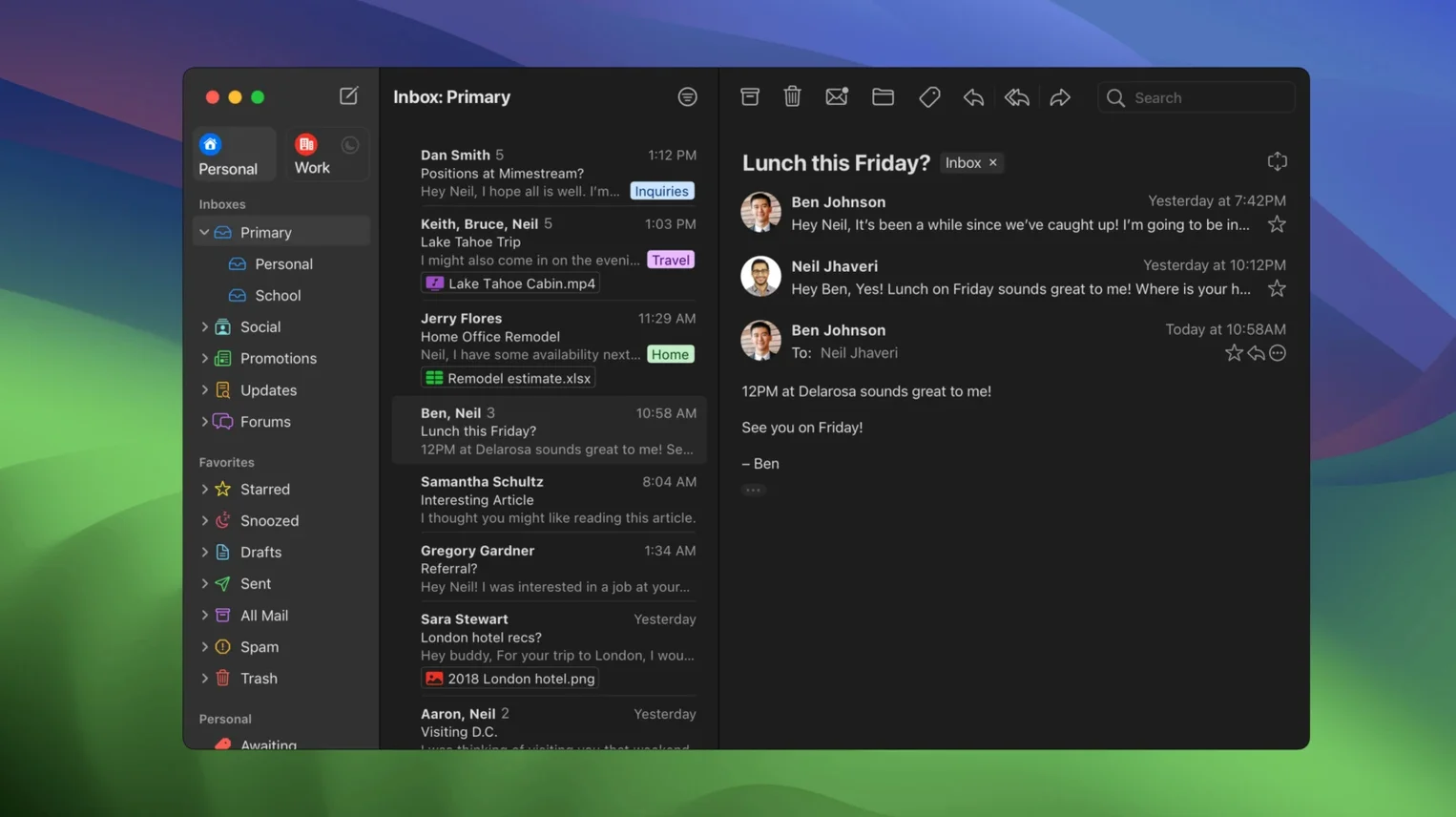
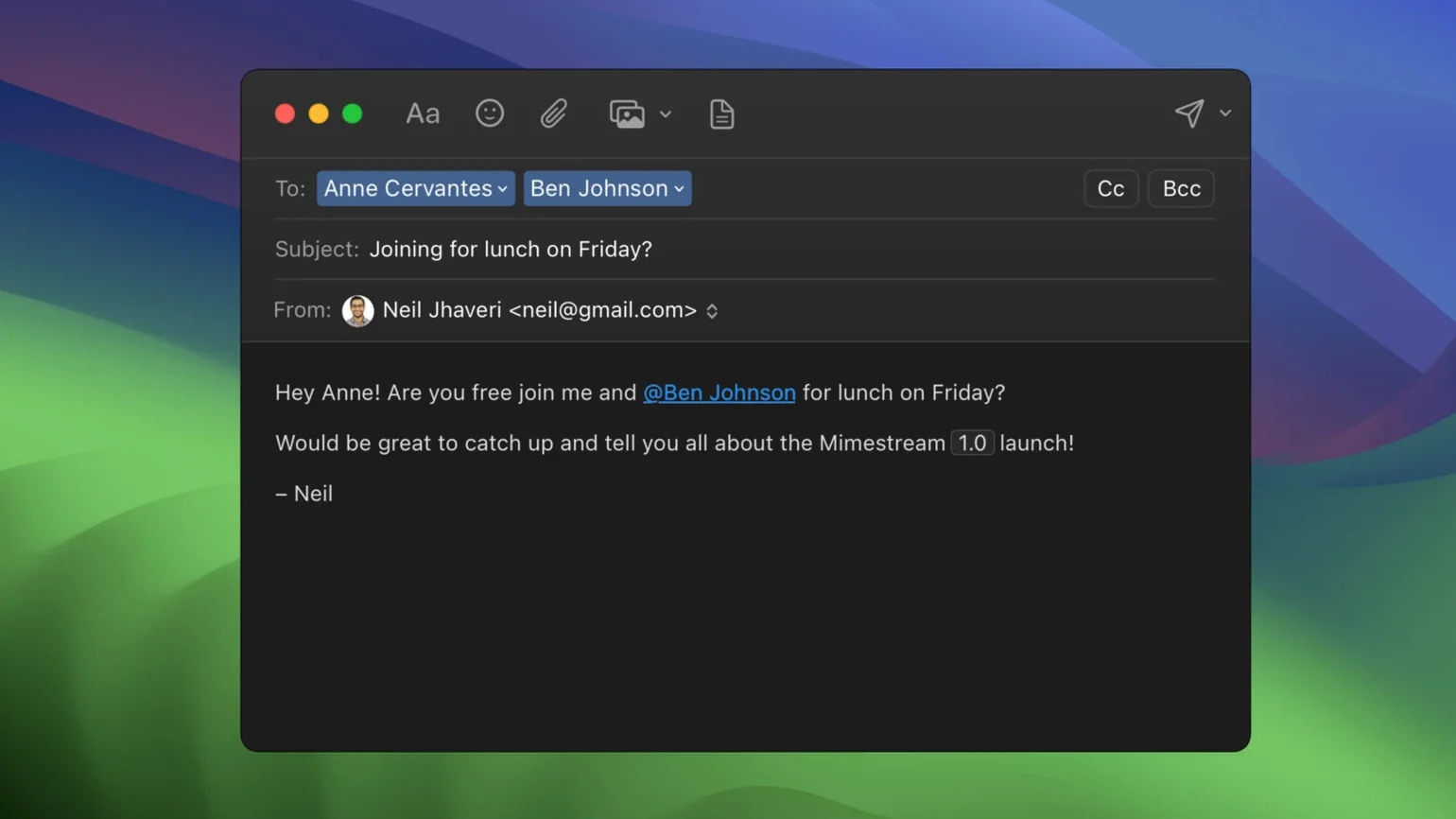
Scroll the row, it snaps to each screenshot. Click one to see it wider.
If you use Apple Mail or Outlook for Gmail, you know the friction: IMAP sync delays, missing labels, clunky search. Mimestream is built for Gmail on macOS, using the Gmail API directly. It feels like the web interface but runs natively.
Who should use Mimestream?
Anyone who lives in Gmail and wants a dedicated desktop client. It only works with Google accounts, so it is not for mixed-account setups.
Gmail API syncs labels, categories, and signatures
Because it uses the Gmail API, labels, categories, and signatures sync automatically. No IMAP fiddling. It supports full offline access and search even without a connection.
What about system requirements?
Mimestream requires macOS 12 Monterey or newer. Both Intel and Apple Silicon are supported. Future versions will require macOS 14.
Offline search and API sync vs Apple Mail's IMAP
Apple Mail handles multiple accounts well, but it uses IMAP. Mimestream uses the Gmail API, so labels, categories, and signatures sync without setup. Apple Mail also lacks offline search for Gmail. Mimestream searches your cached messages without a connection.
Outlook for Mac supports Gmail, but it is a general client. It does not understand Gmail labels or categories the way Mimestream does. Outlook also uses more disk space for caching. Mimestream keeps recent messages only, so it stays light.
Thunderbird is another option. It is free and open source, but it relies on IMAP. You have to configure folders manually. Mimestream skips that step. If you only use Google accounts, Mimestream saves setup time.
Mimestream only works with Google accounts
The most common mistake is treating it like a general email client. Mimestream only works with Google accounts. Adding a non-Google address does nothing. Check your account type before you start.
Another mistake is expecting IMAP-style folder management. Mimestream uses Gmail labels, not folders. Moving a message to a label does not remove it from the inbox. That trips up people who came from Apple Mail or Outlook.
Beginners also forget that offline search works only for cached messages. If you have not opened an email recently, it may not show up in offline results. Keep that in mind if you work without a connection often.
Power Gmail users with labels, aliases, and keyboard shortcuts
Power Gmail users benefit most. If you use labels, filters, and multiple aliases, Mimestream syncs them without manual setup. You can search with Gmail’s own query syntax, which feels natural if you already use the web interface.
Keyboard-driven users get a lot from it. The app supports both Gmail and Apple Mail shortcut sets. You can archive, delete, and navigate without touching the mouse.
Offline workers also gain. Mimestream caches recent messages and lets you search them even when you have no internet. That matters if you travel or work in areas with spotty connectivity.
Privacy-focused users appreciate the tracking pixel blocking. Mimestream stops more than 50 tracking services from loading images in messages. That is a feature general clients like Apple Mail do not match out of the box.
English, Russian, German, Spanish, Italian, Chinese (Simplified), Dutch, French, Czech, and Japanese.
- Private Push notifications available in version 1.10.
- Optional All profile added.
- Addresses for unknown senders.
- Configurable notification actions.
- 1.10.8 is the latest stable release.
- macOS 12 Monterey or newer
- Intel or Apple Silicon processor
- Google account required
The install order
- Open the downloaded disk image.
- Drag the app to the Applications folder alias.
- Launch the app from Launchpad after copying finishes.